✅ Link to the plugin page:
Demo to preview the plugin:
Introduction
Rich Postmark emails Bubble Mobile is a plugin built for the mobile version of the Bubble editor that lets you send transactional emails through the Postmark API directly from your mobile app — single emails, template-based emails, and batch emails to multiple recipients.
The plugin ships in two parts that work together:
- A renderless Postmark element that runs on the client to assemble a Postmark‑ready JSON payload (including file attachments converted to base64, unsubscribe headers, and per‑recipient variable substitution for batch sends).
- Four ready‑to‑use API Connector‑style actions (Send email, Send email extended, Send Template Email, Send Batch Email) that call the Postmark API using your Server Token.
Typical usage is to run one of the Postmark element’s actions to build the payload, then feed the resulting JSON into the matching API action to actually send the email.
Prerequisites
You must have an account with Postmark to interact with the API. Create your account at: https://postmarkapp.com/
You will also need:
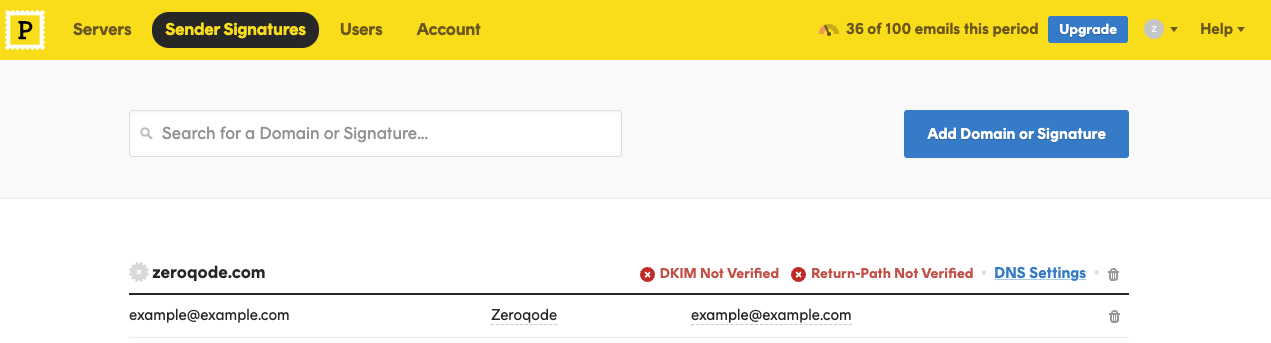
- A verified Sender Signature (or verified sending domain) in Postmark for every “From” address you plan to use.
- Your Server API Token, found in Postmark under your Server → API Tokens.
How to setup
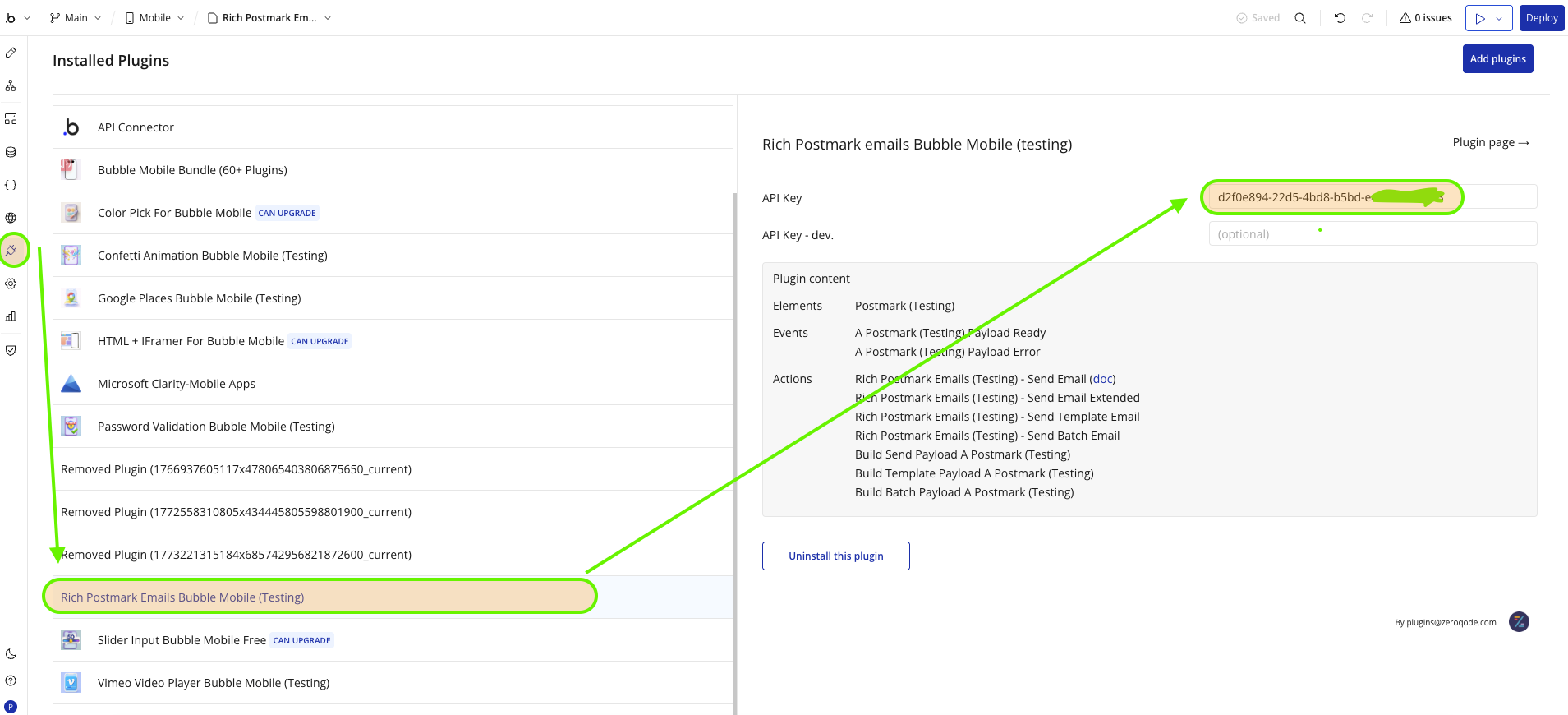
- Create a Postmark account and a Server, then open Server → API Tokens and copy the Server API Token.
- In the Bubble editor, open the plugin’s Plugin API / Connector tab and paste the token into the shared private key field (sent as the
X-Postmark-Server-Tokenheader on every API call).
- In Postmark, verify the Sender Signature (or domain) for each “From” address you intend to use — Postmark rejects sends from unverified senders.
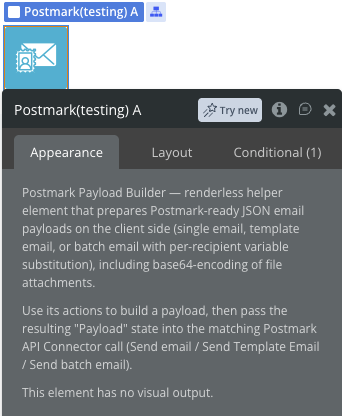
- Drag the invisible Postmark element onto your mobile page — it has no visual output, it only needs to exist so its actions and states are available in your workflows.
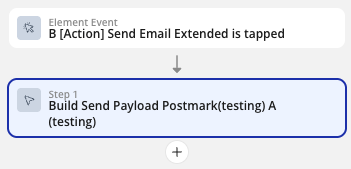
- In a workflow, run one of the Postmark element’s actions (Build Send Payload, Build Template Payload, or Build Batch Payload) to assemble the JSON body.
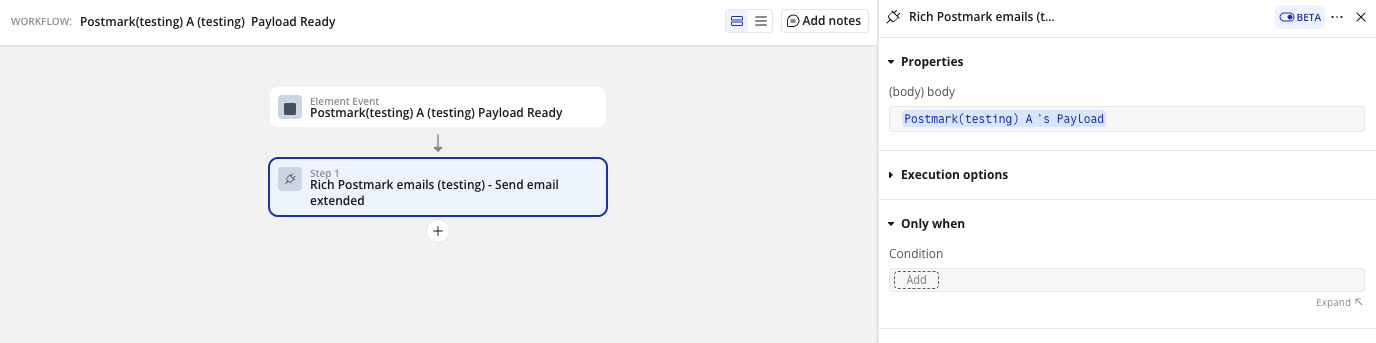
- Listen for the Payload Ready event, then trigger the matching plugin API action (Send email, Send Template Email, or Send Batch Email) using the element’s Payload state as the request body.
Plugin Element
The plugin contains one renderless visual element, Postmark, used to build the JSON payloads that are later sent through the plugin’s API actions.
Element Actions
Exposed states
Element Events
Plugin Action Calls
These actions call the Postmark API directly using your Server API Token (sent as the
X-Postmark-Server-Token header).Workflow example
Sending a single email
FAQ
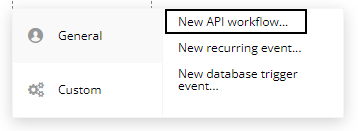
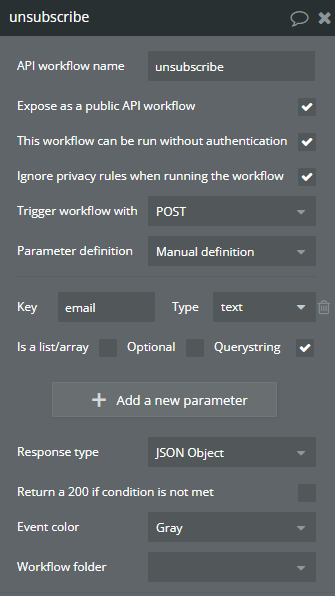
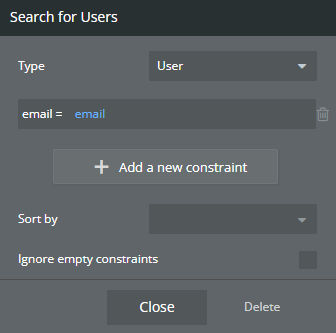
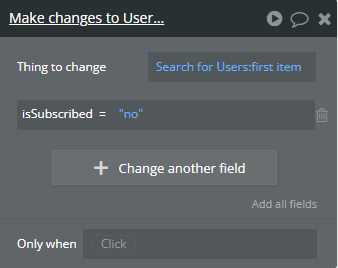
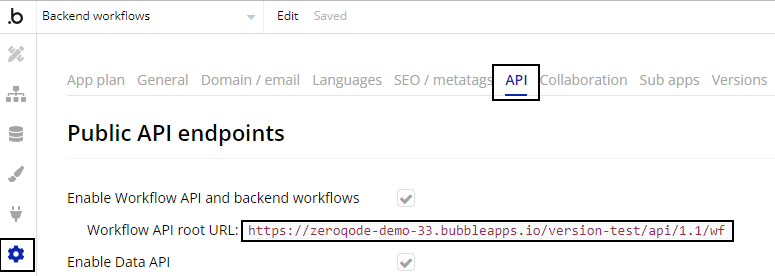
How to use “Unsubscribe workflow endpoint” in the workflow