Demo to preview the plugin:
Introduction
The Repeating Group Sorting (Sort) plugin provides a simple and powerful way to sort items inside a Bubble repeating group by number, date, or text. It enables dynamic, real-time sorting behavior, enhancing user experience and organizing your data more effectively. With dedicated sort actions, you can easily control how items display based on user selections or workflow triggers.
Key Features
Prerequisites
- You must have a Repeating Group already added to your Bubble page.
- Your repeating group must contain sortable data fields (number, date, or text).
- The repeating group’s data source should be a list, not a single item.
- Sorting should be triggered through workflows, such as buttons or clickable headers.
- Ensure the plugin element is placed anywhere on the page where the sorting will be applied.
- The repeating group must not use server-side pagination (only full list or extended vertical scrolling).

How to setup
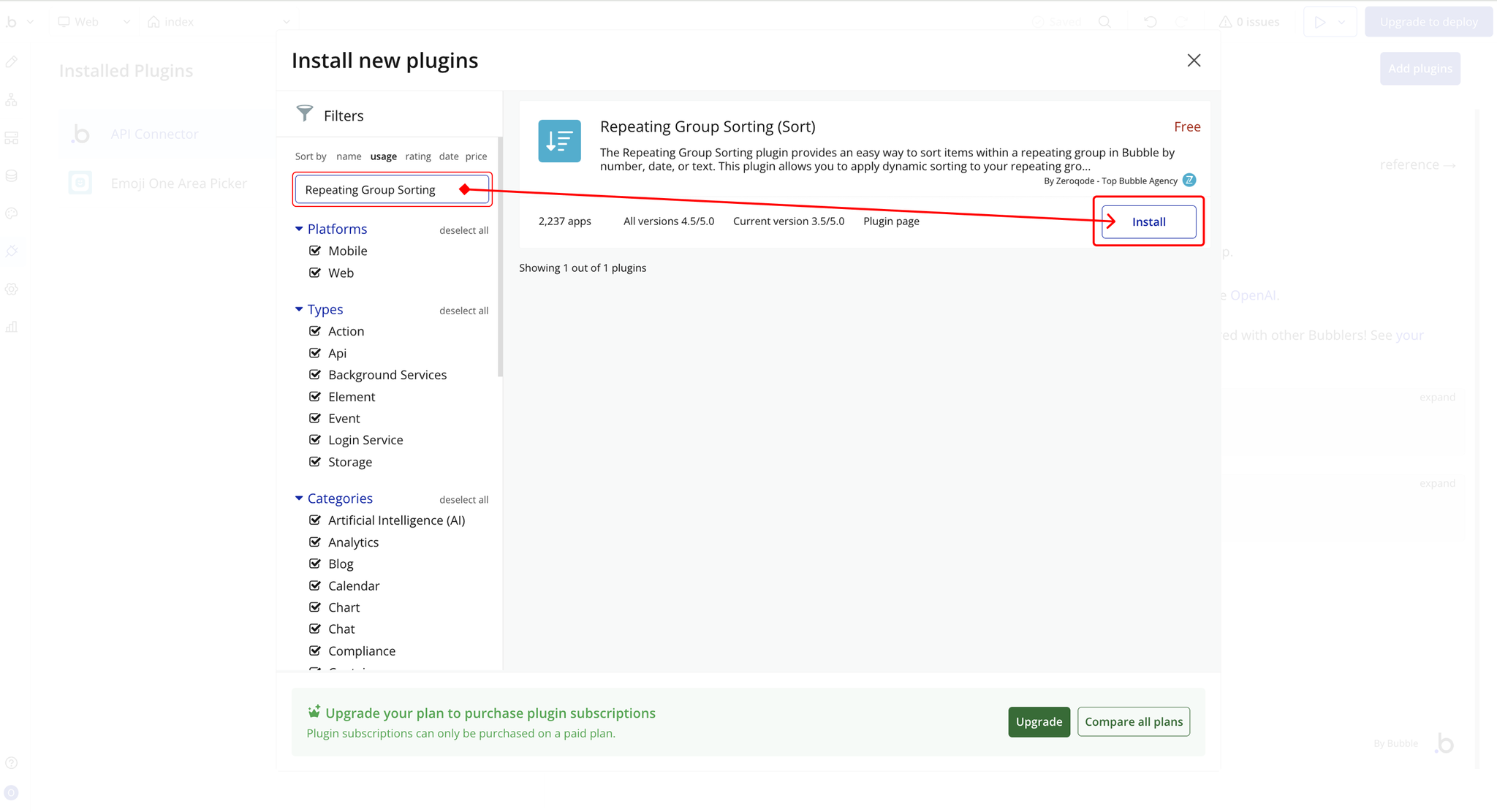
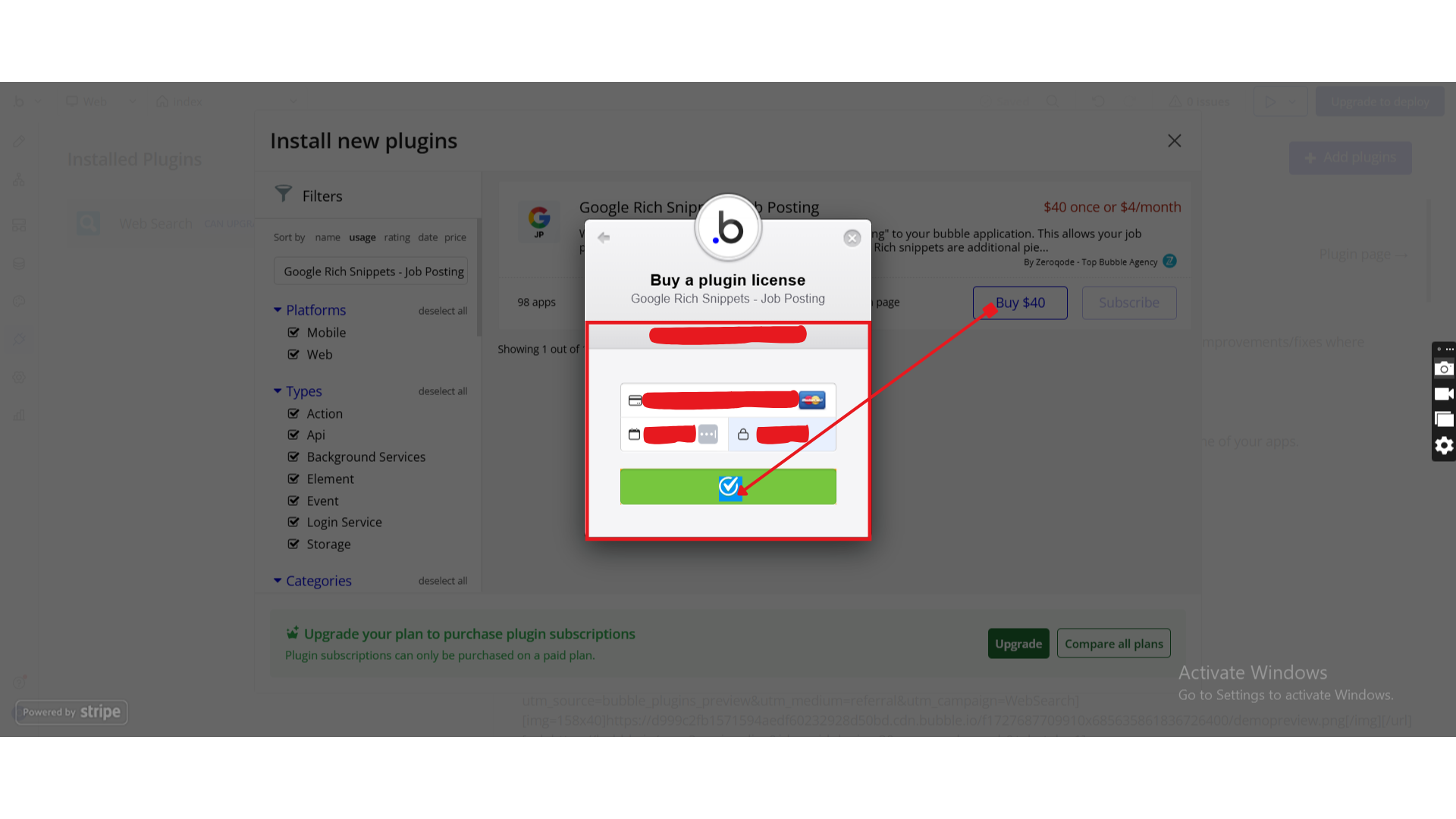
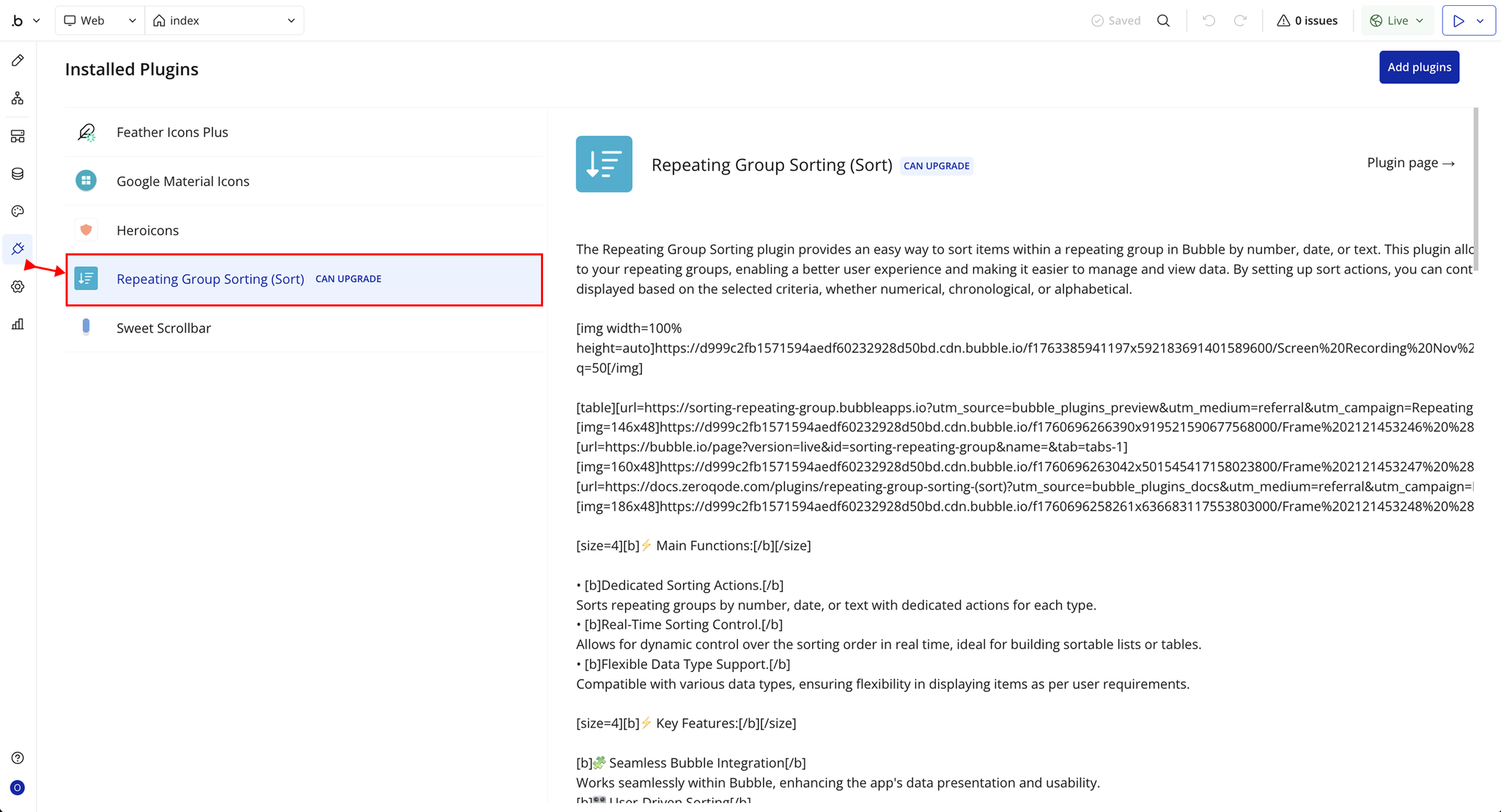
Step 1 – Install the Plugin
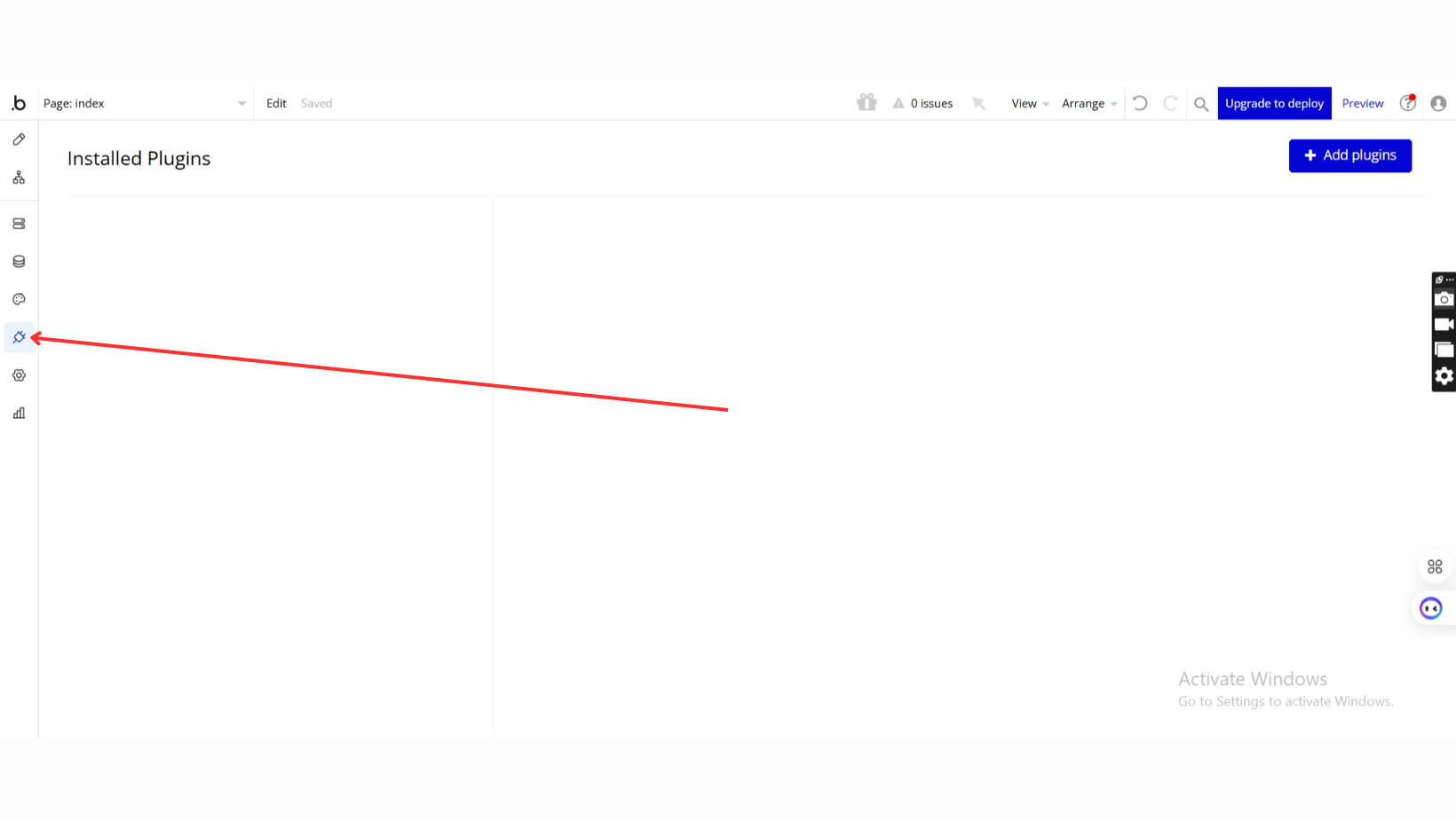
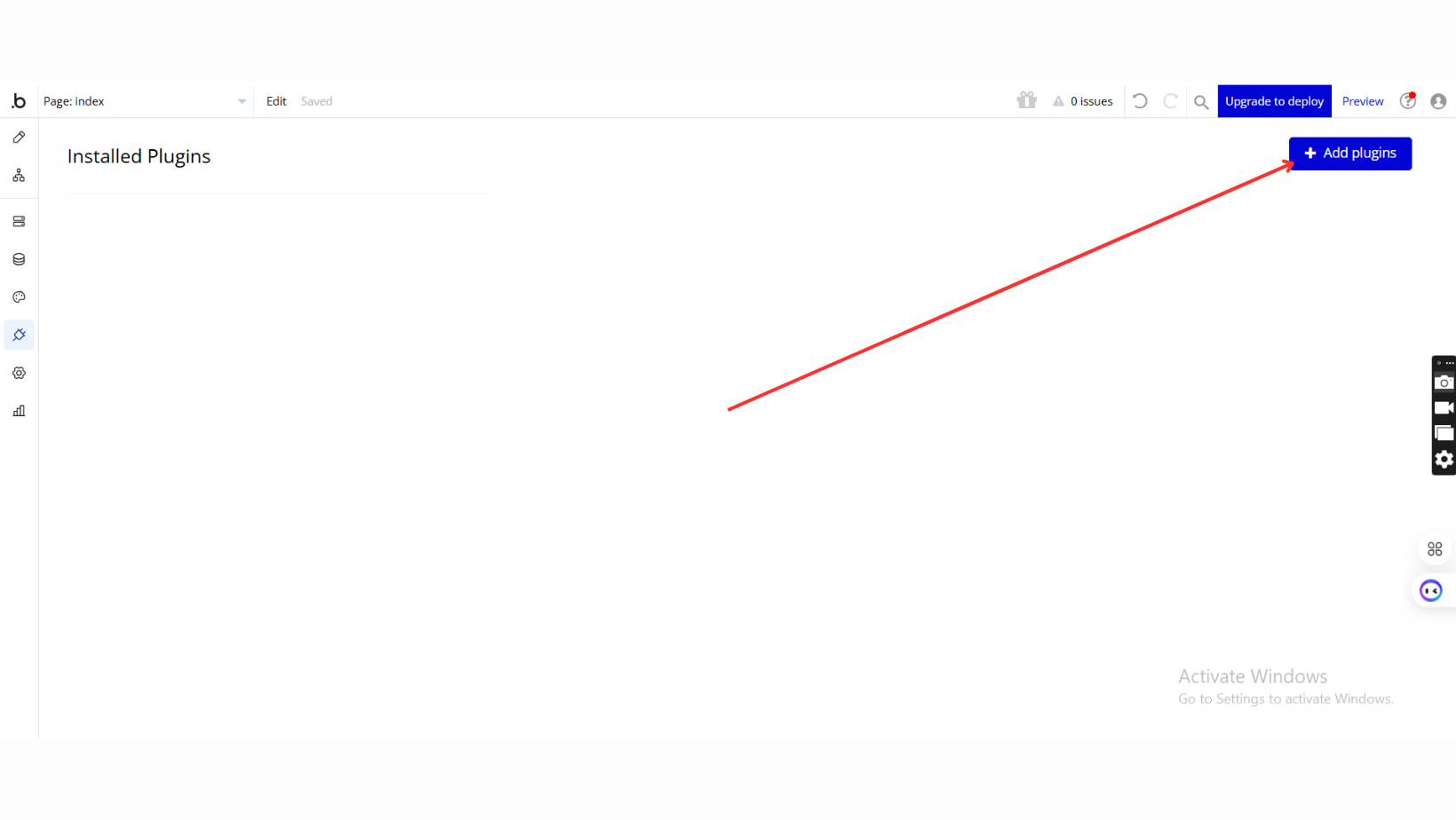
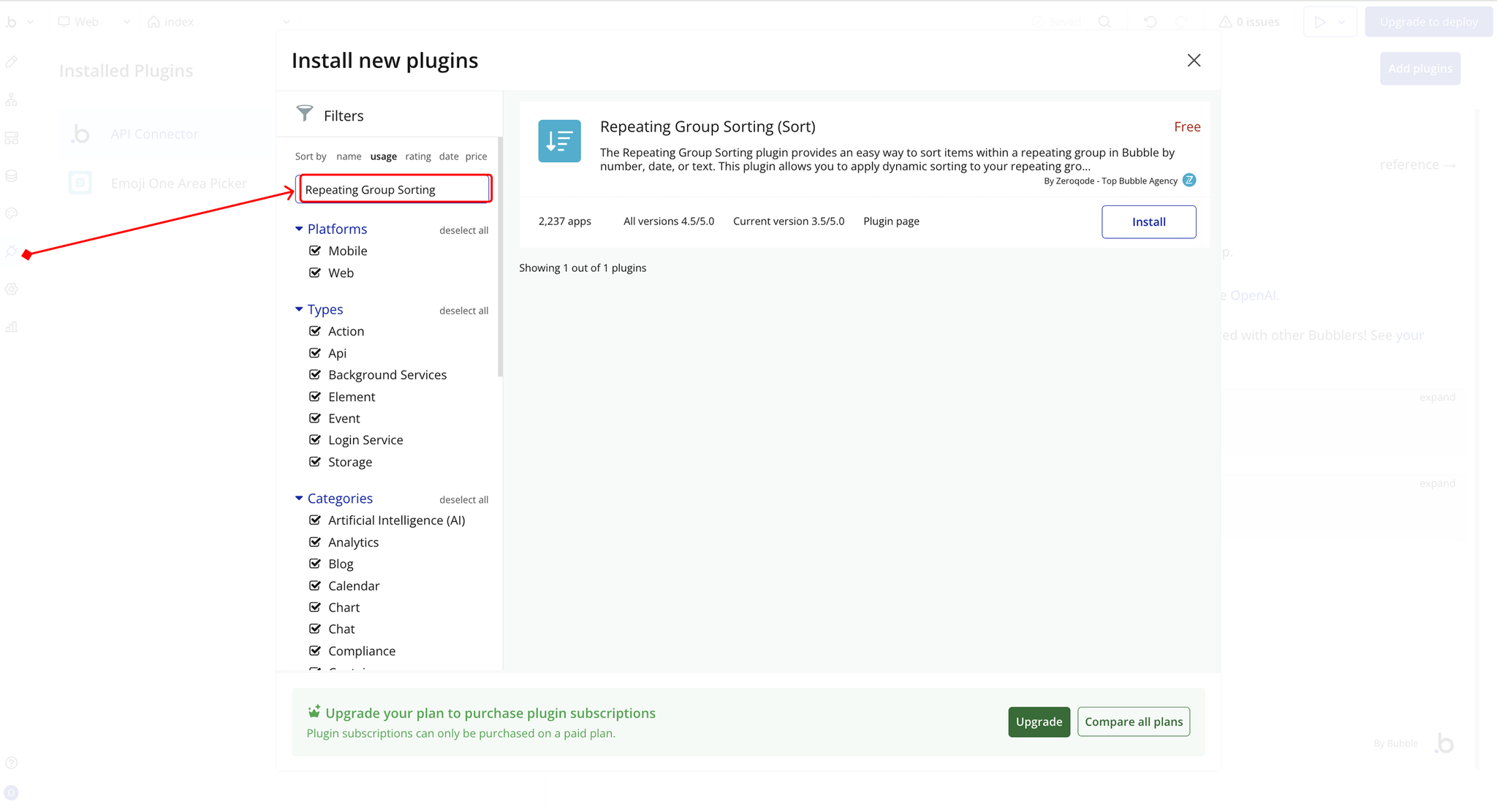
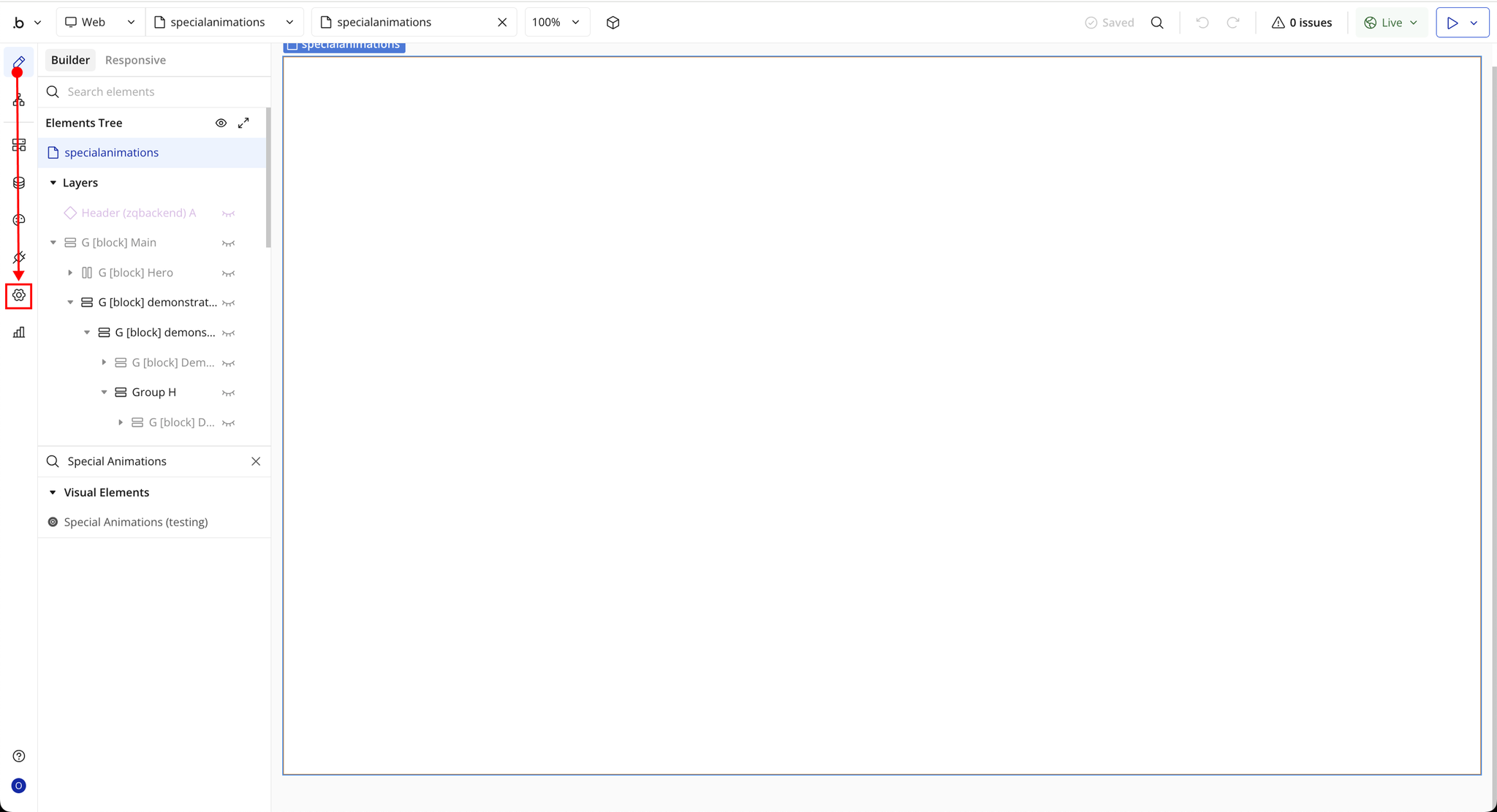
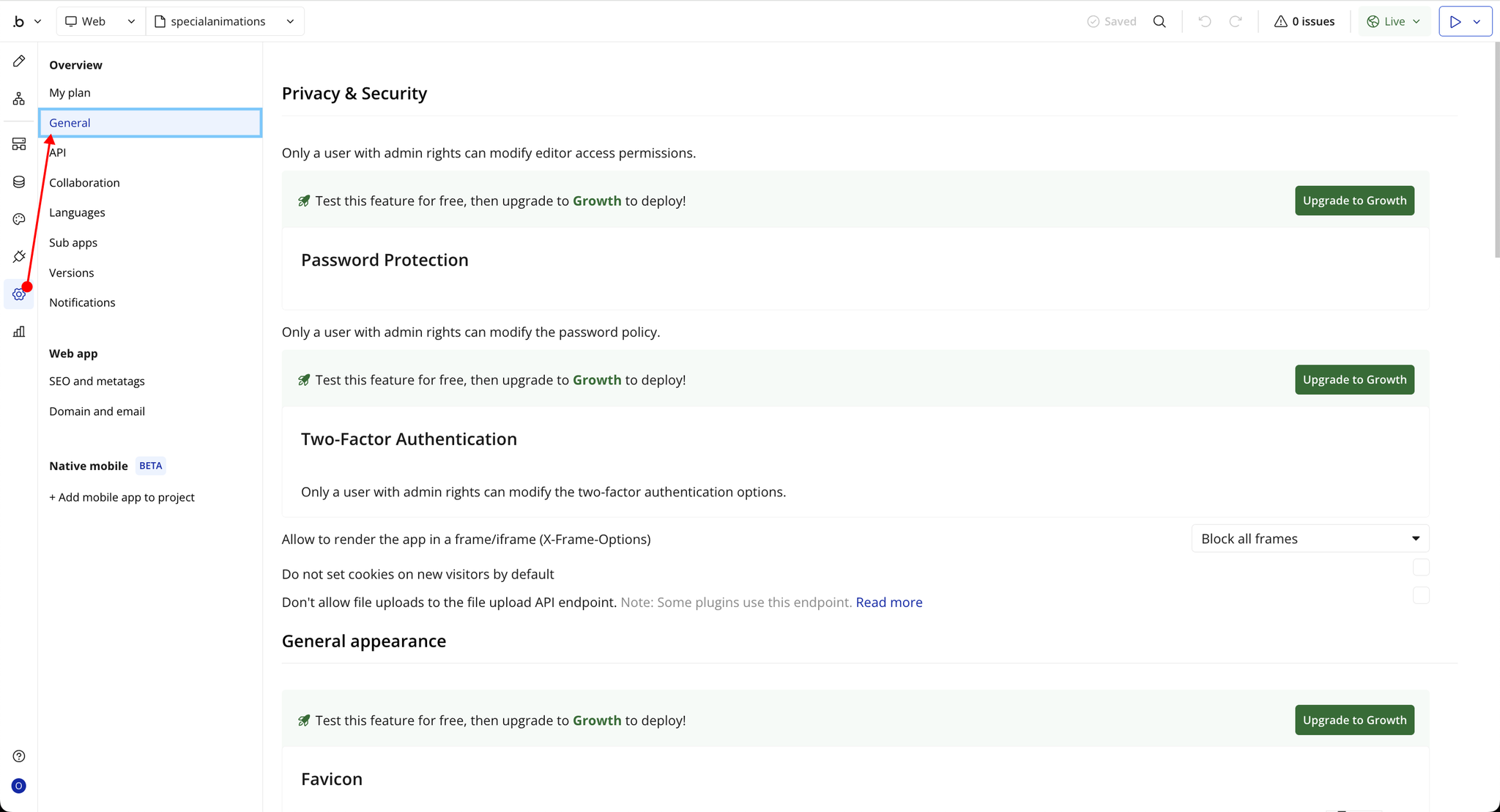
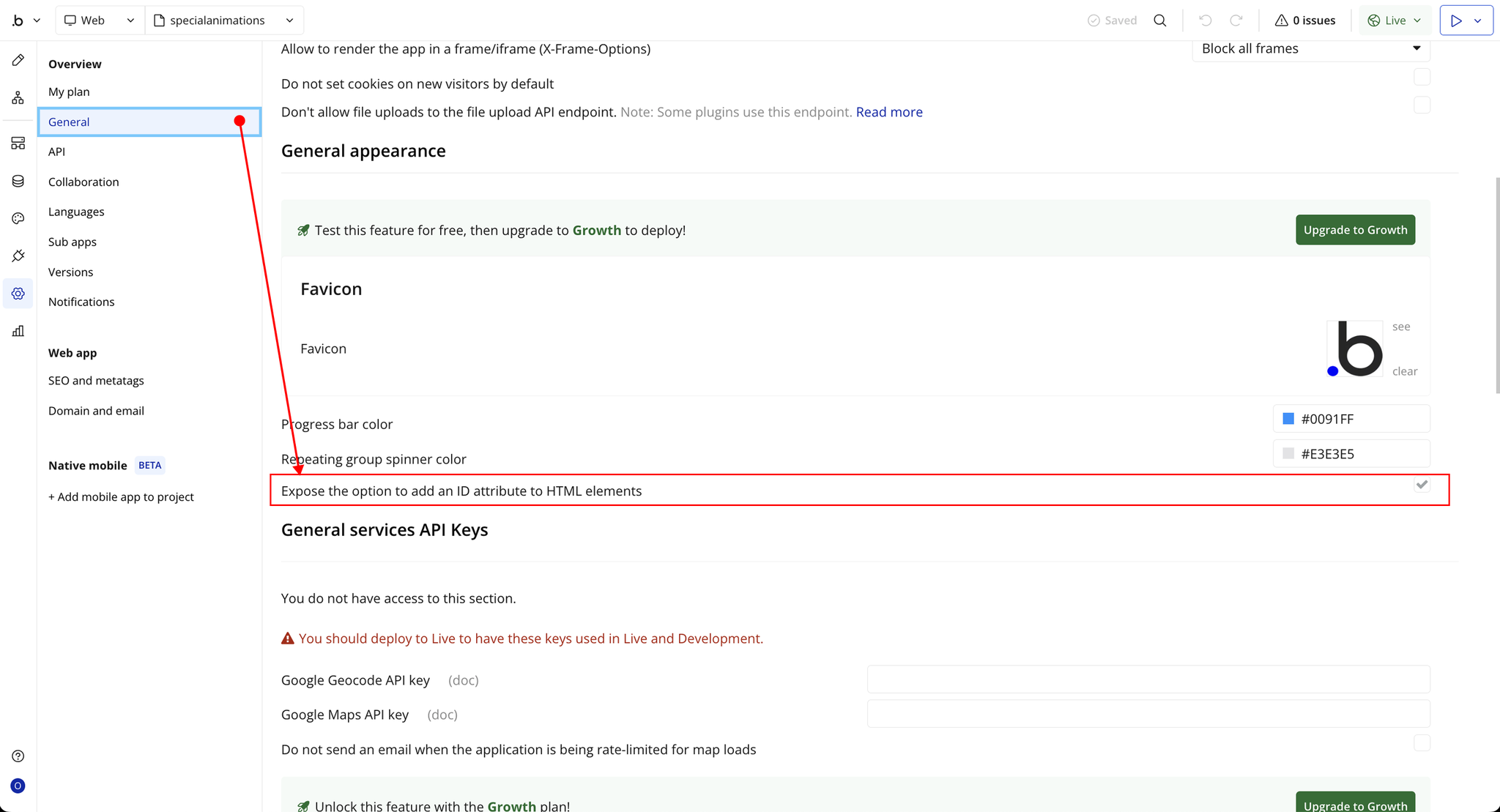
Step 2 – Enable ID Attribute
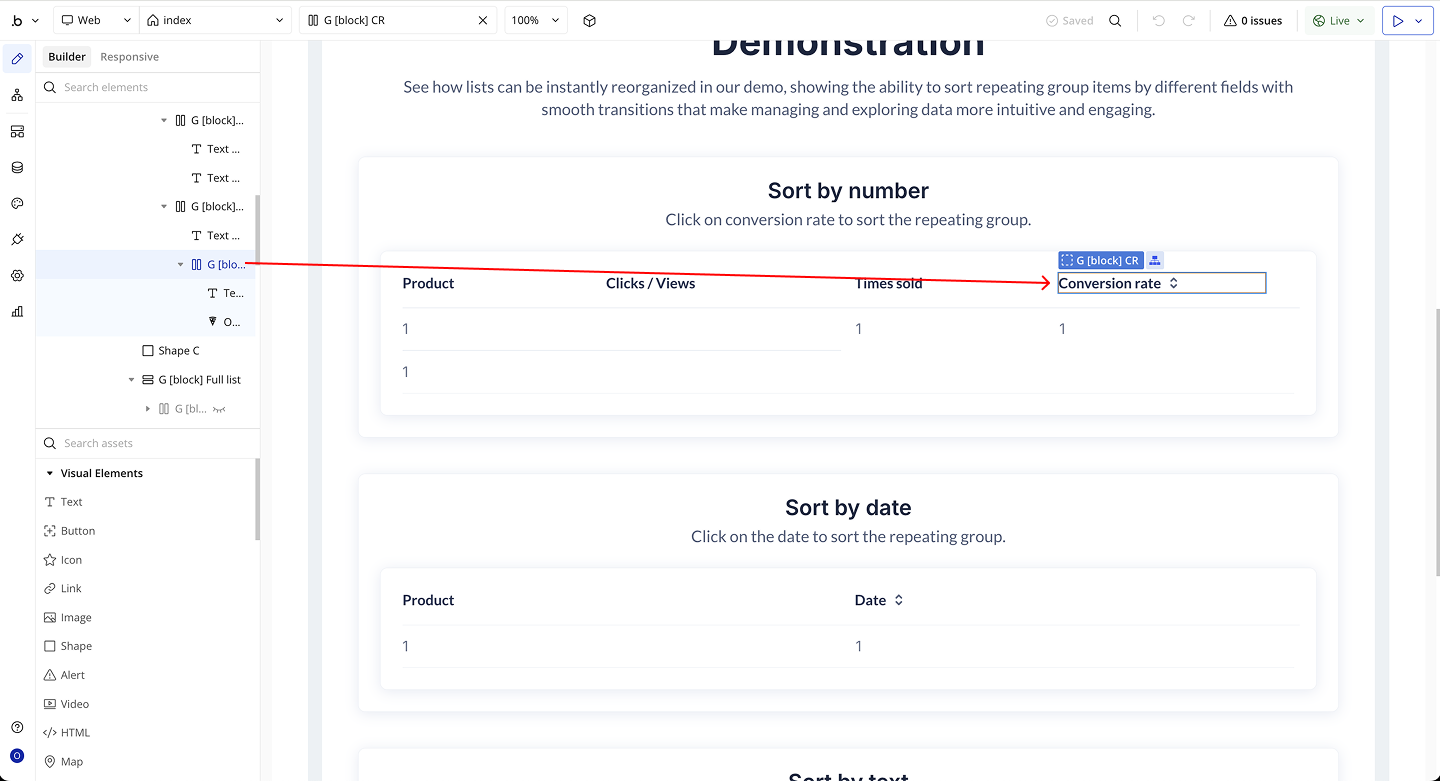
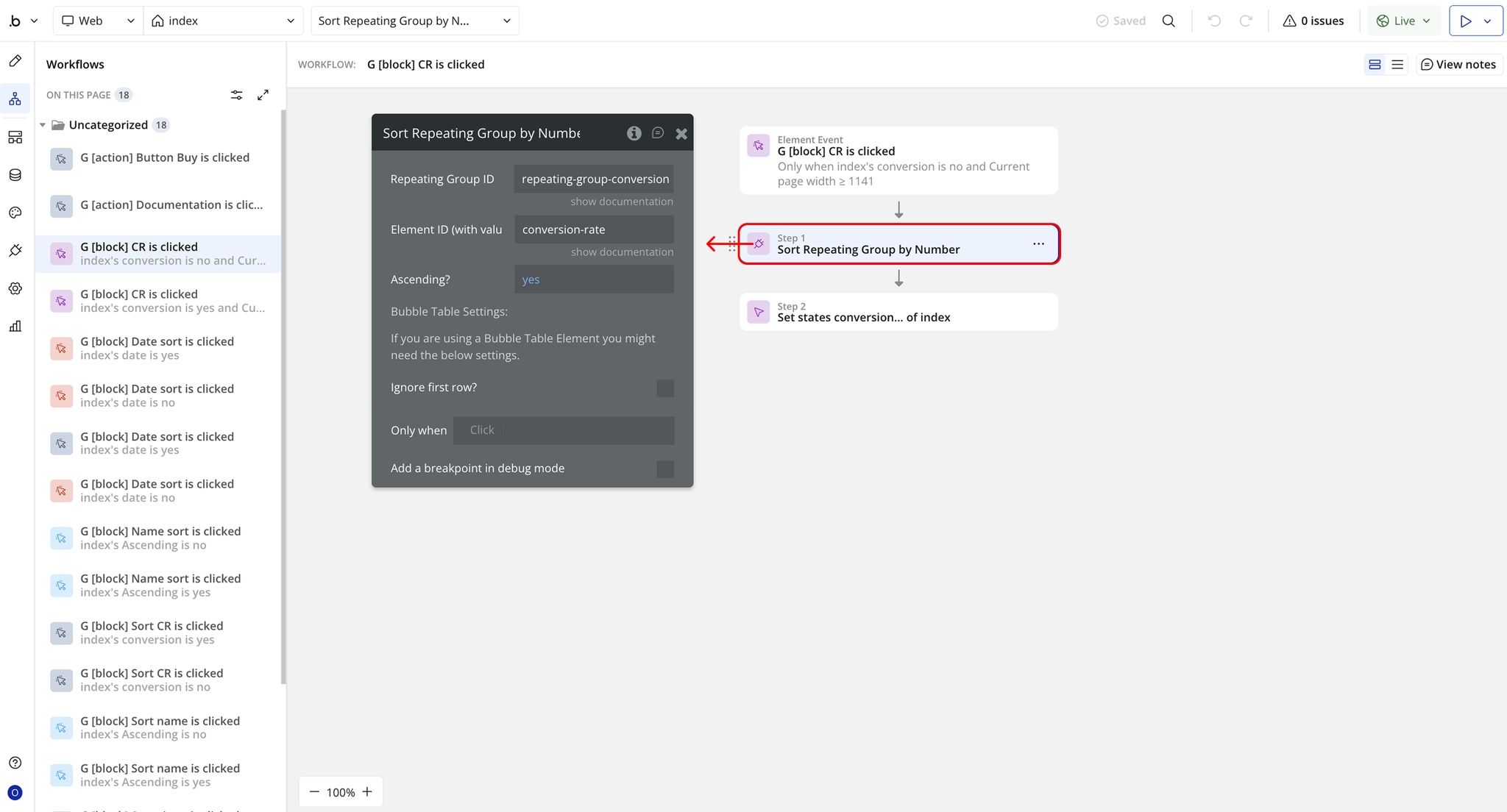
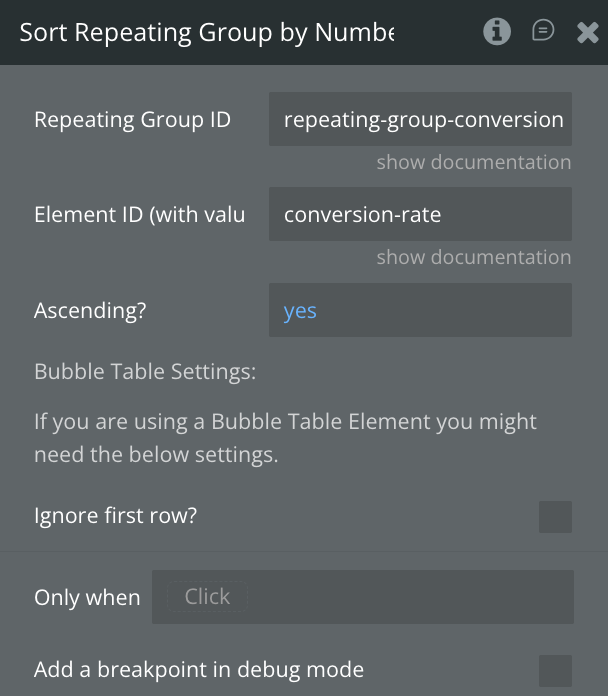
Step 3 – Workflow Setup (Sort Repeating Group by Number)
Plugin Actions
Sort Repeating Group by Number
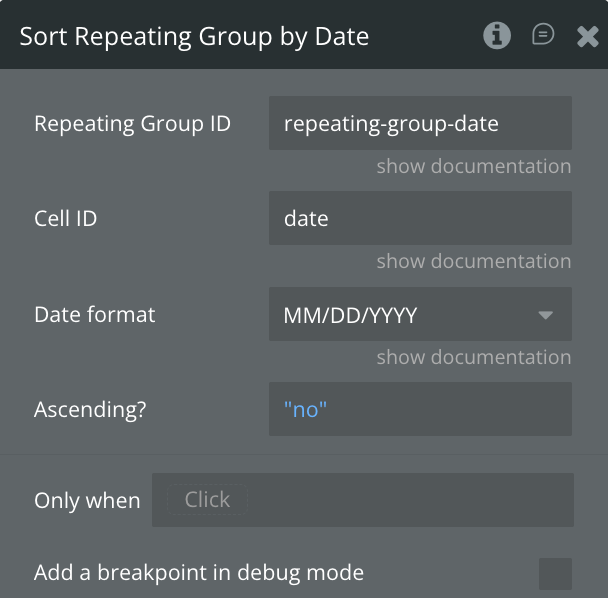
Sort Repeating Group by Date
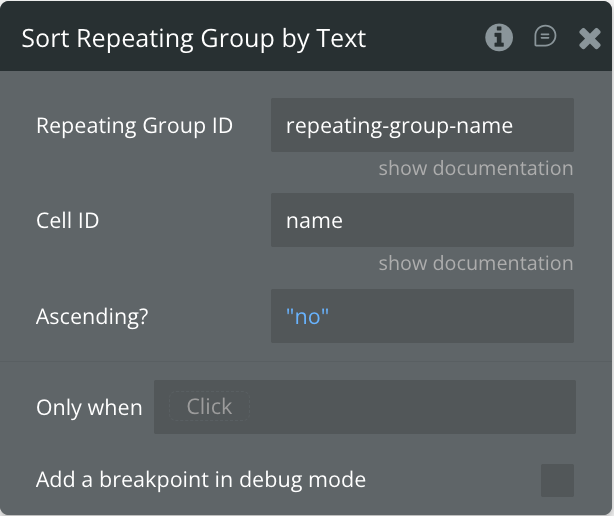
Sort Repeating Group by Text