
Demo to preview the plugin:
Live Demo: https://weswas.bubbleapps.io/prevent_paste
Introduction
The Prevent / Block Paste on Inputs plugin allows you to instantly disable pasting into any Bubble input field simply by assigning its HTML ID. This is especially useful when you need users to manually type values rather than copy-paste them such as passwords, verification codes, or sensitive data entries.
Key Features
Prerequisites
- Enable Expose the option to add an ID attribute to HTML elements in Bubble settings.
- Add a unique ID Attribute to each input you want to block paste on.
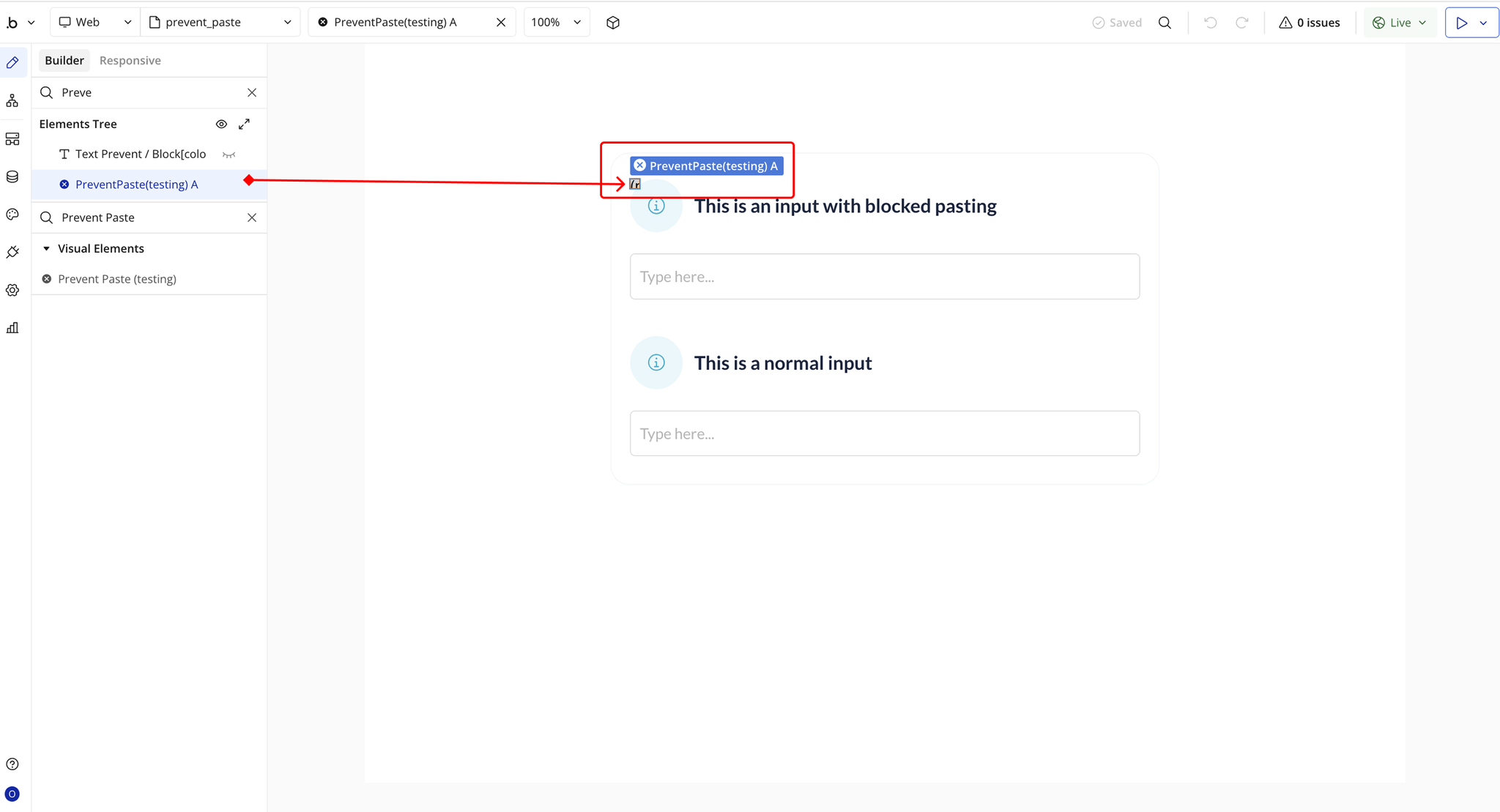
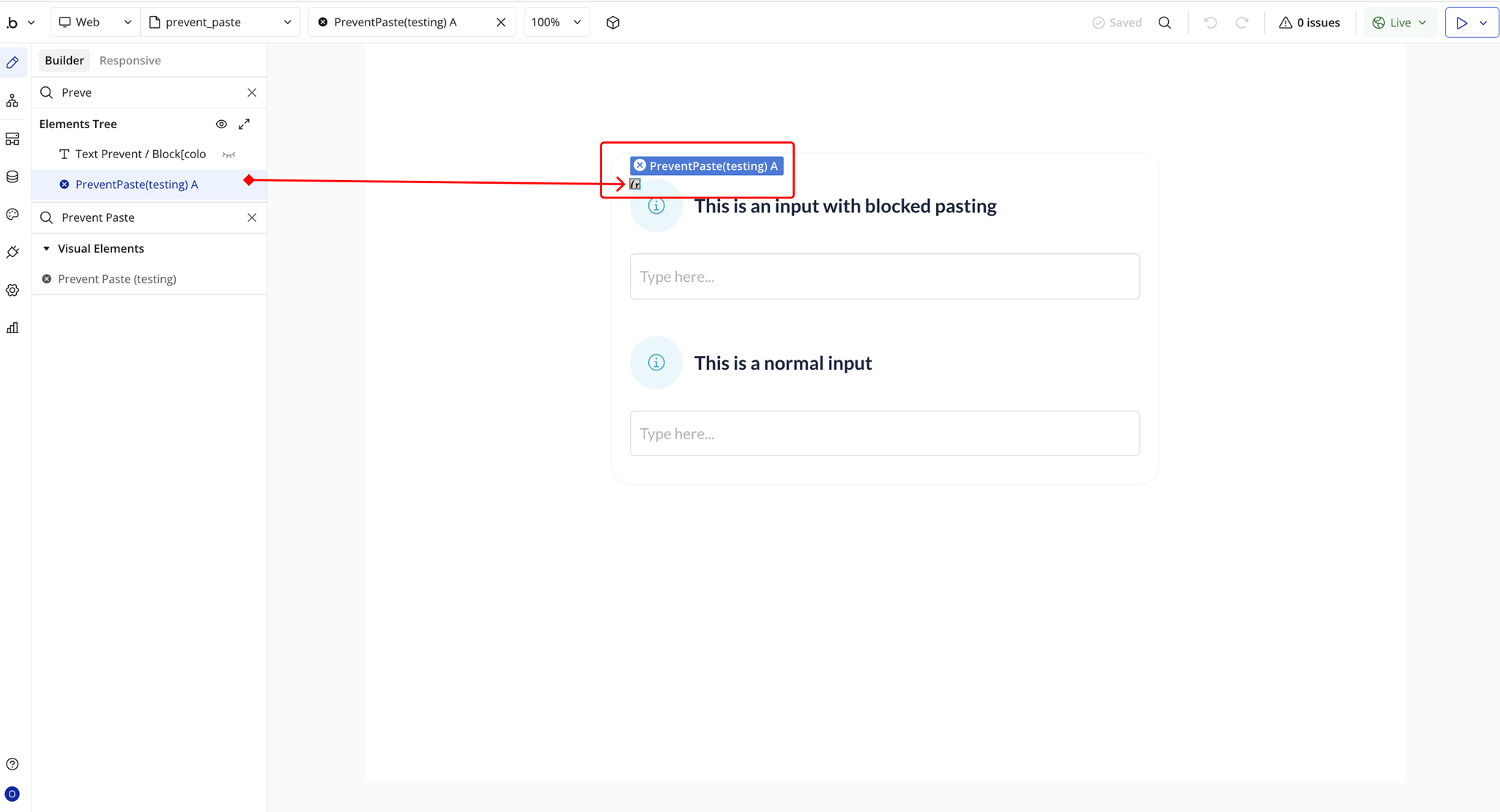
- Place the plugin element on the page where the target input(s) exist.

How to setup
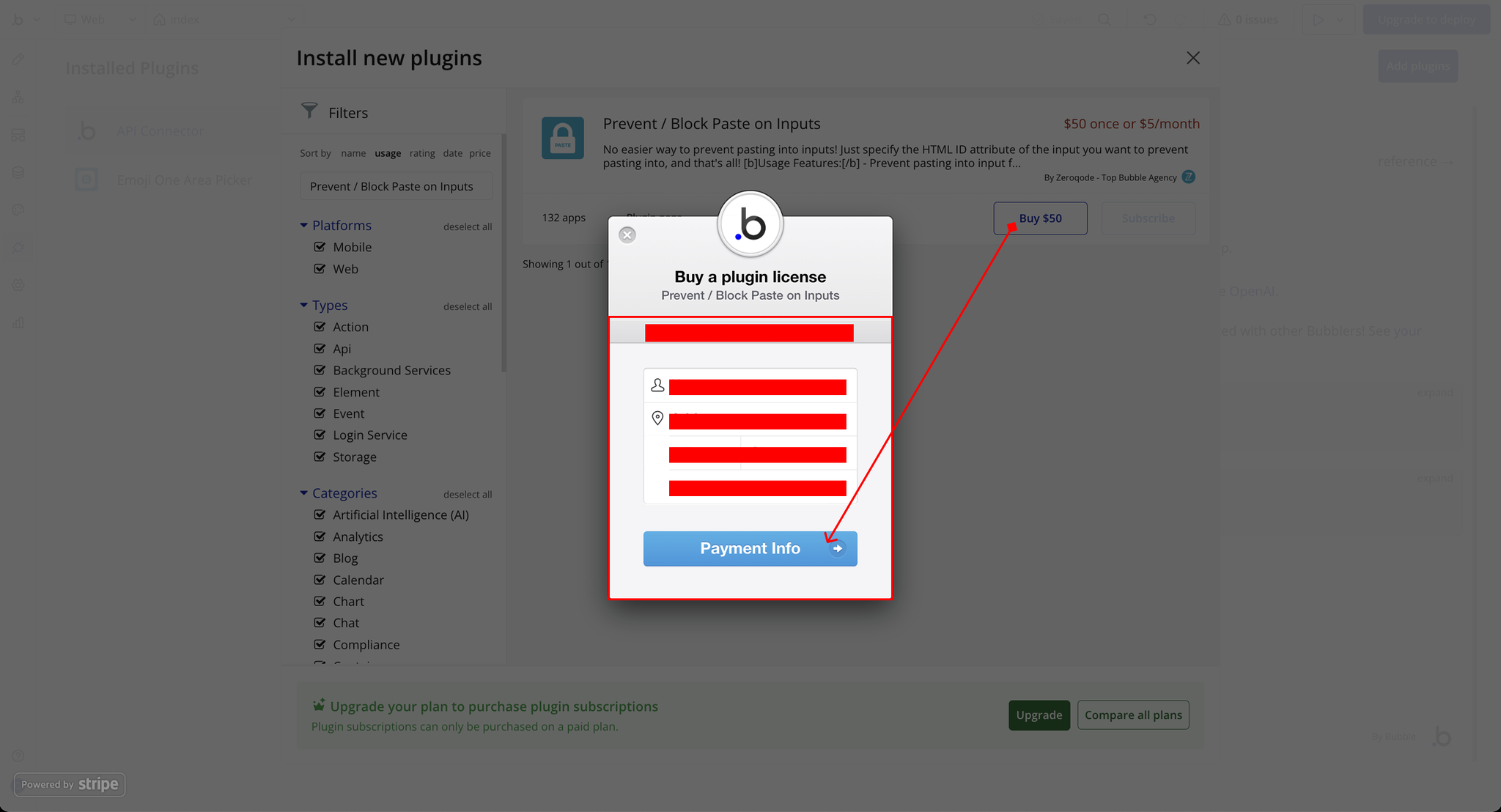
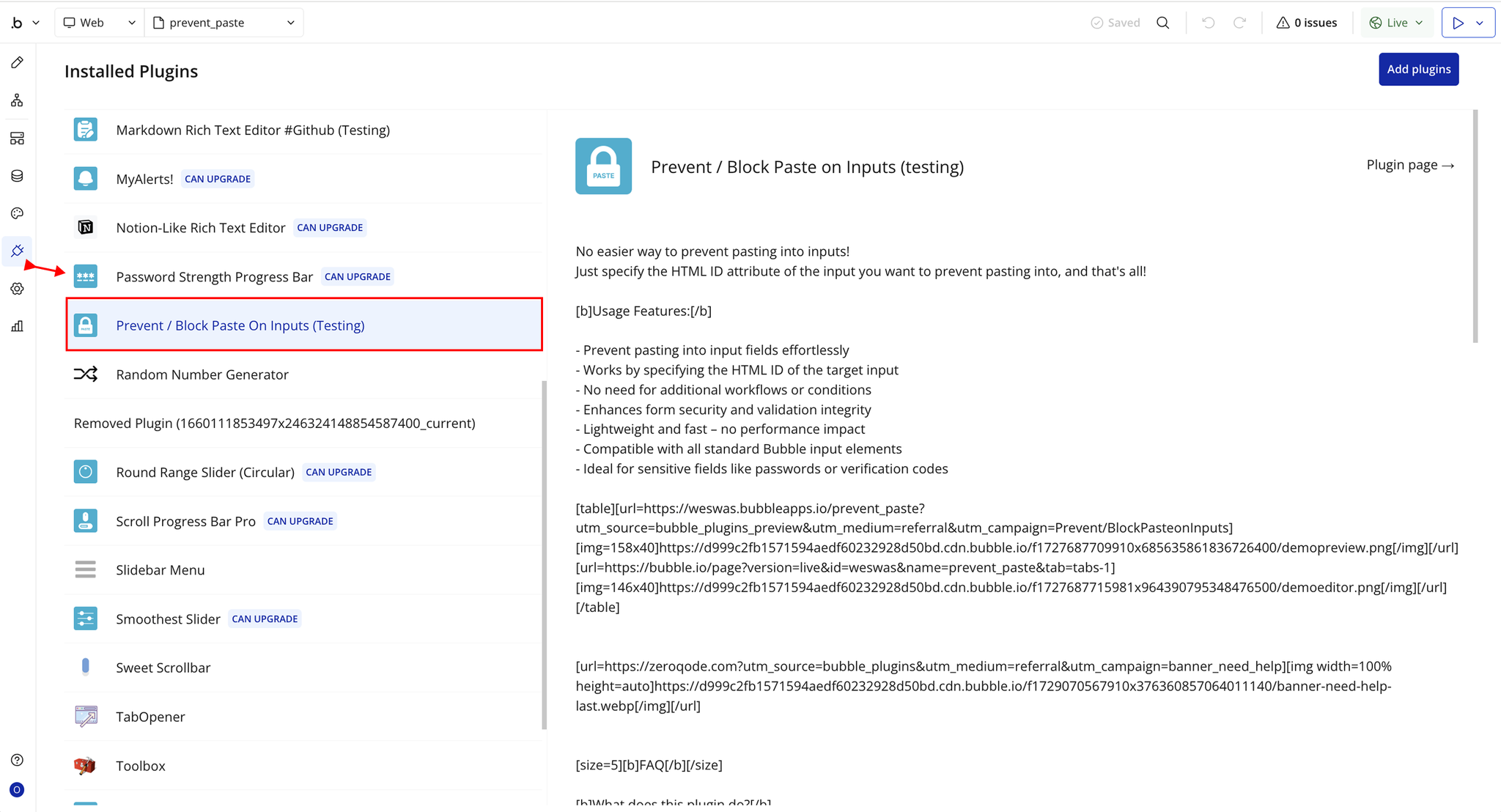
Step 1 – Install the Plugin
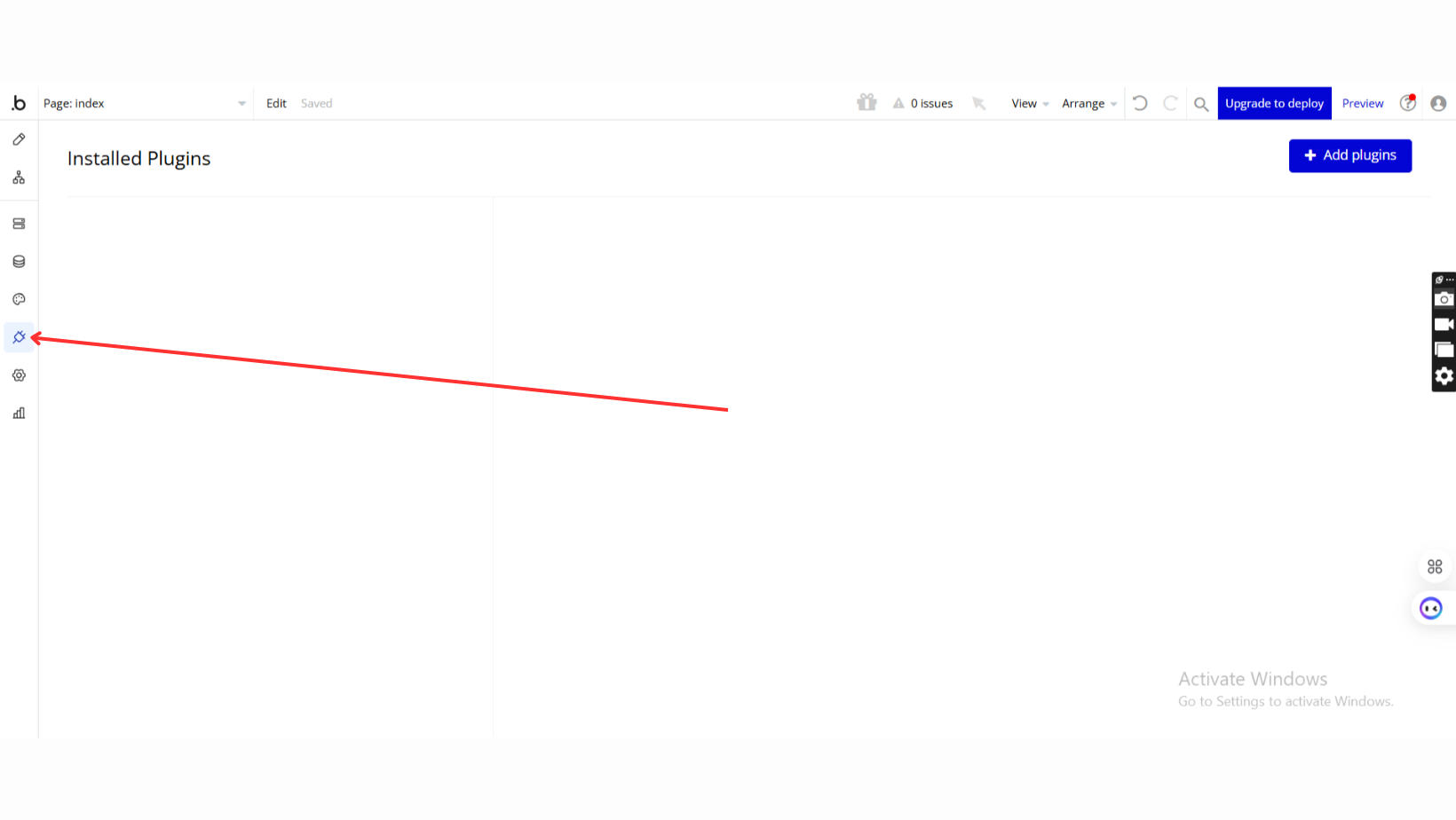
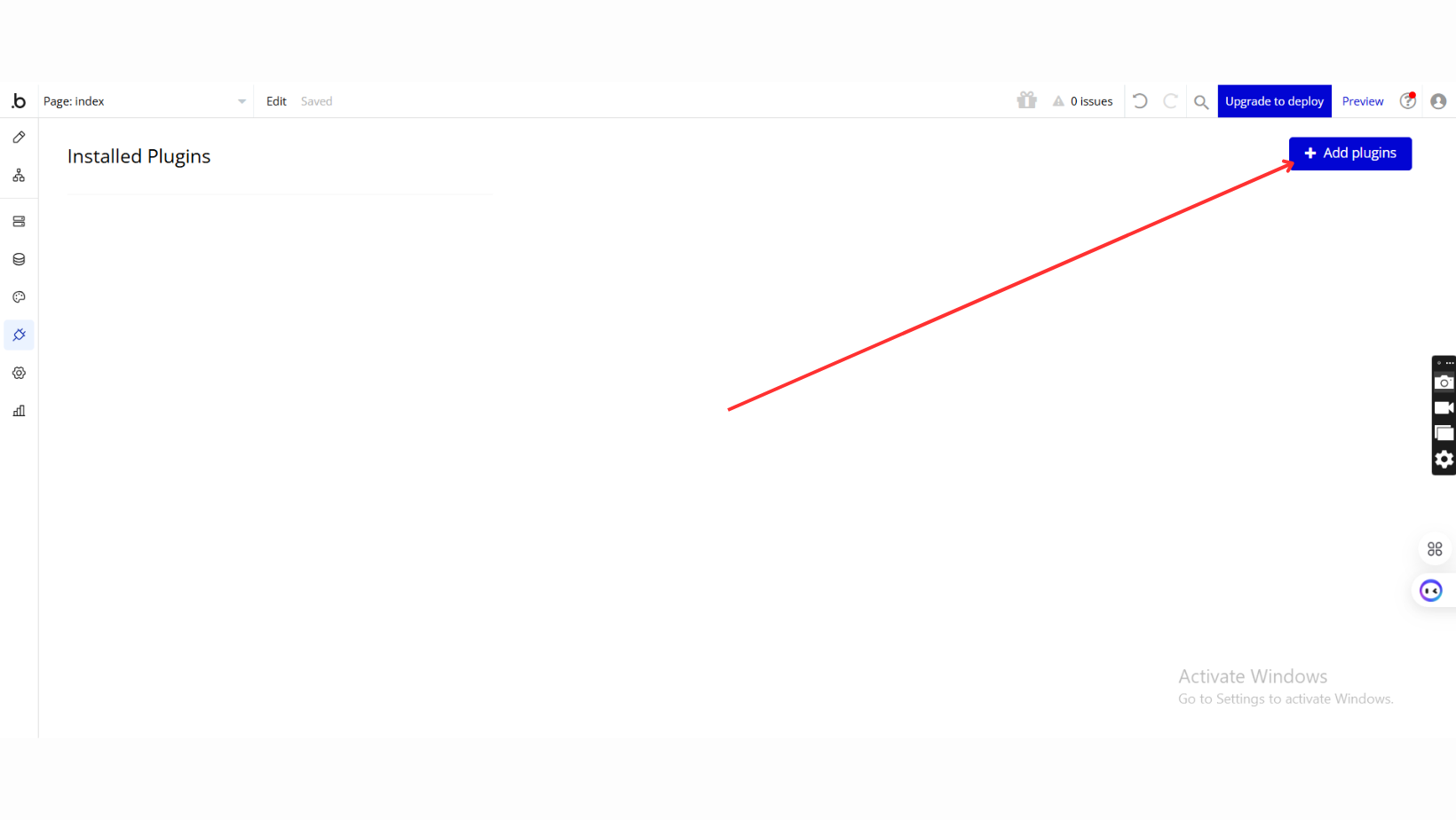
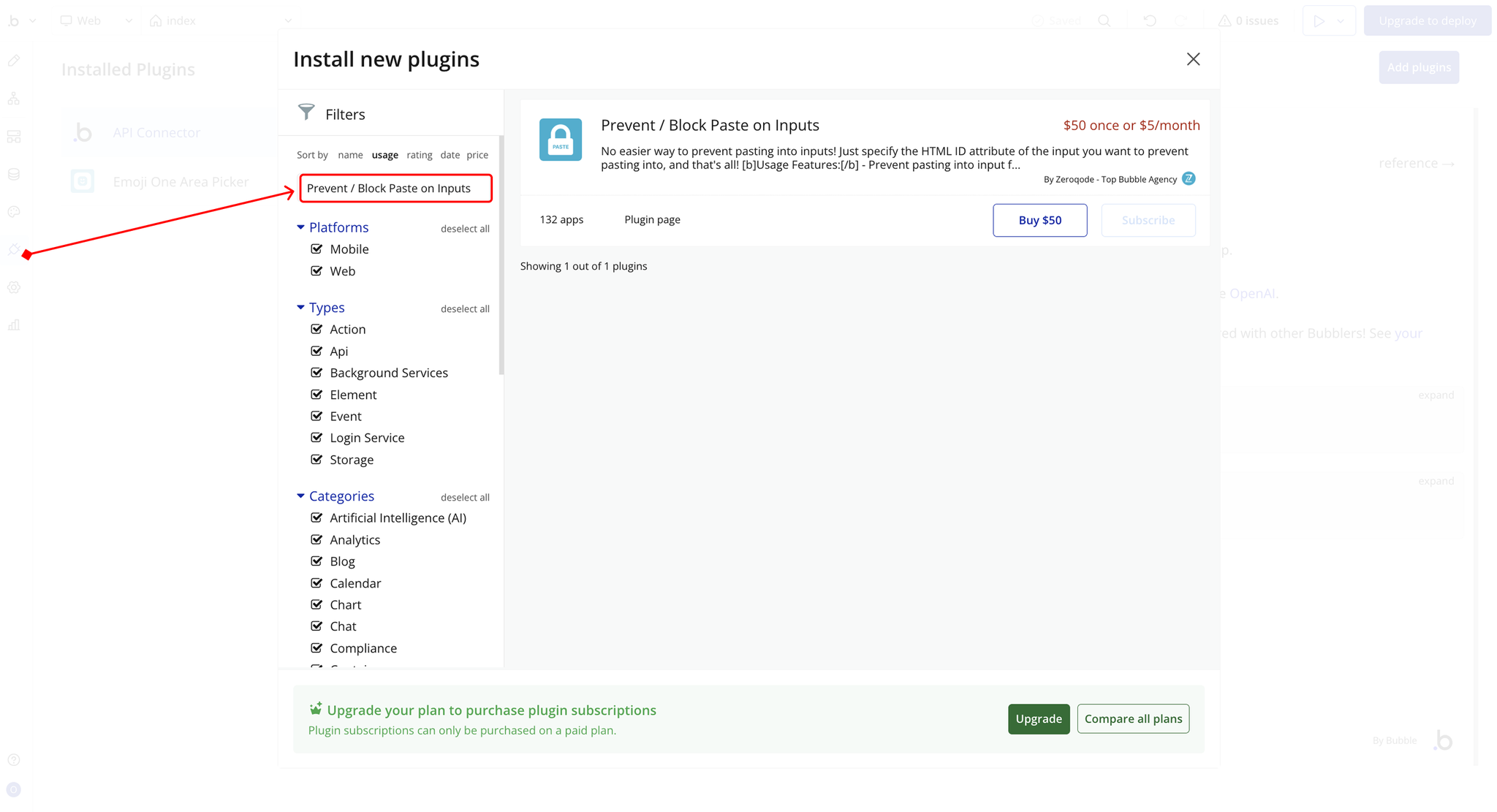
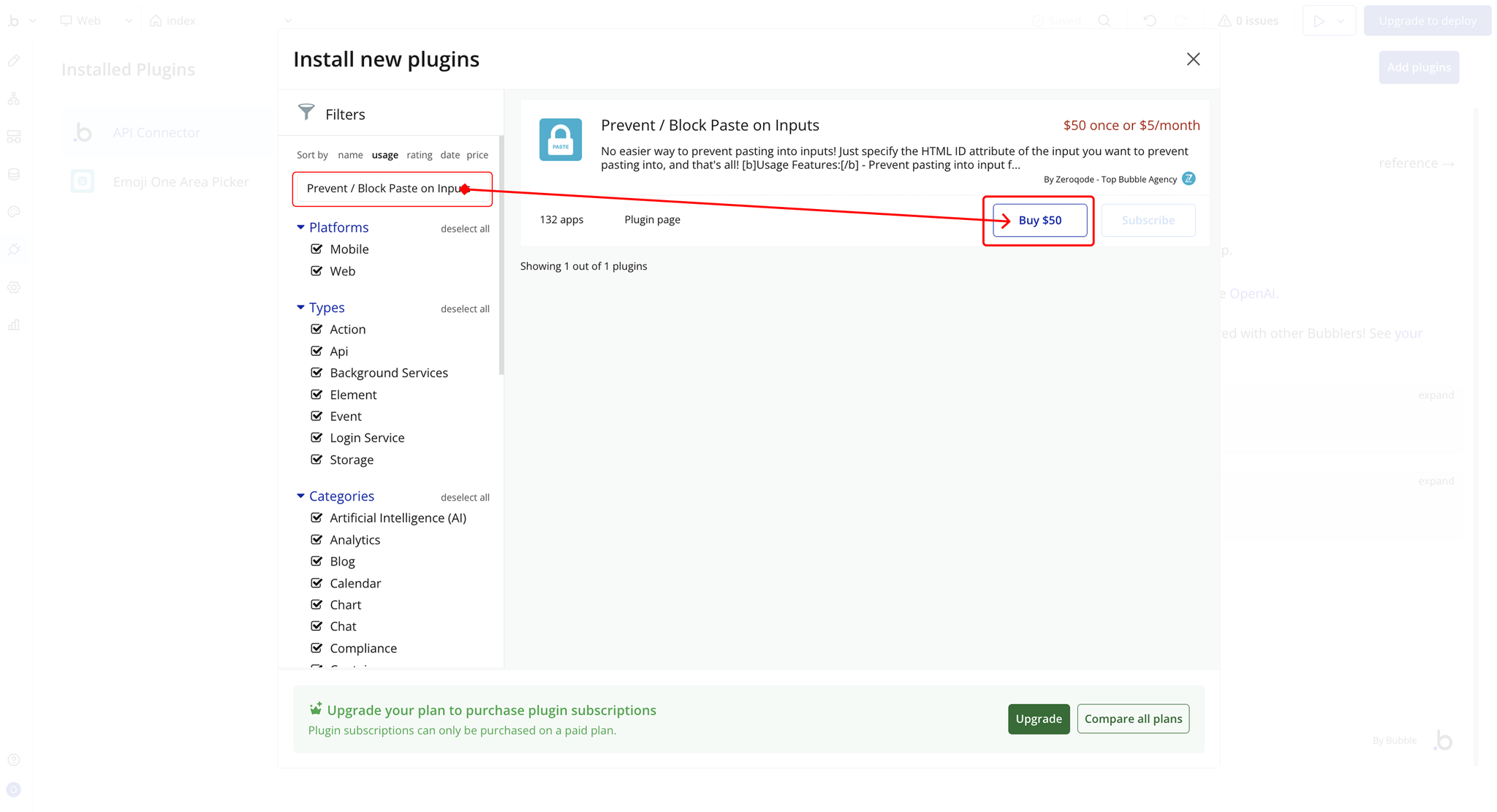
Step 2 – Add the Plugin Element to Your Page
Step 3 – Enable ID Attribute
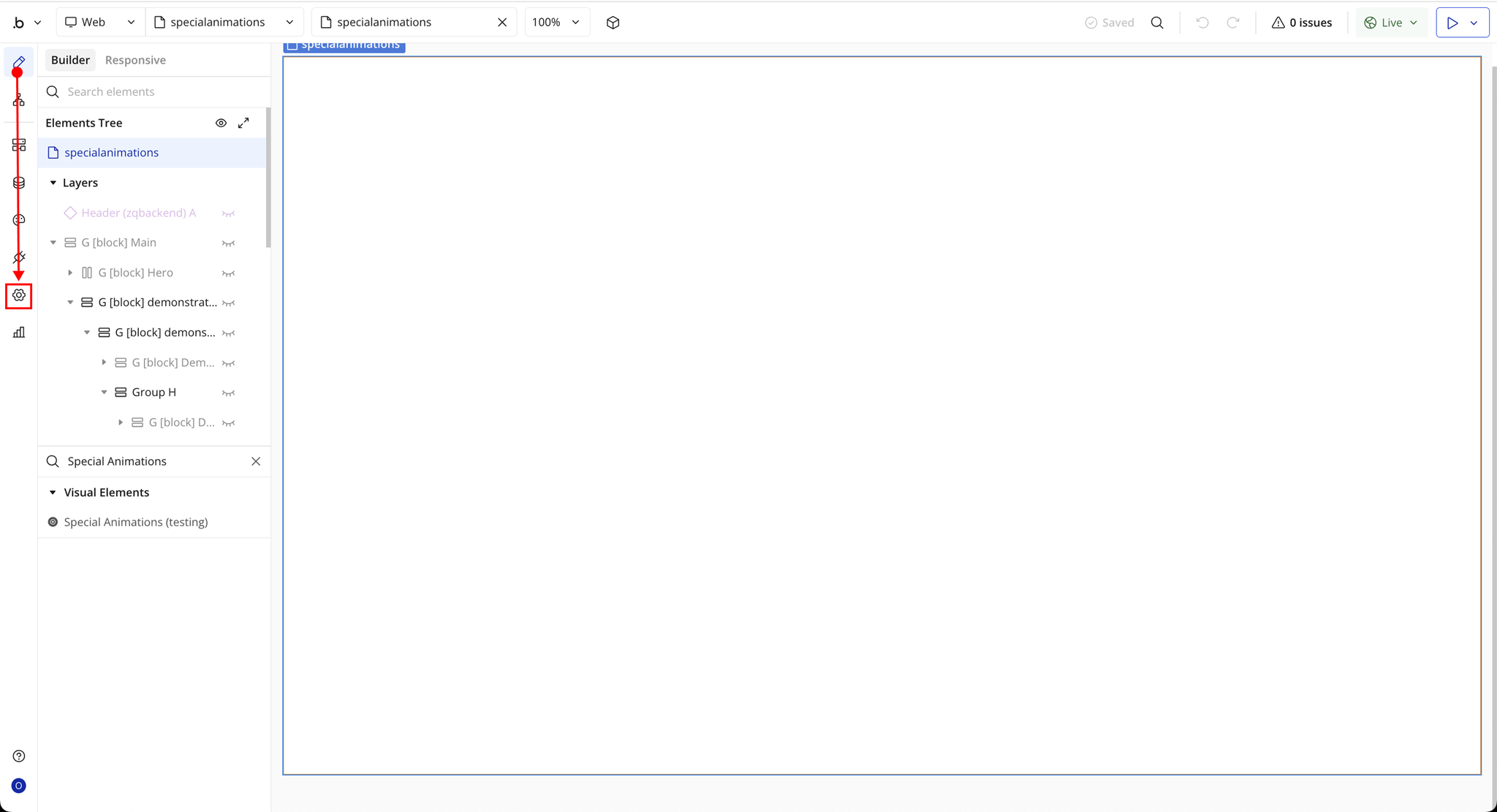
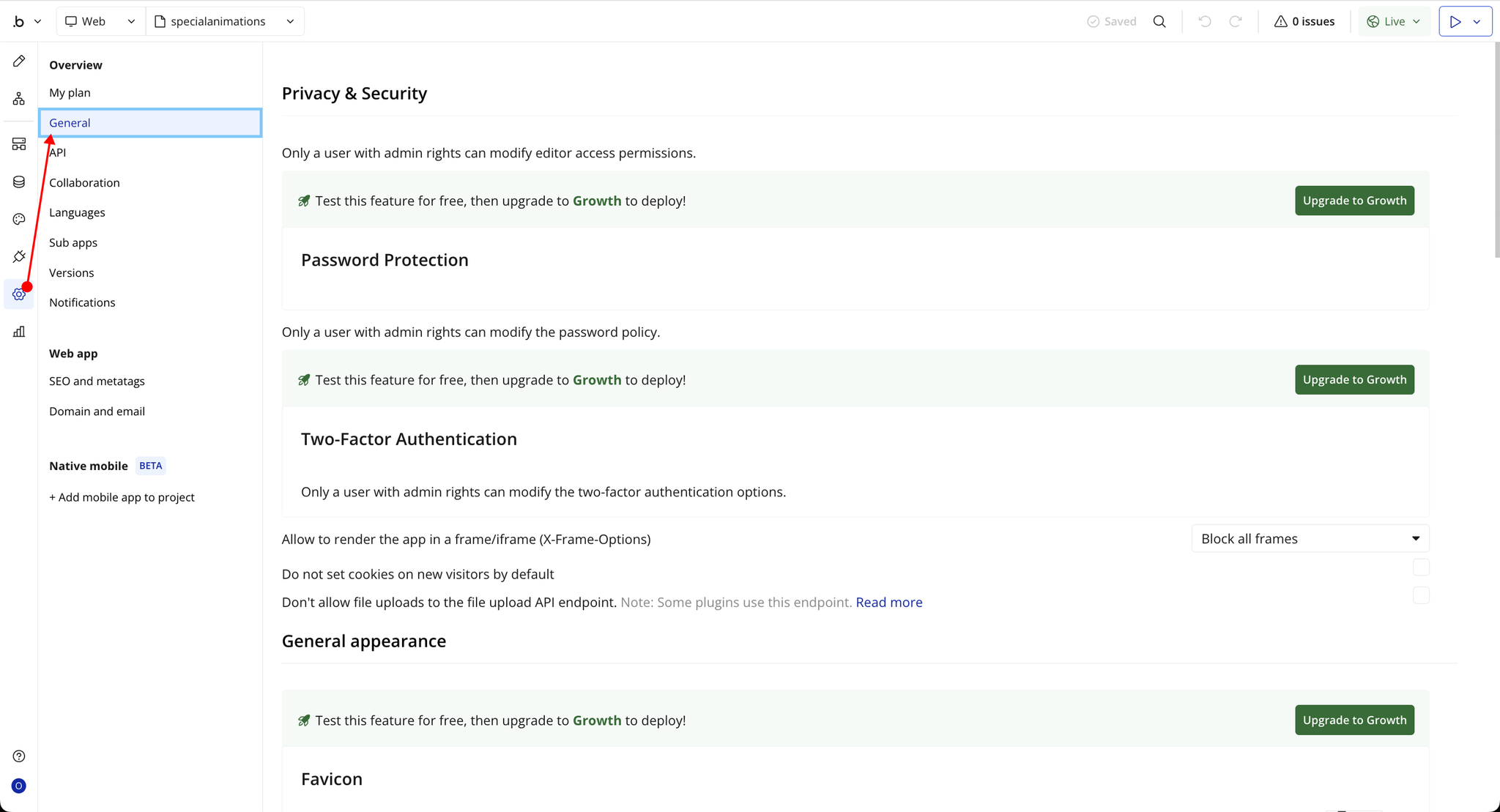
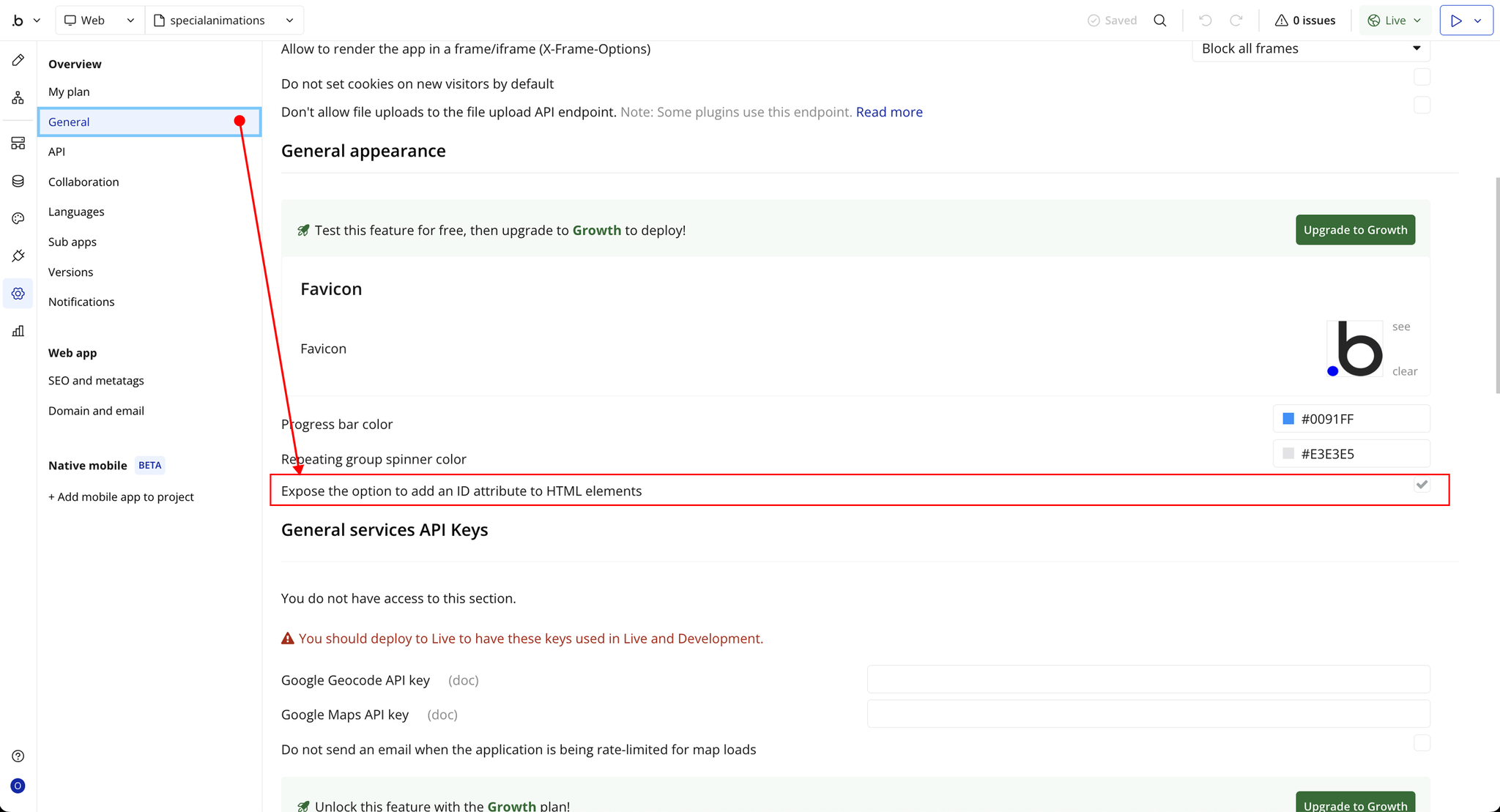
Step 4 – Setup
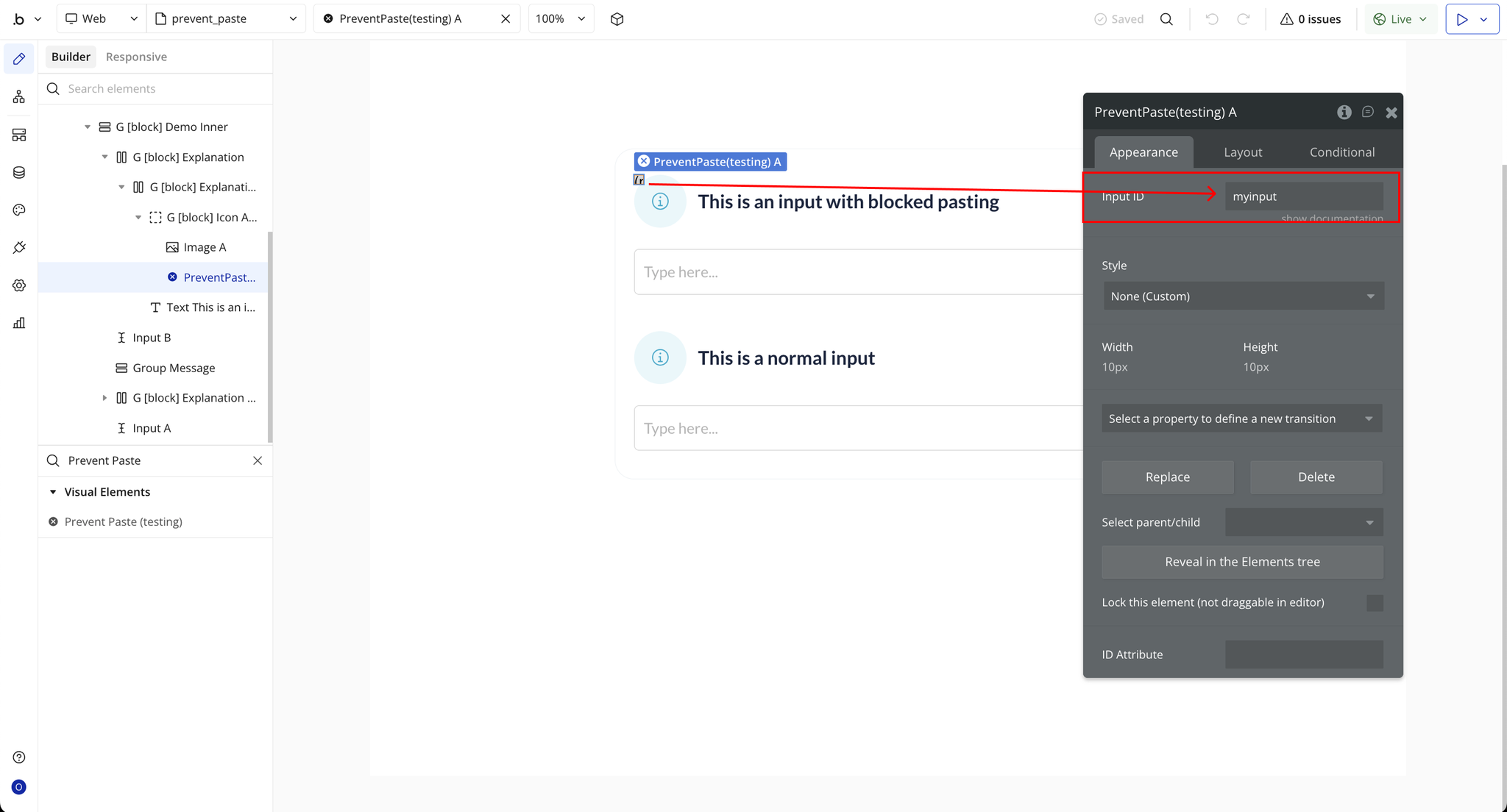
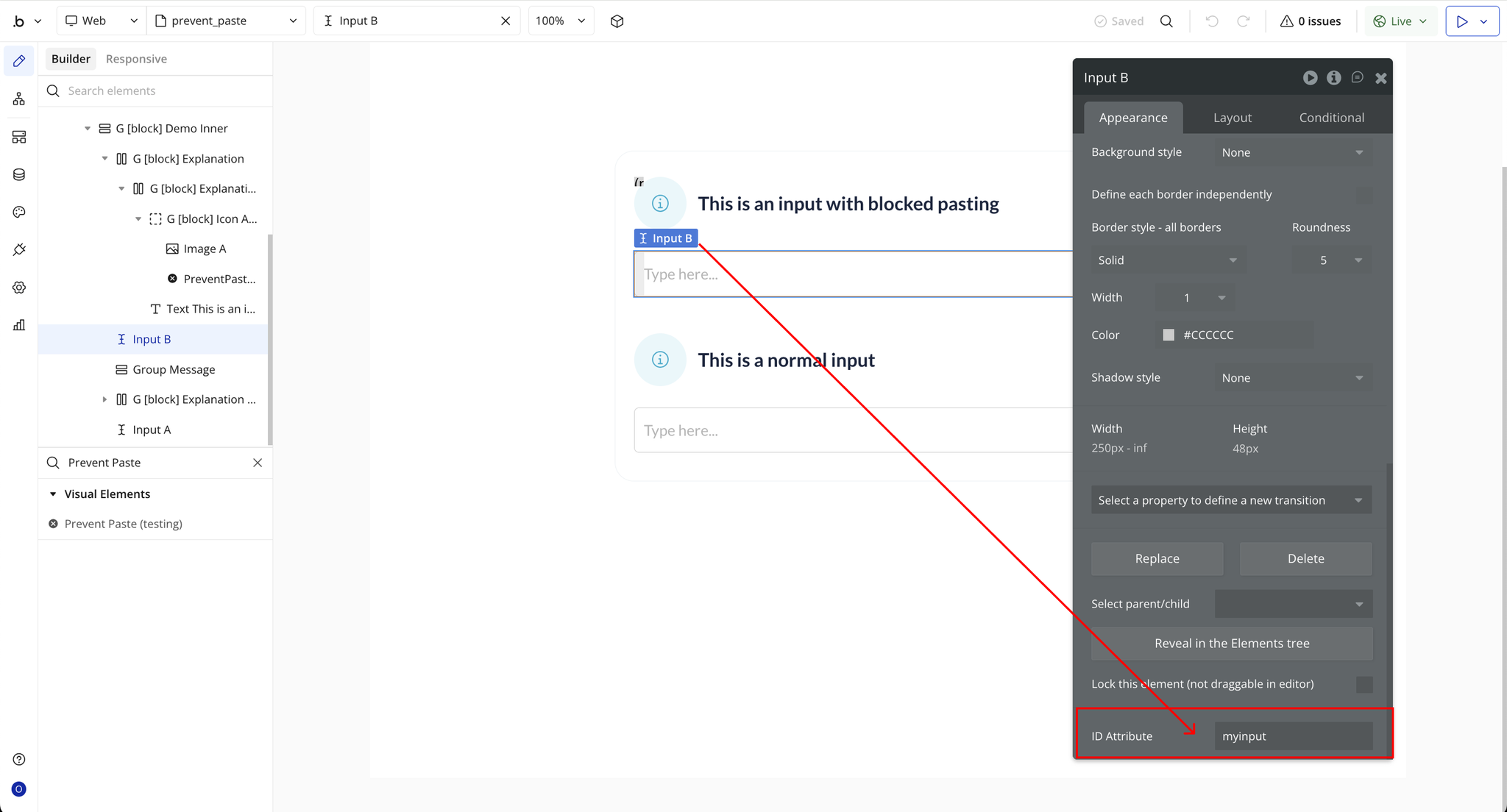
Plugin Element Properties - Prevent Paste
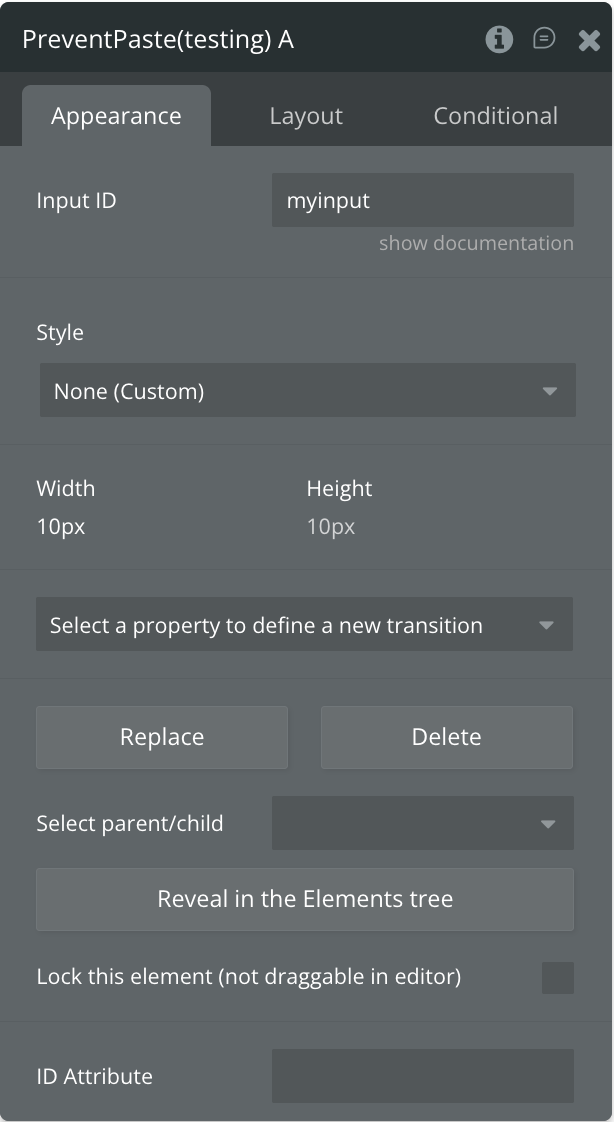
Fields
Title | Description | Type |
Input ID | The HTML ID Attribute of the input field where pasting should be blocked. Add this same ID to the input element in Bubble to activate the plugin. | Text |
