
Demo to preview the plugin:
Introduction
The PancakeSwap API (Crypto price) plugin allows you to fetch real-time cryptocurrency prices, asset details, and market data directly into your Bubble application. It integrates with the DexScreener API to retrieve live PancakeSwap trading pair information on the Binance Smart Chain (BSC), including token prices, liquidity, trading volume, transaction counts, and price change percentages across multiple time intervals. The plugin is ideal for building crypto dashboards, portfolio trackers, DEX explorers, and any application that requires up-to-date on-chain market data.

How to setup
Setting up the PancakeSwap API plugin is straightforward and requires no external configuration:
- Install the plugin from the Bubble marketplace and add it to your application.
- Add the Token Info element to your page (it is an invisible element — place it anywhere on the page).
- Set the Token Type field in the element’s properties to the
Token Response (Pancake Swap API)data type so that exposed states are correctly typed.
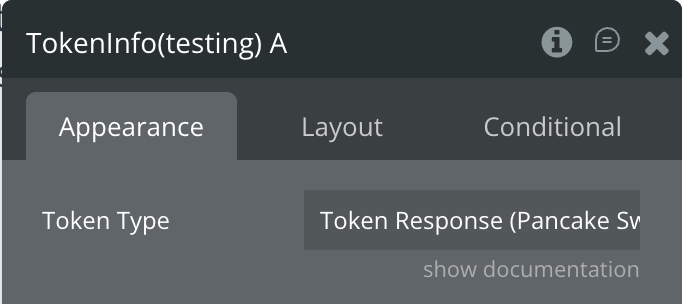
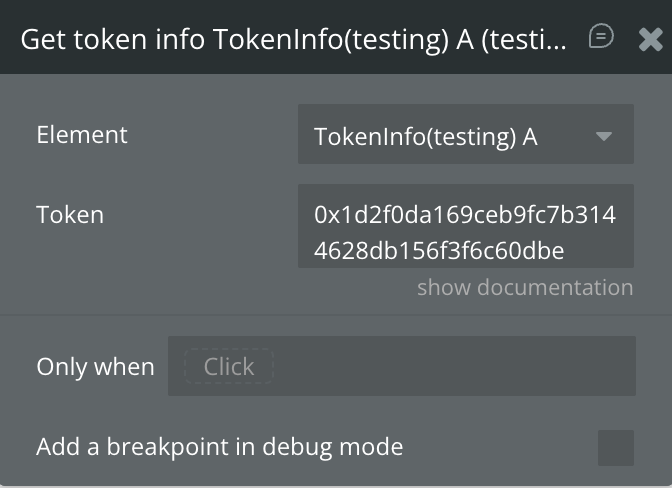
- Create a workflow and use the Get token info action to fetch data for a specific token by providing its BSC contract address (e.g.,
0x1d2f0da169ceb9fc7b3144628db156f3f6c60dbe).
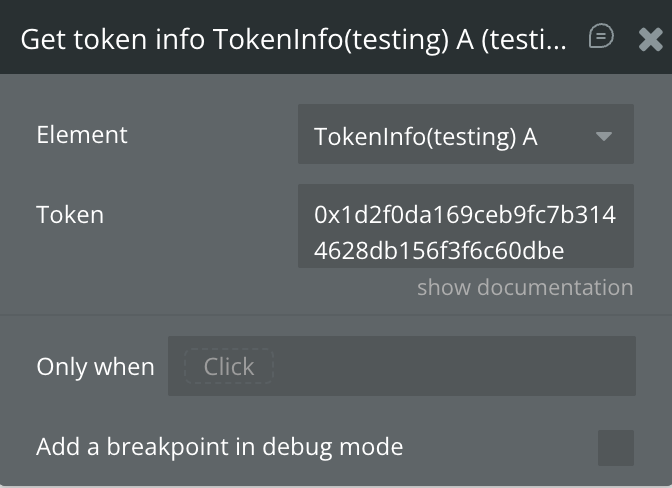
- Access the results via the element’s exposed states (Response, Error) to display data in your UI.
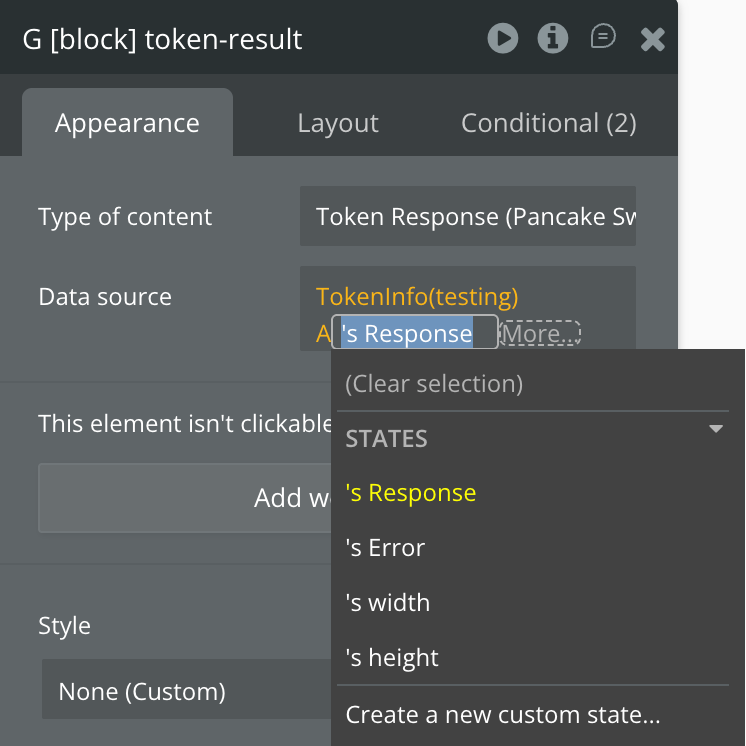
No API keys or additional configuration steps are needed.
Plugin Element Properties
The plugin contains one invisible element — Token Info — which acts as the data handler for fetching and storing cryptocurrency token information.
Token Info
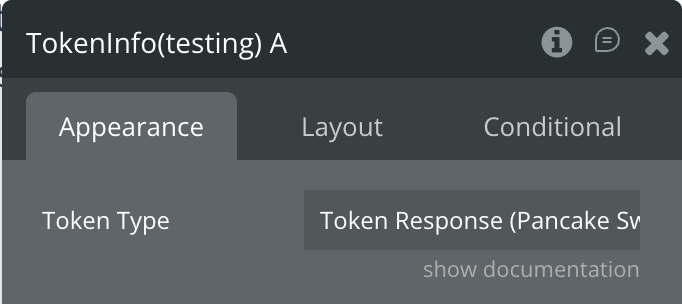
Fields:
Title | Description | Type |
Token Type | Select the API response type — Token Response (Pancake Swap API). This enables correct typing for the Response exposed state. | Custom Type |
Element Actions
Fields:
Exposed states
Response structure
Workflow example
