
✅
Link to the plugin page: https://zeroqode.com/plugin/emoji-one-area-picker-plugin-for-bubble-1728515303540x733155098510048500
Demo to preview the plugin:
✅
Introduction
Emoji One Area Picker is a lightweight jQuery - powered plugin that transforms any HTML element into a simple WYSIWYG editor with built-in emoji support using Emoji one icons. While users interact visually with emoji icons, the final output is always stored as secure plain text, with all emoji images automatically converted to their Unicode equivalents.
Key Features
- Convert any HTML element into an emoji-enabled WYSIWYG editor using Emojione.
- Produces clean, safe text/plain output by replacing emoji images with Unicode characters.
- Lightweight, fast, and built with a minimal jQuery footprint.
- Enables users to insert emojis visually while preserving secure backend text handling.
- Ideal for chat interfaces, comments, community posts, messaging tools, and feedback forms.
- Ensures safe database storage by converting emojis into Unicode text rather than images.
- Easily integrates into Bubble through plugin elements and workflows.
- Fully responsive and compatible with modern browsers.
Prerequisites
- Basic understanding of how to add and configure elements in Bubble.
- Ensure ID attributes are enabled in Settings → General (if you plan to target specific elements).
- Bubble’s built-in jQuery must be active (no conflicting custom scripts).
- Database fields should support text, since emojis are stored as Unicode.
- Use a modern browser that supports emoji rendering.

How to setup
Step 1 – Install the Plugin
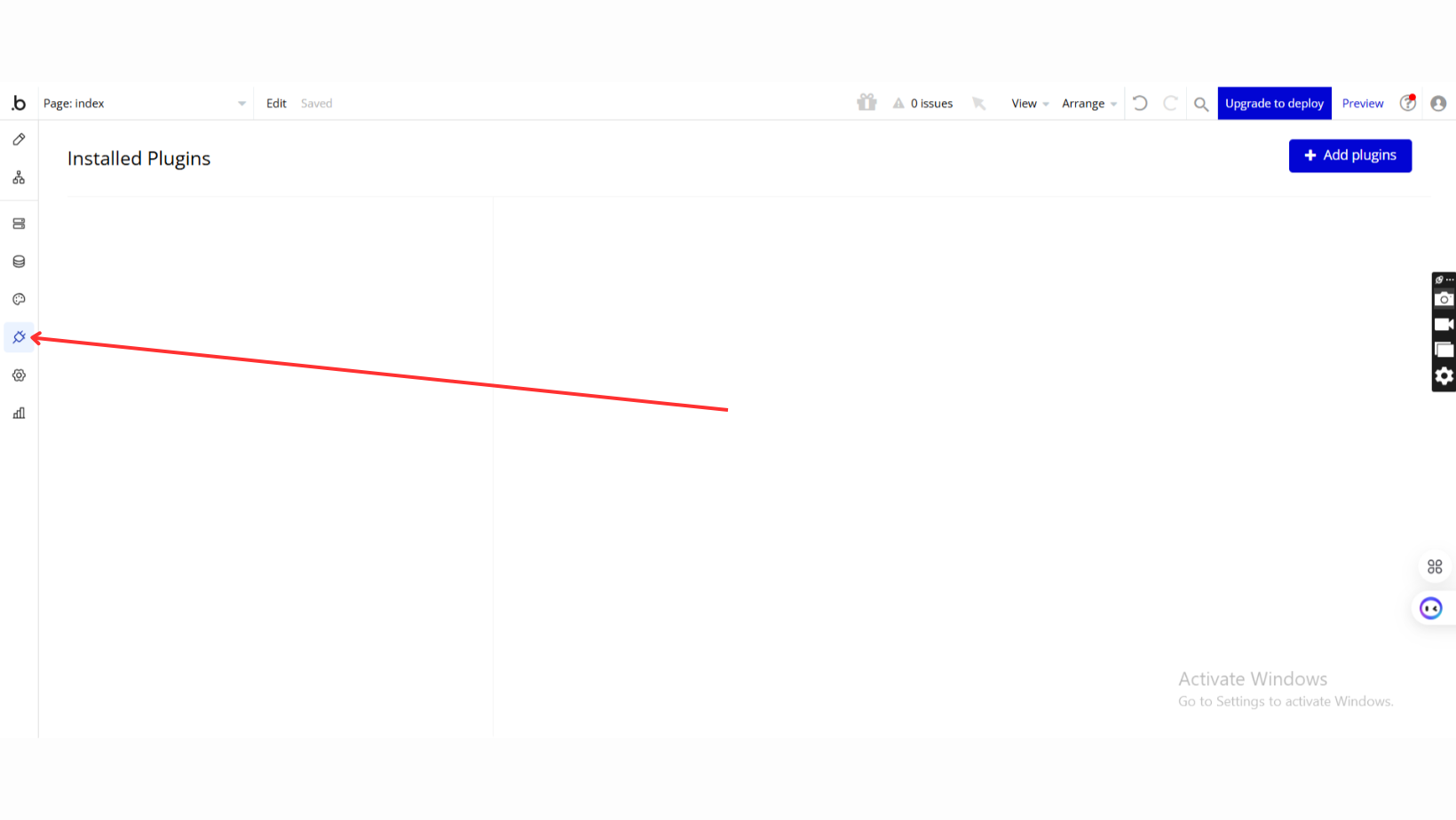
- Go to the Plugin Tab
- Open your Bubble Editor.
- Navigate to the Plugins tab on the left panel.
- Add Plugins
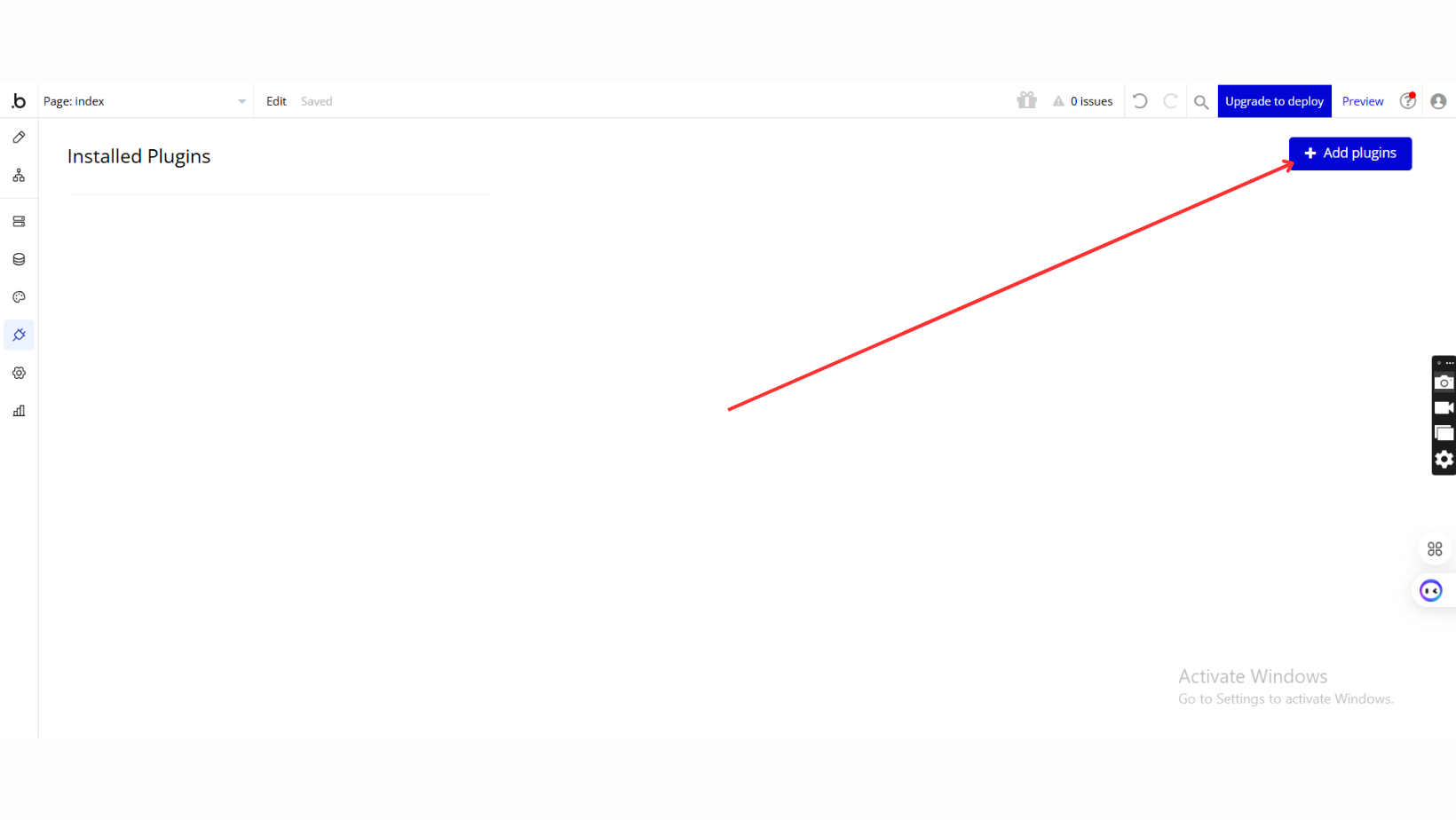
- Once in the Plugins tab, click the Add Plugins button.
- Search for the Plugin
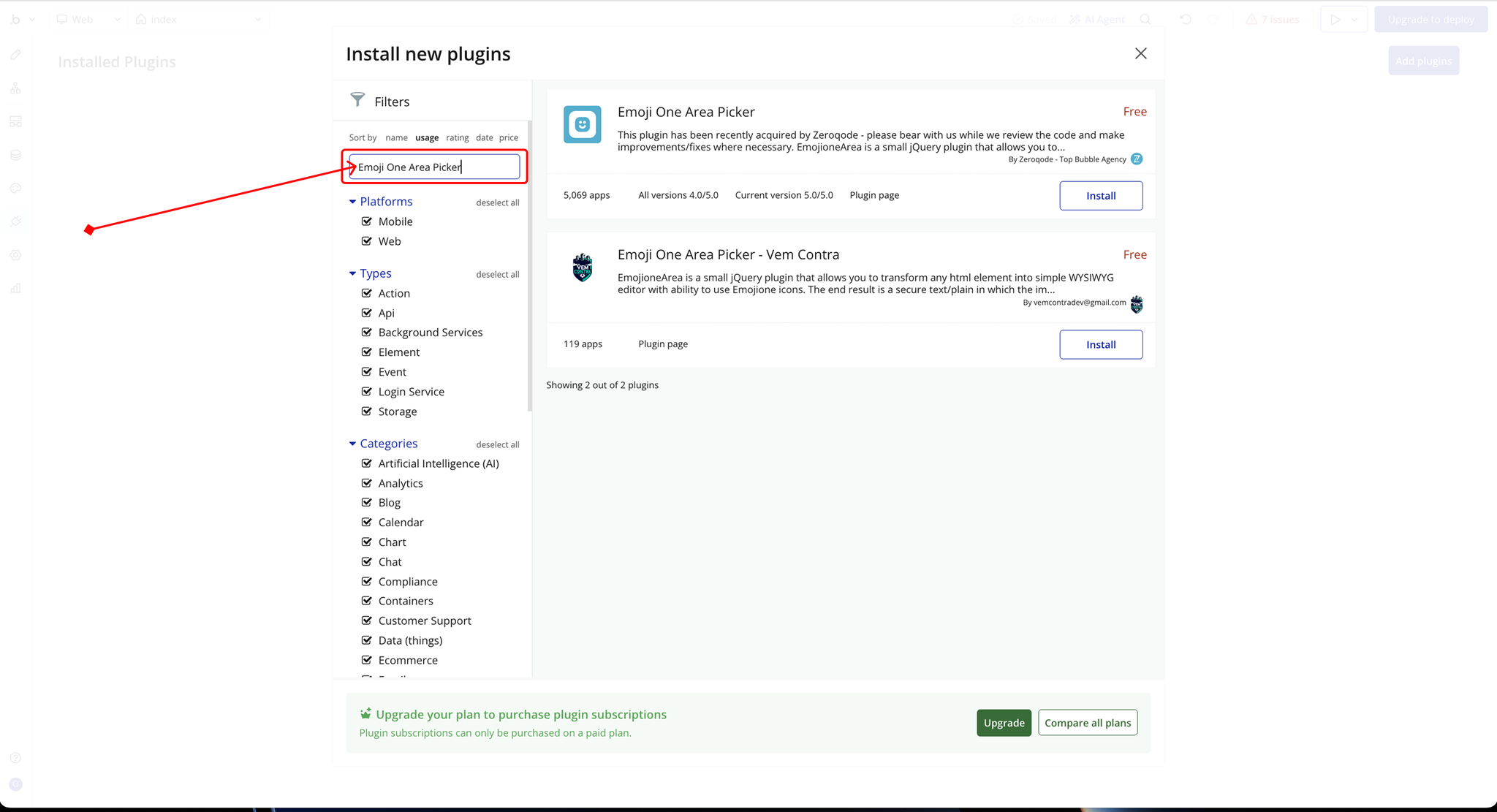
- Use the search bar to type Emoji One Area Picker.
- Locate the plugin in the search results.
- Install/Buy
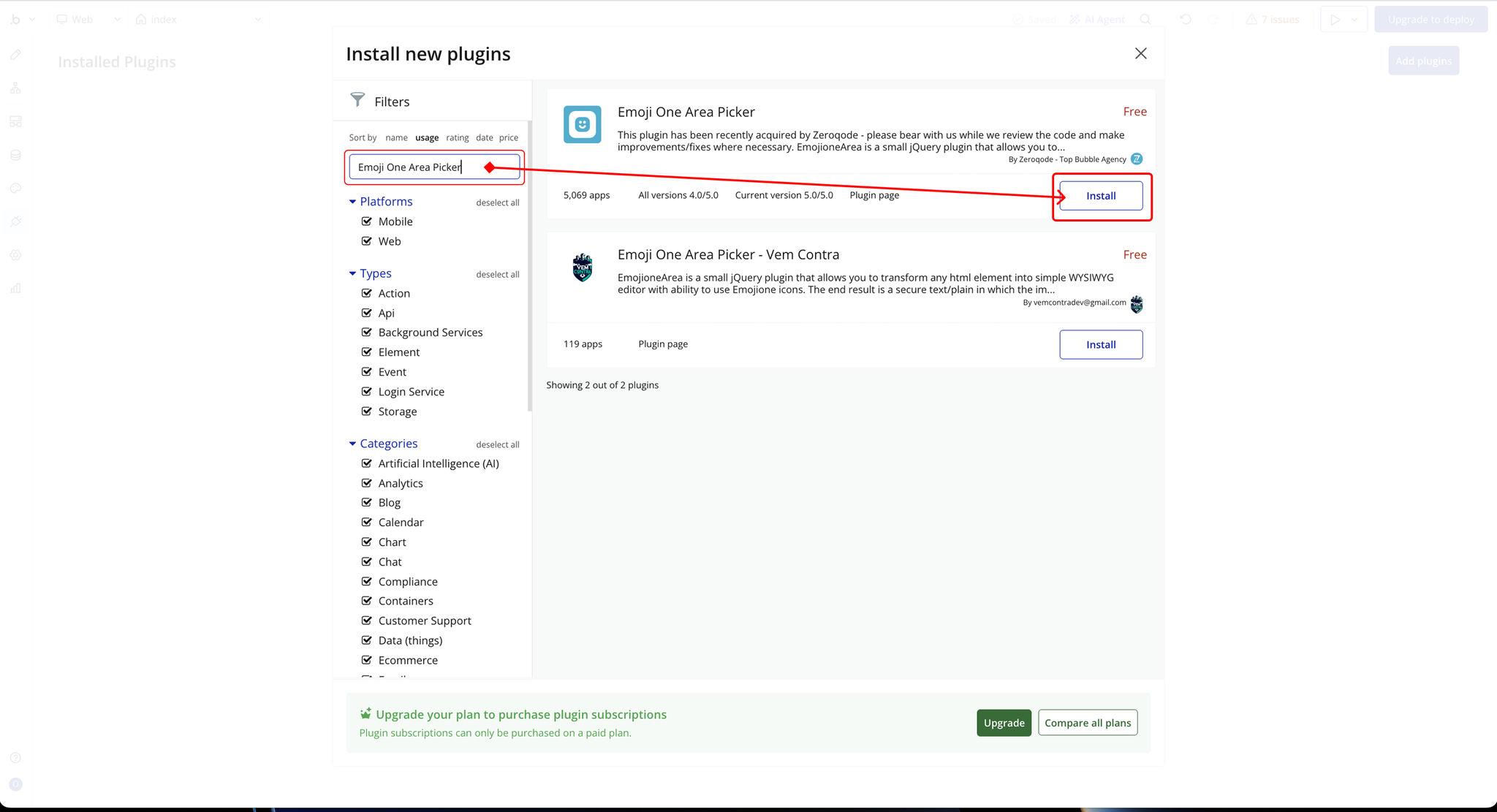
- If the plugin is free, click Install to add it to your application.
- For a paid plugin, click Buy and follow the purchase instructions.
- Payment Information (For Paid Plugins)
- If the plugin is a paid one, fill in your payment details and make payment.
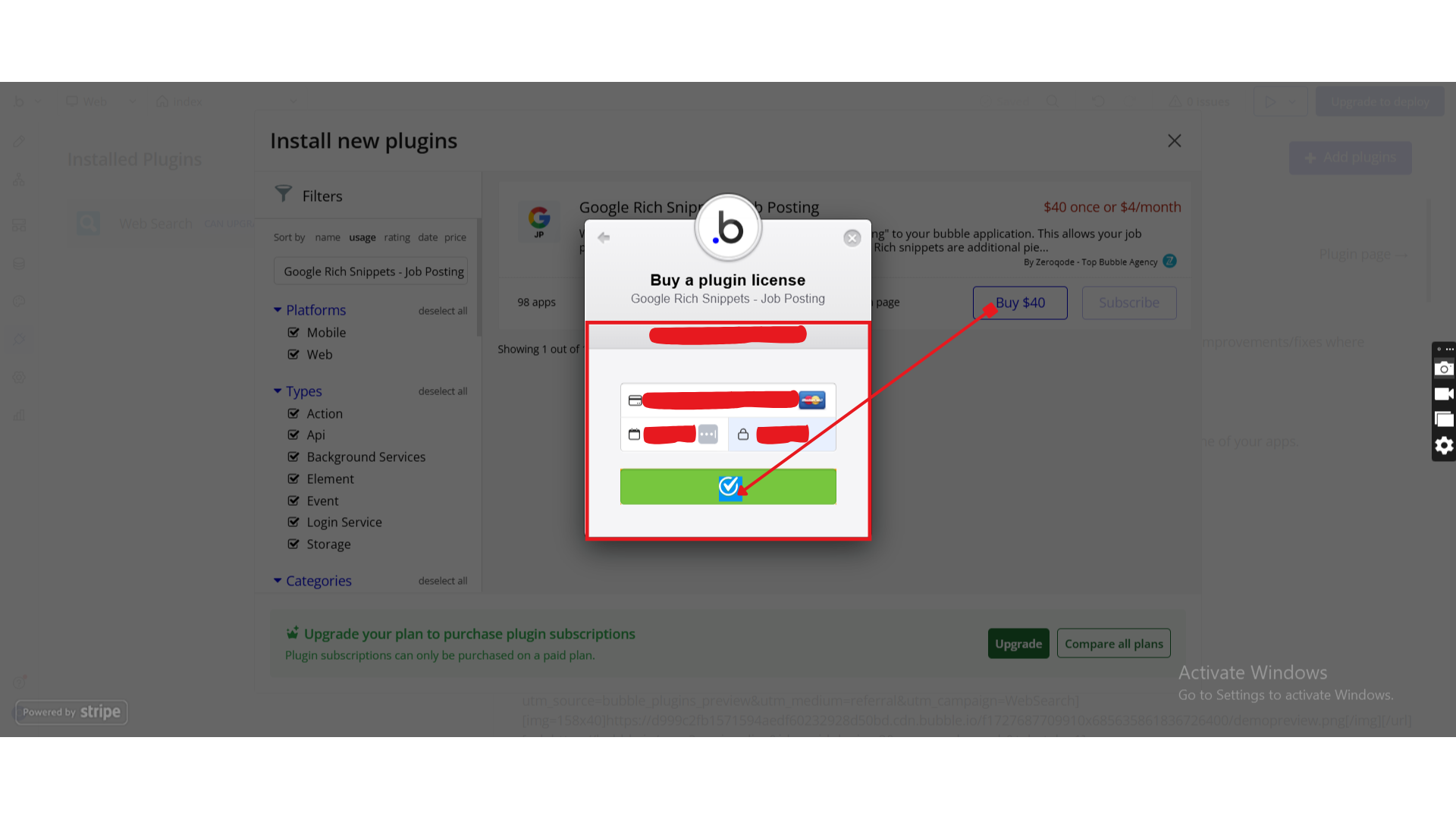
- Charges will be added to your Bubble billing account.
- Remember, if you unsubscribe from the plugin shortly after installation, charges will be prorated based on the days used.
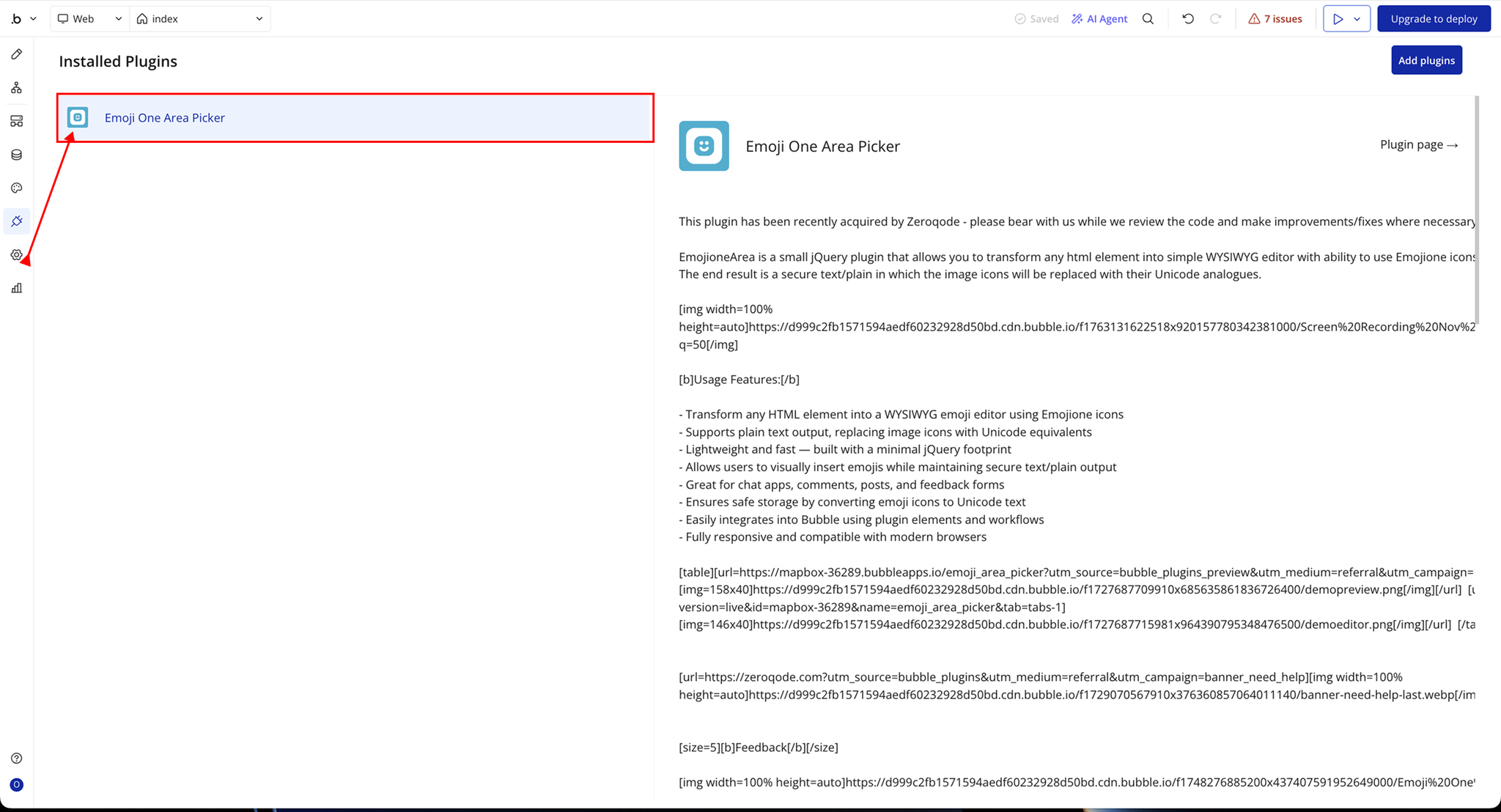
- Plugin Installed
- Once installed, the plugin will appear under the Installed Plugins list in your Bubble Editor.
Step 2 – Add the Plugin Element to Your Page
- Open the Design tab in your Bubble editor.
- Search for the EmojiOA element in the Elements panel.
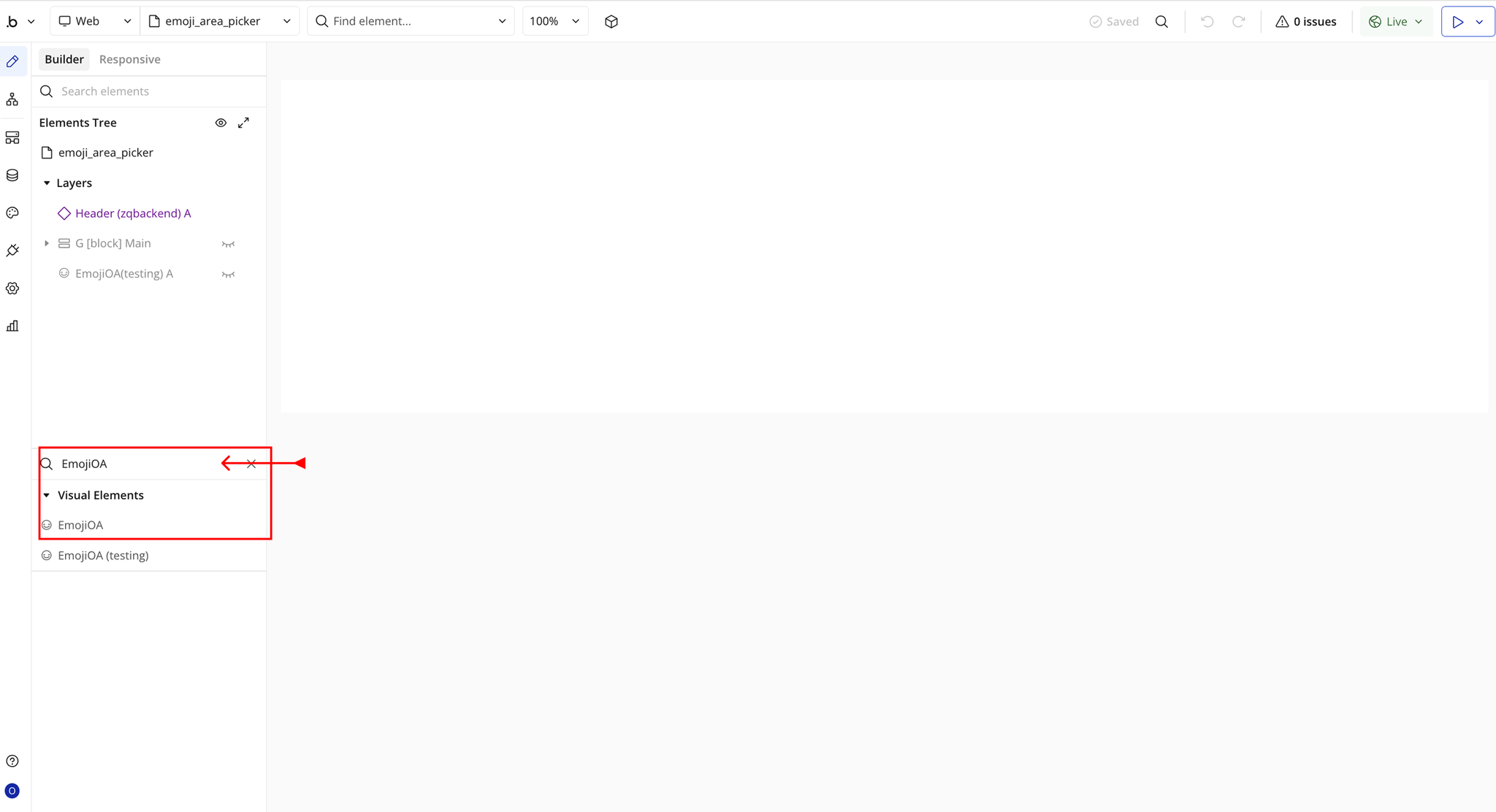
- You’ll see one option:
- EmojiOA
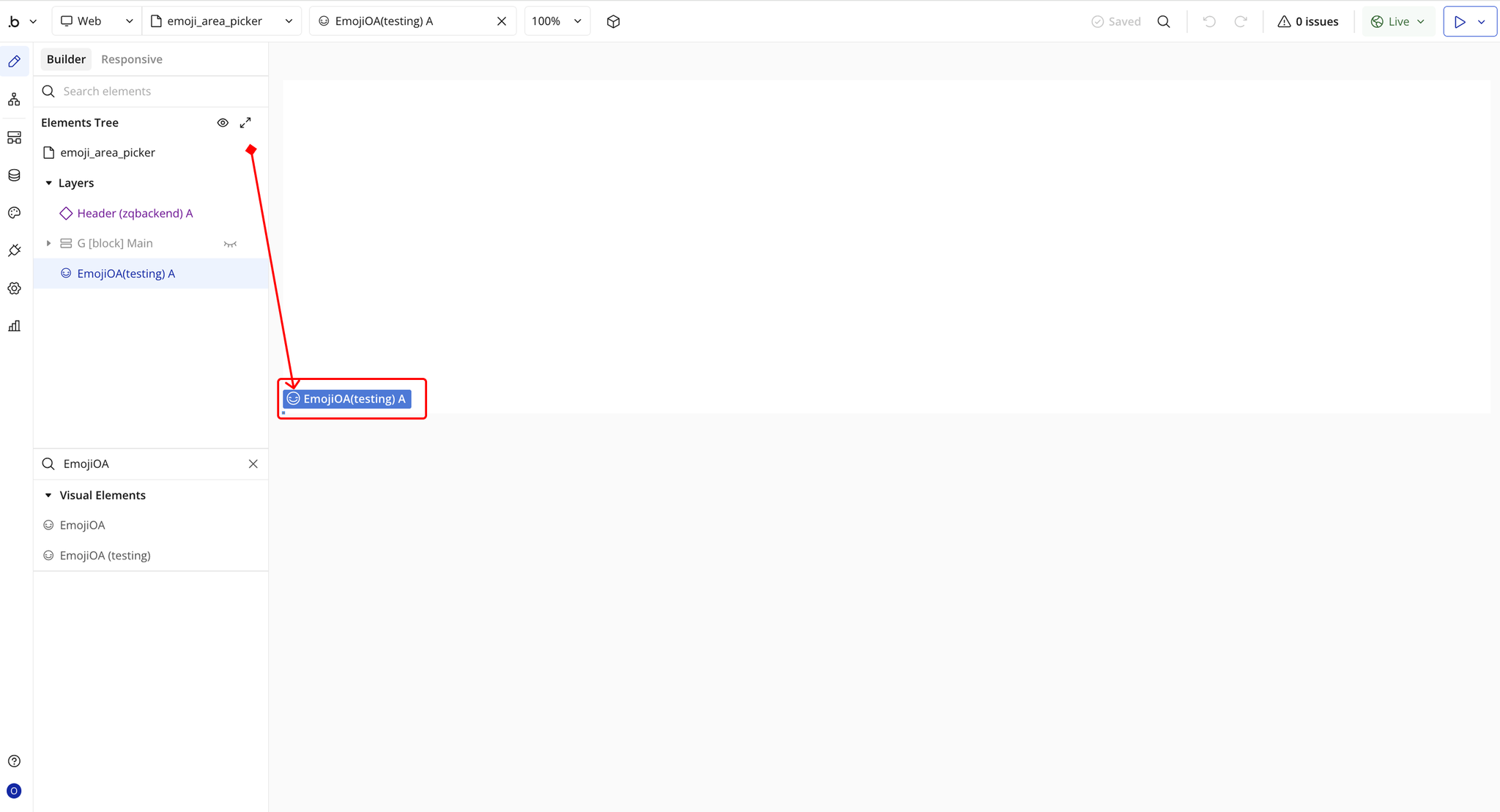
- Drag and drop the element onto your page.
Step 3 – Configure Properties
Select the element and configure its properties in the Property Editor.
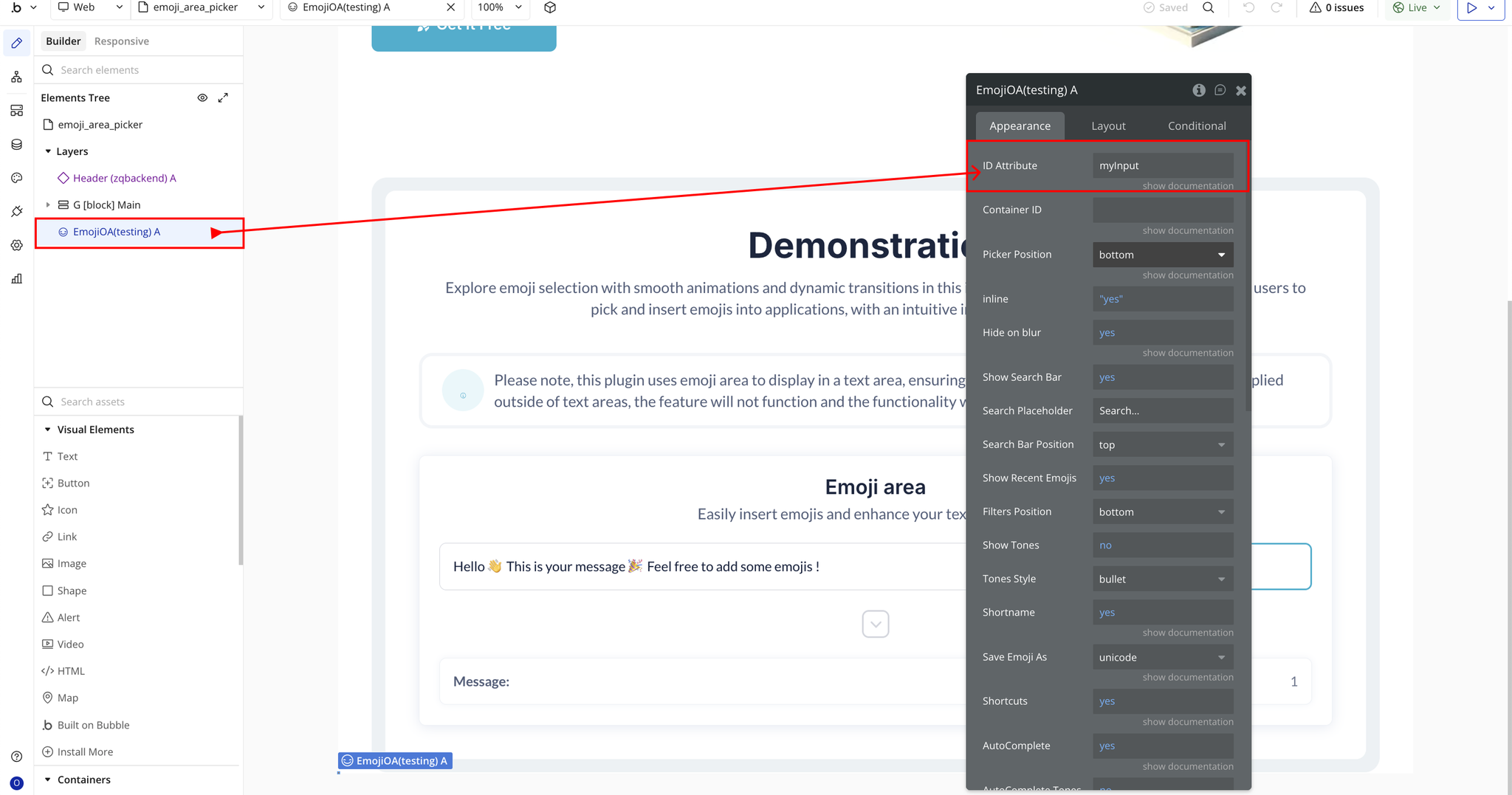
- ID Attribute → ID of the Bubble input you want to convert into an emoji editor. Requires the “ID attribute” setting enabled.
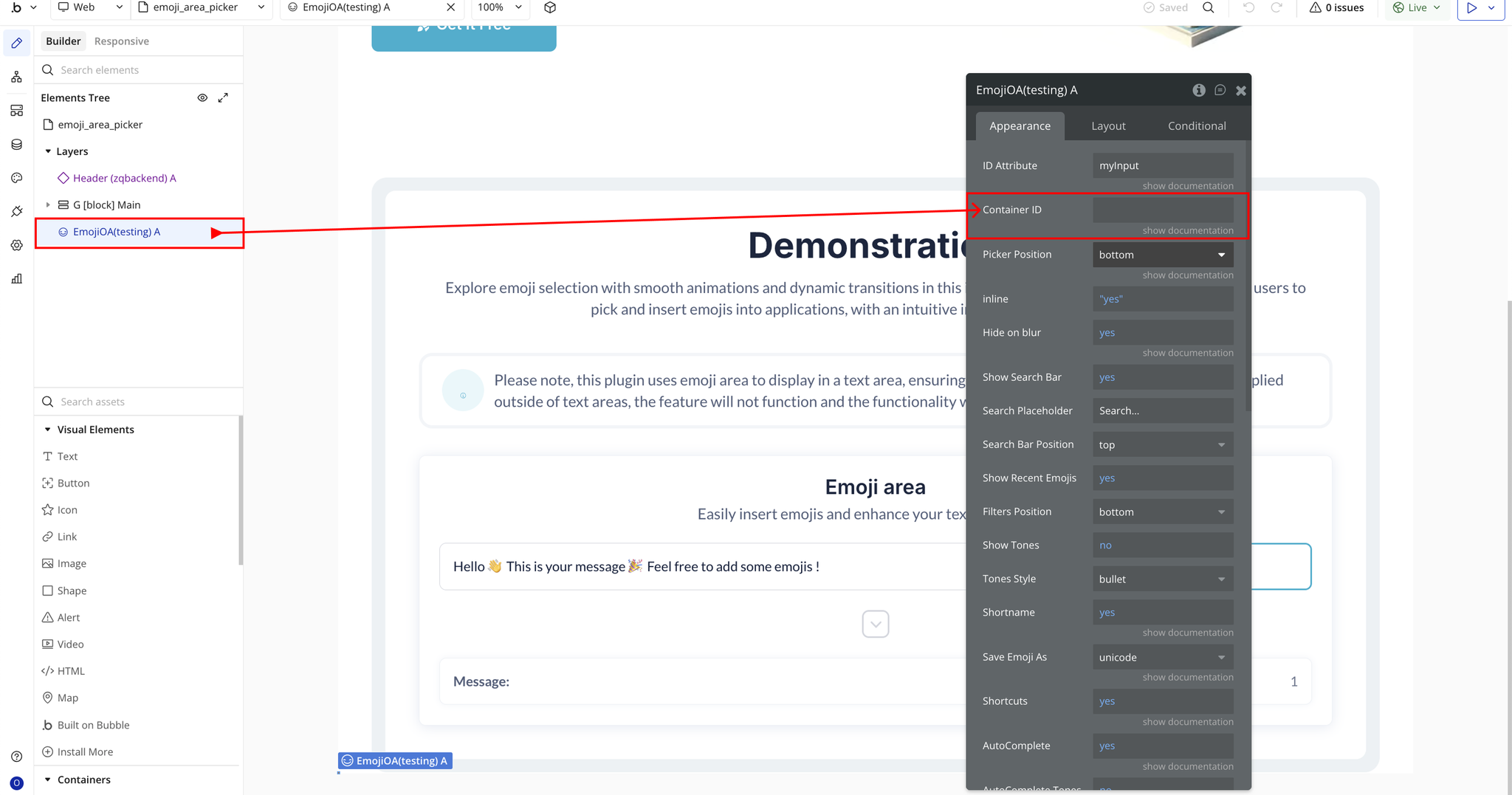
- Container ID → ID of the custom container want to convert into an emoji editor.
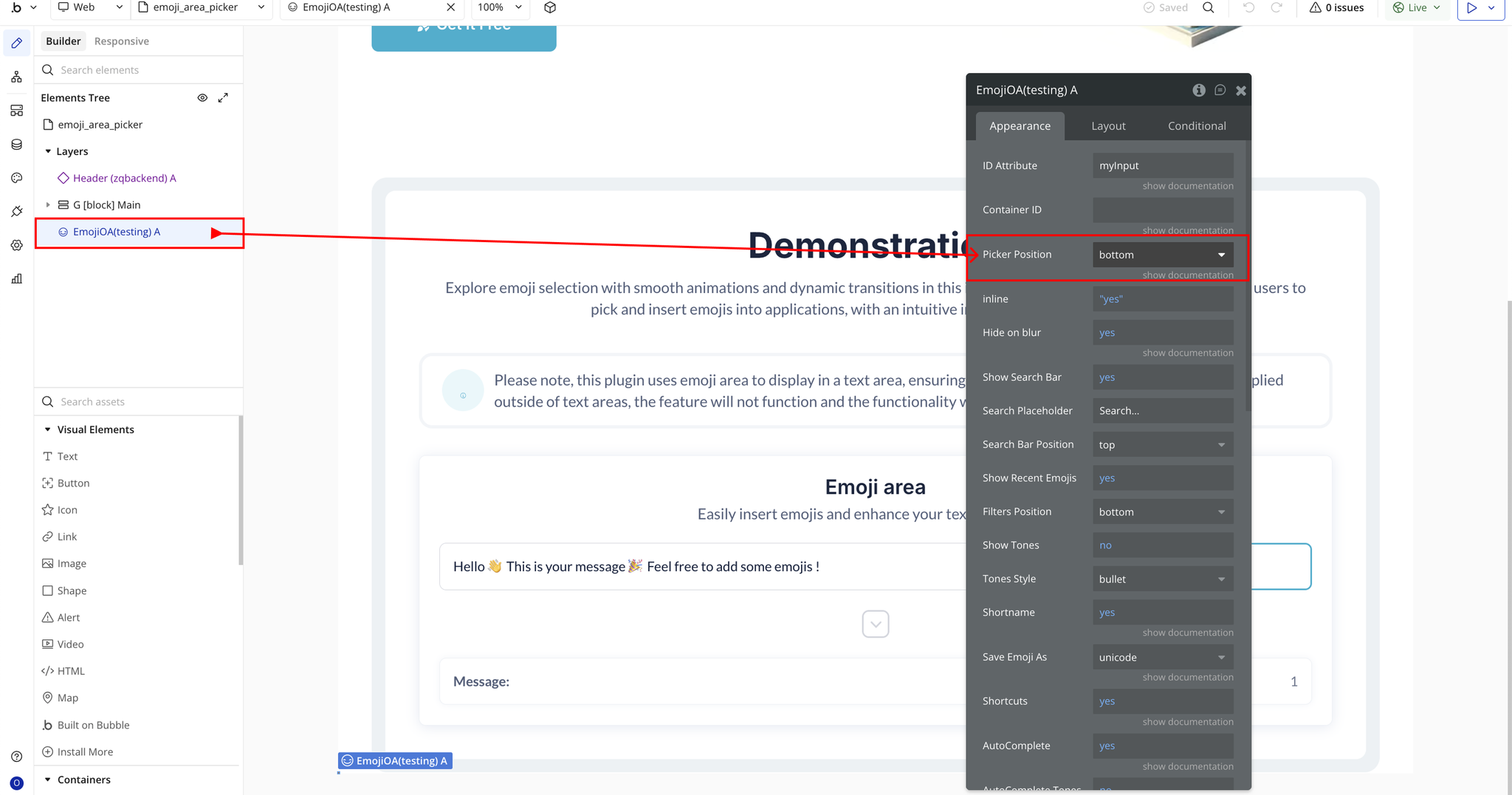
- Picker Position → Where the emoji picker appears (top, right, bottom).
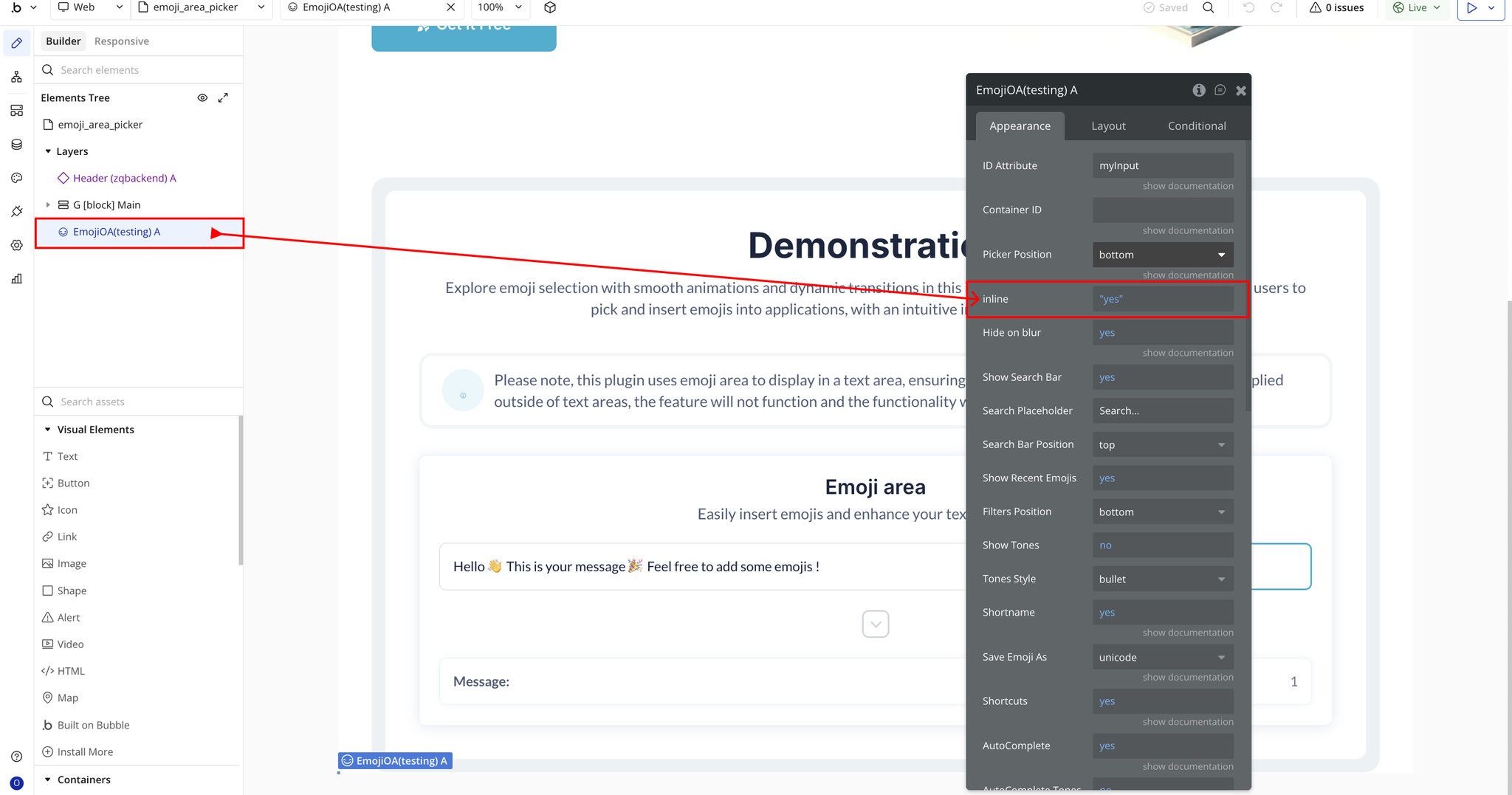
- Inline → Shows the emoji picker inline instead of as a popup.
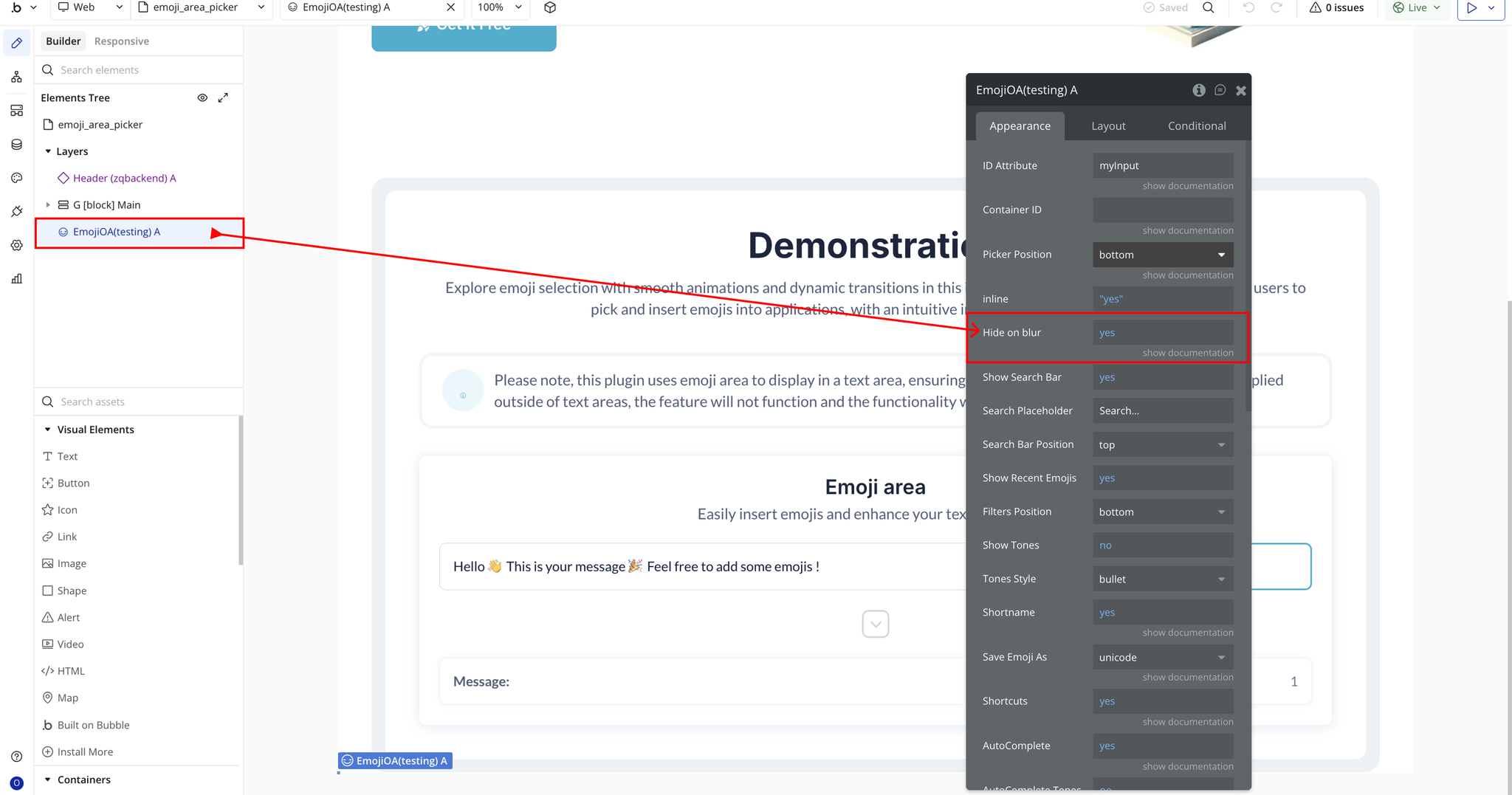
- Hide on blur → Hides the picker when clicking outside.
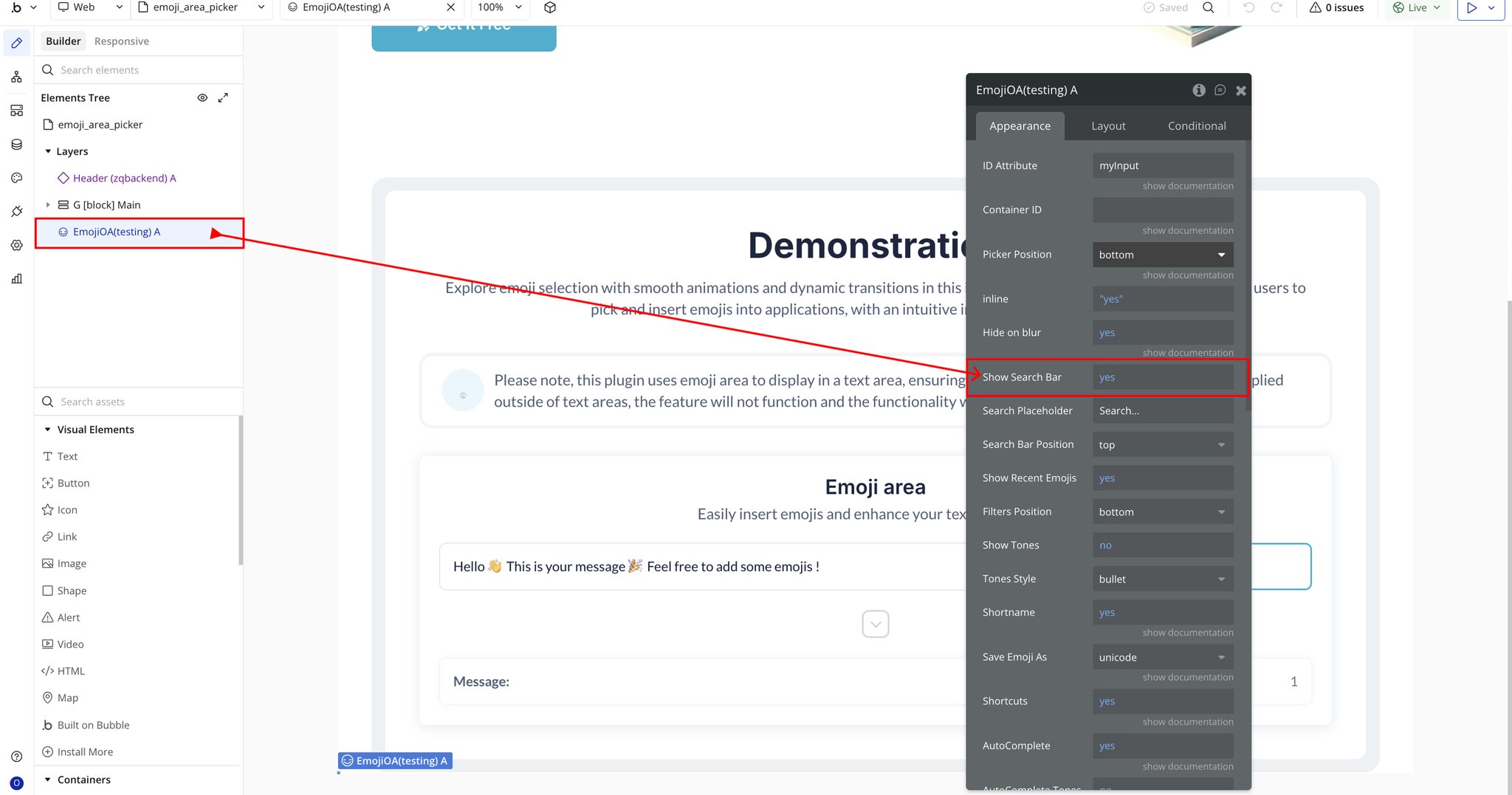
- Show Search Bar → Enables the emoji search bar.
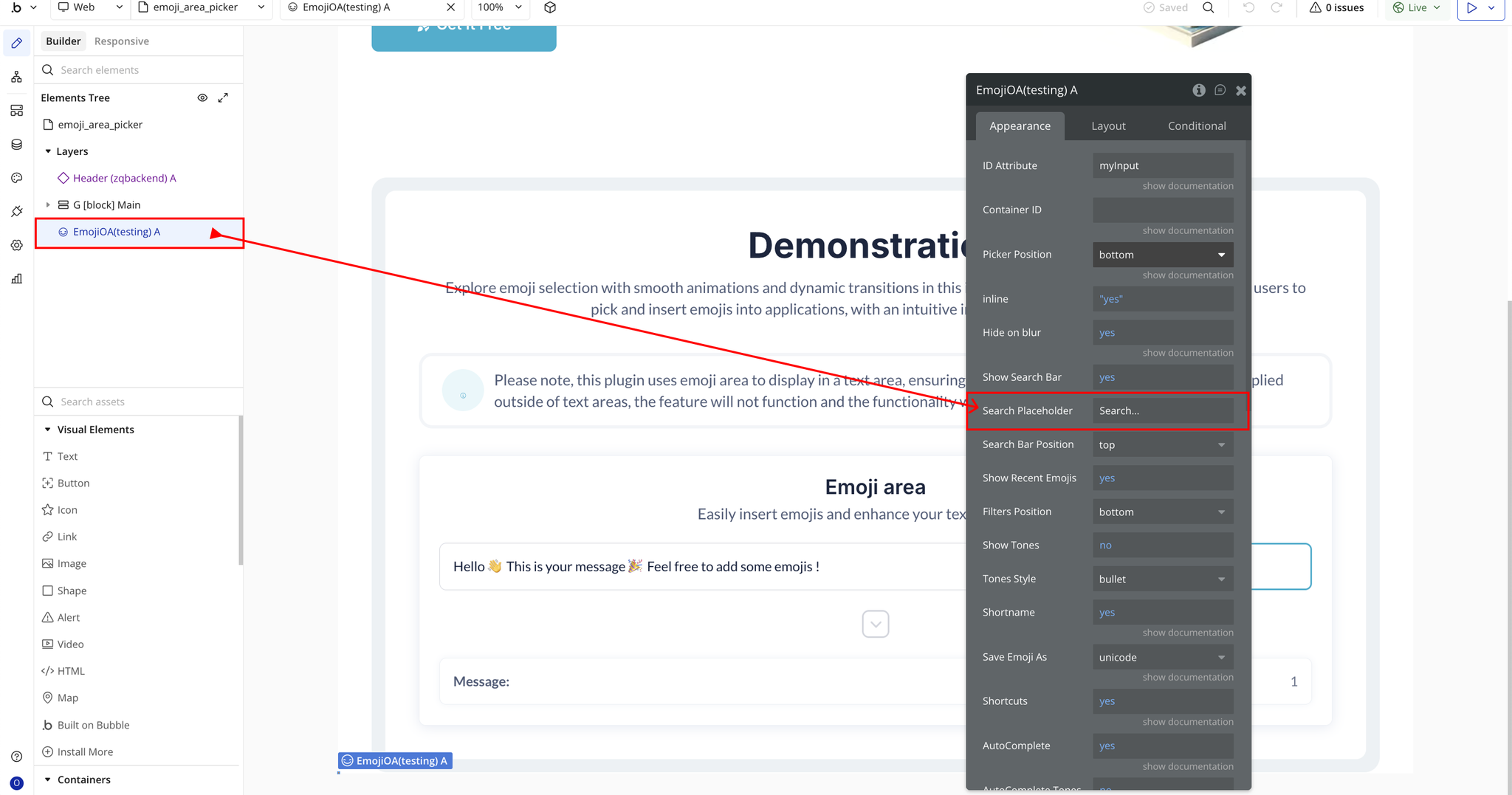
- Search Placeholder → Text appearing inside the search bar.
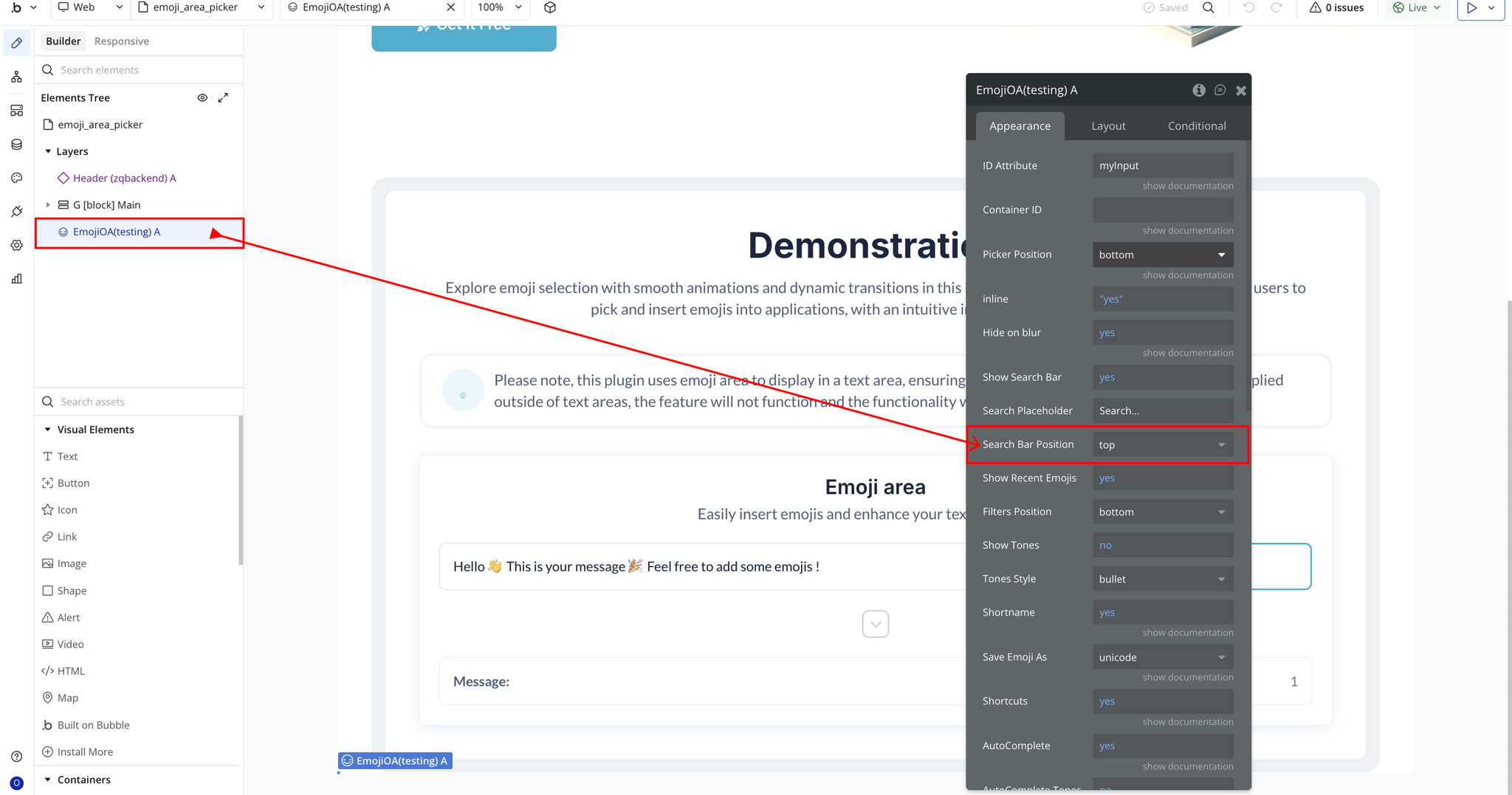
- Search Bar Position → Places the search bar at the top or bottom of the picker.
- Show Recent Emojis → Shows recently used emojis.
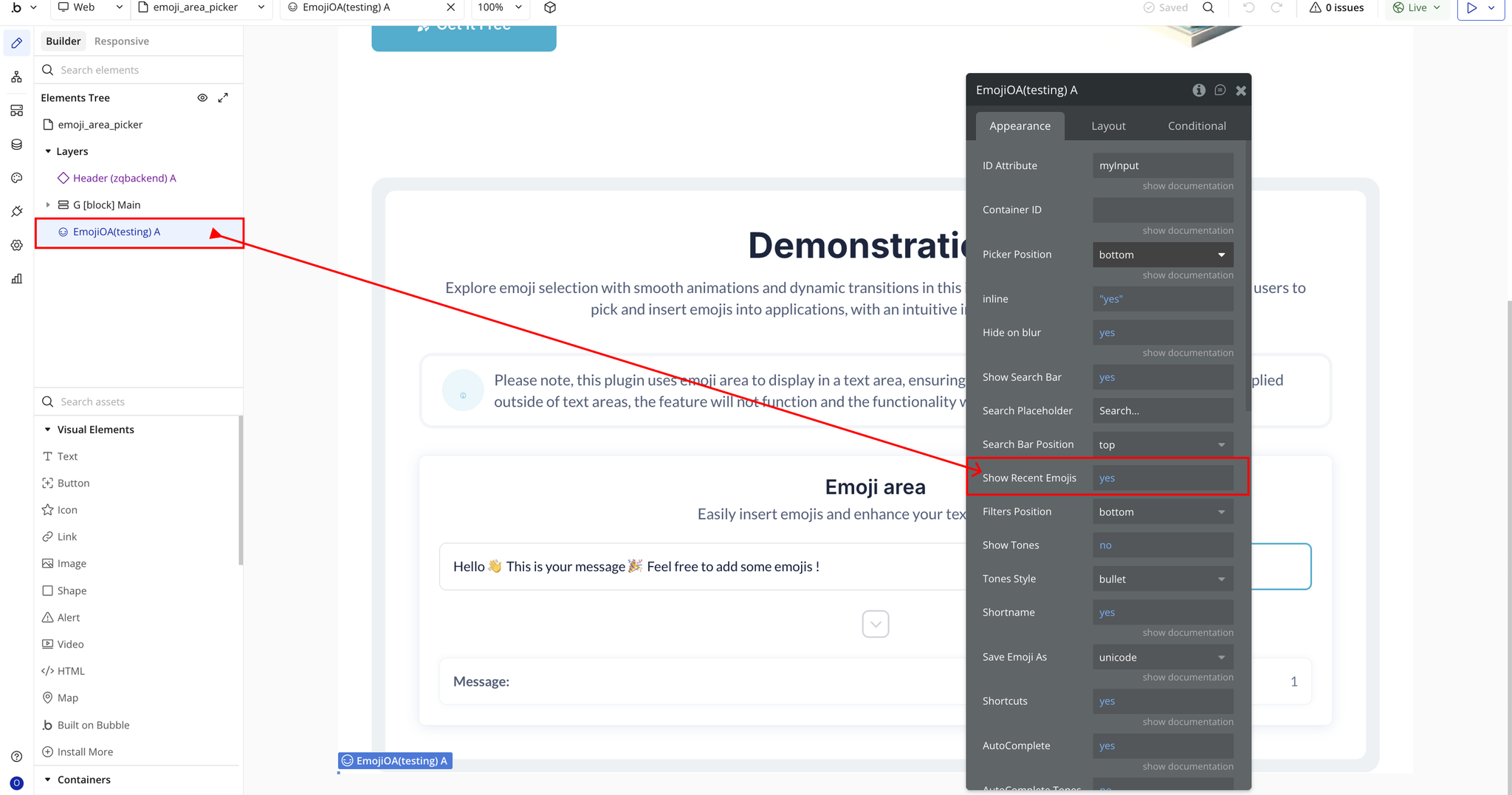
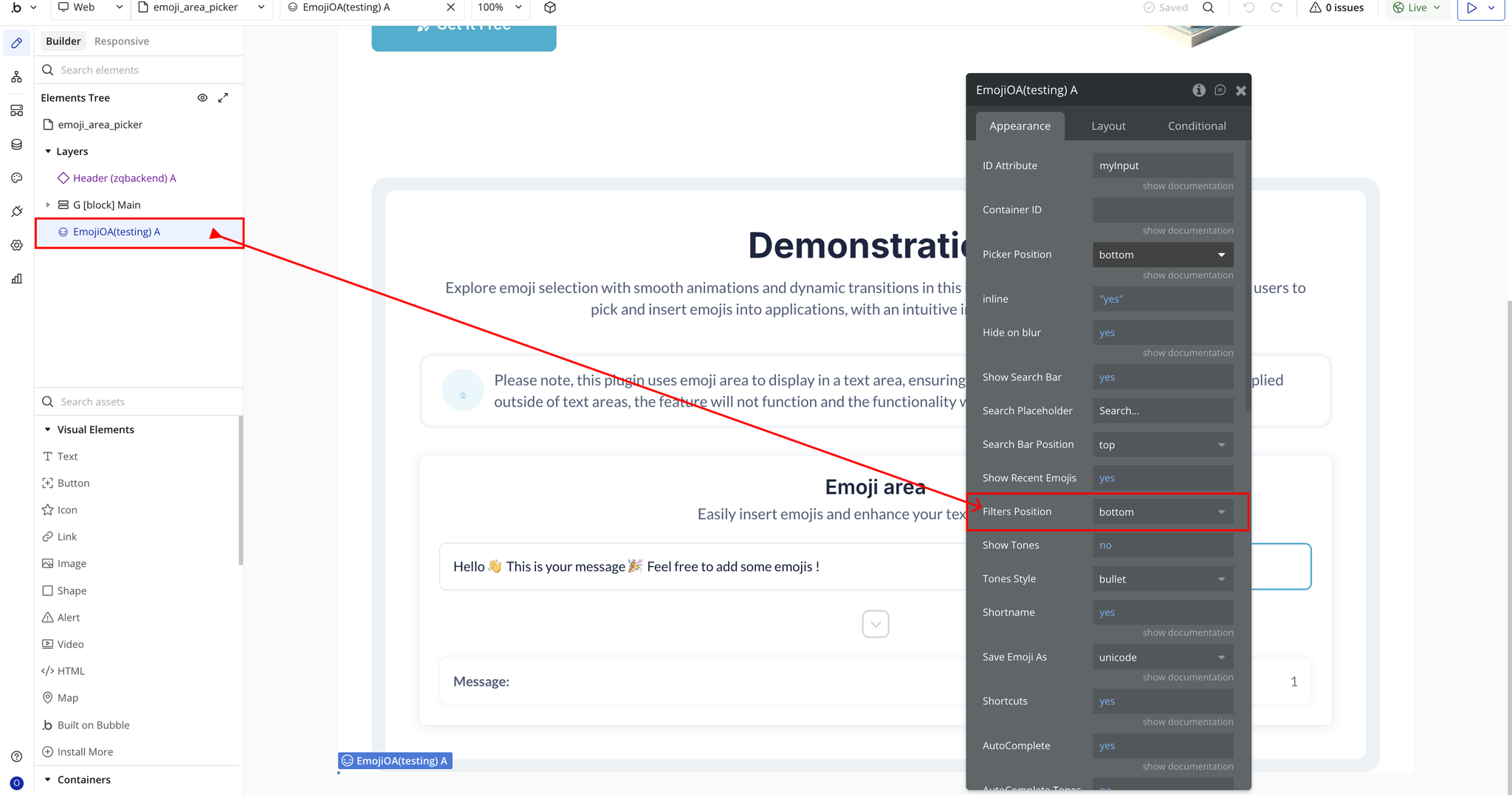
- Filters Position → Places category filters at the top or bottom.
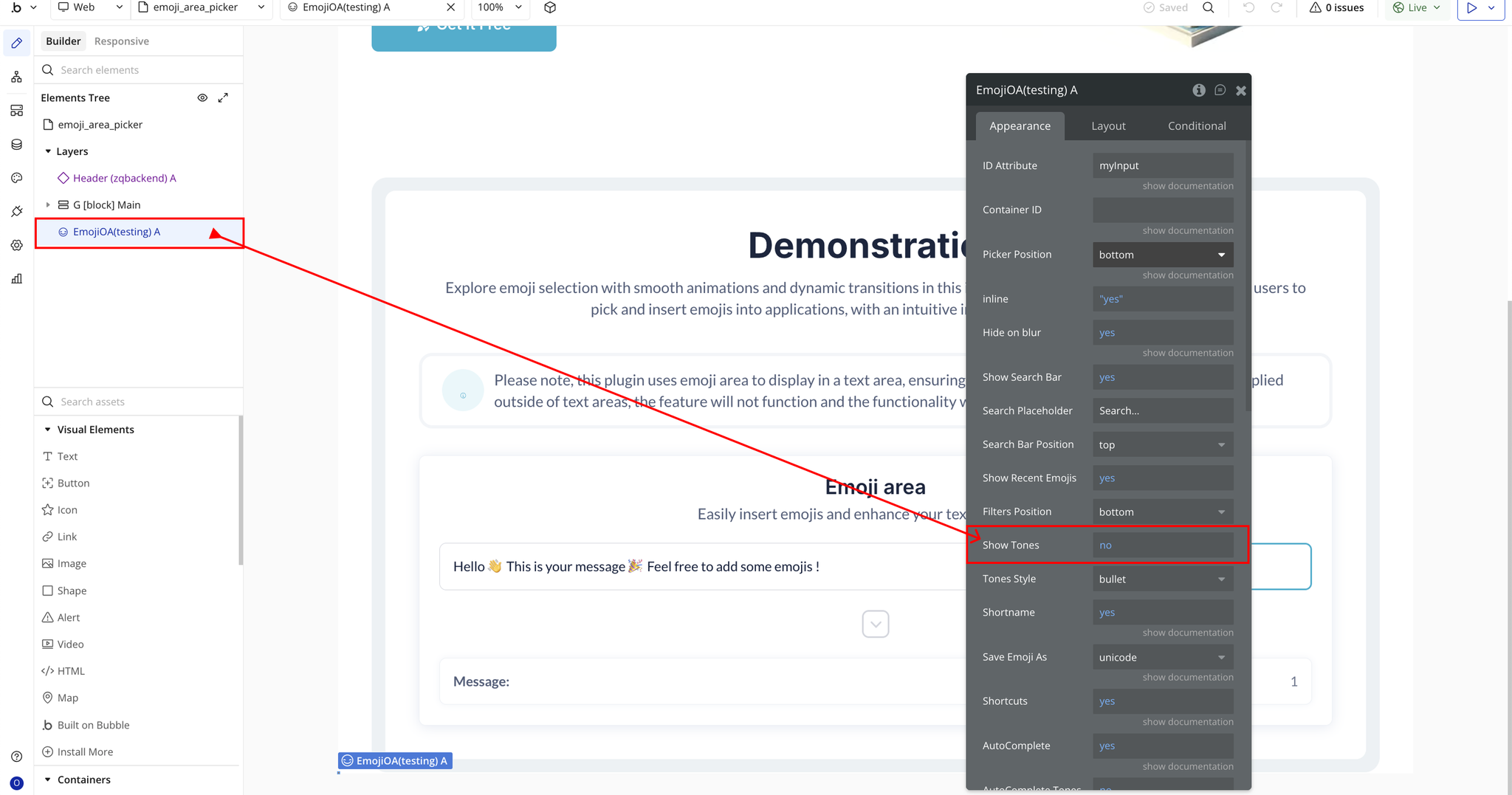
- Show Tones → Enables skin tone selection.
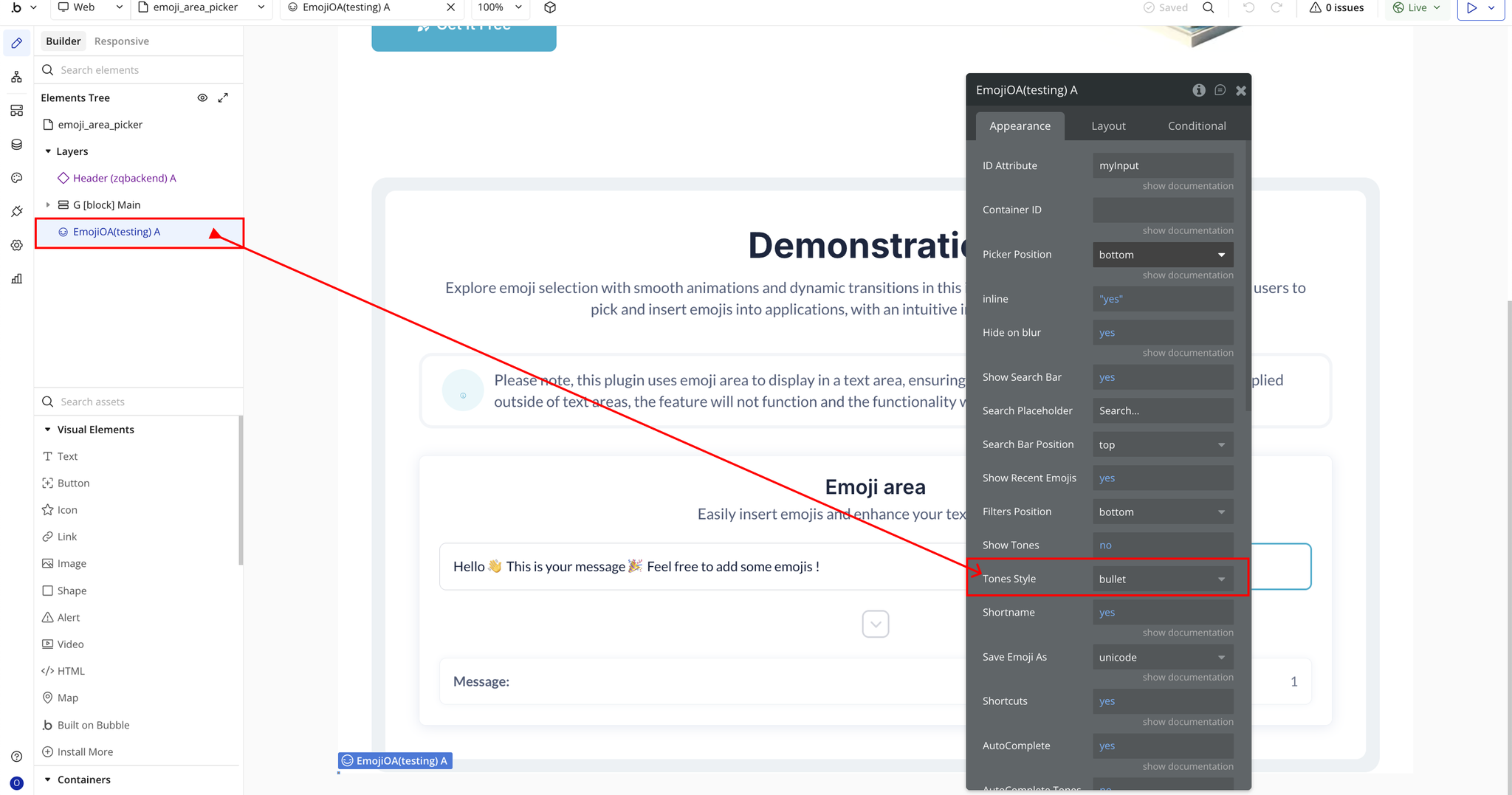
- Tones Style → Style of tone selector: bullet, radio, square, checkbox.
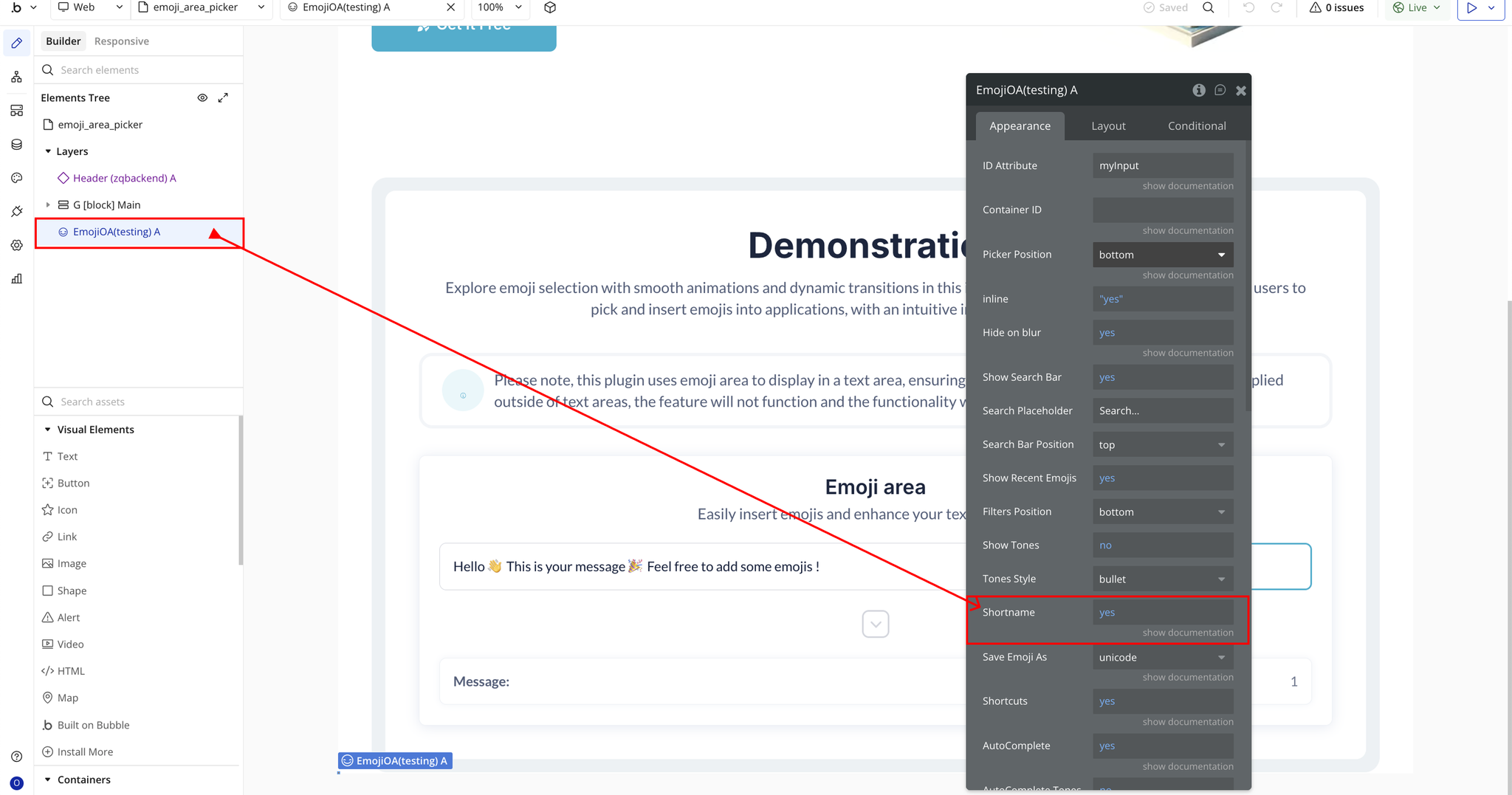
- Shortname → Allows use of emoji shortcodes like
:smile:.
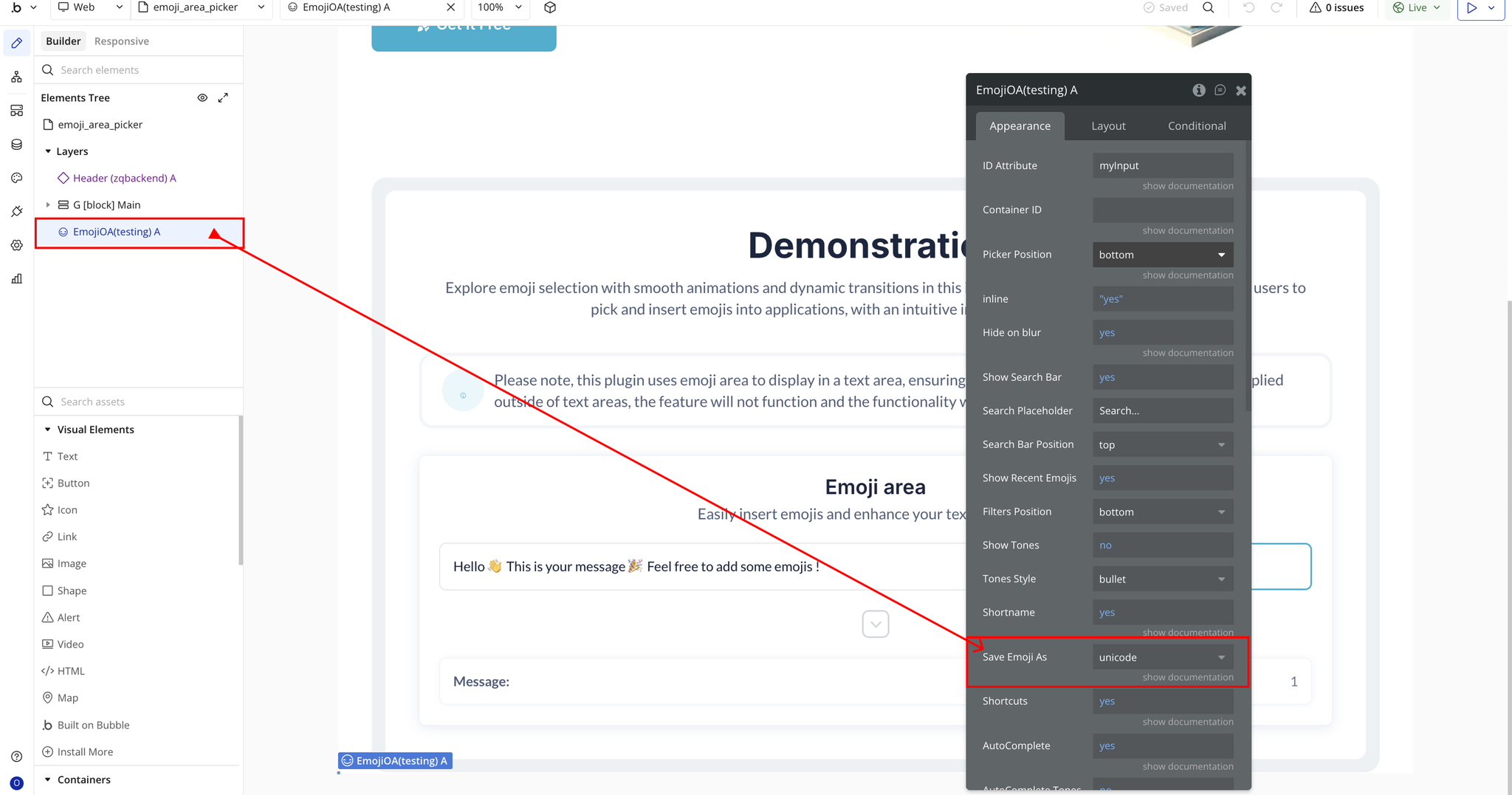
- Save Emoji As → Save emojis as unicode, shortname, or image.
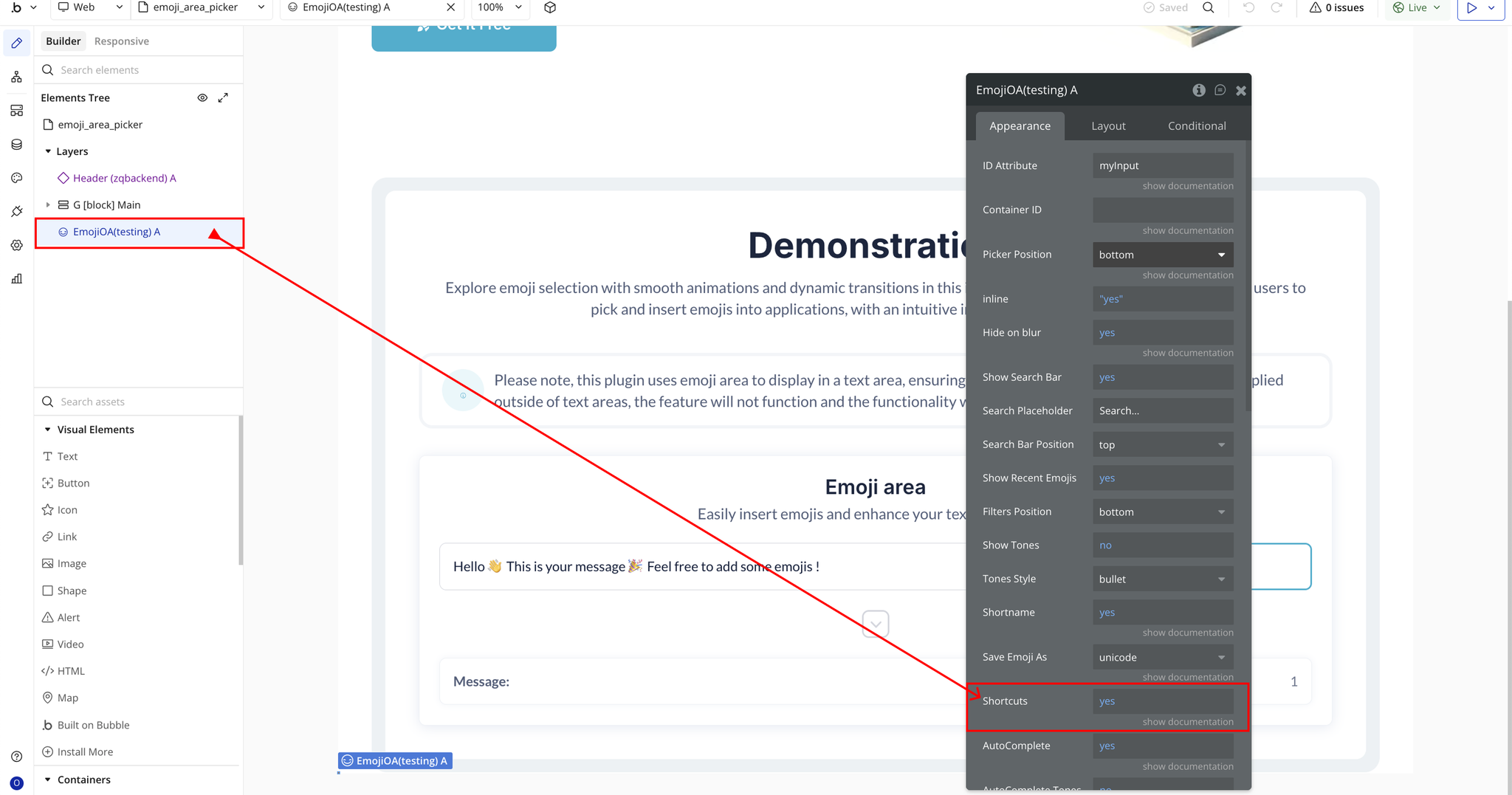
- Shortcuts → Enables keyboard shortcuts such as TAB to open.
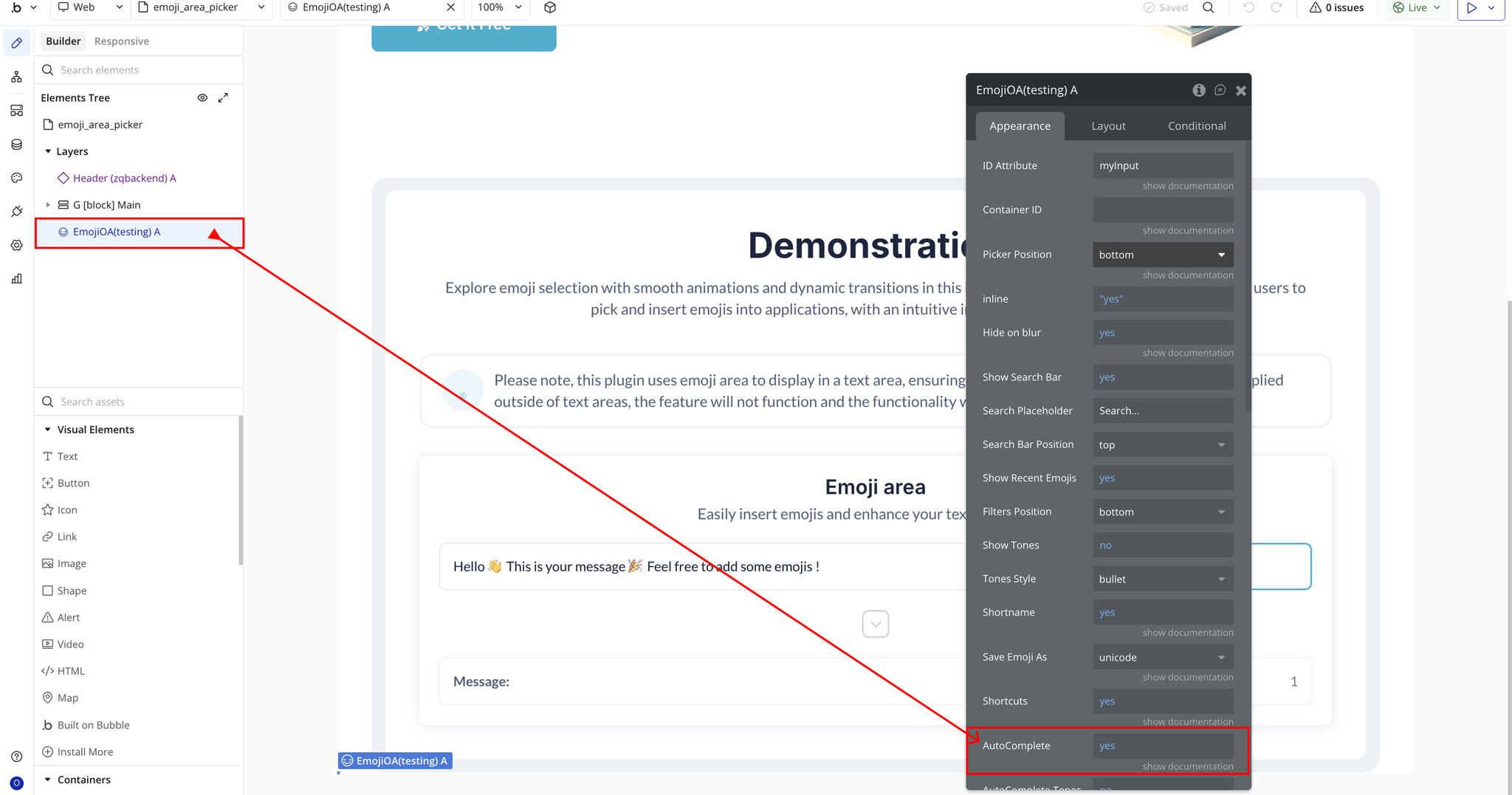
- AutoComplete → Shows emoji suggestions when typing “:”.
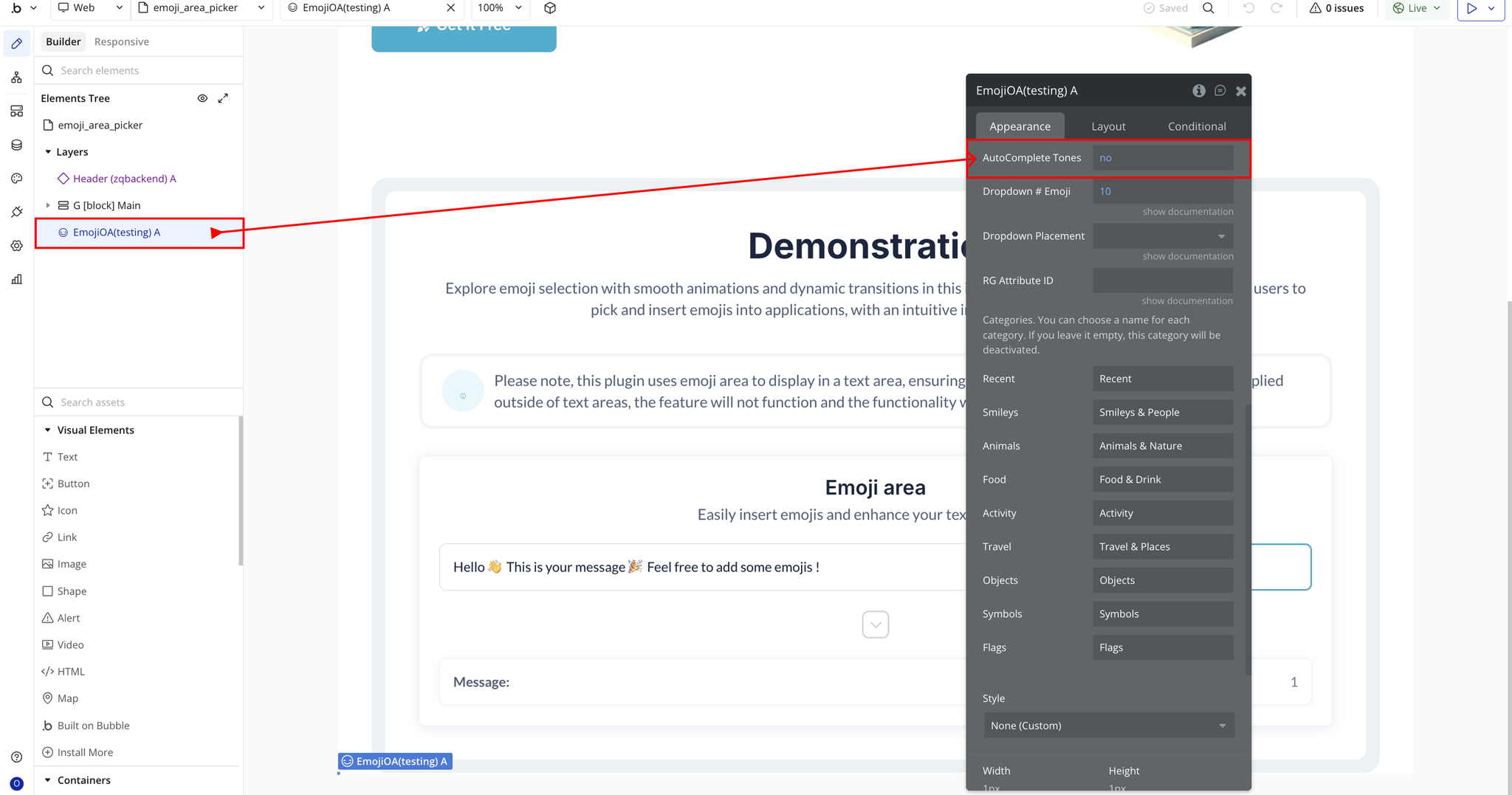
- AutoComplete Tones → Includes skin tone variations in autocomplete.
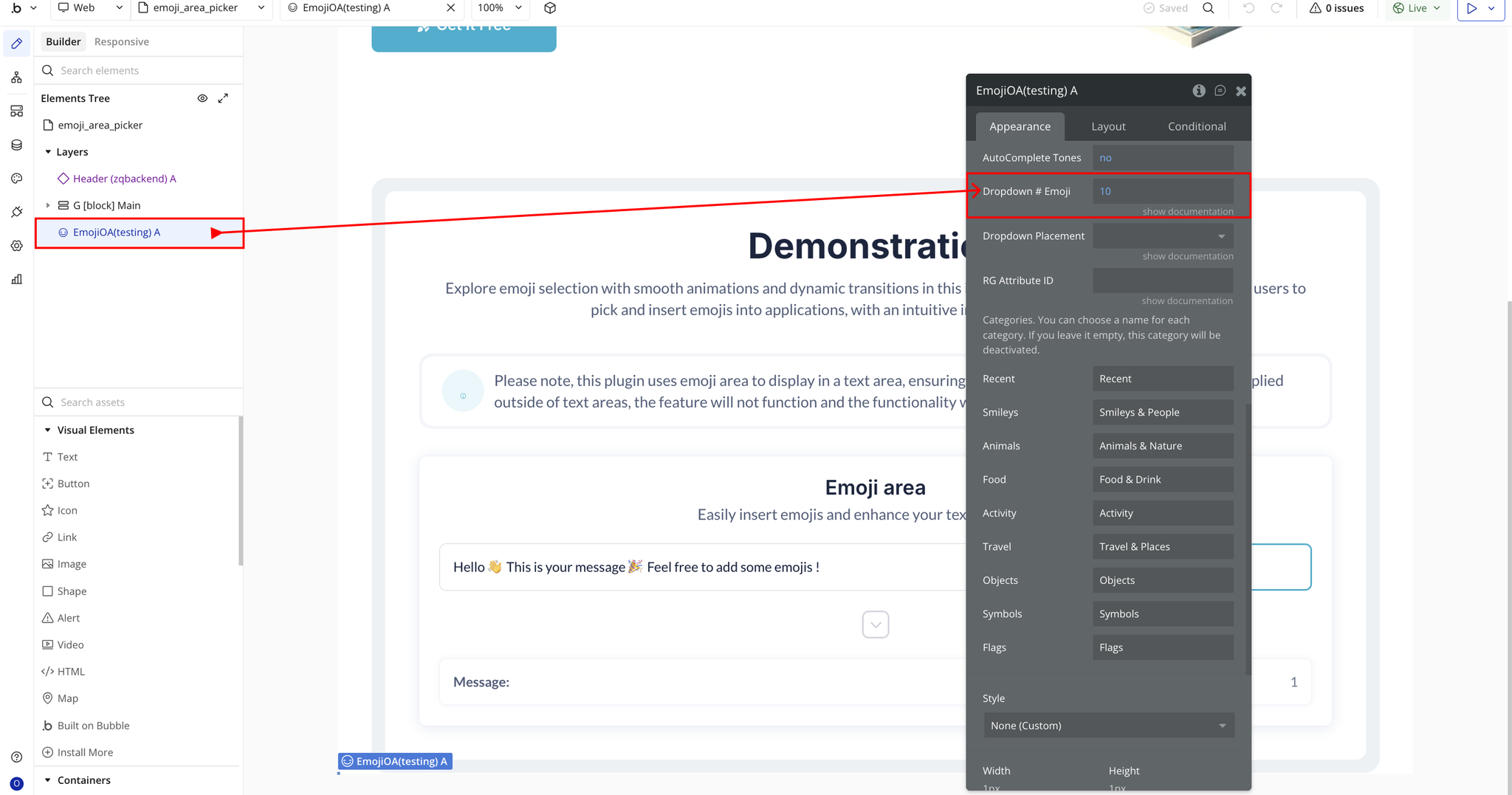
- Dropdown # Emoji → Number of emojis shown in autocomplete dropdown.
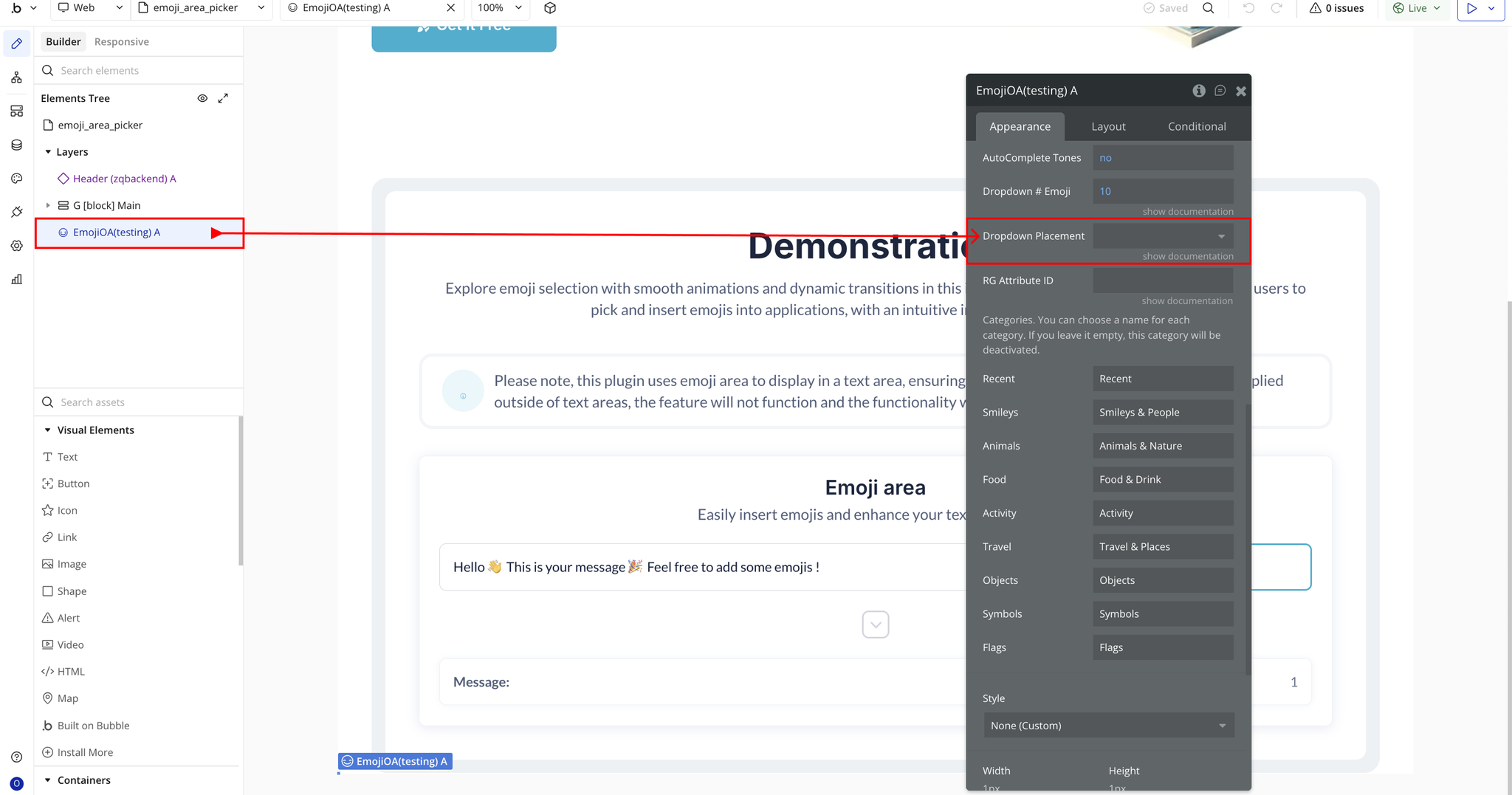
- Dropdown Placement → Position of autocomplete dropdown (top, absleft, absright).
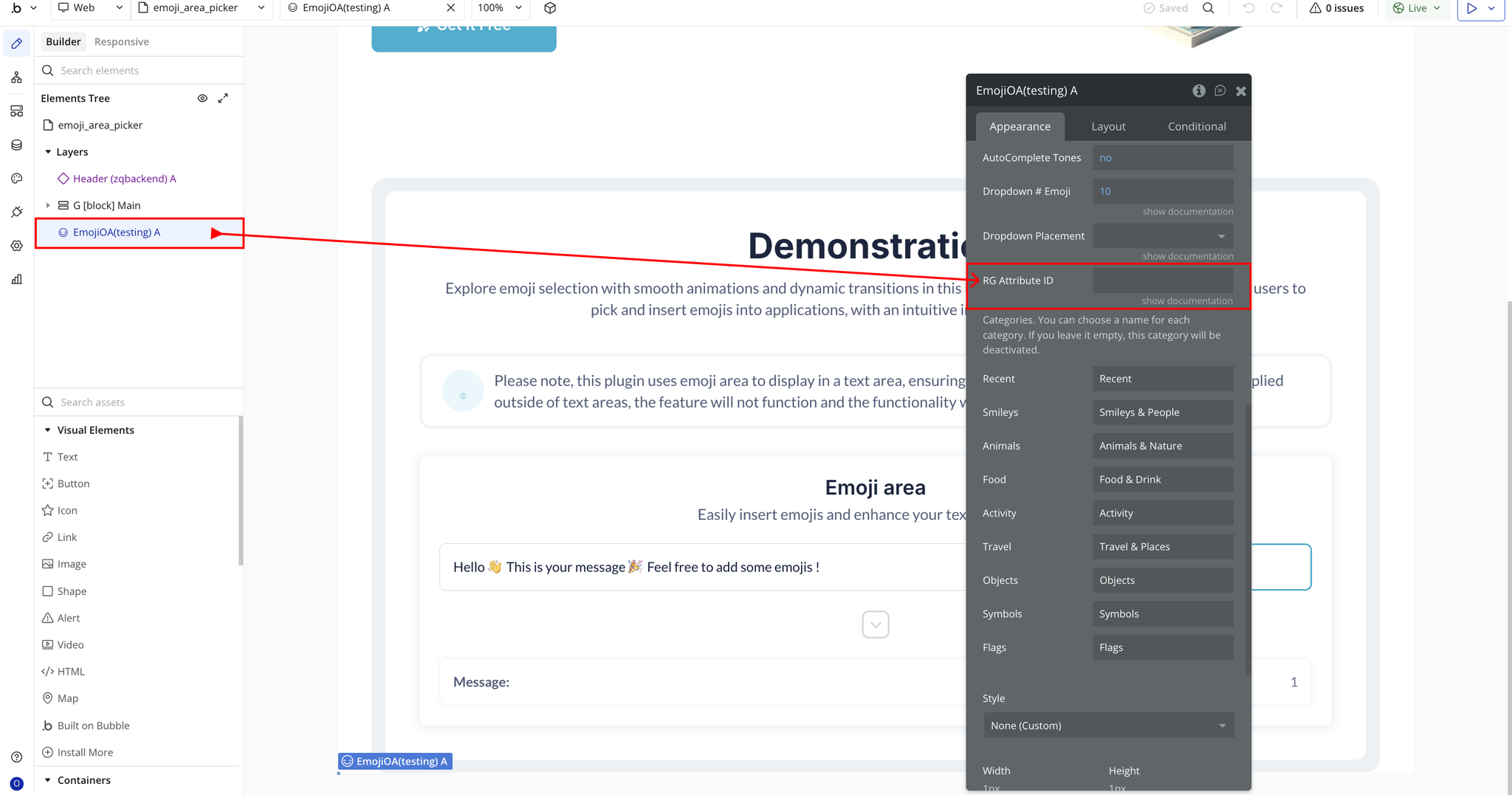
- RG Attribute ID → Required when using the picker inside a repeating group.
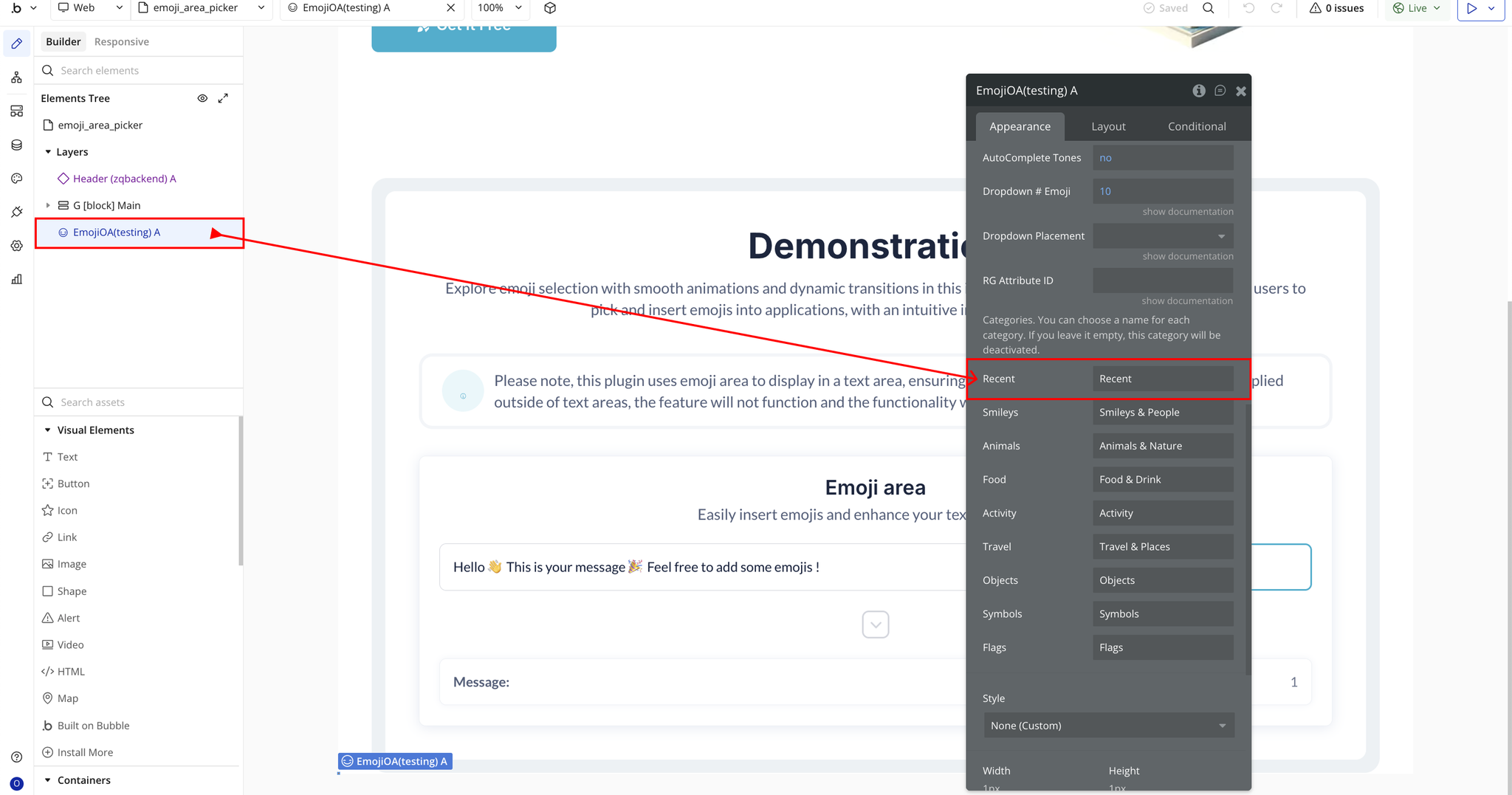
- Recent → Custom label for the Recent category.
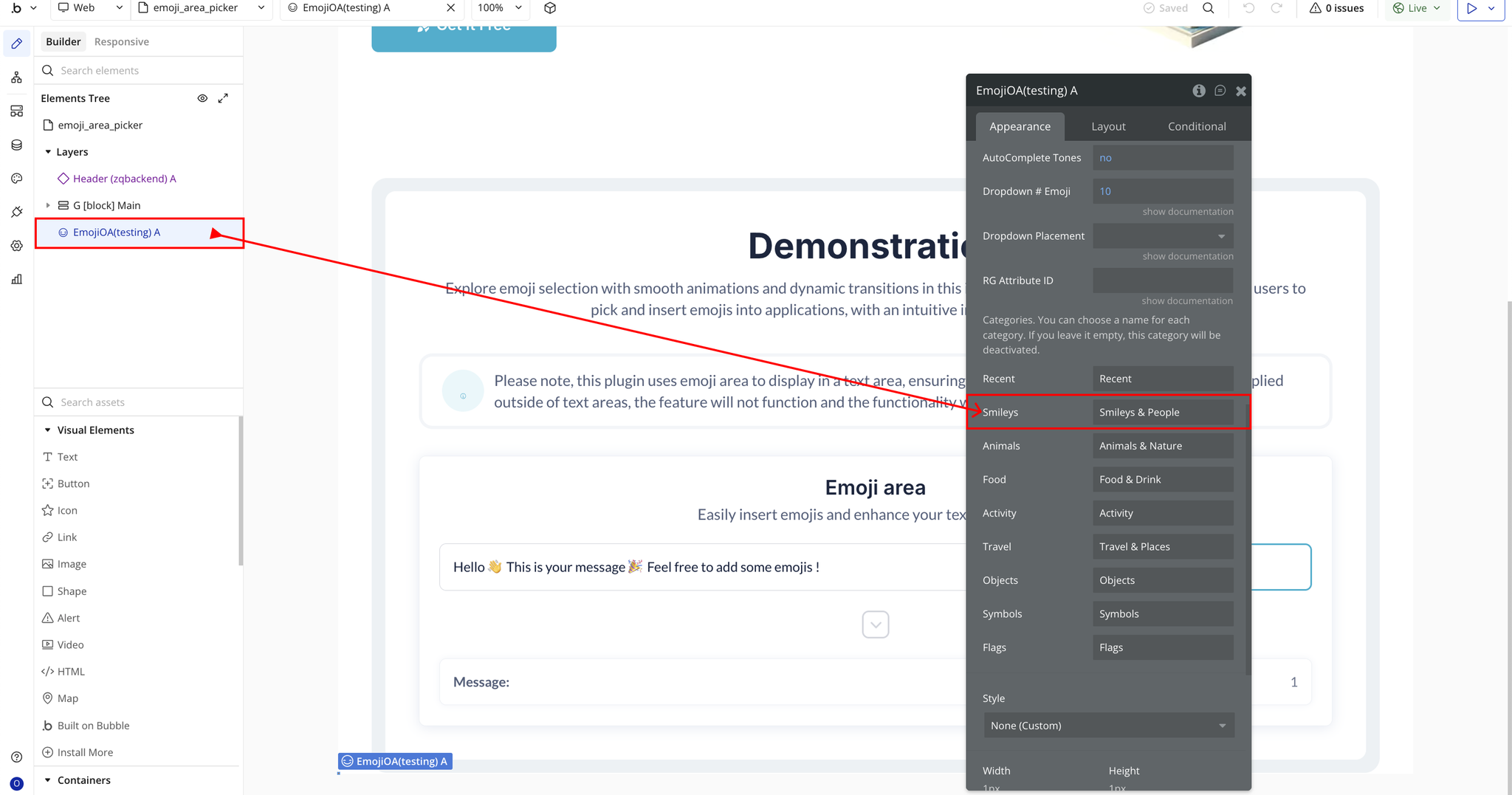
- Smileys → Custom label for Smileys & People.
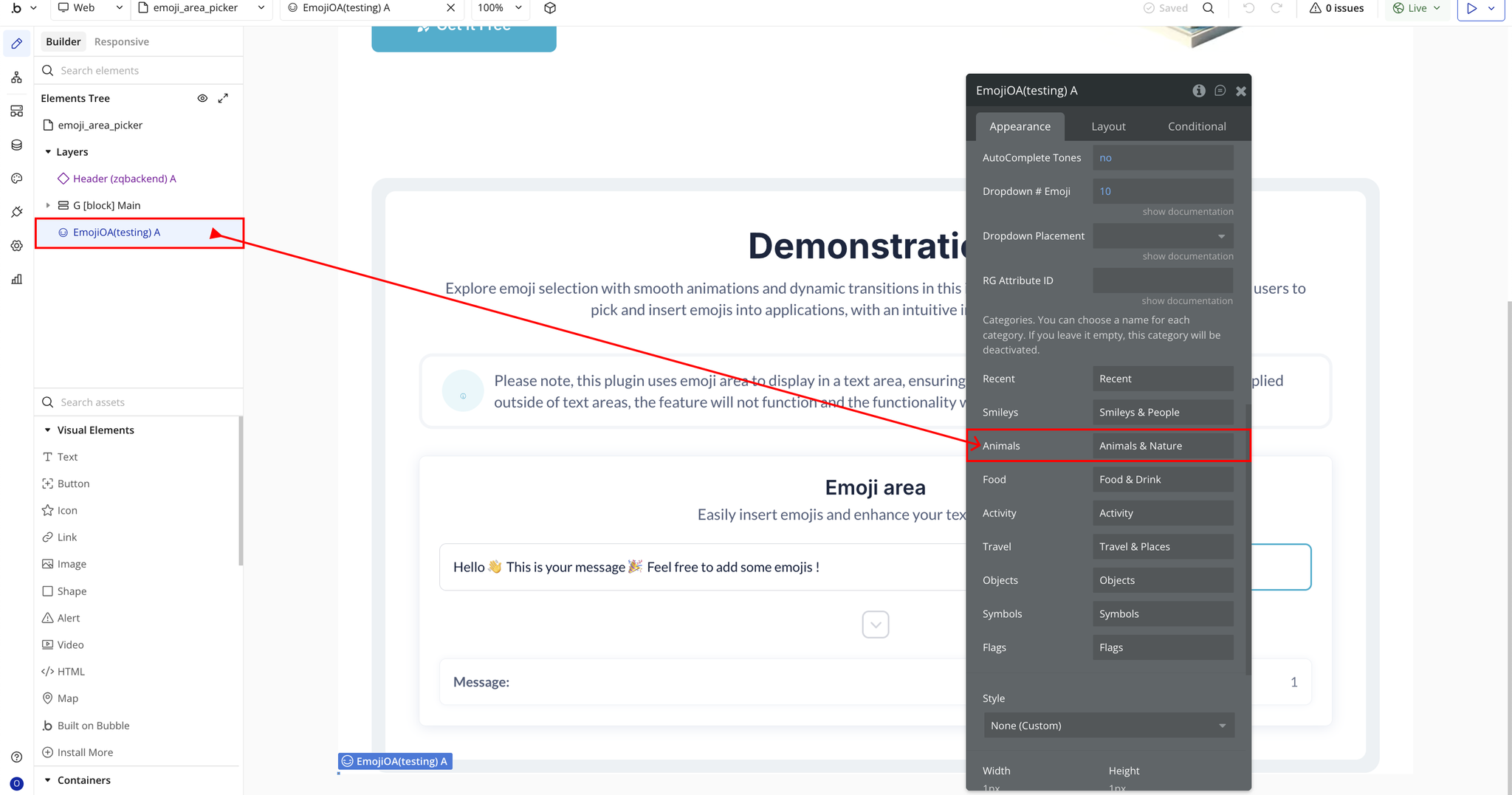
- Animals → Custom label for Animals & Nature.
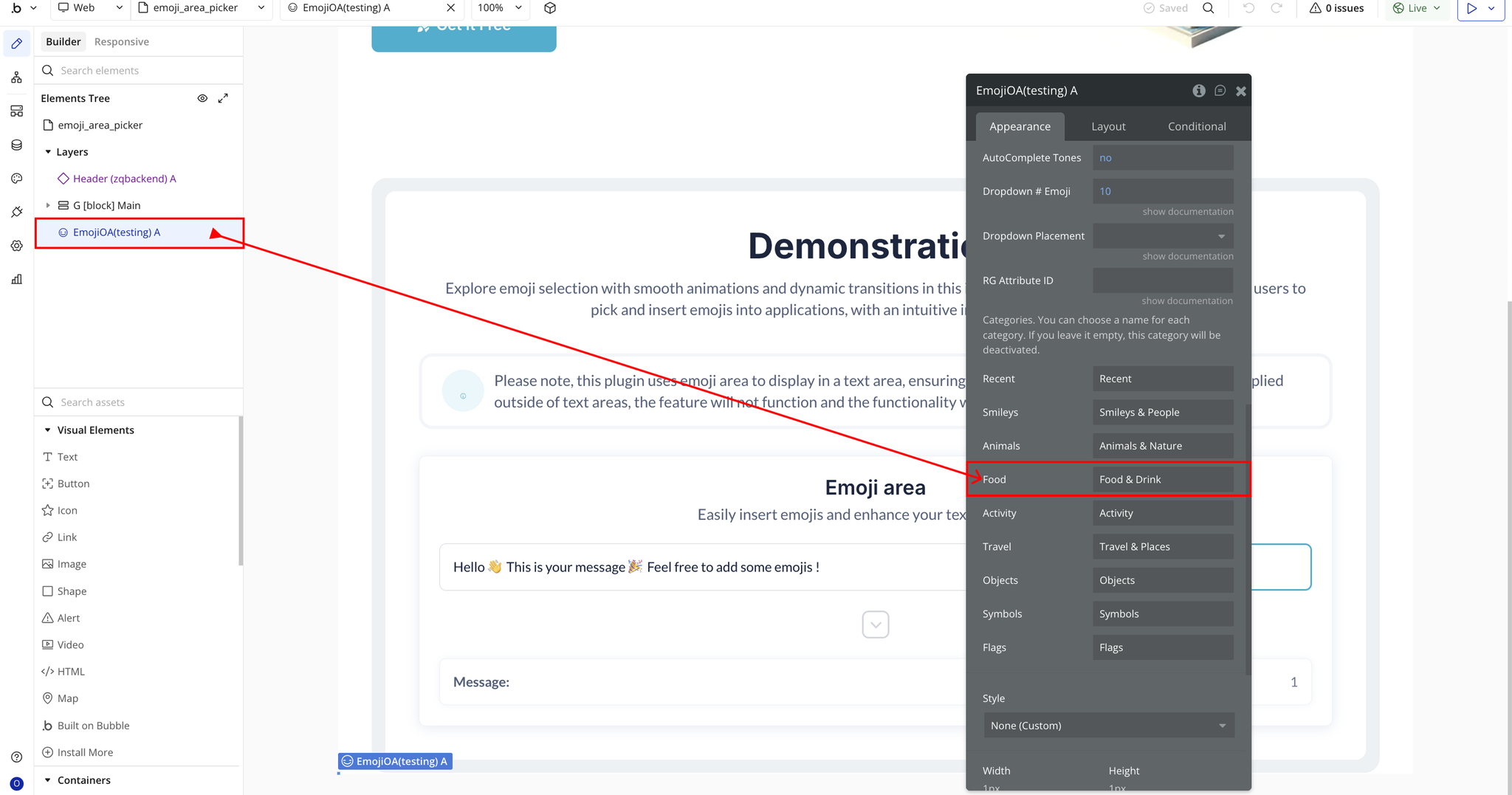
- Food → Custom label for Food & Drink.
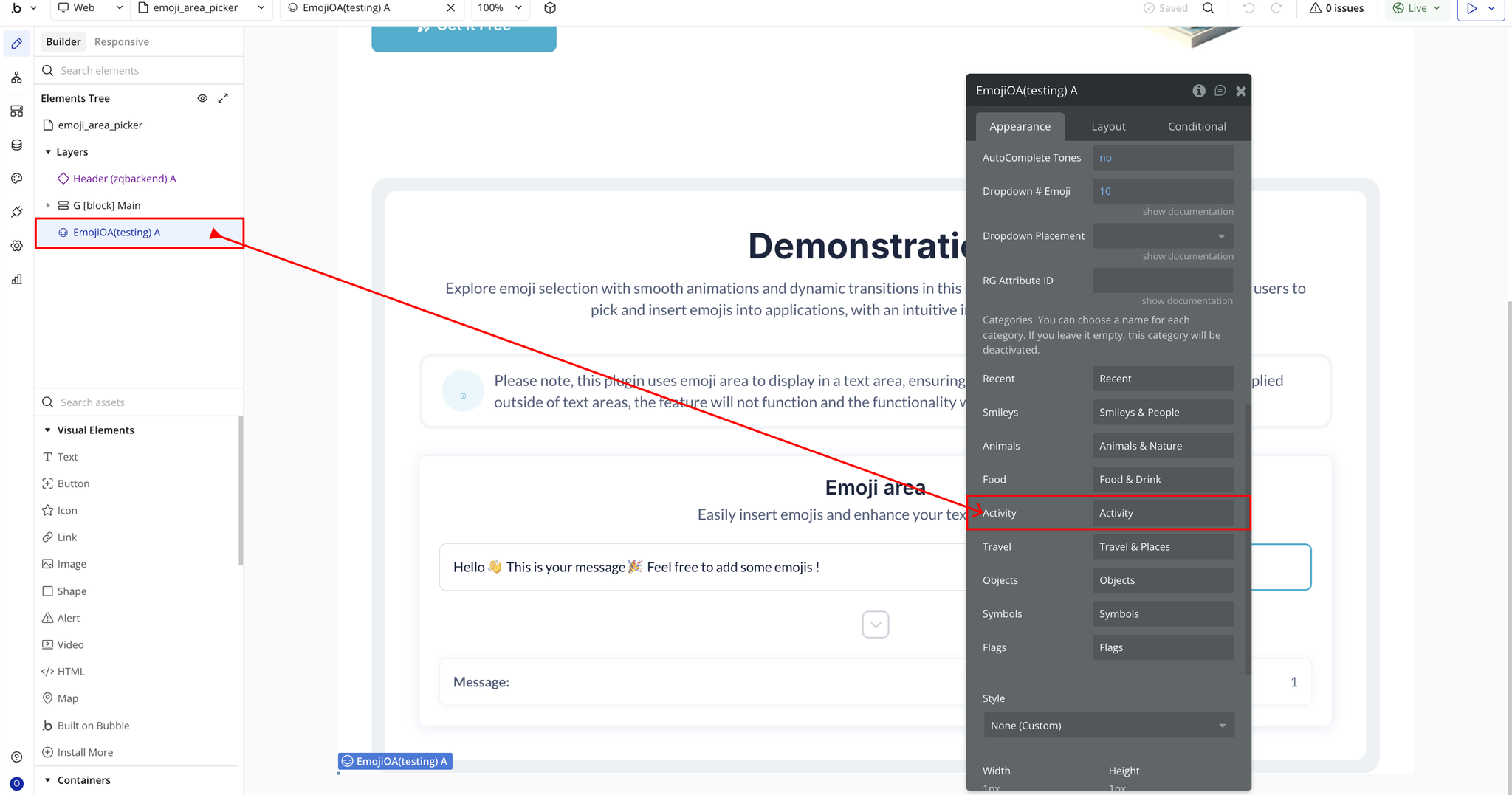
- Activity → Custom label for Activities.
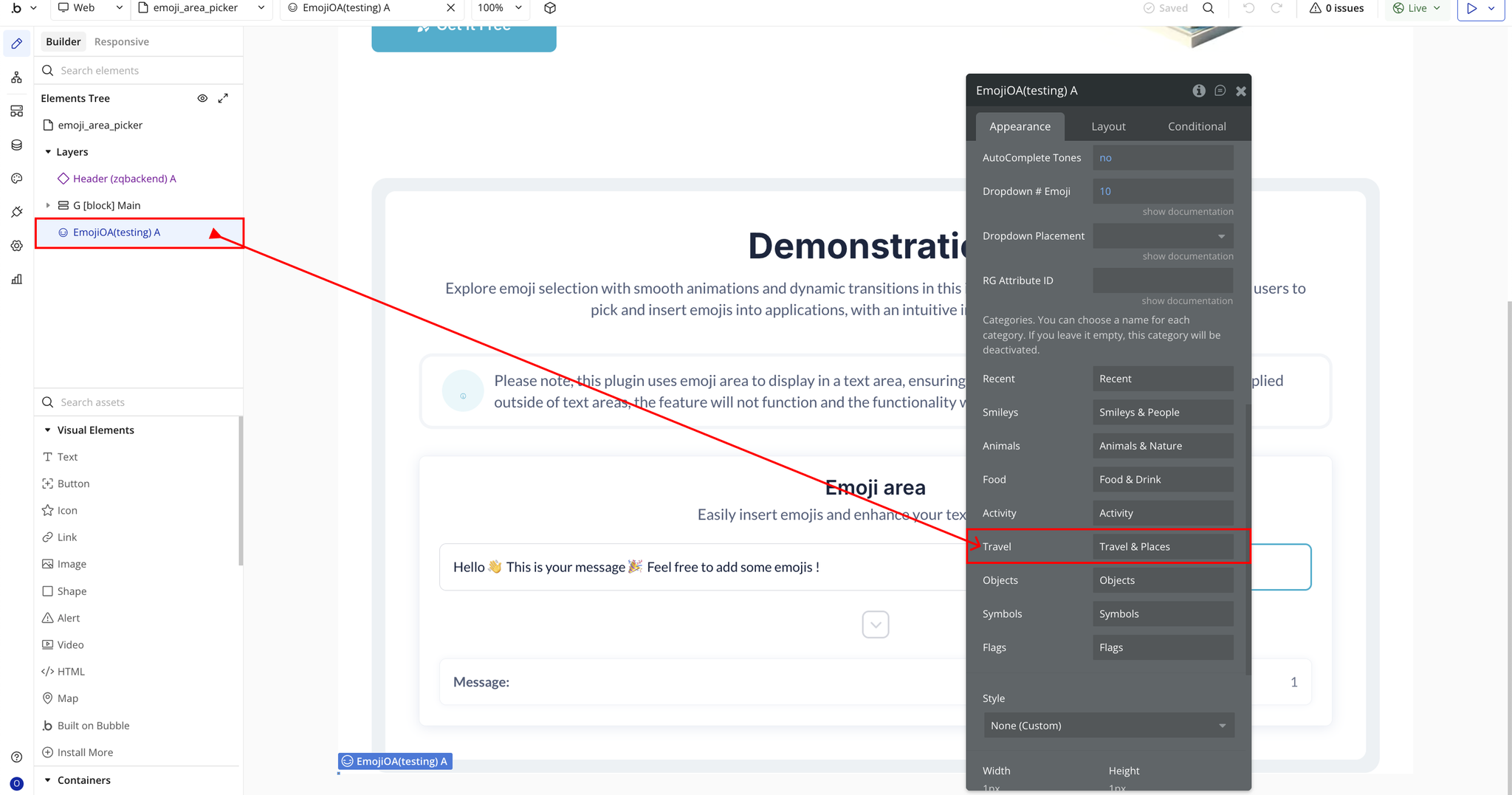
- Travel → Custom label for Travel & Places.
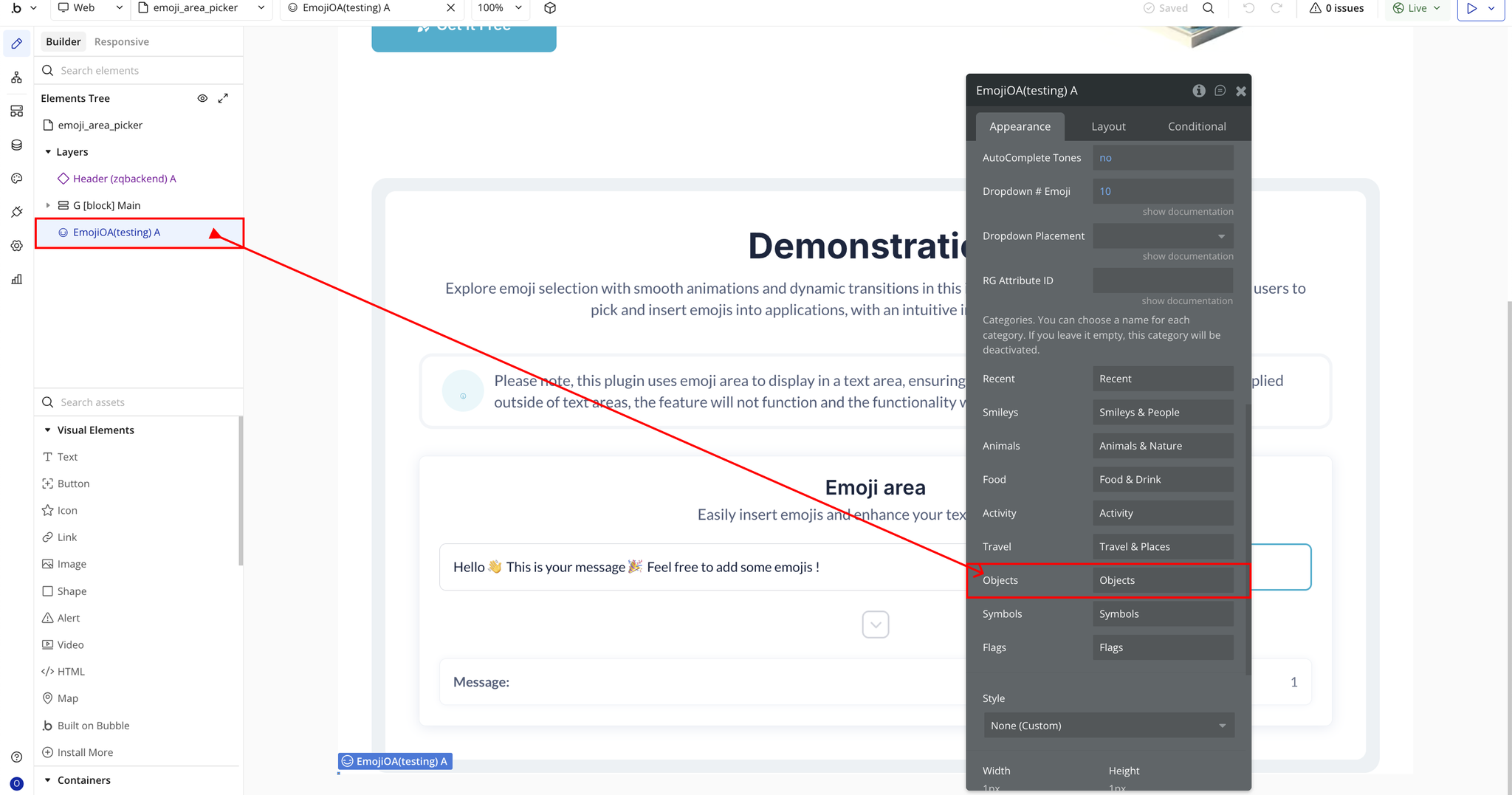
- Objects → Custom label for Objects.
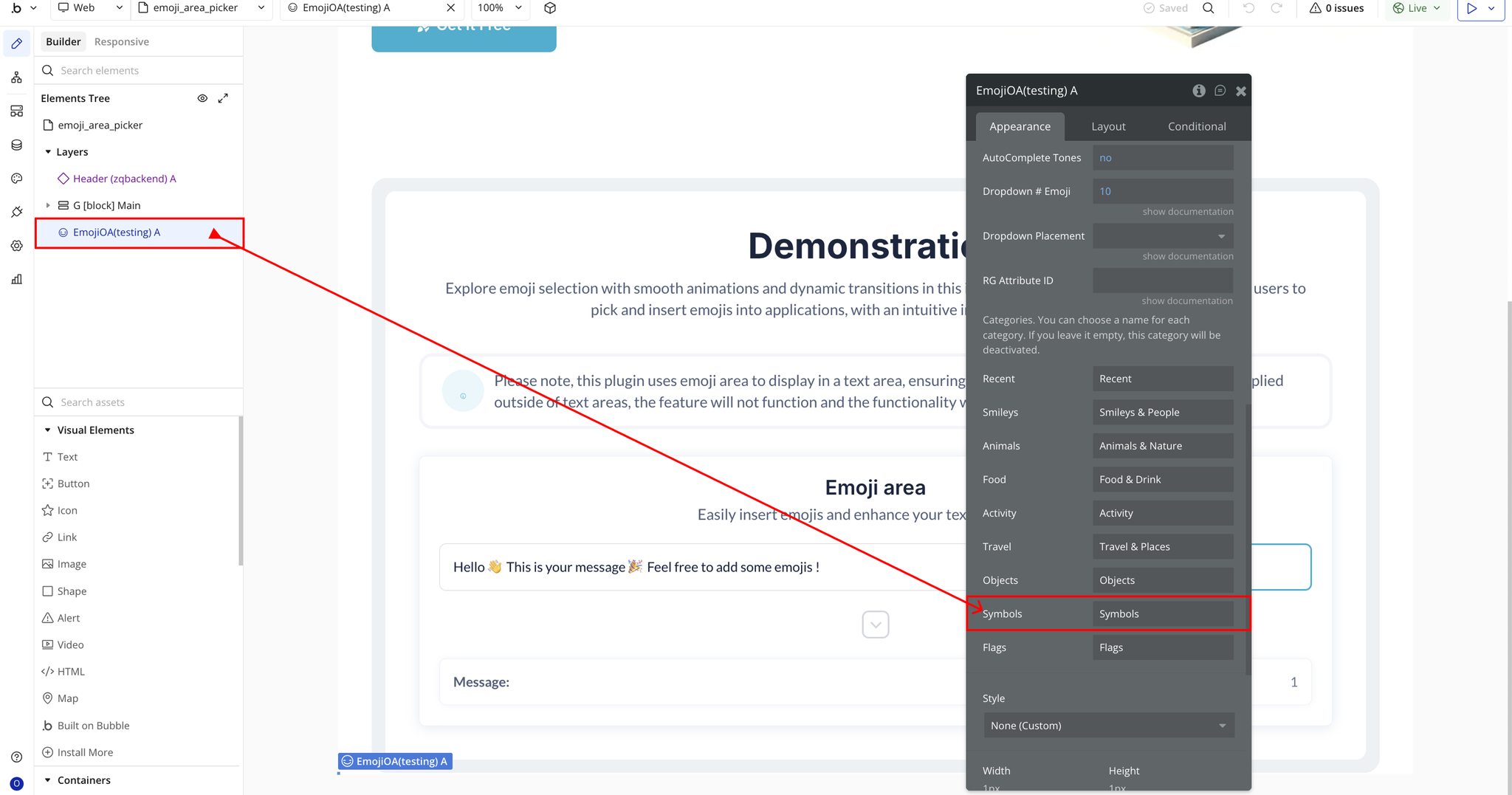
- Symbols → Custom label for Symbols.
- Flags → Custom label for Flags.
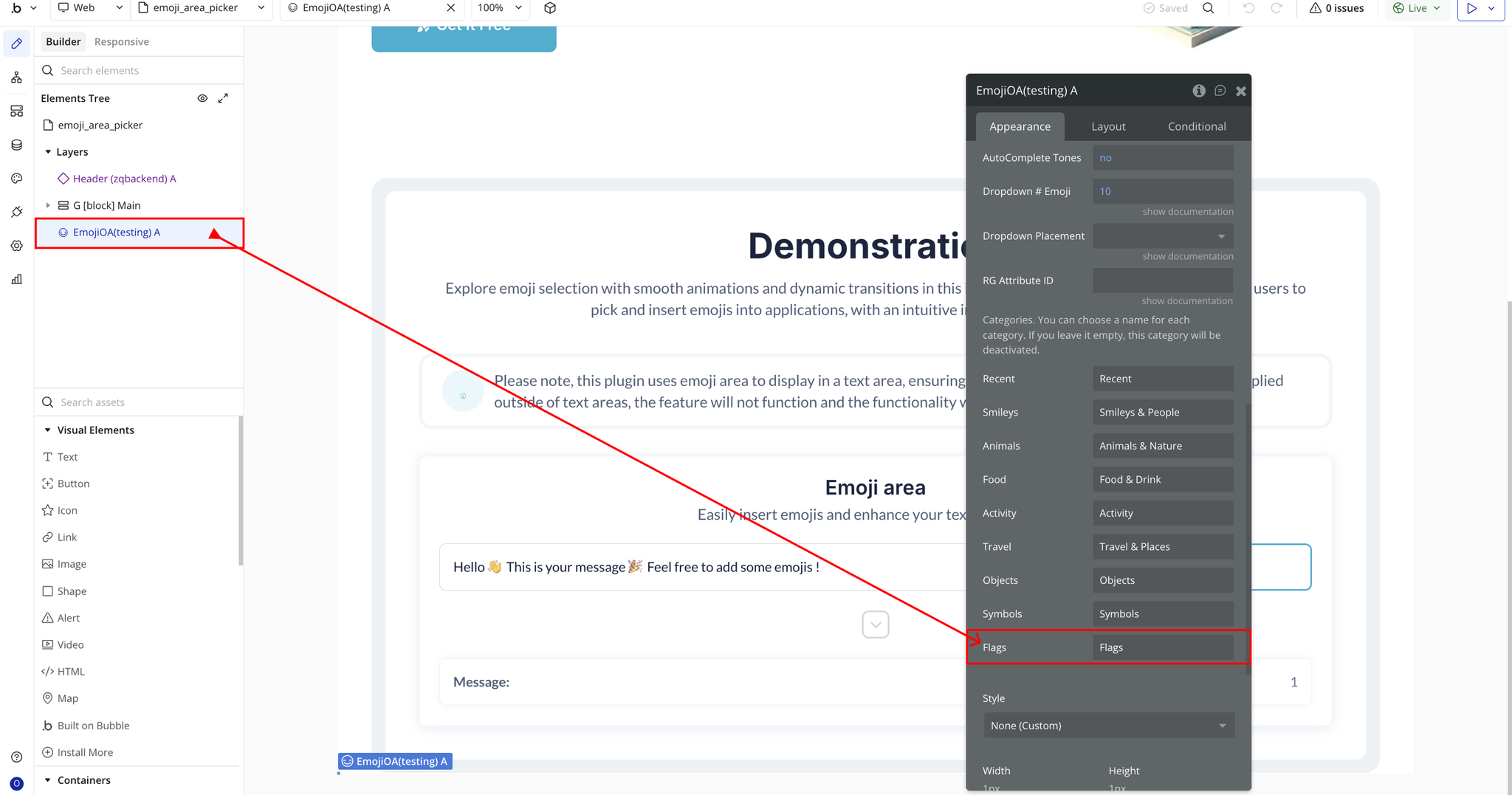
Plugin Element Properties - EmojiOA
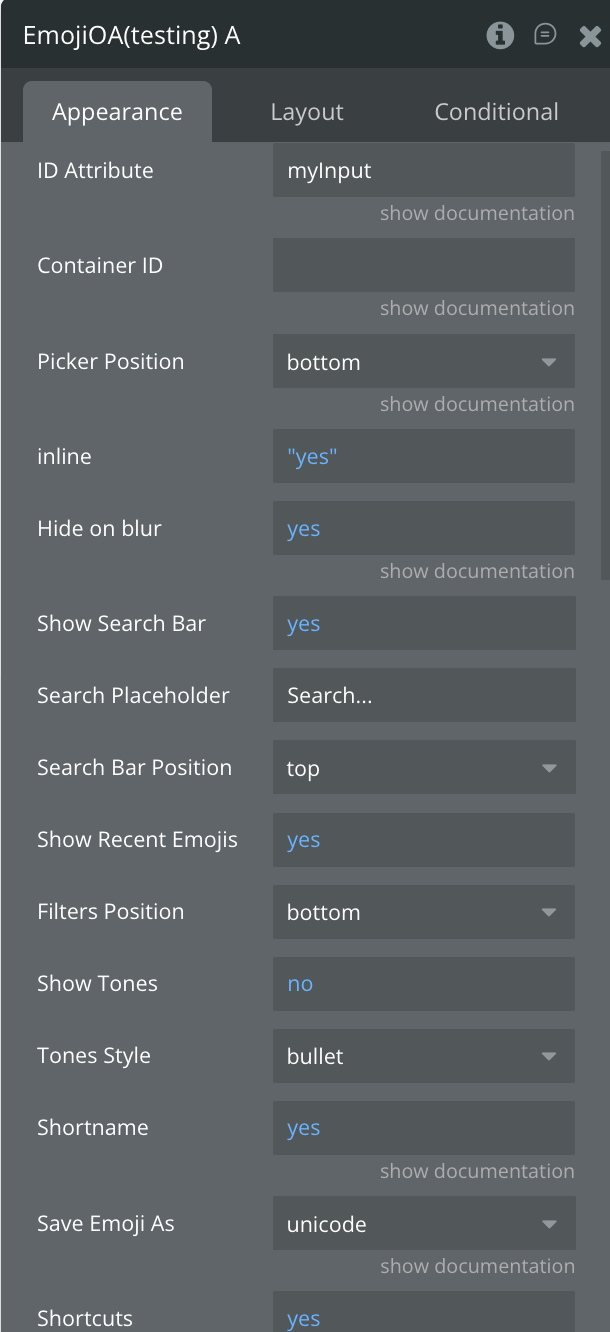
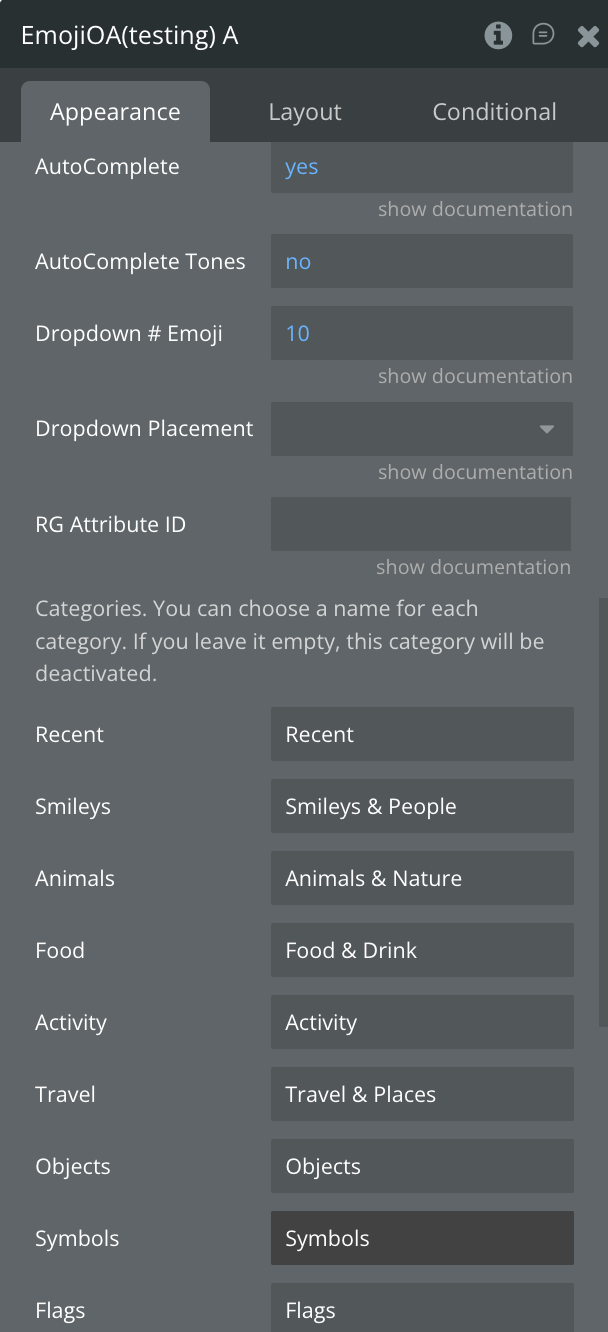
Fields
Title | Description | Type |
ID Attribute | The ID of the Bubble input you want to turn into an emoji editor. Make sure the ID Attribute feature is enabled in Bubble Settings. | Text |
Picker Position | Sets where the emoji picker appears relative to the input. Options: top, right, bottom. | Dropdown |
Inline | Displays the emoji picker inline (always visible) instead of as a popup. | Checkbox (yes/no) |
Hide on Blur | Automatically hides the emoji picker when clicking outside of it or the input. | Checkbox (yes/no) |
Show Search Bar | Enables the emoji search bar inside the picker. | Checkbox (yes/no) |
Search Placeholder | Placeholder text shown inside the emoji search field. | Text |
Search Bar Position | Position of the search bar in the picker: top or bottom. | Dropdown |
Show Recent Emojis | Displays a “Recent” section showing the user’s recently used emojis. | Checkbox (yes/no) |
Filters Position | Position of category filters (tabs). Options: top, bottom. | Dropdown |
Show Tones | Enables selectable skin tone variations for supported emojis. | Checkbox (yes/no) |
Tones Style | Style of the skin tone selector. Options: bullet, radio, square, checkbox. | Dropdown |
Shortname | Allows users to type emoji shortcodes like :smile: and convert them to emojis. | Checkbox (yes/no) |
Save Emoji As | Defines the format used when saving emojis: unicode, shortname, or image. | Dropdown |
Shortcuts | Enables keyboard shortcuts, such as using TAB to open the emoji picker. | Checkbox (yes/no) |
AutoComplete | Shows emoji suggestions when typing “:”. | Checkbox (yes/no) |
AutoComplete Tones | Includes skin tone variations in autocomplete suggestions. | Checkbox (yes/no) |
Dropdown # Emoji | Number of emojis shown in autocomplete suggestions. | Number |
Dropdown Placement | Sets where the autocomplete dropdown appears: top, absleft, absright (blank = default bottom). | Dropdown (optional) |
RG Attribute ID | Used only inside Repeating Groups. Enter the RG’s ID Attribute here to avoid conflicts. | Text (optional) |
— | Categories — rename or leave blank to disable | — |
Recent | Custom label for the “Recent” category. Blank = hide category. | Text (optional) |
Smileys | Custom name for the Smileys & People category. | Text (optional) |
Animals | Custom name for the Animals & Nature category. | Text (optional) |
Food | Custom name for the Food & Drink category. | Text (optional) |
Activity | Custom name for the Activities category. | Text (optional) |
Travel | Custom name for the Travel & Places category. | Text (optional) |
Objects | Custom name for the Objects category. | Text (optional) |
Symbols | Custom name for the Symbols category. | Text (optional) |
Flags | Custom name for the Flags category. | Text (optional) |
Element Actions
- Show picker - Opens the emoji picker panel for the selected Emoji One Area input, allowing the user to browse and choose an emoji. This action is useful when you want to trigger the emoji picker programmatically (e.g., when a user clicks a custom emoji button).
- Clear Picker - Resets the emoji input area by removing all content, including any inserted emojis or text. This action is useful when you want to programmatically clear the editor (e.g., after sending a message or submitting a form).
- Set Focus - Automatically places the cursor inside the emoji editor, allowing the user to start typing or inserting emojis immediately. This is useful for improving UX in chat inputs, comment boxes, or any scenario where the editor should become active without requiring a manual click.
- Set Text - Programmatically sets the content of the emoji editor, including plain text and emojis. This is useful for pre-filling messages, restoring saved content, or updating the editor dynamically.
Title | Description | Type |
Text | The content to set in the emoji editor. Can include plain text and Unicode emojis. | Text |
Exposed States
Title | Description | Type |
Content | Returns the current content of the emoji editor, including plain text and Unicode emojis. Useful for workflows, saving data, or retrieving user input. | Text |
Element Events
Title | Description |
is Initialized | Triggered when the Emoji One Area editor is fully loaded and ready for user interaction. This event can be used to run workflows that depend on the editor being active. |
Plugin Element Properties - EmojiConverter
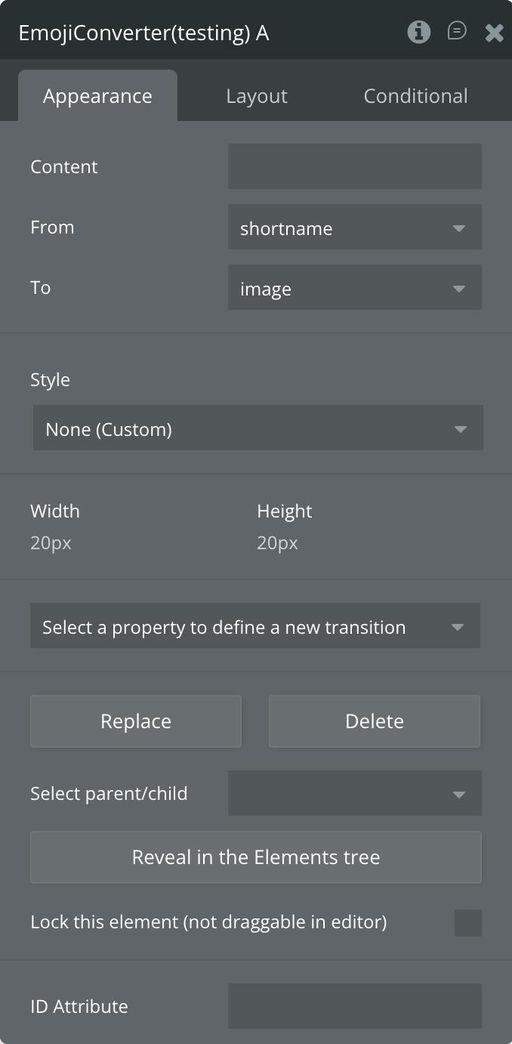
Fields
Title | Description | Type |
Content | The text or emoji input to be converted. Can include Unicode emojis or shortcodes. | Text |
From | The format of the input content. Options: shortname (e.g., :smile:) or unicode (e.g., 😄). | Dropdown |
To | The desired output format. Options: shortname, unicode, or image. | Dropdown |
Exposed states
Title | Description | Type |
Converted Content | Returns the result of the conversion based on the selected “From” and “To” formats. Can be plain text with Unicode emojis, shortcode, or emoji images. | Text |

Changelogs
Update 19.08.26 - Version 2.2.0
- Bubble Plugin Page Update (Sorting).
Update 18.03.26 - Version 2.1.0
- Added check for empty value.
Update 19.12.25 - Version 2.0.0
- Bubble Plugin Page Update (Docs).
Update 14.11.25 - Version 1.10.0
- Bubble Plugin Page Update (GIF).
Update 08.07.25 - Version 1.9.0
- Bubble Plugin Page Update (Logo).
Update 12.06.25 - Version 1.8.0
- Marketing update (minor change).
Update 28.05.25 - Version 1.7.0
- Minor update (Marketing update).
Update 26.02.25 - Version 1.6.0
- Fixed styling bugs.
Update 30.01.25 - Version 1.5.0
- New field - Container ID added.
Update 10.10.24 - Version 1.4.0
- Acquired by Zeroqode.
Update 05.10.24 - Version 1.3.2
- Minor improvements.
Update 05.10.24 - Version 1.3.1
- Update.
Update 28.01.21 - Version 1.3.0
- Fix to better sync of original input. Added "Content" state that have the whole text.
Update 15.12.20 - Version 1.2.3
- Fixed .map CDN issue.
Update 10.12.20 - Version 1.2.2
- Fix autocomplete (CDN issue).
Update 25.06.20 - Version 1.2.1
- New Event - Initialized.
Update 16.06.20 - Version 1.2.0
- Added "Set text" action. Fixed RG issue for displaying picker (Top or Bottom display only). Few other minor fix..
Update 04.03.20 - Version 1.1.2
- Allow dynamic attribute ID.
Update 01.03.20 - Version 1.1.1
- Fix for Blur.
Update 25.01.20 - Version 1.1.0
- 2 Actions added: Set focus and Clear. Autofocus on search..
Update 22.01.20 - Version 1.0.1
- Small Update to description and name.
Update 22.01.20 - Version 1.0.0
- Initial Release.