
Link to the plugin page: https://zeroqode.com/plugin/animated-shapes-plugin-for-bubble-1739742599056x882959590263259000
Demo to preview the plugin:
Introduction
This Plugin allows you to add an animated Shape Effect to your Bubble application.
You can customize various aspects of the animation and modify it according to your needs.
This Plugin allows you to create interactive webpages with beautiful animations, therefore helping you to increase the user experience.

How to setup
- Add an Animated Shape Element to Your Page
- In the Bubble editor, open the Visual Elements panel and drag the Animated Shapes element onto your page.
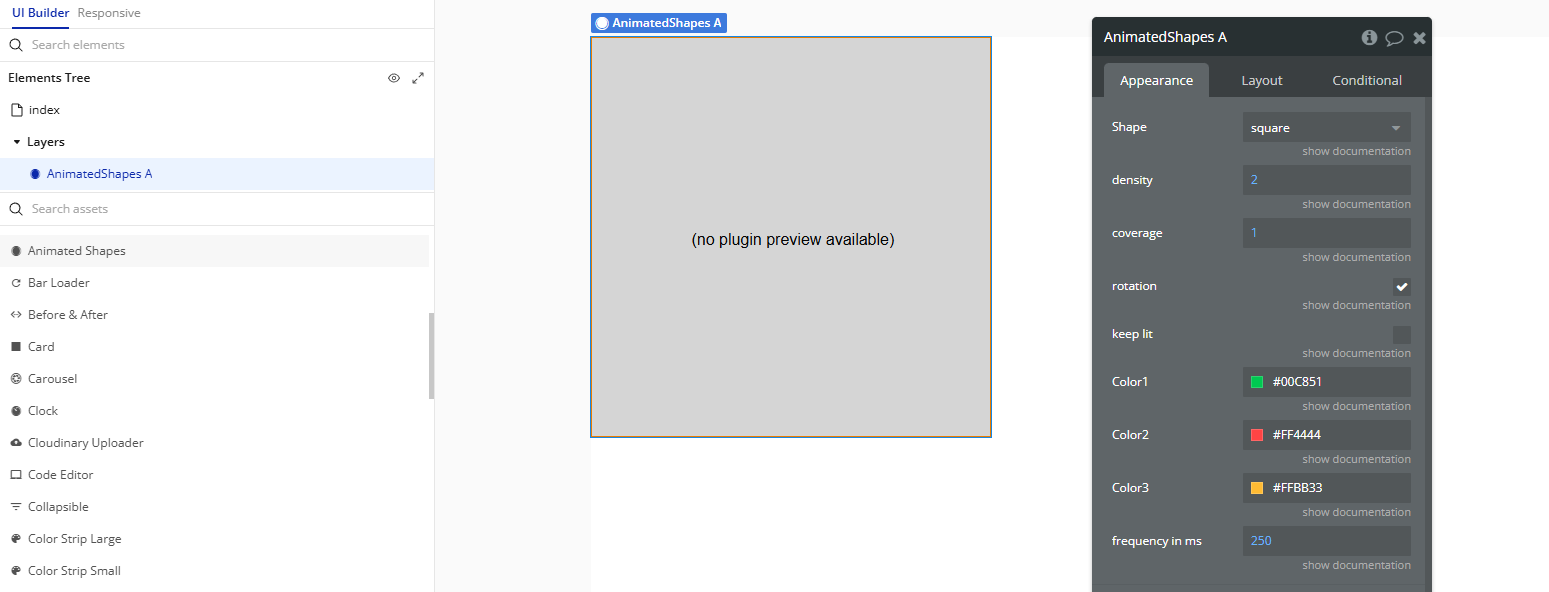
- Configure the Element
- Select the Animated Shapes element and customize its settings in the property editor. You’ll be able to control its shape, color, animation type, speed, and other visual properties.
Plugin Element Properties
Animated Shapes
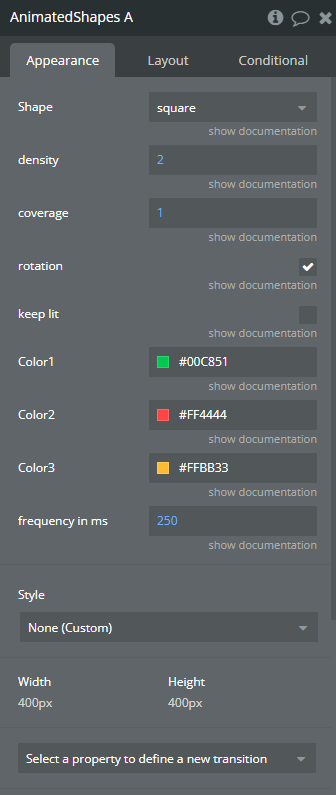
Fields:
Title | Description | Type |
Shape | Choose whether Circles or Squares should be displayed. Available options: circle, square | Dropdown |
Density | Specify the density of the animation i.e how many shapes will spawn at once | Number |
Coverage | Specify what area of the Element should be covered with the animation - Choose a value between 0 and 1 where 1 is 100% and 0 is 0% | Number |
Rotation | Specify whether or not the shapes should rotate during the animation. | Checkbox (yes/no) |
Keep lit | Specify whether or not each shape should be kept on the page after it is spawned. *Please note: after a certain time the whole element will be completely full of shapes. | Checkbox (yes/no) |
Color1 | Choose a color | Color |
Color2 | Choose a color | Color |
Color3 | Choose a color | Color |
Frequency in ms | Specify the delay between spawns in milliseconds | Number |
