Link to the plugin page: https://zeroqode.com/plugin/splash-image-for-bubble-mobile-1747900374577x964989046423363700
Demo to preview the plugin:
Introduction
Splash Image is a plugin designed for mobile applications built on the Bubble platform. It allows developers to display a customizable splash screen with an image when users open your mobile app. The plugin provides options to control the splash screen's appearance, timing, animation style, and visibility. This is perfect for creating professional app launch experiences, displaying logos, and providing smooth transitions between app states.
Prerequisites
This plugin is designed specifically for the mobile version of the Bubble editor. To test the plugin on your mobile device, use the TestFlight app available at: https://testflight.apple.com/join/phtrt5zv
Please note that the testing app is currently available for iOS only.

How to setup
Setting up the Splash Image plugin is straightforward:
- Install the plugin from the Bubble plugin marketplace.
- Add the "Splash Image Mobile" element to your mobile page.
- Configure the element's properties (image, timing, animation, etc.).
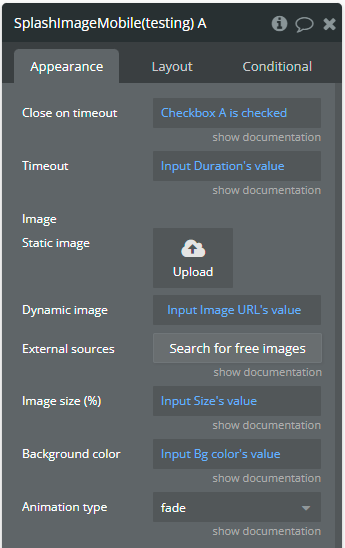
- The splash screen will automatically appear when the page loads if "Close on timeout" is checked.
No additional API keys or external services are required.
Plugin Element Properties
The plugin contains a single visual element called "Splash Image Mobile" that can be placed on a mobile page.
Splash Image Mobile
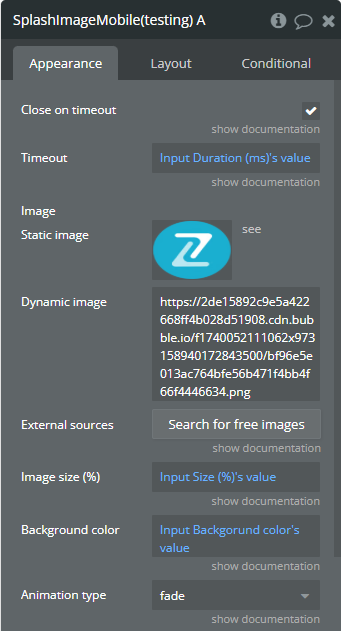
Element fields
Title | Description | Type |
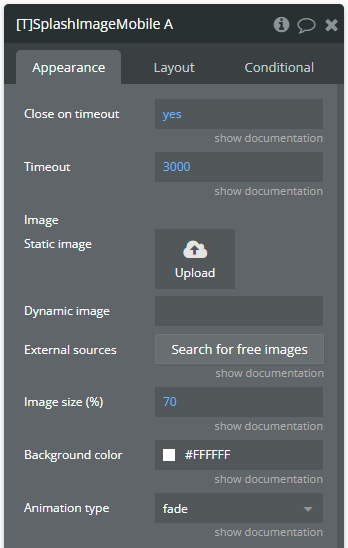
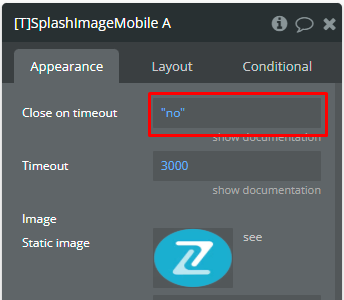
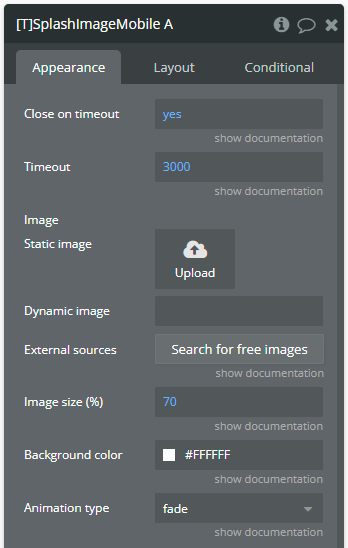
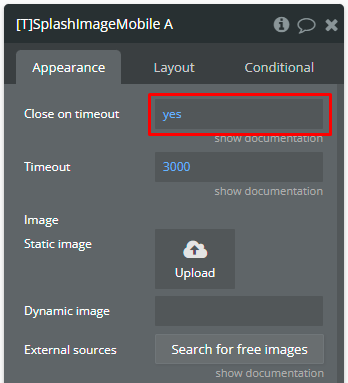
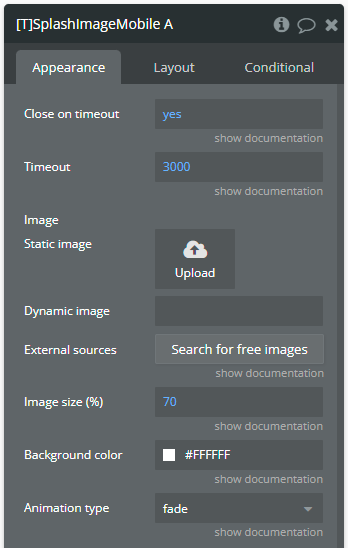
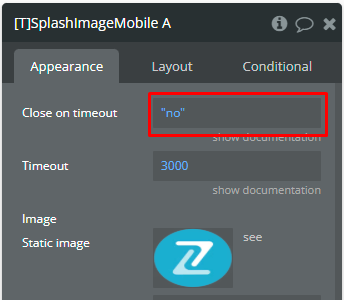
Close on timeout | If checked, the Splash Image will be automatically hidden after first loading on the page and calling "Show" action after time indicated in the "Timeout" field. Otherwise, the Splash Image should be hidden by calling "Hide" action. | Yes/No |
Timeout | The time in milliseconds to show the Splash Image. | Number |
Image | The image that will be displayed in the center of Splash Image. | Image |
Image size (%) | The image size in %. Note: Accepted values between [0, 100]. | Number |
Background color | The background color of Splash Image. | Color |
Animation type | Behavior of animation of Splash Image. Options: none, slide, fade. | Dropdown |
Element actions
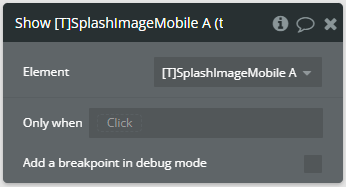
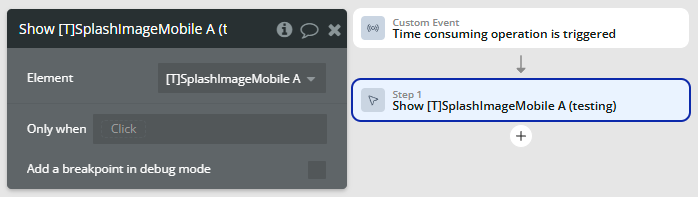
Show — This action is used to show the Splash Image.
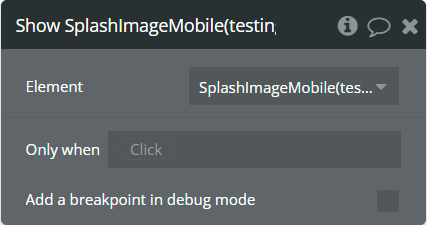
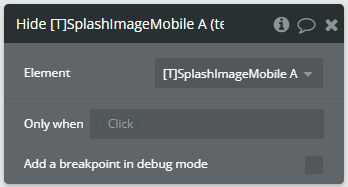
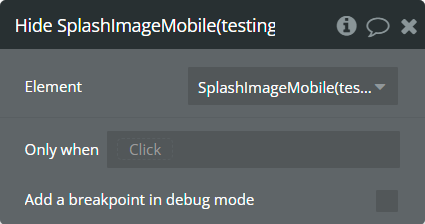
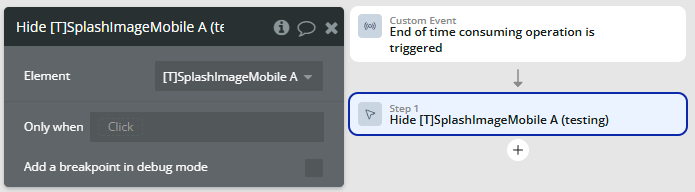
Hide — This action is used to hide the Splash Image.
Exposed states
Name | Description | Type |
is visible | Indicates that the Splash Image is visible or not. | Yes/no |
Element events
Name | Description |
is shown | This event is triggered when the element becomes visible. |
is hidden | This event is triggered when the element becomes hidden. |
Workflow example
Here's a basic workflow example for implementing the Splash Image Mobile plugin:
Initial App Launch Splash Screen

Loading Screen Between Actions
Conditional Splash Display