
Link to the plugin page: https://zeroqode.com/plugin/browser-cookies-plugin-for-bubble-1739737034278x576658411915719800
Demo to preview the plugin:
Live Demo: https://rapidplugins-2.bubbleapps.io/cookie
Introduction
This plugin allows you to create, read and delete browser cookies within your app.
You can save certain information for a user, without him/her being logged in.
For example, if your app has a dark mode, you can specify the user’s preference as a cookie.
This plugin allows you to not use the “Current User” within a workflow. This might be useful if you want to set a cookie without really affecting the current user if he/she is logged in. You also have the ability to set the expiration date of the cookie.

How to setup
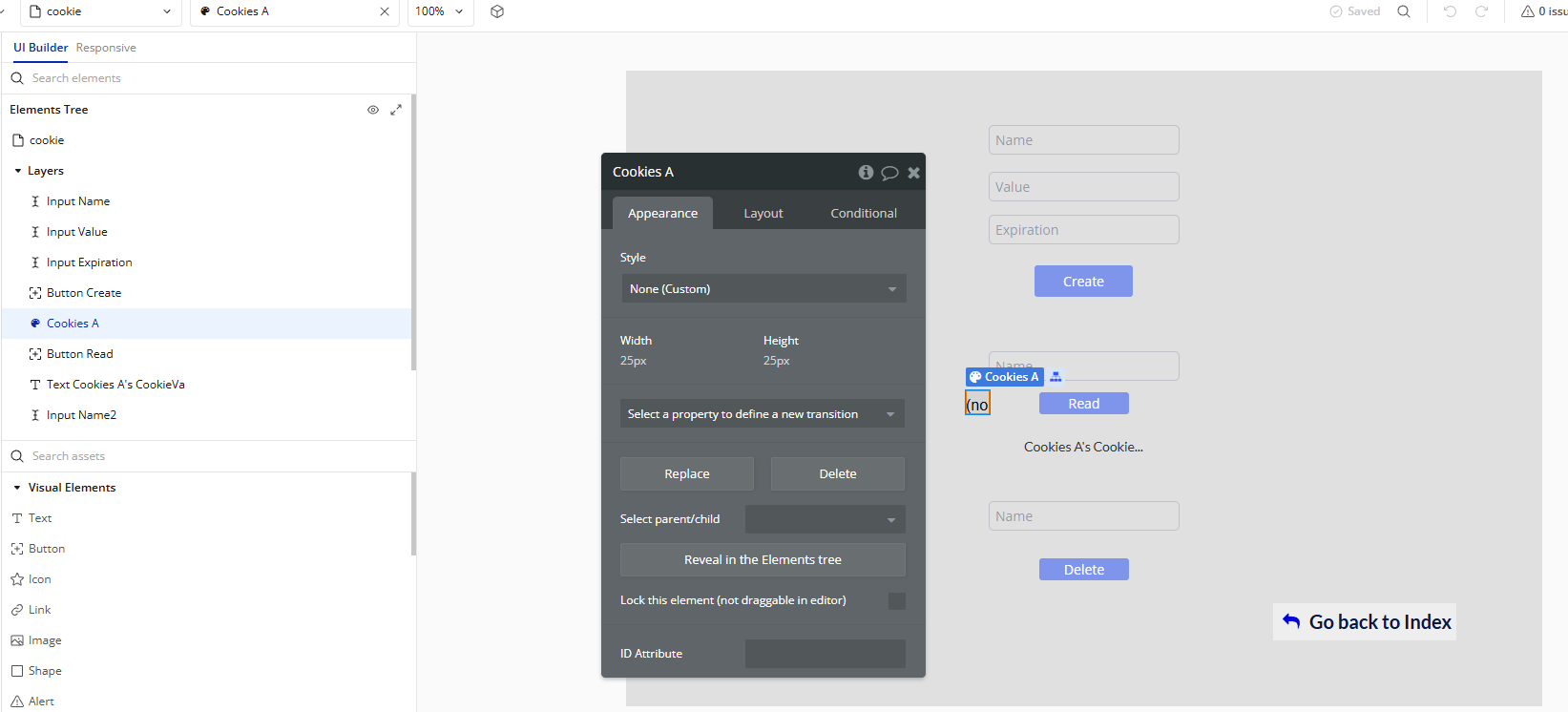
- Add the Cookies element to your page
- Go to the Design tab in the Bubble editor.
- Search for and drag the Cookies element into the page where you want to manage cookies.
- This element must be present for any cookie action or event to work.
- Create a Cookie
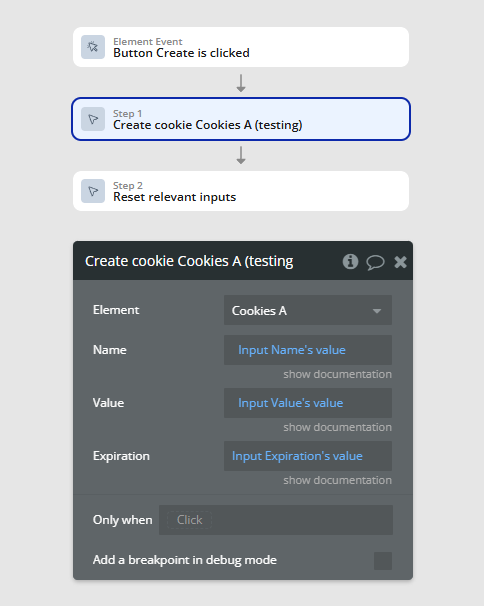
- Go to the Workflow tab.
- Choose the “Create Cookie A Cookies” action.
- Set:
- Name: The name of the cookie to create.
- Value: The value to store in the cookie.
- Expiration: Number of days until the cookie expires.
- Read a Cookie
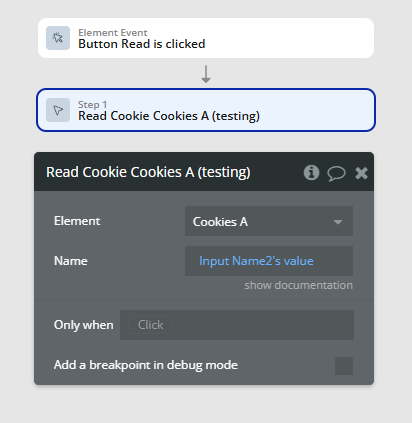
- In the Workflow tab, choose the “Read Cookie A Cookies” action.
- Set:
- Cookie name (the name you used when creating it).
- The plugin will look for the cookie and trigger the "A Cookies Cookie Ready" event when done.
- Inside this event, you can access the value via the element's state (e.g.,
Cookies's Cookie value).
- Delete a Cookie
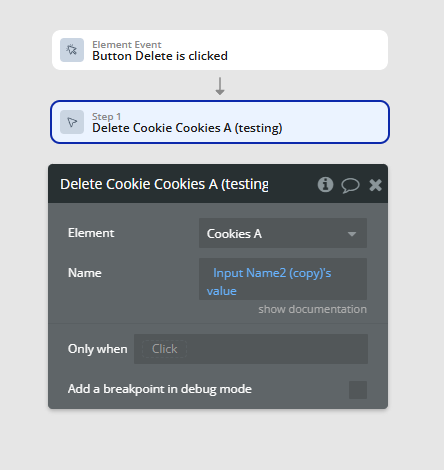
- Use the “Delete Cookie A Cookies” action.
- Set the cookie name you want to delete.
- This removes the cookie from the browser.
Plugin Element Properties
Cookies
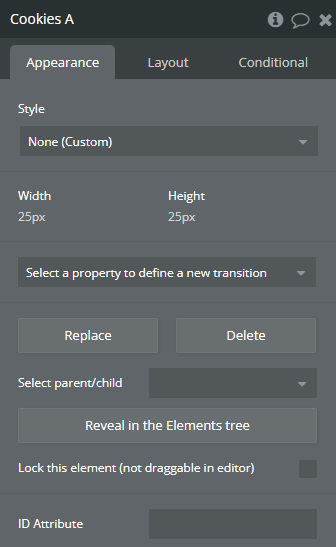
Element Actions
Create Cookie
Create a new Cookie.
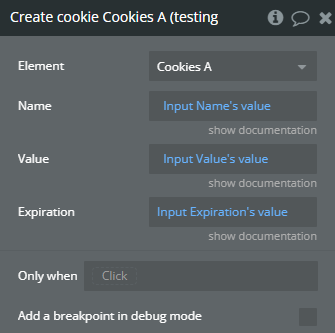
Title | Description | Type |
Name | Give the cookie a name. This name will be used to read the value. | Text |
Value | Give the cookie a value. | Text |
Expiration | Specify the number of days until the cookie expires. | Number |
Read Cookie
Read the value of a cookie.
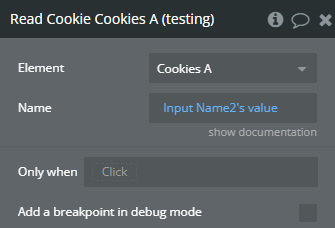
Title | Description | Type |
Name | Enter the name of the cookie you want to read. After running this action you will have access to this cookie via the Cookie Value state. | Text |
Delete Cookie
Delete a cookie that was created.
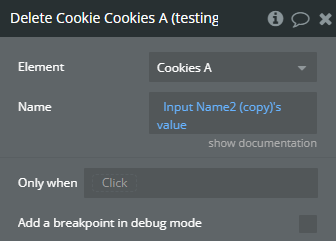
Title | Description | Type |
Name | Enter the name of the cookie you want to delete. | Text |
Exposed states
Title | Description | Type |
CookieValue | This will show the current value of the cookie AFTER the “Read Cookie” is triggered. | Text |
Element Events
Title | Description |
Cookie Ready | Triggered when cookie value is ready in state. |
