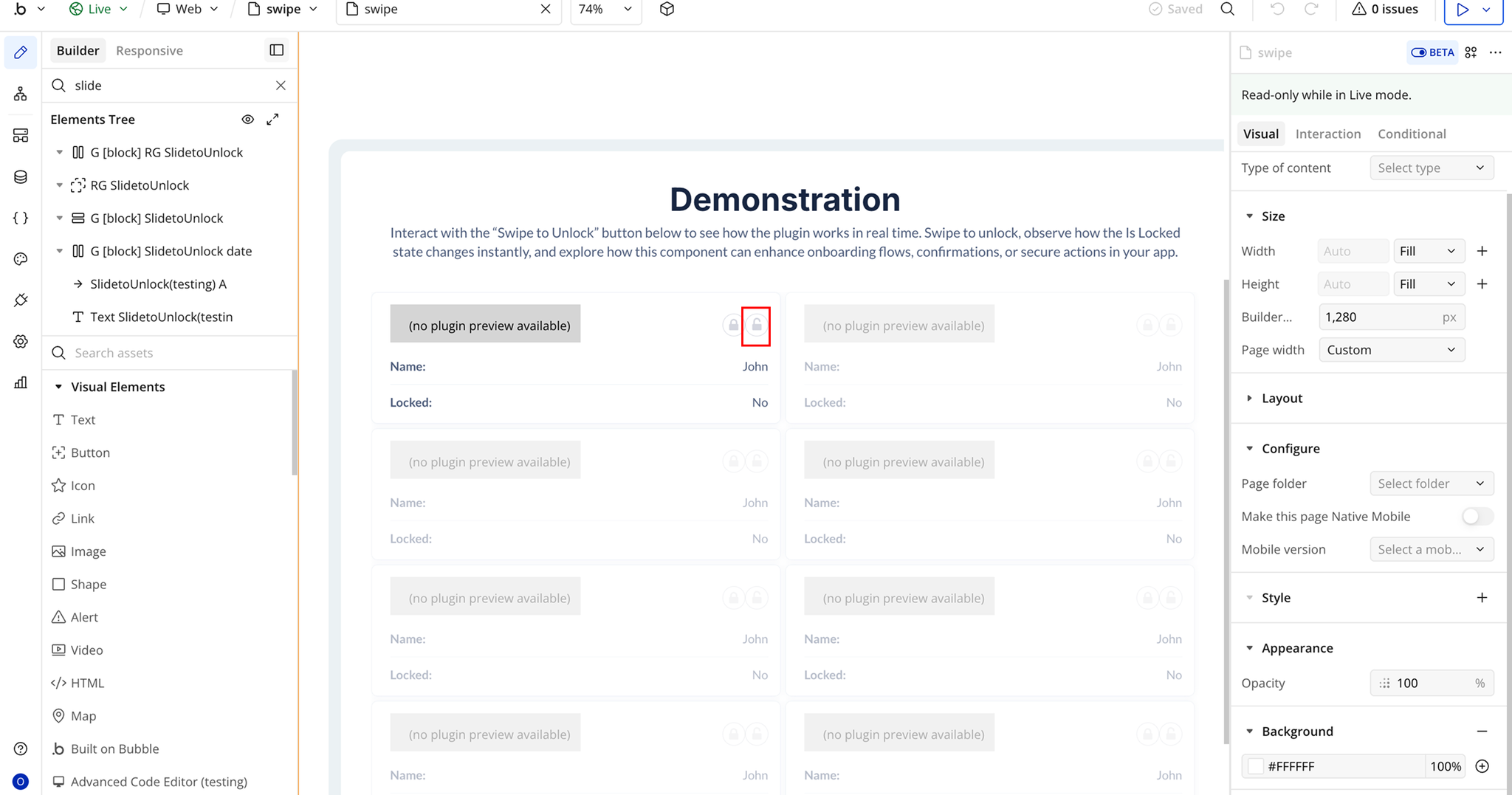
Demo to preview the plugin:
Introduction
A customizable “Swipe to Unlock” button for Bubble.io that allows users to slide a handle to unlock or trigger an action. Designed primarily for mobile use, this element fires events when locked or unlocked and exposes a boolean state so you can control workflows dynamically.
Key Features

How to setup
Step 1 – Install the Plugin
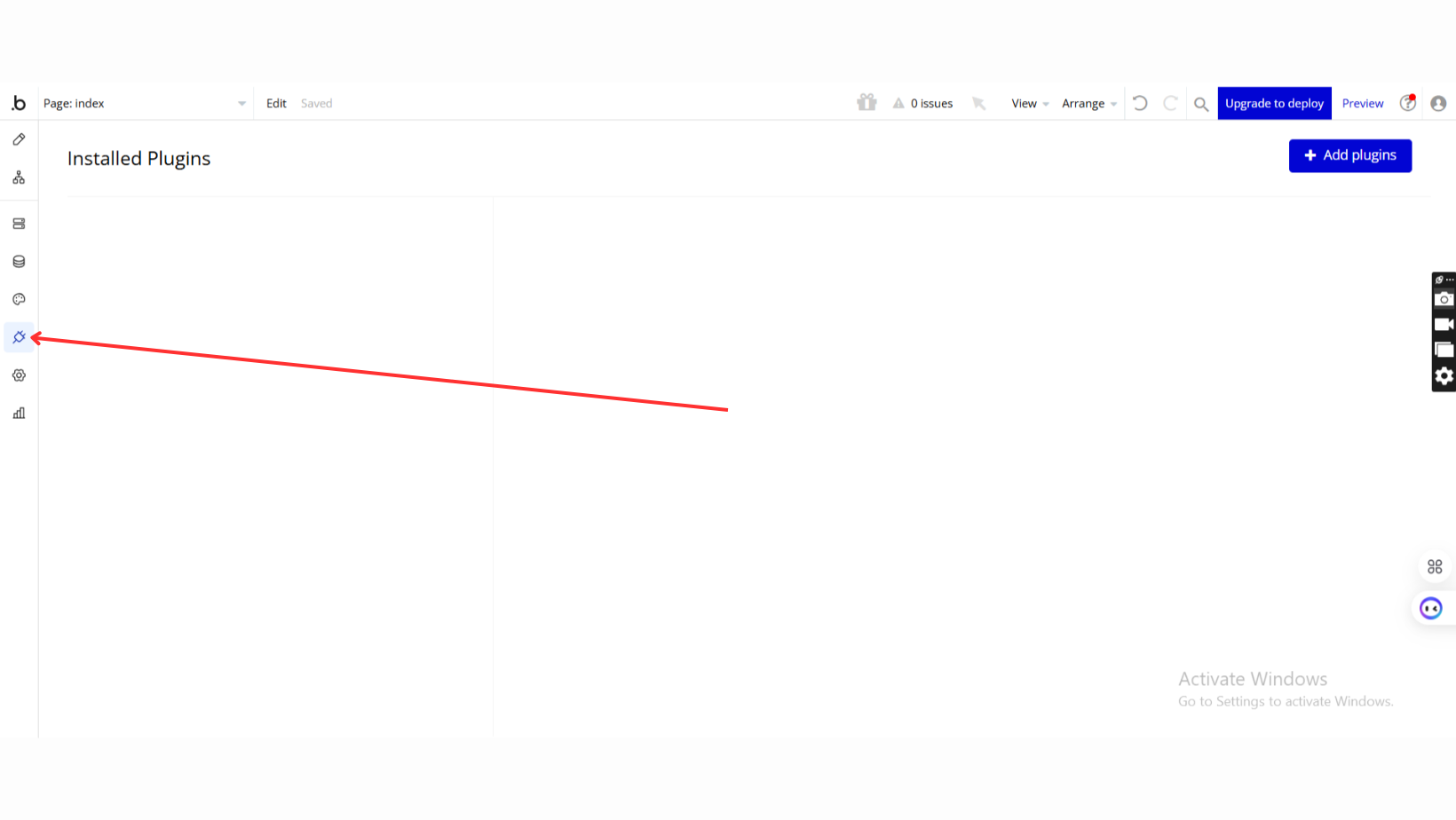
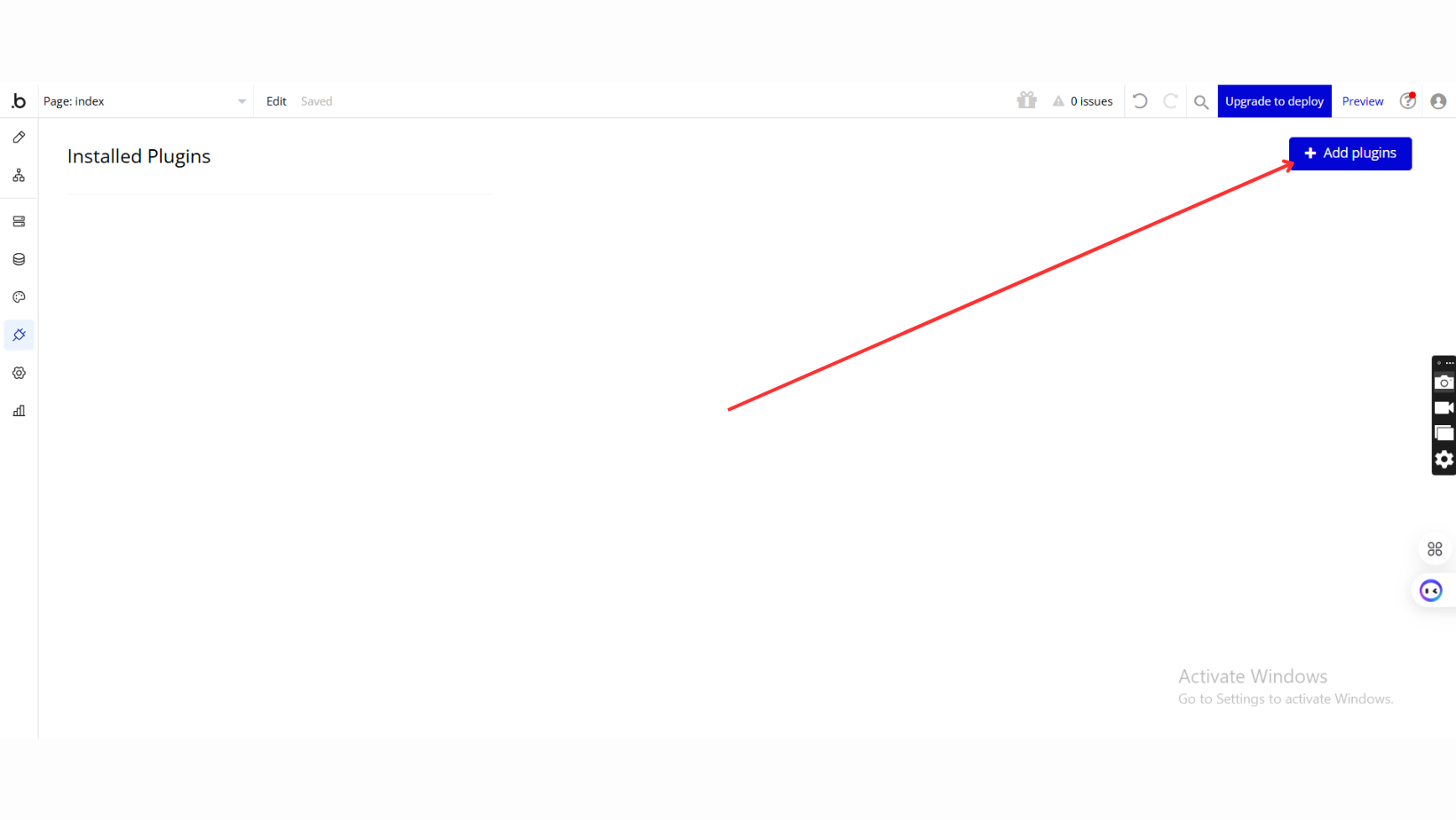
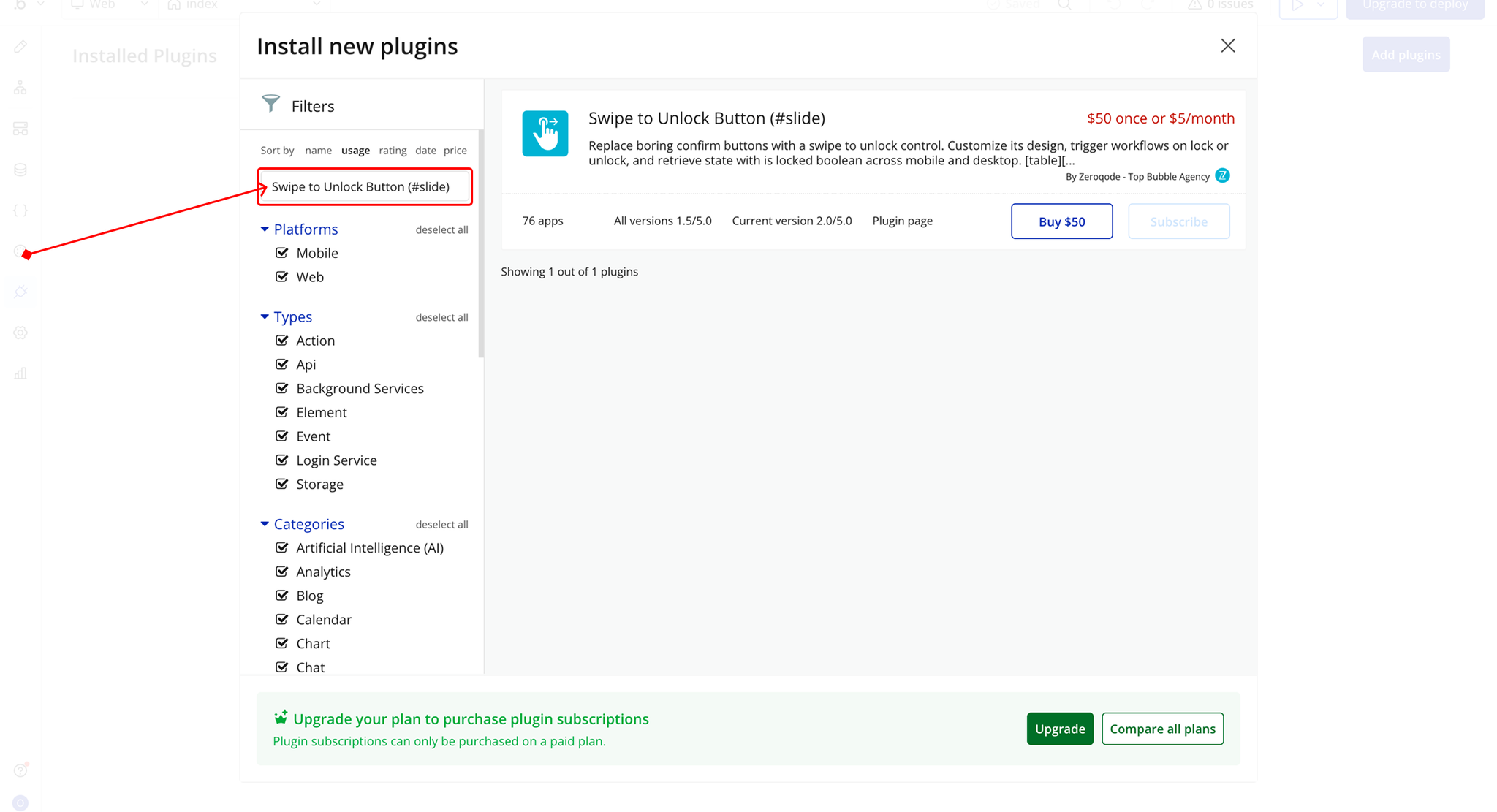
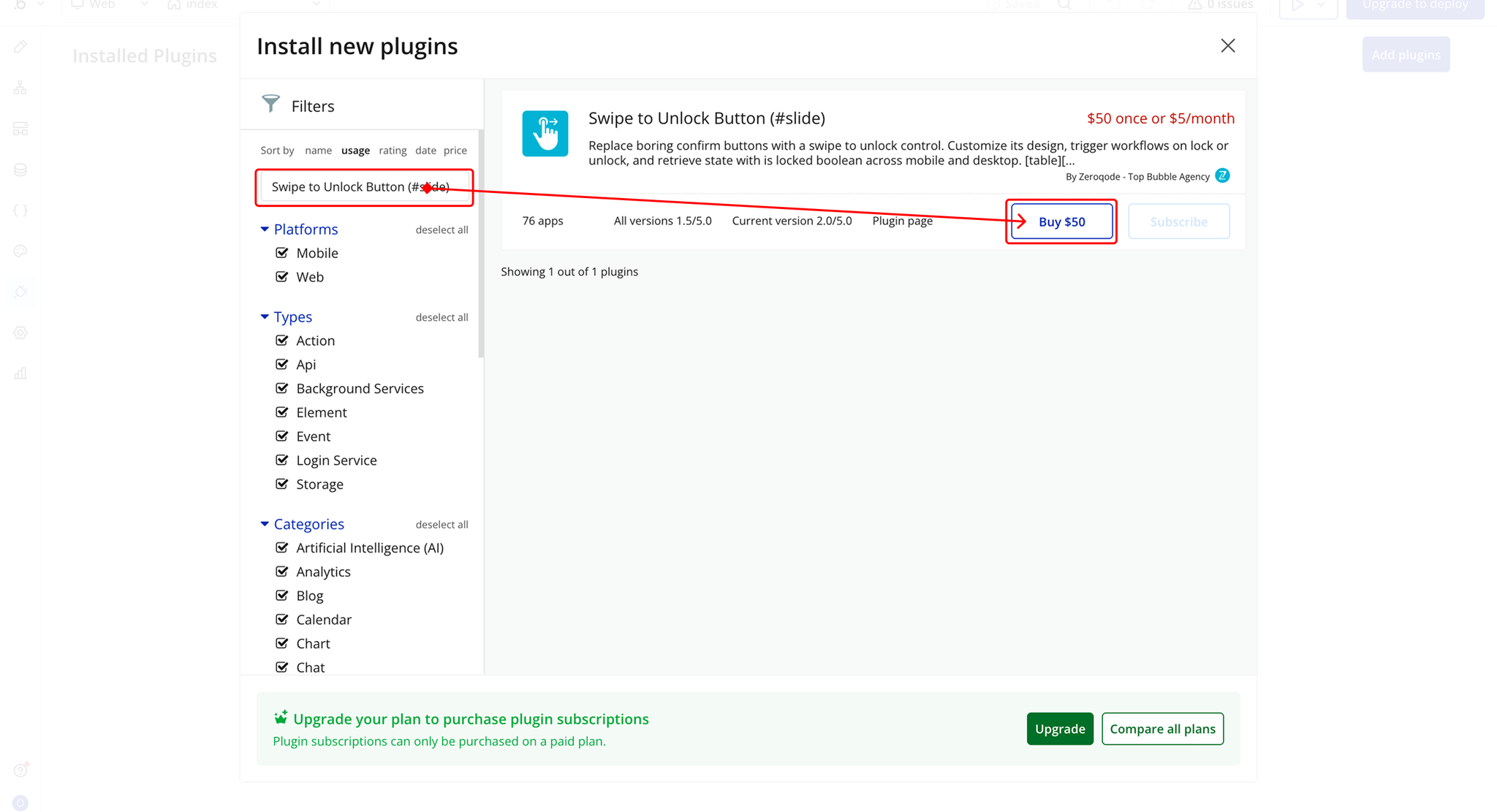
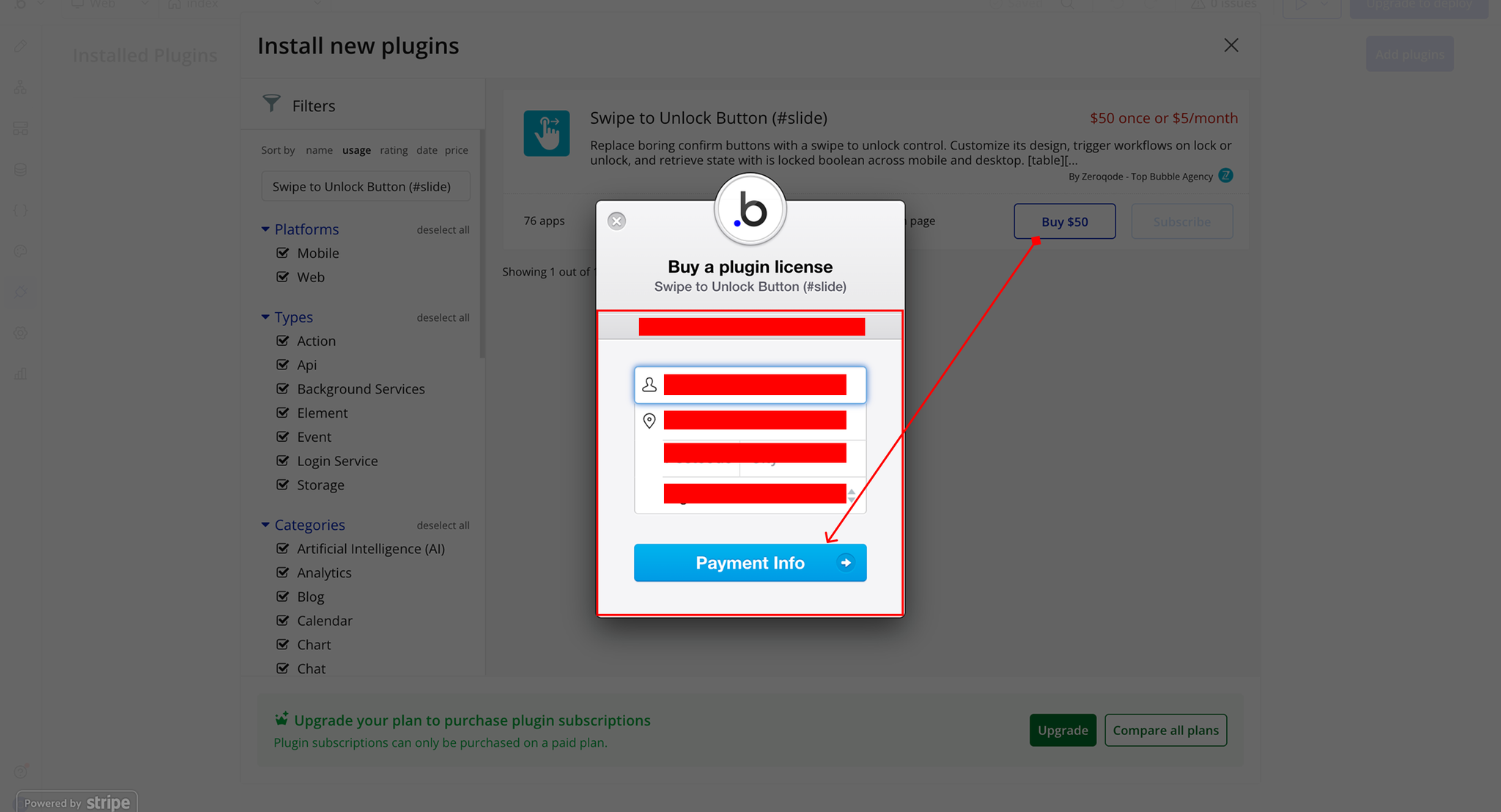
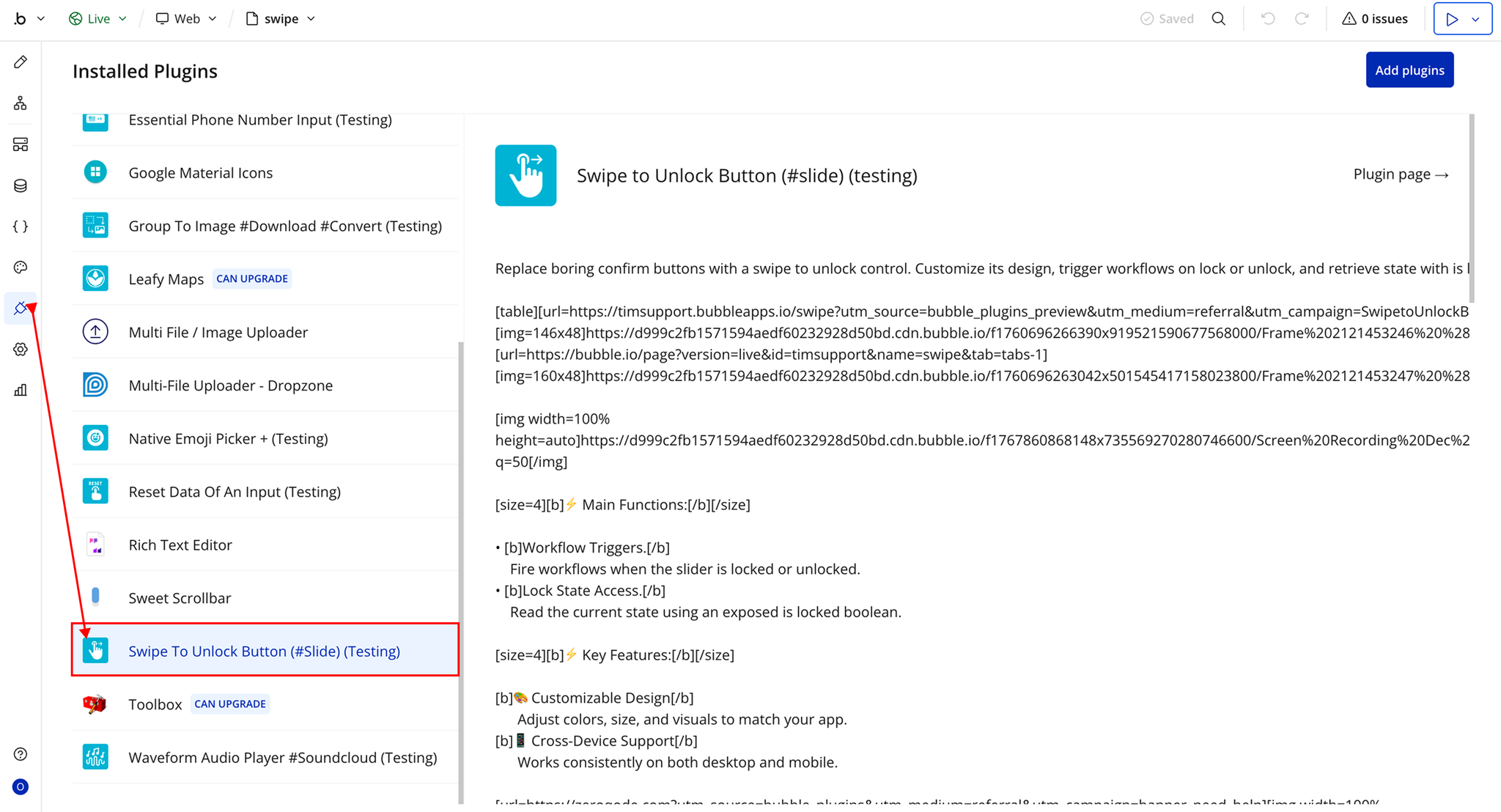
Step 2 – Add the Plugin Element to Your Page
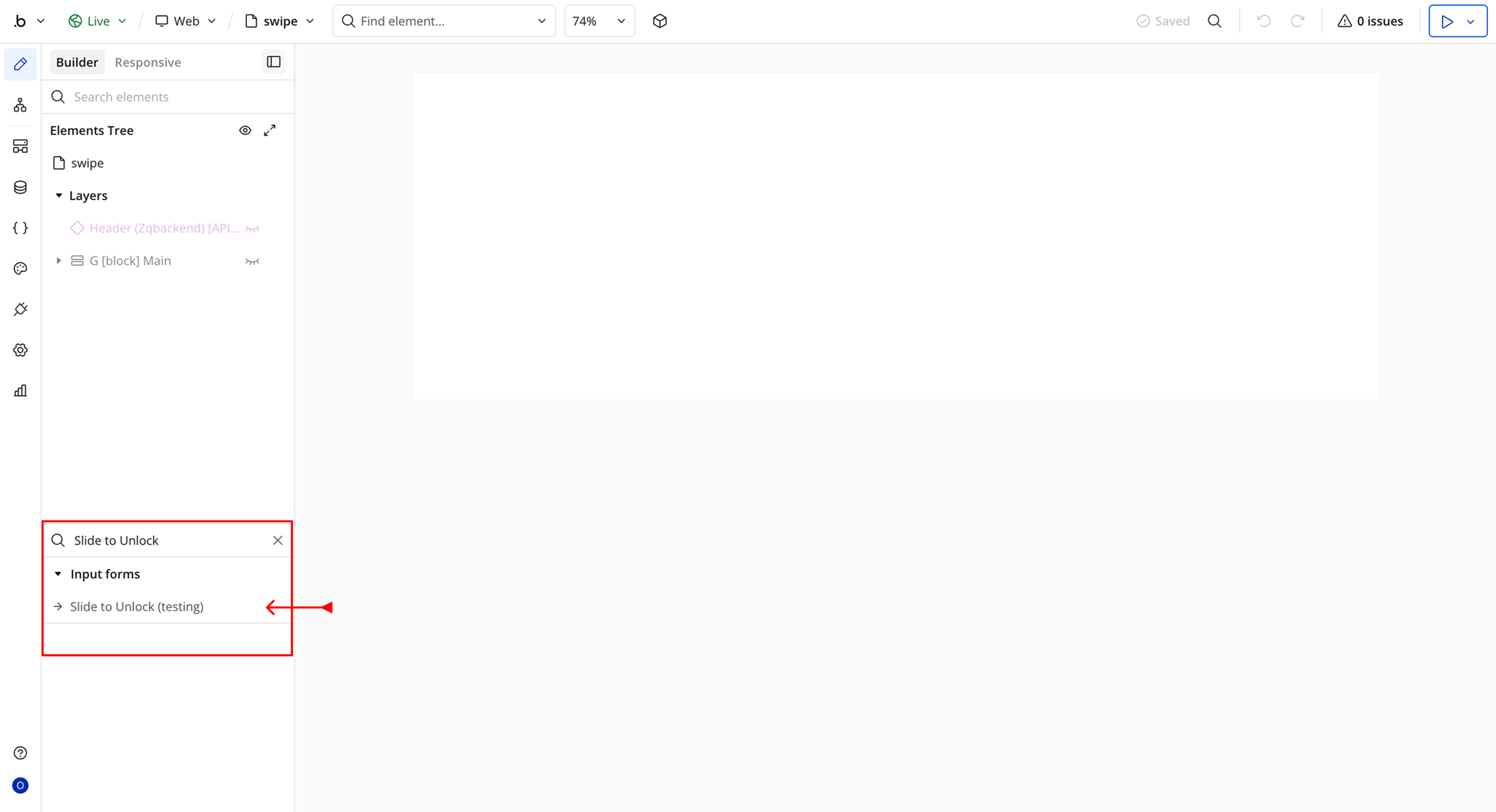
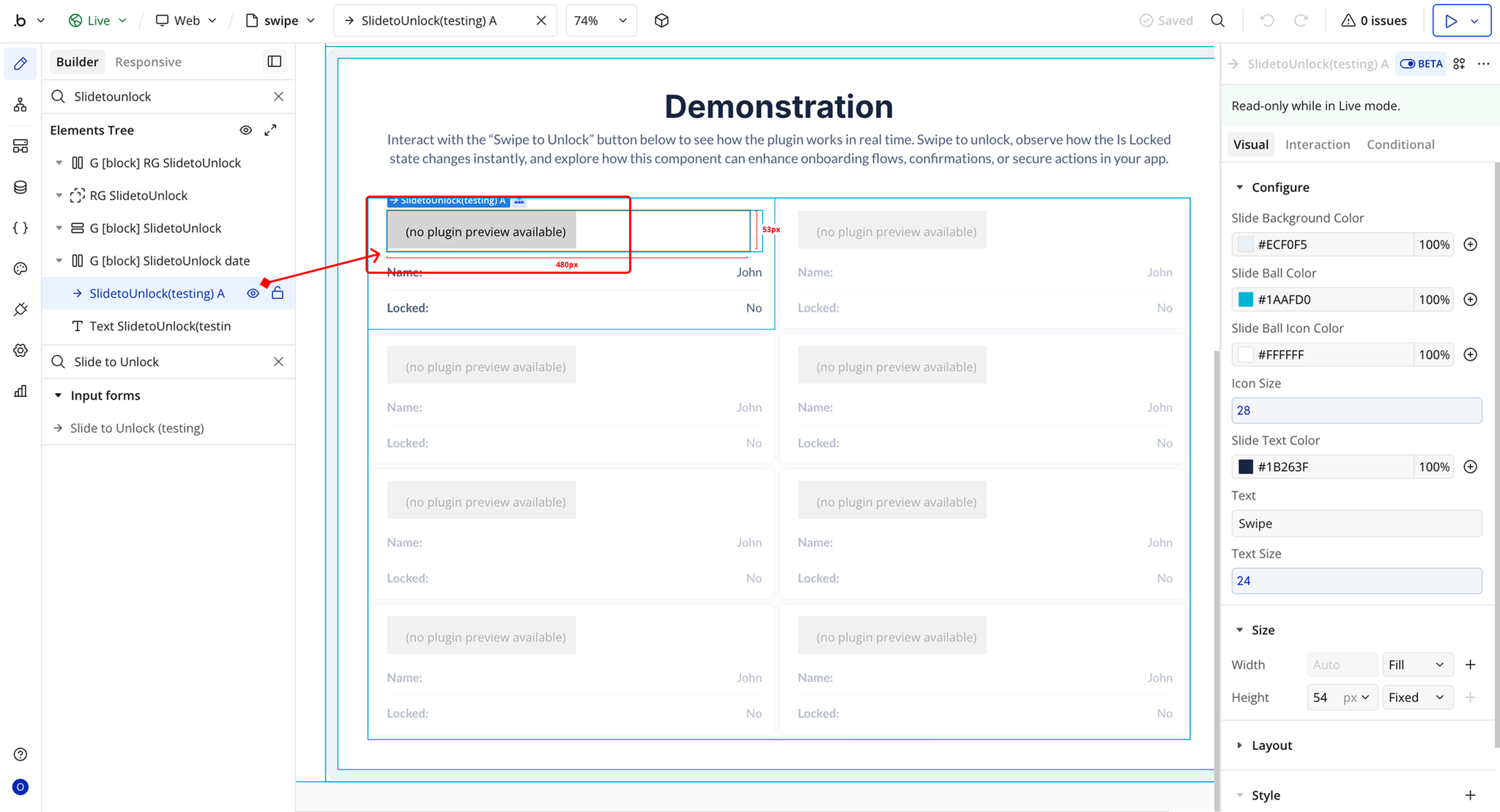
Step 3 – Configure Properties
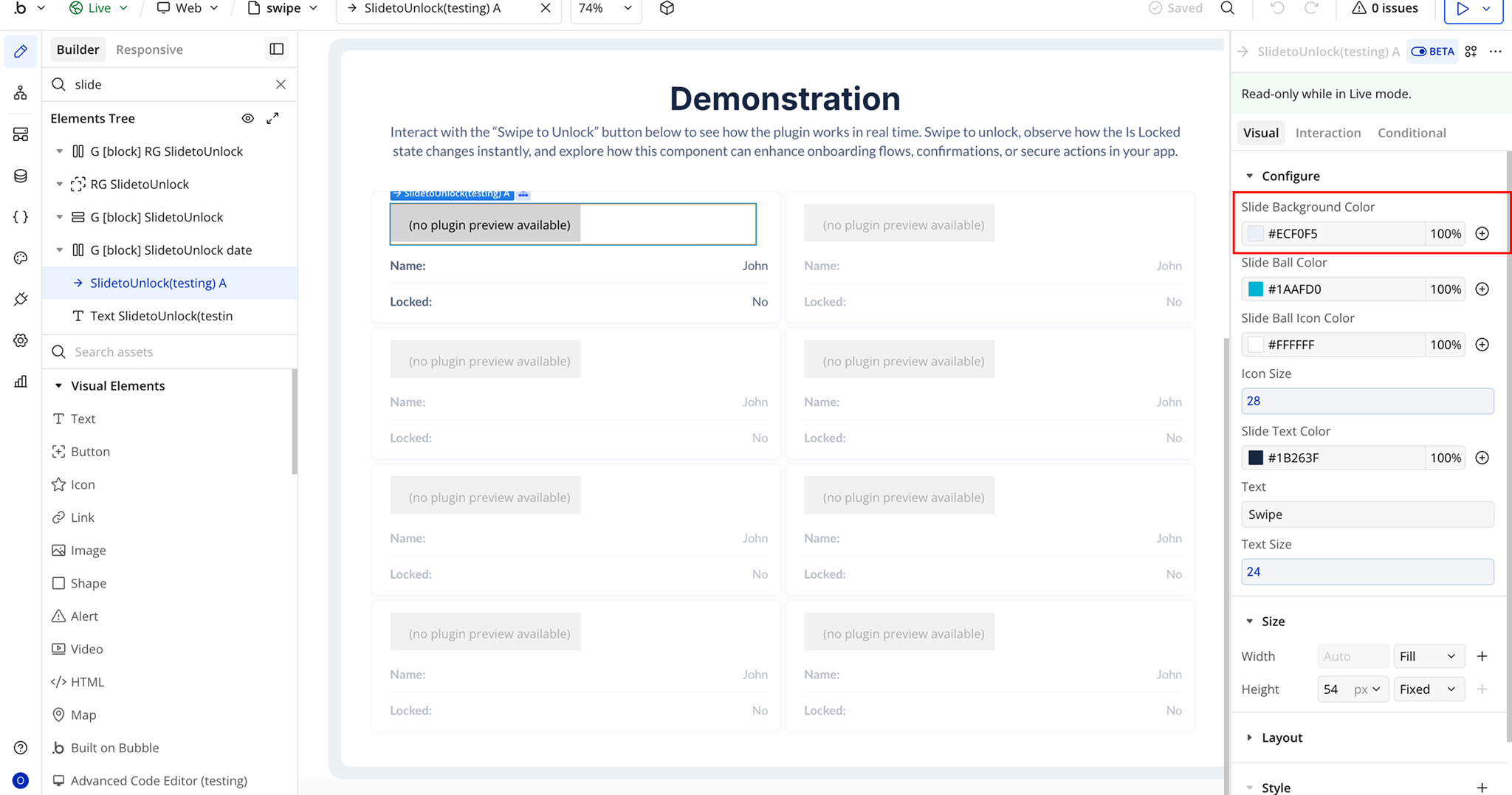
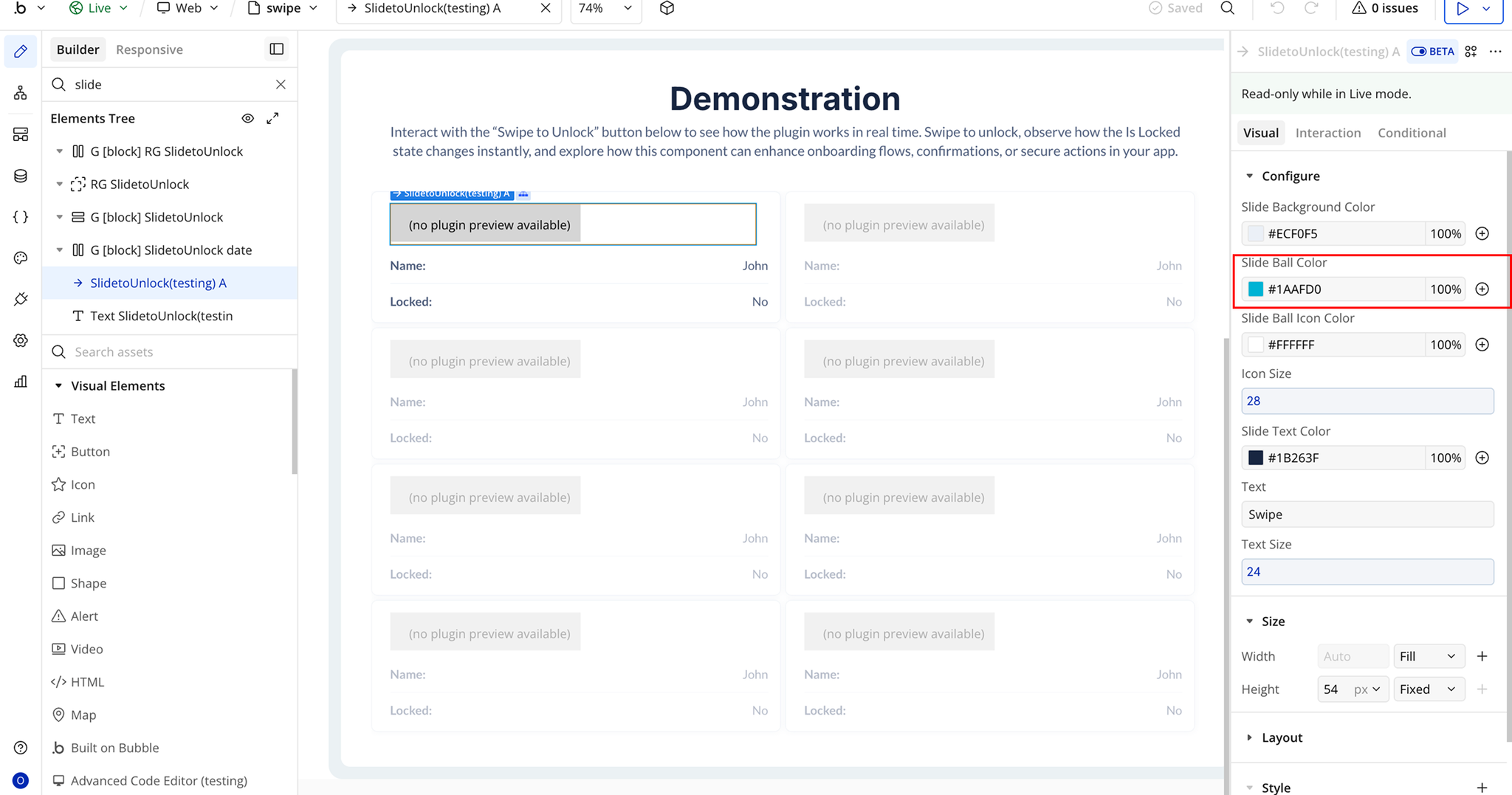
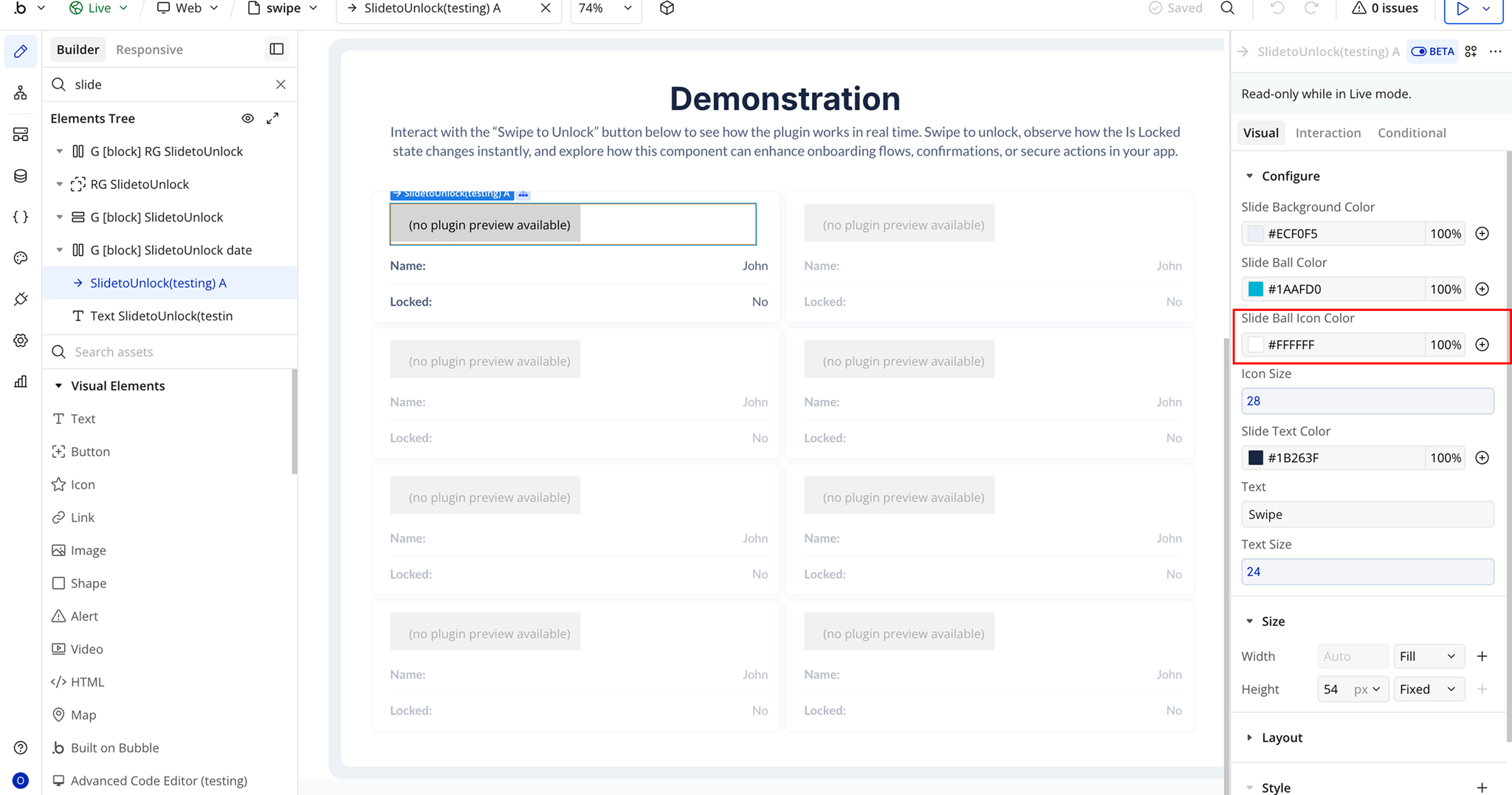
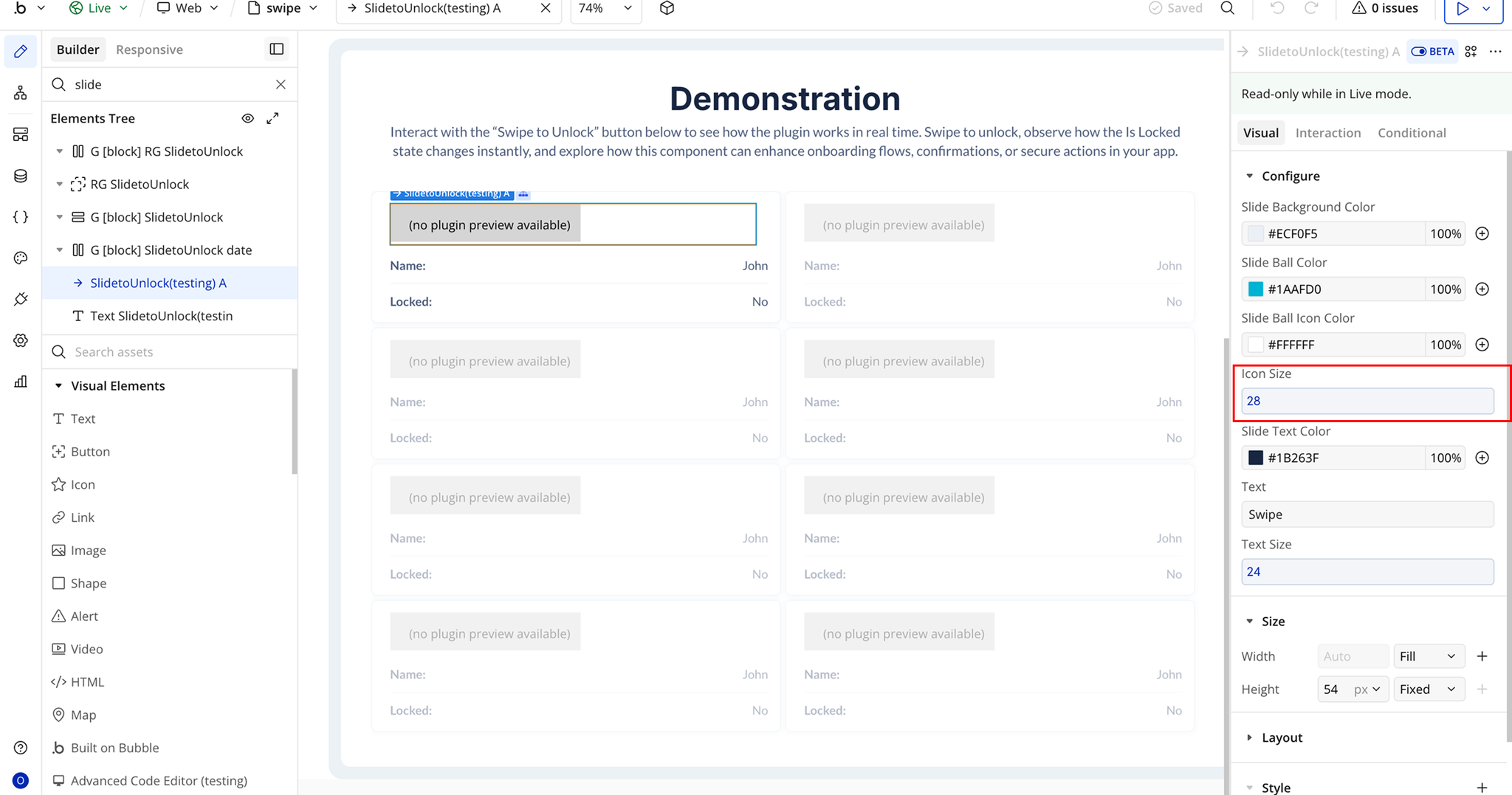
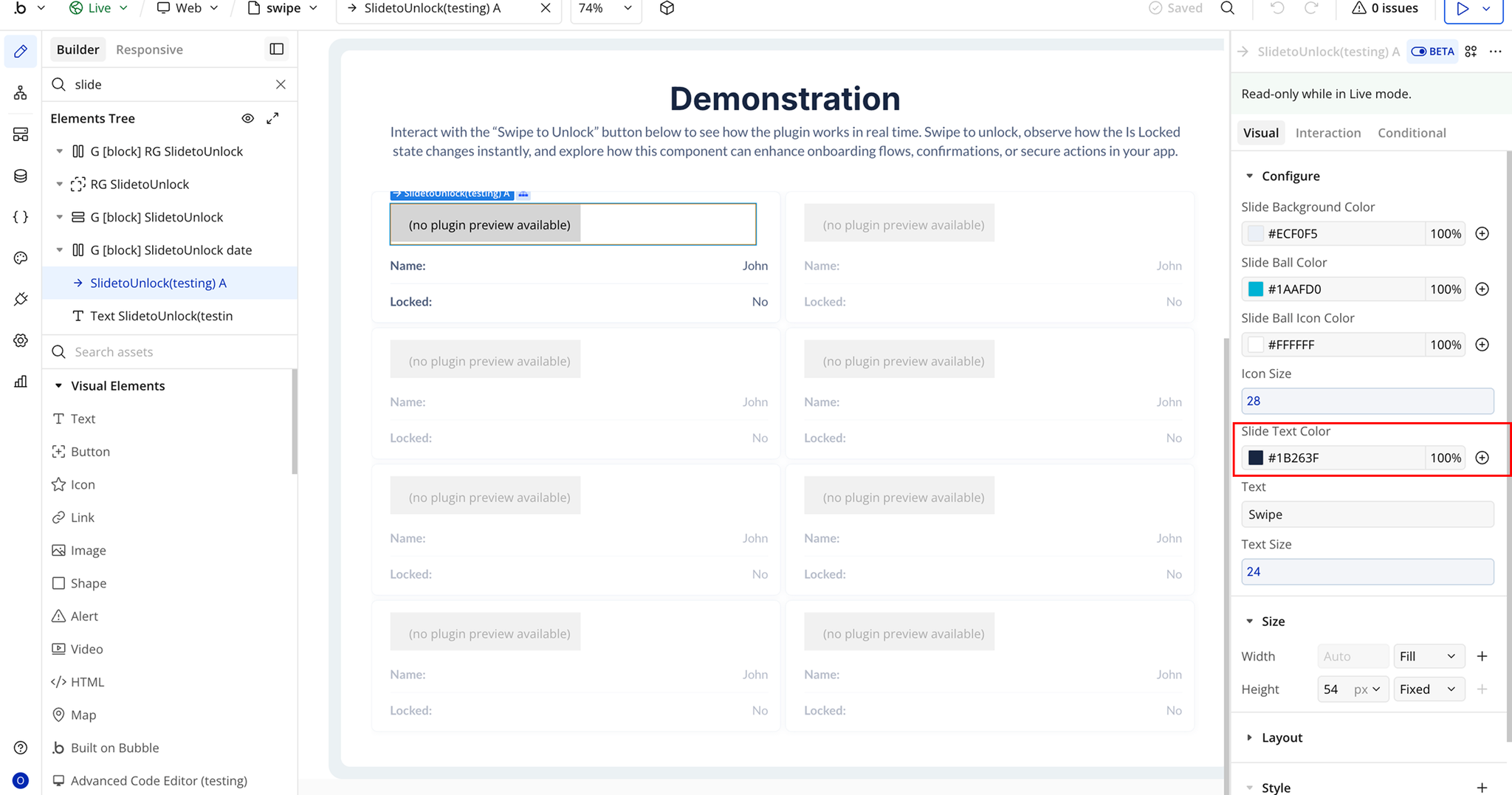
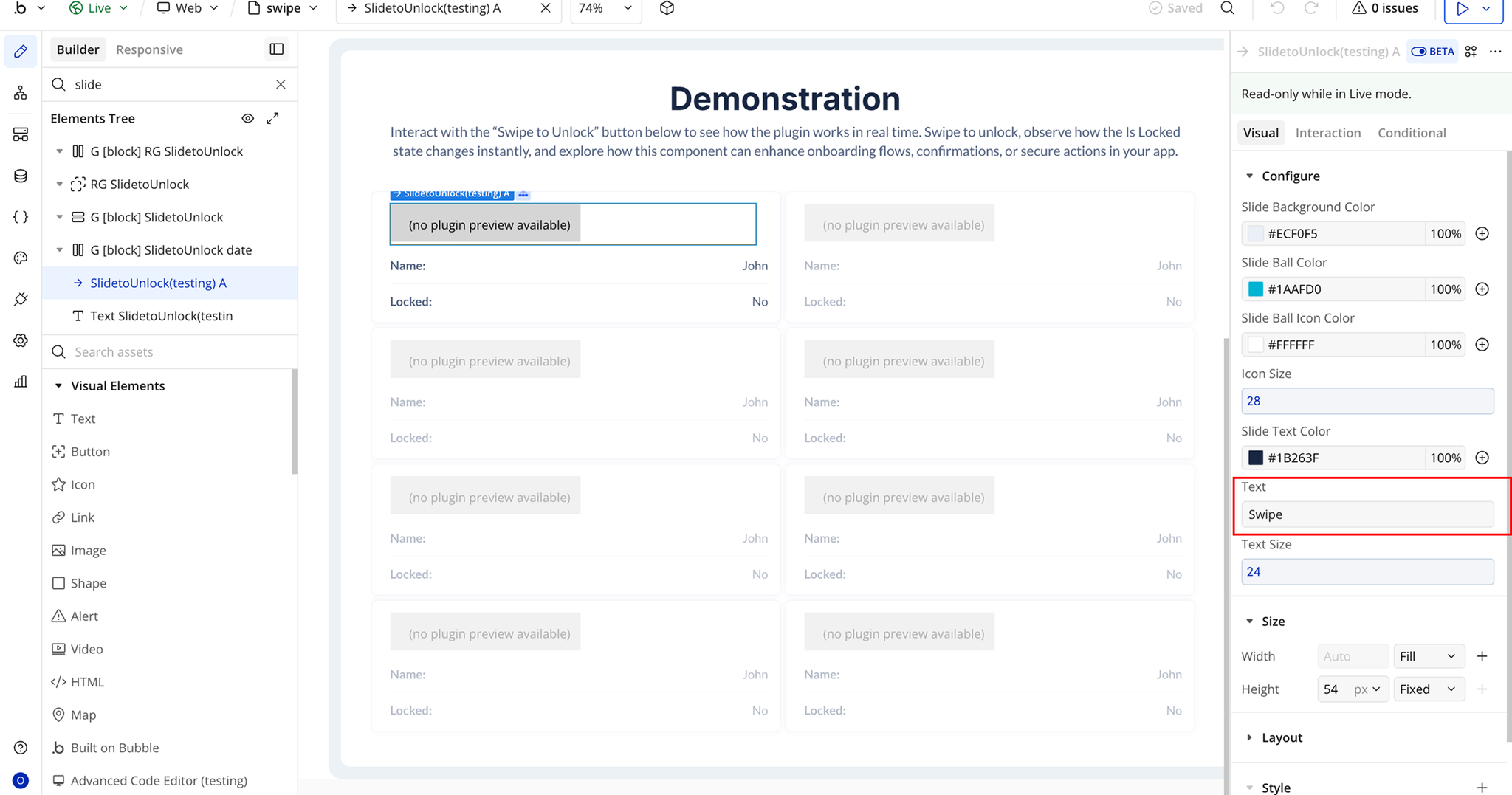
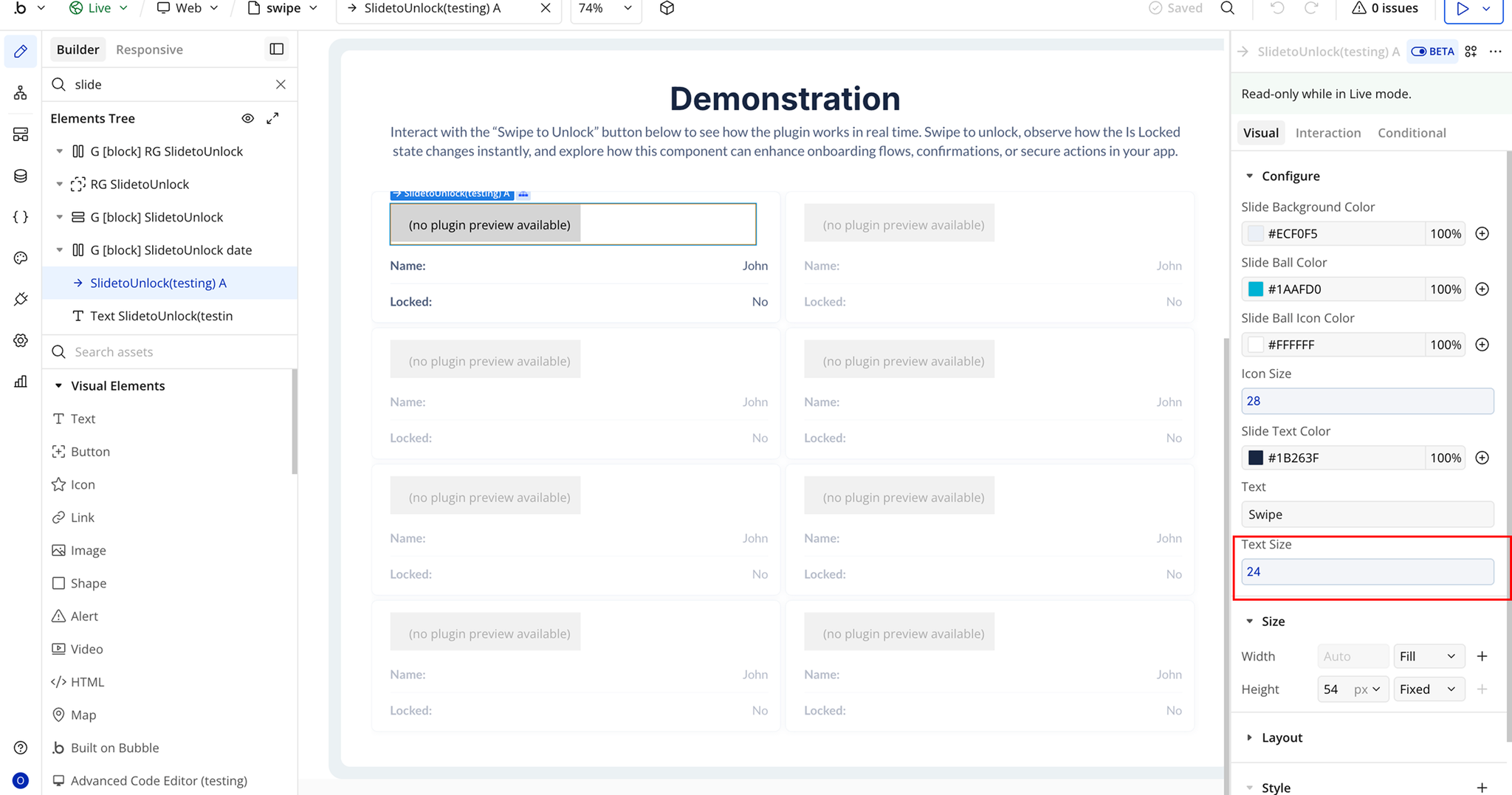
Plugin Element Properties - Slide to Unlock
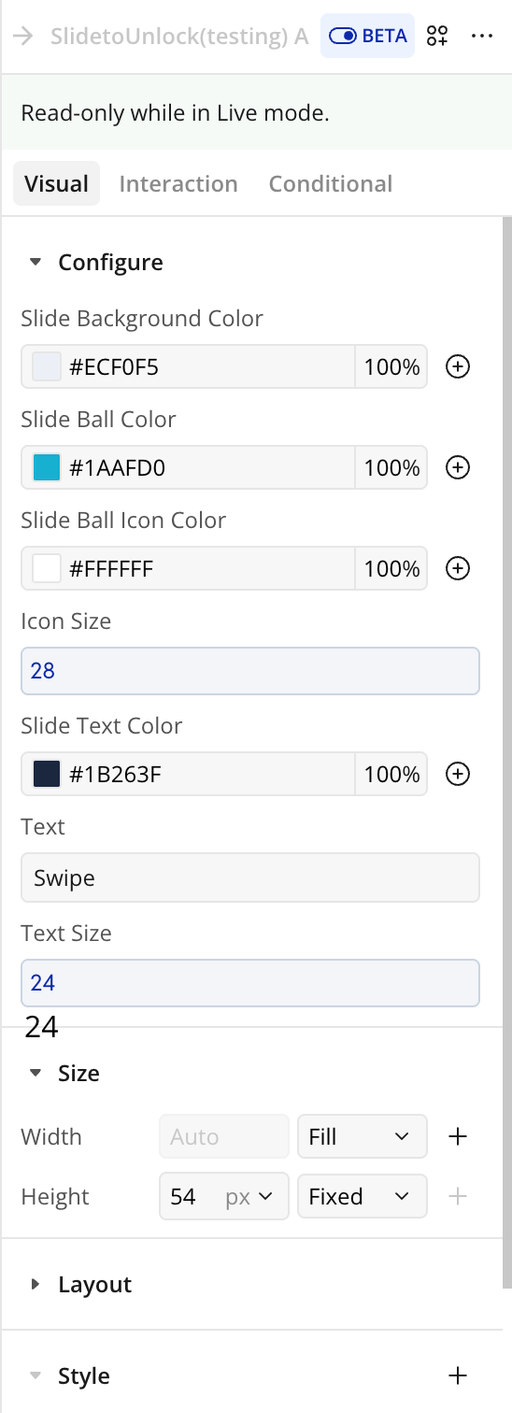
Fields
Title | Description | Type |
Slide Background Color | Sets the background color of the entire swipe track. | Color |
Slide Ball Color | Sets the background color of the draggable slide handle (ball). | Color |
Slide Ball Icon Color | Sets the color of the icon displayed inside the slide ball. | Color |
Slide Text Color | Sets the color of the text displayed inside the slide area. | Color |
Text | The text displayed inside the swipe button (e.g., “Swipe to Unlock”). | Text |
Icon Size | Controls the size of the icon inside the slide ball. | Number |
Text Size | Controls the font size of the slide text. | Number |
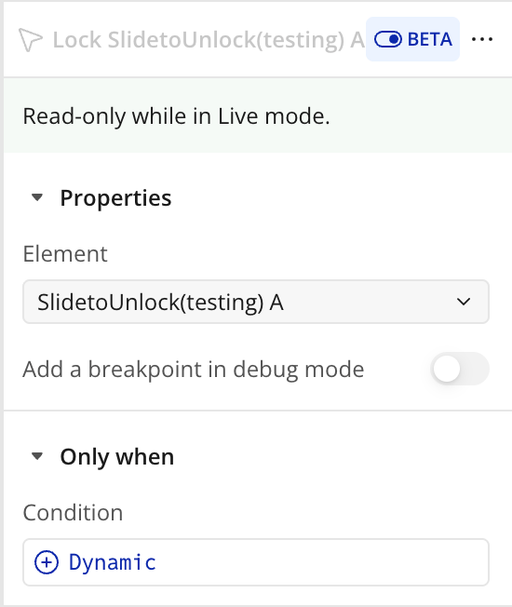
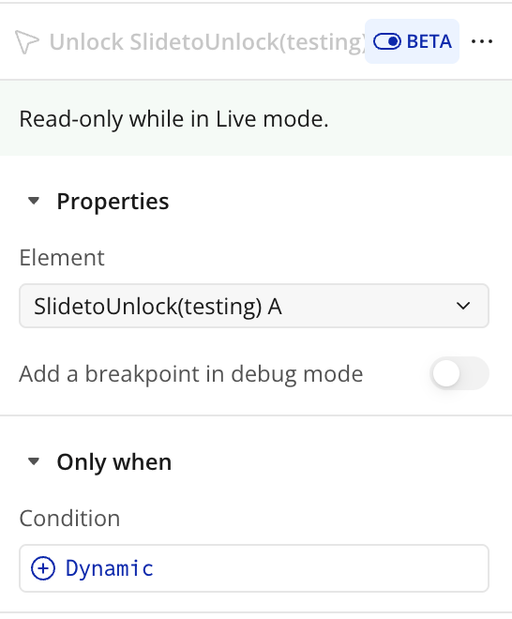
Element Actions
Exposed states
Element Events
Workflow example
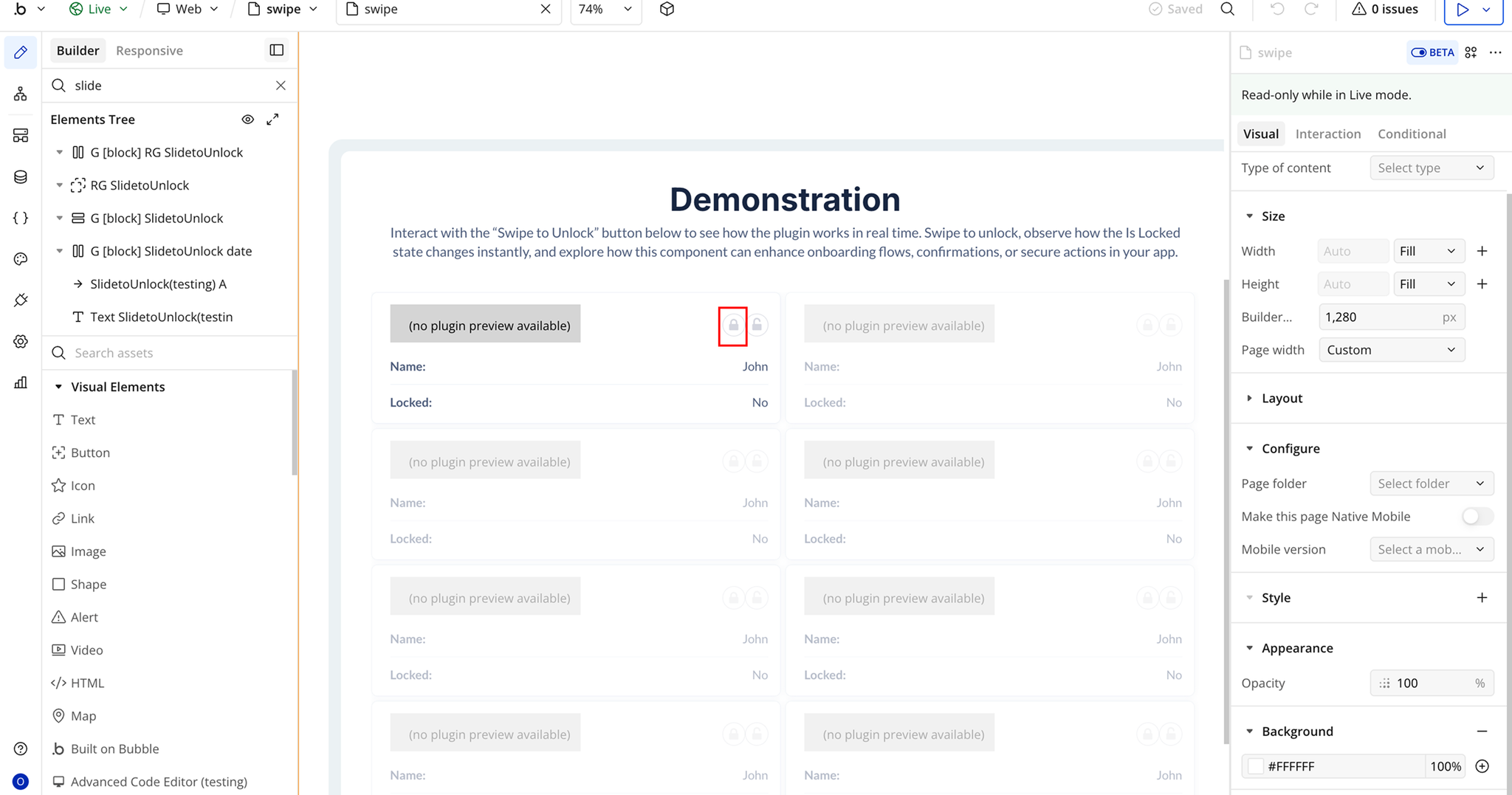
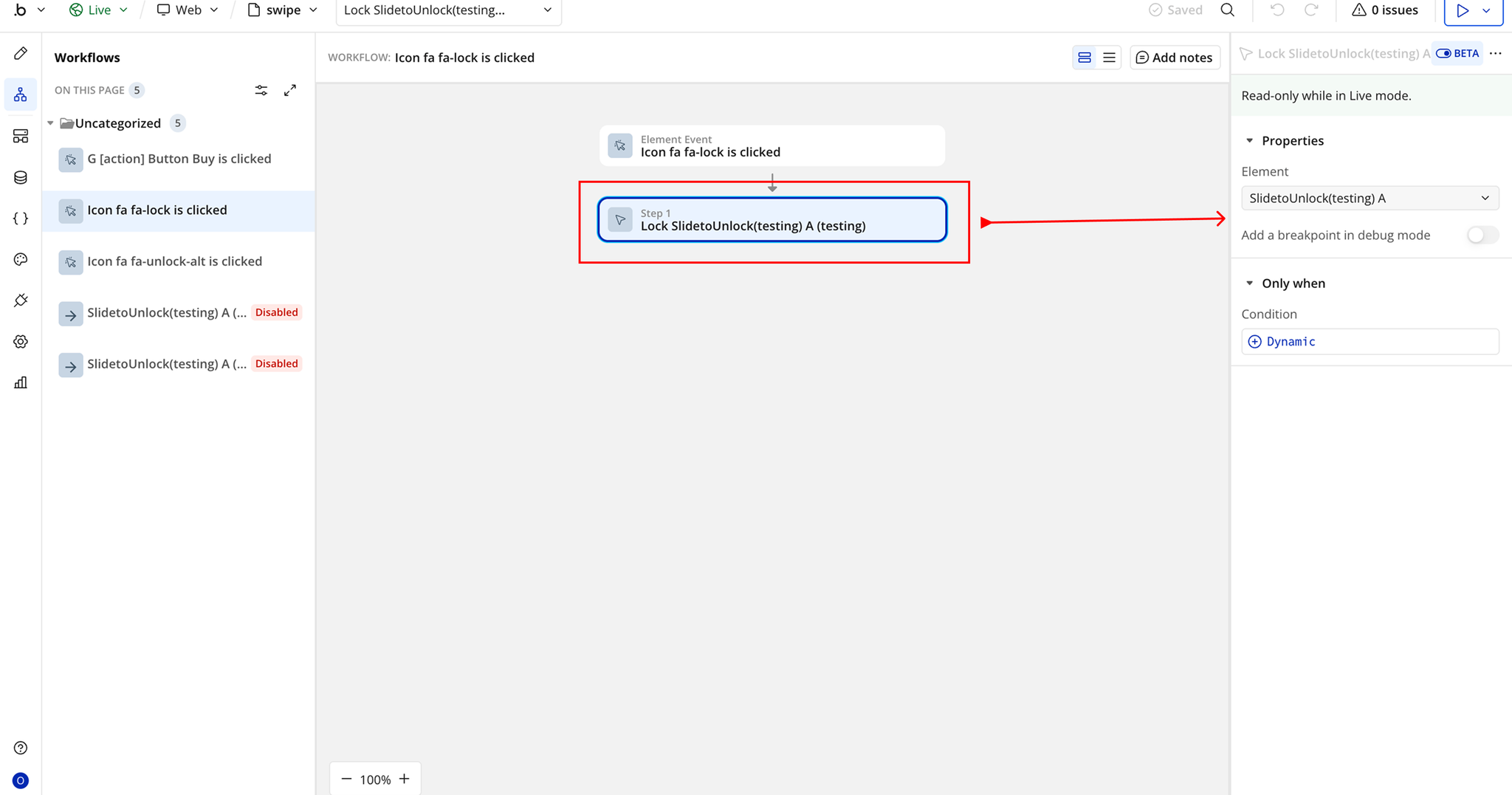
Workflow 1: Lock the Slide
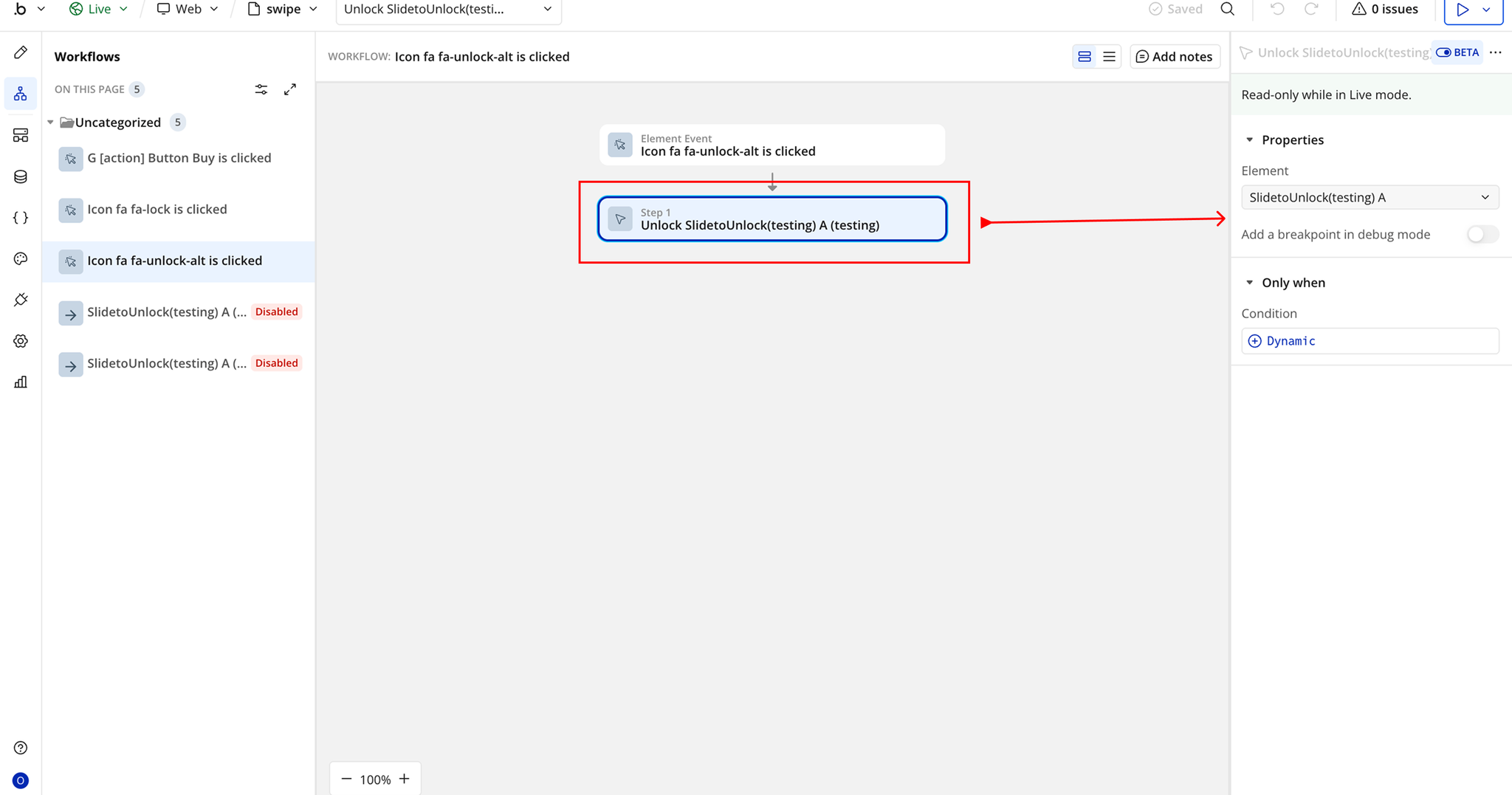
Workflow 2: Unlock the Slide