
Link to the plugin page: https://zeroqode.com/plugin/gdpr-cookie-consent-plugin-for-bubble-1706916181431x607098853415084300
Demo to preview the plugin:
Introduction
The Cookie Consent plugin is designed to help websites comply with cookie regulations by allowing users to consent to the use of various types of cookies. It provides a customizable consent modal that displays cookie categories, enabling users to select which types of cookies they want to allow. This plugin ensures compliance with legal requirements while maintaining a smooth user experience.
Usage Features:
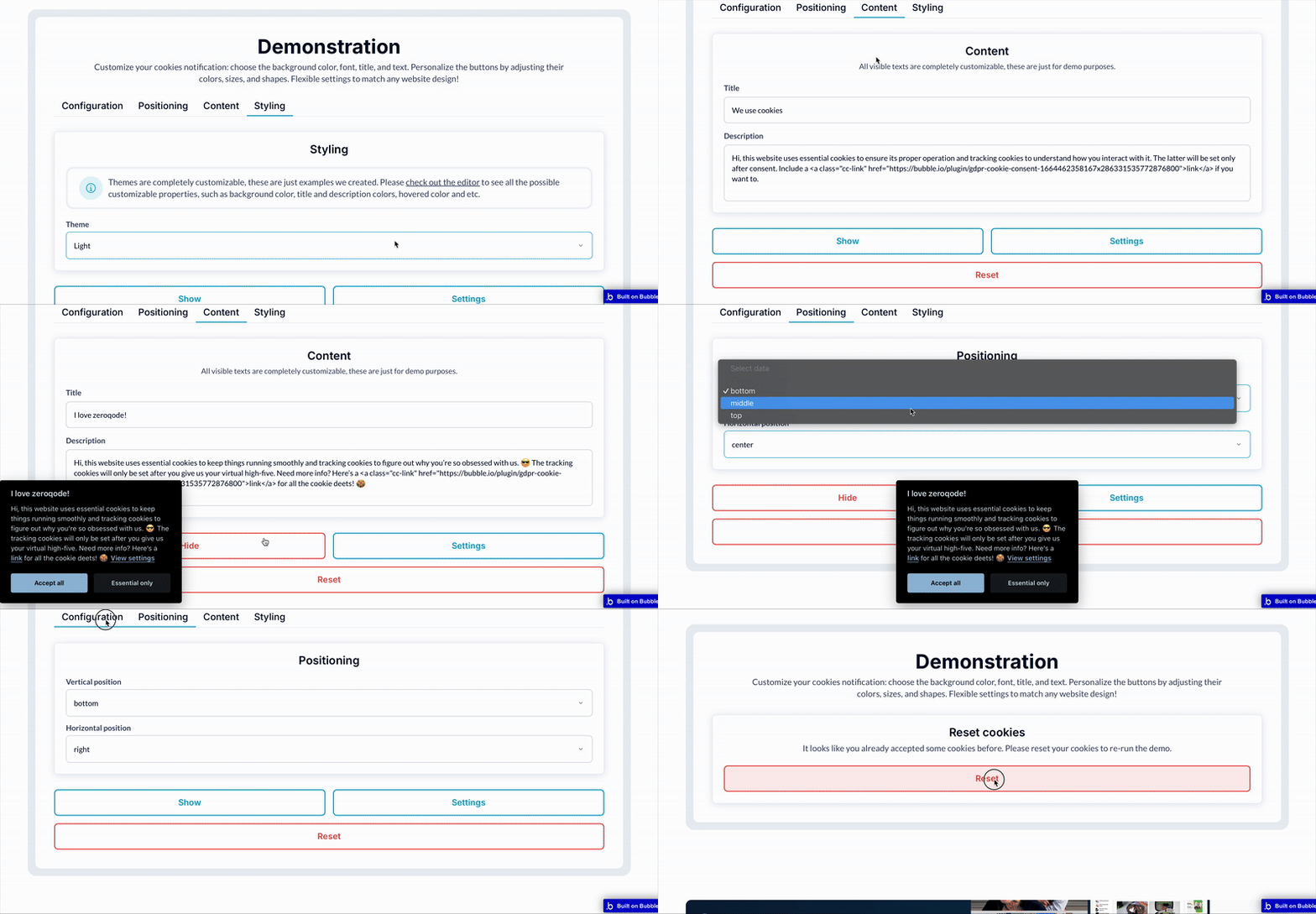
- Allows you to customize the appearance and behavior of the cookie consent modal, including text, button colors, and layout.
- Supports multiple cookie categories (Marketing, Personalization, Analytics) that users can accept or decline individually.
- You can customize text colors, background colors, button styles, and more to fit your website's theme.
- Requires users to make a selection before continuing to use the site.
Set the duration for how long the user’s consent is stored (e.g., 365 days).
- Flexibility to display the modal in various positions on the page (e.g., centered or corner-aligned).

How to setup
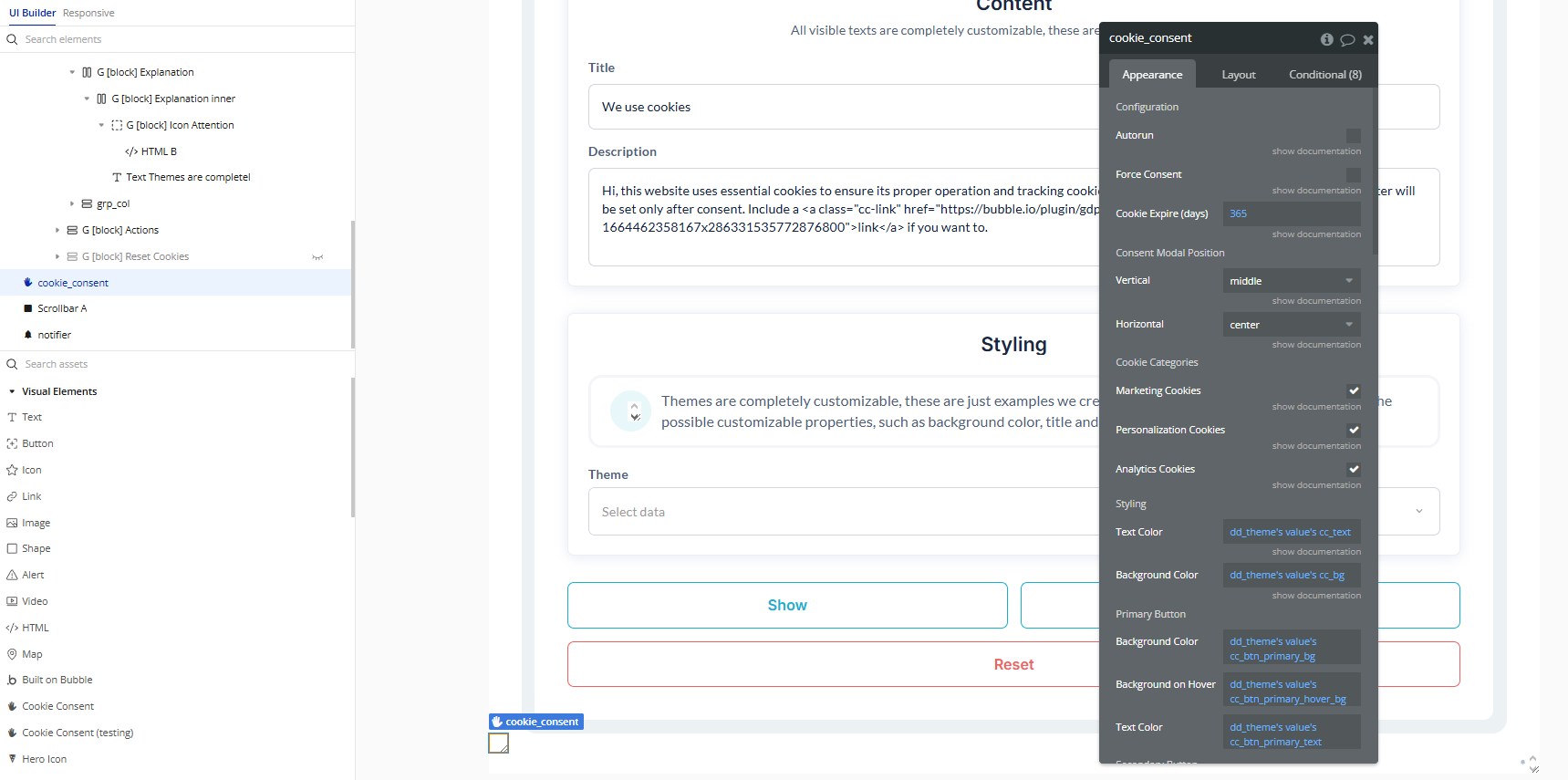
- Add the Cookie Consent Element
- Drag the Cookie Consent element onto your page.
- Adjust its position where you want the banner or modal to appear.
- Configure any visual settings as needed.
- Show the Cookie Consent Banner
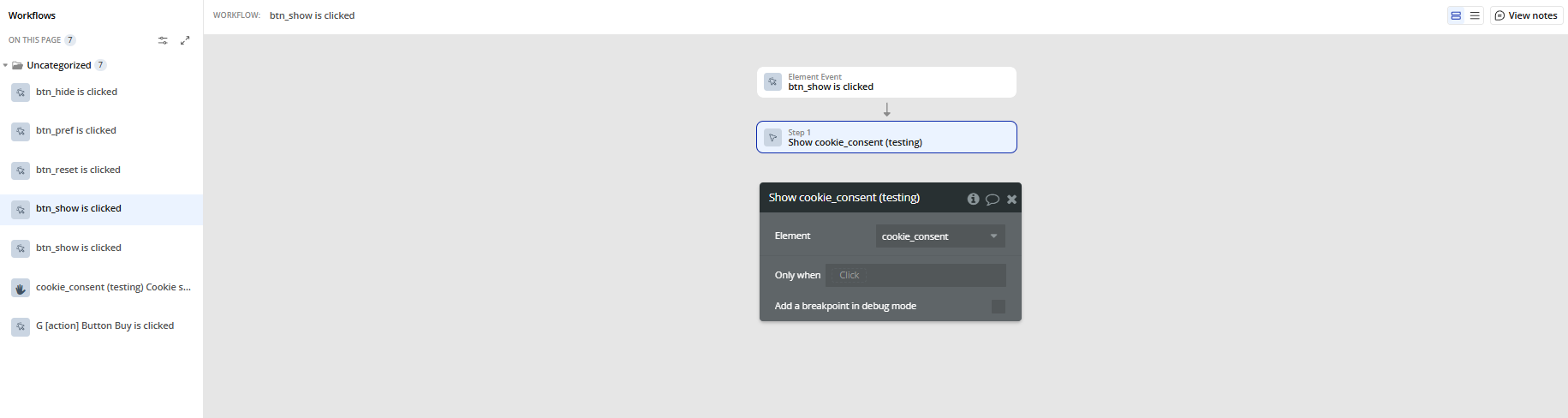
- Create a workflow, for example, triggered When Page is loaded.
- Add the action Show A Cookie Consent to display the cookie consent banner to users.
- Handle Cookie Settings Changes
- Add a workflow triggered by the event A Cookie Consent Cookie Settings Change.
- Use this to enable or disable app features, scripts, or tracking based on the user’s preferences.
- Let Users Update Preferences
- To allow users to adjust their cookie choices later:
- Add a button or link in your app.
- Set its workflow to run the action Show Settings A Cookie Consent when clicked.
Plugin Element Properties
Cookie Consent
Fields:
Title | Description | Type |
Configuration | ||
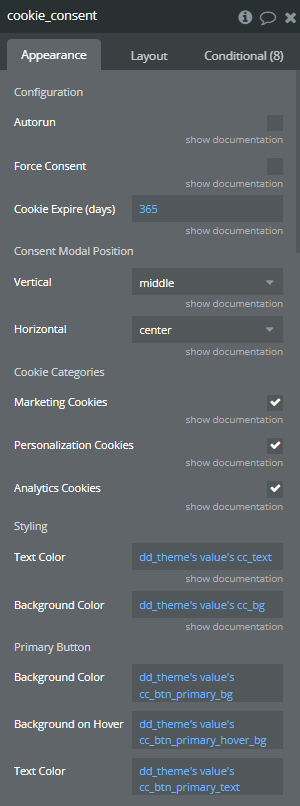
Autorun | If enabled, the cookie consent modal will appear automatically as soon as possible. Otherwise, you’ll need to manually trigger it with the “Show A Cookie Consent” action. | Checkbox (yes/no) |
Force Consent | If enabled, the user must accept cookies to continue using the page. Otherwise, they can continue browsing even without giving consent. | Checkbox (yes/no) |
Cookie Expire (days) | Number of days before the user’s cookie consent decision expires and the banner appears again. | Number |
Consent Modal Position | ||
Vertical | Sets the vertical position of the consent modal. Options: bottom, middle, top. | Dropdown |
Horizontal | Sets the horizontal position of the consent modal. Options: left, right, center. | Dropdown |
Cookie Categories | ||
Marketing Cookies | Enable this to include a category for marketing cookies in the consent options. | Checkbox (yes/no) |
Personalization Cookies | Enable this to include a category for personalization cookies in the consent options. | Checkbox (yes/no) |
Analytics Cookies | Enable this to include a category for analytics cookies in the consent options. | Checkbox (yes/no) |
Styling | ||
Text Color | Color of the main text in the cookie consent window. | Color |
Background Color | Background color of the main cookie consent window. | Color |
Primary Button | ||
Background Color | Background color of the primary (accept) button. | Color |
Background on Hover | Background color of the primary button when hovered. | Color |
Text Color | Text color of the primary button. | Color |
Secondary Button | ||
Background Color | Background color of the secondary (reject or settings) button. | Color |
Background on Hover | Background color of the secondary button when hovered. | Color |
Text Color | Text color of the secondary button. | Color |
Cookie Toggle | ||
Off Color | Color of the toggle when the cookie category is disabled. | Color |
On Color | Color of the toggle when the cookie category is enabled. | Color |
ReadOnly Color | Color of the toggle when the category is mandatory and cannot be changed. | Color |
Knob Background | Background color of the toggle knob. | Color |
Knob Icon Color | Color of the icon inside the toggle knob. | Color |
Cookie Block | ||
Background Color | Background color of the cookie block section in the settings window. | Color |
Background on Hover | Background color of the cookie block section when hovered. | Color |
Border Color | Border color of the cookie block section. | Color |
Text Color | Text color inside the cookie block section. | Color |
Table Border Color | Border color for tables within the cookie block section. | Color |
Settings Window | ||
Overlay Color | Color of the overlay behind the settings modal. | Color |
Scrollbar Color | Color of the scrollbar in the settings modal. | Color |
Scrollbar on Hover | Color of the scrollbar when hovered. | Color |
Consent Modal Text | ||
Title | Text displayed as the title of the cookie consent banner. | Text (optional) |
Description | Text shown as the description in the consent banner explaining the purpose of cookies. | Text (optional) |
Settings Button | Text for the button that opens the detailed cookie settings window. | Text (optional) |
Accept Button Text | Text for the primary button that accepts all cookies. | Text (optional) |
Reject Button Text | Text for the secondary button that rejects non-essential cookies. | Text (optional) |
Settings Modal Text | ||
Title | Title text displayed at the top of the cookie settings modal. | Text (optional) |
Save Settings | Text for the button that saves the user’s cookie settings. | Text (optional) |
Accept All Button | Text for the button in the settings modal that accepts all cookies. | Text (optional) |
Reject All Button | Text for the button in the settings modal that rejects all non-essential cookies. | Text (optional) |
Introduction Block | ||
Title | Title for the introductory section of the cookie settings modal. | Text (optional) |
Description | Description for the introductory section in the settings modal. | Text (optional) |
Categories | ||
Essential Title | Title for the essential cookies category (cannot be disabled). | Text (optional) |
Marketing Title | Title for the marketing cookies category. | Text (optional) |
Personalization Title | Title for the personalization cookies category. | Text (optional) |
Analytics Title | Title for the analytics cookies category. | Text (optional) |
More Information Block | ||
Title | Title for the section providing more information about cookie usage. | Text (optional) |
Description | Description for the section giving more details on cookies and privacy. | Text (optional) |
Element Actions
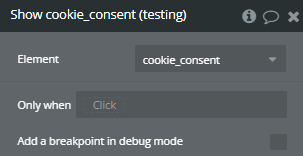
Show
Run this action to show cookie consent modal
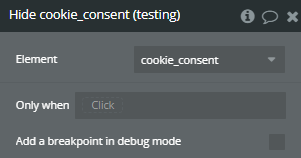
Hide
Run this action to hide cookie consent modal
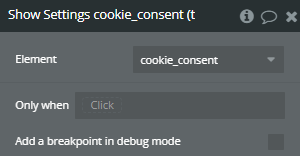
Show Settings
Run this action to show cookie consent settings
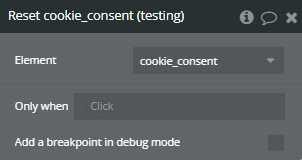
Reset
Run this action to delete cookie settings. Reloads the page.
Exposed states
Title | Description | Type |
Accepted Cookies | A list with all accepted cookie categories. | Text |
Rejected Cookies | A list with all rejected cookie categories. | Text |
Element Events
Title | Description |
Cookie settings change | Will trigger when cookie permissions change. |
