Link to the plugin page: https://zeroqode.com/plugin/color-formatter-plugin-for-bubble-1739490699985x672270281685006300
Demo to preview the plugin:
Introduction
This plugin allows you to convert colors into other formats and do some color processing.
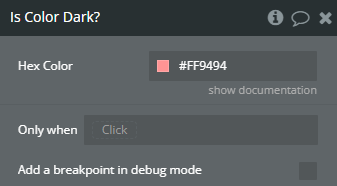
Supported Actions: Hex to RGB, Hex to Name, Hex to HSL, Hex to HSV, Hex to Hex8, Any Color to Hex, Random Color, Get Brightness of color, Is the color light/dark, is the color a valid color.
This plugin runs server side, and the actions can be triggered within your workflows.

How to setup
- Add a Workflow
- Go to the Workflow tab in your Bubble editor and create a new workflow (e.g. “When a button is clicked”).
- Use a Plugin Action
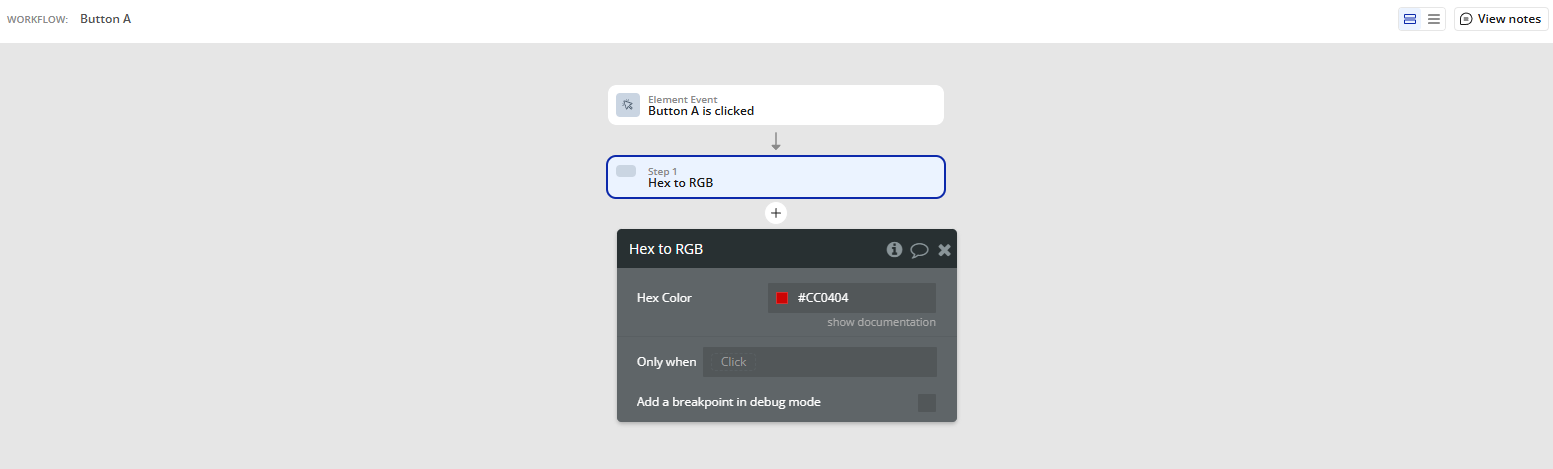
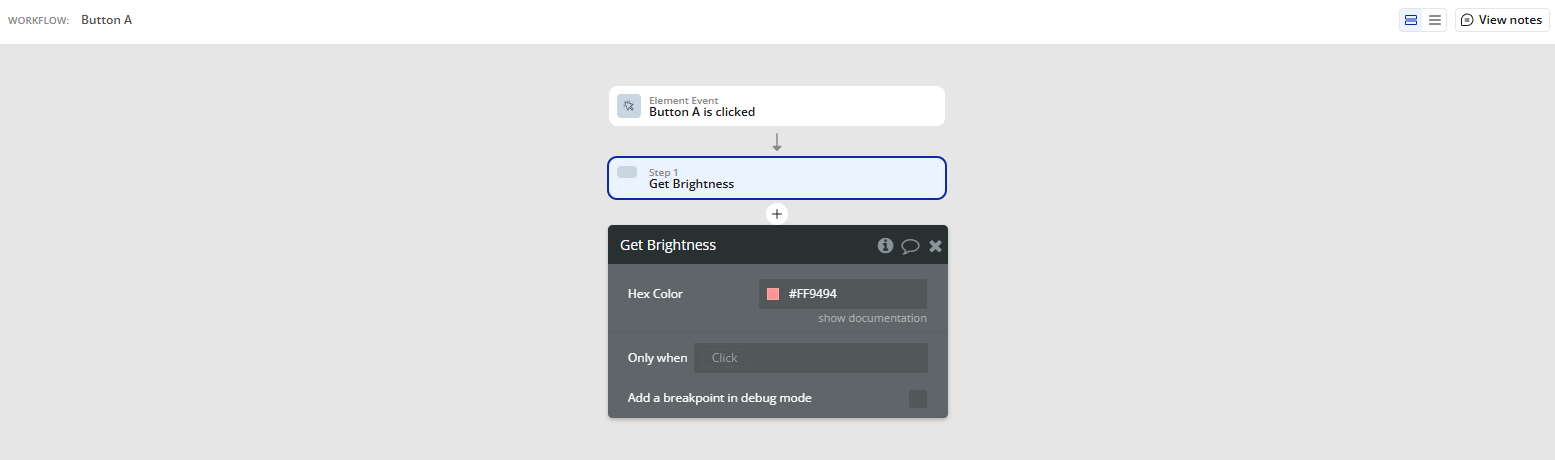
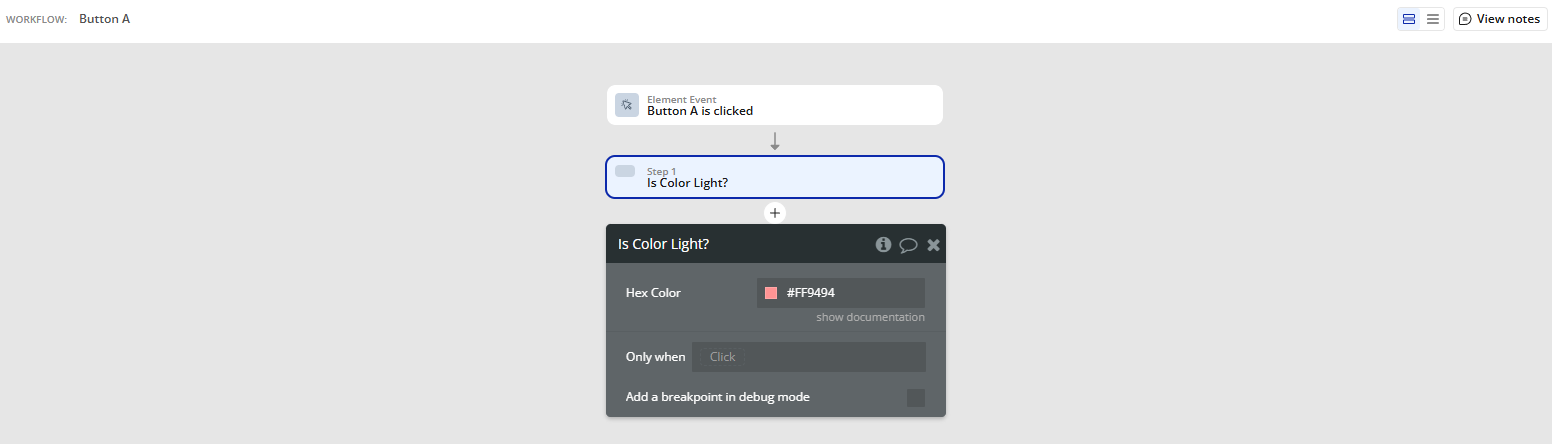
Hex To RGBto get the RGB values of a HEX color.Get Brightnessto measure how bright a color is.Is Color Light?to adapt your UI colors conditionally.Random Colorto generate dynamic visual effects.
Click “+” → Plugins → Color Formatter Plugin and choose the action you need, such as:
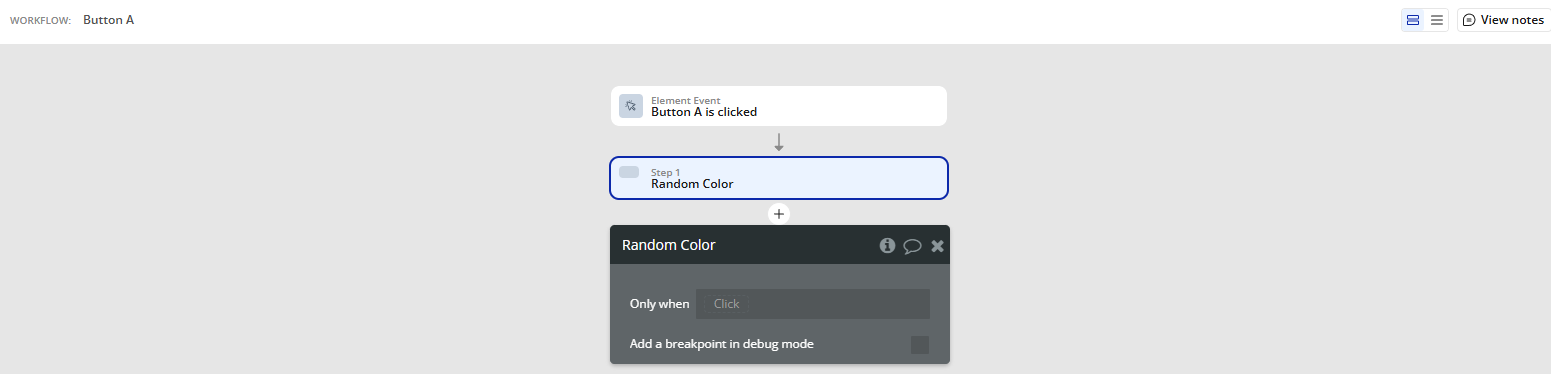
Plugin Actions
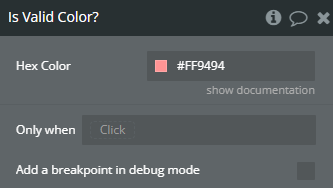
Is Valid Color?
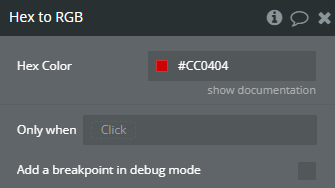
Hex to RGB
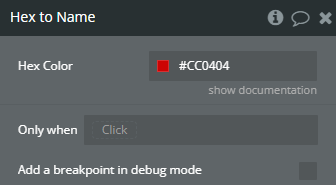
Hex to Name
Hex to HSV
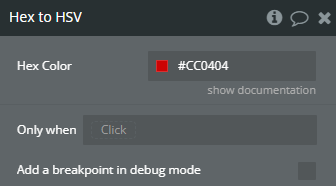
Hex to HSL
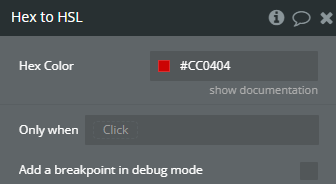
Hex to HEX8 String
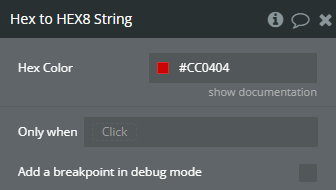
Color to Hex
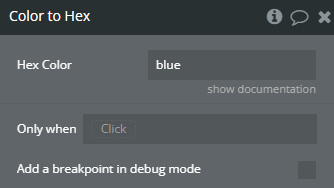
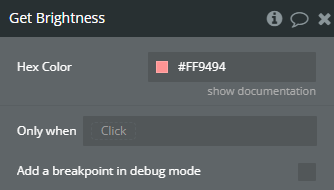
Get Brightness
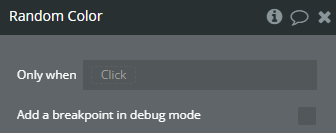
Random Color
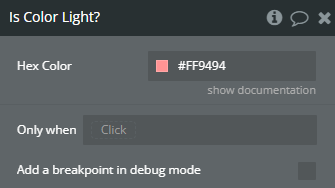
Is Color Light?
Is Color Dark?