
Demo to preview the plugin:
Introduction
Star Rating Input Pro allows you to easily add interactive, customizable star rating components to your Bubble application. Users can select ratings and trigger workflows, and you can dynamically display results, all with a smooth UI and full design flexibility.
Key Features
Prerequisites
Before using the Star Rating Input Pro plugin, ensure the following:
- Bubble Editor Access – You need editor access to the Bubble app where the plugin is installed.
- Basic Workflow Familiarity – Recommended for capturing rating values and triggering actions when users select a rating.
- Numeric Field (Optional) – If you plan to save ratings, ensure your database field is of type number (integer).

How to Set Up
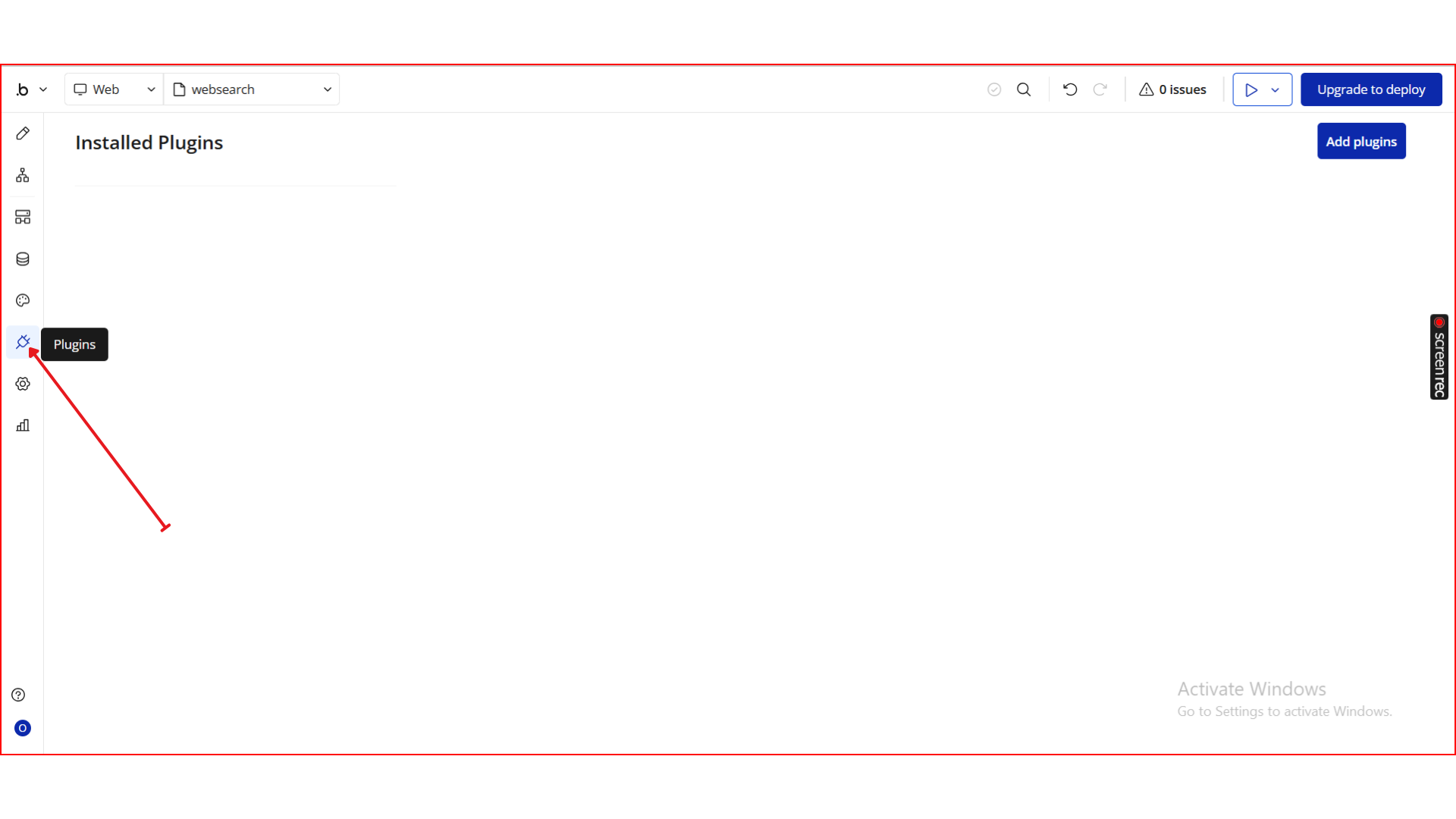
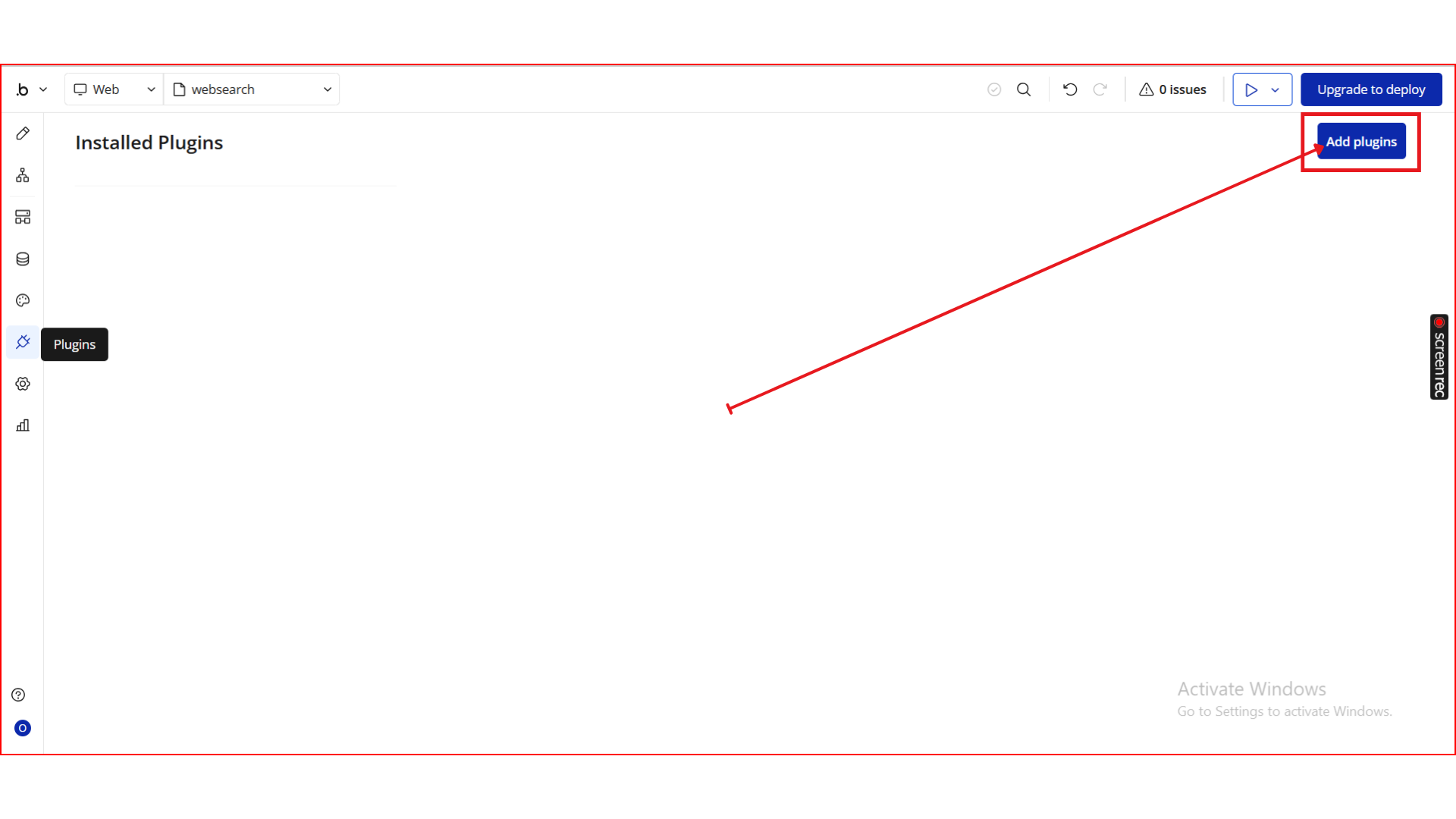
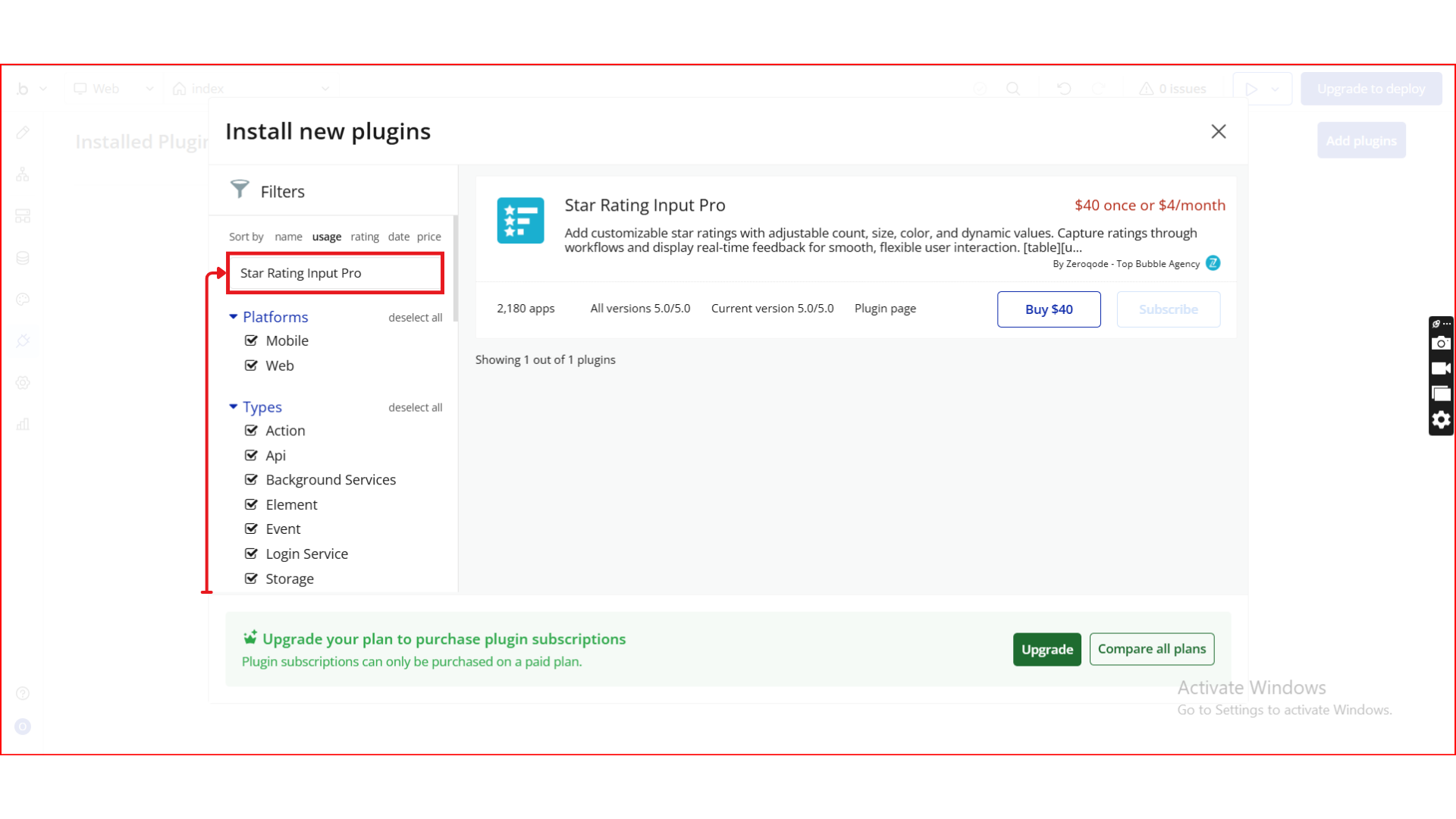
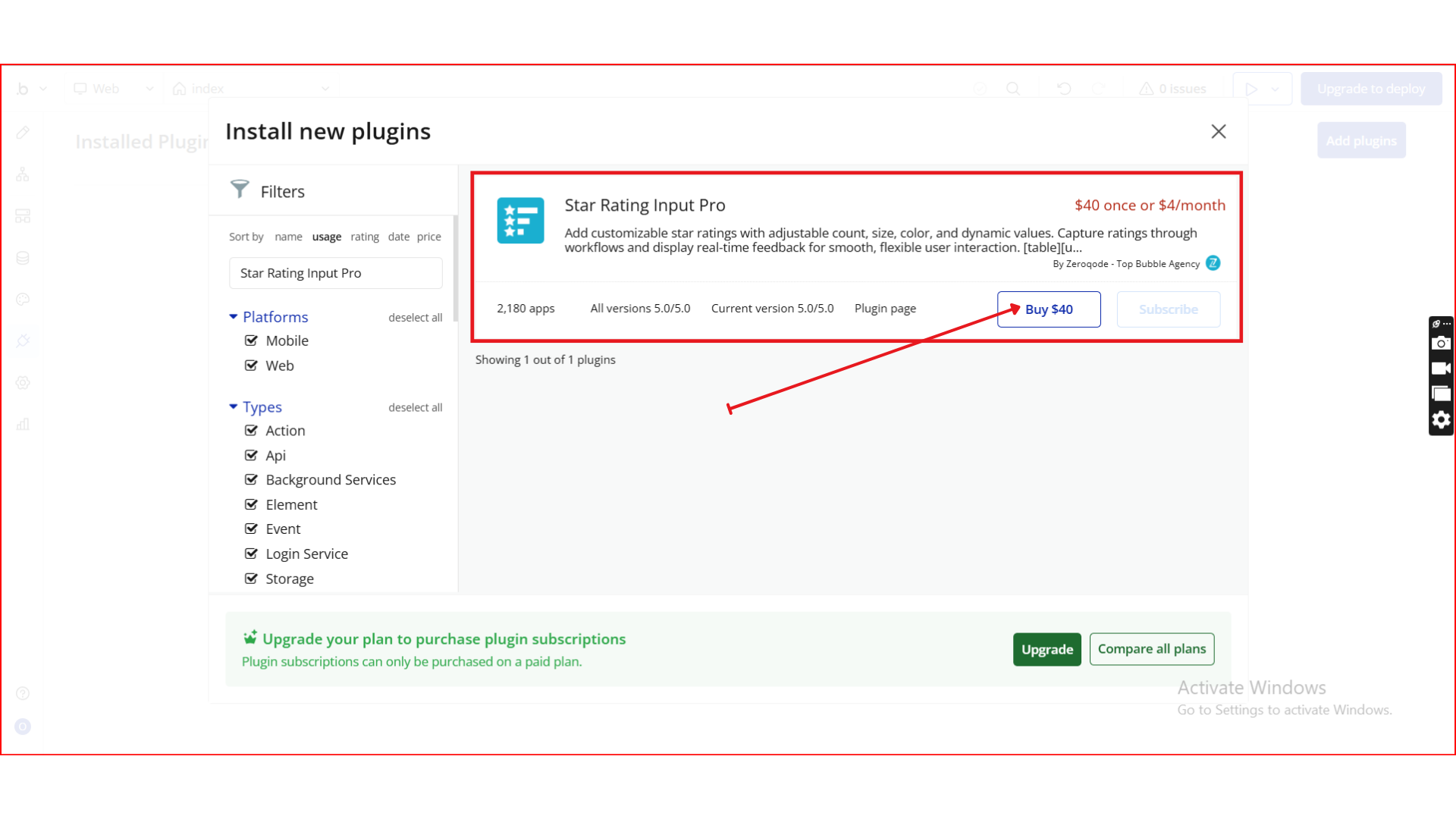
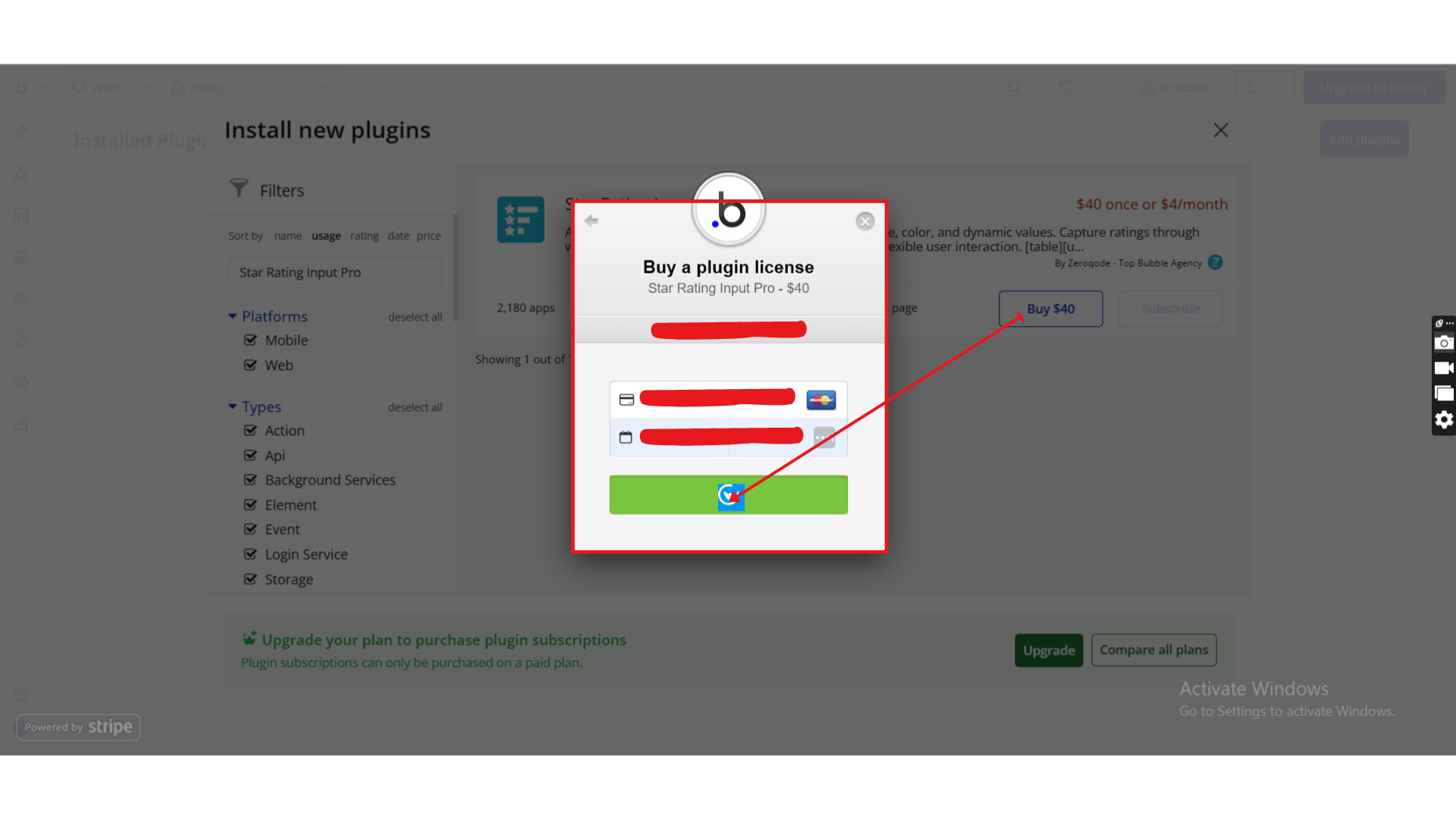
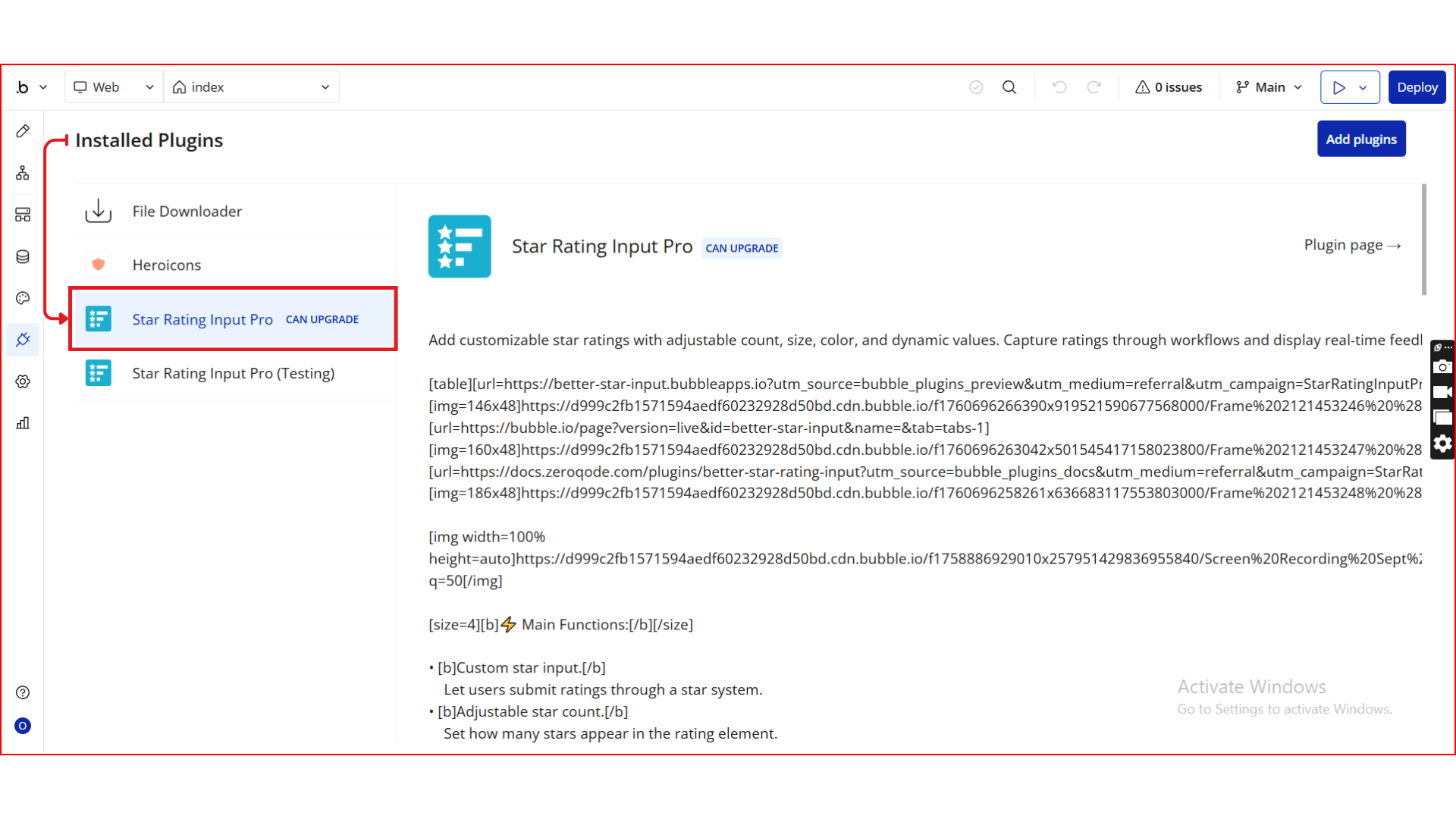
Step 1. Install the Plugin
Step 2. Add the Rating Element to Your Page
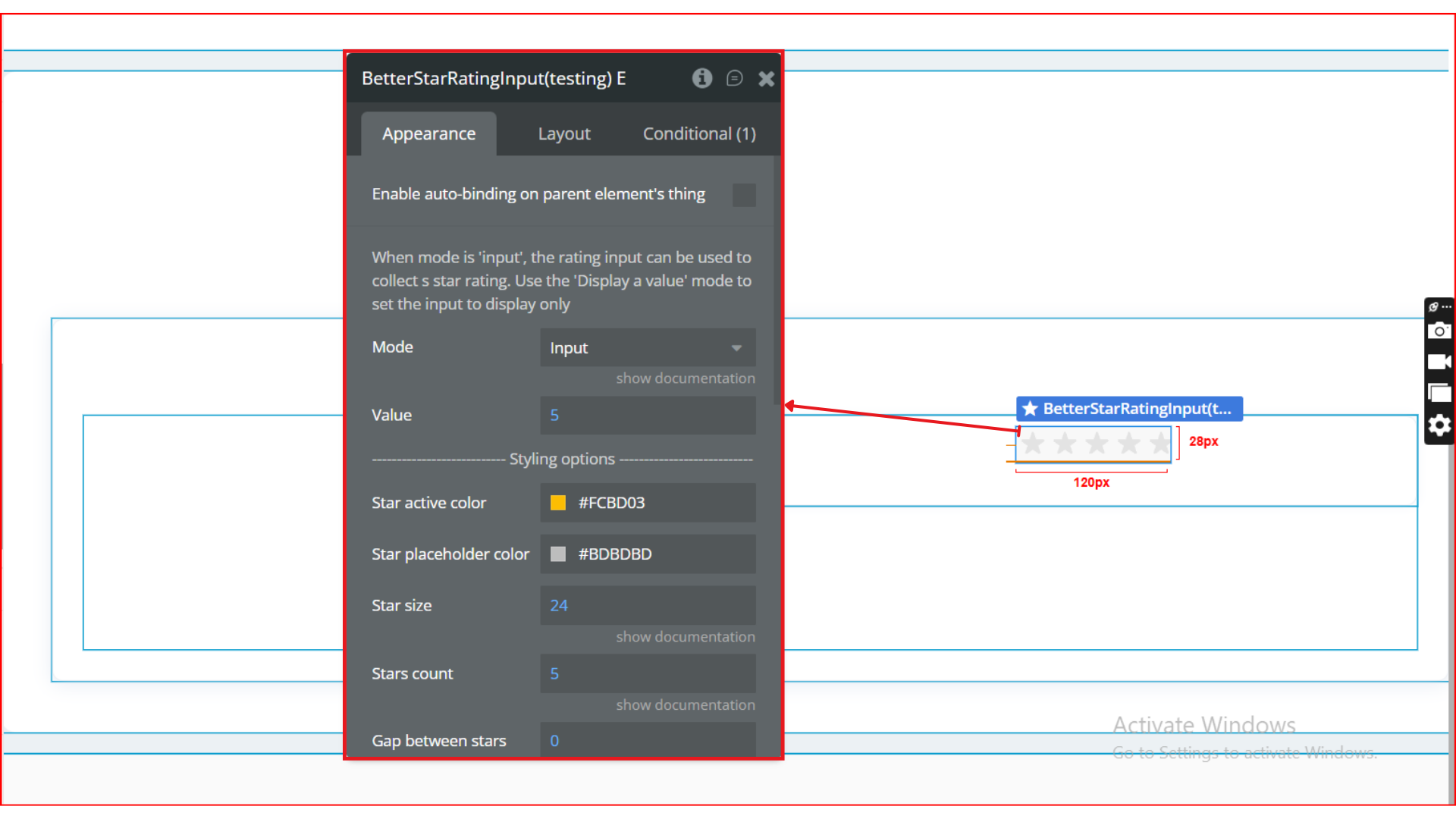
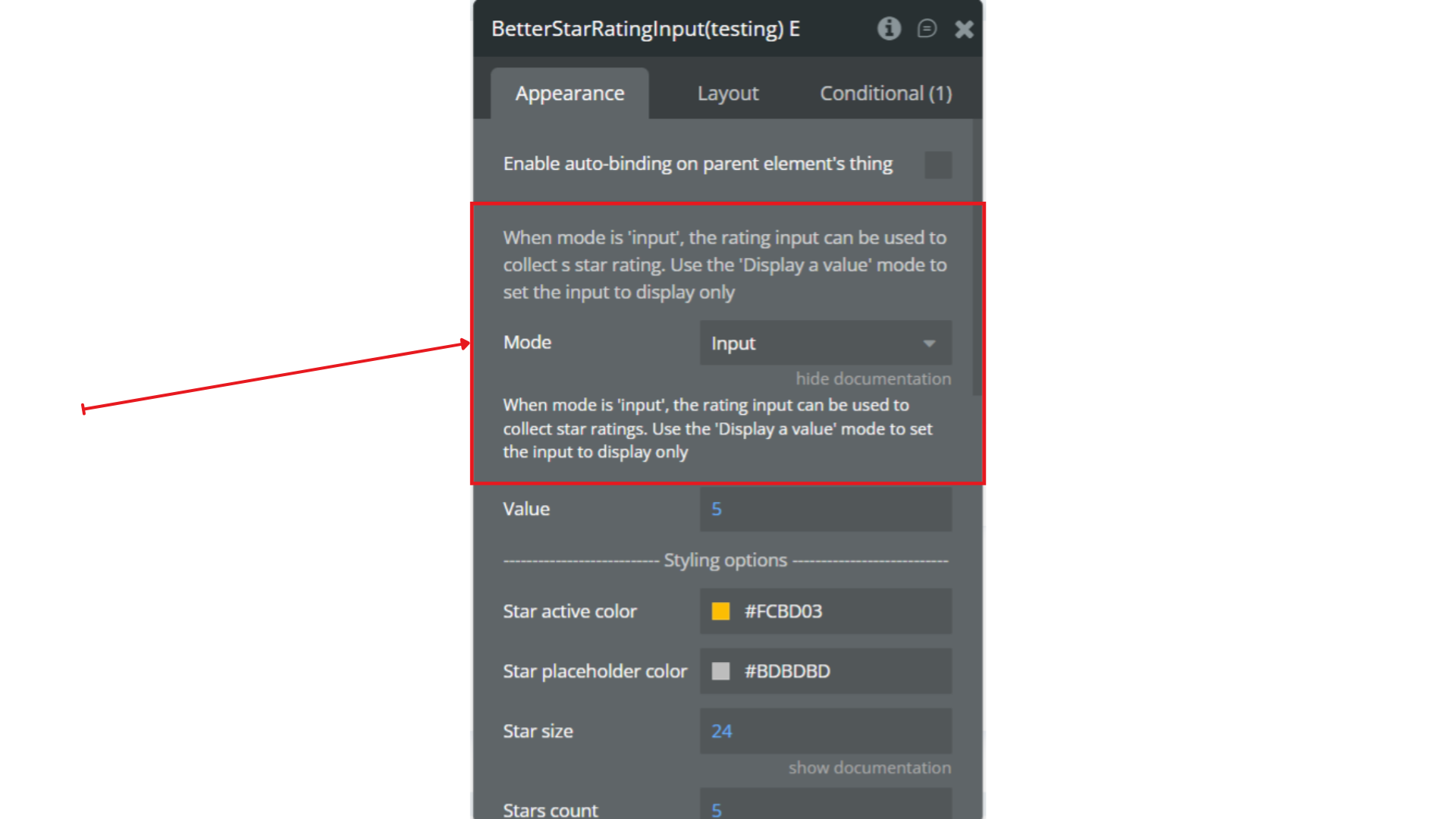
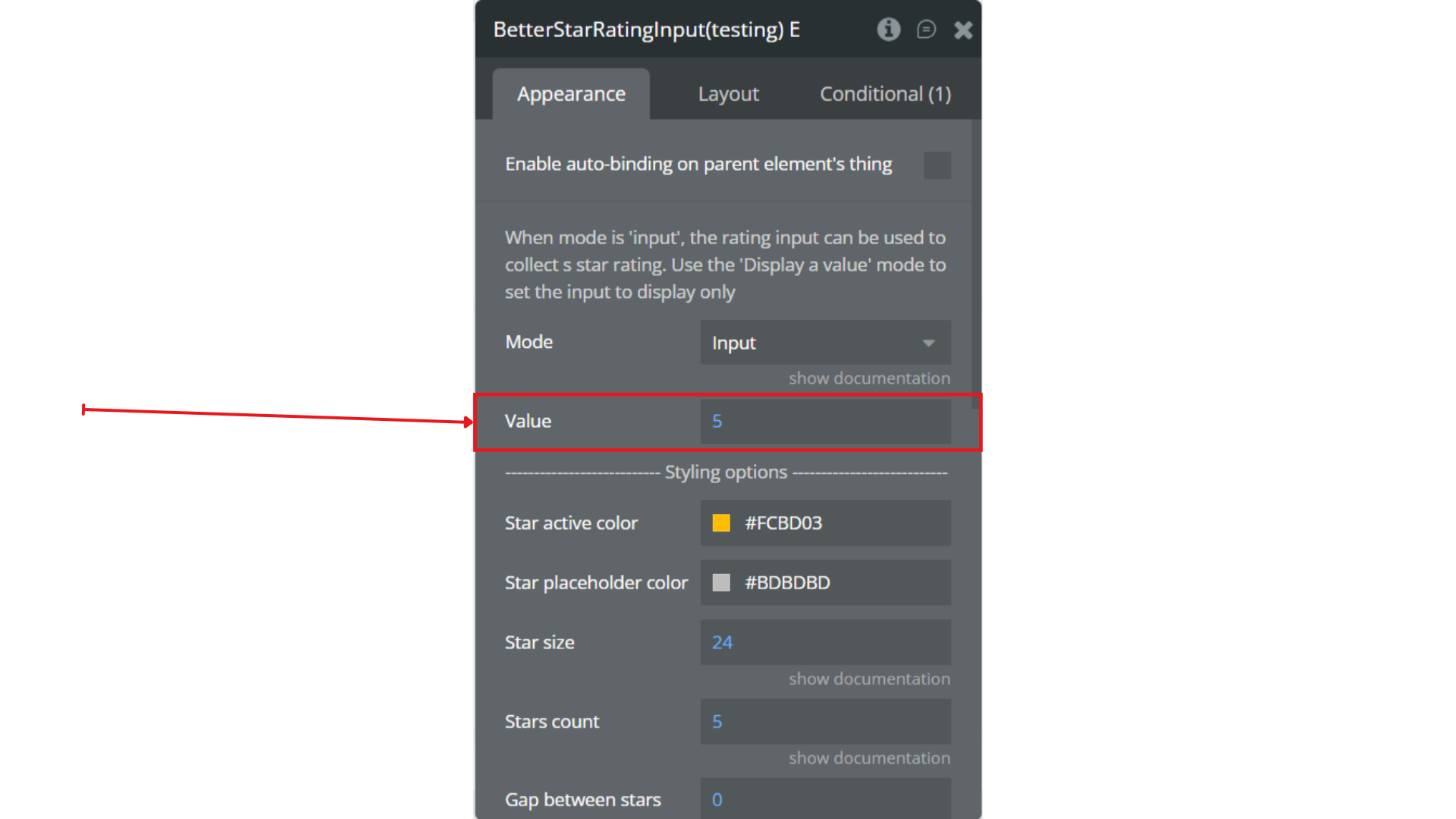
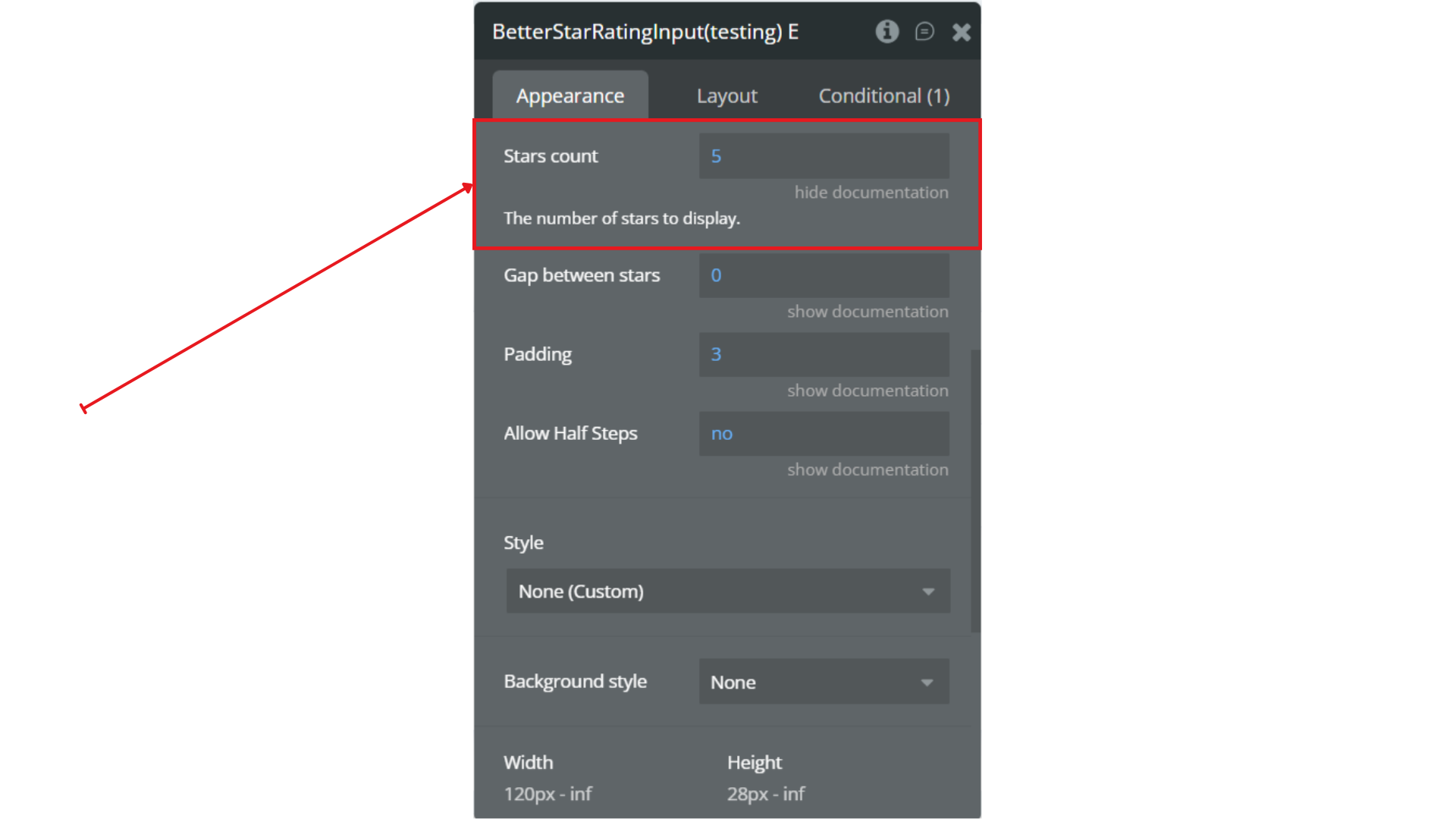
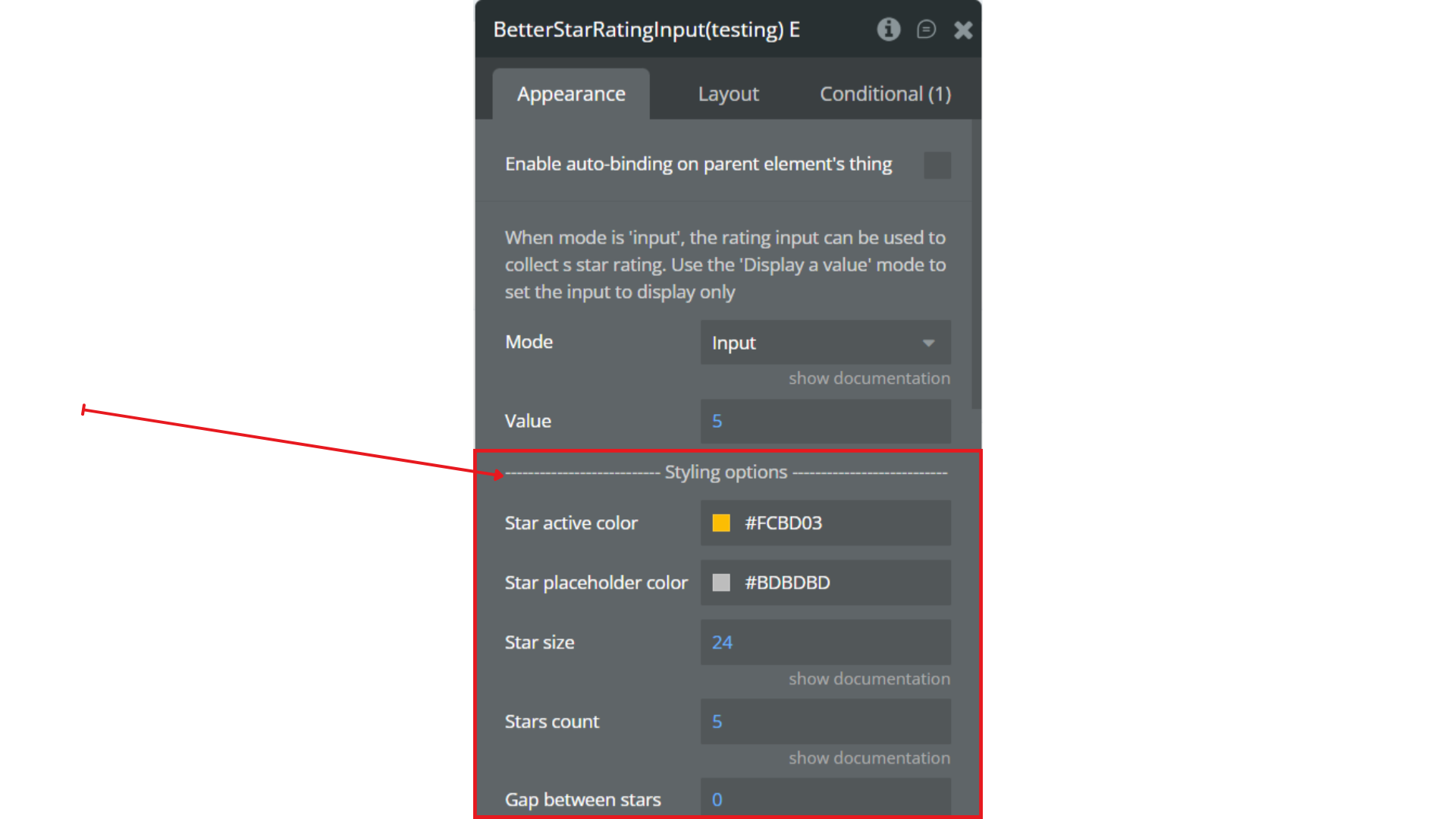
Step 3. Configure the Element
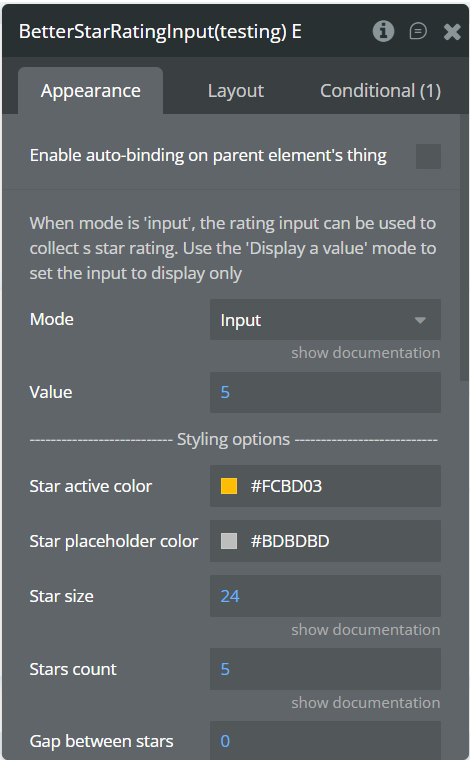
Step 4. Use the Rating in Workflows
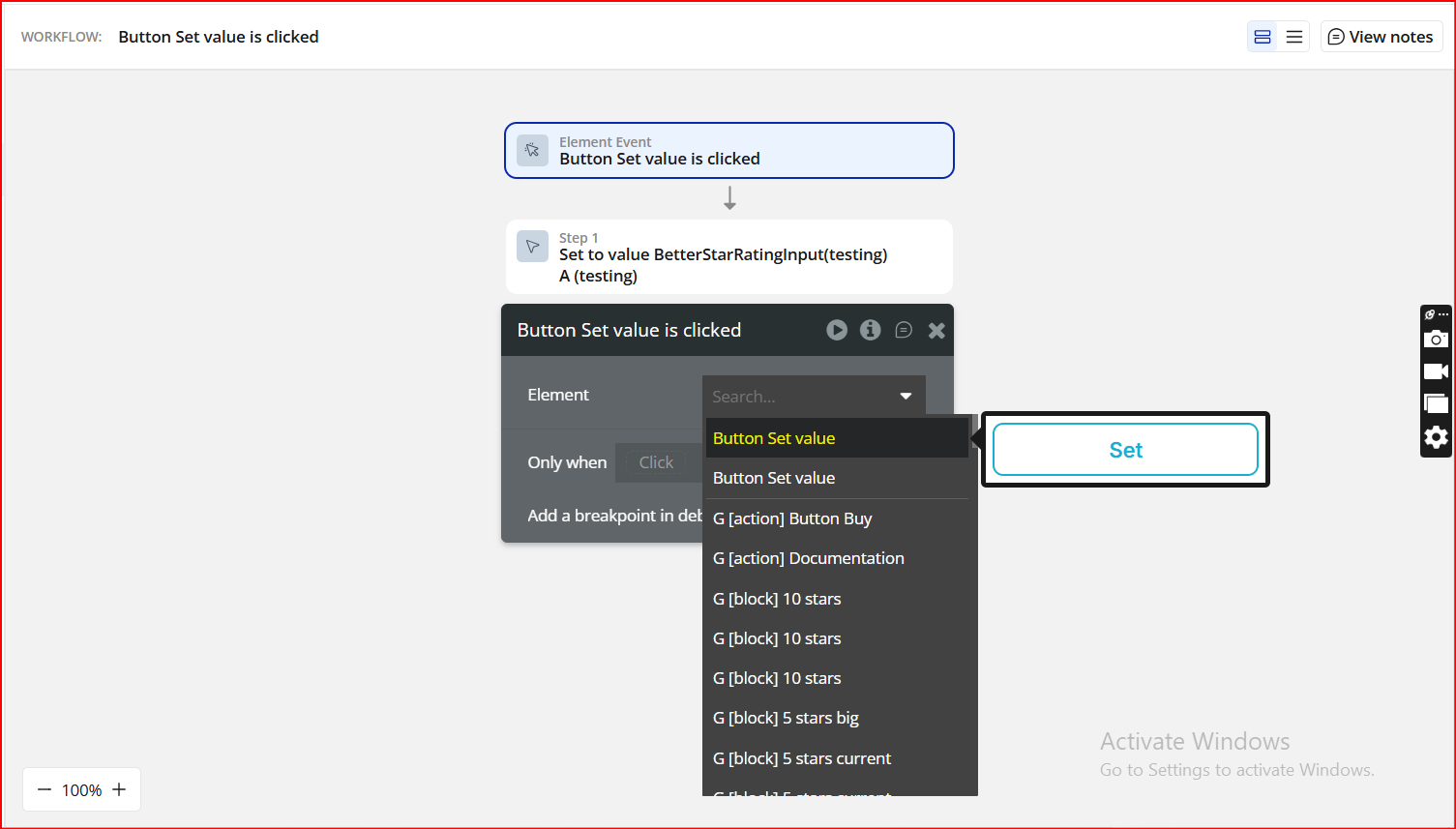
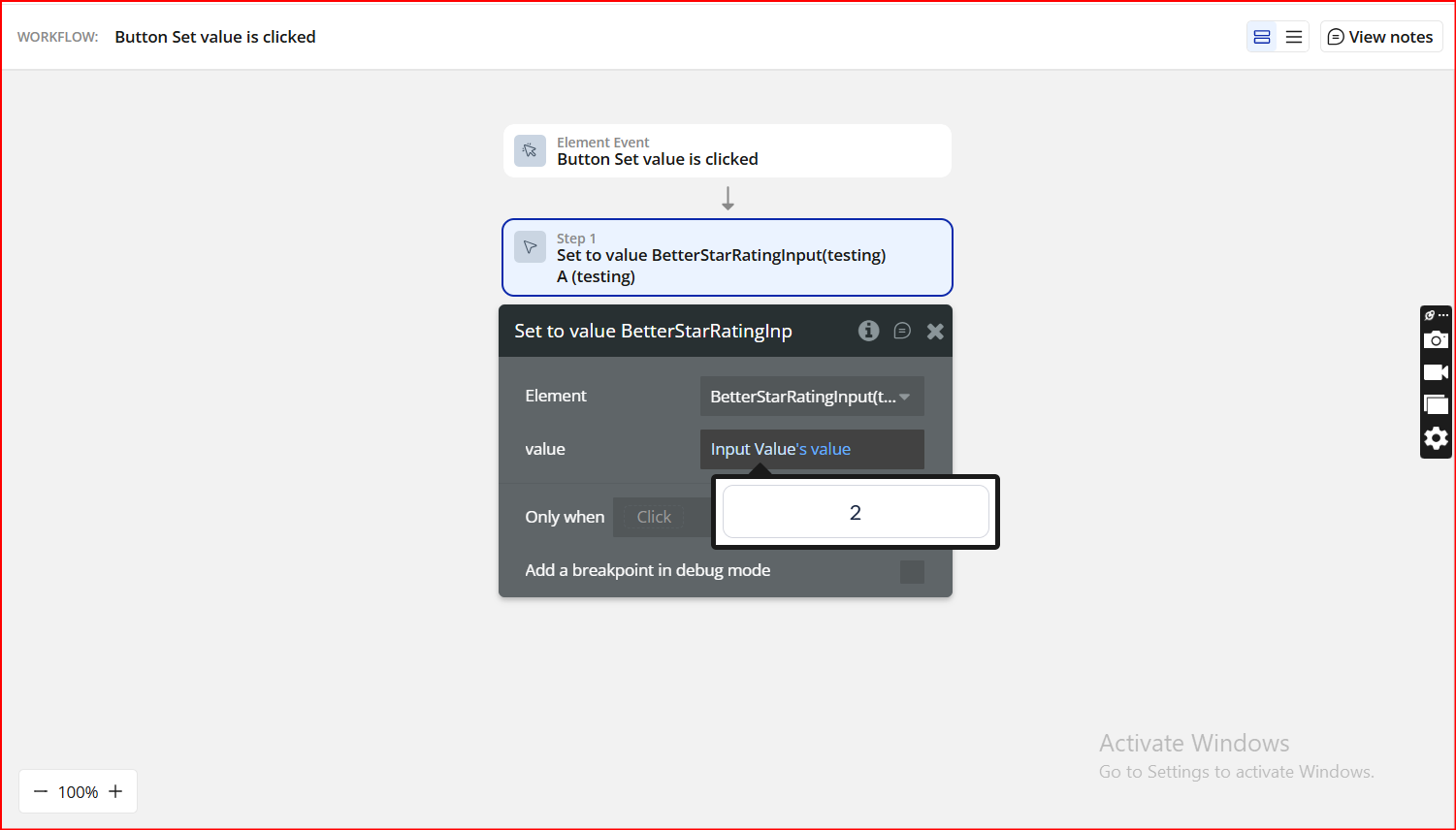
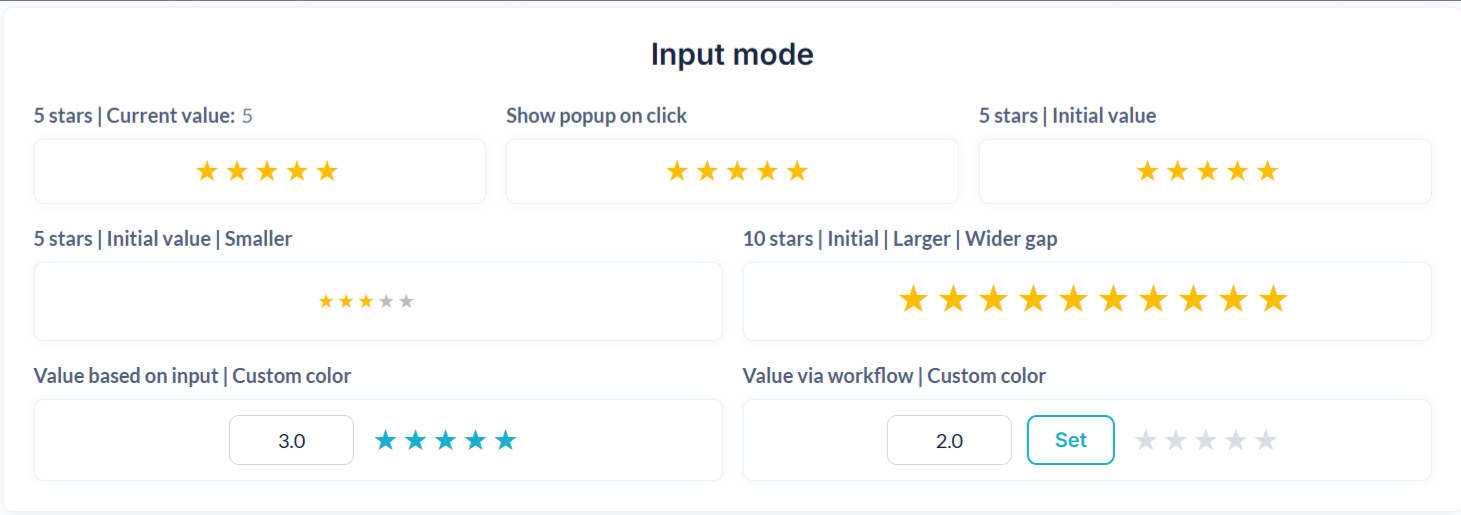
Step 5. Preview & Test
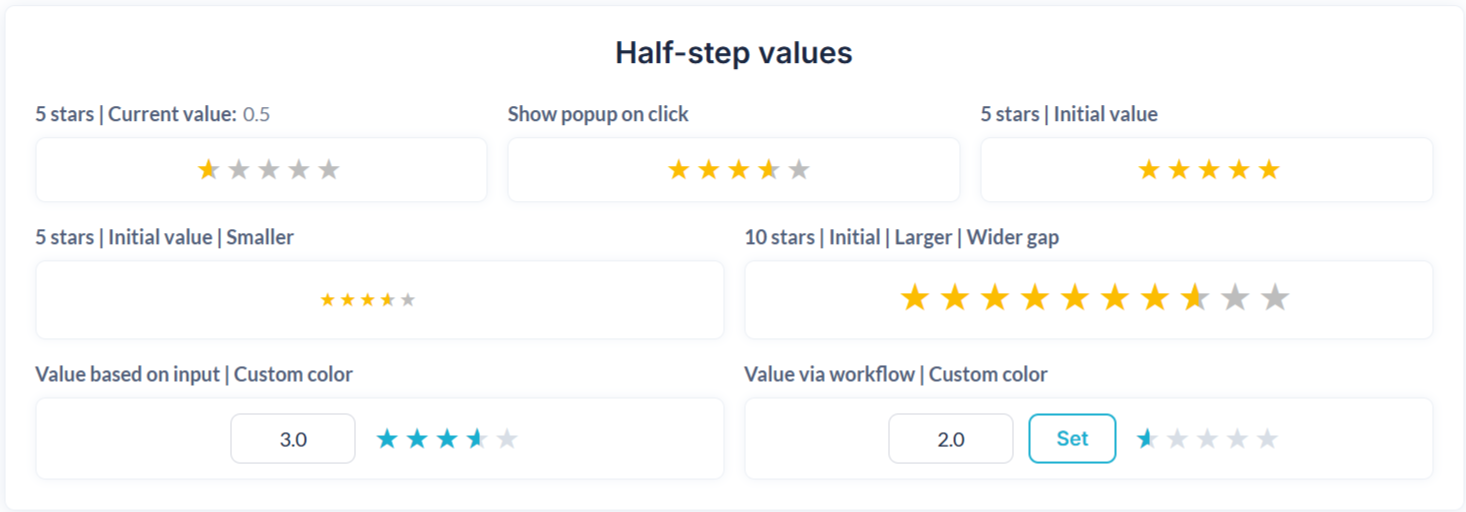
Plugin Element - Better Star Rating Input
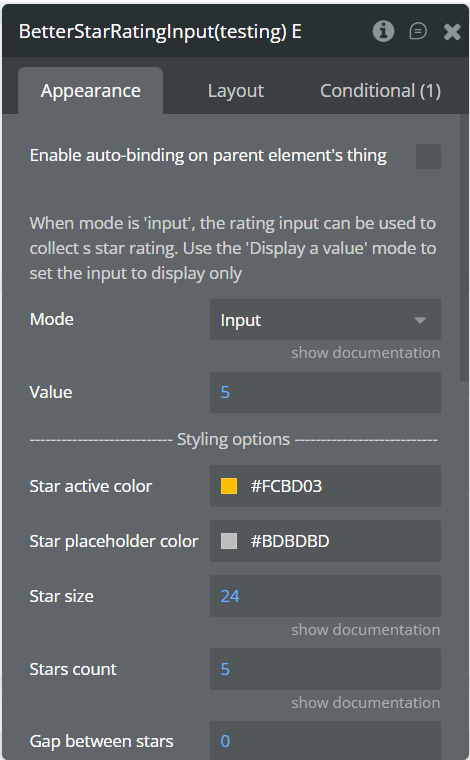
Fields
Element Actions
Exposed States
Element Events
