Link to the plugin page: https://zeroqode.com/plugin/login-with-metamask-plugin-for-bubble-1640735573319x248395696048814270
Demo to preview the plugin:
Introduction
The Login with Metamask plugin allows you to add secure, wallet-based authentication to your Bubble application using MetaMask. Instead of relying on traditional email and password combinations, users can log in instantly using their existing MetaMask wallet.
This provides a faster, more convenient, and highly secure login experience ideal for Web3 platforms, decentralized applications, and any product looking to modernize authentication.
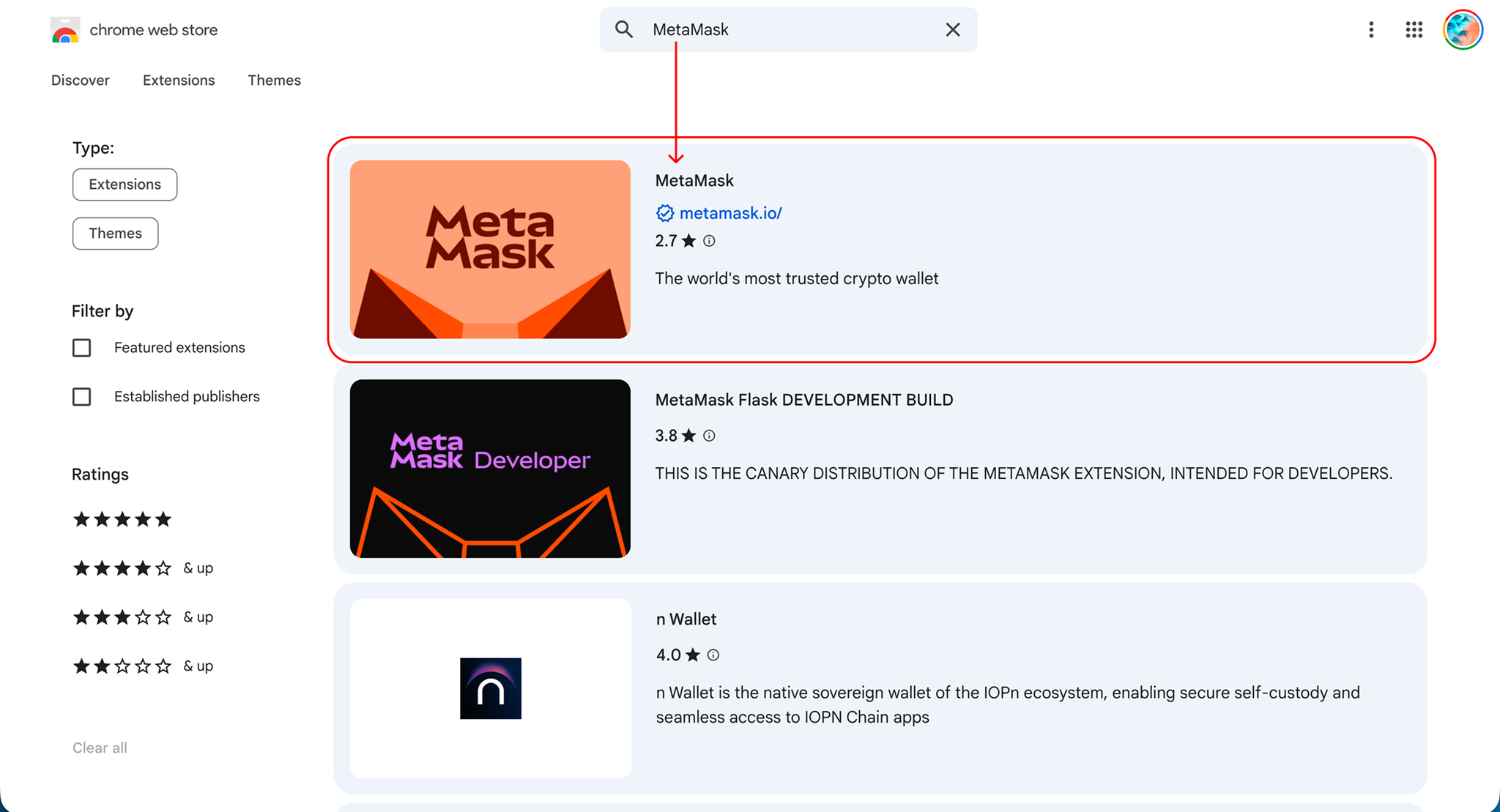
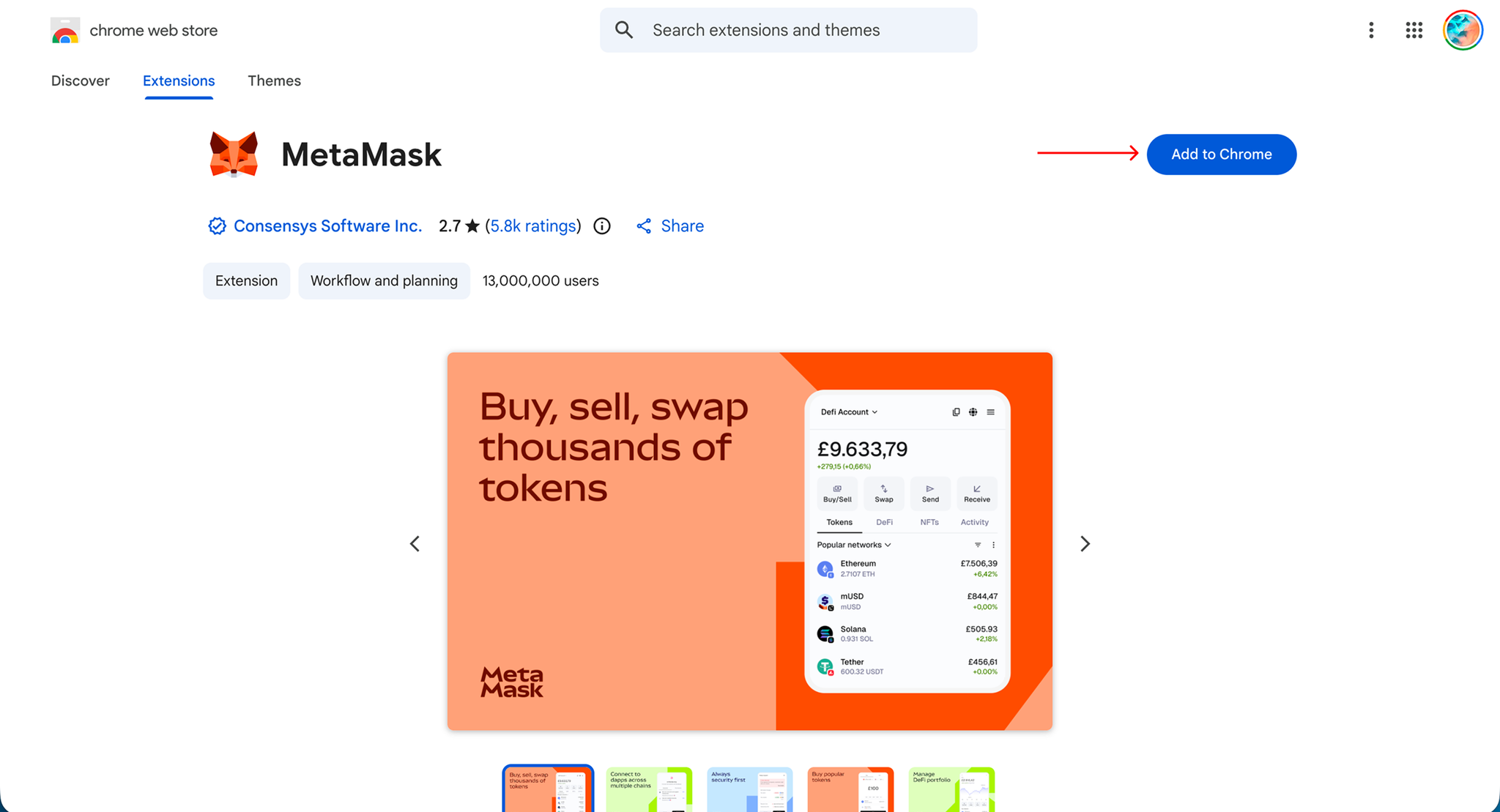
Note: For the Google Chrome browser, make sure to install and connect the MetaMask extension for the proper use of the plugin.
Prerequisites
Before setting up the plugin, make sure you have the following:
- A Bubble app where the plugin will be installed
- Basic understanding of Bubble workflows
- MetaMask installed in your browser (for testing and usage)
- Users must also have MetaMask installed to log in
How to setup
Step 1 – Install the Plugin
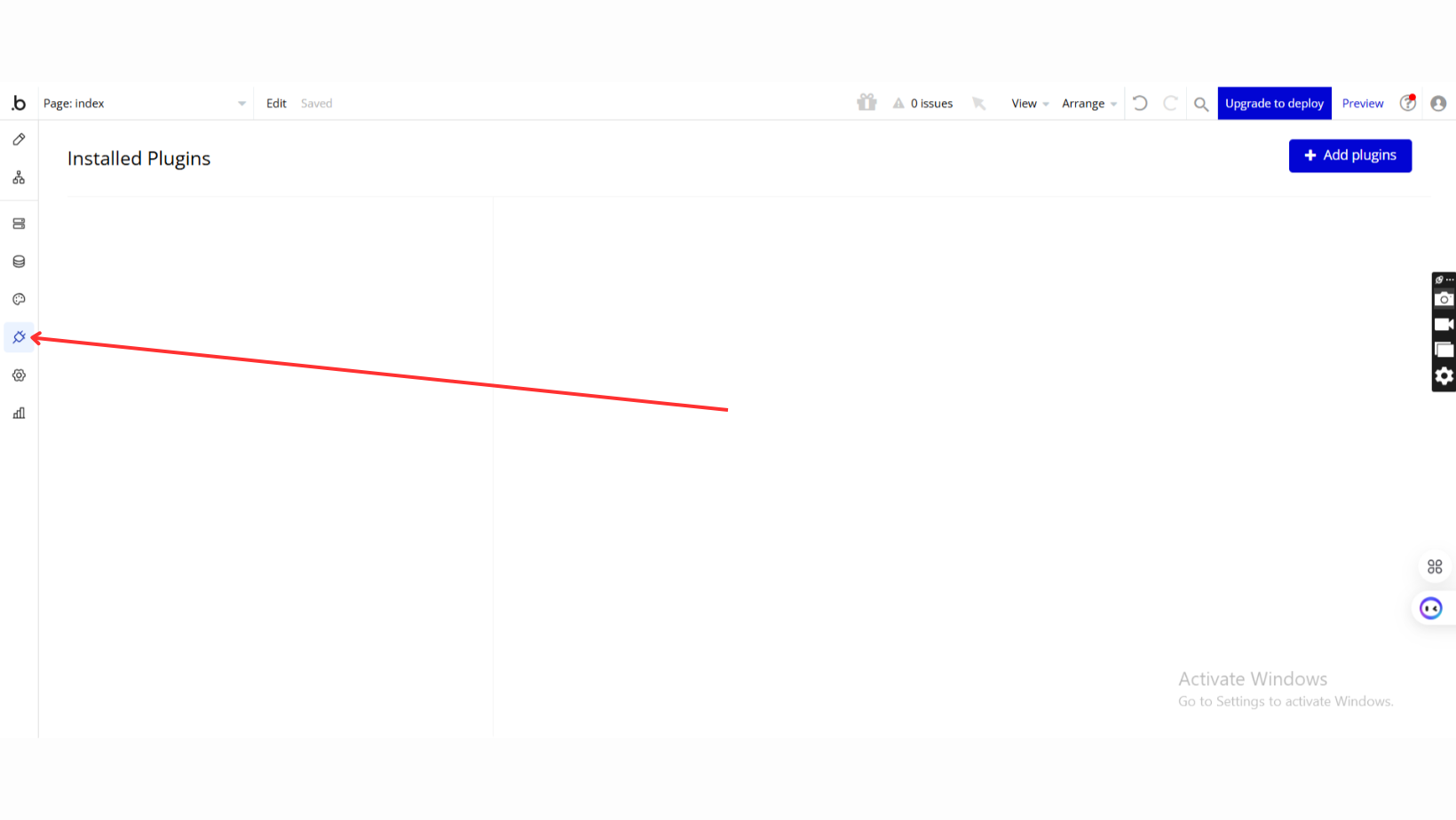
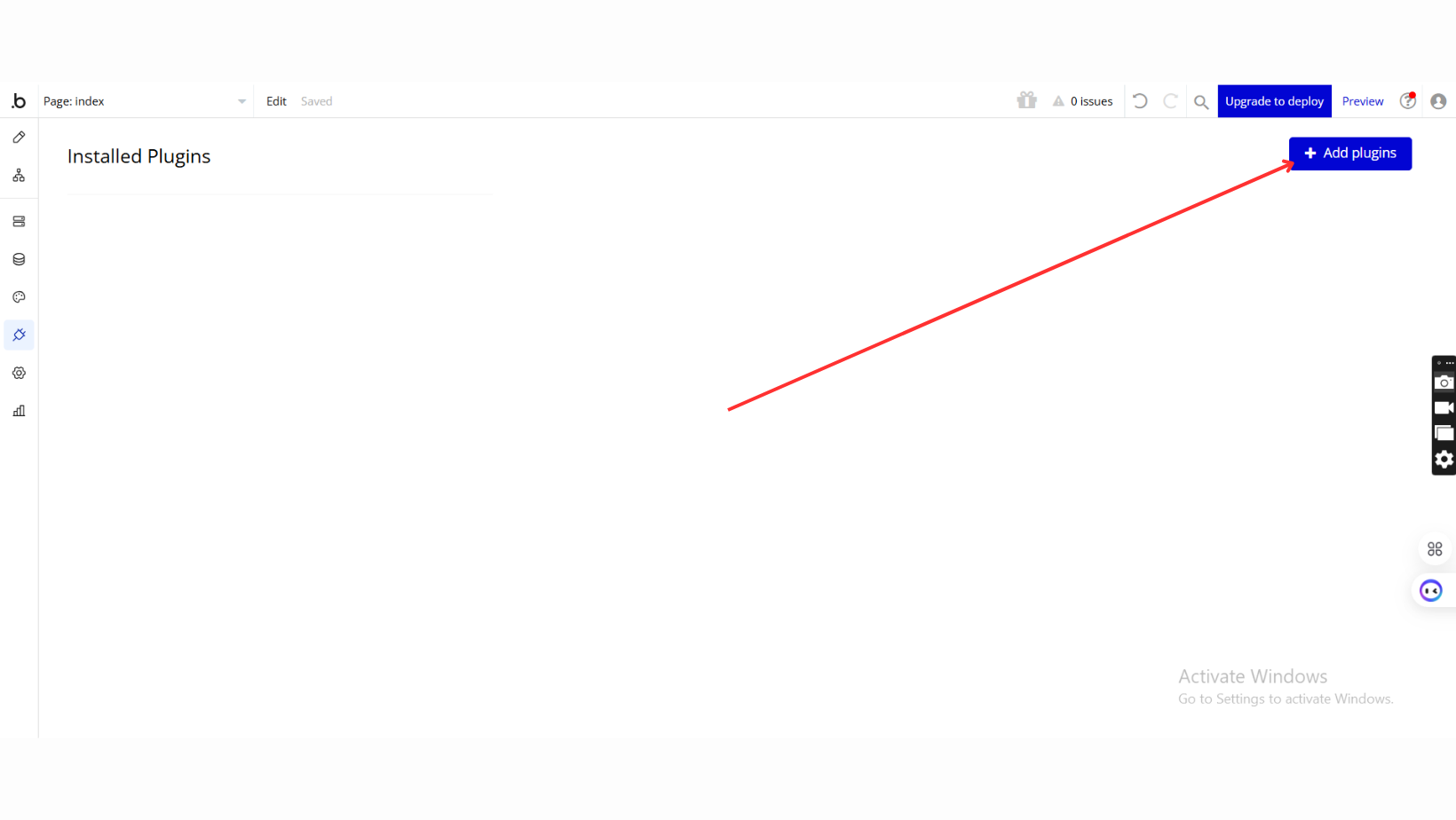
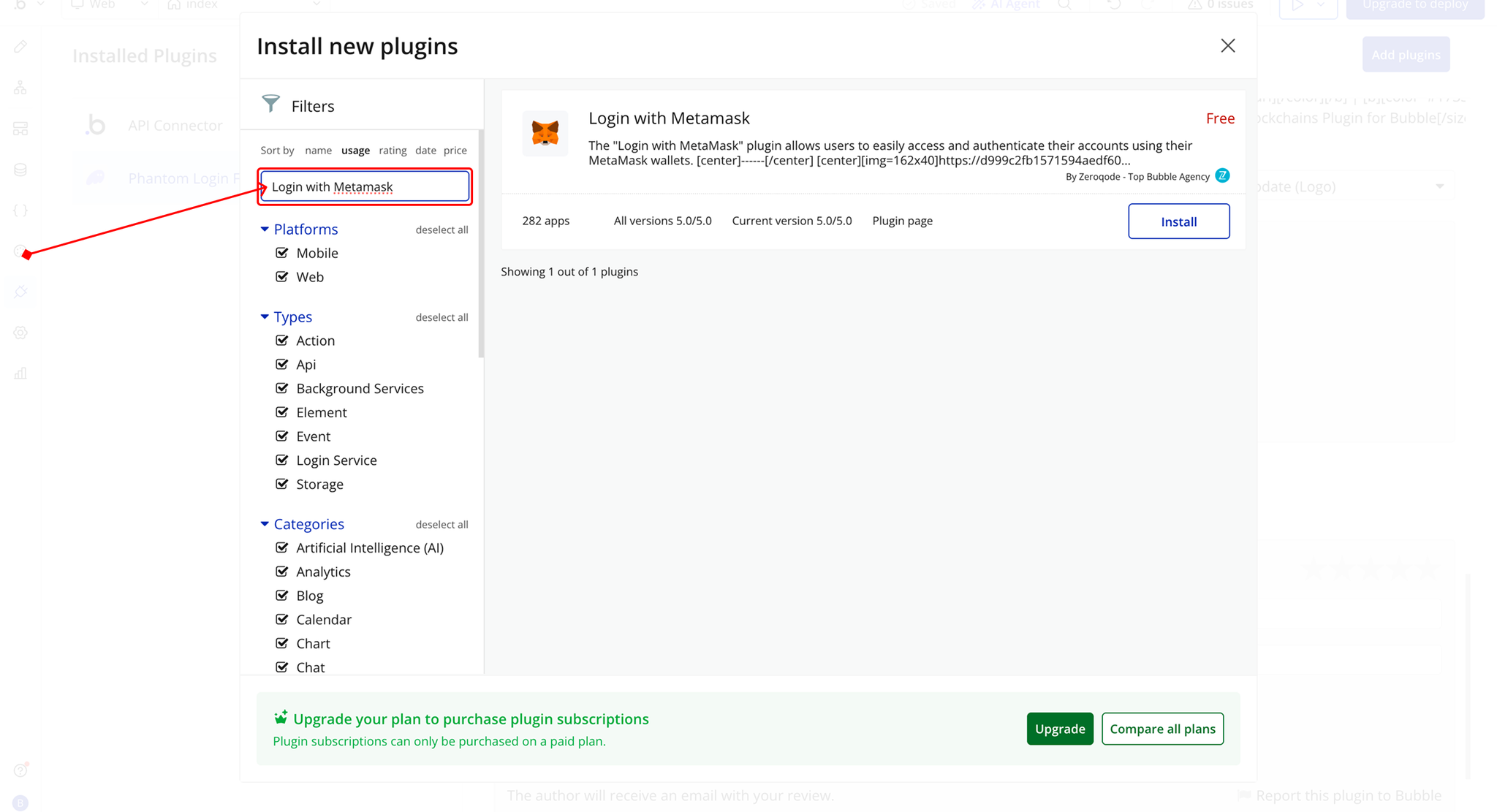
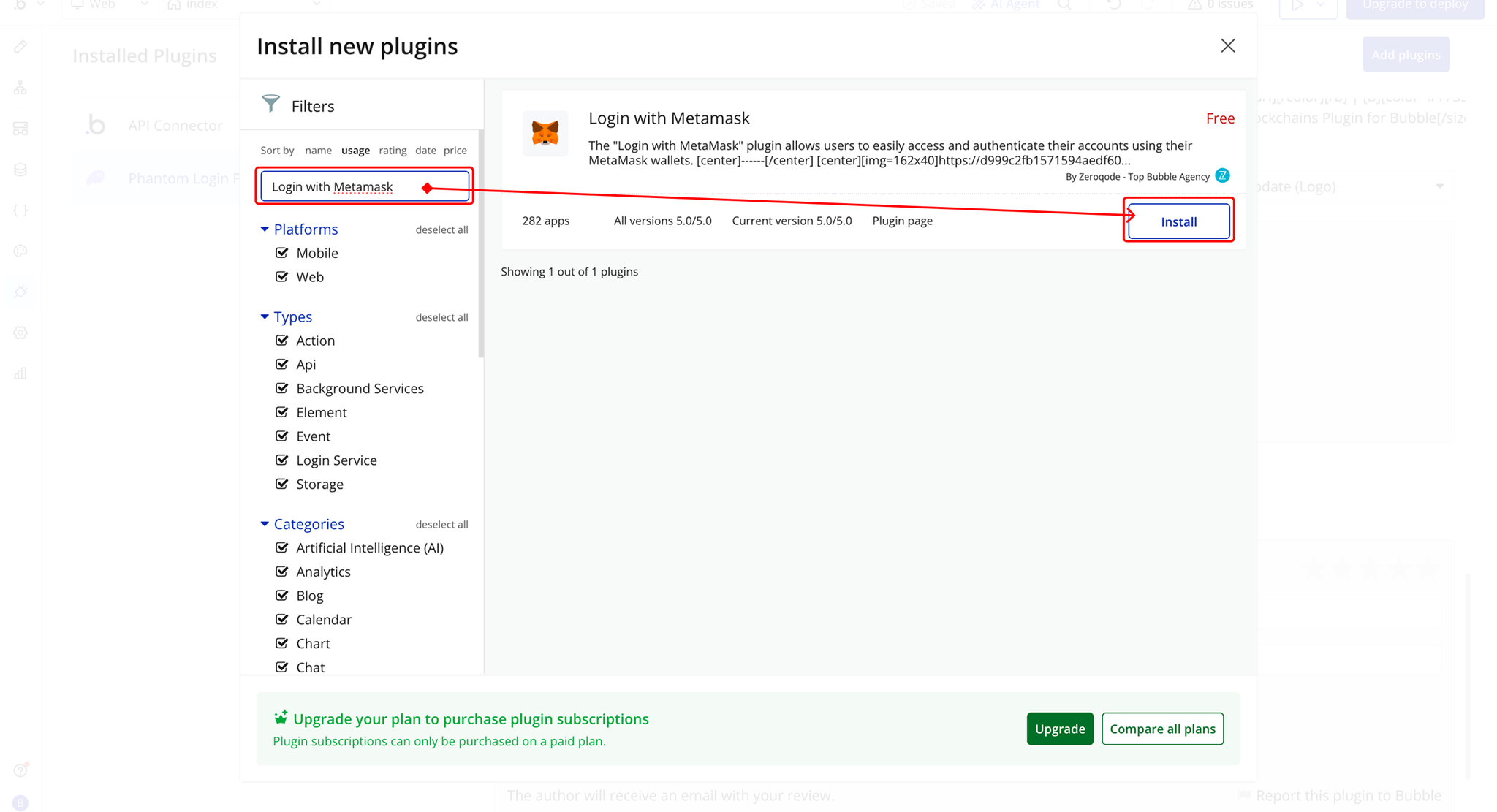
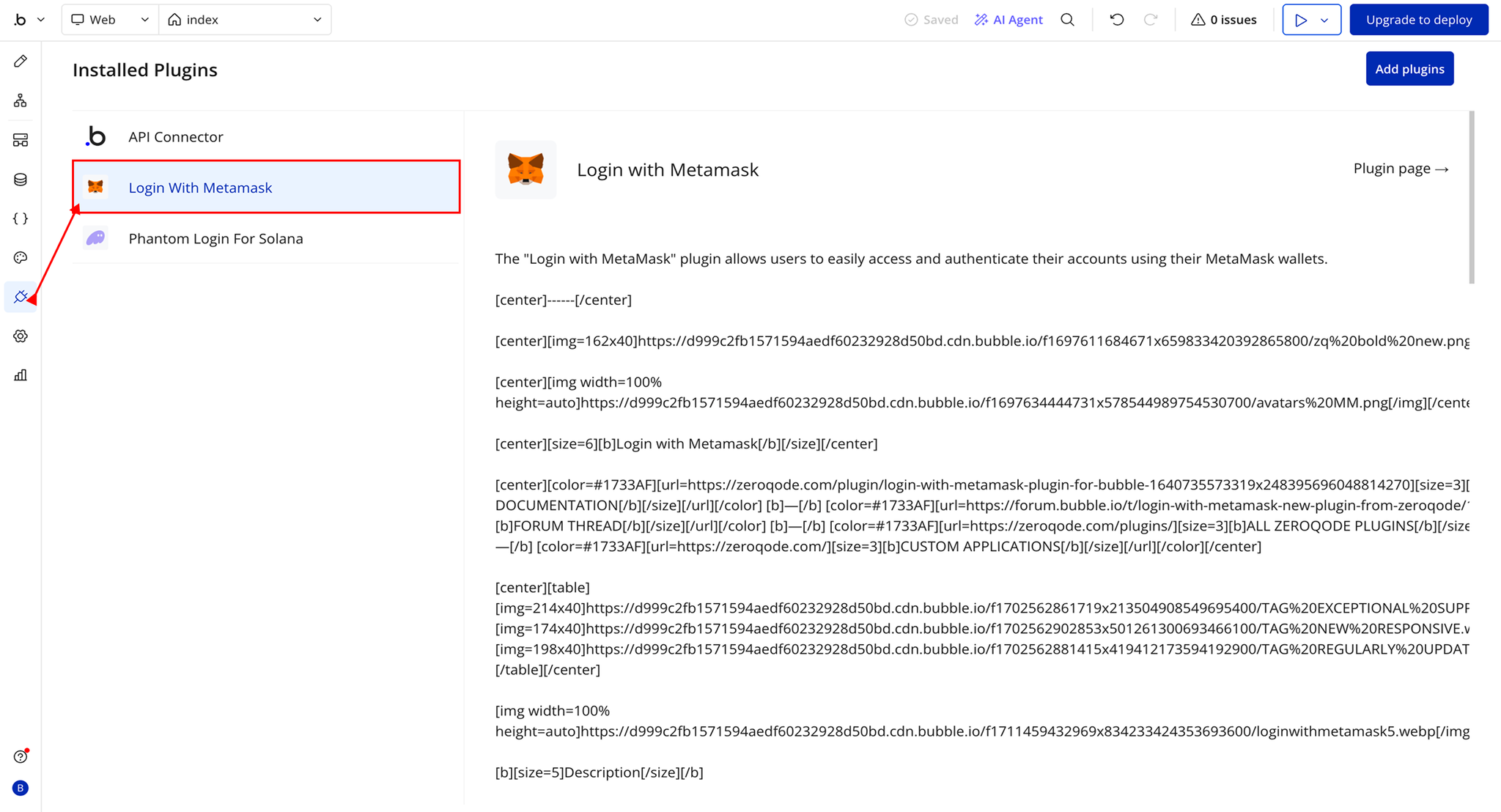
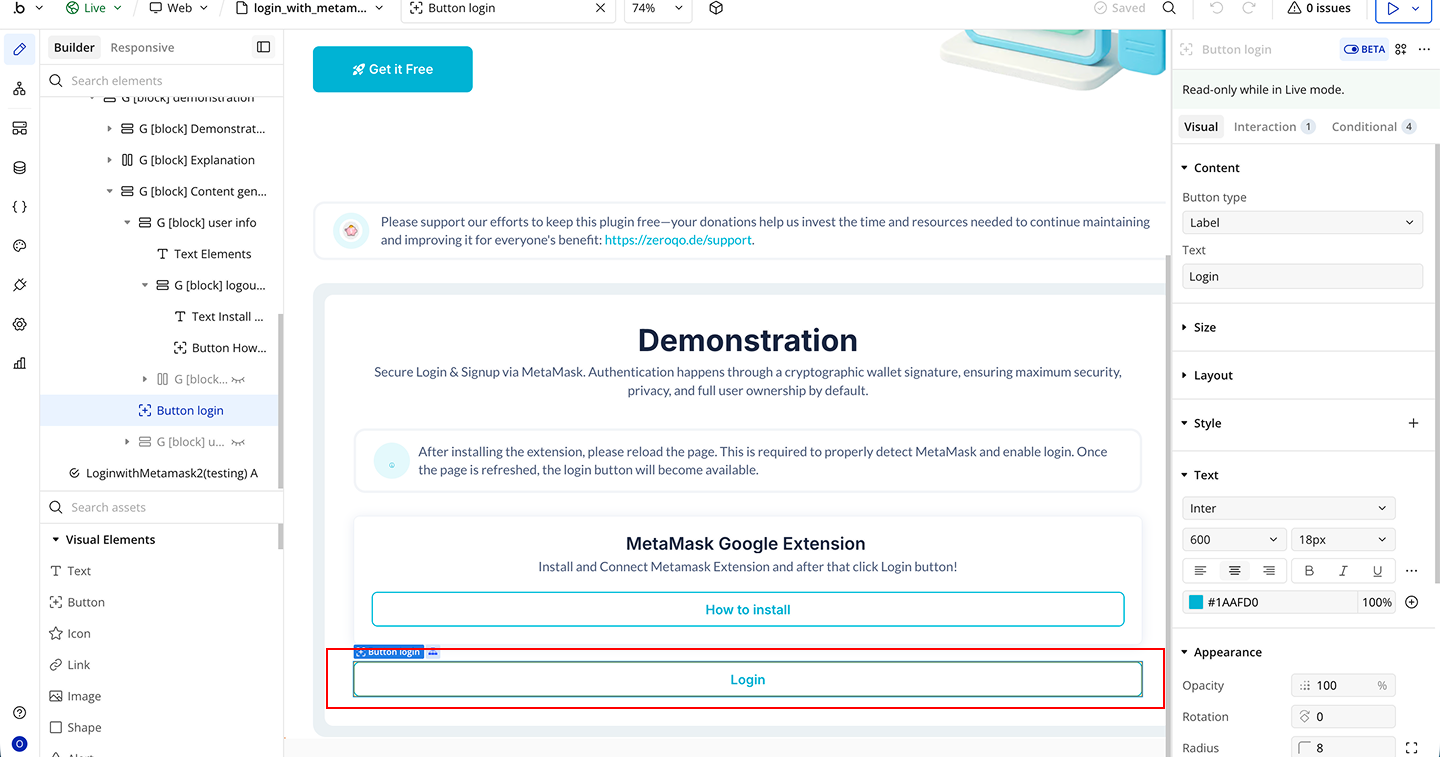
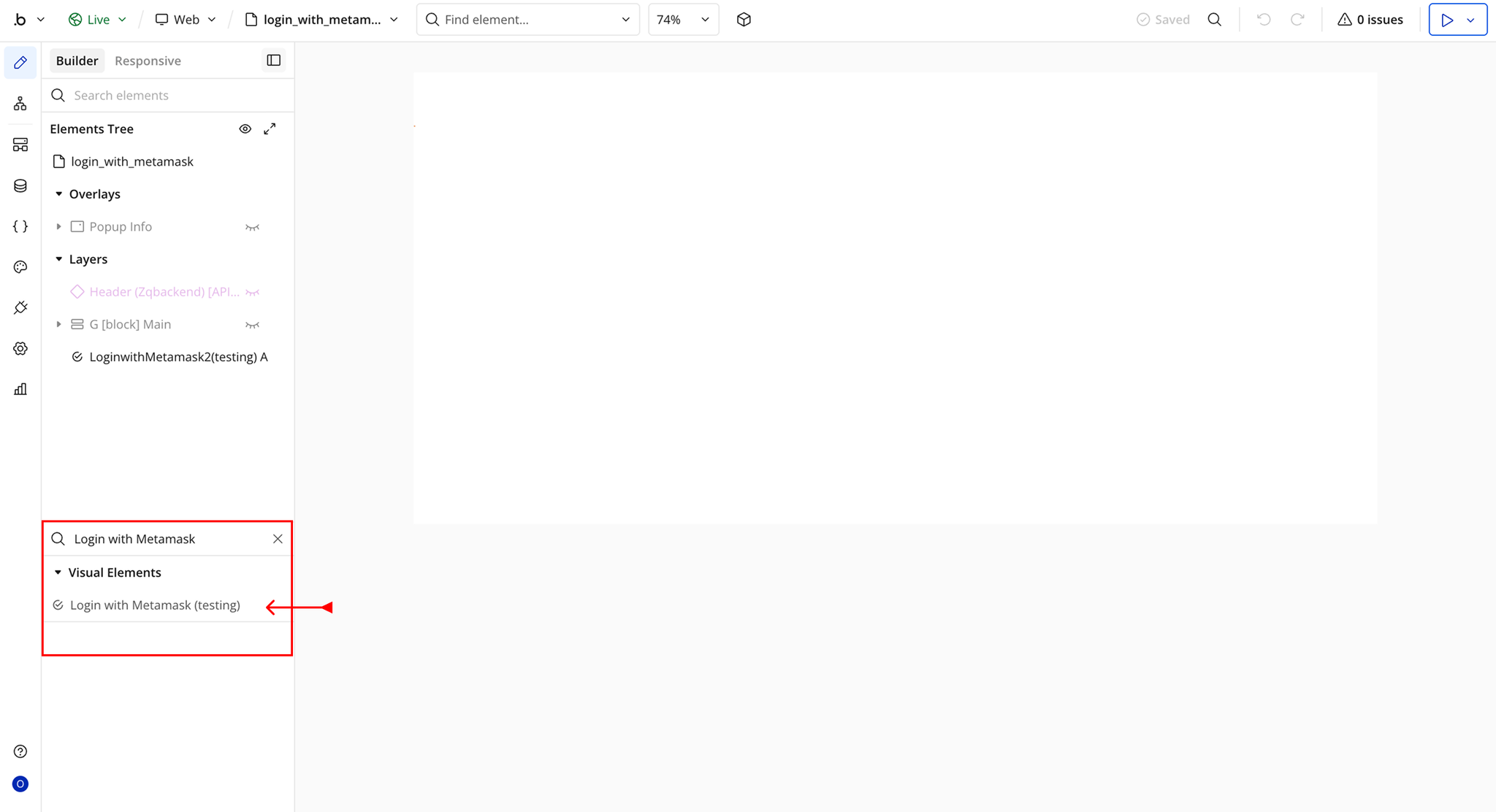
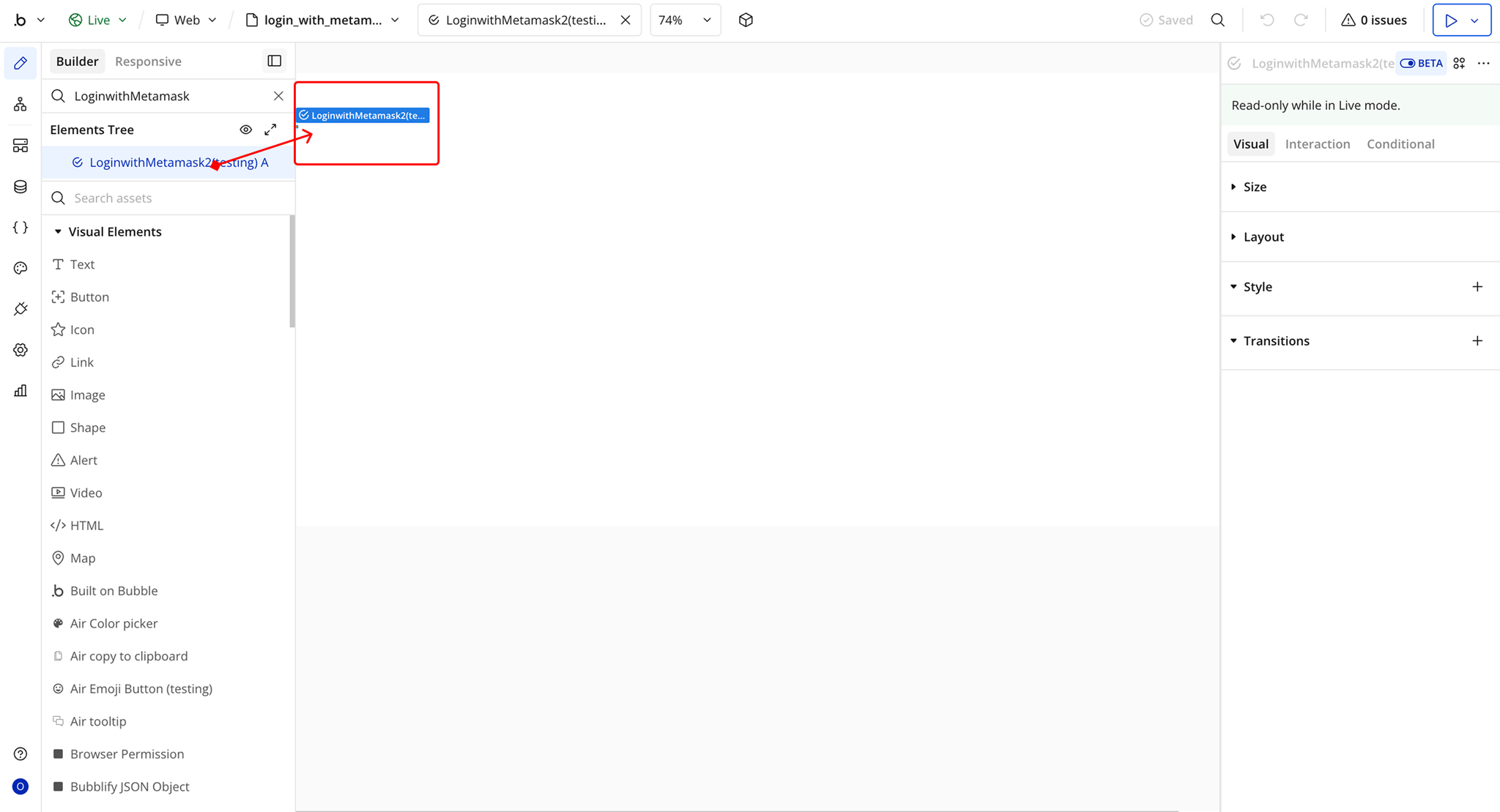
Step 2 – Add the Plugin Element to Your Page
Step 3 – Install Metamask Extension
Plugin Element Properties - Login with Metamask
Element Actions
Exposed States
Element Events
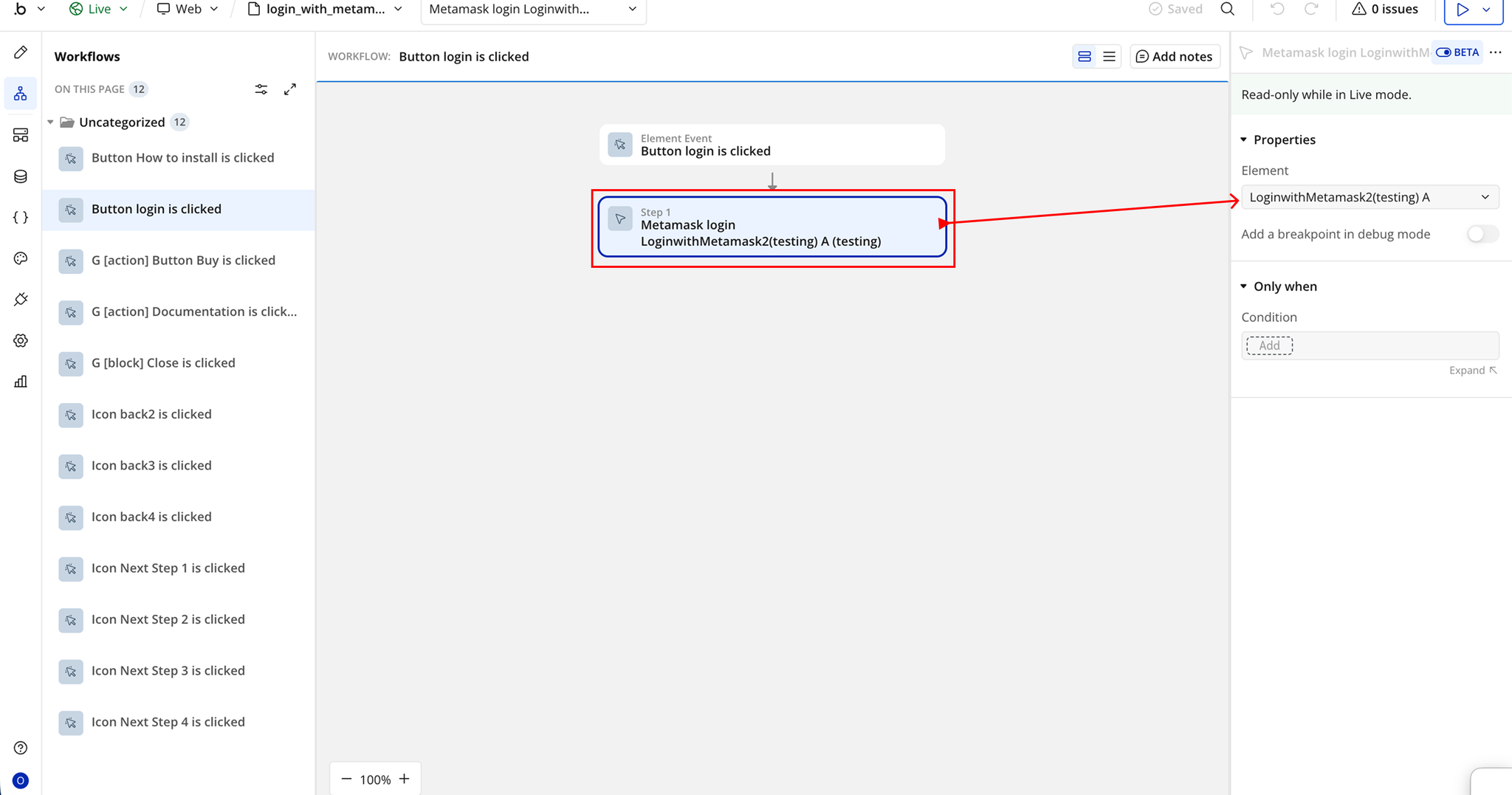
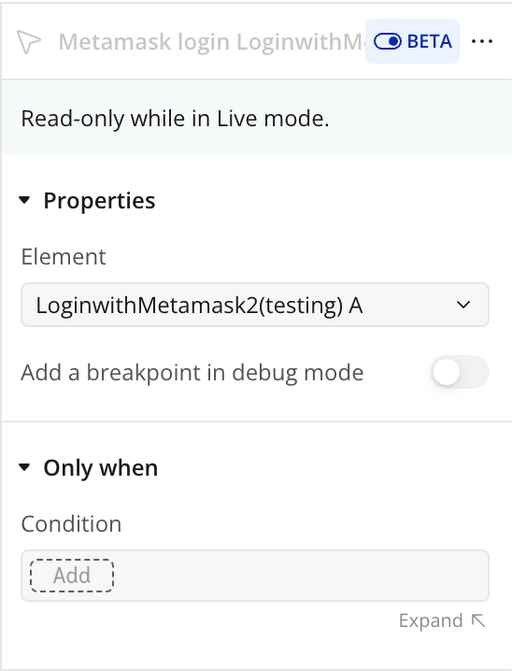
Workflow example
Metamask Login