
Link to the plugin page: https://zeroqode.com/plugin/1533643962861x498500304808443900
Demo to preview the plugin:
Introduction
Are you looking for an easy way to determine if a user has already visited your Bubble app? Our no-code Returning Visitor Analytics no-code plugin can definitely do that for you.

How to setup
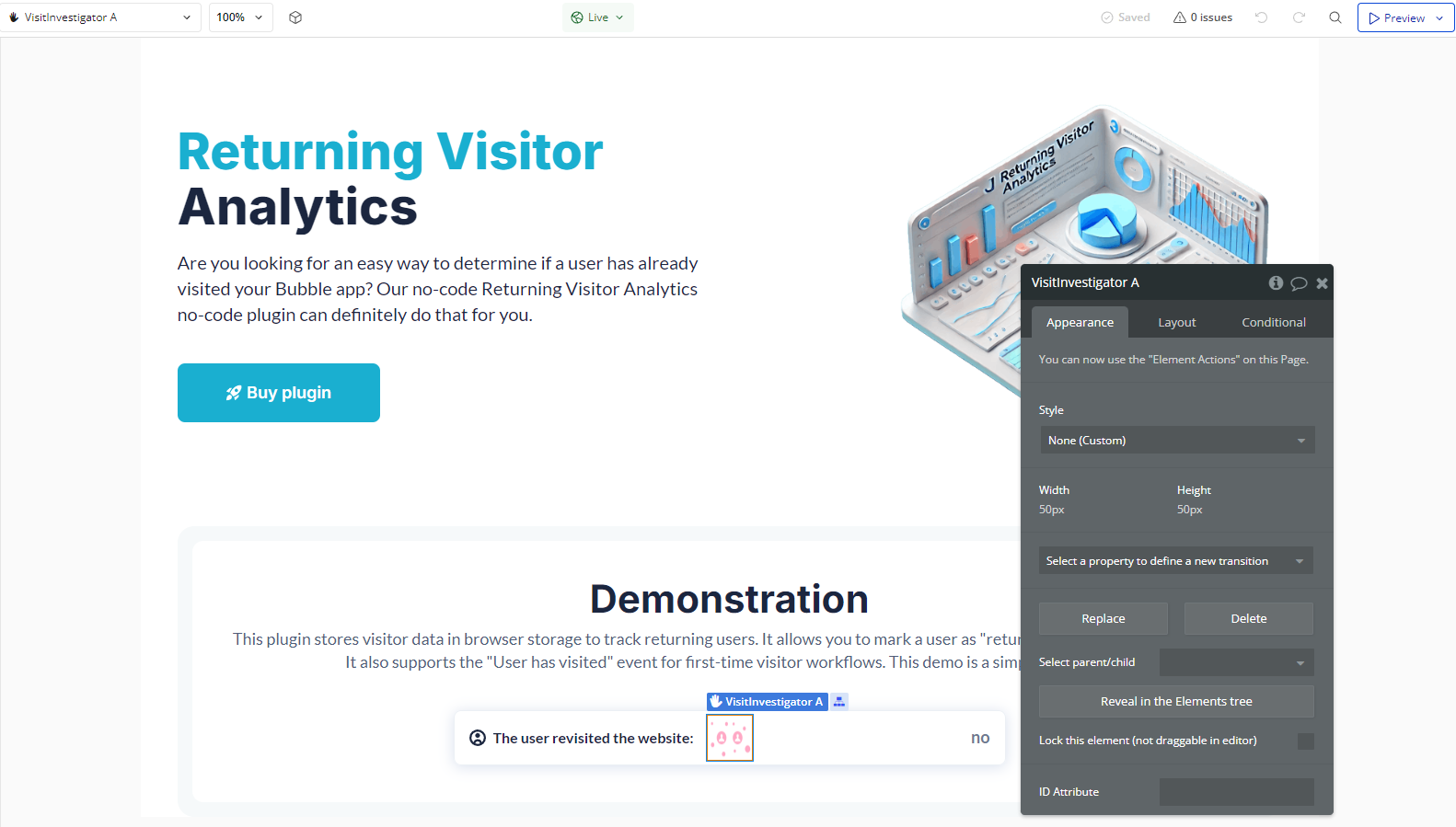
- Add the "Visit Investigator" Element to Your Page
- In the Bubble editor, go to the Visual Elements tab.
- Search for Visit Investigator and drag the element onto the page where you want to track visits.
- Detecting Returning Users
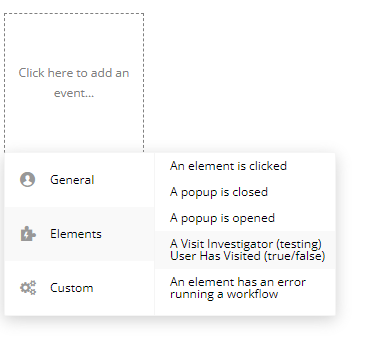
- Use the event "A Visit Investigator User Has Visited (True/False)" to determine if the user has visited the page before.
- To capture this event, go to the Workflows tab and create a new event triggered by this condition.
- Mark the Browser as Visited
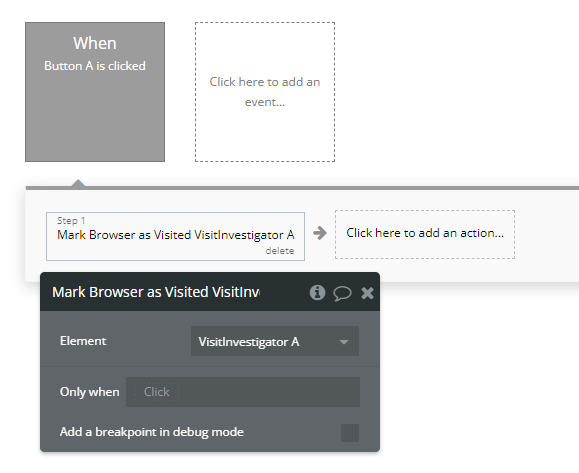
- Go to Workflows and create a new event (e.g., when the user clicks a button).
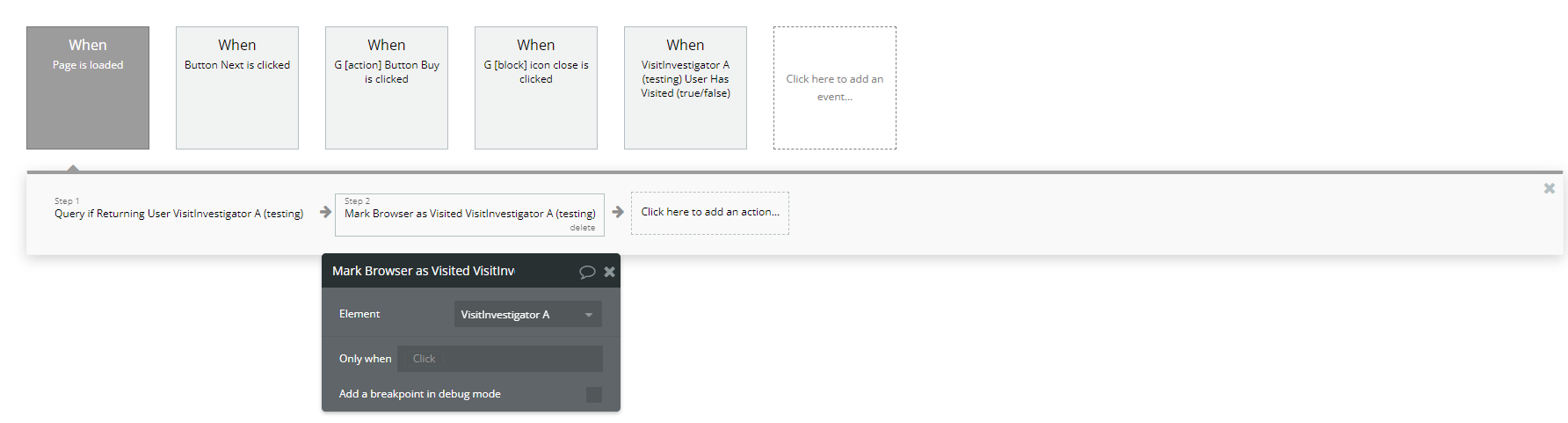
- Choose the action "Mark Browser As Visited A Visit Investigator".
- Once this action is executed, the user's browser will be marked as "visited" and will be recognized in future visits.
If you want to manually mark a user as "visited," you can use the "Mark Browser As Visited A Visit Investigator" action.
Steps:
- Checking if a User is Returning
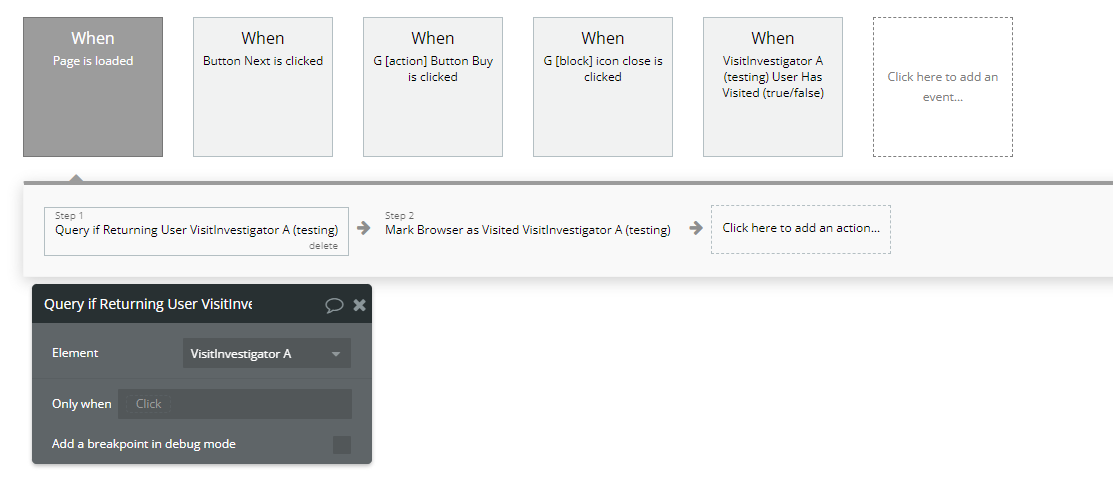
- In the Workflow, add an event When the page is loaded.
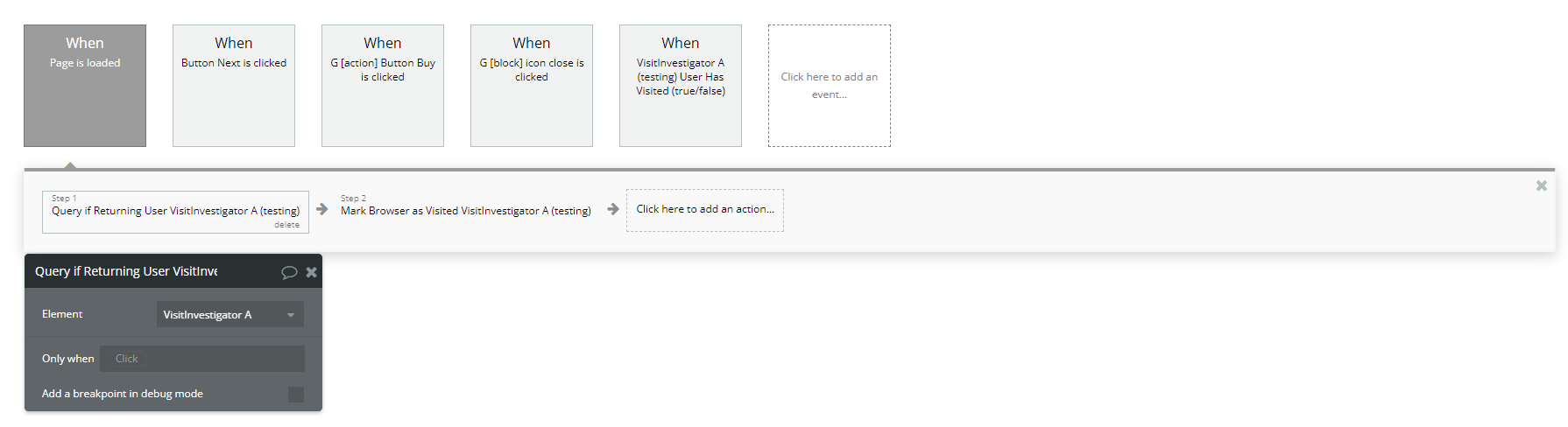
- Add the action "Query If Returning User A Visit Investigator".
To check if a user has visited before, use the "Query If Returning User A Visit Investigator" action.
Example Use Case:
Plugin Element Properties
Visit Investigator
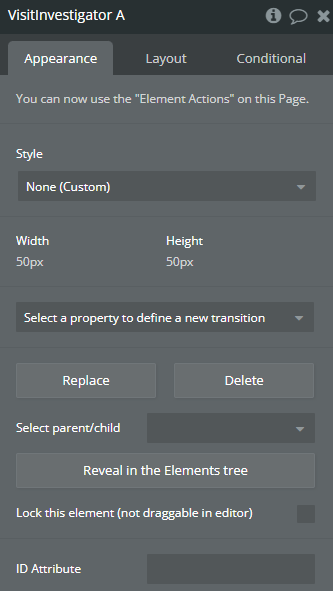
Fields:
Title | Description | Type |
You can now use the “Element Actions” on this Page. |
Element Actions
- Query if Returning User - Query if Returning User
- Mark Browser as Visited - Mark Browser as Visited
Exposed states
Title | Description | Type |
Is Returning User | Is Returning User | Checkbox (yes/no) |
Element Events
Title | Description |
User Has Visited (true/false) | User Has Visited |
