
Link to the plugin page: https://zeroqode.com/plugin/1545272287554x991649648533831700
Demo to preview the plugin:
Introduction
This no-code plugin for Bubble lives up to its name by converting SVG into images. It is useful for resolving rendering issues or providing an SVG as an image, even within an iframe.

How to setup
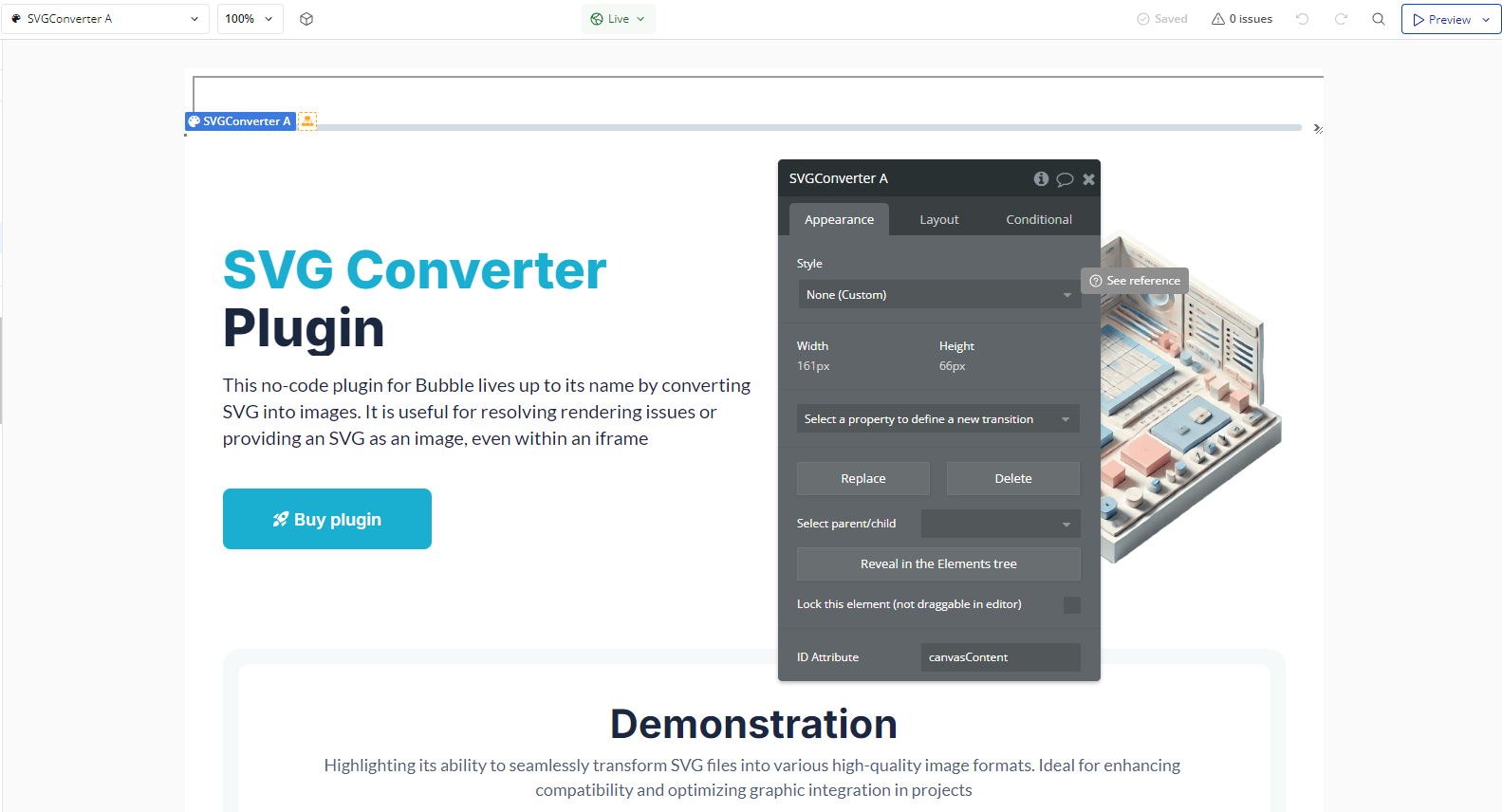
- Adding the SVG Converter Element
- Go to the page where you want to convert SVG to PNG.
- In the visual editor, drag the SVG Converter element onto the page.]
- Setting Up Workflow Actions
- Go to the Workflows tab and create a new workflow.
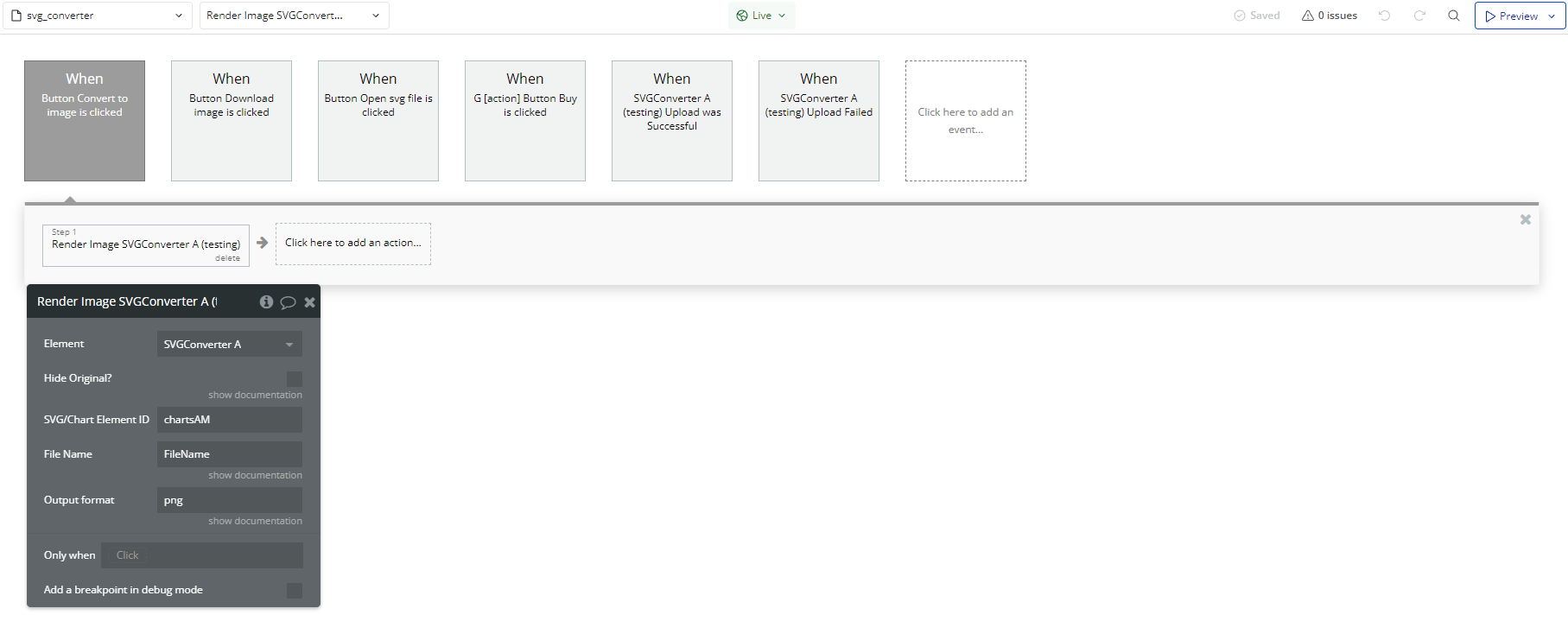
- Add an action of type Render Image A SVG Converter.
- Configure the parameters:
- SVG/Chart Element ID: Set the ID of the SVG element (e.g., chartsAM).
- File Name: Define the output file name (e.g., FileName).
- Output Format: Keep as png.
- Hide Original? (Optional): Check to hide the original SVG.
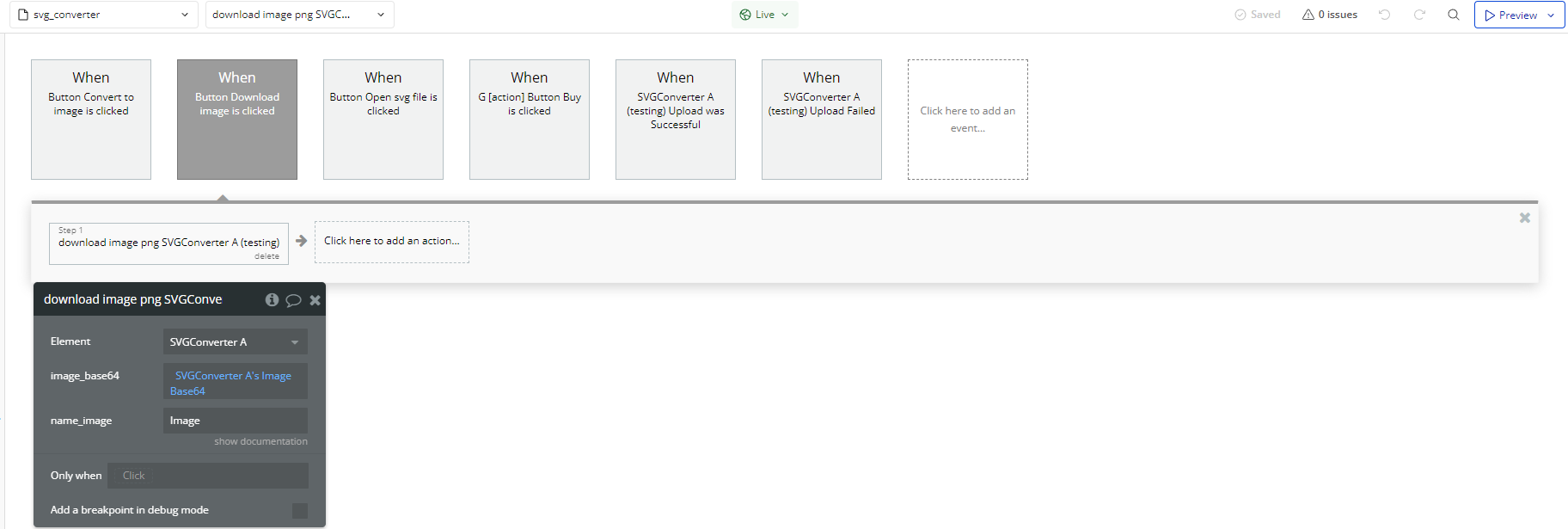
- After rendering the image, add a new action of type Download Image Png A SVG Converter.
- Configure the parameters:
- image_base64: Select SVGConverter A's Image Base64.
- name_image: Set the file name for the downloaded PNG (e.g., Image).
Convert an SVG Image to PNG
Download the Converted Image
- Handling Events
- When an SVG upload is successfully processed, you can trigger actions such as:
- Displaying a success message.
- Enabling the download button.
- If the upload fails, display an error message to the user.
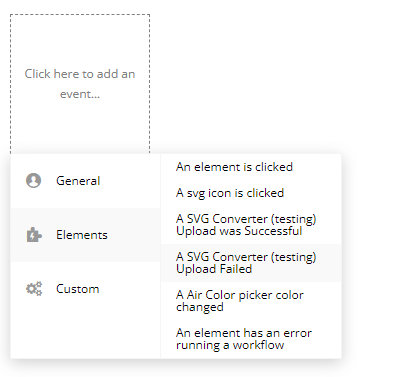
The plugin provides two events to enhance the user experience:
Event: Upload Successful
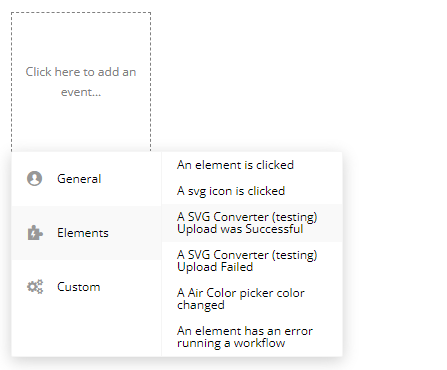
Event: Upload Failed
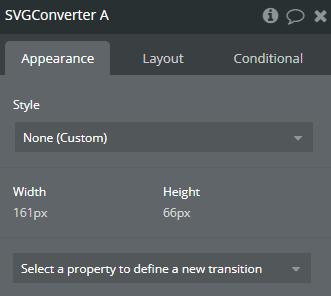
Plugin Element Properties
SVG Converter
Element Actions
- download image png - Downloads the converted PNG image.
Title | Description | Type |
Image_base64 | The Base64-encoded string of the converted image. This is the output of the Render Image action. | Text |
Name_image | Name image without format (.png) | Text |
- Render Image - Converts an SVG image into a PNG format.
Title | Description | Type |
Hide Original? | Remove Original? | Checkbox (yes/no) |
SVG/Chart Element ID | The ID attribute of the SVG or chart element to be converted. This must match the ID of the element on the page. | Text |
ㅤ | ㅤ | ㅤ |
File Name | Converted image Name, name is for Download url state only. The Image Base64 state will have a default name. | Text |
Output format | For example, png or jpeg. Available options: png, jpg, jpeg | Text |
Exposed states
Title | Description | Type |
SVG Download URL | URL to uploaded image in SVG format | Text |
Image Base64 | Image in base64 | Text |
Element Events
Title | Description |
Upload was Successful | Upload was Successful |
Upload Failed | Upload Failed |
