Demo to preview the plugin:
Introduction
Simple action to let you add anything at cursor position in multiline or single line text field

How to setup
- Create input element on the page, configure field ID attribute with input-1
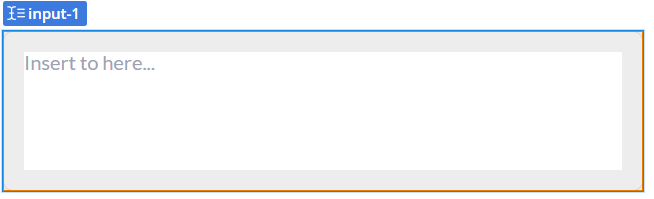
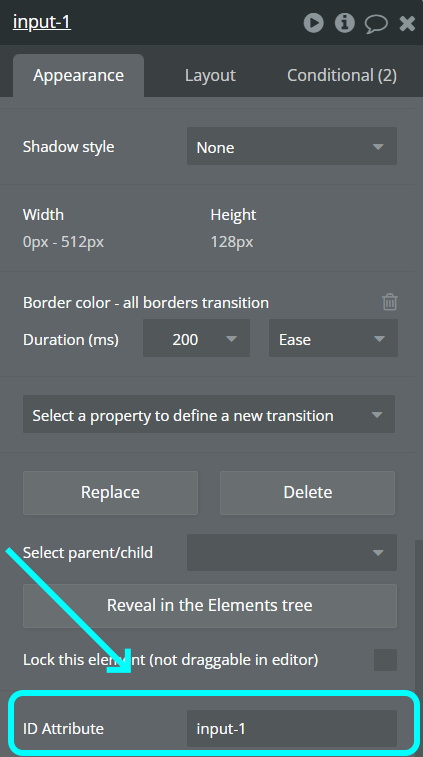
- Create button element

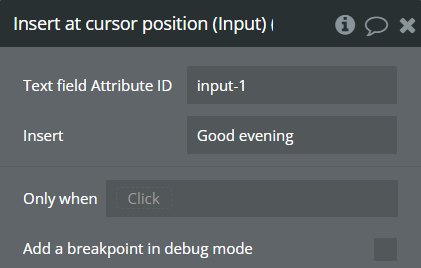
- Add workflow for the button with Insert at cursor position (Input) action
- Configure first field with ID input-1 of input element
- Configure second field with text content
- Ready, preview the page
Plugin Actions
- Insert at cursor position (Input)
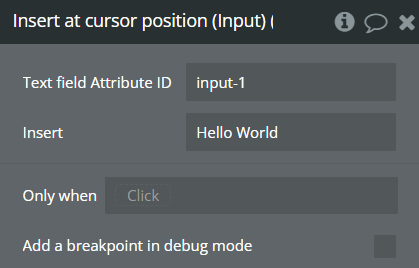
Title | Description | Type |
Text field Attribute ID | ID of the input element | Text |
Insert | Text content to insert | Text |
- Insert at cursor position (ContentEditable) - for example insert in Rich Text Editor
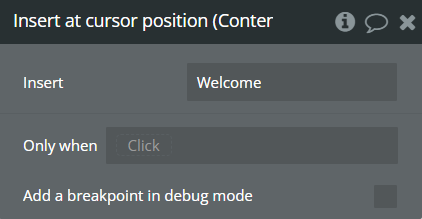
Title | Description | Type |
Insert | Text content to insert | Text |