Update 13.08.26 - Version 2.5.0
- Bubble Plugin Page Update (Sorting).
Update 23.03.26 - Version 2.4.0
- Fixed li-text wrap via post-processing.
Update 19.03.26 - Version 2.3.0
- Fixed nested list text selection.
Update 06.03.26 - Version 2.2.0
- Bubble Plugin Page Update (Category).
Update 27.02.26 - Version 2.1.0
- Bubble Plugin Page Update (Logo).
Update 13.02.26 - Version 2.0.0
- Bubble Plugin Page Update (Docs).
Update 01.12.25 - Version 1.12.0
- Bubble Plugin Page Update (Description).
Update 30.10.25 - Version 1.11.0
- Bubble Plugin Page Update (Description).
Update 09.07.25 - Version 1.10.0
- Bubble Plugin Page Update (Logo).
Update 18.06.25 - Version 1.9.0
- Bubble Plugin Page Update (Demo preview link and Demo editor link).
Update 17.06.25 - Version 1.8.0
- Marketing update (minor change).
Update 09.04.25 - Version 1.7.0
- Moved libraries to Bubble.
Update 08.11.24 - Version 1.6.0
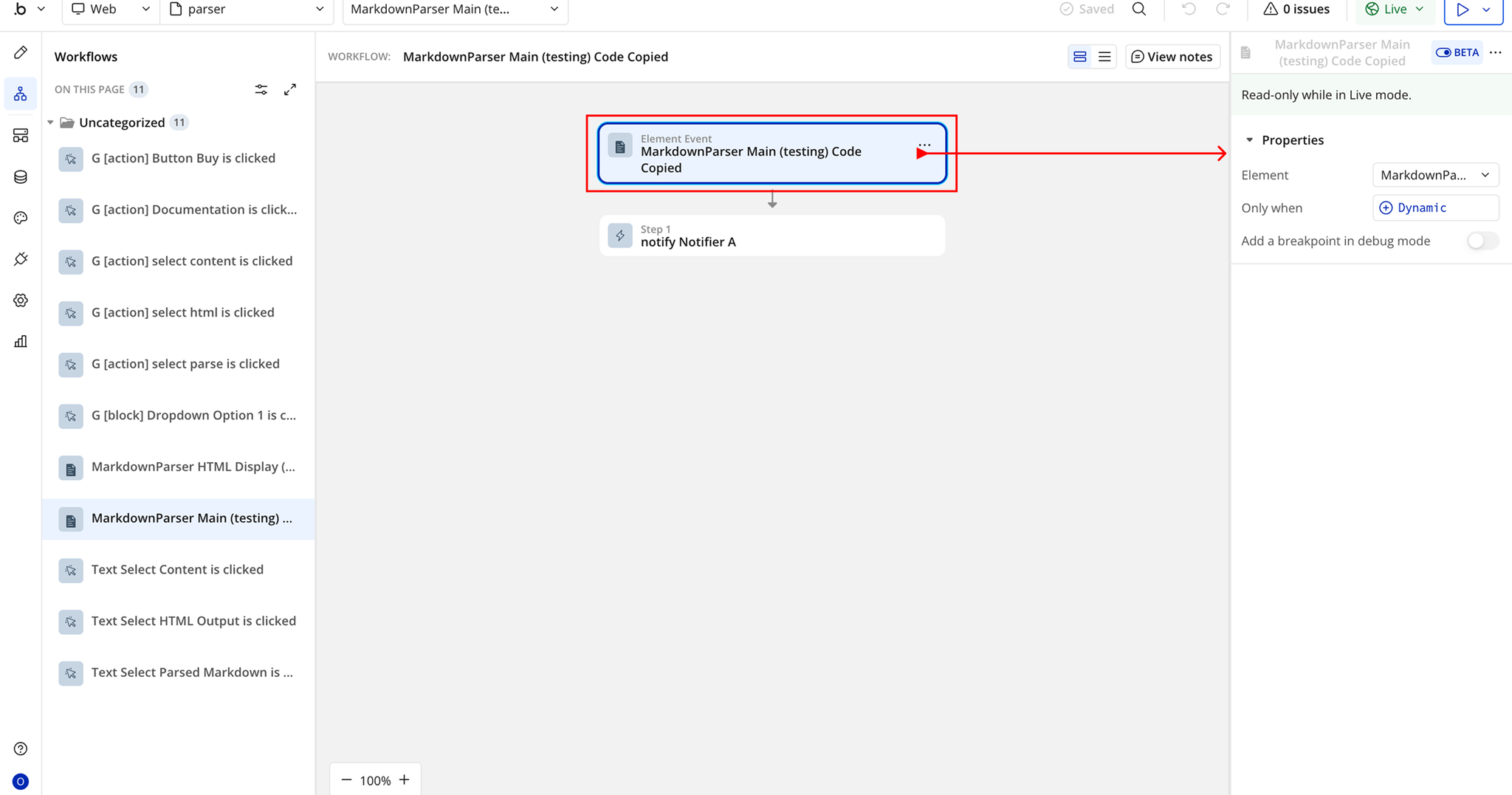
- Fixed "code copy button" event trigger and updated theme information.
Update 07.11.24 - Version 1.5.0
- Minor update (Marketing update).
Update 06.11.24 - Version 1.4.0
- Fixed rendered element output and copy code functionality.
Update 09.10.24 - Version 1.3.0
Update 26.07.24 - Version 1.2.5
Update 26.07.24 - Version 1.2.4
Update 26.07.24 - Version 1.2.3
- Added minor improvements for streaming responses.
Update 15.06.24 - Version 1.2.2
Update 31.05.24 - Version 1.2.1
Update 31.05.24 - Version 1.2.0
- Changed Math Formula Syntax to LaTex \(inline\( \[block\[ See demo page.
Update 30.05.24 - Version 1.1.1
Update 30.05.24 - Version 1.1.0
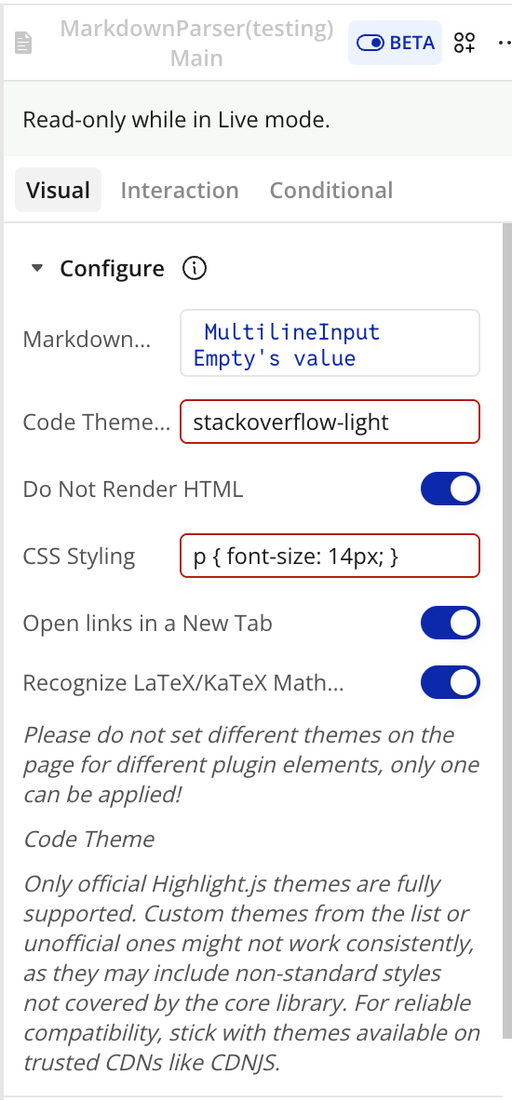
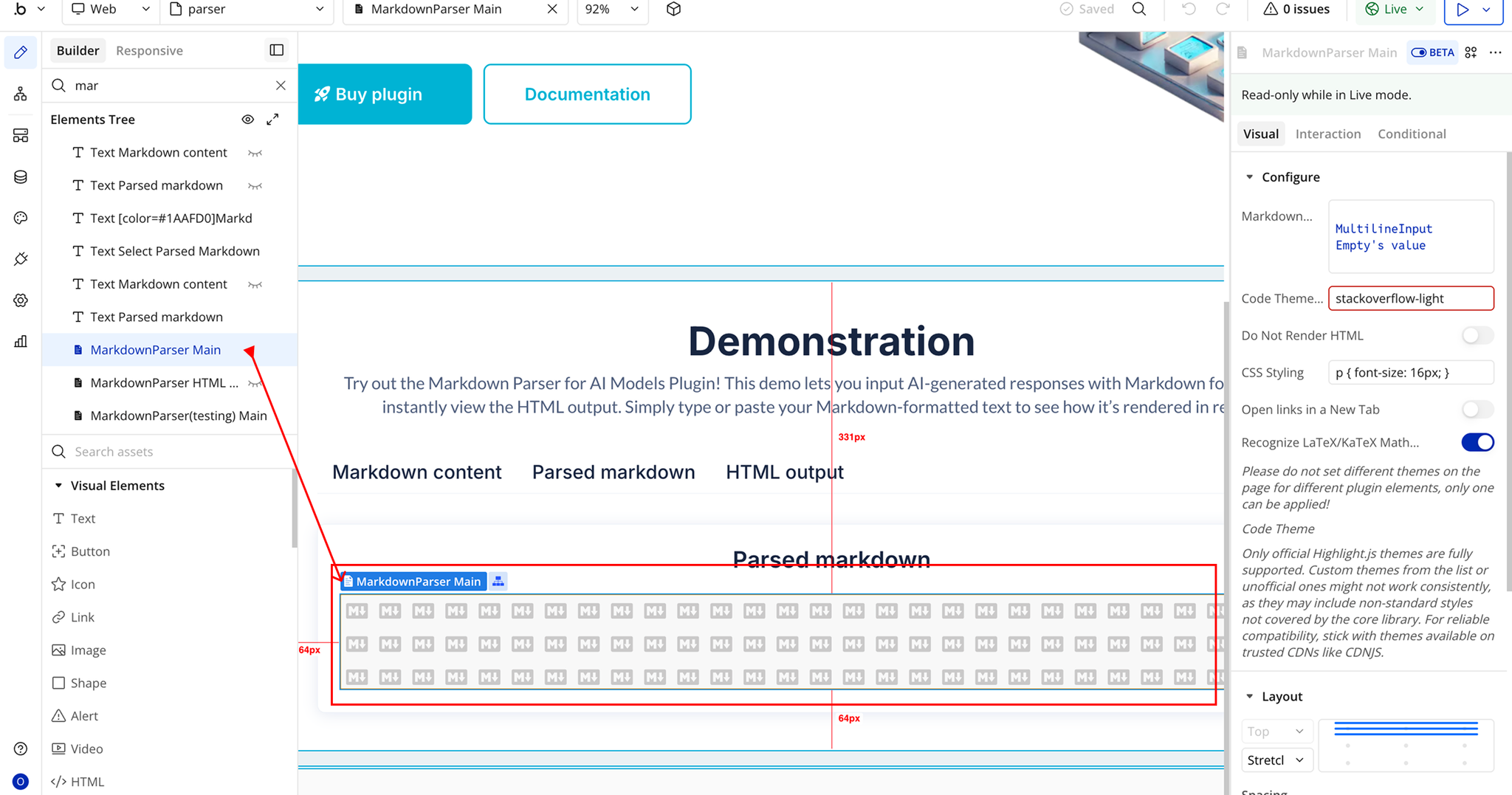
- Added the option to parse LaTeX/KaTeX math formulas.
Update 29.05.24 - Version 1.0.3
- Added feature to open links in new tabs.
Update 15.05.24 - Version 1.0.2
Update 05.04.24 - Version 1.0.1
Update 05.04.24 - Version 1.0.0
Update 04.04.24 - Version 0.0.10
- Improvements for public launch.
Update 30.03.24 - Version 0.0.9
Update 30.03.24 - Version 0.0.8
Update 30.03.24 - Version 0.0.7
- Added theme support for code blocks.
Update 28.03.24 - Version 0.0.6
- Improved copy code design.
Update 28.03.24 - Version 0.0.5
Update 28.03.24 - Version 0.0.4
- Added copy button to code field.
Update 28.03.24 - Version 0.0.3
Update 28.03.24 - Version 0.0.2
Update 28.03.24 - Version 0.0.1