
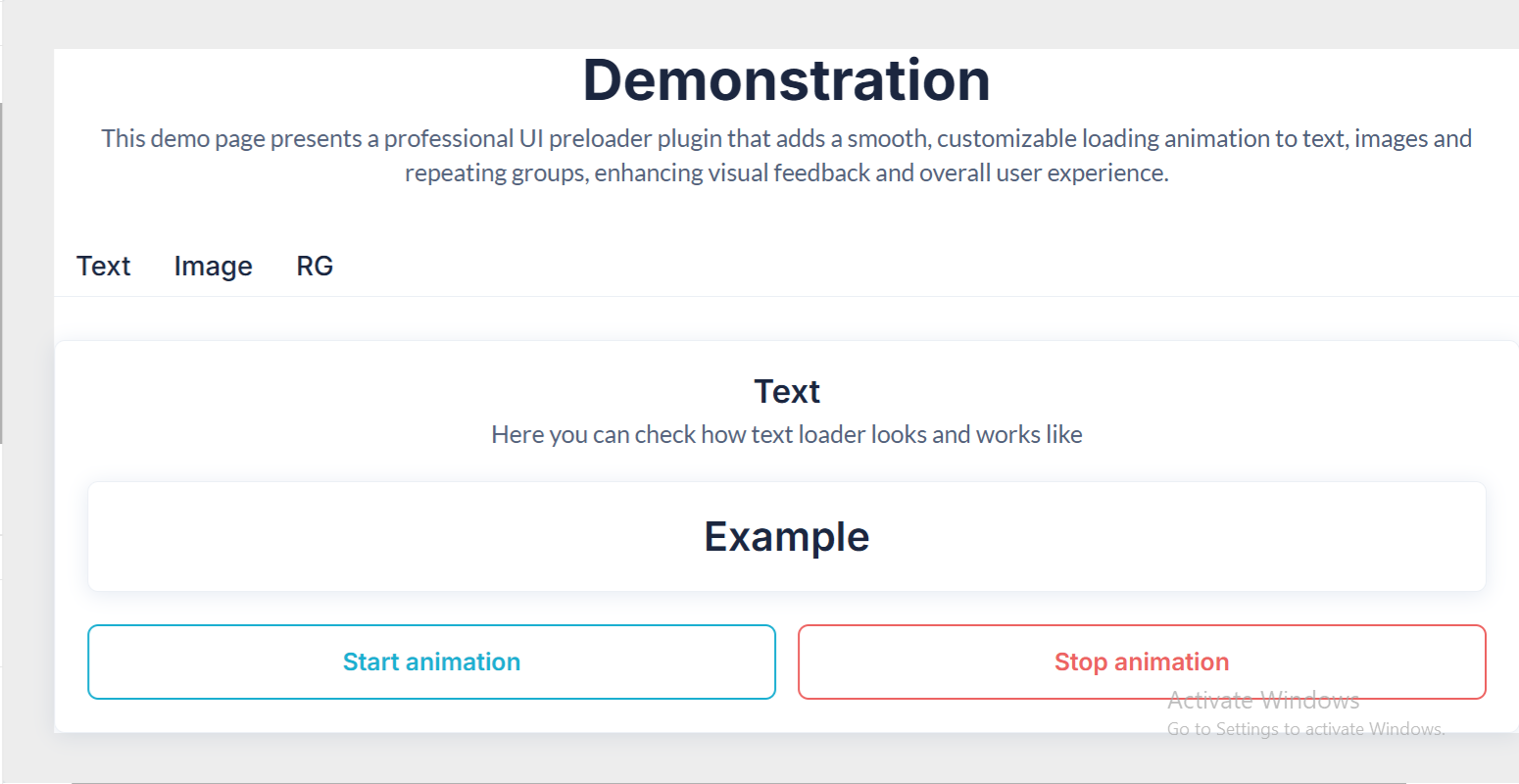
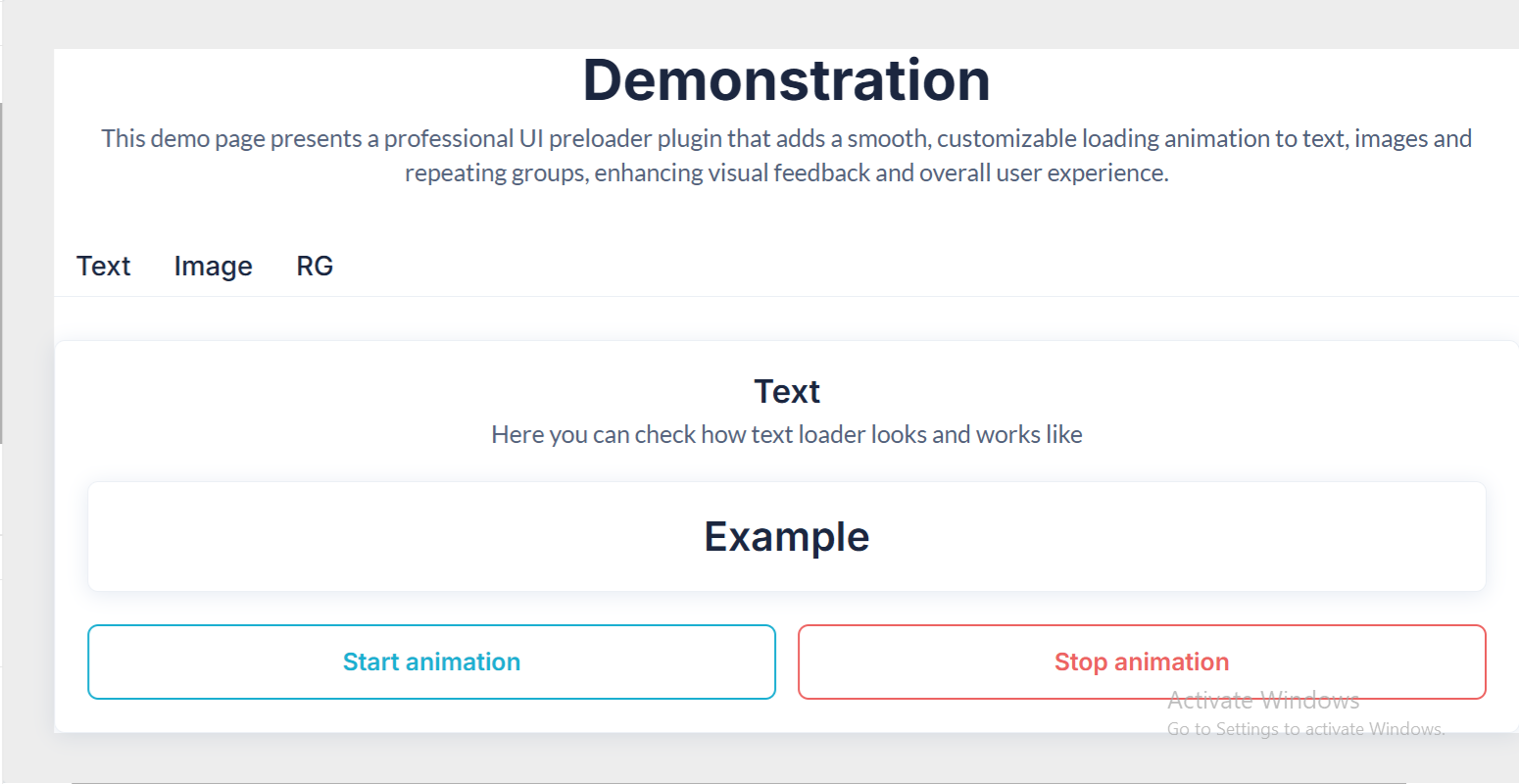
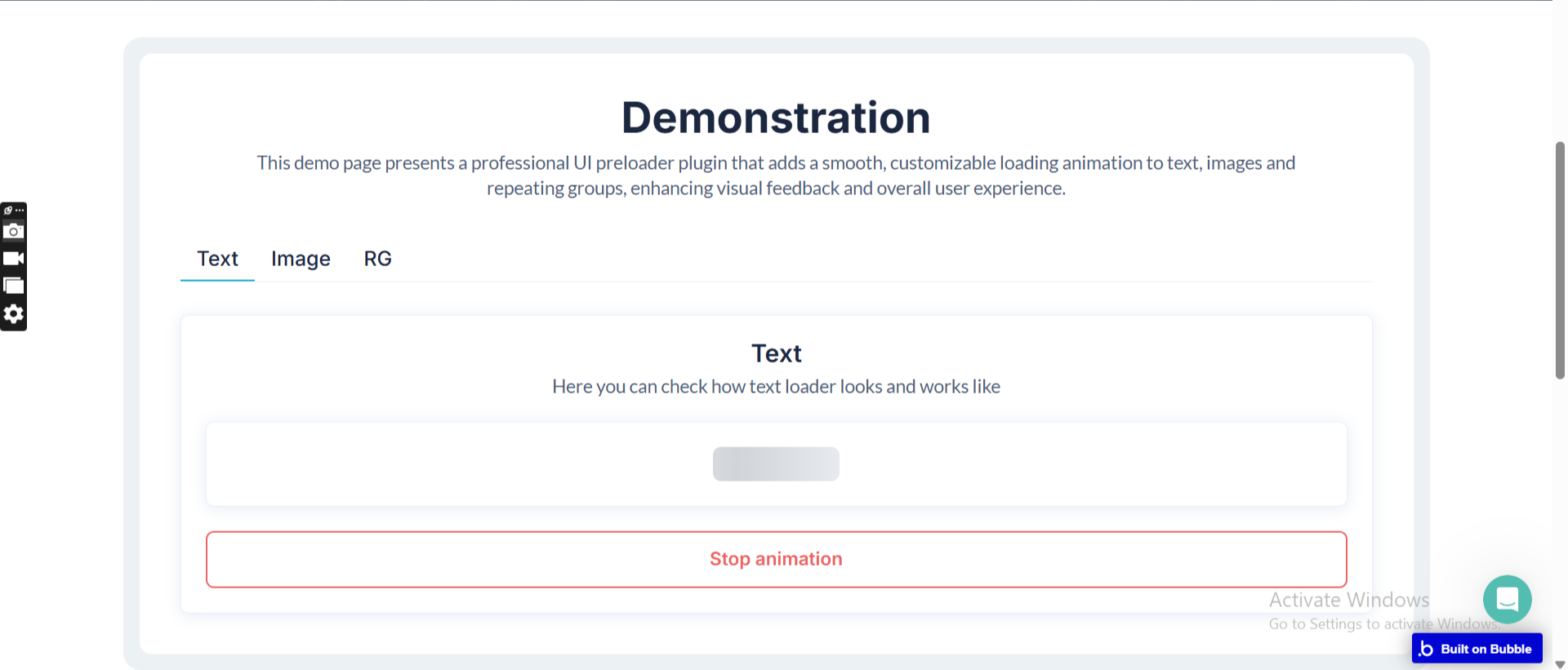
Demo to preview the plugin:
Introduction
The Advanced Skeleton Content Preloader plugin allows you to display elegant skeleton loading screens while your Bubble app fetches data or loads dynamic content. It enhances perceived performance by showing animated placeholders instead of empty states.
With workflow-controlled start/stop actions, full styling options, and support for ID-targeted elements, this plugin gives you fine-grained control over loading states.
Key Features
Prerequisites
Before using the plugin:
- Enable ID Attributes in Bubble
Go to:
Settings → General → Advanced → “Expose the option to add an ID attribute to HTML elements”
- Basic understanding of assigning ID attributes to elements.
No additional libraries or configuration required.

How to Set Up
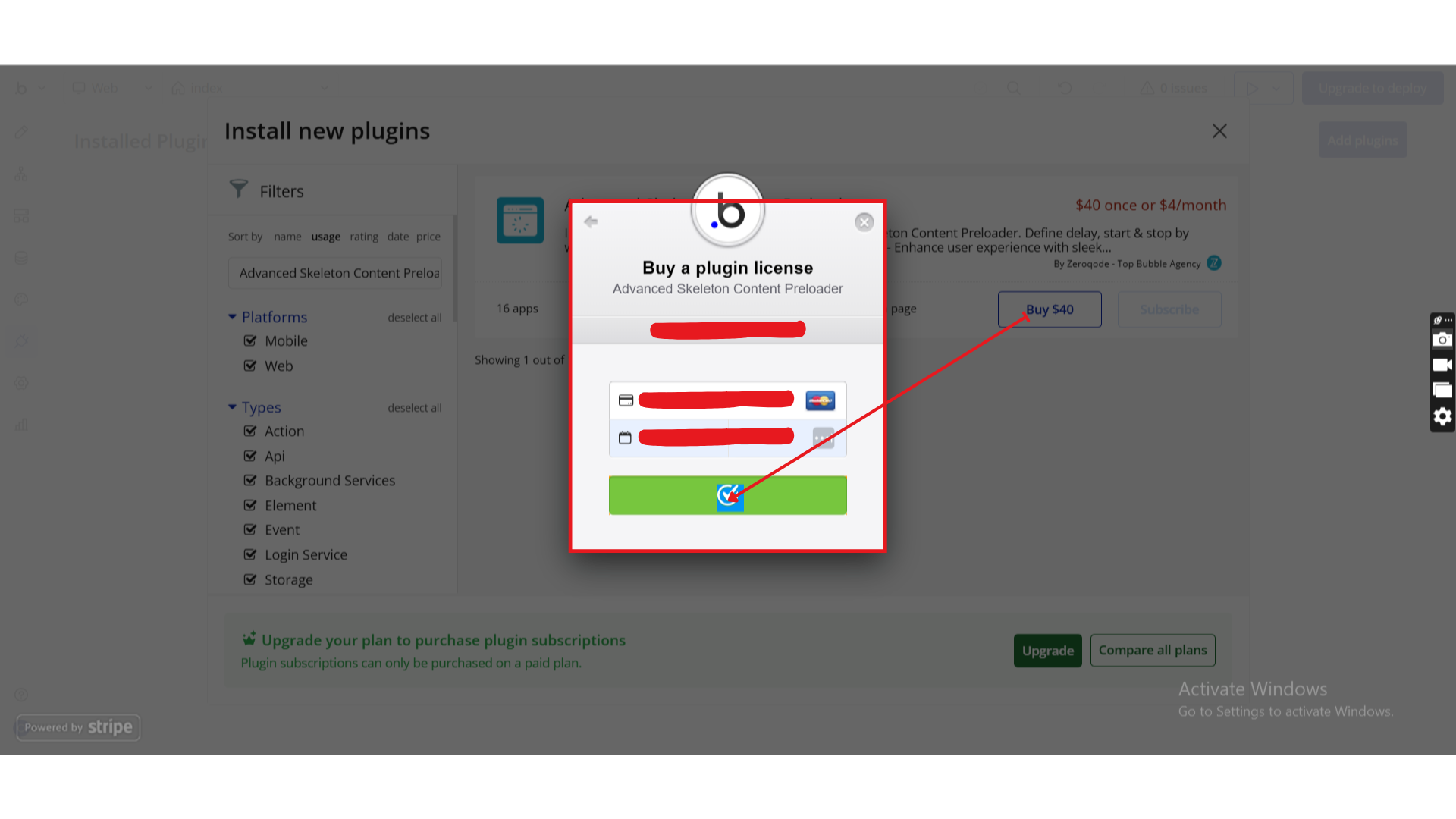
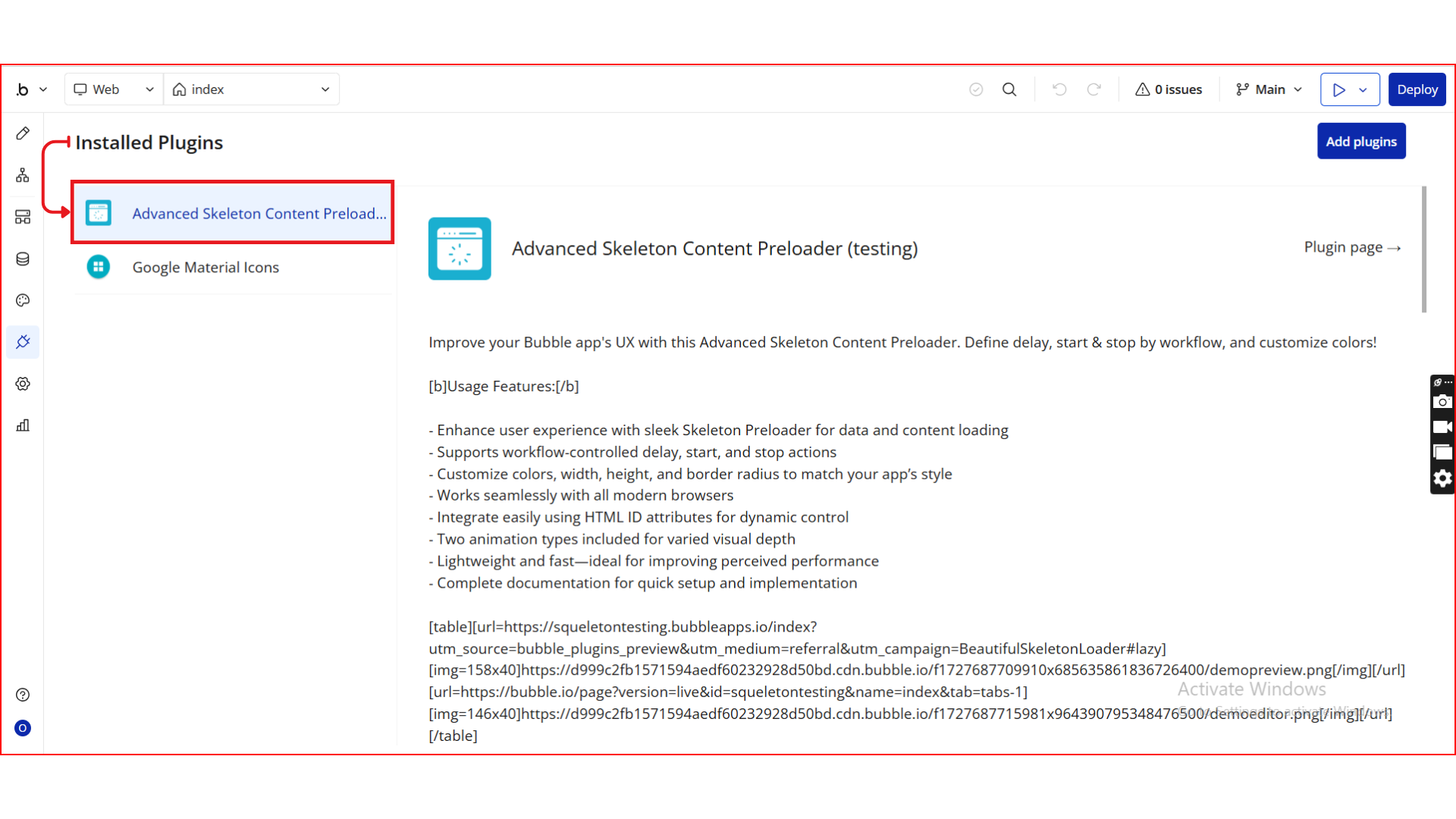
Step 1. Install the Plugin
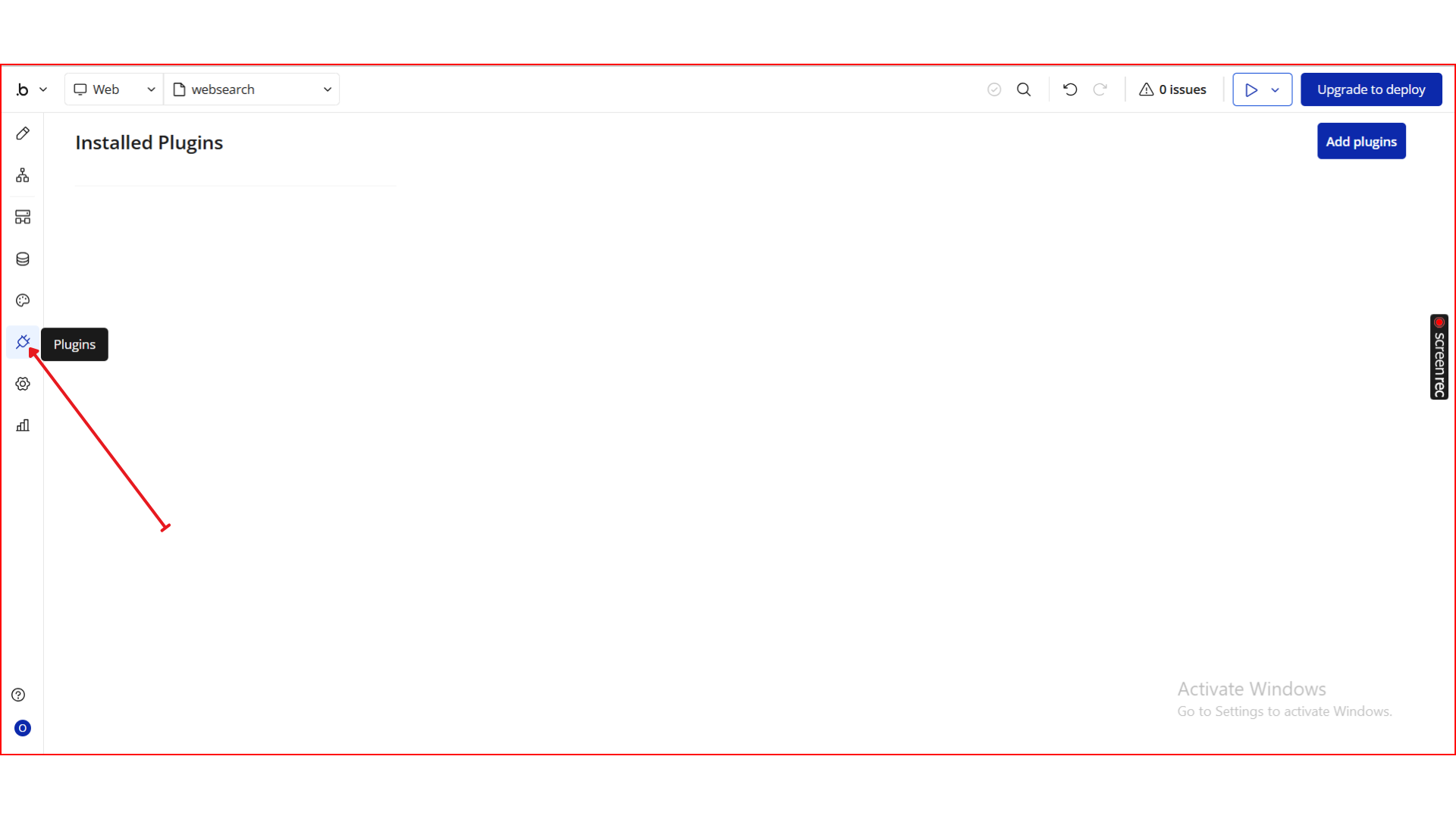
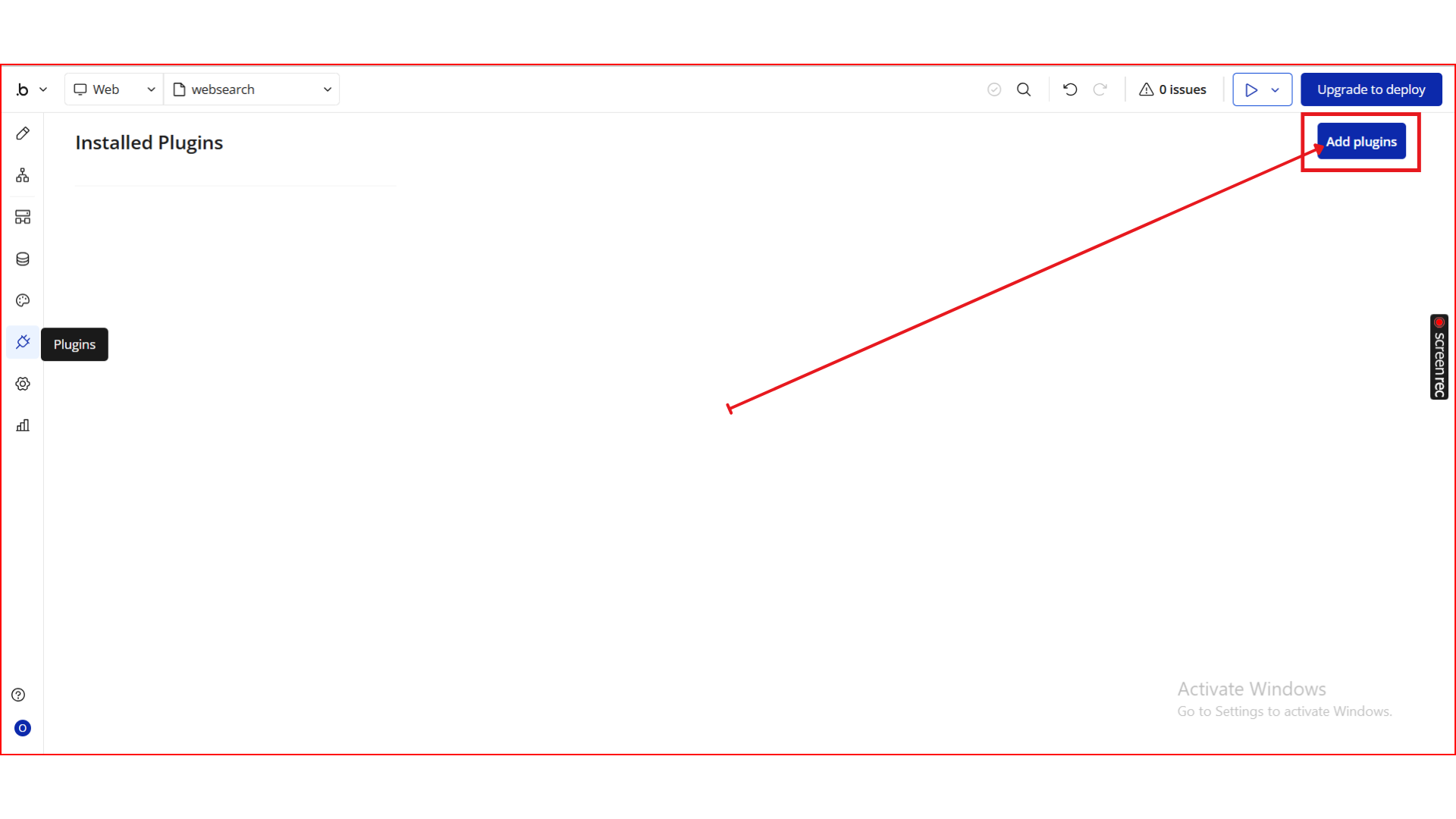
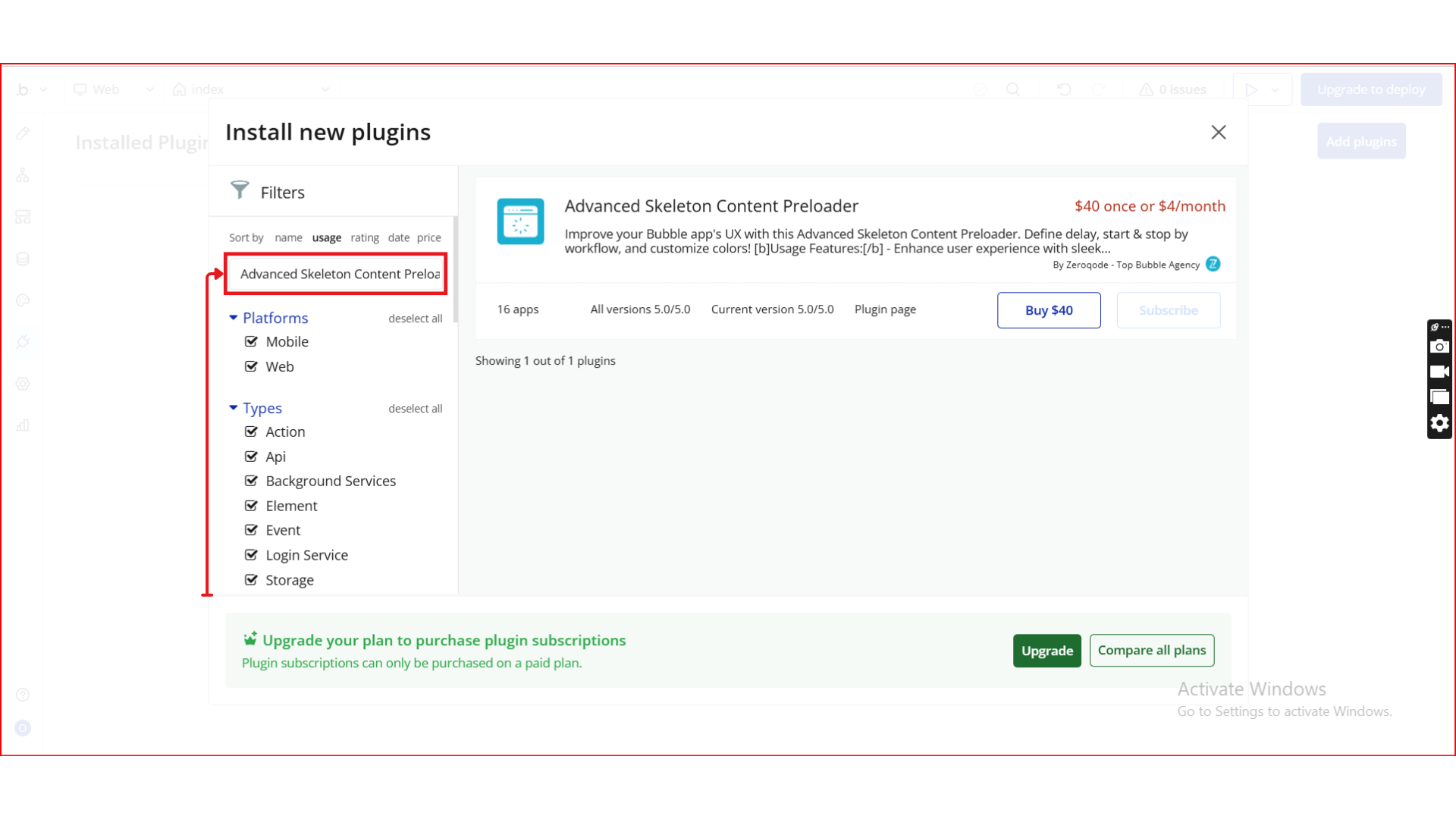
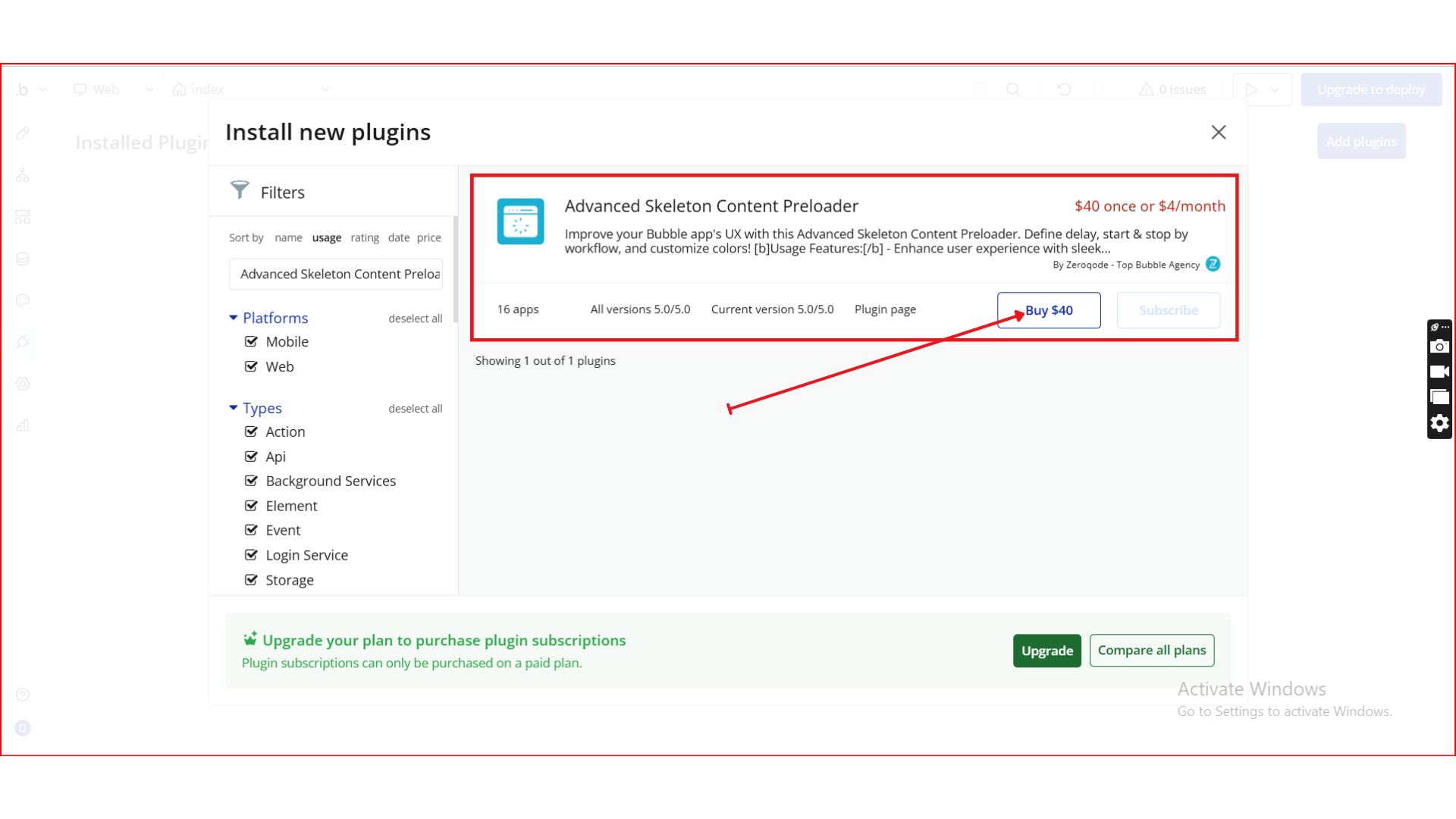
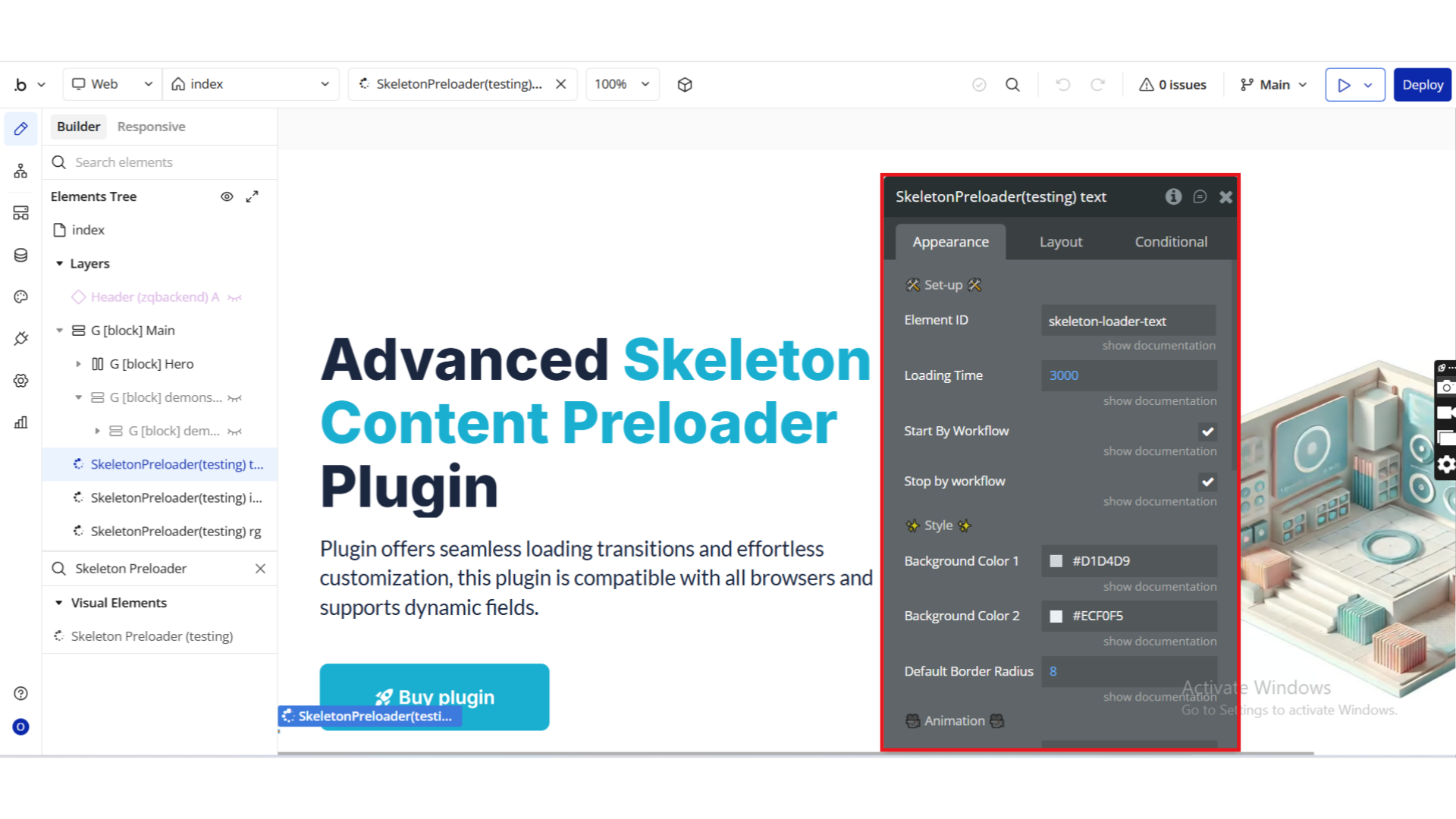
Step 2. Add the Preloader Element
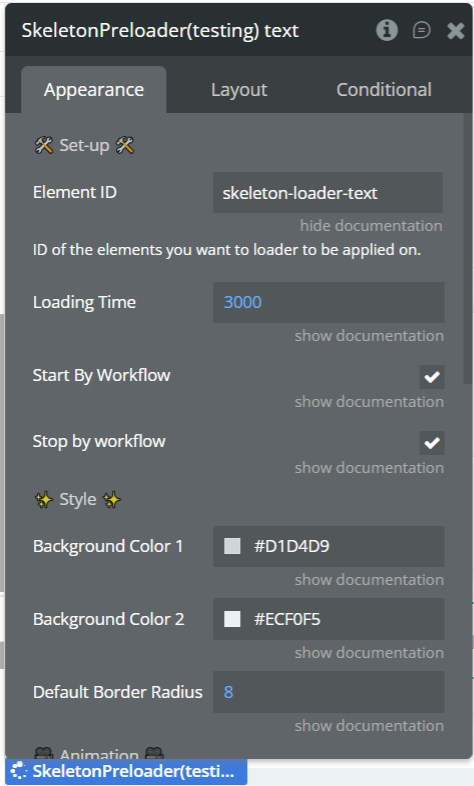
Step 3. Assign ID Attributes
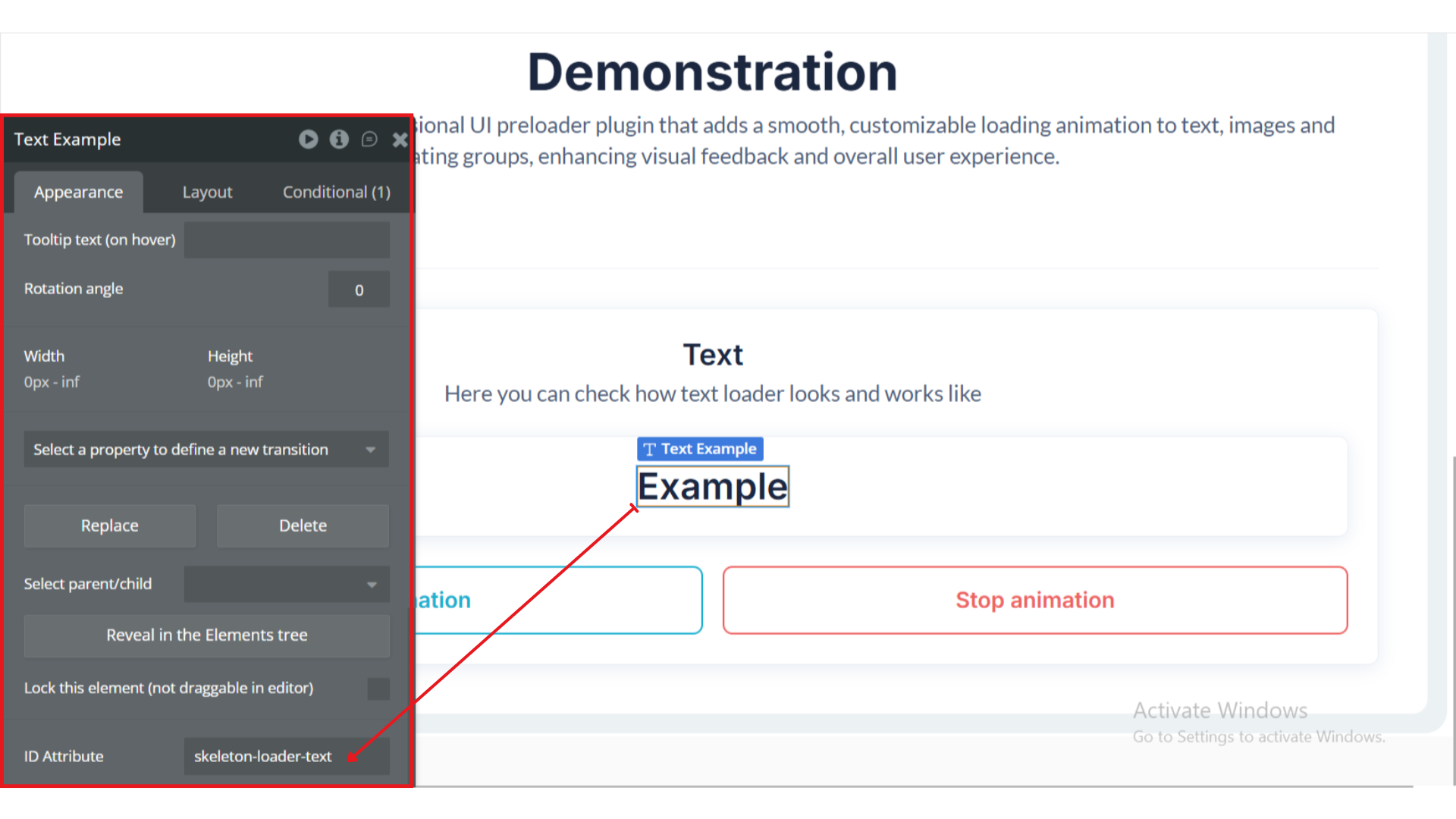
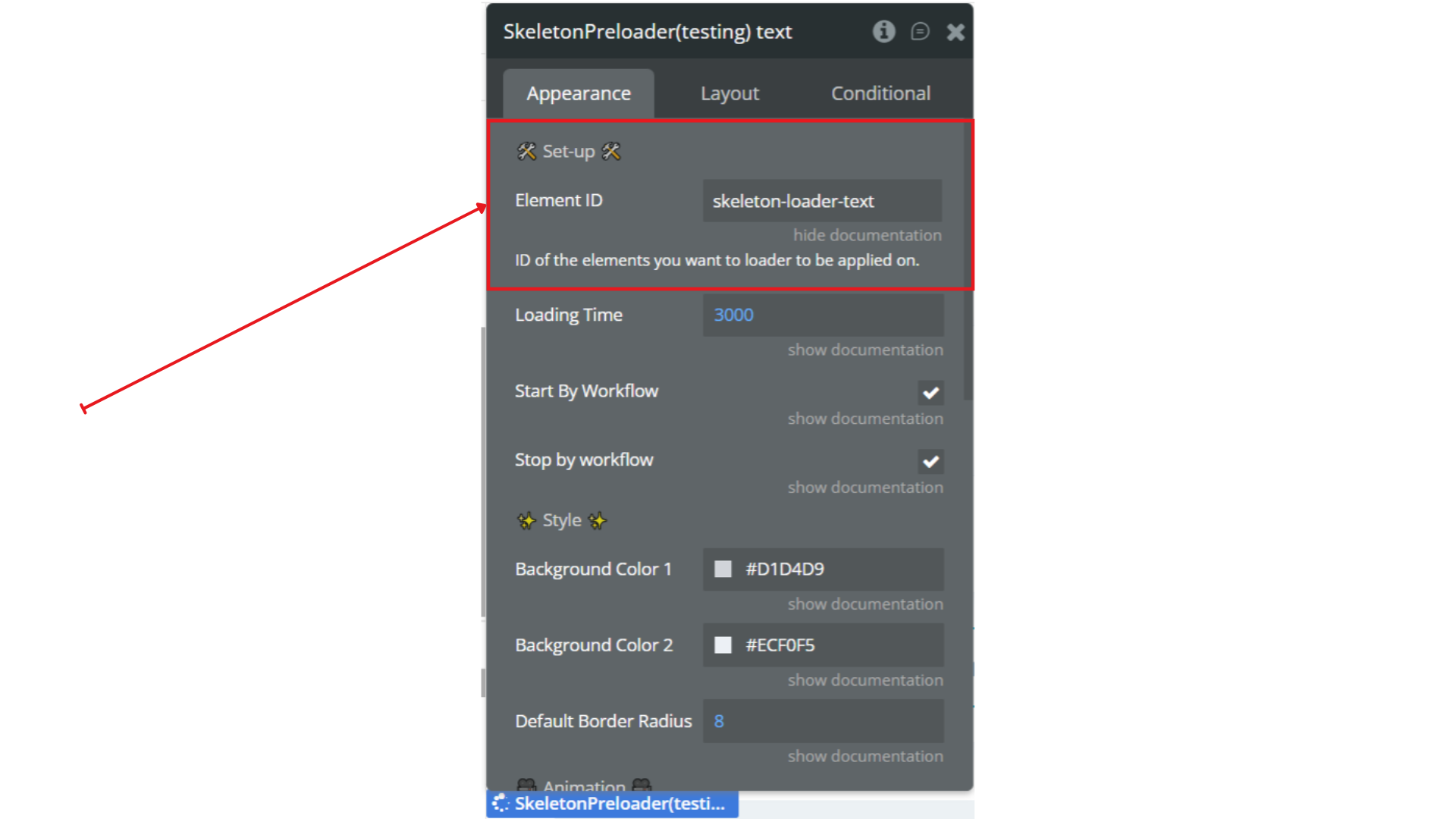
Step 4. Link IDs to the Plugin
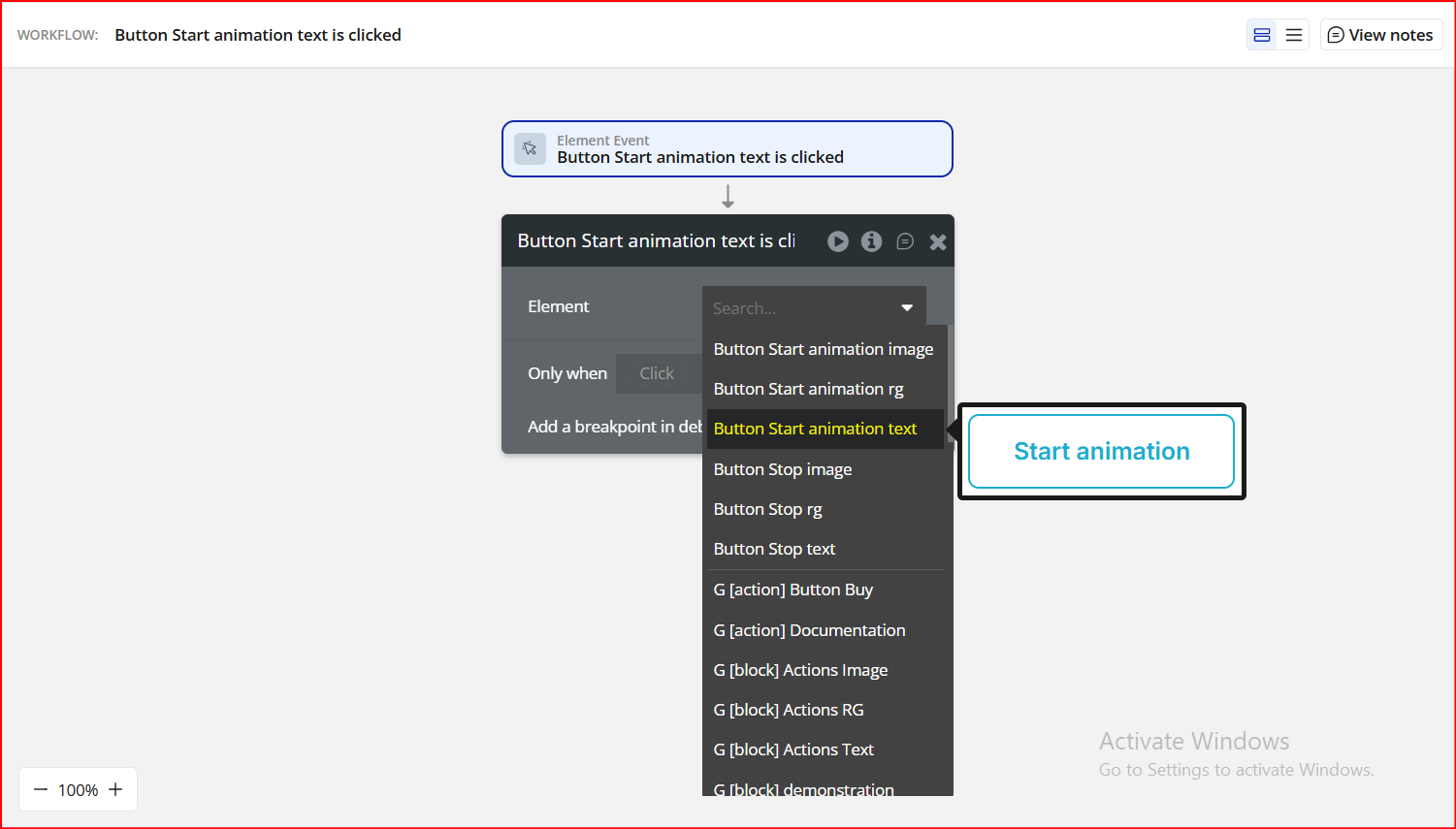
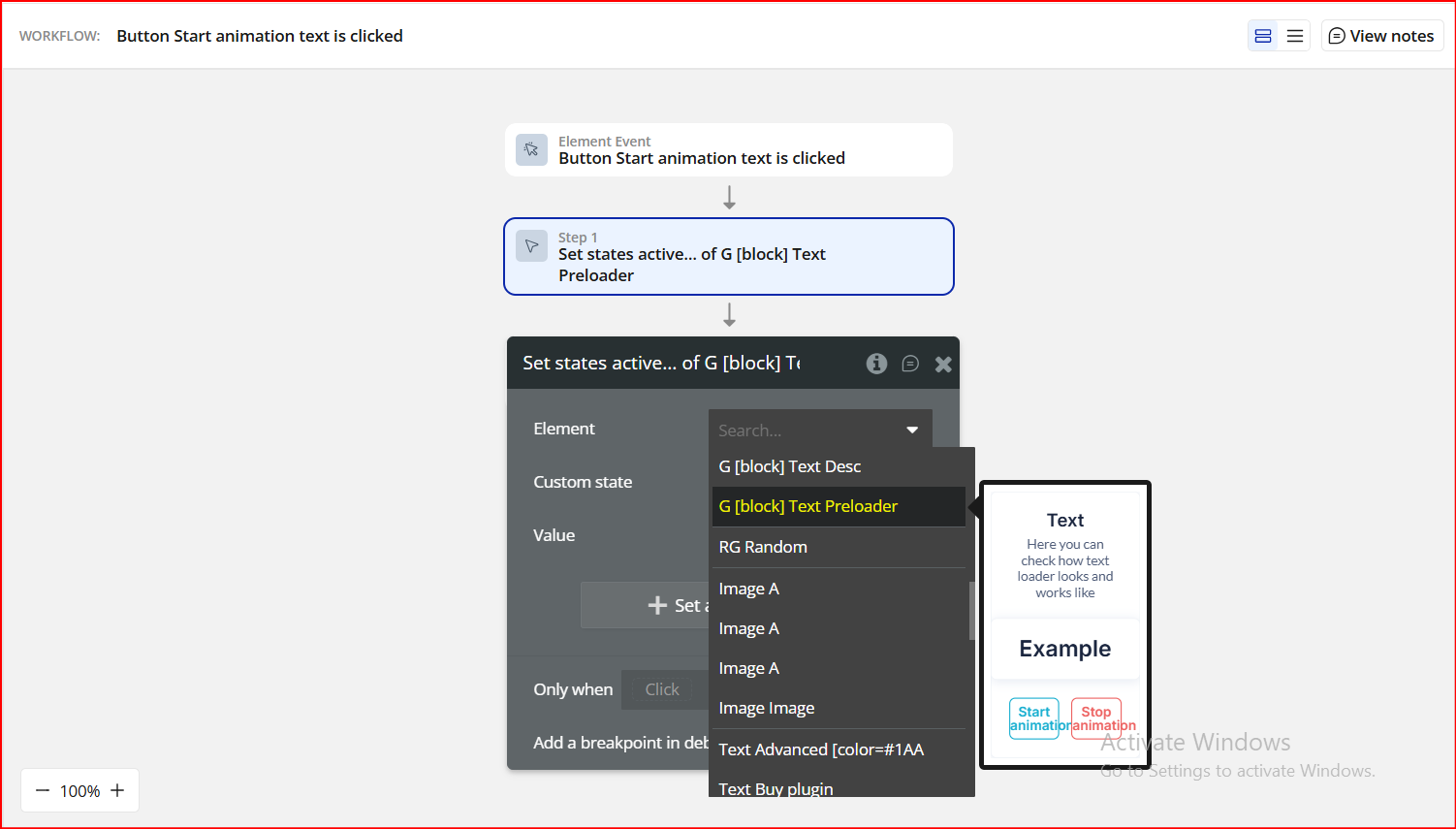
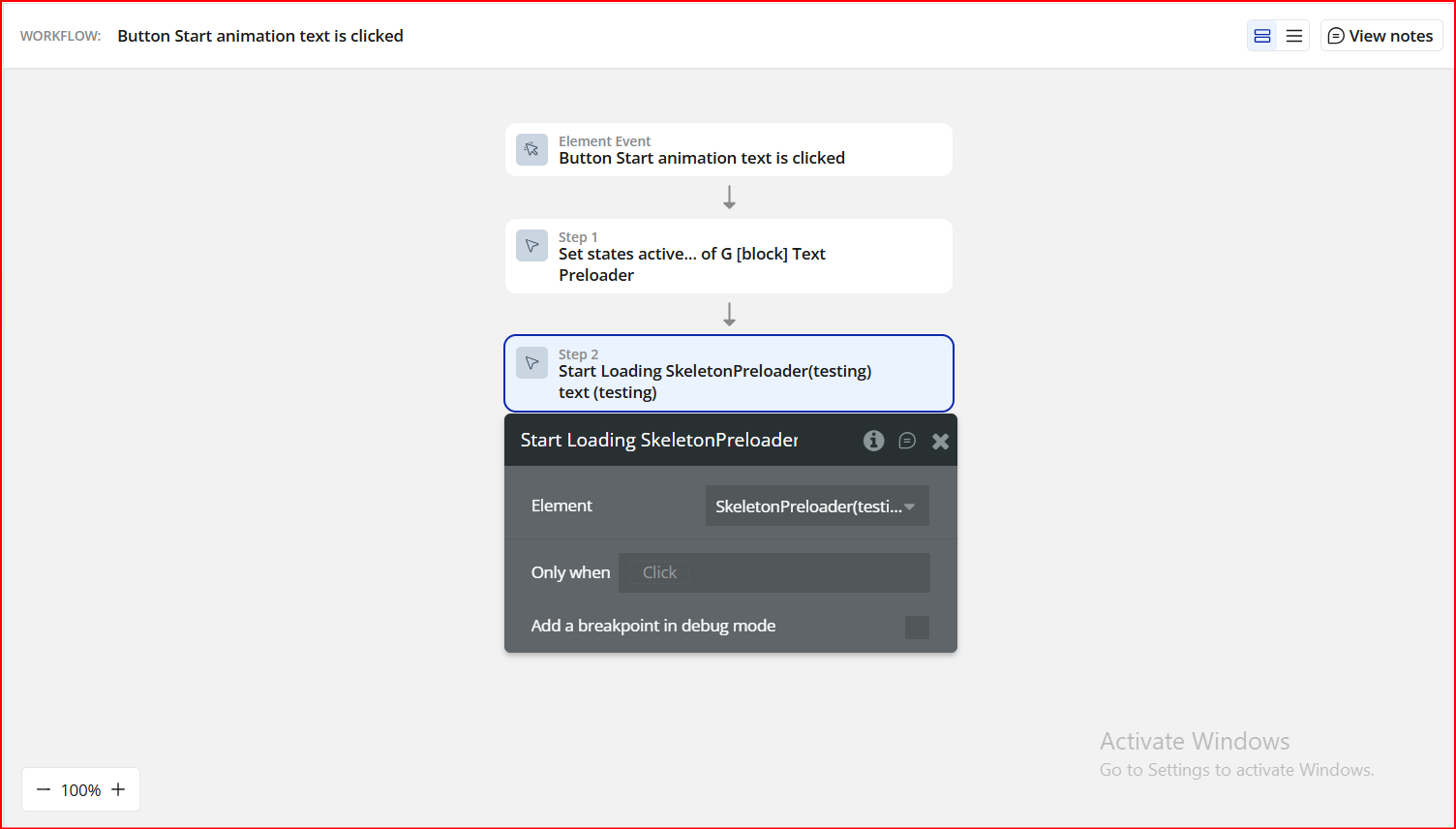
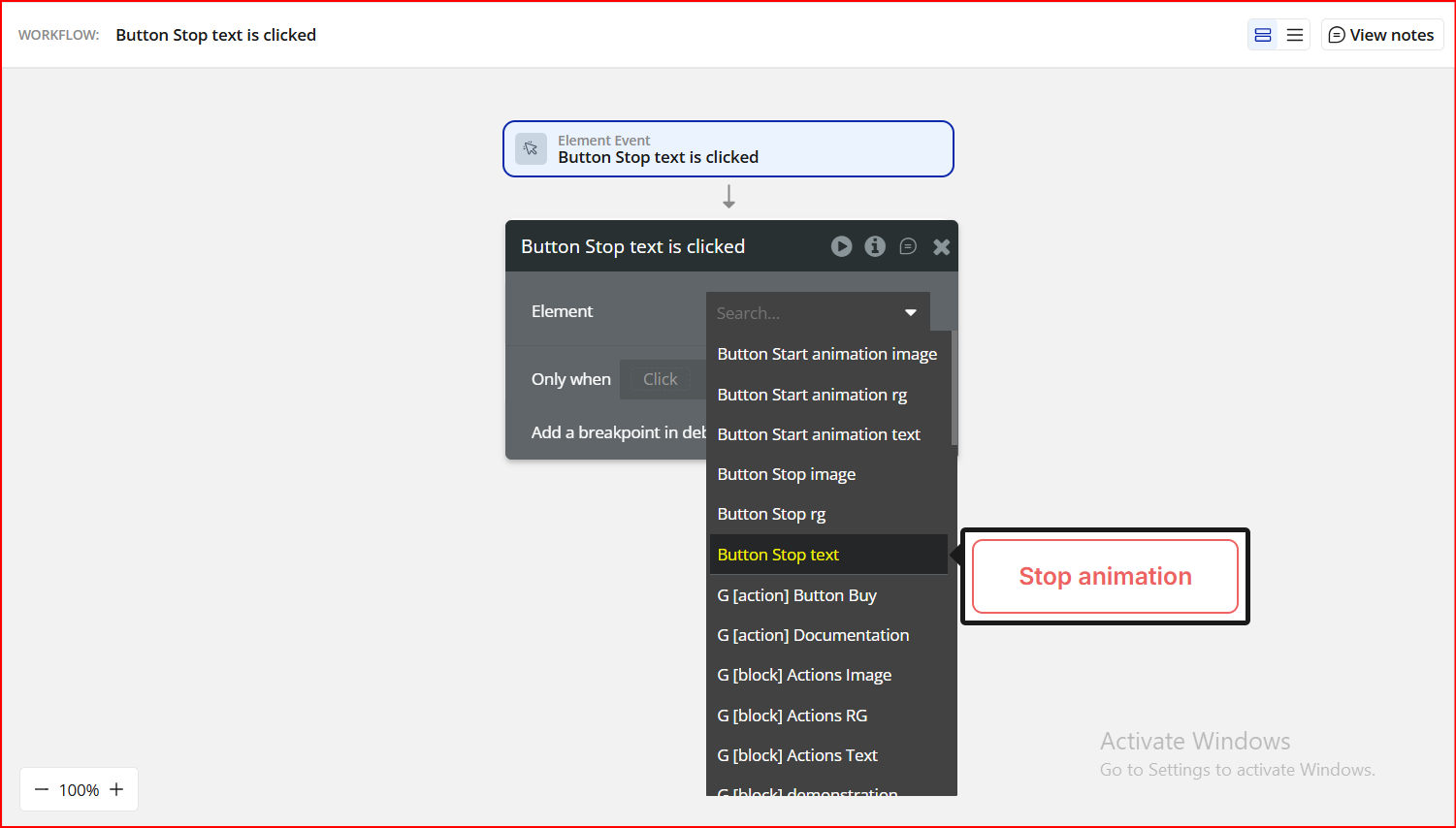
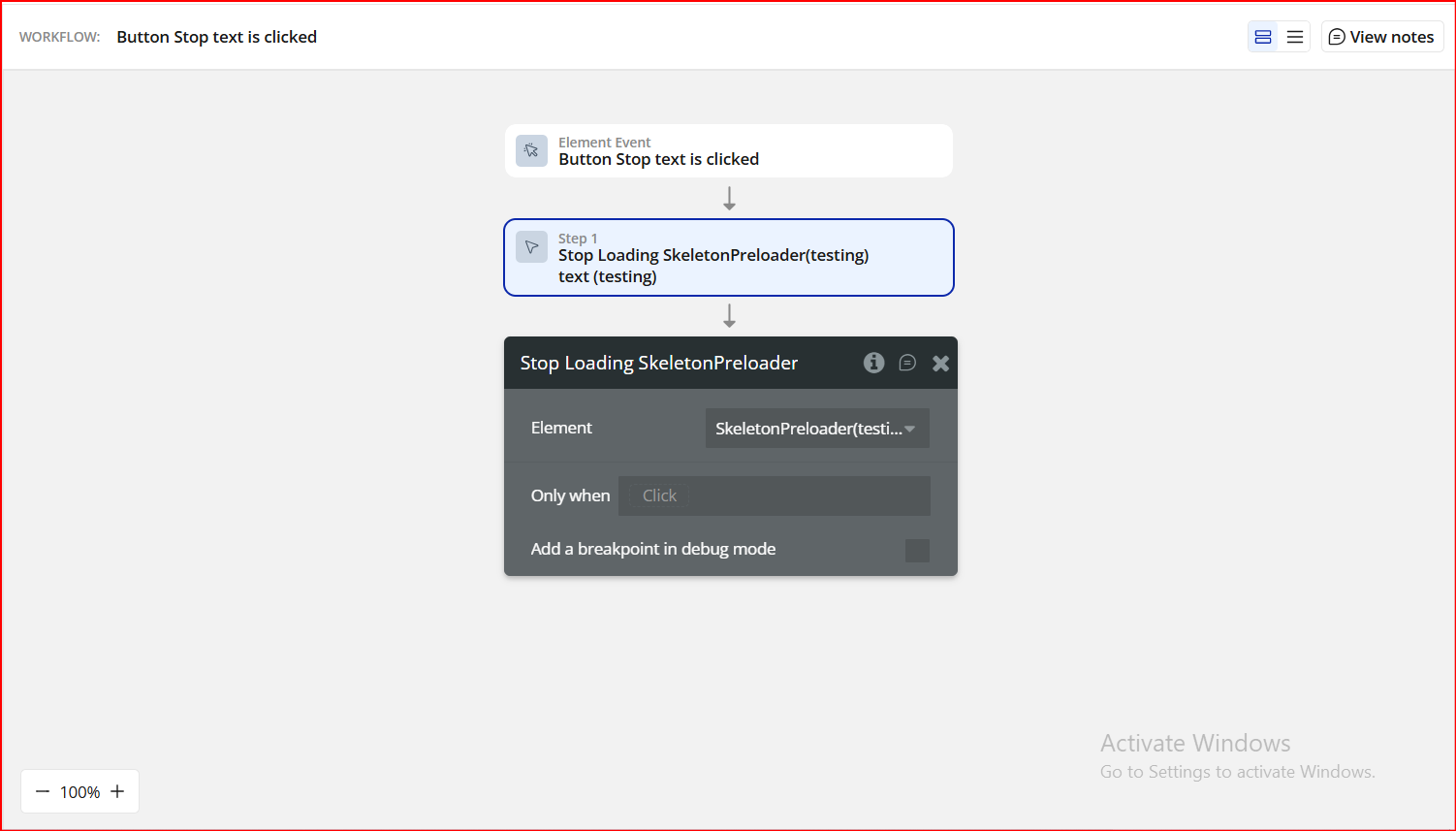
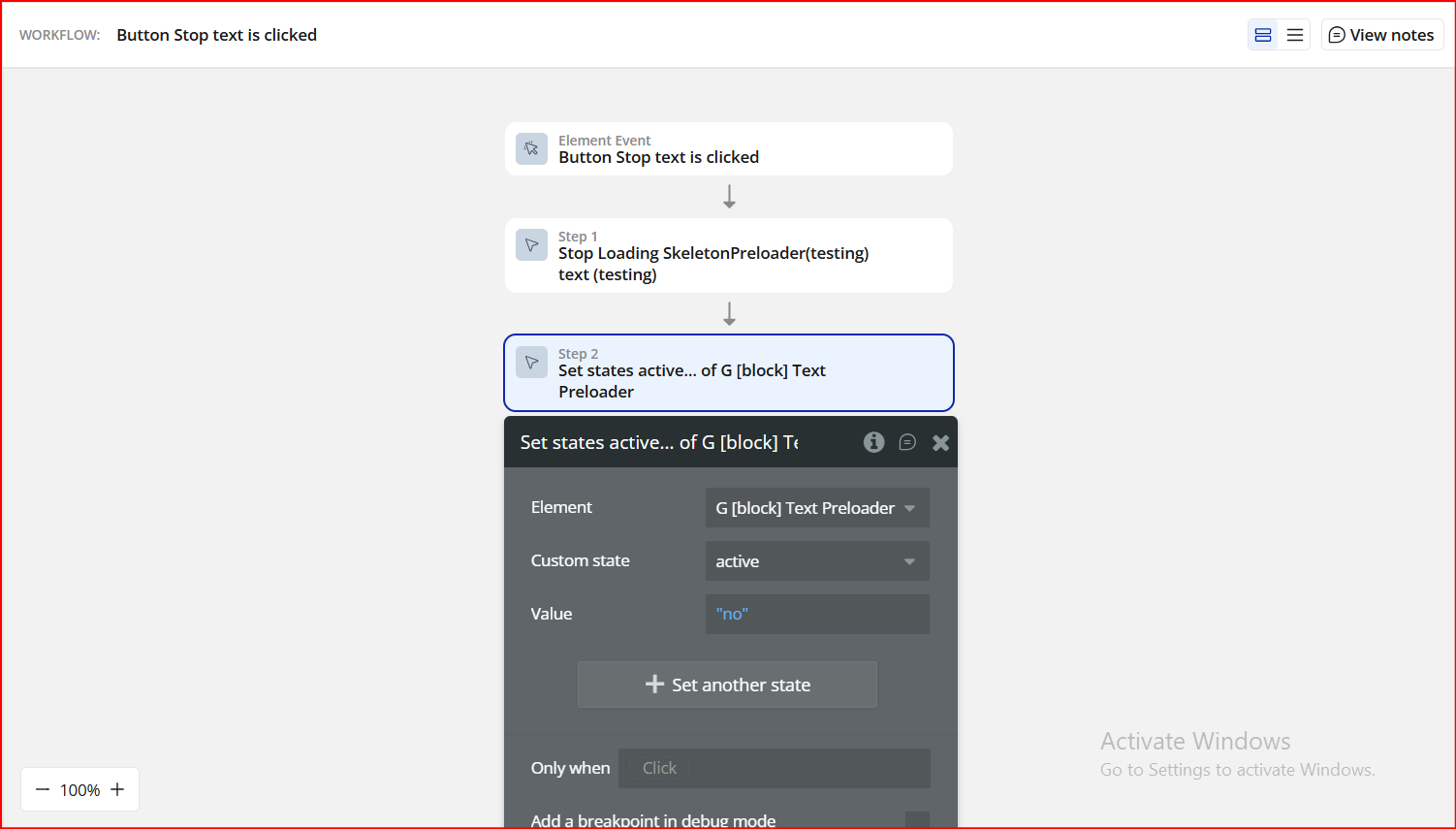
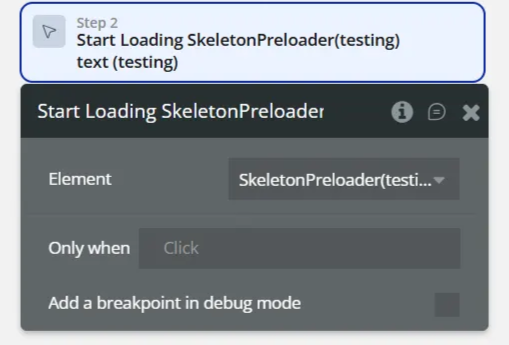
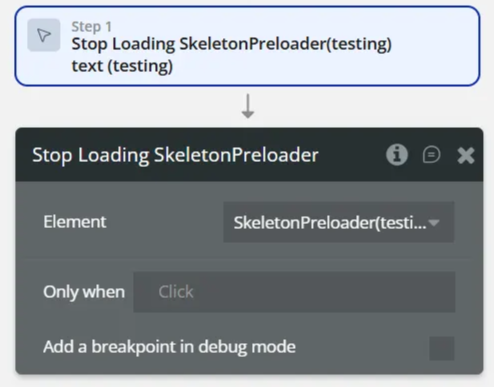
Step 5. Control via Workflows
Plugin Element - Skeleton Preloader
Fields
Element Actions
Element Events
