Link to the plugin page: https://zeroqode.com/plugin/advanced-tooltips-plugin-for-bubble-1739734683077x572794058212715300
Demo to preview the plugin:
Introduction
Advanced Tooltips allows you to display rich, hover-based (or tap-based on mobile) tooltips across your Bubble application.
It is designed to provide inline guidance, hints, and contextual information without cluttering your UI.
The plugin offers full control over tooltip content, visual theme, animation behavior, timing, and positioning, making it suitable for both simple hints and advanced UX interactions.

How to setup
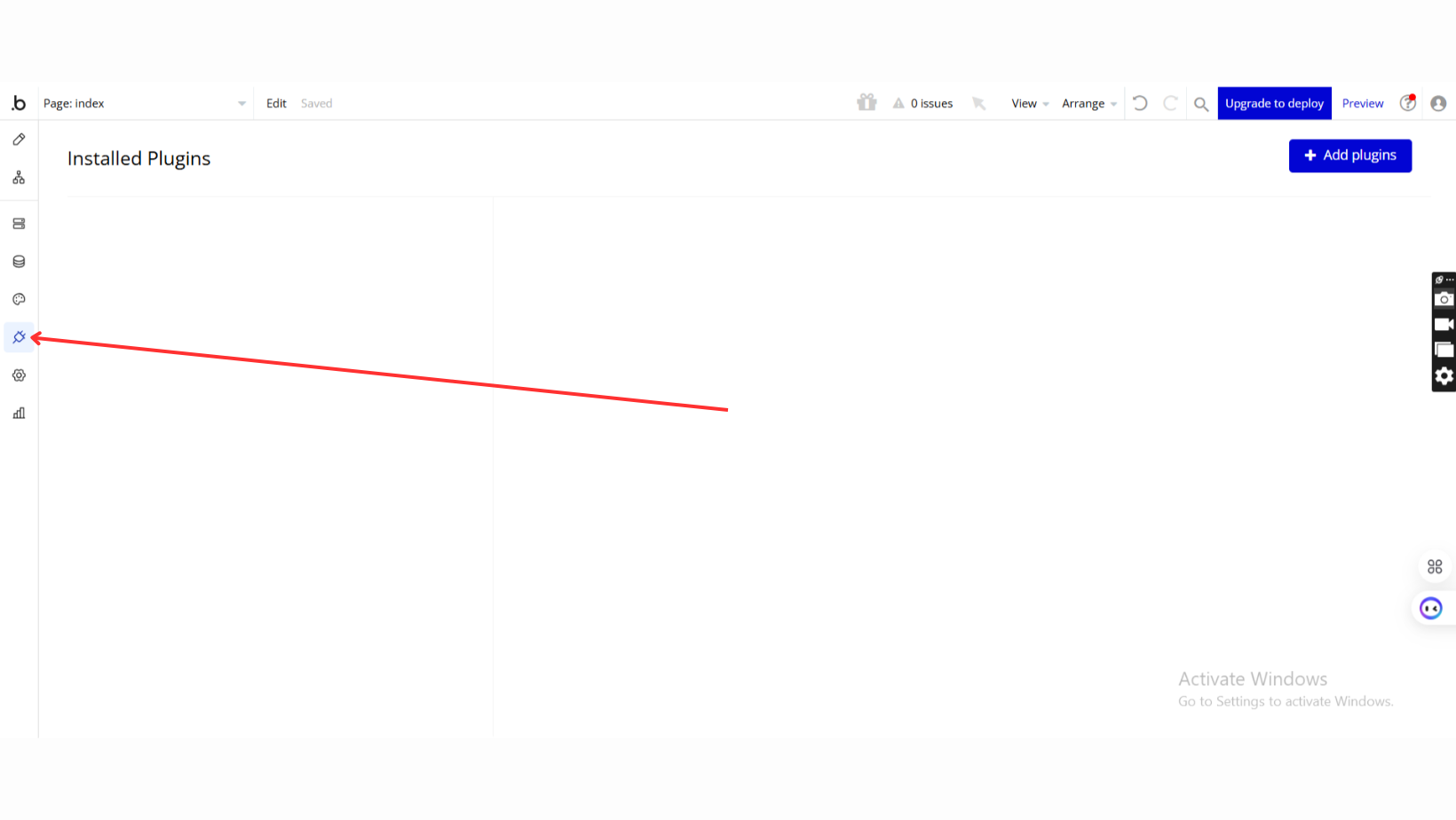
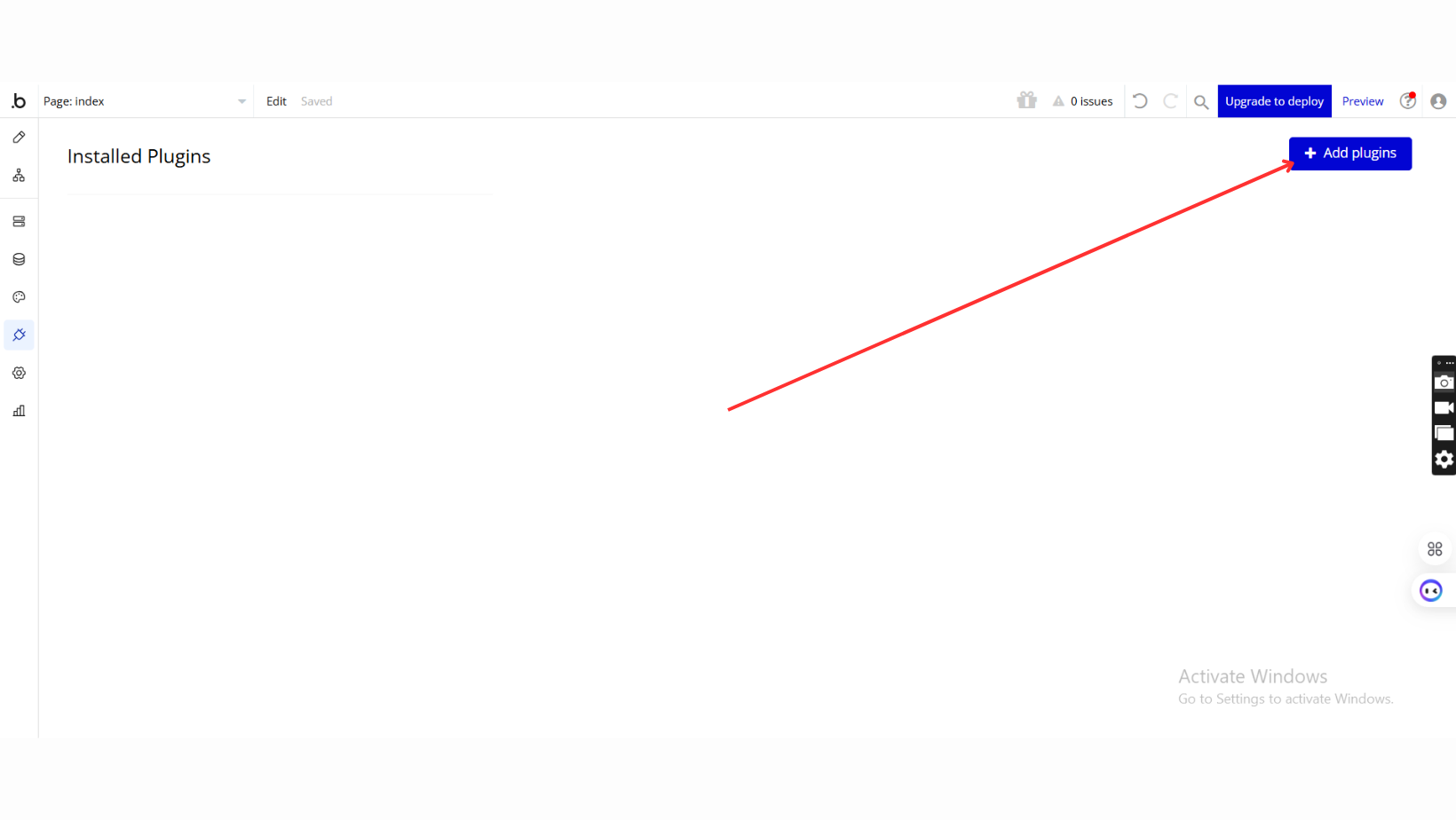
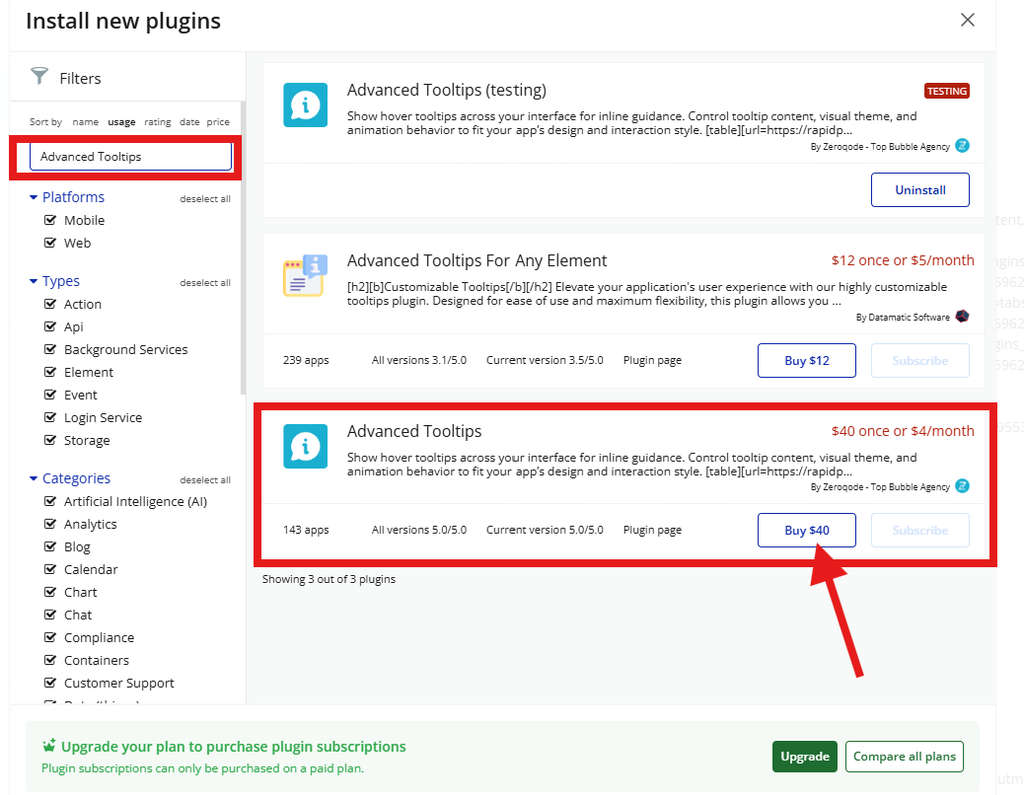
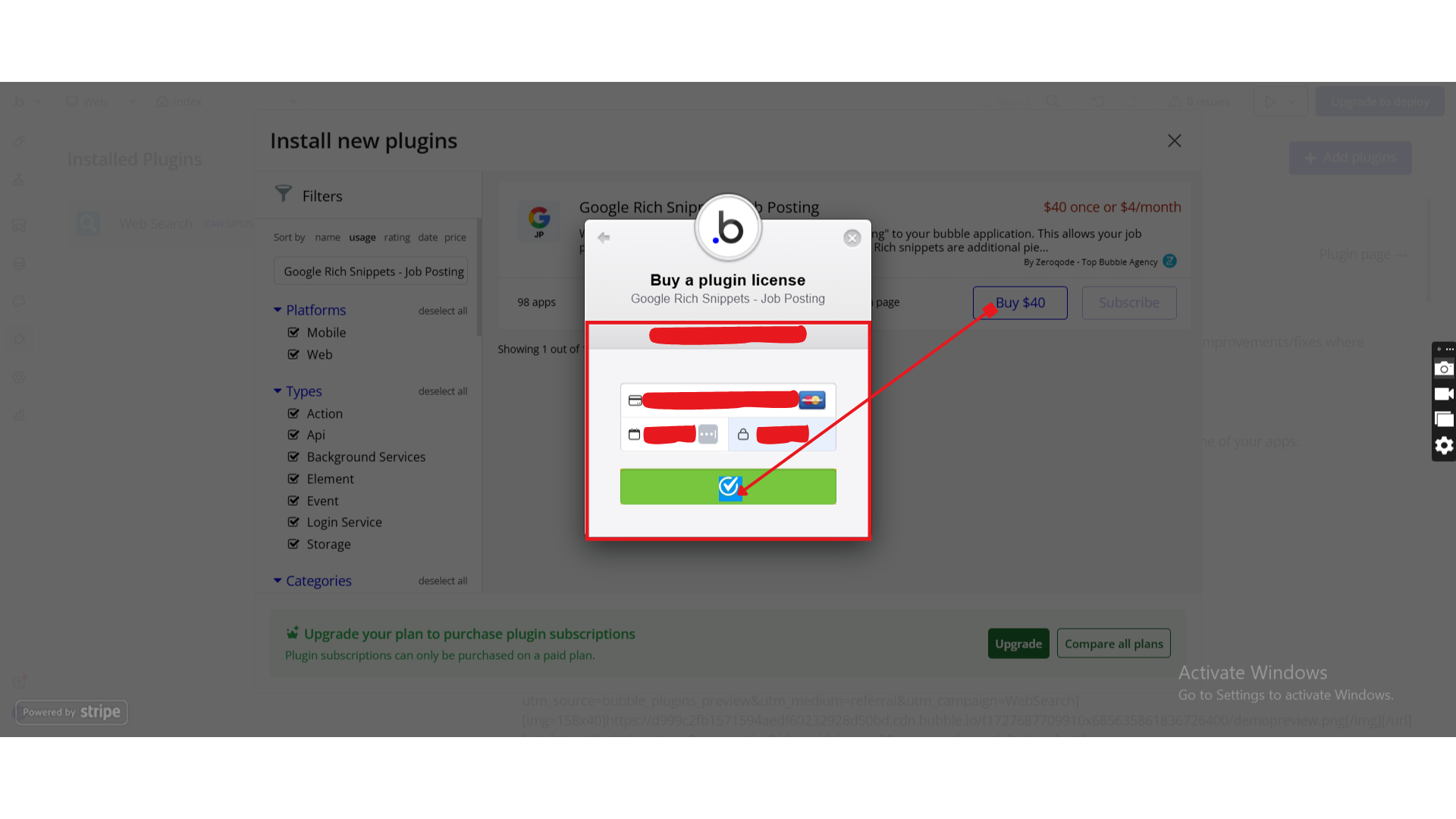
Step 1 – Install the Plugin
Step 2 – Add the Plugin Element to Your Page
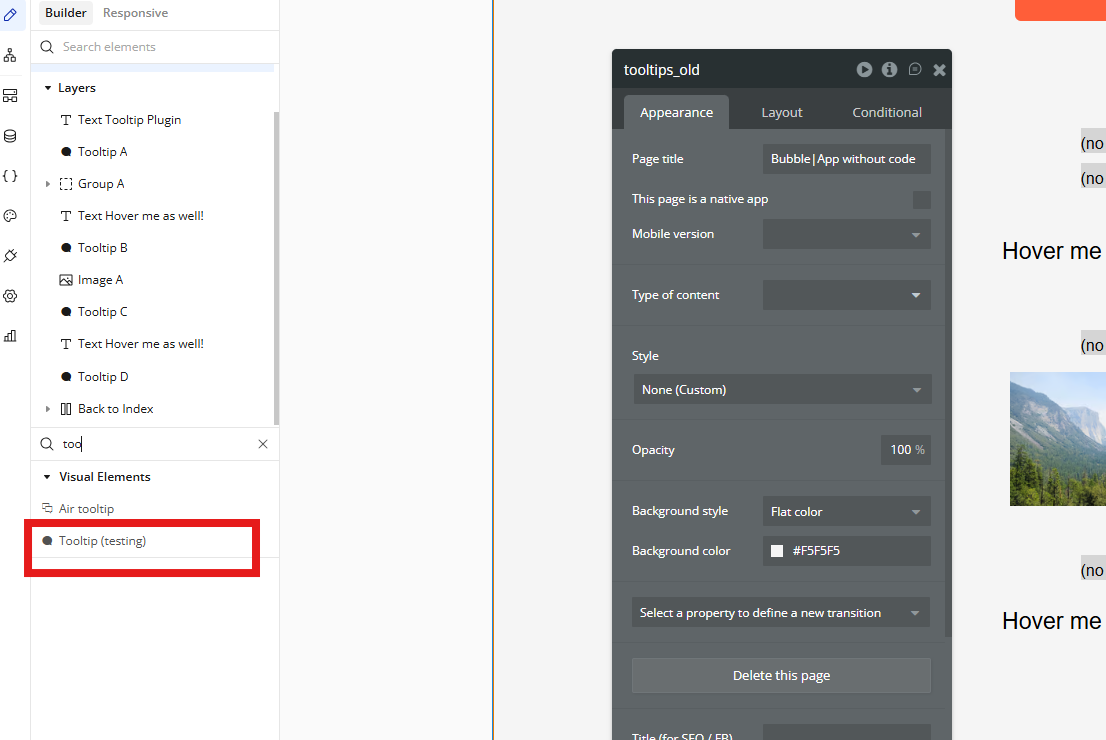
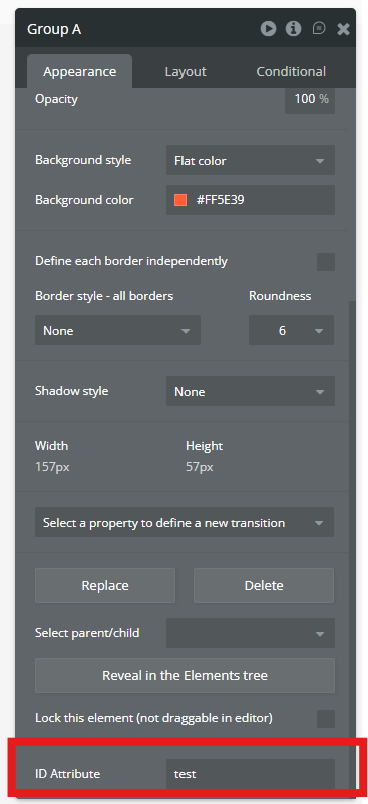
Step 3 – Prepare the Target Element
Step 4 – Configure Properties
Plugin Element - Tooltip
A visual helper element that attaches a tooltip to an existing page element using its ID.
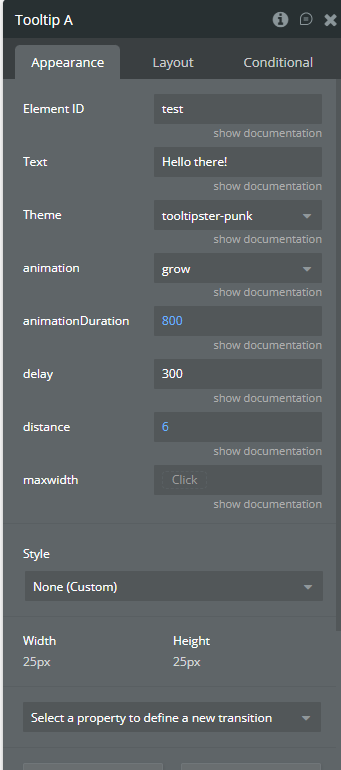
Fields