Update 03.08.26 - Version 2.2.0
- Bubble Plugin Page Update (Sorting).
Update 31.03.26 - Version 2.1.0
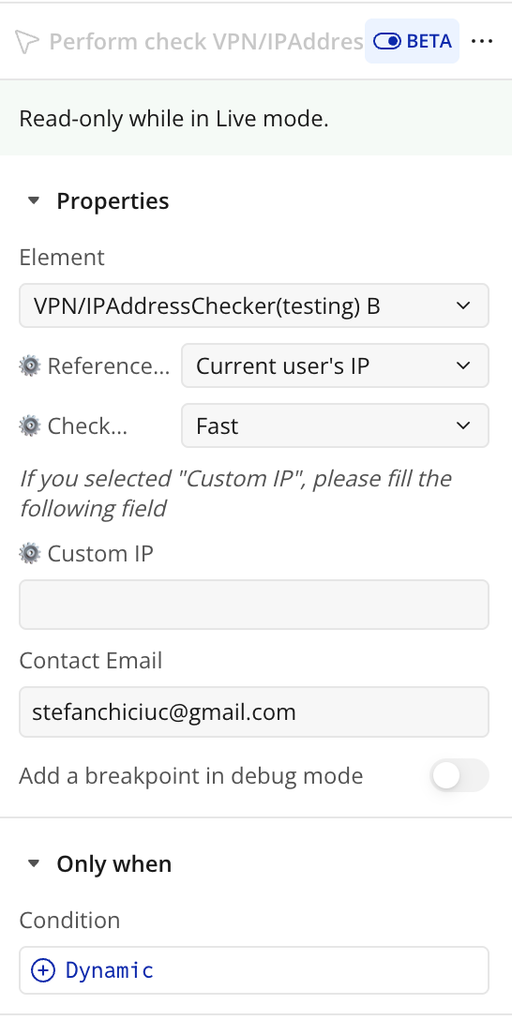
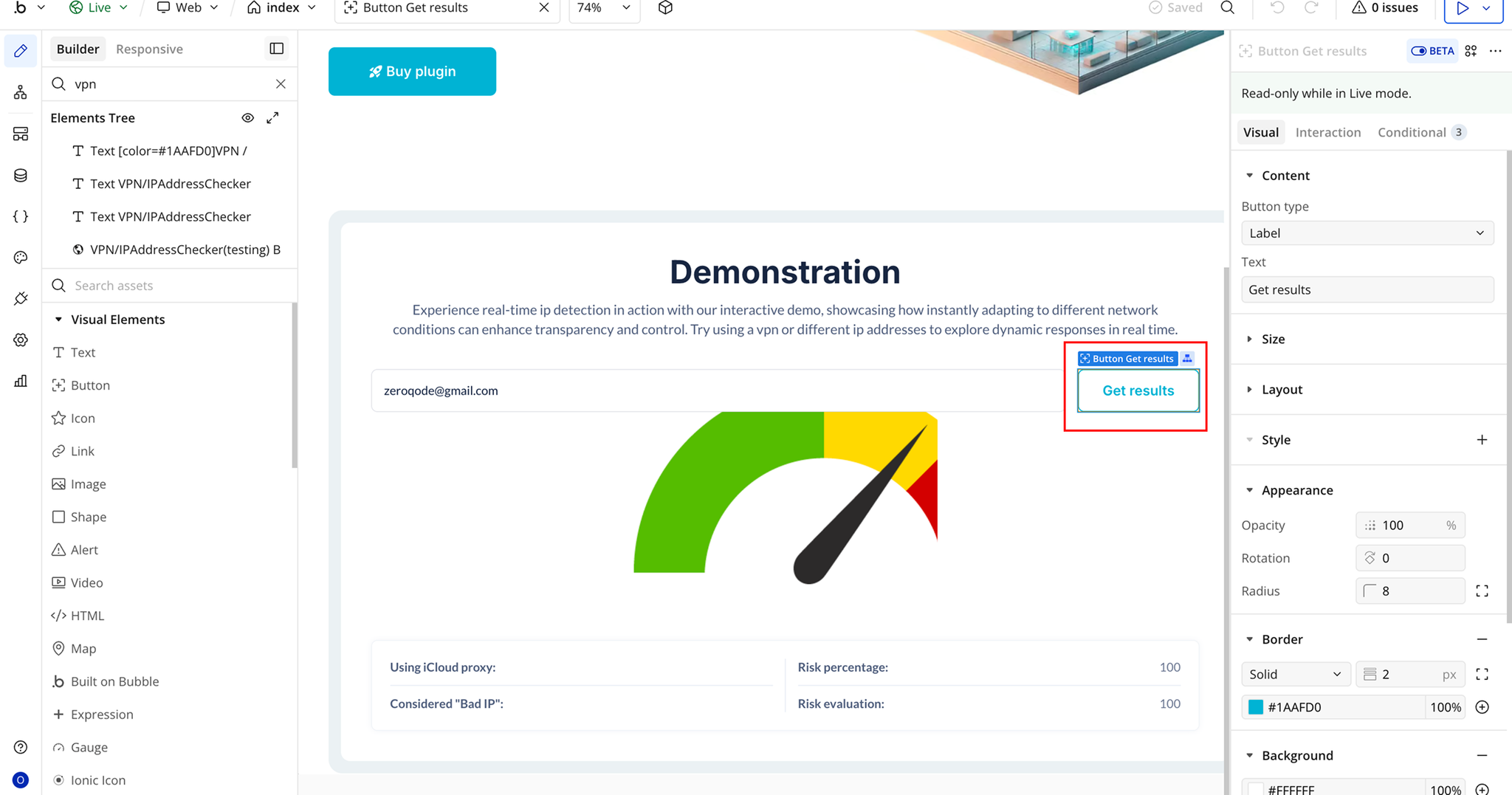
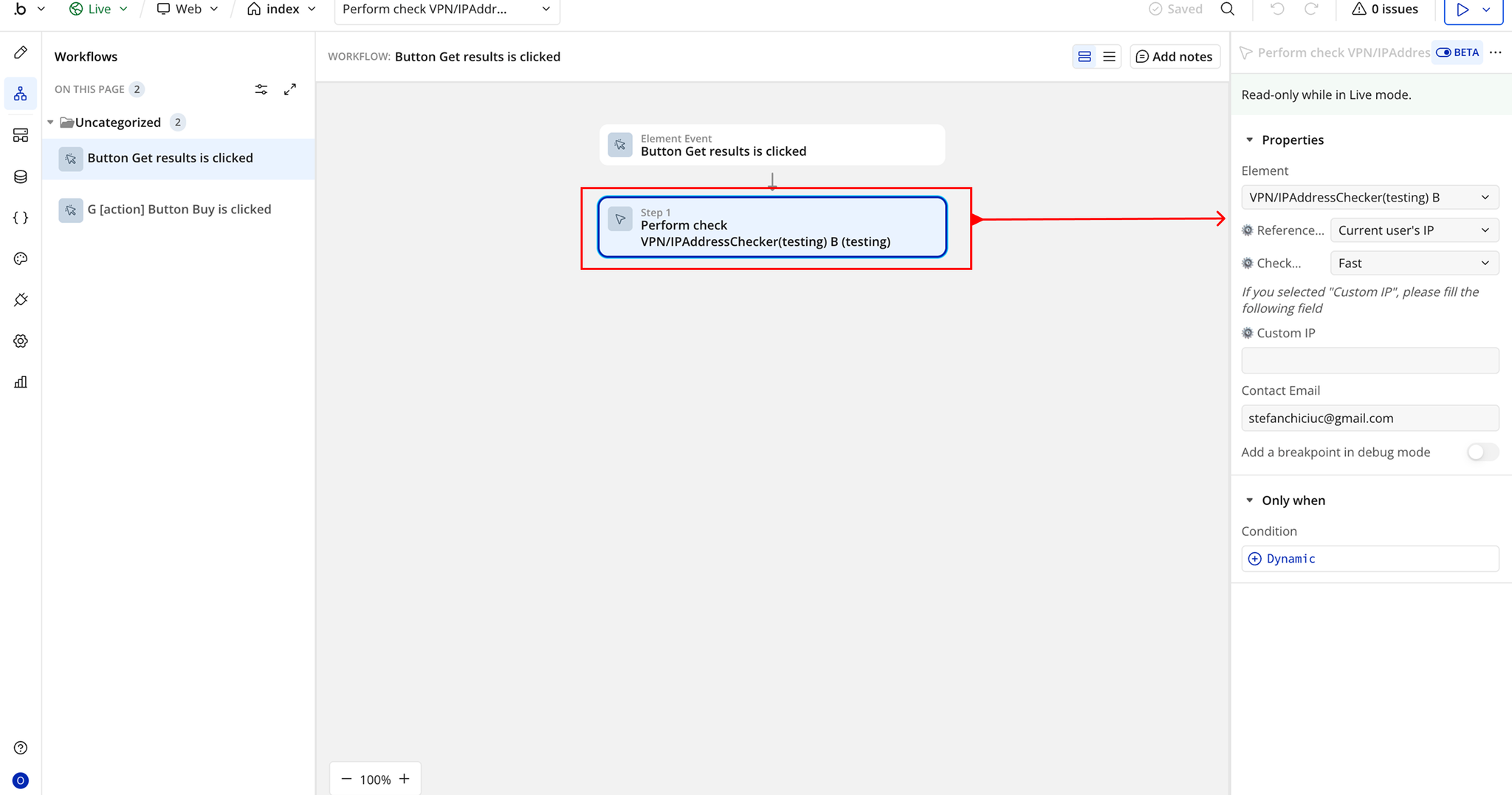
- New Perform check action.
Update 25.03.26 - Version 2.0.0
- Bubble Plugin Page Update (Docs).
Update 17.07.25 - Version 1.15.0
- Bubble Plugin Page Update (Logo).
Update 27.06.25 - Version 1.14.0
- Bubble Plugin Page Update (Recommendations).
Update 20.06.25 - Version 1.13.0
- Bubble Plugin Page Update (Logo).
Update 03.06.25 - Version 1.12.0
- Marketing update (minor change).
Update 06.05.25 - Version 1.11.0
- Minor update (Marketing update).
Update 06.05.25 - Version 1.10.0
- Minor update (Marketing update).
Update 25.07.24 - Version 1.9.0
Update 19.07.24 - Version 1.8.0
- Deleted logs from console.
Update 12.07.24 - Version 1.7.0
- fixed plugin states & event.
Update 24.06.24 - Version 1.6.0
- Updated demo/service links.
Update 30.04.24 - Version 1.5.0
- Migrated api endpoints to latest version.
Update 09.04.24 - Version 1.4.0
Update 07.03.24 - Version 1.3.0
Update 05.03.24 - Version 1.2.0
Update 08.12.23 - Version 1.1.1
Update 12.09.23 - Version 1.1.0
Update 10.08.23 - Version 1.0.10
Update 04.08.23 - Version 1.0.9
Update 20.12.22 - Version 1.0.8
Update 04.11.22 - Version 1.0.7
Update 04.11.22 - Version 1.0.6
Update 04.11.22 - Version 1.0.5
Update 04.11.22 - Version 1.0.4
Update 04.11.22 - Version 1.0.3
Update 04.11.22 - Version 1.0.2
Update 04.11.22 - Version 1.0.1
Update 22.09.22 - Version 1.0.0