✅ Link to the plugin page: https://zeroqode.com/plugin/-html-5-video-player-plugin-for-bubble-1731914650383x307831599462861300
Demo to preview the plugin:
Introduction
The Video Player Plugin is a feature-rich custom video player for seamless video playback and control in your Bubble applications. It allows dynamic video playback with enhanced control over volume, playback rate, autoplay, mute, and more. The plugin supports various video formats and offers several customization options.
Supported Formats:
- MP4
- WEBM
- OGG
Use Cases:
- Custom video experiences for web applications.
- Interactive learning platforms.
- Video-based presentations or tutorials.
This plugin ensures smooth video integration with powerful controls and a responsive layout to suit various project requirements.

How to setup
- Install the plugin
- Set the plugin element on the page
“Video Player”
Plugin Element “Video Player”
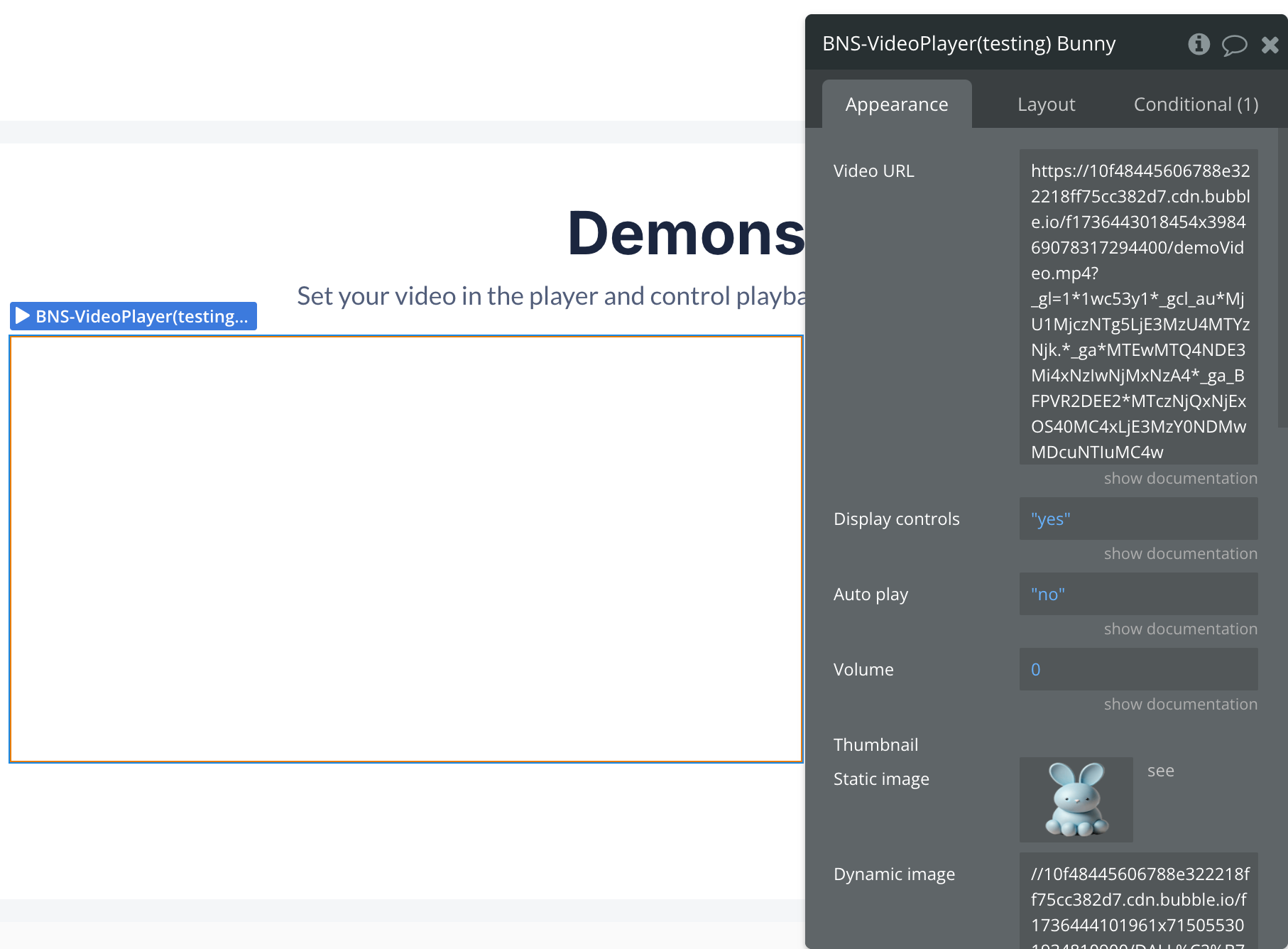
Fields:
Title | Description | Type |
Video URL | The URL of the video to be played. This can be a standard URL, a blob, or a base64-encoded string. Supported formats include MP4, WEBM, and OGG. | Text |
Display controls | (Optional) Determines whether the video player controls (play, pause, volume, etc.) are visible to the user. | Yes/No |
Auto play | Specifies whether the video should start playing automatically as soon as it is loaded. | Yes/No |
Volume | Sets the initial volume level of the video. The value ranges from 0 (muted) to 10 (maximum volume). | Number |
Thumbnail | (Optional) The URL of the image to be displayed as a placeholder before the video starts playing (poster image). | Image |
Loop | Determines whether the video should automatically replay from the beginning when it reaches the end. | Yes/No |
Element Actions
Play
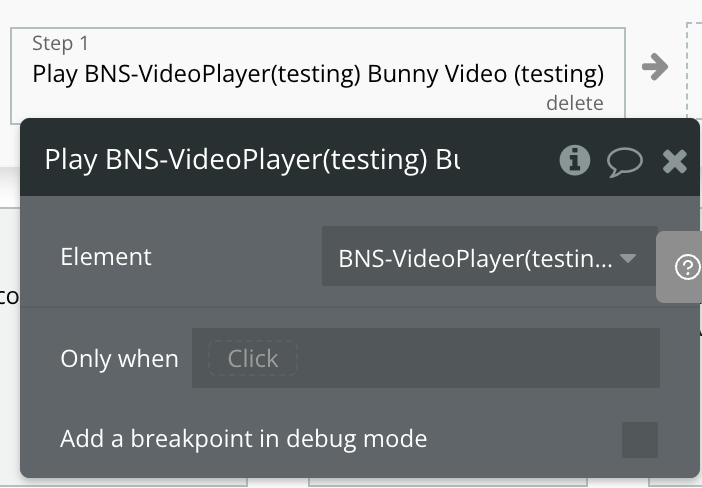
Pause
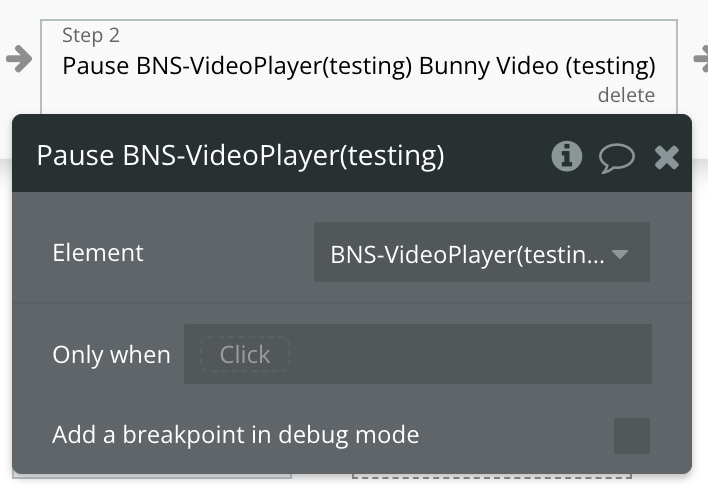
Toggle Mute
Set Volume
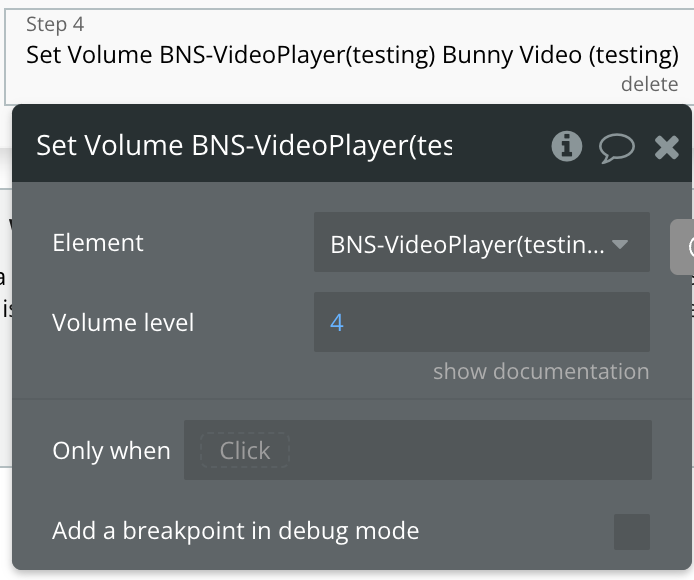
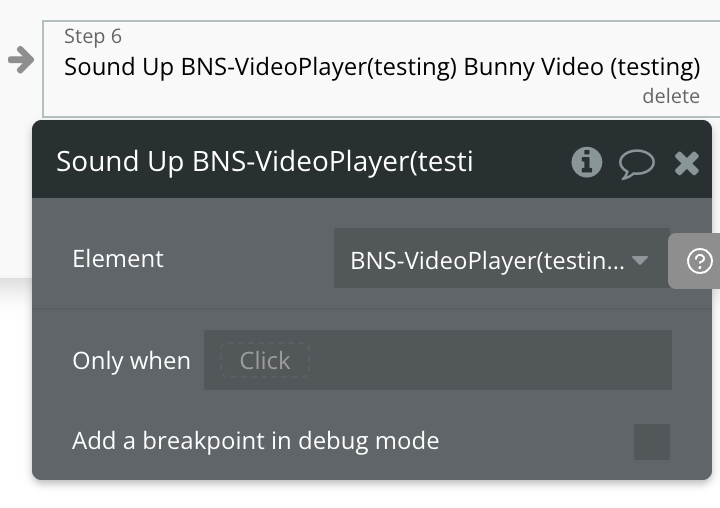
Sound Up
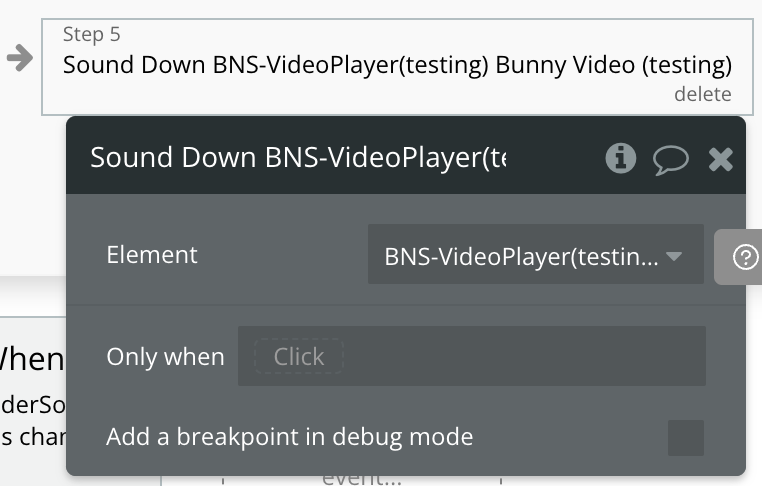
Sound Down
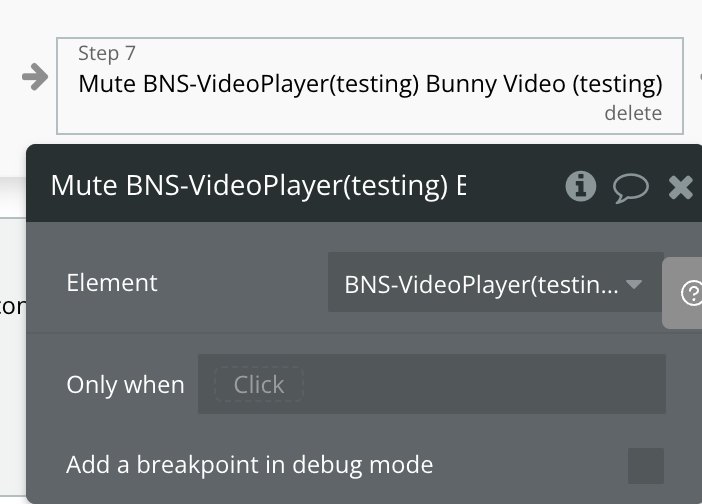
Mute
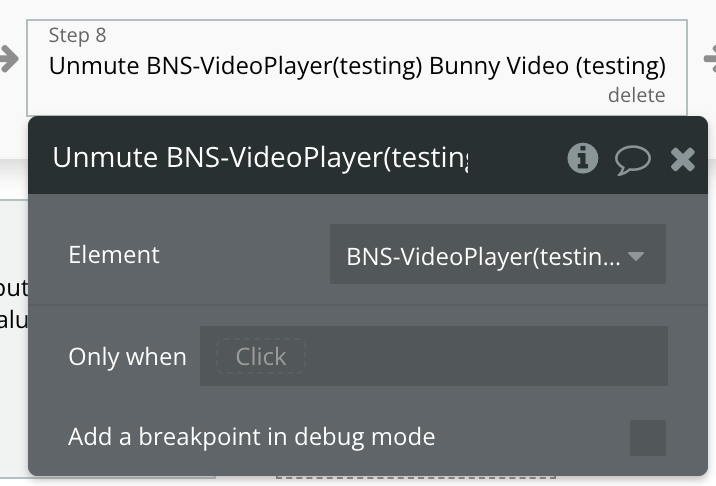
Unmute
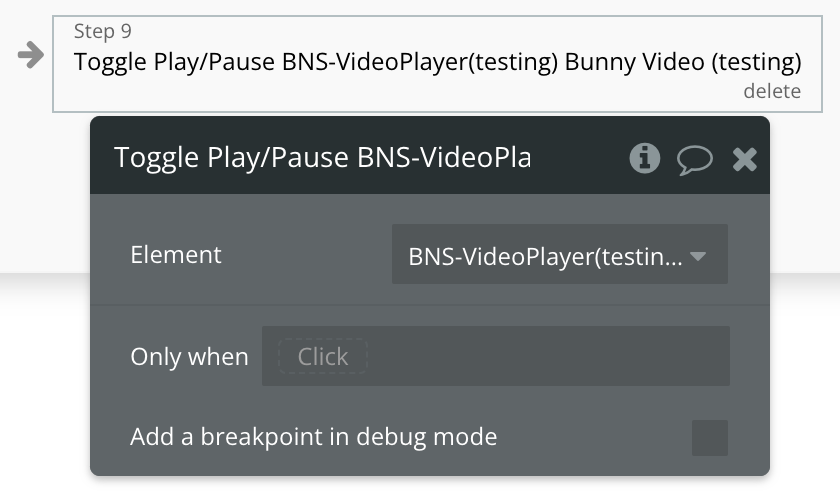
Toggle Play/Pause
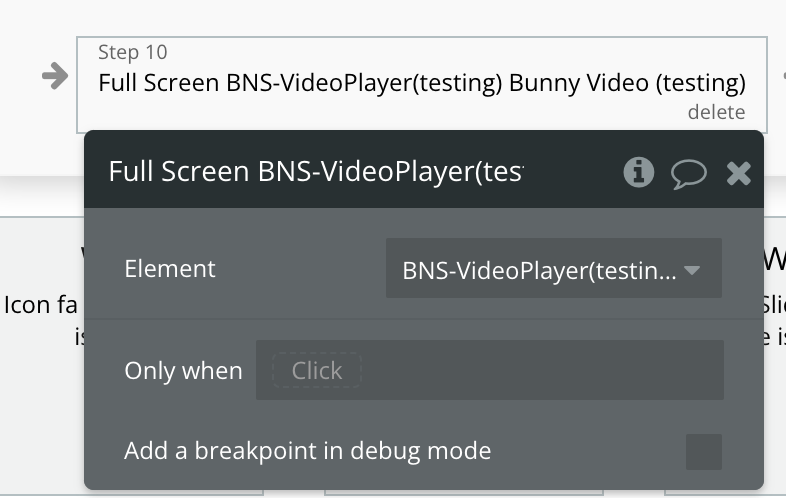
Full Screen
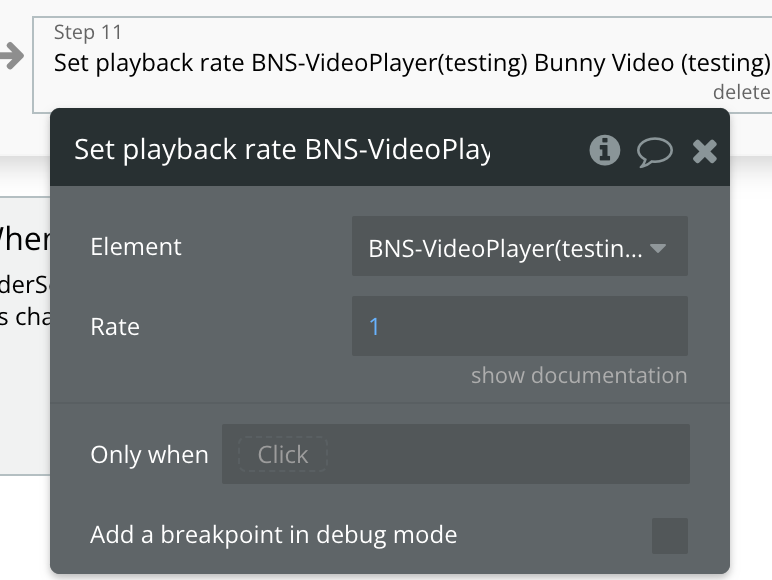
Set playback rate
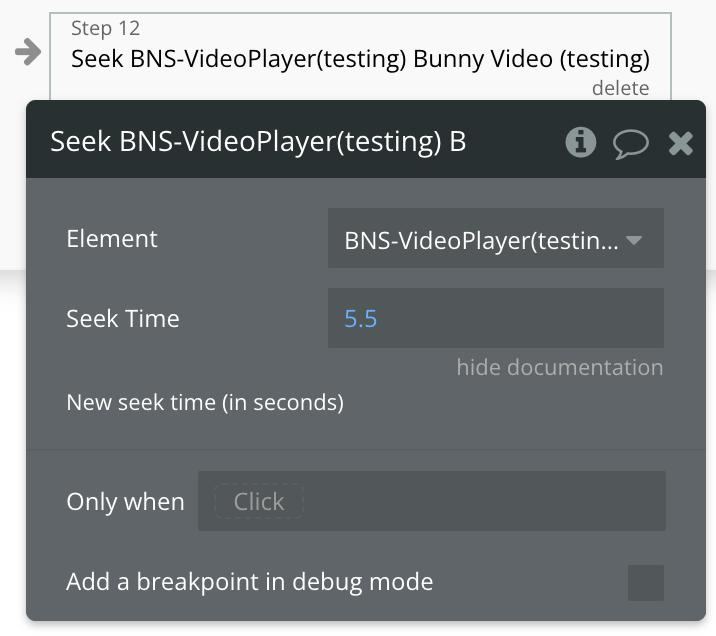
Seek
Exposed states
Name | Description | Type |
Current time | Represents the current playback position of the video in seconds. This state updates in real-time as the video plays or is manually adjusted. | Number |
Volume Level | Indicates the current volume level of the video, with a value ranging from 0 (muted) to 10 (maximum volume). | Number |
Paused | Reflects whether the video is currently paused. | Yes/No |
Playback rate | Represents the speed at which the video is playing. The value is a multiplier, with 1.0 indicating normal speed. | Number |
Muted | Indicates whether the video is muted. | Yes/No |
Element Events
Name | Description |
Start Playing | Triggered when the video begins playback. This includes both the initial start and resuming from a paused state. |
Pause playing | Triggered when the video is paused, either by user interaction or programmatically. |
Ended | Triggered when the video playback reaches the end of its duration. Useful for executing actions after a video completes. |
Volume changed | Triggered whenever the video volume level is adjusted. This includes changes made through the plugin's volume controls. |
Muted | Triggered when the video is muted, either by the user or programmatically. Indicates that the video's sound has been turned off. |
Unmuted | Triggered when the video is unmuted, restoring sound playback. |
Time updated | Triggered periodically as the video plays, reflecting the current playback time. Useful for tracking progress or syncing actions with the video timeline. |