Demo to preview the plugin:
Introduction
The Input Filler plugin allows you to define and customize the autocomplete data type for specific input fields in your Bubble application.
It helps resolve common browser autofill issues (especially for email and password fields) and improves overall form behavior and user experience.
With 20+ predefined data types and support for custom configurations, Input Filler gives you full control over how browsers interpret and autofill your input fields.
Key Features

How to setup
Step 1 – Install the Plugin
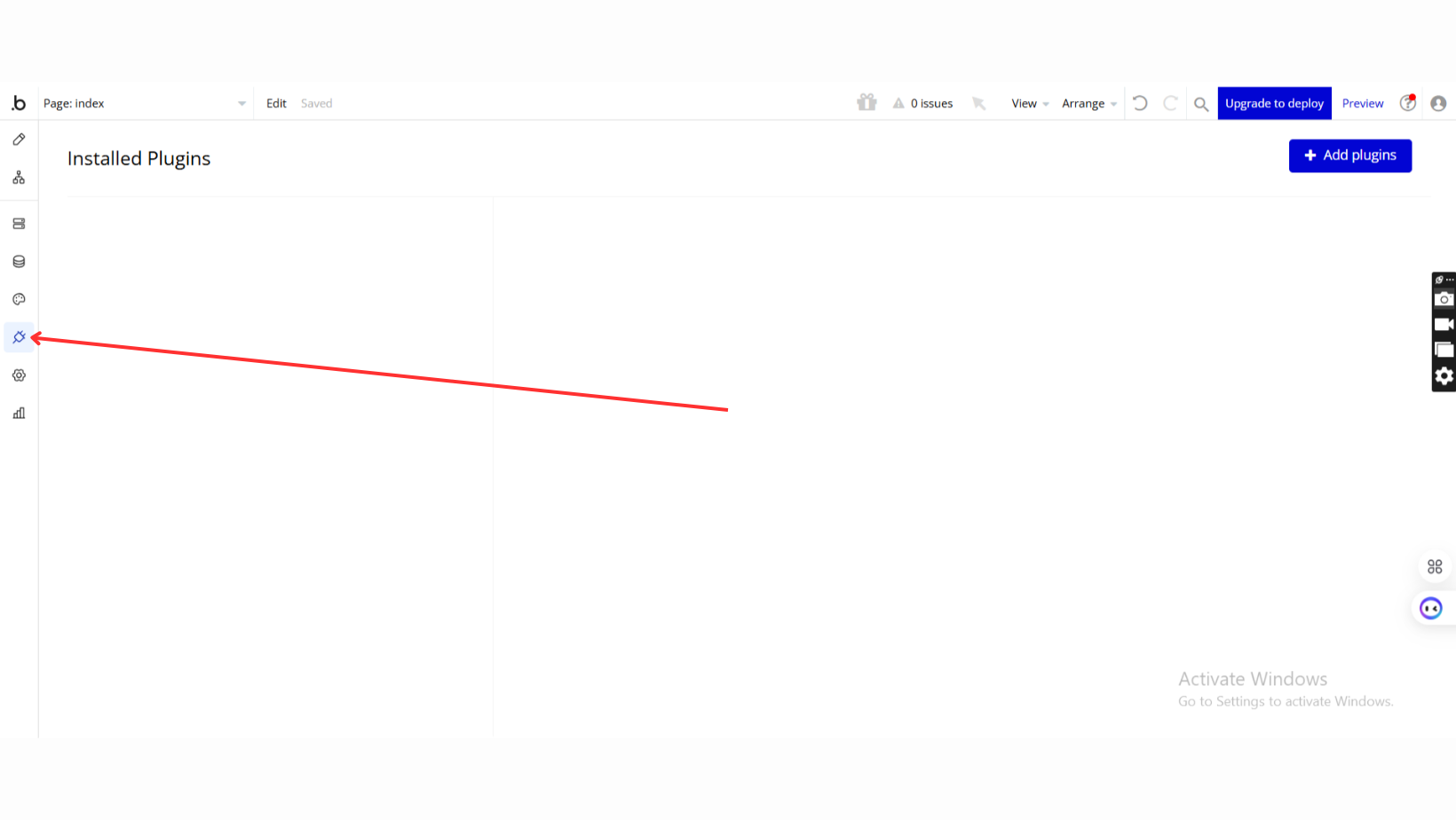
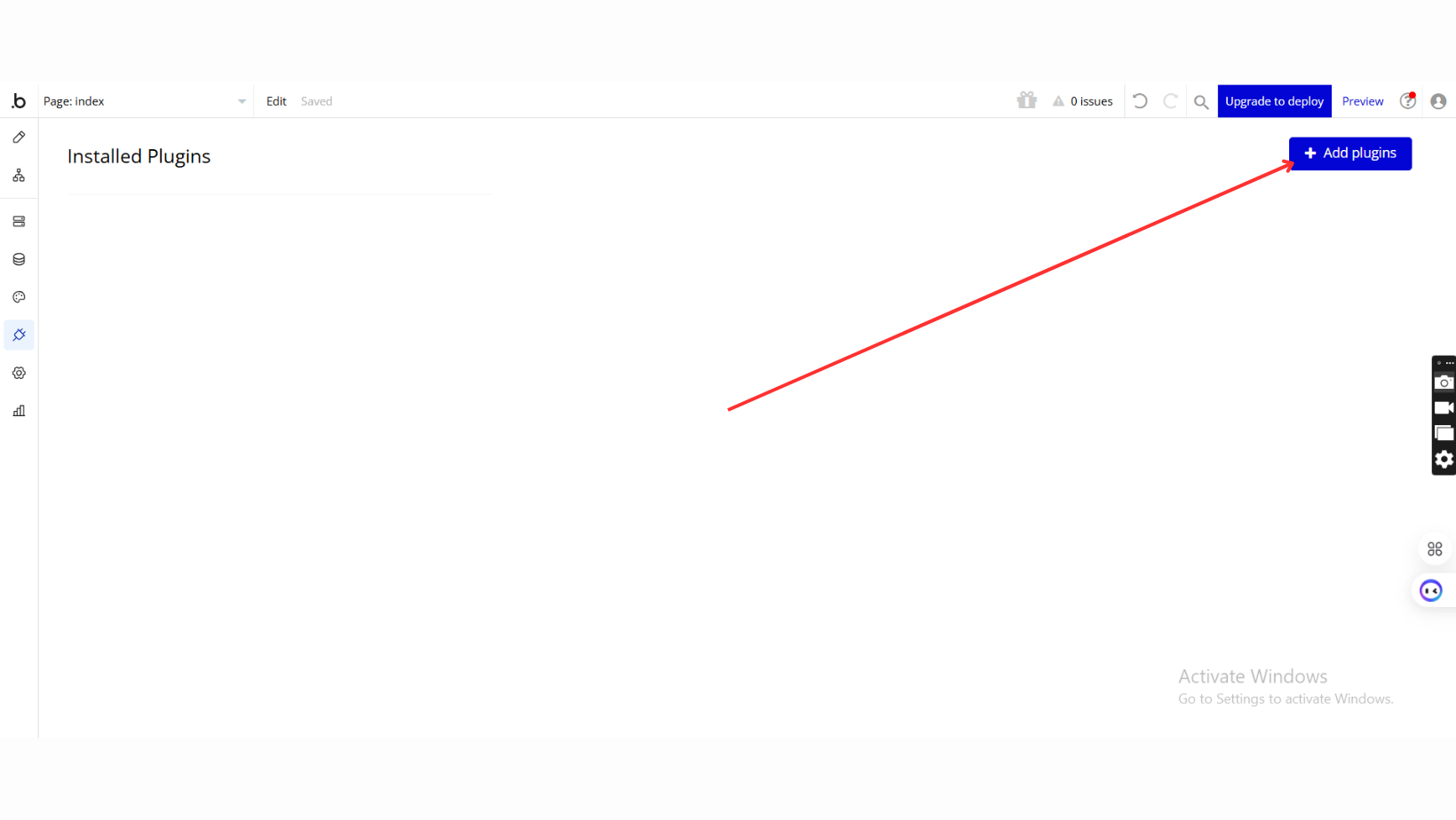
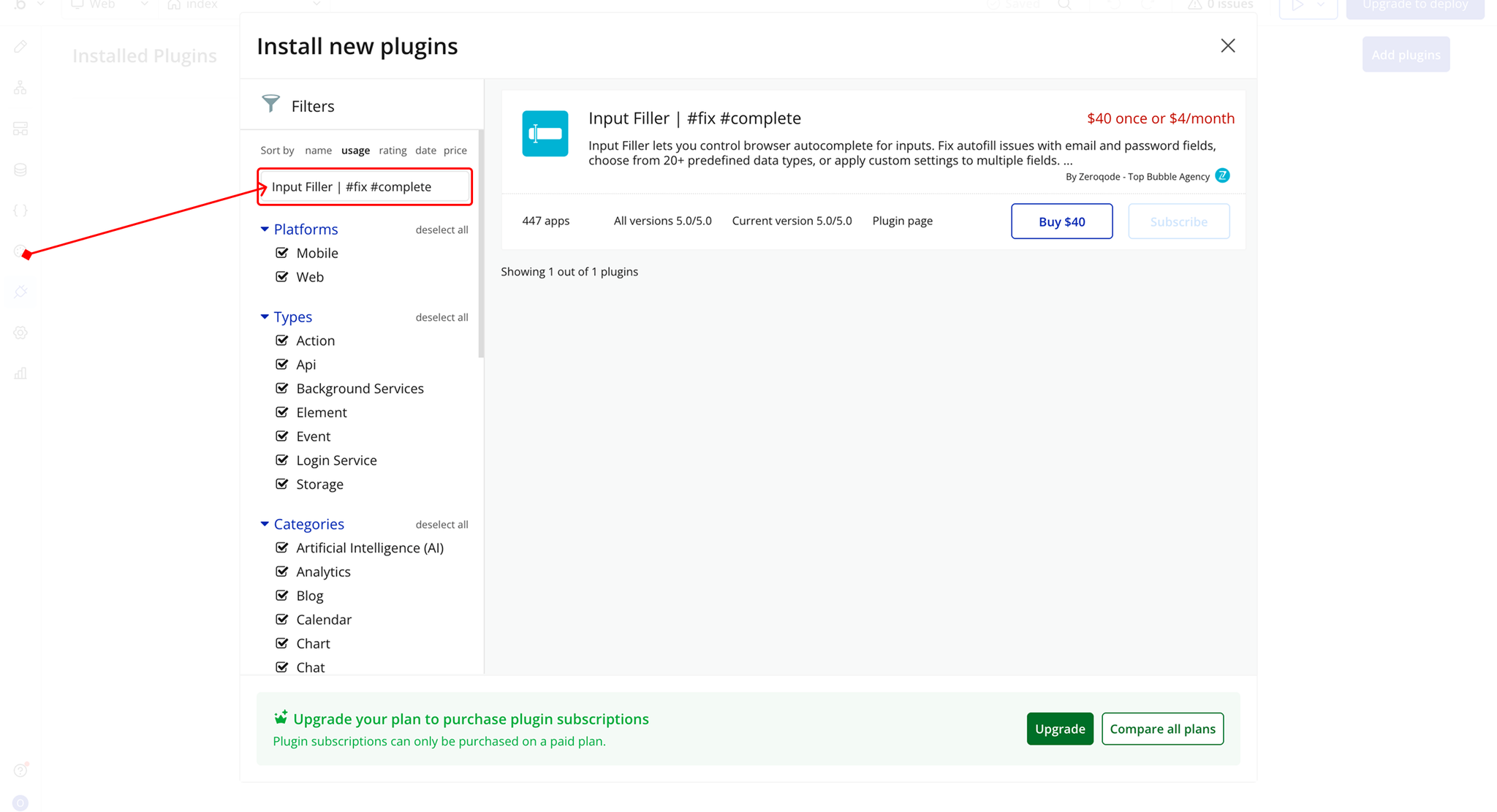
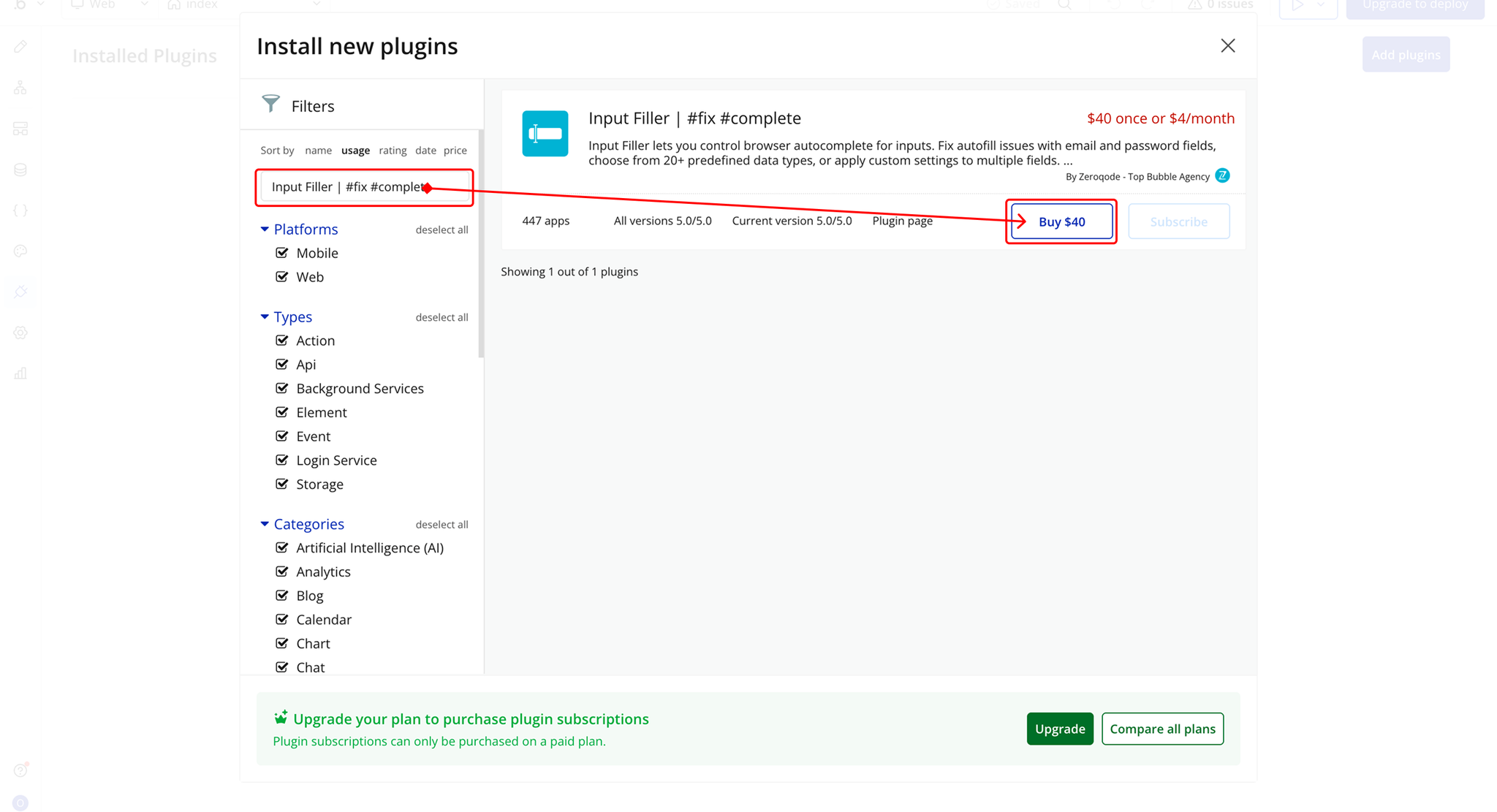
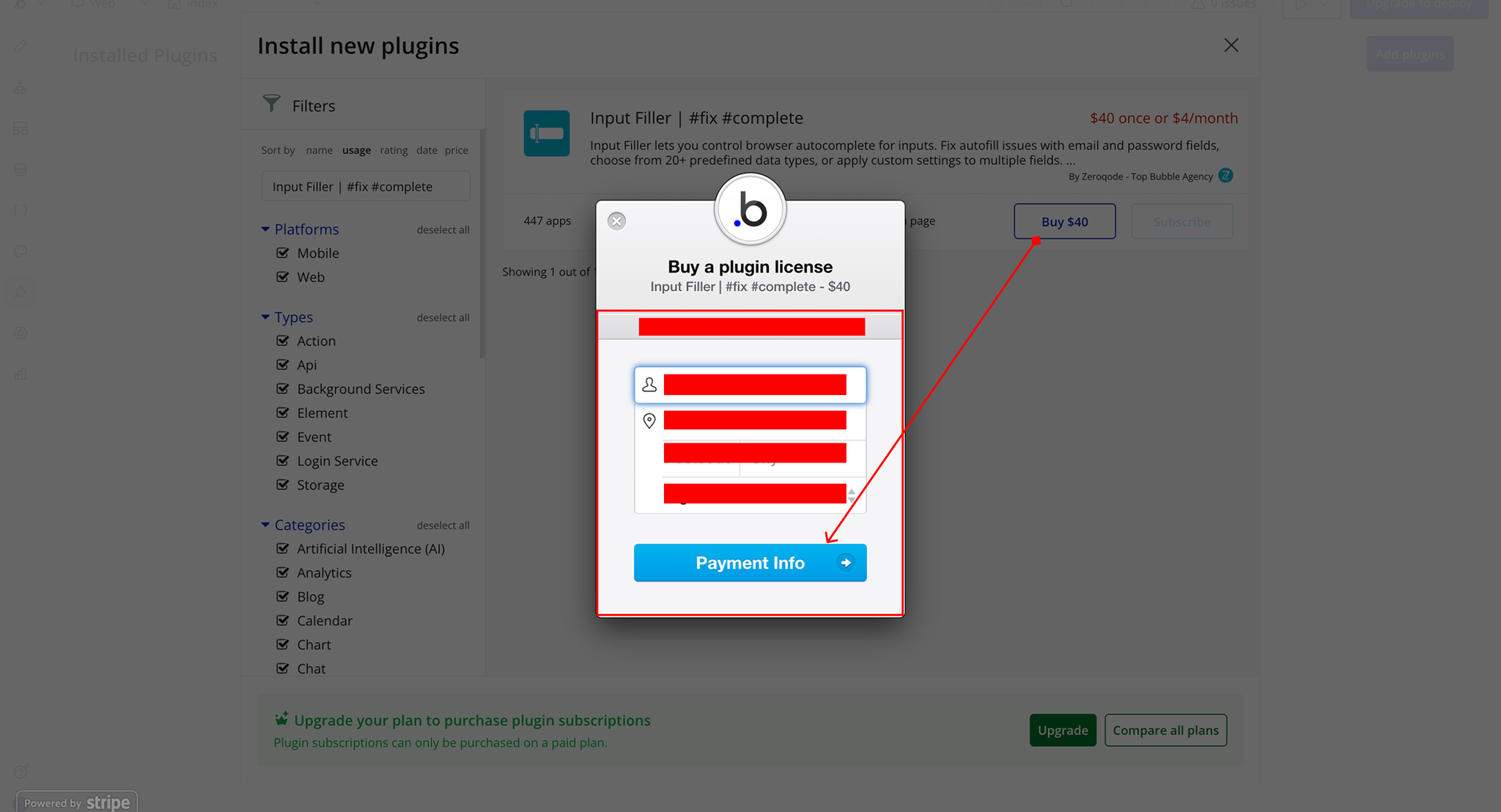
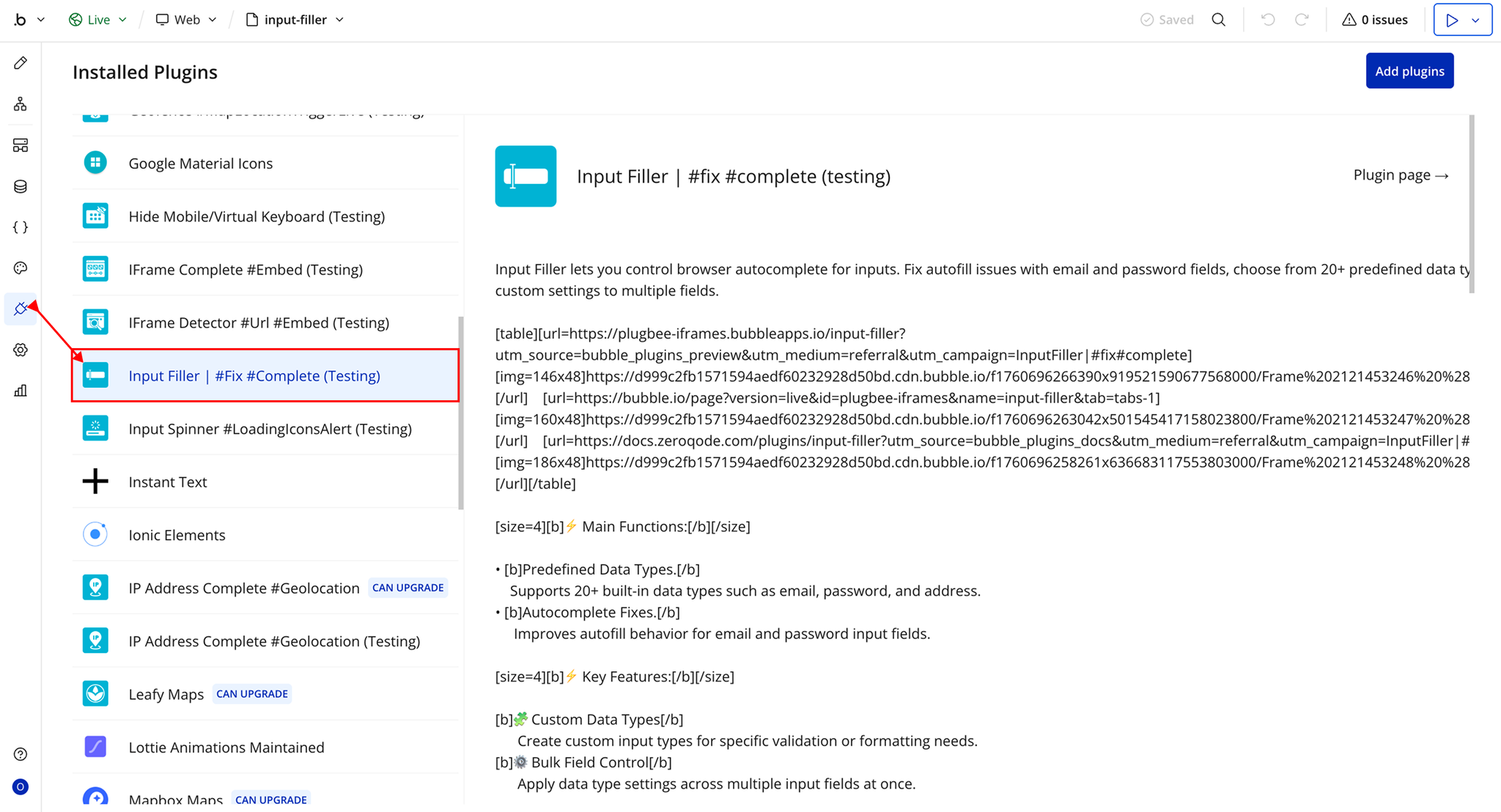
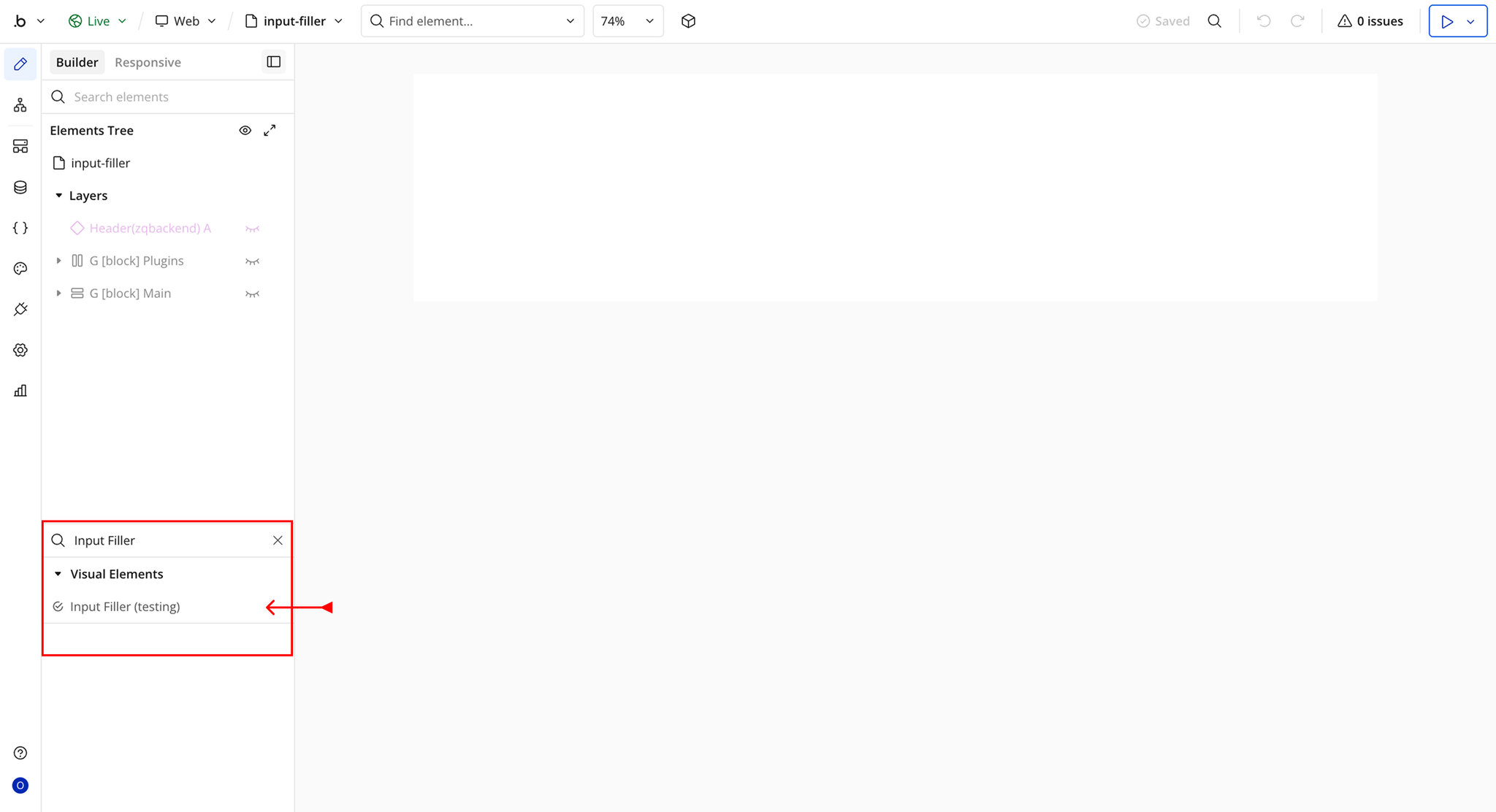
Step 2 – Add the Plugin Element to Your Page
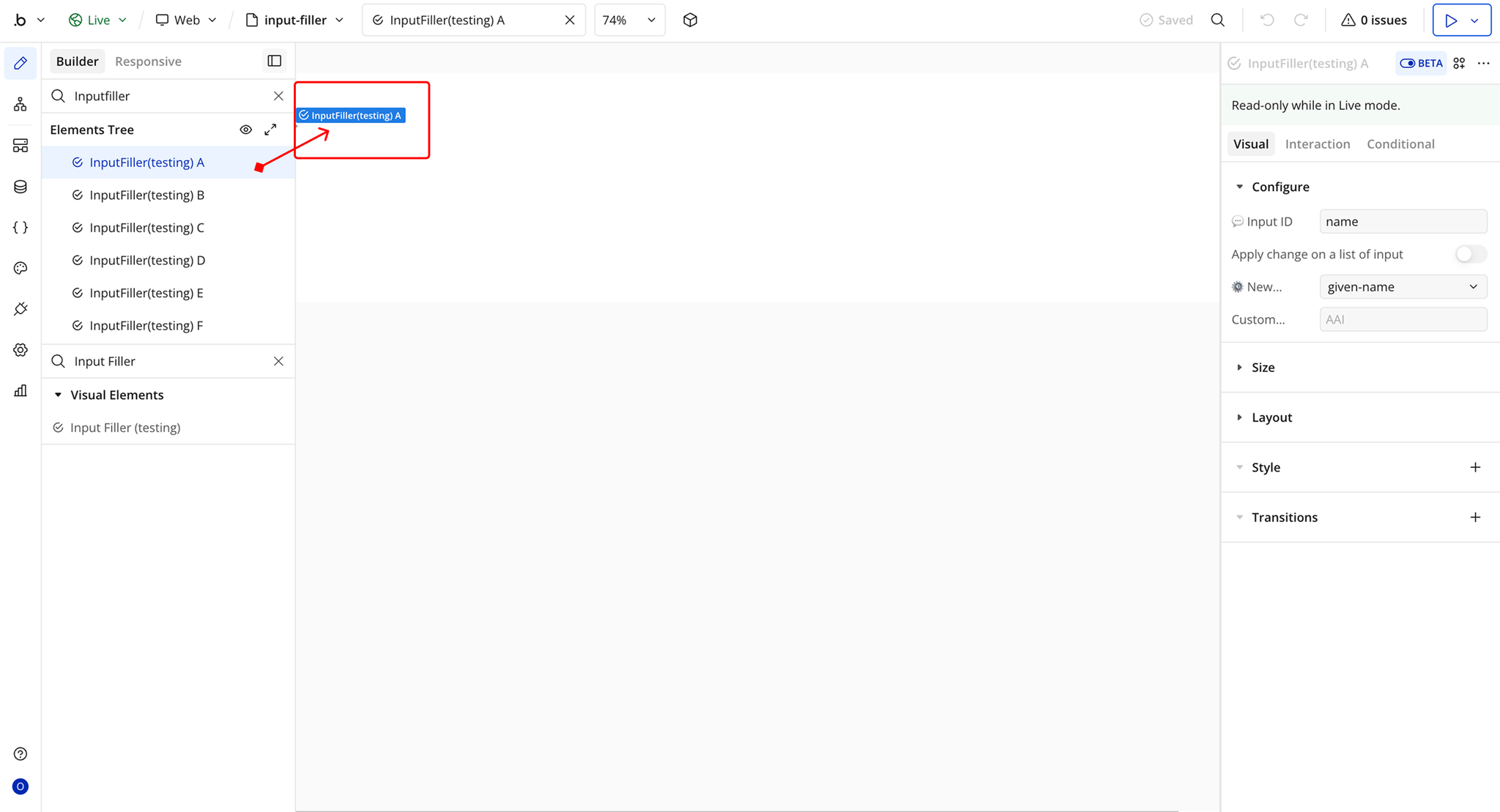
Plugin Element Properties - Input Filler
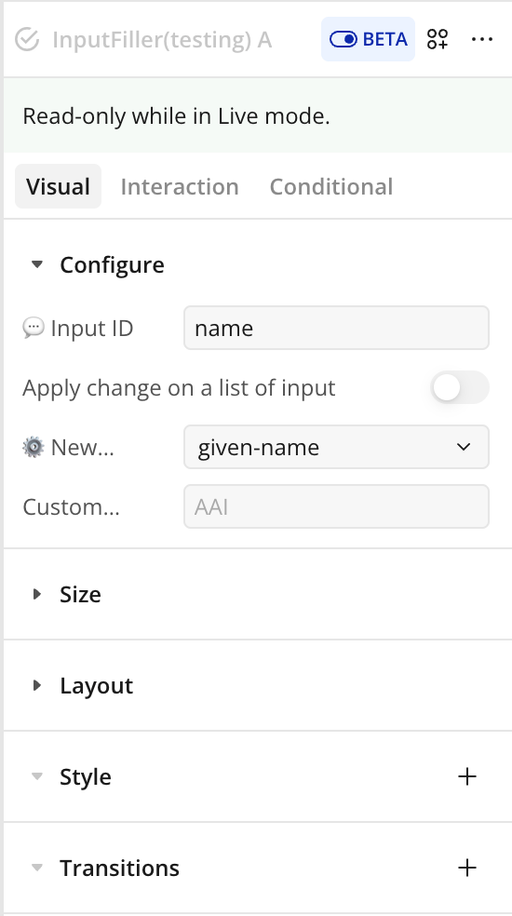
Fields
Title | Description | Type |
💬 Input ID | Enter the HTML ID of the input field you want to modify. Refer to the documentation to learn how to find an input’s HTML ID in Bubble. | Text |
Apply change on a list of inputs | Enable this option if you entered multiple HTML IDs above. When using multiple IDs, separate them with commas (e.g., input1, input2, input3). | Toggle (yes/no) |
New Property Type | Select the new autocomplete (data) type to apply to the input field(s). Choose “🚫 Desactivate” to disable browser autocomplete, or “⚙️ Custom” to define your own property. See documentation for detailed explanations of each option. | Dropdown |
Custom Property | If “⚙️ Custom” is selected above, enter your custom autocomplete value here (e.g., a specific HTML autocomplete attribute). | Text (optional) |