Link to the plugin page: https://zeroqode.com/plugin/vimeo-video-player-bubble-mobile-1781173483244x947386600289772400
Demo to preview the plugin:
Introduction
A fully interactive Vimeo video player element for your Bubble native app, built on top of the Vimeo Player API. It supports playback control, volume management, seeking, quality selection, and real-time event tracking — all accessible through Bubble states, events, and actions.
Prerequisites
No external API keys or third-party accounts are required - everything is included in the plugin for seamless integration.
This plugin is designed specifically for the mobile version of the Bubble editor. To test the plugin on your mobile device, use the TestFlight app available at: https://testflight.apple.com/join/zYsG4qua
Please note that the testing app is currently available for iOS only.
Fullscreen Behavior Limitation on Android
On Android devices fullscreen mode for video playback cannot always be triggered programmatically before a genuine user interaction with the video player (such as a tap).
This is a known platform limitation rather than a bug in the plugin itself. As a result, attempts to automatically enter fullscreen on load or before user engagement may fail or behave inconsistently across devices.
What this means:
- Fullscreen may only work reliably after the user interacts directly with the video.
- Programmatic fullscreen triggers (e.g., on page load) are not guaranteed to succeed.
- Behavior may vary depending on the device, Android version, and WebView implementation.
How to setup
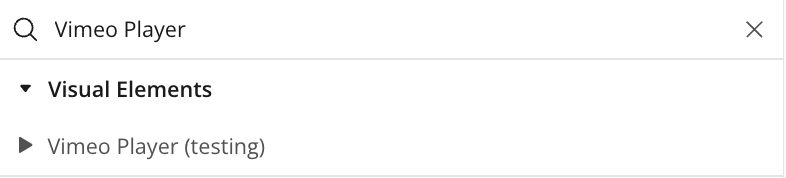
Step 1 – Add the Plugin Element to Your Page
Step 2 – Configure Properties
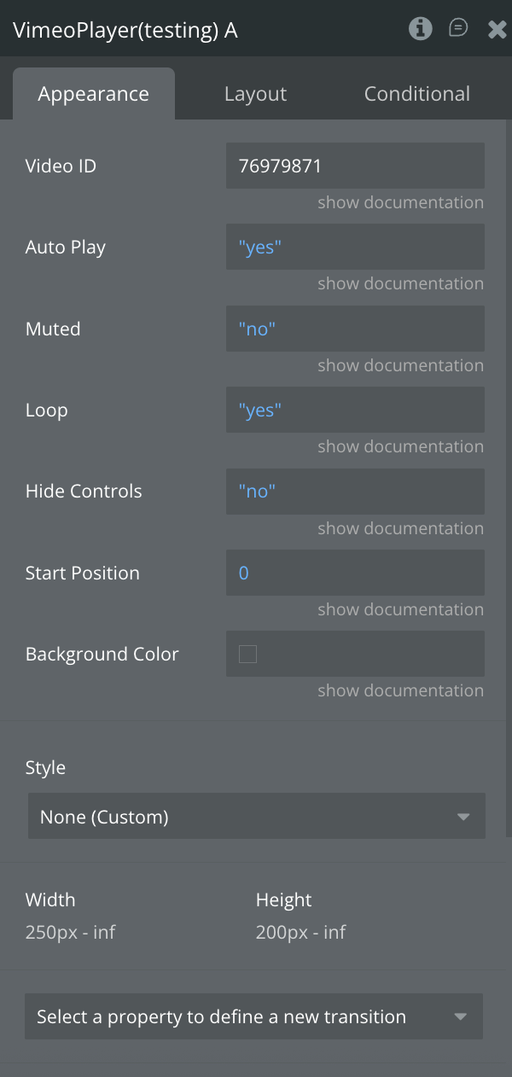
Plugin Element - Vimeo Player
A Vimeo video player element that embeds and controls Vimeo videos in Bubble Mobile, allowing playback customization, event tracking, and real-time video state reporting.
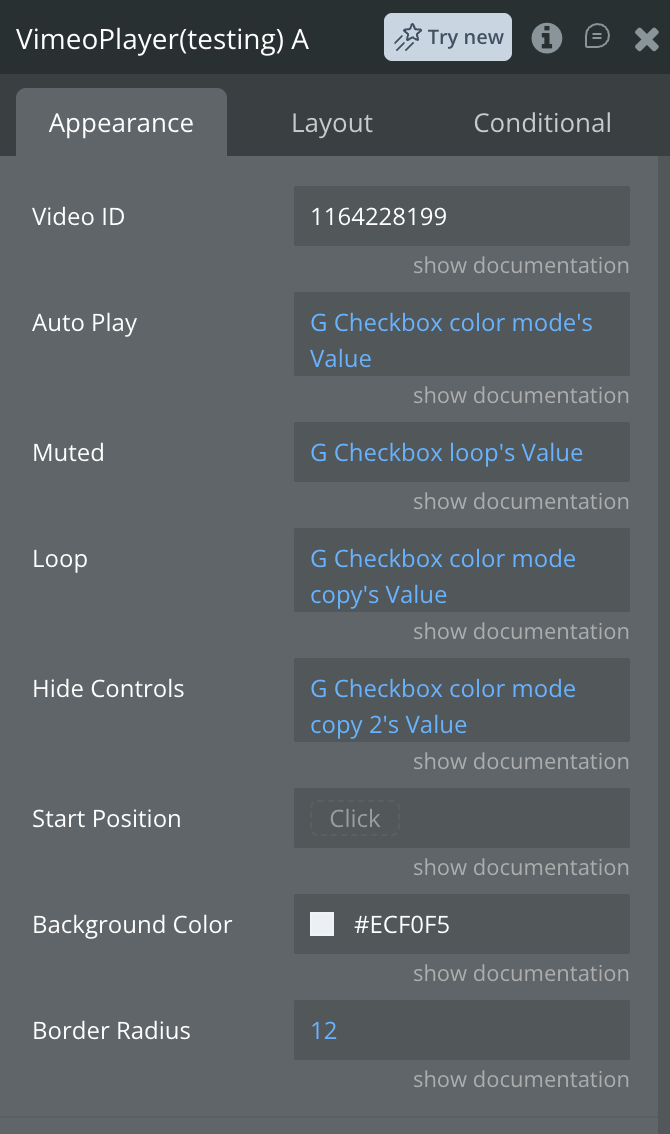
Fields
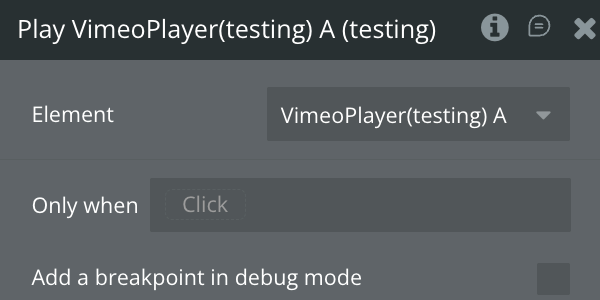
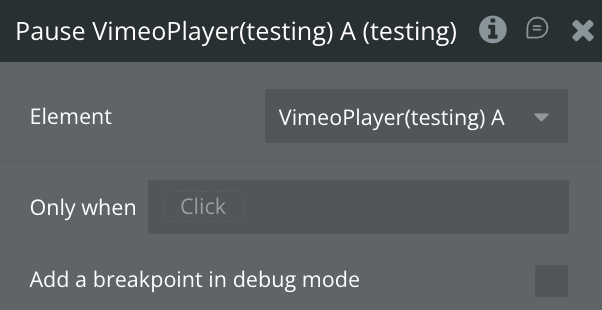
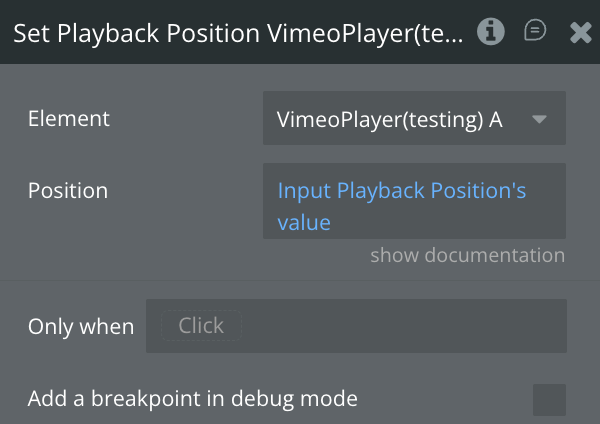
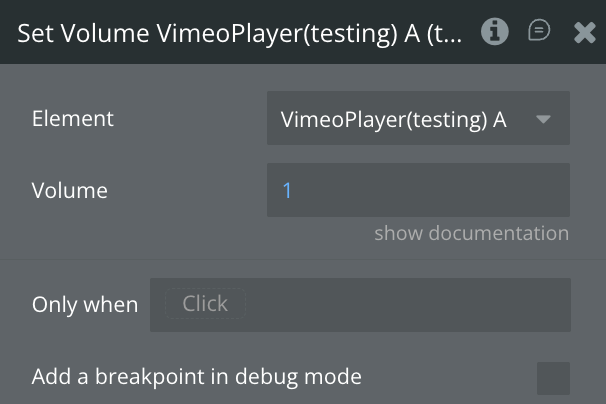
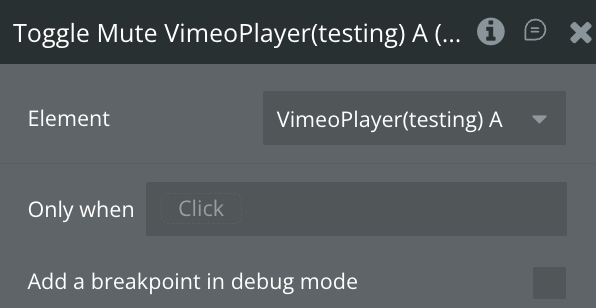
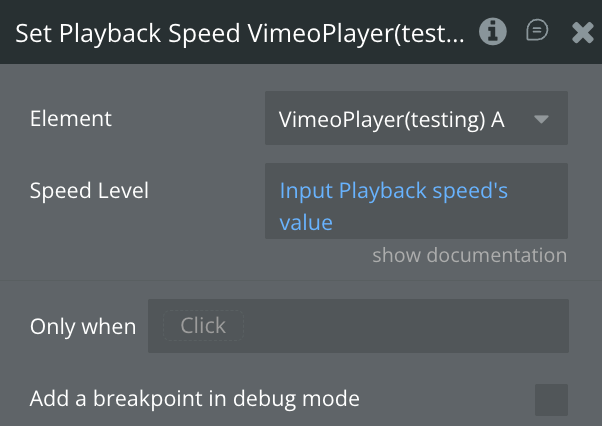
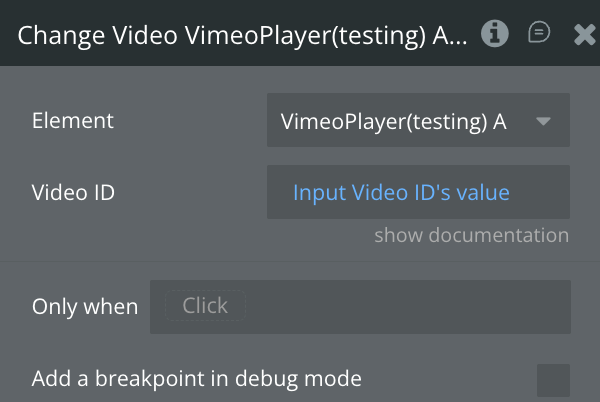
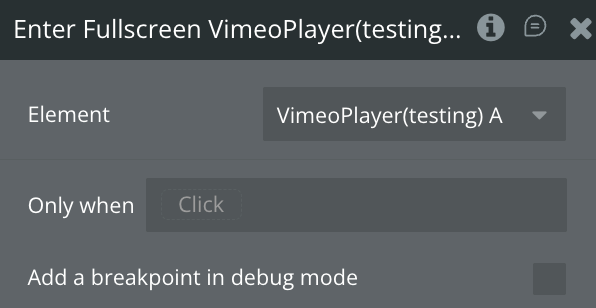
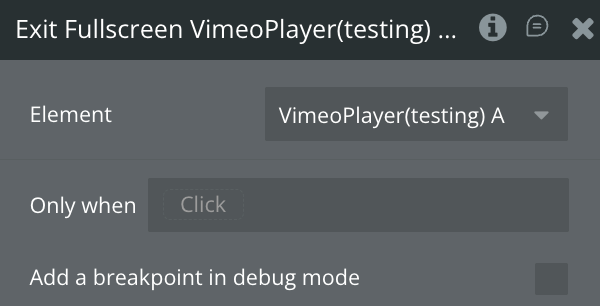
Element Actions
Exposed States
Element Events
Workflow example
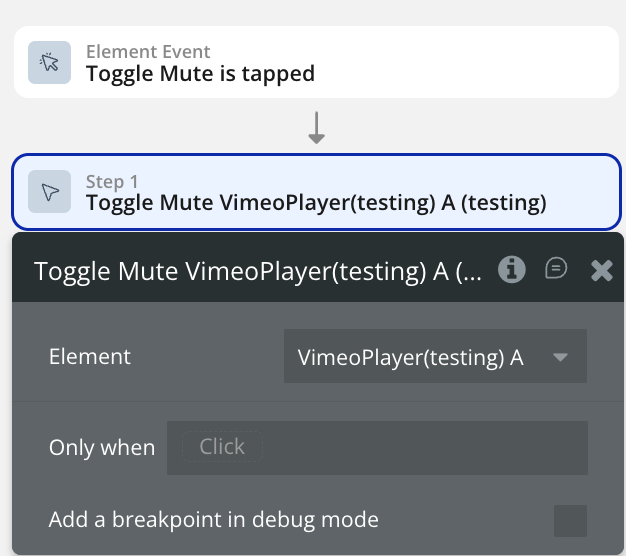
Toggle Mute/Unmute video player
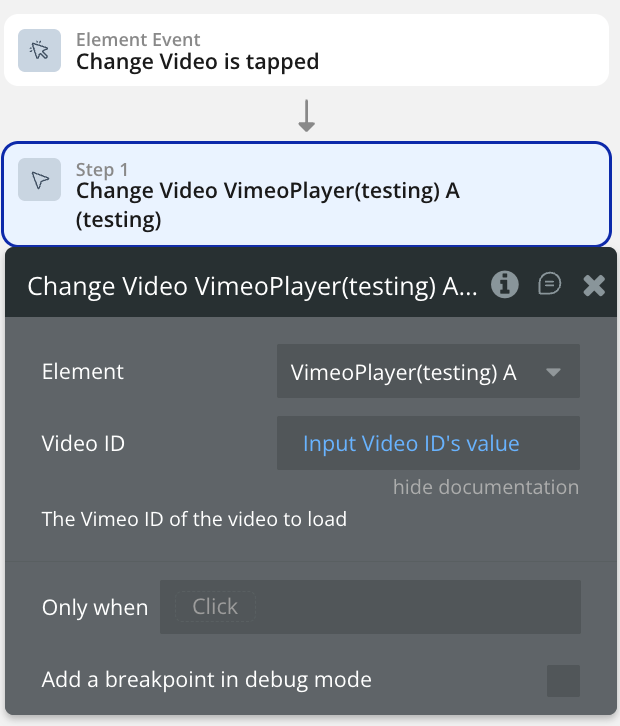
Change Video Source