Demo to preview the plugin:
Introduction
Easily add animated gradient transition effects to any element in your Bubble application. Fully customizable to match your brand’s aesthetic, this plugin creates dynamic, eye-catching backgrounds to enhance user experience and engagement.
Key Features

How to setup
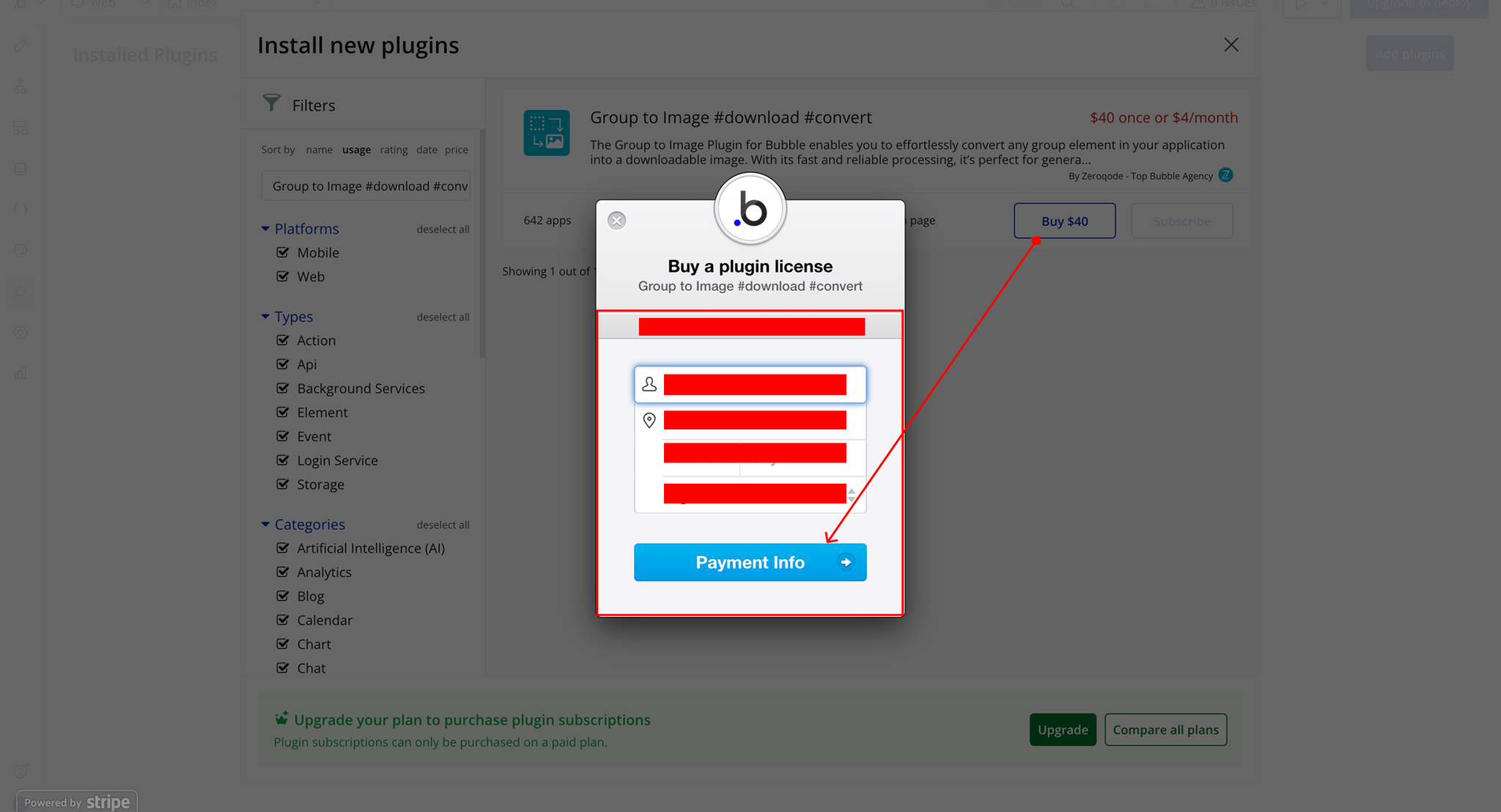
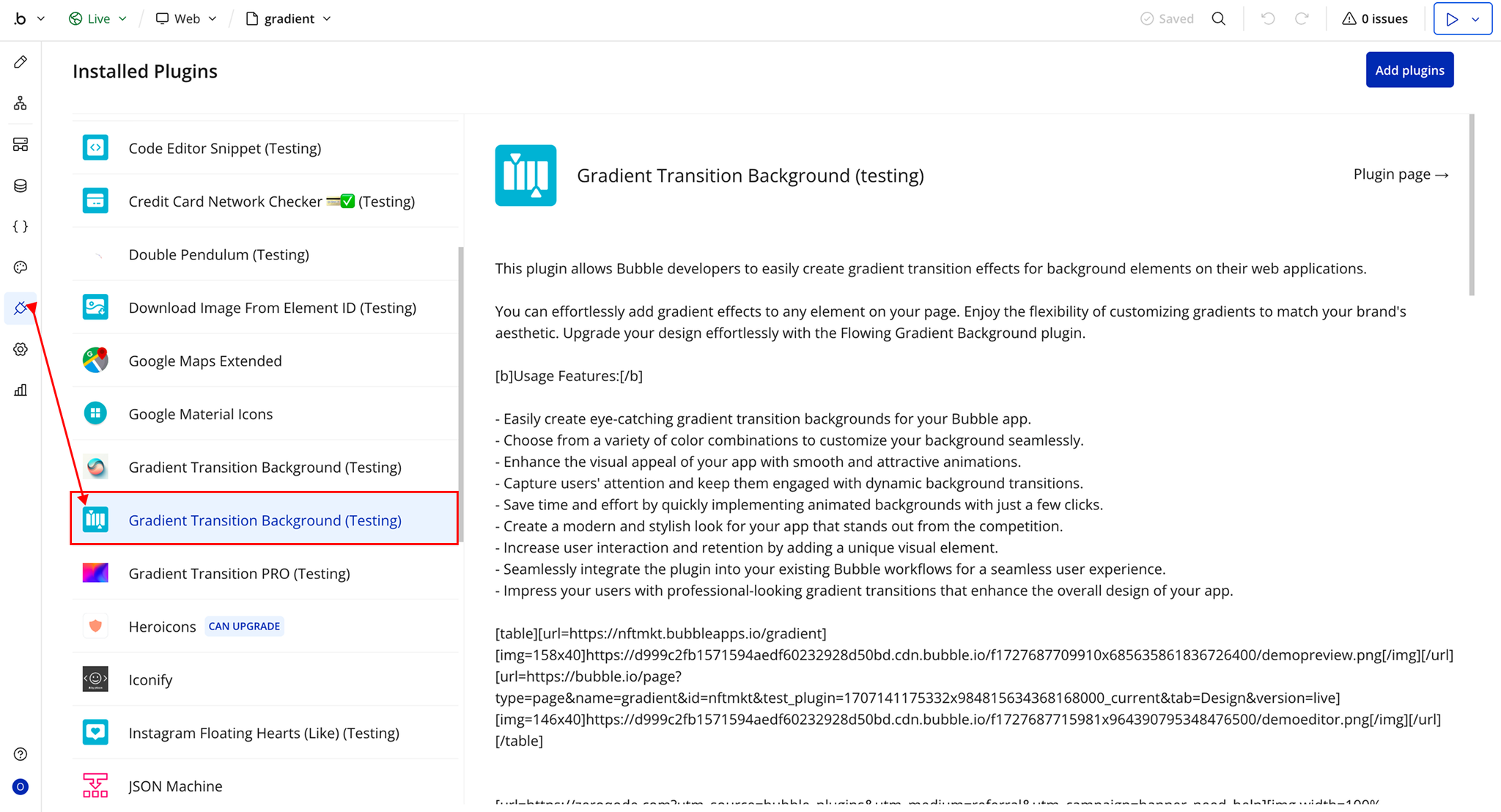
Step 1 – Install the Plugin
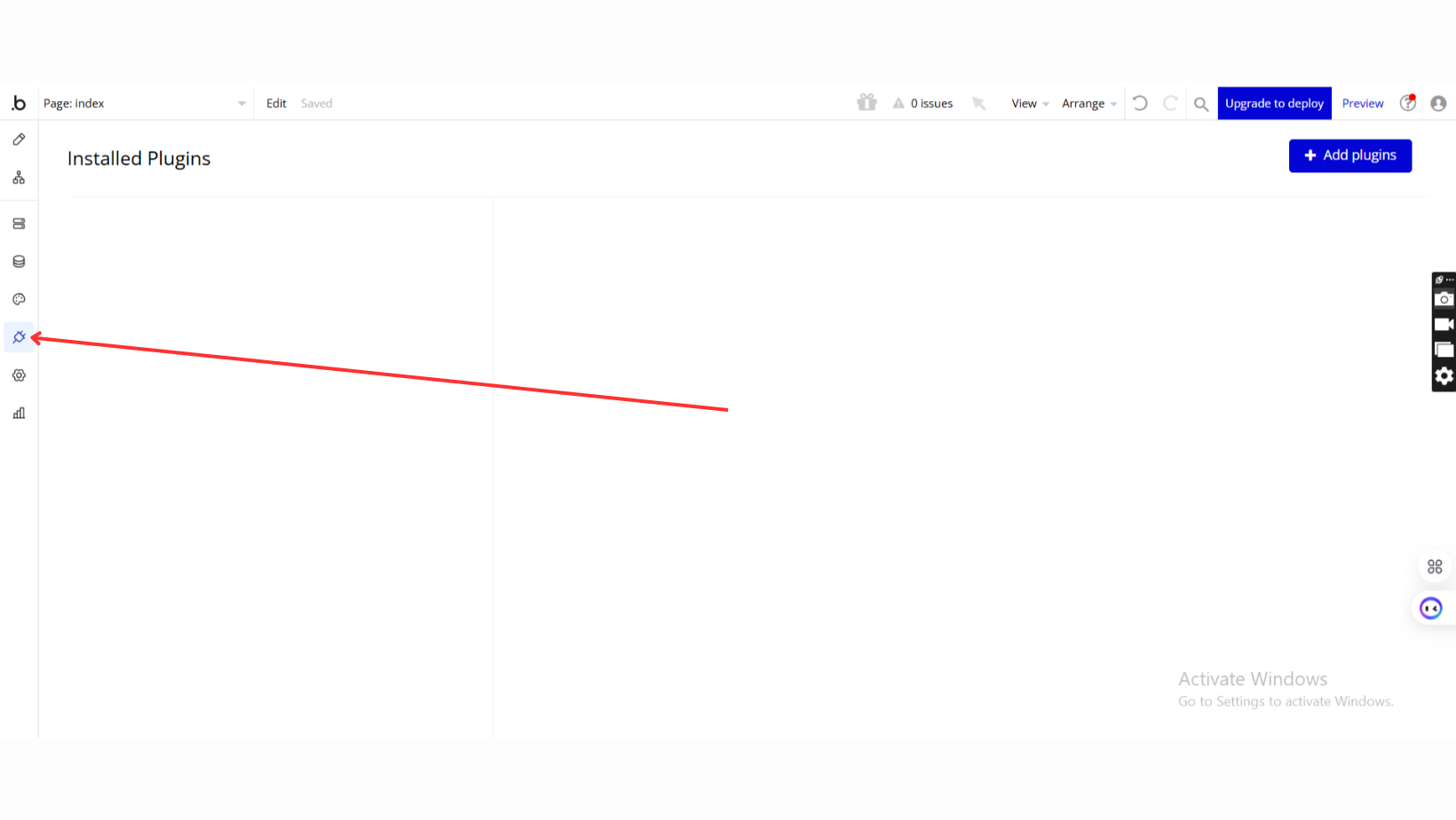
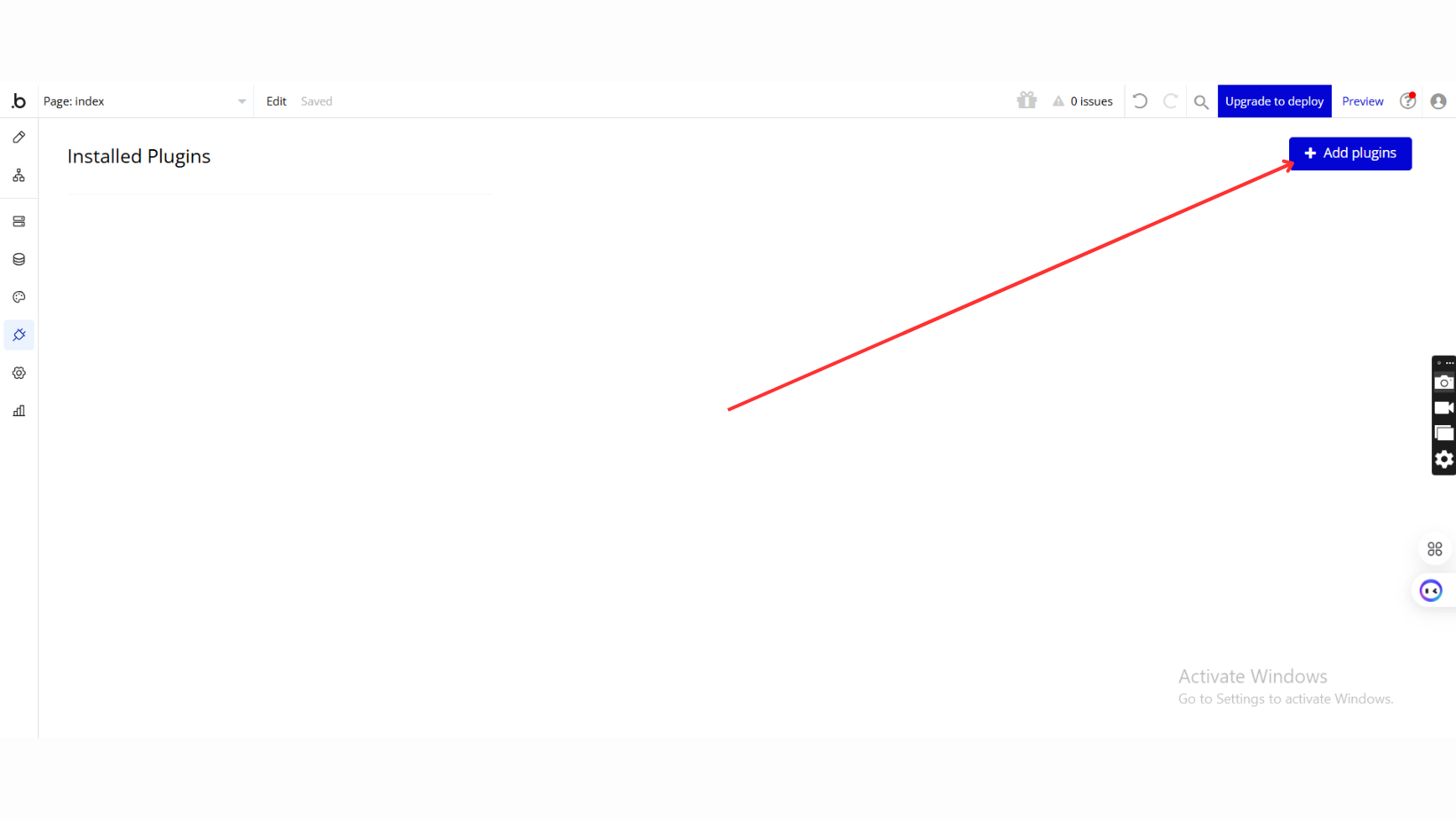
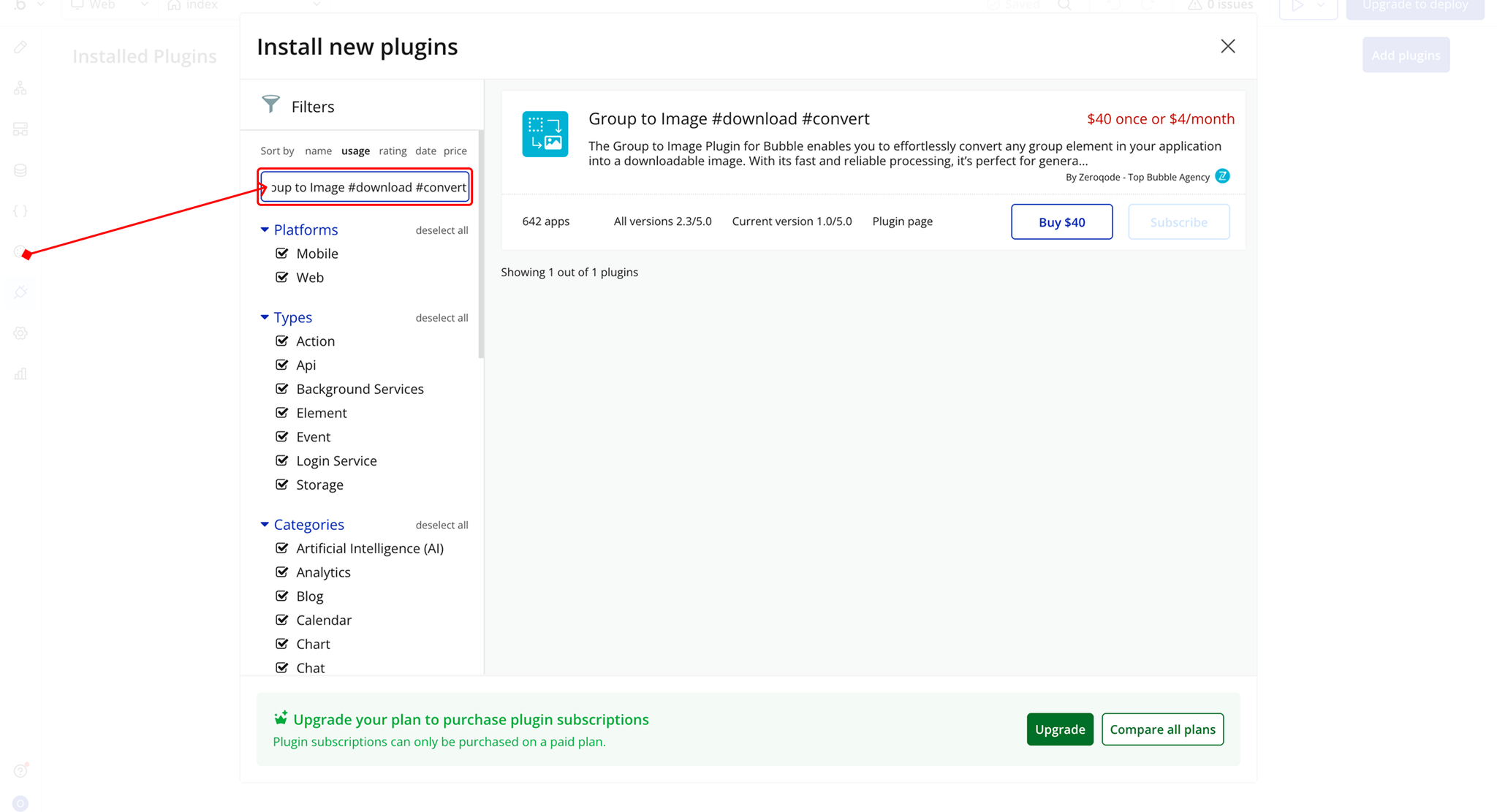
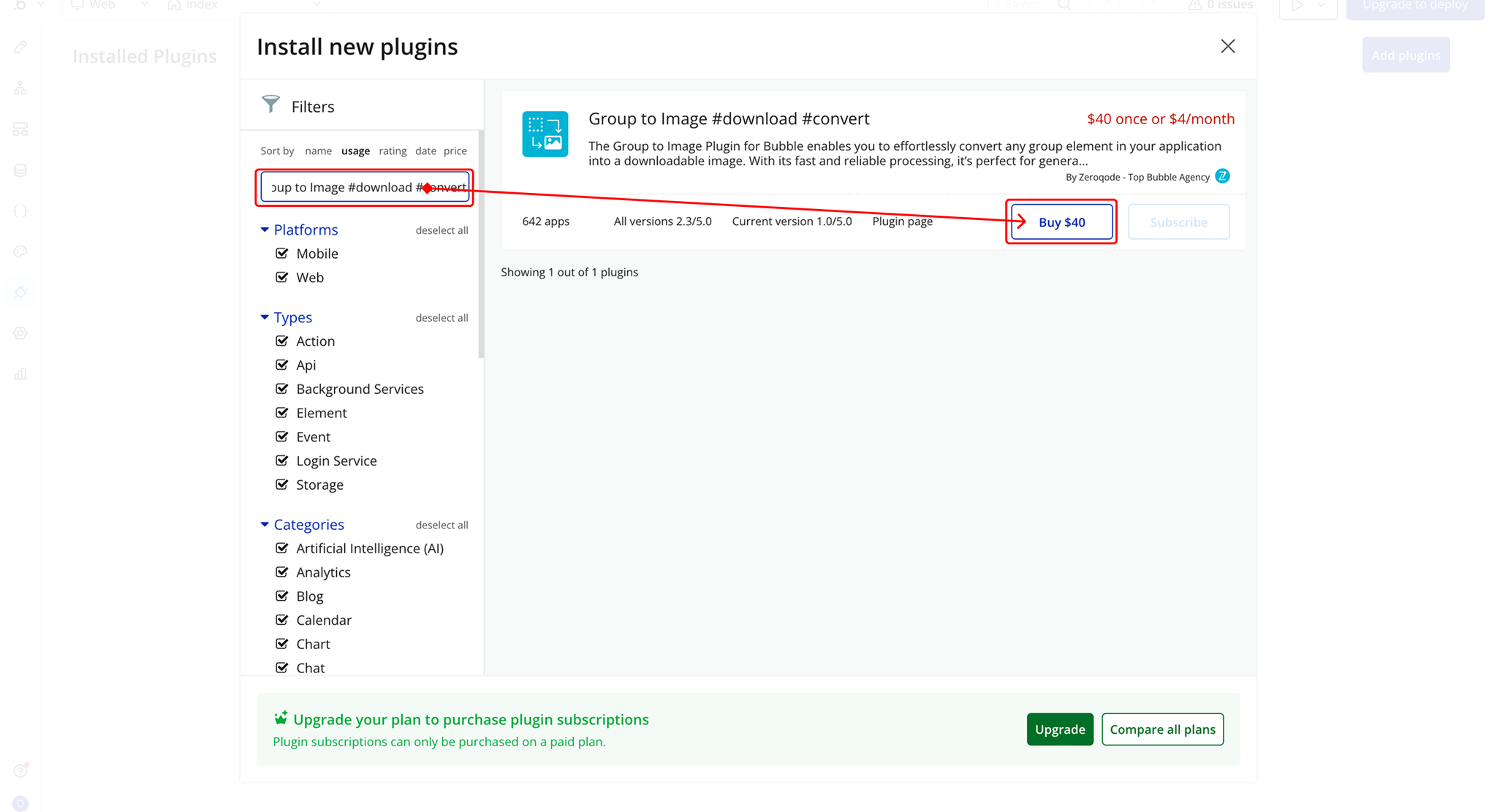
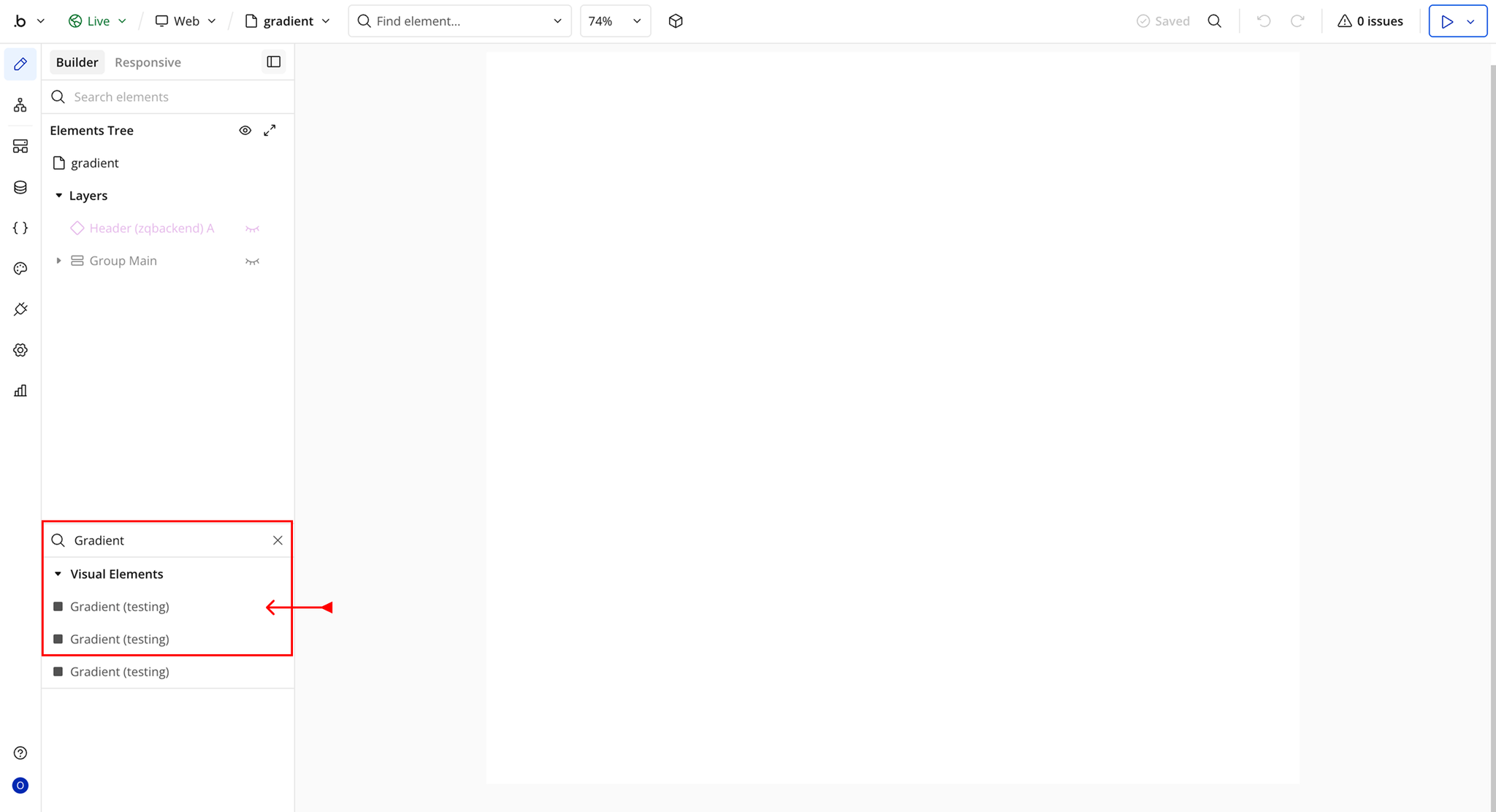
Step 2 – Add the Plugin Element to Your Page
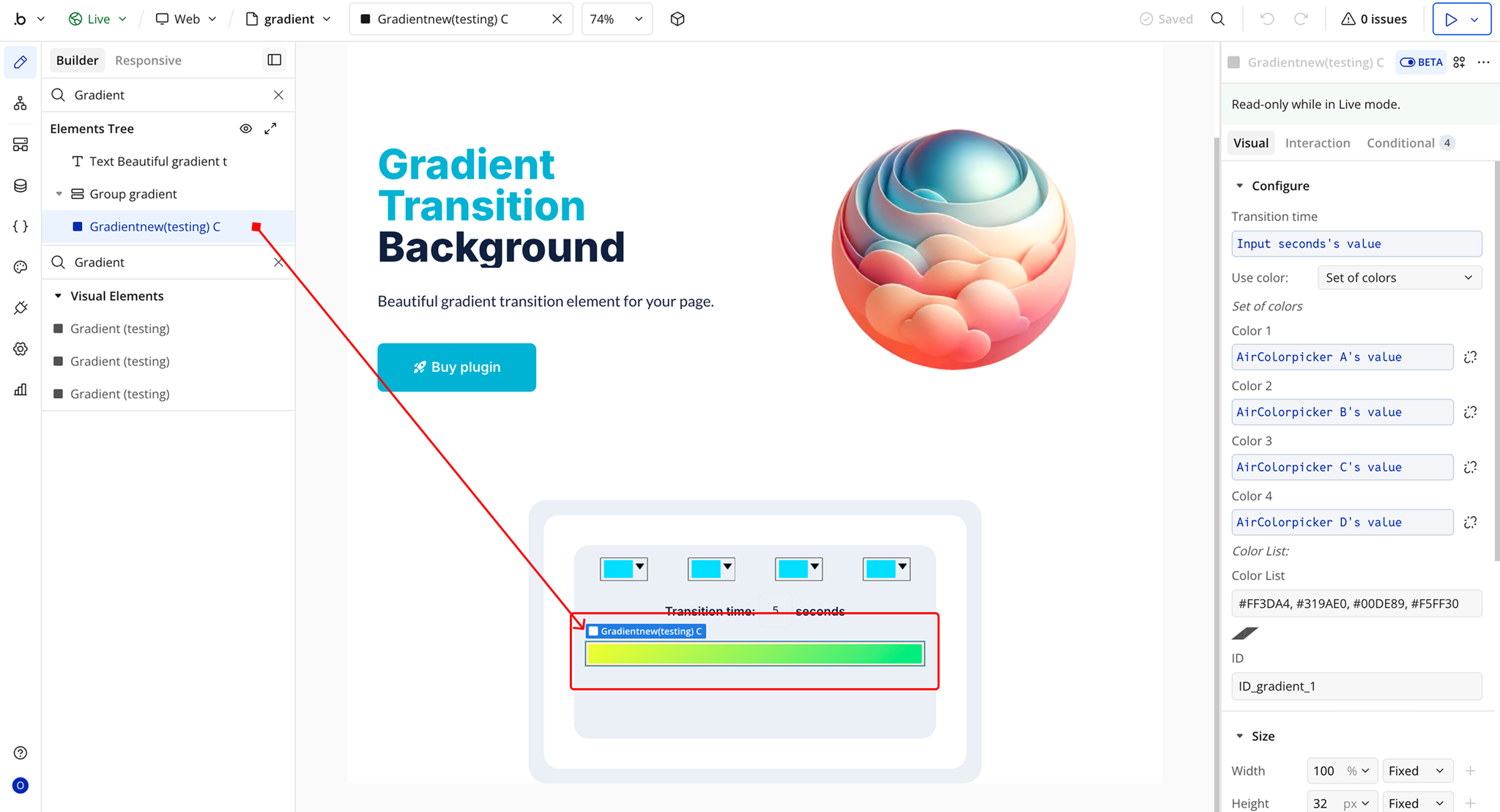
Step 3 – Configure Properties
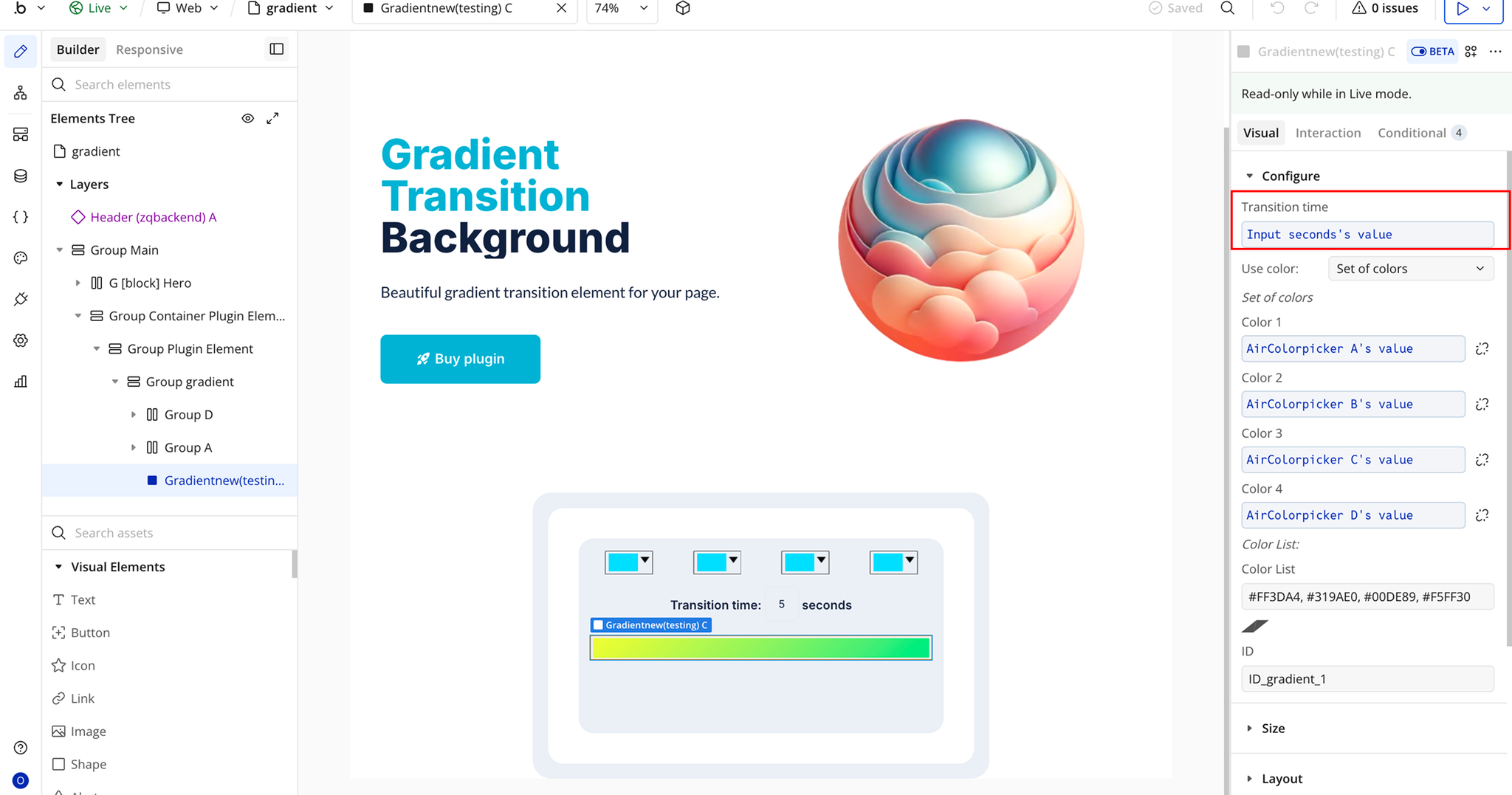
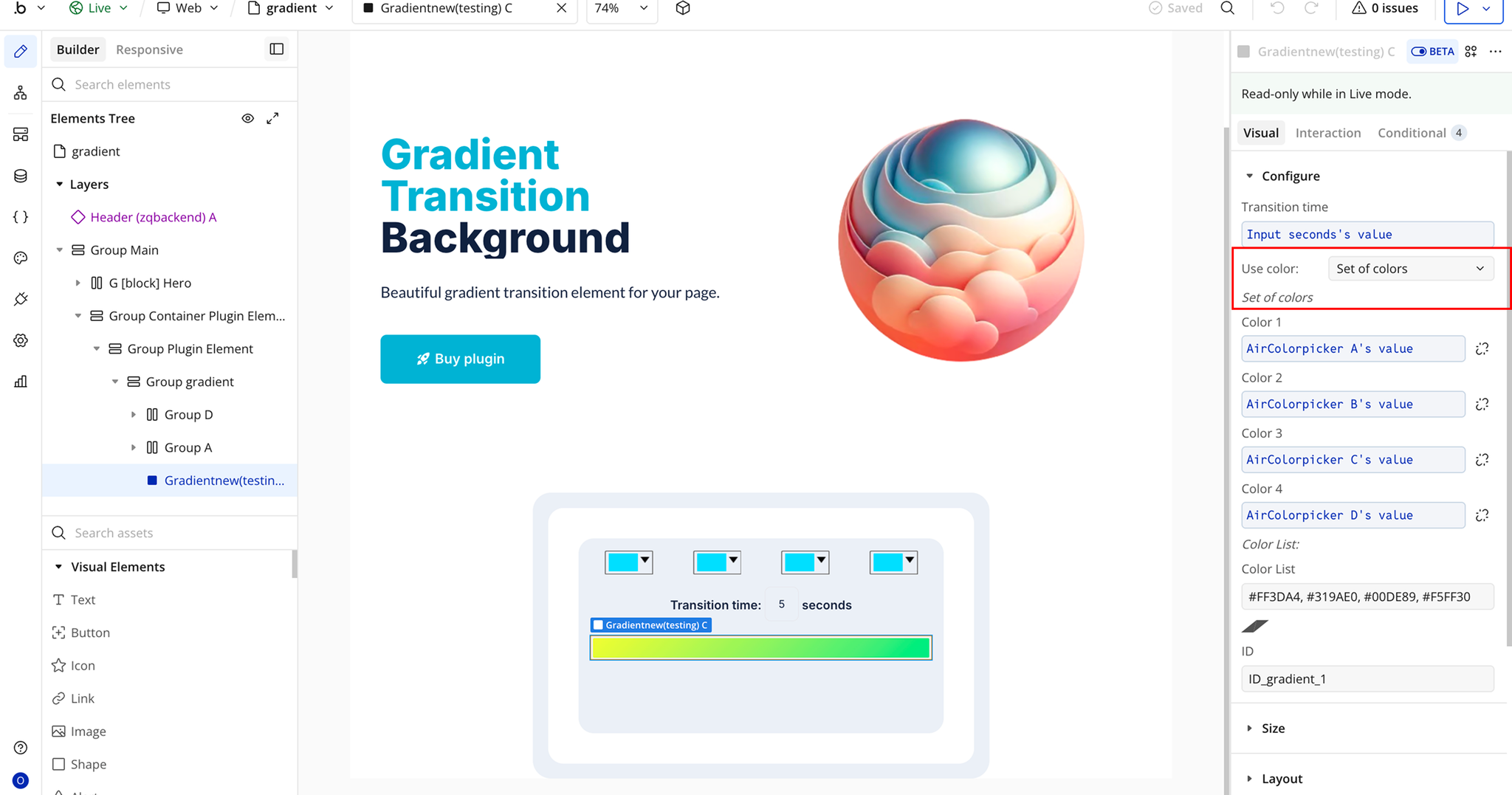
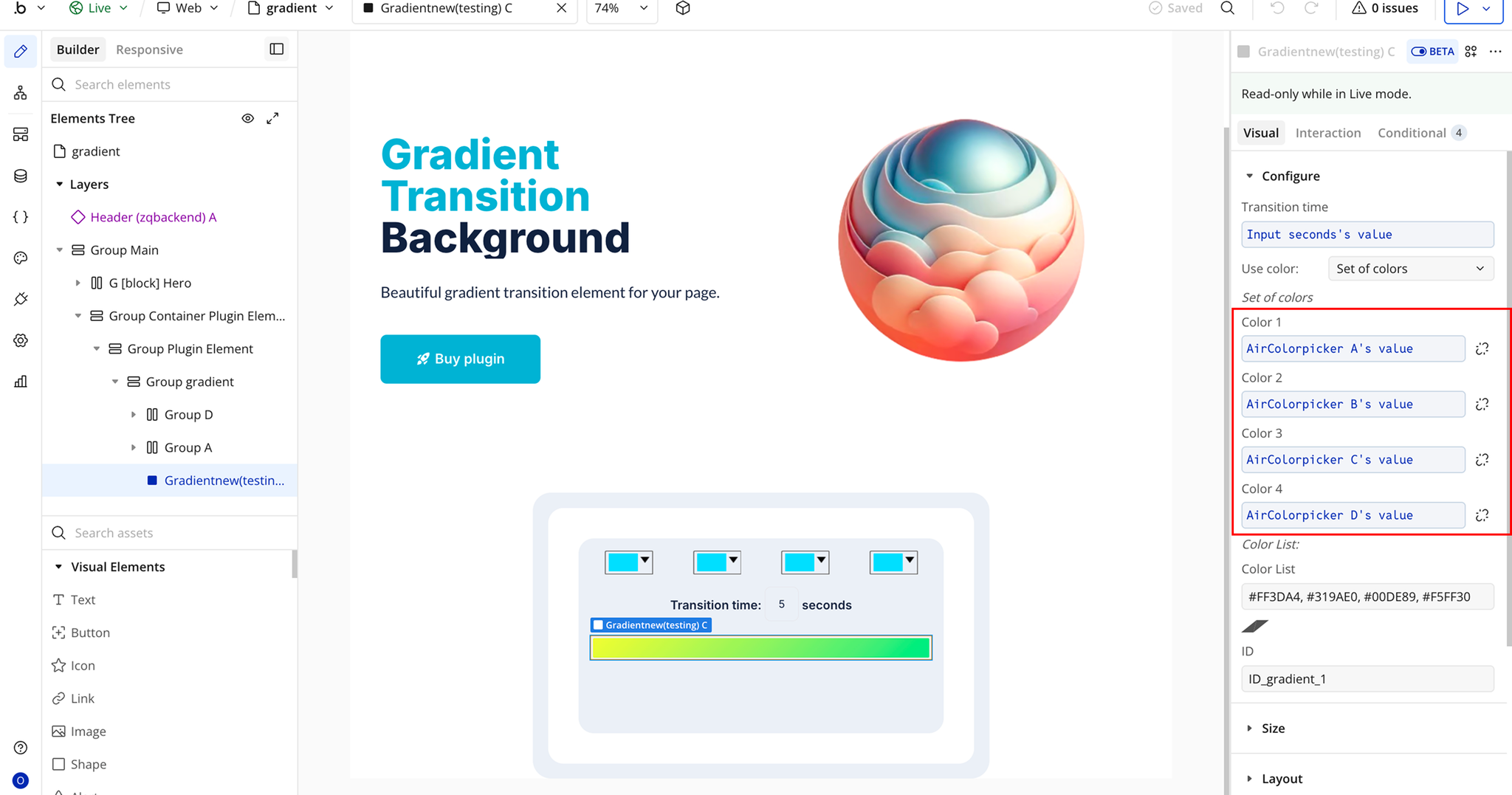
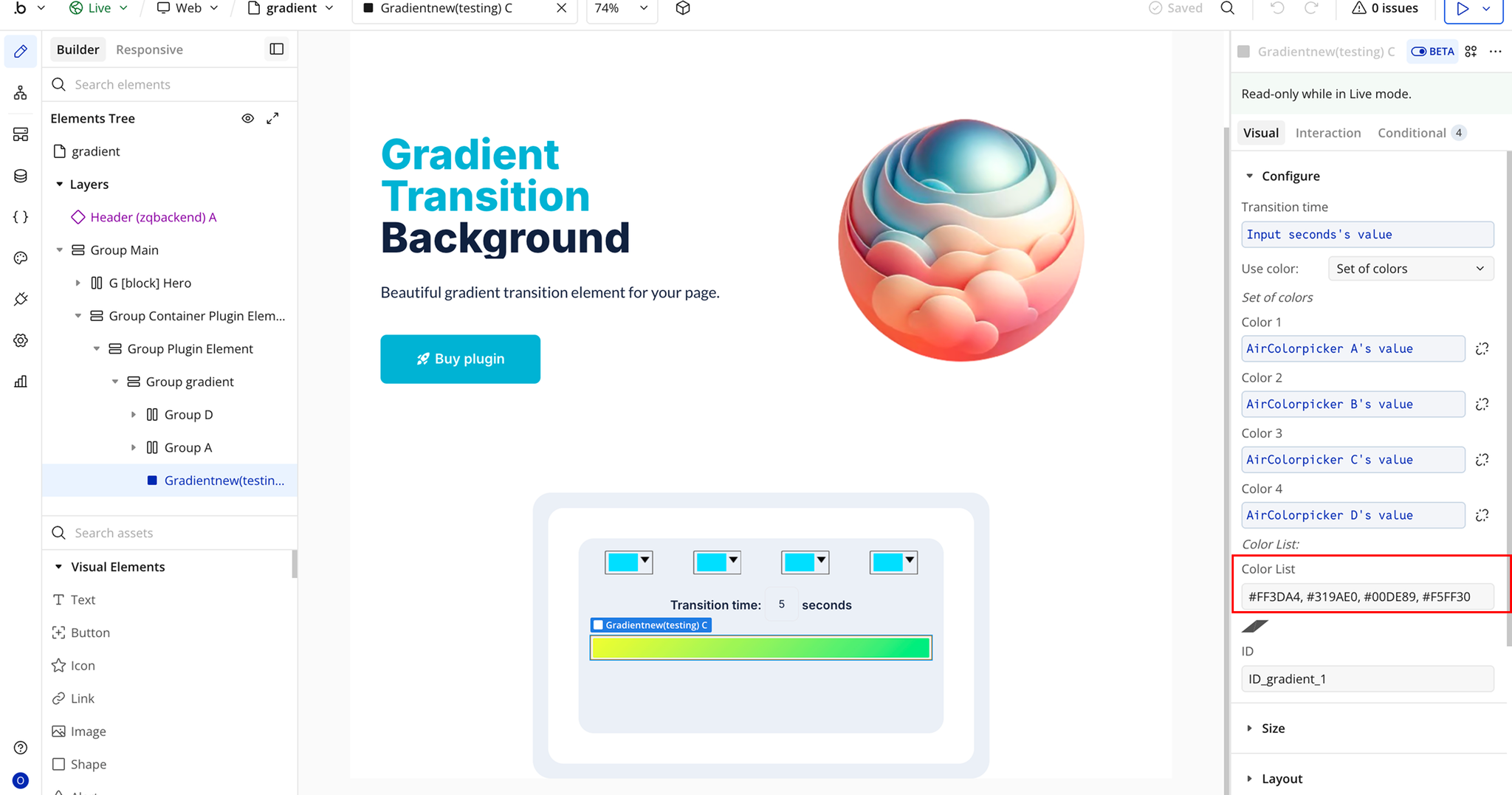
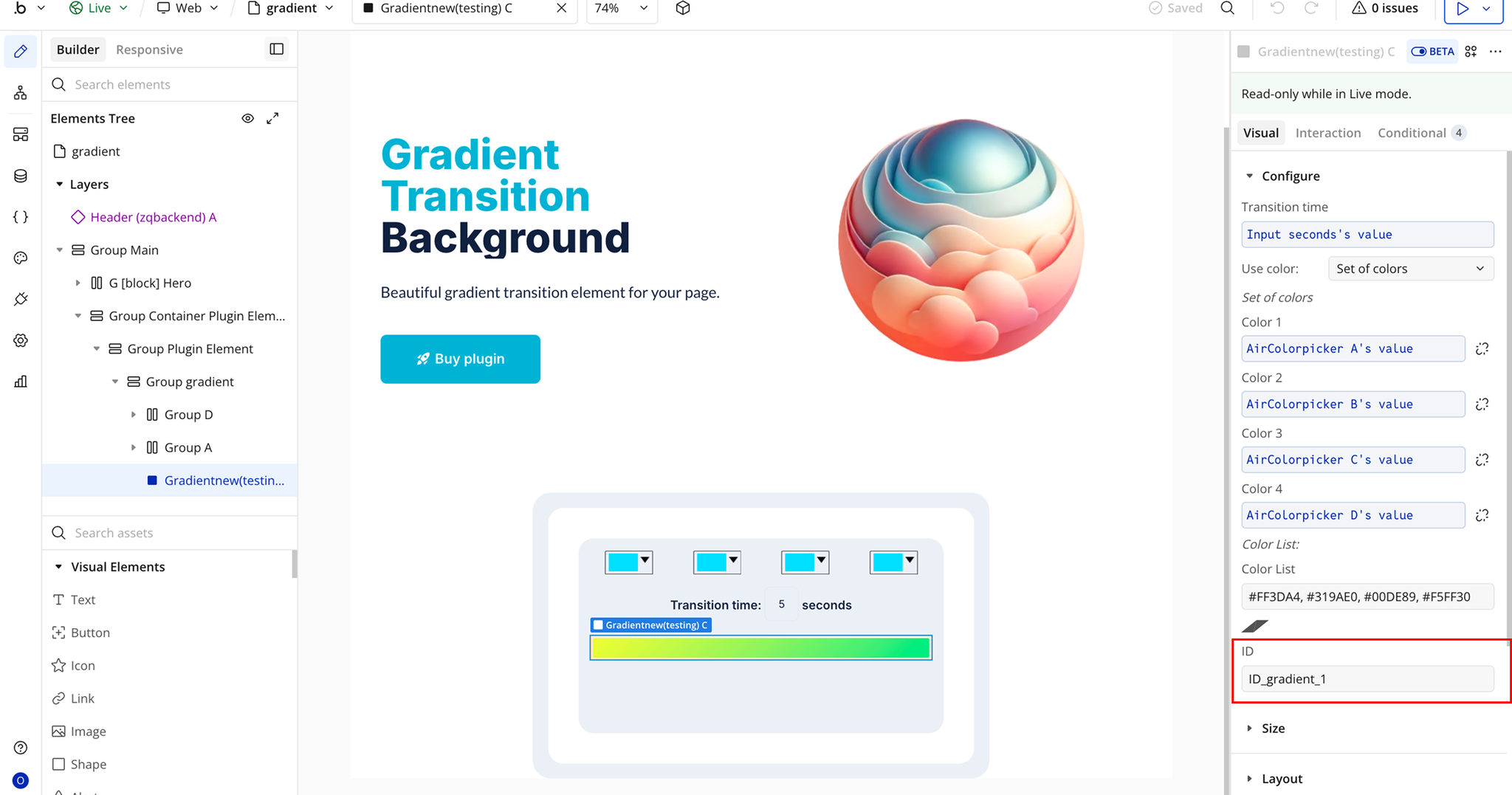
Plugin Element Properties - Gradient
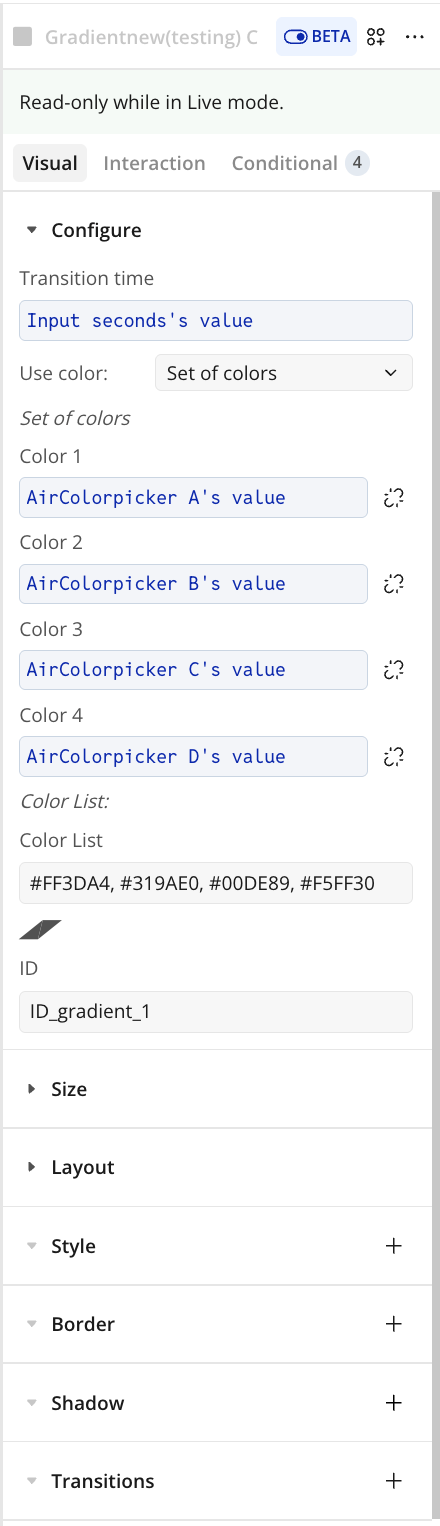
Fields
Title | Description | Type |
Transition time | Duration of the gradient transition in seconds. | Number |
Use of colors | Determines how the gradient colors are provided. Options include Set of Colors or Color List. | Dropdown |
Color 1 | First color in the gradient (used when Set of Colors is selected). | Color |
Color 2 | Second color in the gradient (used when Set of Colors is selected). | Color |
Color 3 | Optional third color in the gradient (used when Set of Colors is selected). | Color |
Color 4 | Optional fourth color in the gradient (used when Set of Colors is selected). | Color |
Color list | Comma-separated list of gradient colors (used when Color List is selected). | Text |
Element ID | HTML ID of the element where the gradient will be applied. | Text |