
Demo to preview the plugin:
Introduction
The Clever Email Validator plugin provides a simple yet powerful way to verify whether an email address actually exists. It uses DNS-based validation through MX (Mail Exchange) record checks—ensuring the domain can receive email, without relying on third-party APIs or external services.
This plugin works on both the frontend and backend, supports batch validation, improves data quality, and helps reduce fake or mistyped email submissions in your Bubble application.
Key Features
Prerequisites
Before using the Clever Email Validator Plugin, make sure you have the following ready:
- Bubble Account & Editor Access – You must have an active Bubble account and editor access to the app where the plugin will be installed.
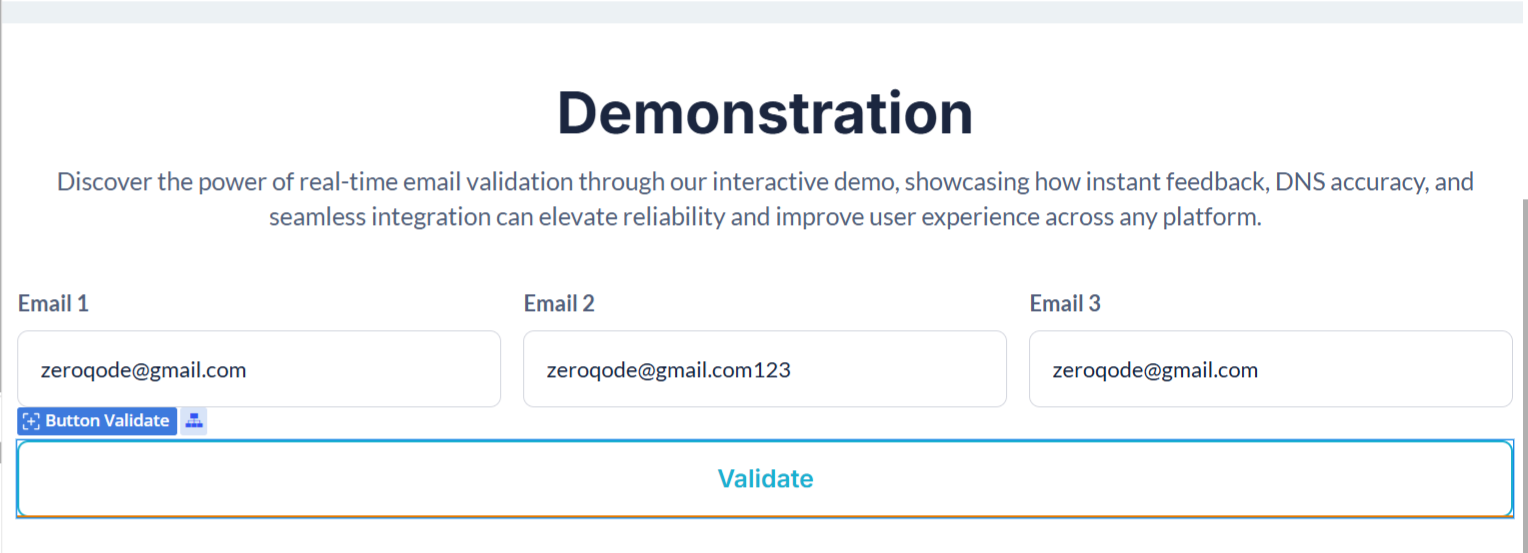
- Email Inputs Prepared – Have your input fields set up for single or multiple emails before adding the validation workflow.
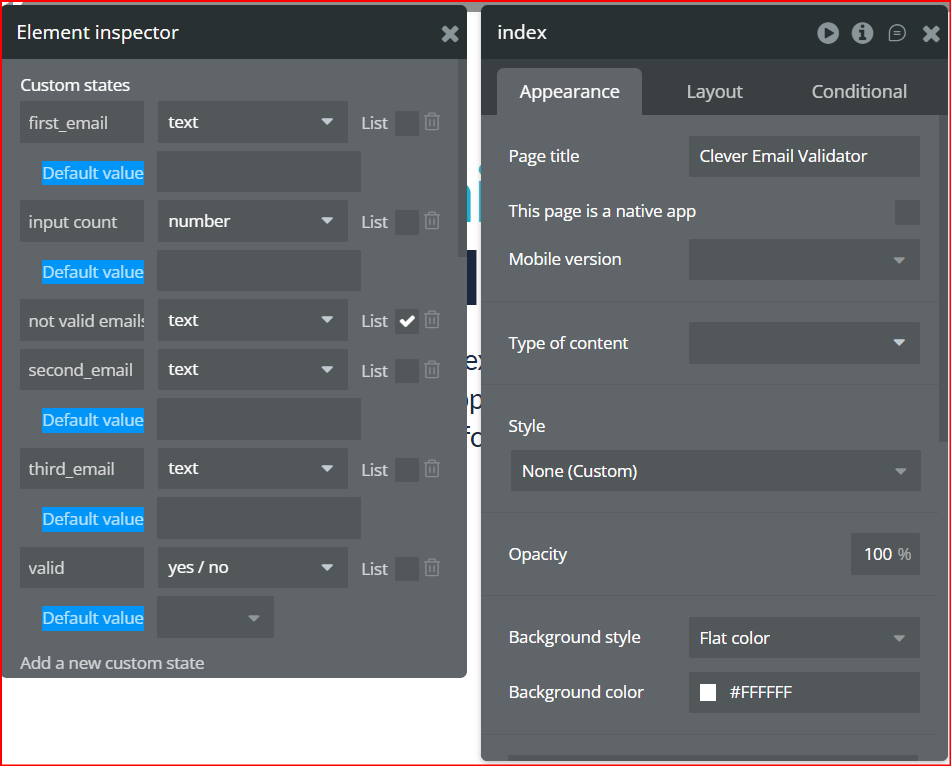
- Custom States (Optional) – For tracking validation results or counts, prepare any custom states you intend to use.
- Workflow Planning – Decide where and when you want to trigger validation (button click, form submission, etc.).

How to Set Up
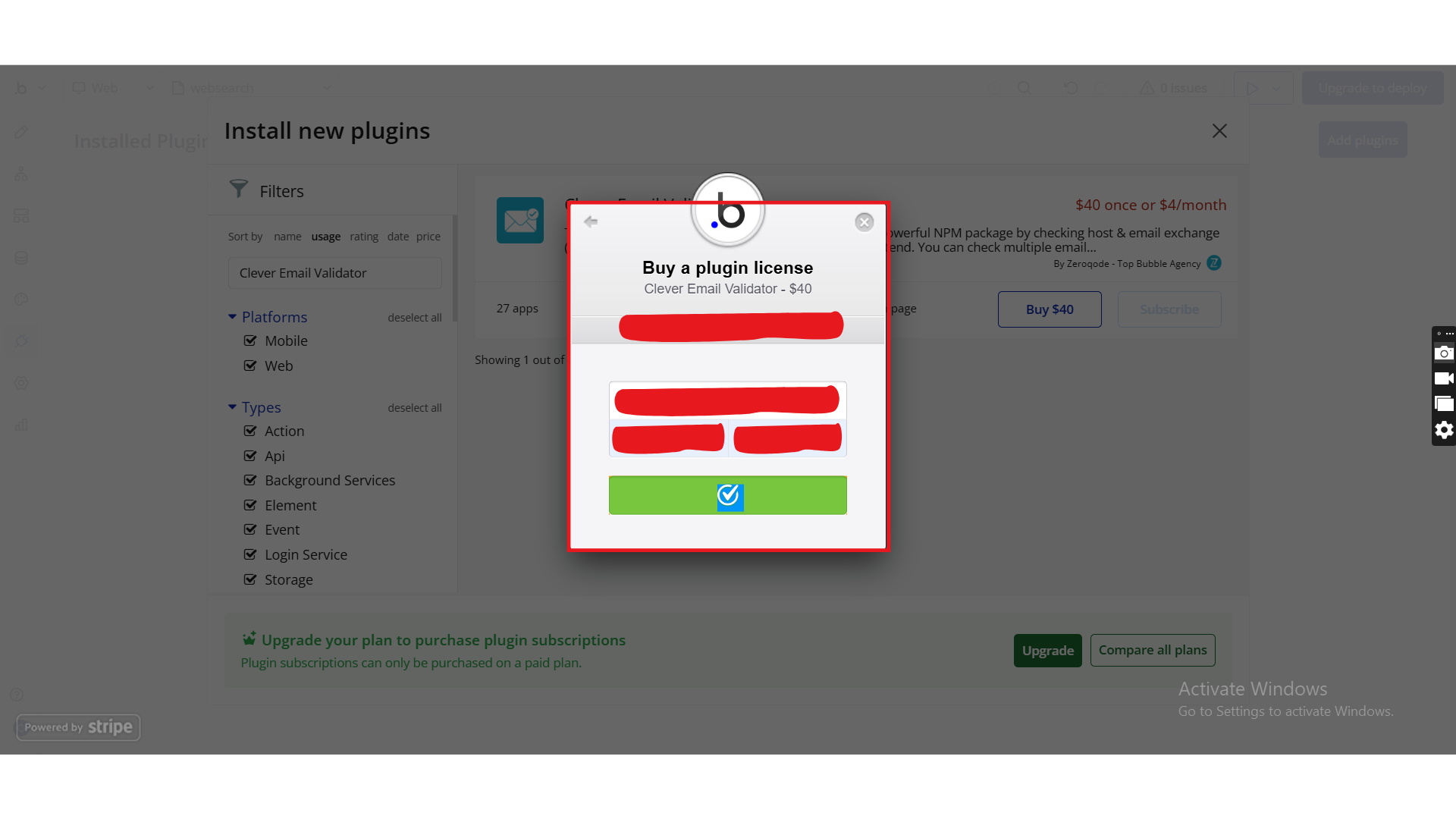
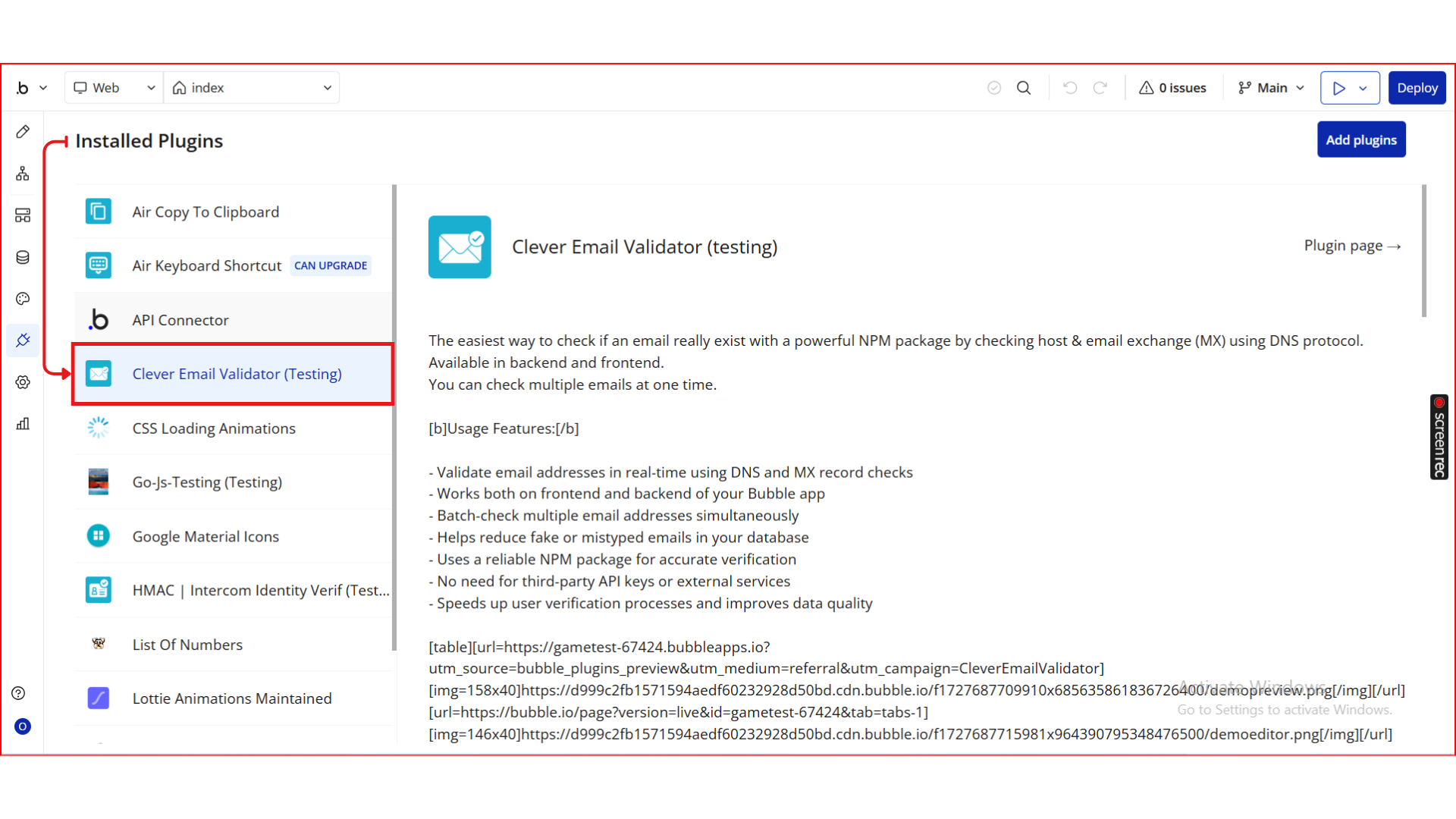
Step 1. Install the Plugin
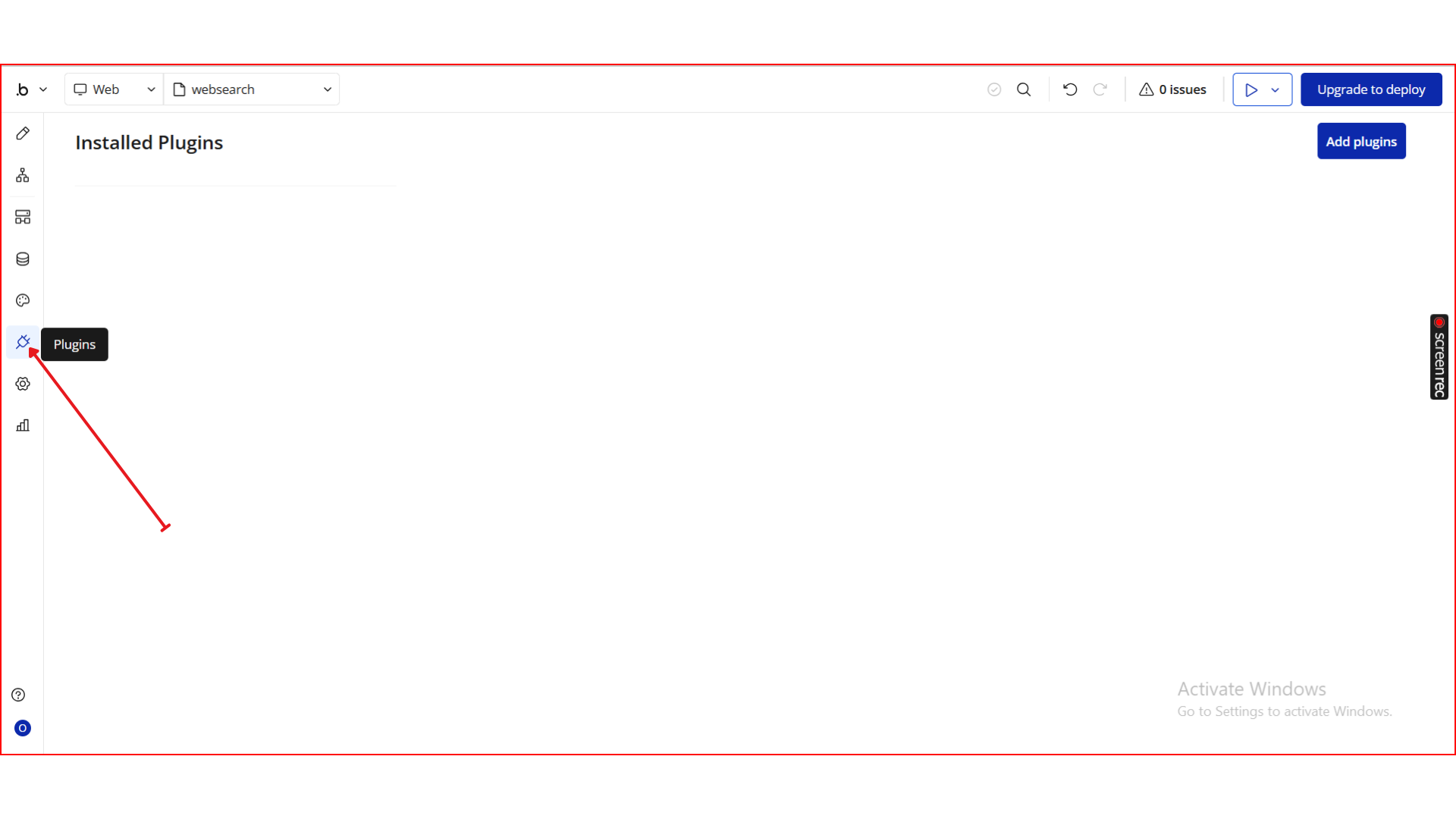
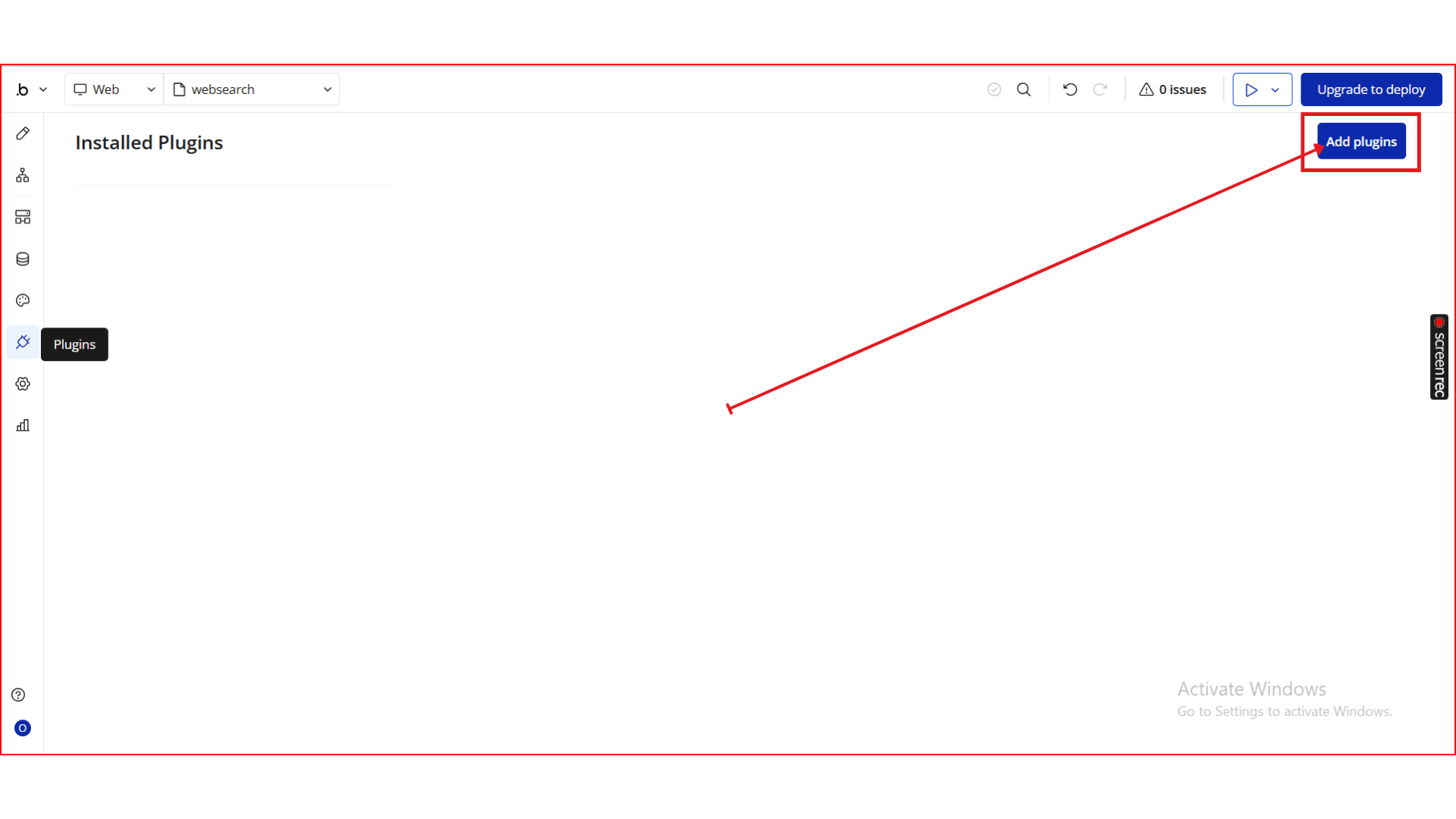
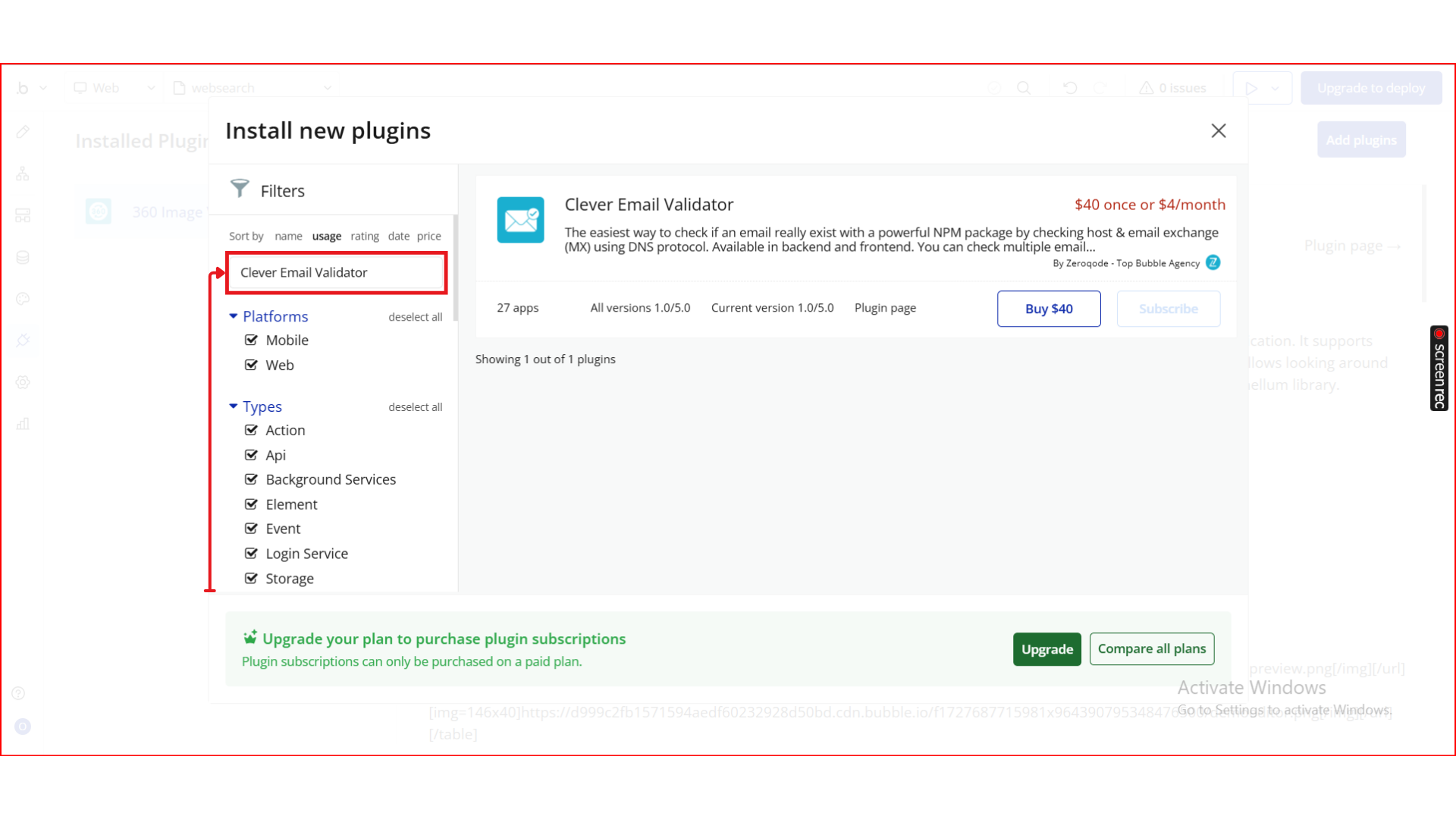
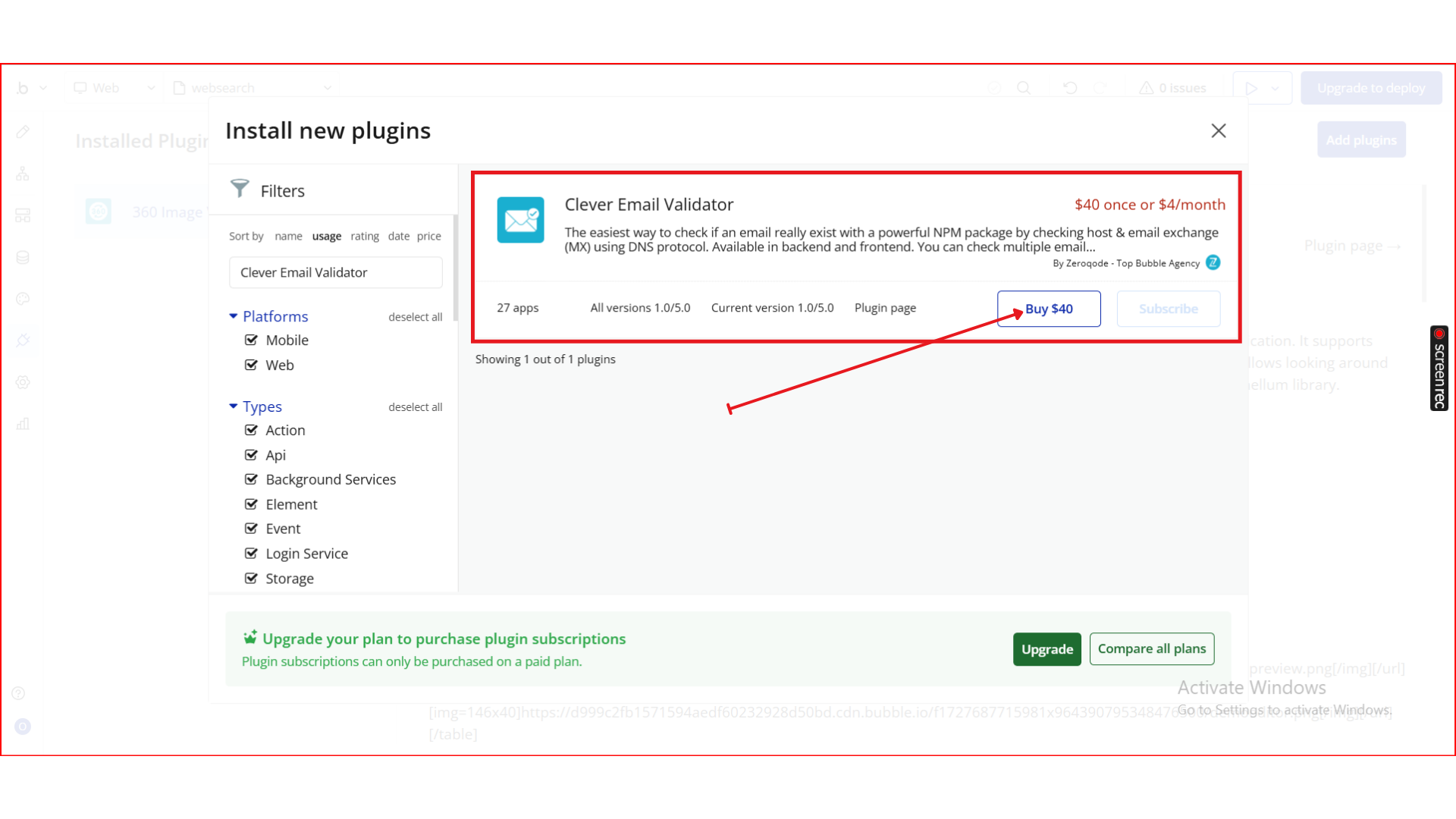
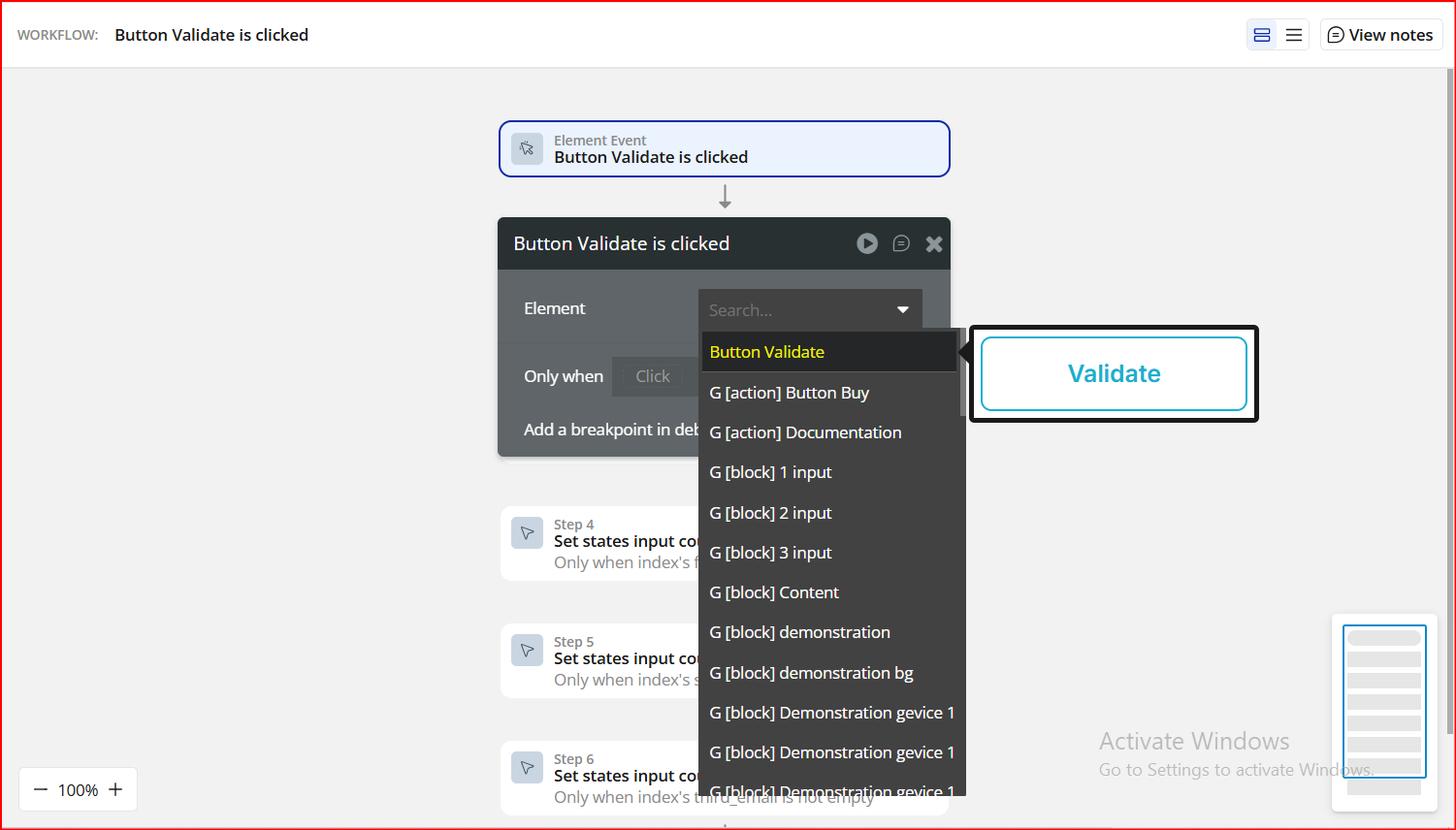
Step 2. Add the Validation Action
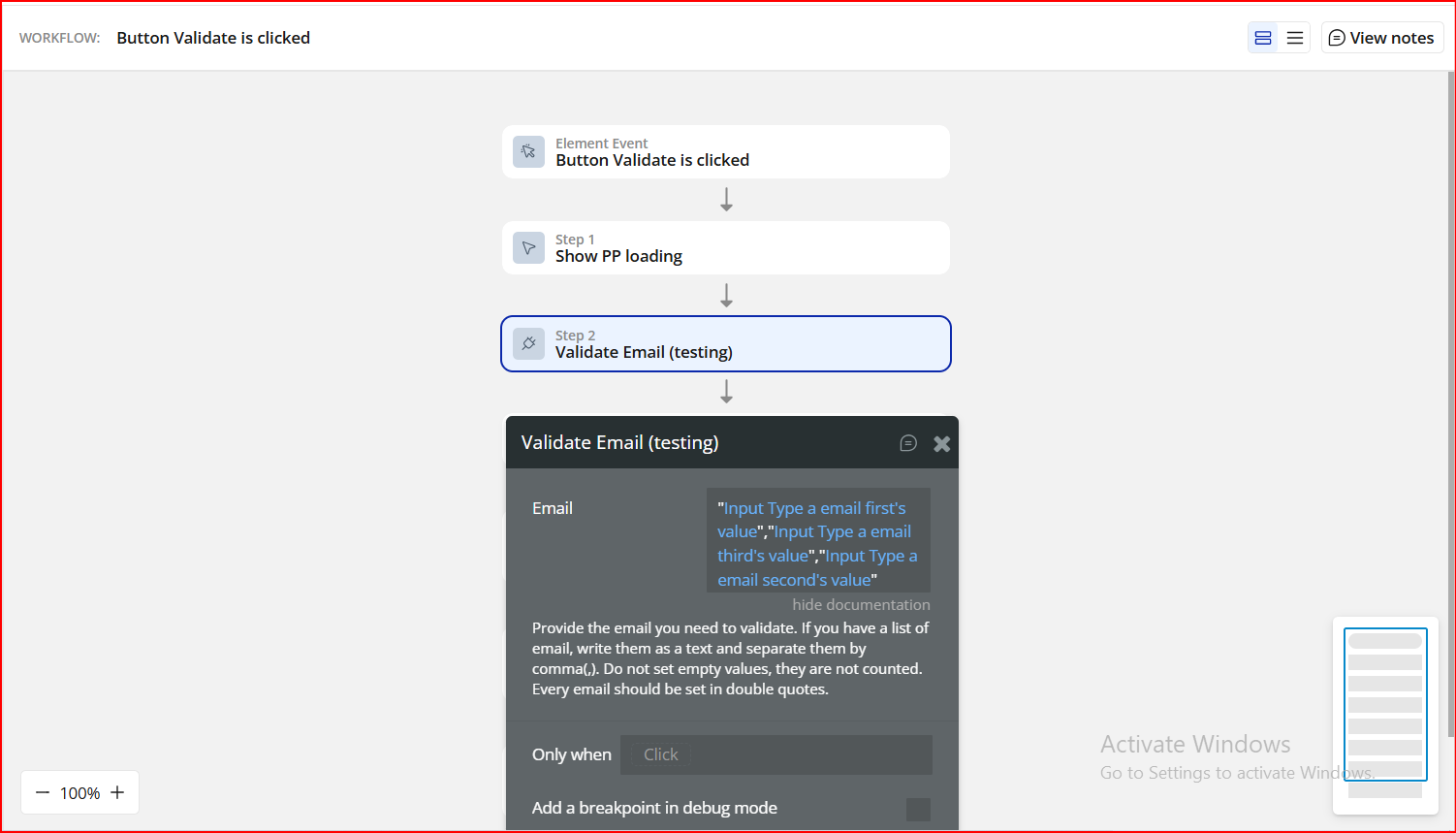
Step 3. Map the Email Field
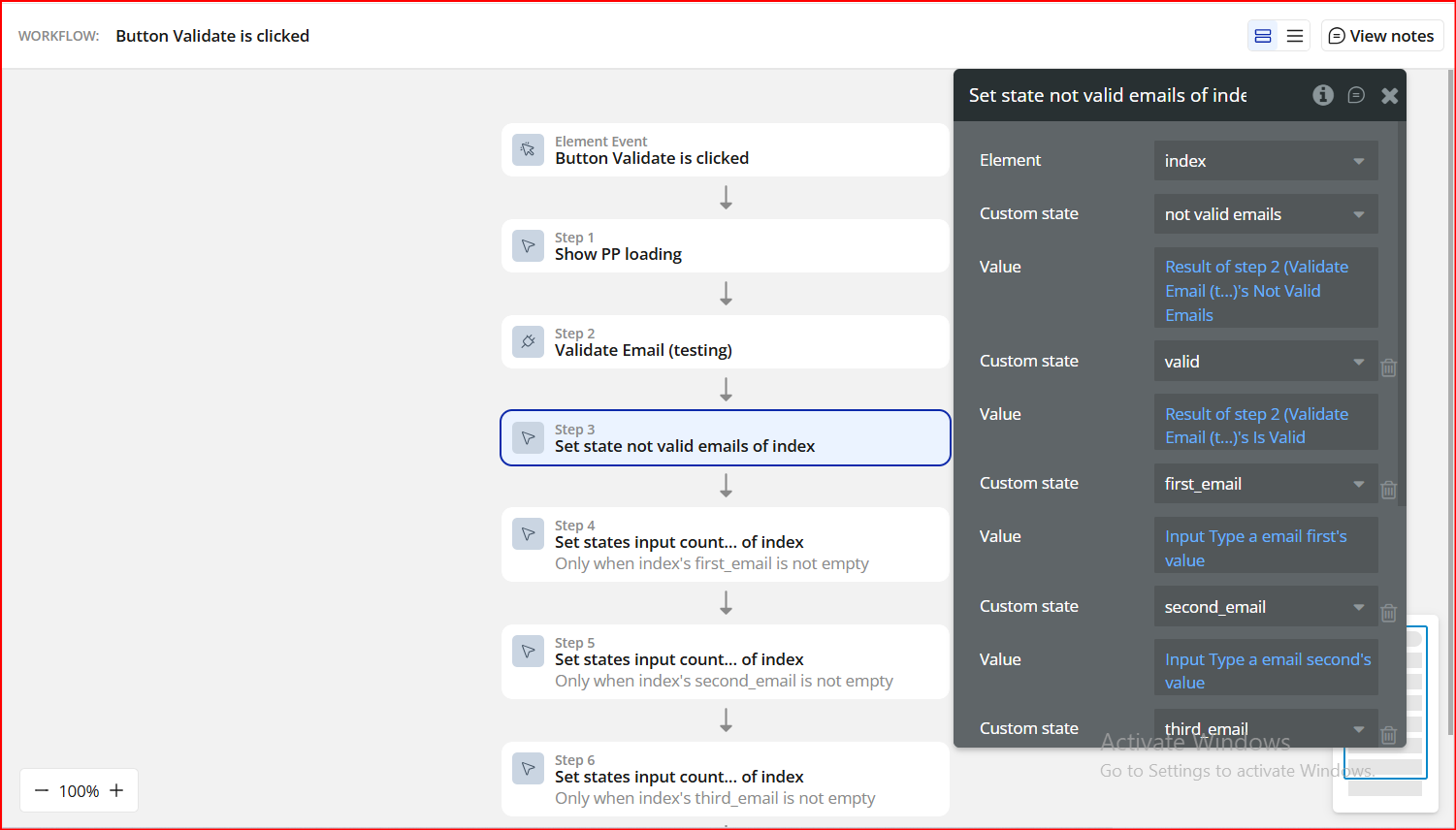
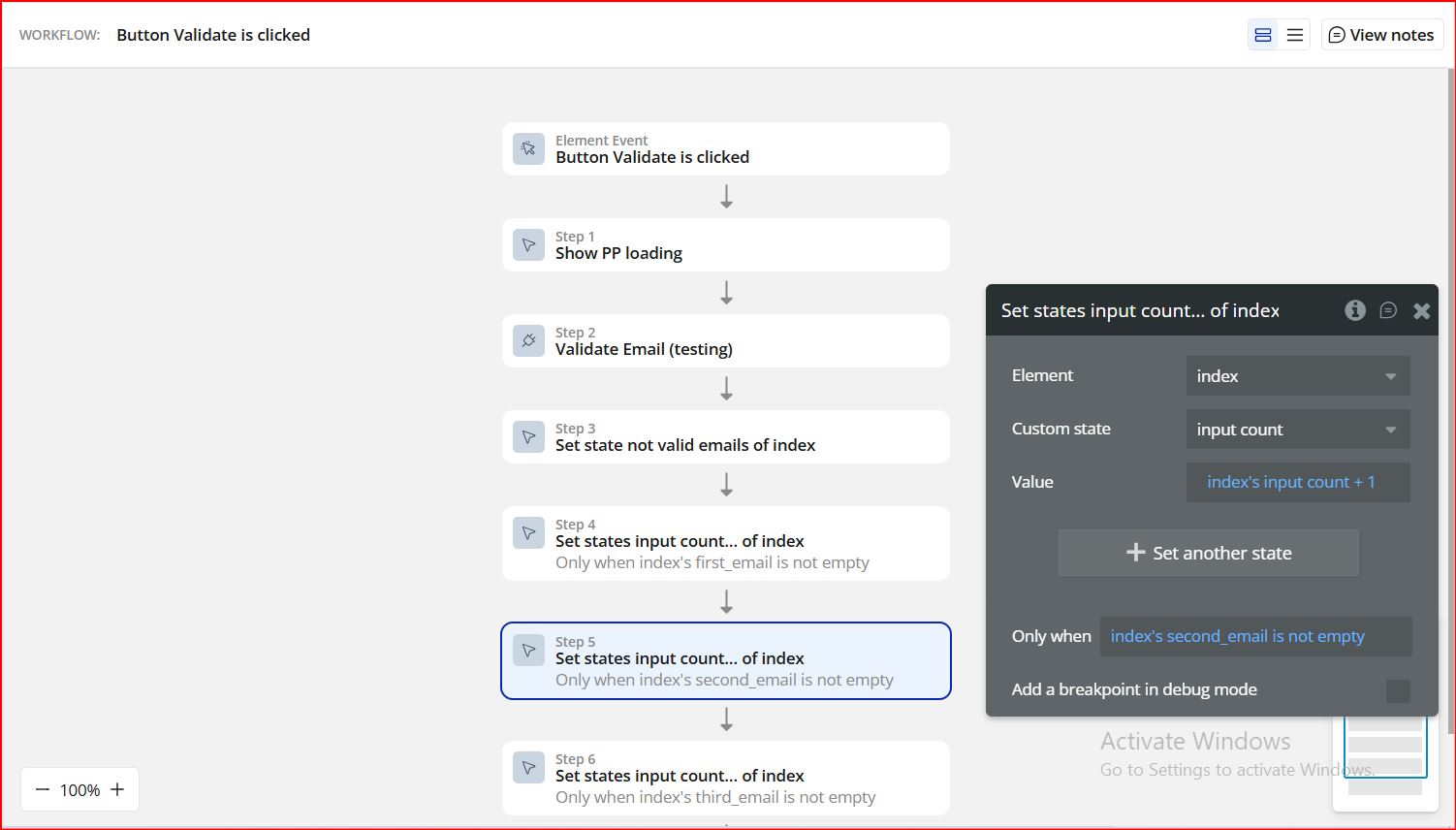
Step 4. Set Up States for Validation Tracking (Visual Guide)
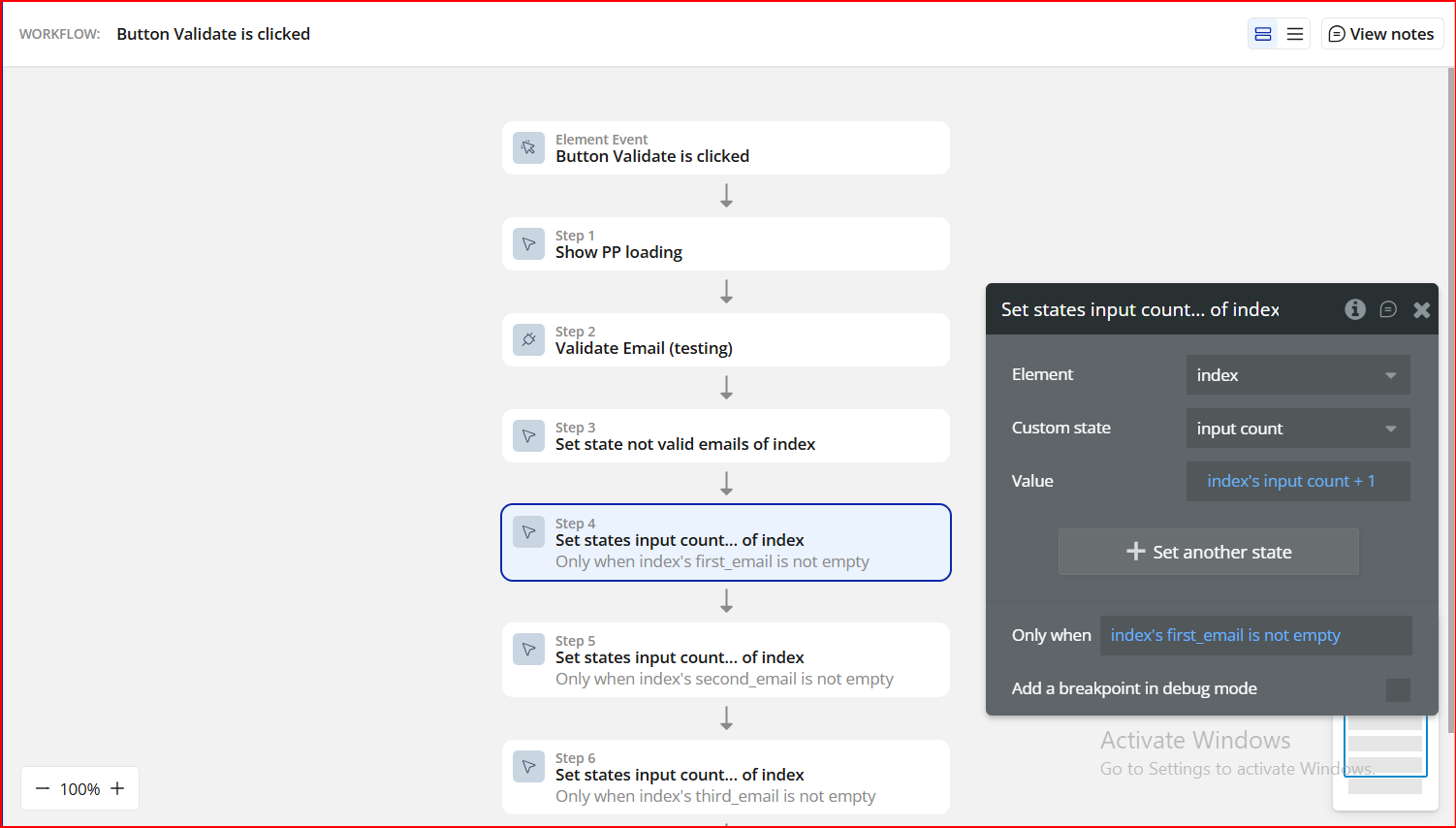
Step 5. Increment Input Count Dynamically
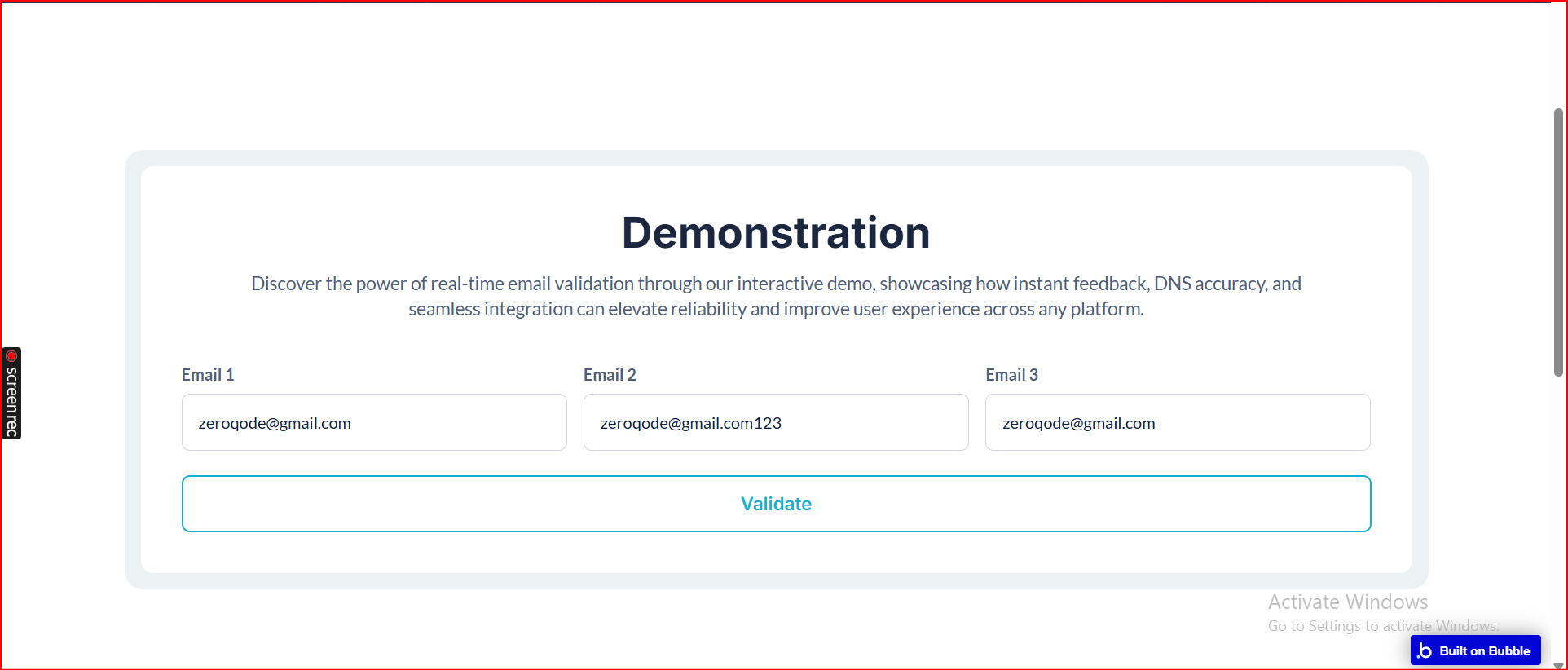
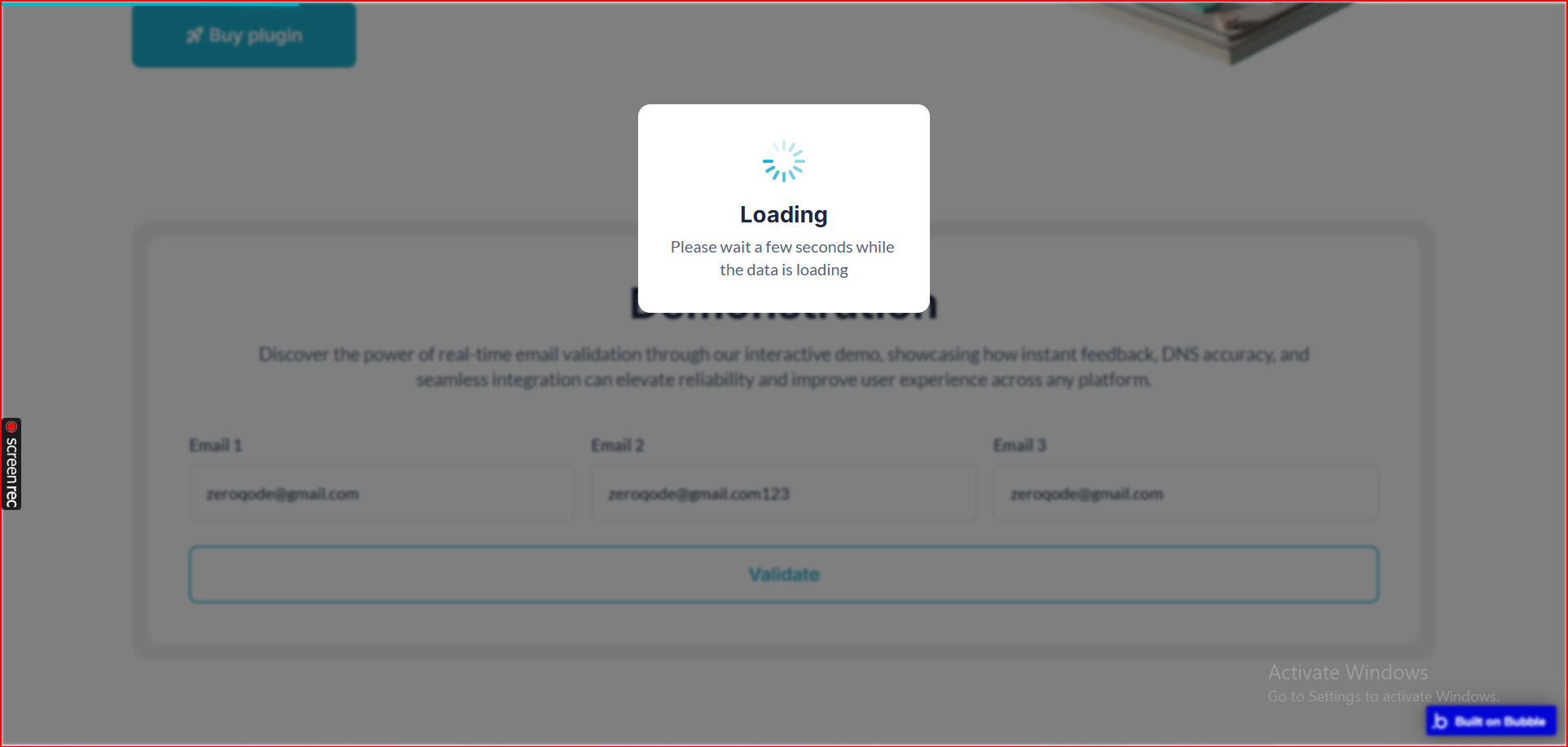
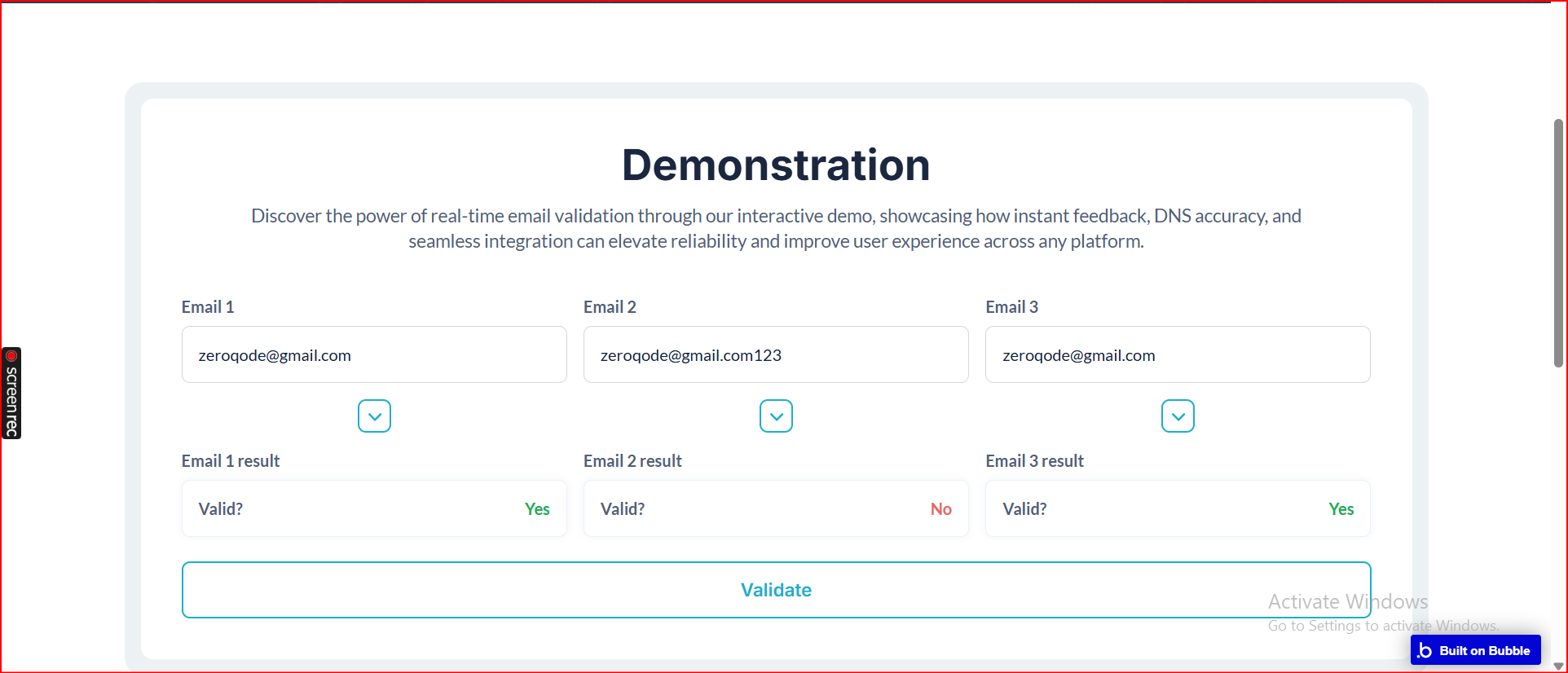
Step 6. Preview & Test
Plugin Actions

Validate an Email
Performs DNS/MX checks to verify if the provided email(s) are valid and deliverable.
Title | Description | Type |
Email | Provide the email you need to validate. For multiple emails, write them as text separated by commas. Do not include empty values. Each email should be wrapped in double quotes, e.g., "email1@gmail.com", "email2@yahoo.com". | Text |
Return Values:
Title | Description | Type |
Is Valid | Returns yes if all provided email(s) pass DNS and MX validation, otherwise no. This indicates whether the email(s) are likely deliverable. | Checkbox (yes/no) |
Not Valid Emails | Returns a list of email(s) that failed validation, including reasons such as invalid domain, MX record not found, or syntax errors. Useful for highlighting or removing invalid emails from your workflow. | Text |
