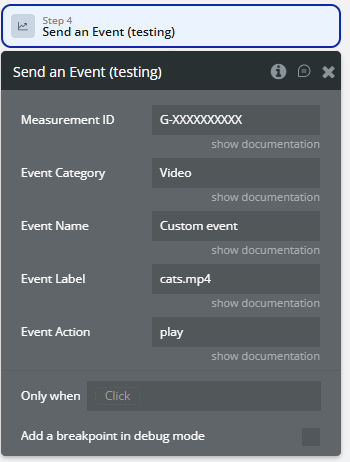
Demo to preview the plugin:
Introduction
Full control over your Analytics is a must to fully understand events and statistical data. It combines a ready-to-use Bubble element interface, workflow actions for automation so you can move from setup to production quickly. Use it to reduce custom development time, keep configuration flexible, and ship a polished experience faster.
Prerequisites
To use this plugin effectively, you need:
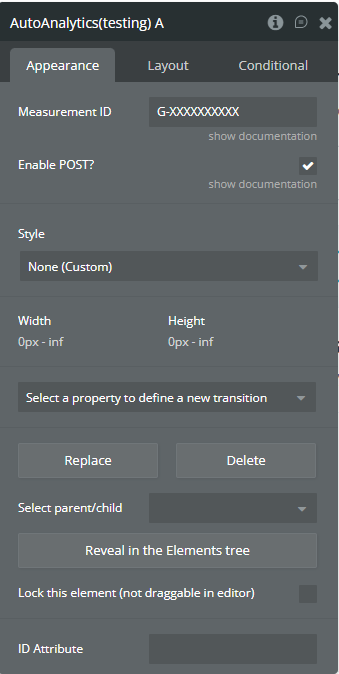
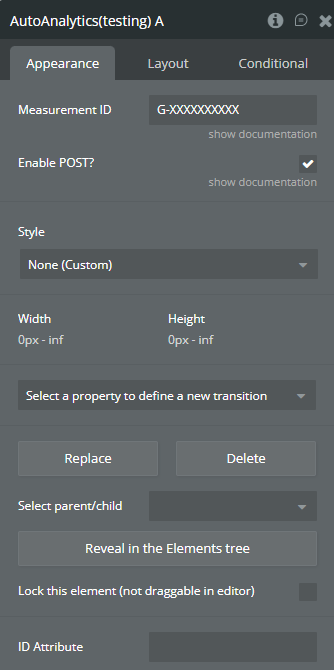
- Google Analytics 4 (GA4) Account: Create a GA4 property and obtain your Measurement ID (format: G-XXXXXXXXXX) from https://analytics.google.com
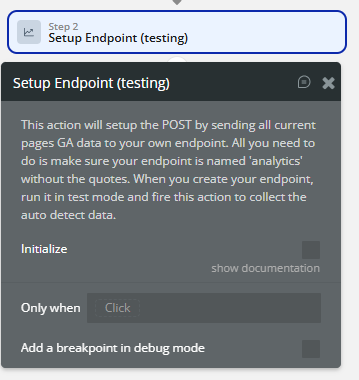
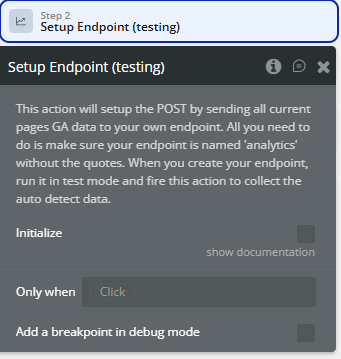
- API Workflow Endpoint: You must set up an API workflow endpoint in your Bubble application named ‘analytics’ to receive the webhook data from the plugin
- Basic understanding of Google Analytics: Familiarity with GA events, tracking, and campaign parameters is helpful

How to setup
Step 1 - Install the Plugin
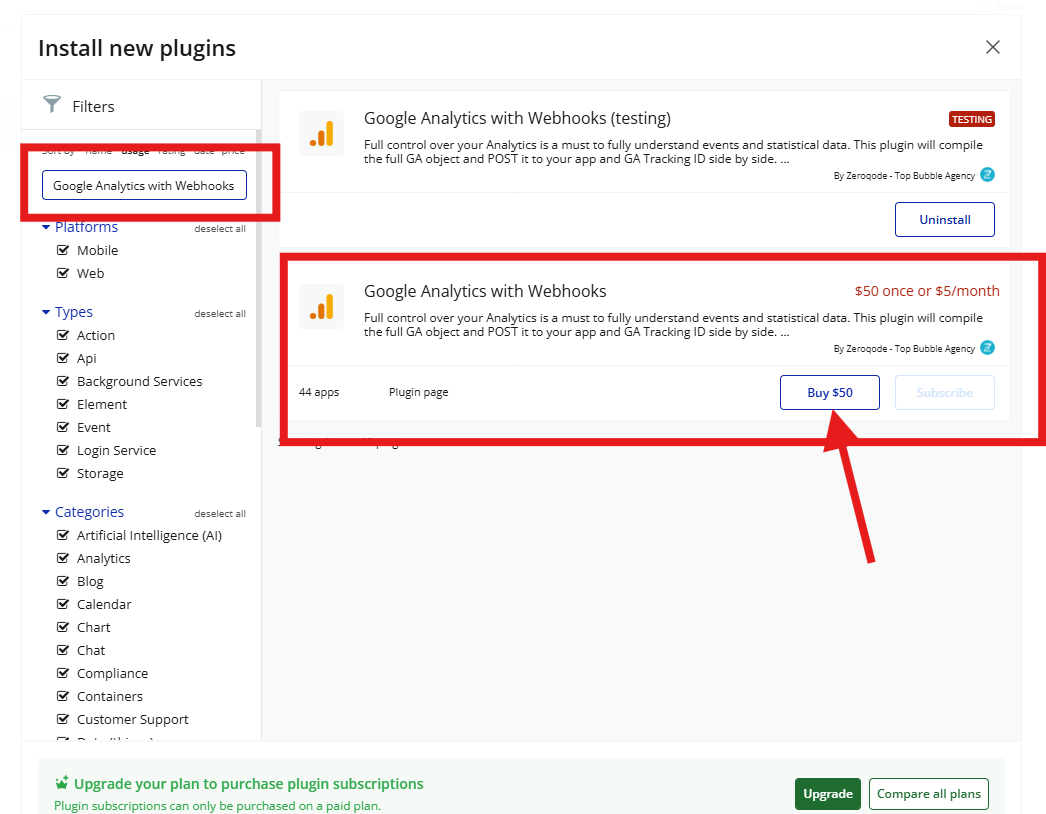
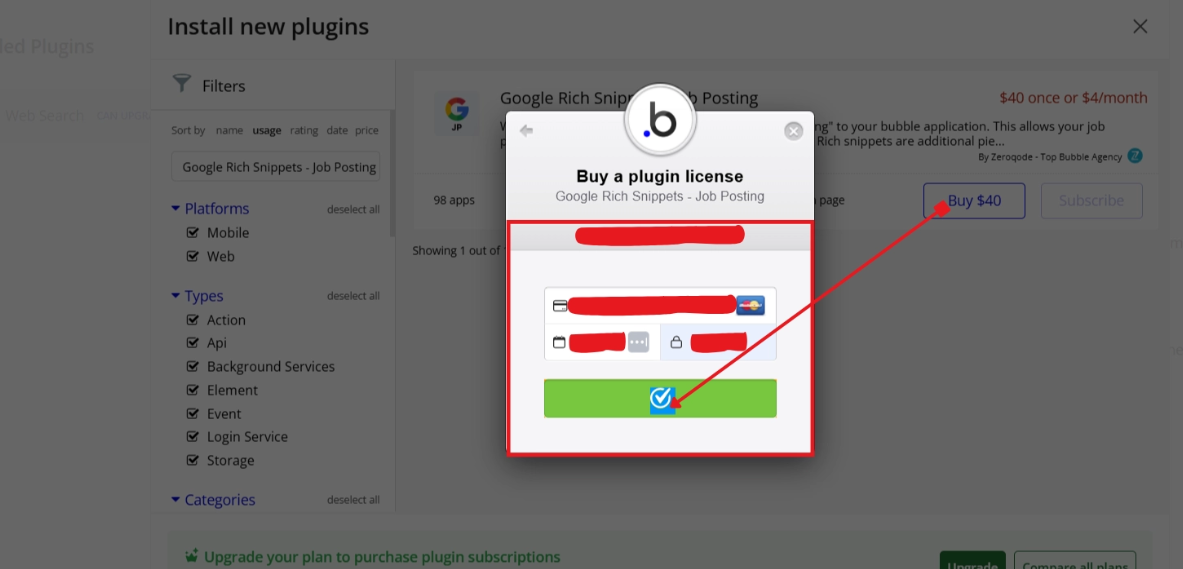
Step 2 - Add the Element to Your Page
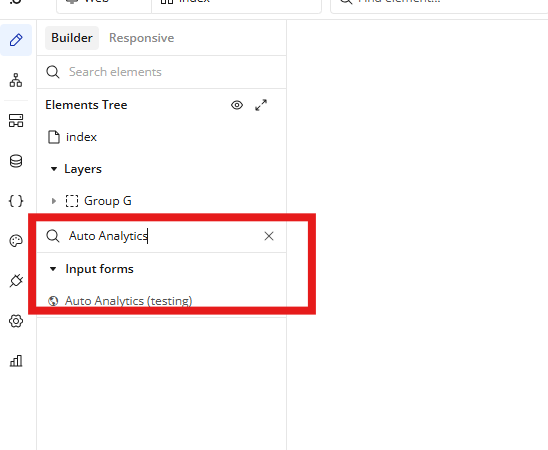
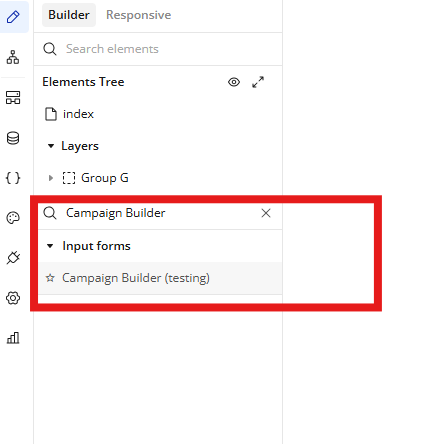
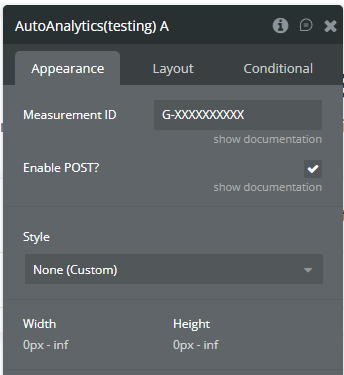
Step 3 - Configure Properties
Plugins Element
Auto Analytics
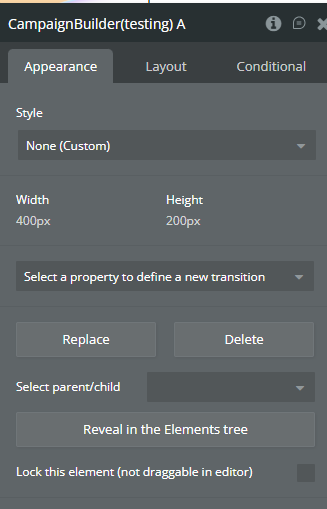
Campaign Builder
Plugin Action
Setup Endpoint
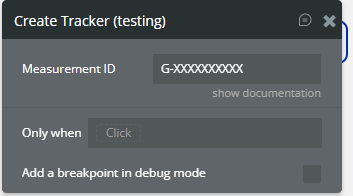
Create Tracker
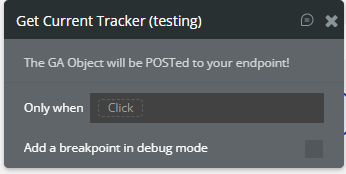
Get Current Tracker
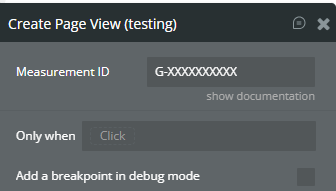
Create Page View
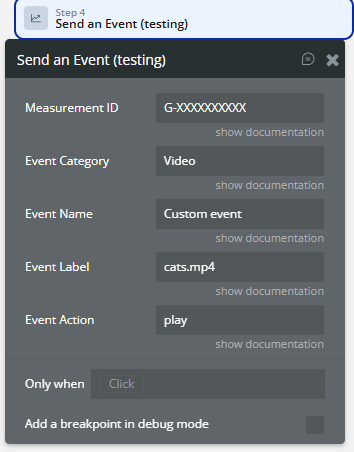
Send an Event
Workflow example
Initial Setup and Configuration
Automatic User Interaction Tracking
Custom Event Tracking