Link to the plugin page: https://zeroqode.com/plugin/image-filters-bubble-mobile-1781096016135x881979160616511500
Demo to preview the plugin:
Introduction
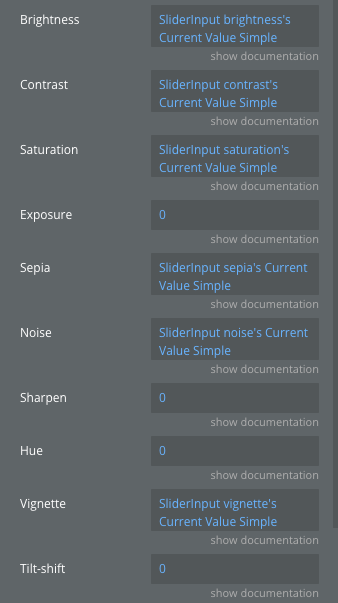
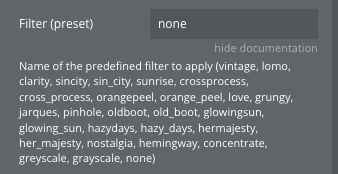
The Image Filters Bubble Mobile plugin provides a powerful image processing solution specifically designed for mobile applications built with Bubble’s mobile editor. This plugin allows you to apply a wide range of image filters and adjustments directly within your mobile app, including preset filters (vintage, lomo, clarity, and more) as well as manual adjustments for brightness, contrast, saturation, exposure, and other parameters.
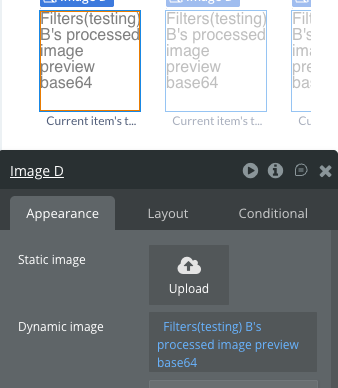
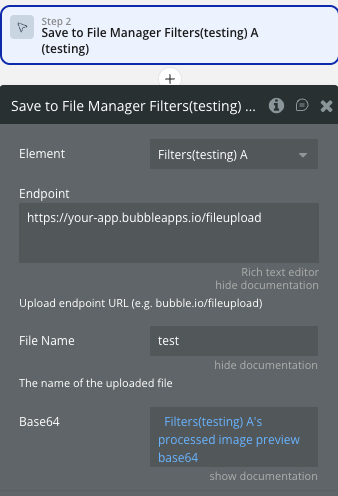
It processes images in real-time and outputs the result as a base64 string, which can be saved to Bubble’s file manager or used directly in your application.
Prerequisites
This plugin is designed specifically for the mobile version of the Bubble editor. To test the plugin on your mobile device, use the TestFlight app for iOS or appropriate testing methods for Android.
No external API keys or accounts are required.
To test the plugin on your mobile device, use the TestFlight app available at: https://testflight.apple.com/join/njge8JcQ
Please note that the testing app is currently available for iOS only.

How to setup
Plugin Element - Filters
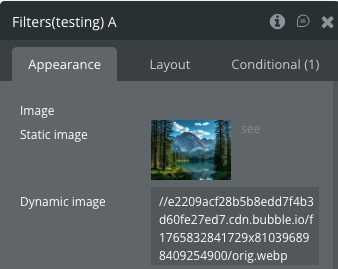
The plugin contains a visual element called “Filters” that should be placed on your mobile page. This element handles all image processing operations.
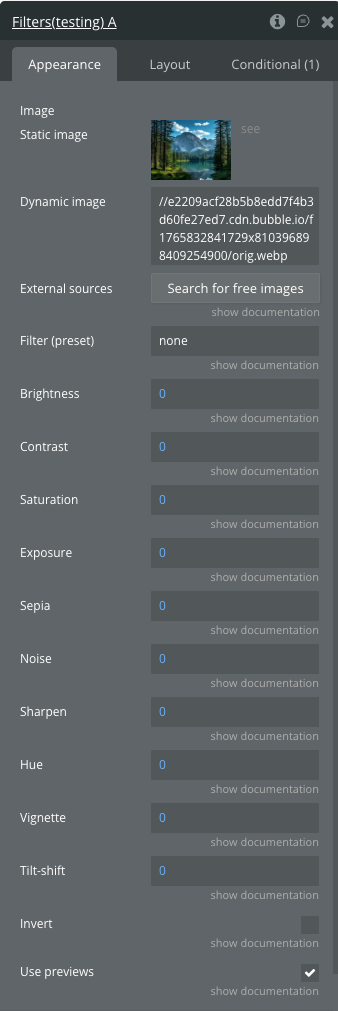
Fields
Element States
Element Events
Element Actions
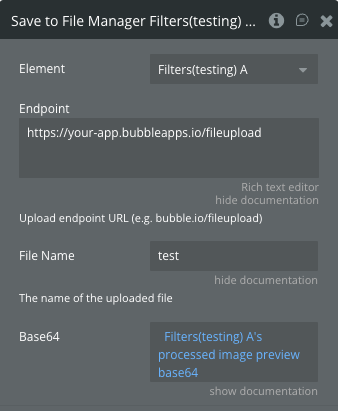
Workflow Examples
Here are some basic workflow examples to get you started with the Image Filters Bubble Mobile plugin:
Basic Filter Application
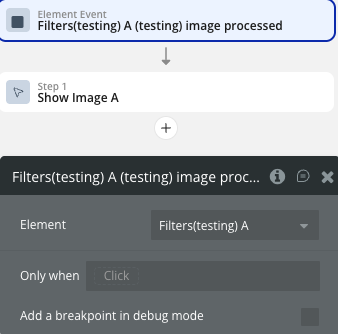
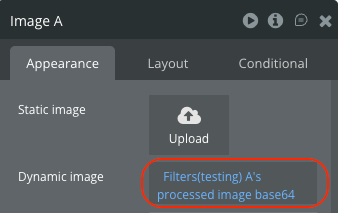
Saving Processed Image to File Manager
Real-time Preview with Adjustments