
Link to the plugin page: https://zeroqode.com/plugin/1521713693570x242920587792220160
Demo to preview the plugin:
Introduction
Enhance the Bubble app’s user experience with our no-code plugin. Easy to integrate and provides an improved control experience for users, displaying ongoing actions while they wait.
This plugin changes its state when the progress bar is initiated in your app. Simply place the element on the page to activate it; it can be hidden if desired.

How to setup
- Add the "Progress Bar Detector" Element to Your Pag
- In the Visual Elements panel, locate the Progress Bar Detector.
- Drag this element onto your page. It will act as a sensor to detect the progress state.
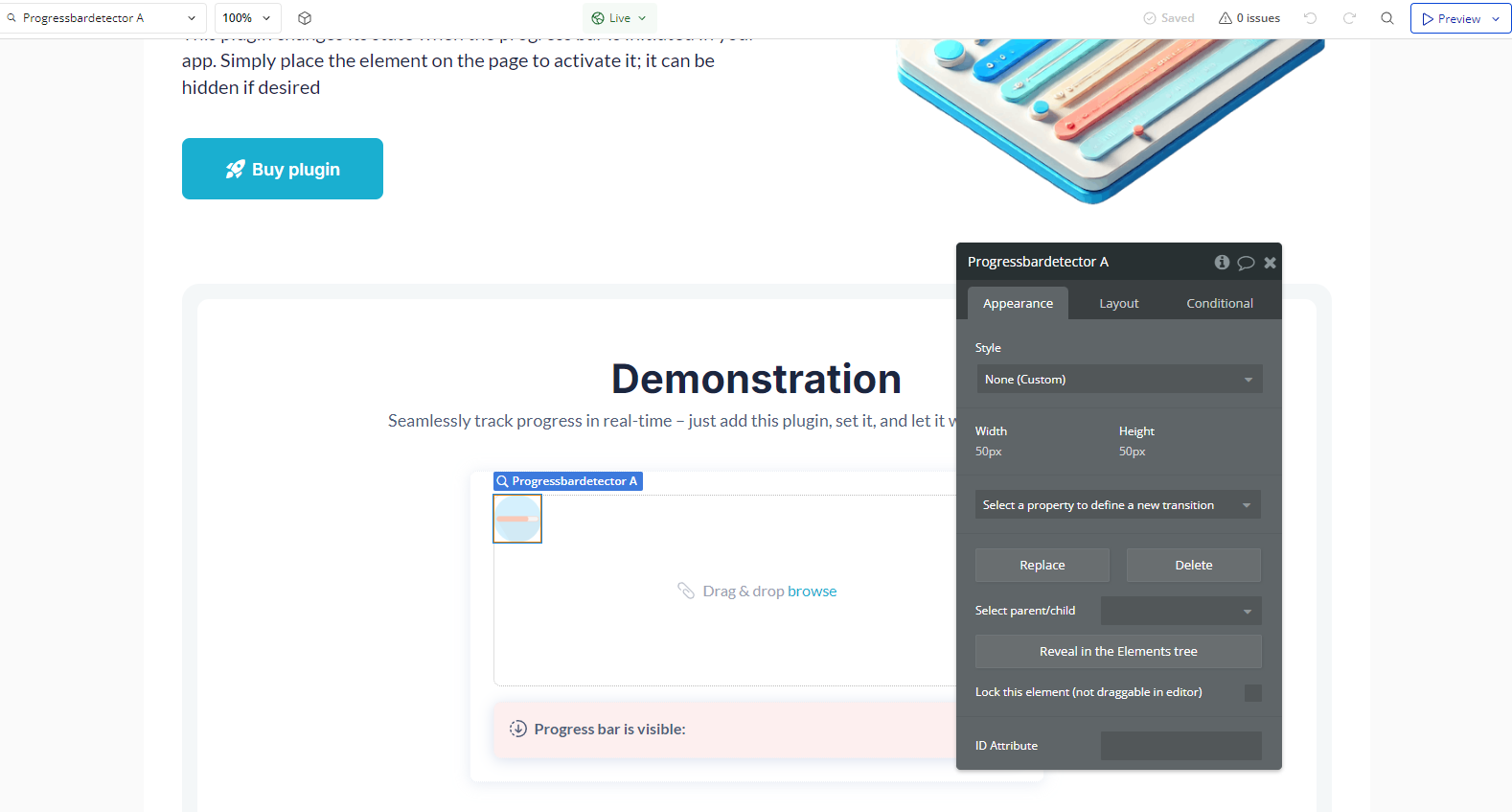
- Configure the Plugin Events
- Example use cases:
- Display a spinner or a loading message.
- Disable buttons or prevent user actions until the loading is complete.
- Example use cases:
- Hide the loading message or spinner.
- Re-enable a button so users can proceed.
The plugin provides two main events that can be used in workflows to trigger actions when the monitored progress changes.
Event: "A Progress Bar Detector In Progress"
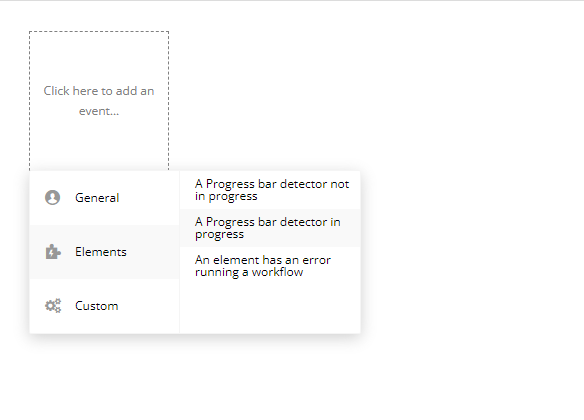
This event is triggered whenever the progress bar is actively progressing.
Event: "A Progress Bar Detector Not In Progress"
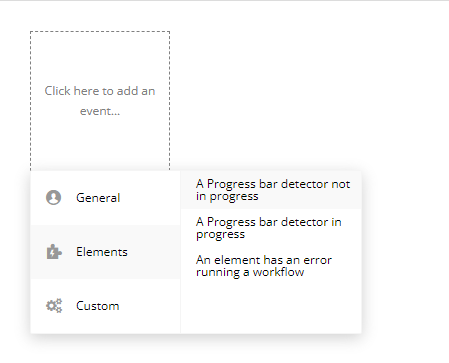
This event is triggered when the progress stops or is completed.
Plugin Element Properties
Progress bar detector
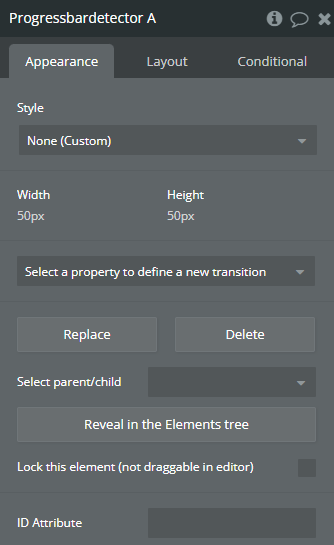
Exposed states
Title | Description | Type |
In progress | Progress bar in on the page | Checkbox (yes/no) |
Element Events
Title | Description |
not in progress | progress bar disappeared from page |
in progress | progress bar appeared on page |
