Link to the plugin page: https://zeroqode.com/plugin/full-calendar-io-plugin-for-bubble-1688393831711x387852606413588540
Demo to preview the plugin:
Live Demo: https://fullcalendariodemo.bubbleapps.io
Introduction
Calendar is developed based on the API Fullcalendar. The plugin is designed to display and make changes to the list of events.
🔔 The most risk-free way to try out this plugin is to subscribe to it. If you unsubscribe a few days later you will be charged on pro-rata basis, so for example if the plugin monthly price is $5 then you’d pay only 17¢ per day ($5/30 days)!

How to setup
- Add the Calendar Element
- Drag and drop the
FullCalendarelement onto your page. - The
FullCalendarelement serves as the main calendar interface, allowing users to: - View events
- Create new events
- Interact with existing events
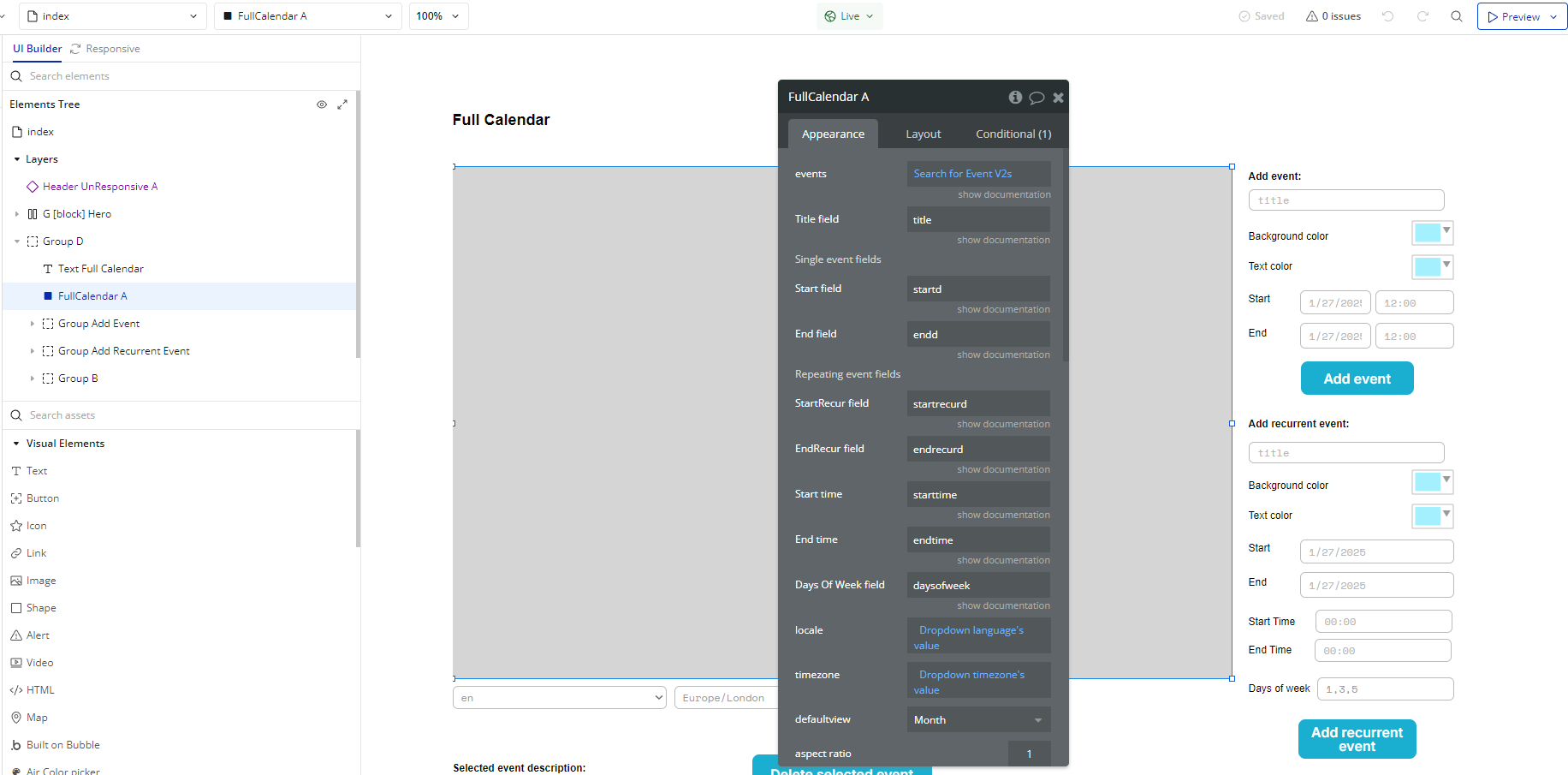
- Configure Events
- Triggered when a user adds a new event to the calendar.
- Triggered when a user clicks or selects an existing event.
- Triggered when an existing event is updated, such as being dragged to a new date.
- Triggered when the user changes the calendar view, such as switching from month view to week view.
The plugin offers several built-in events that you can use to trigger workflows:
A FullCalendar New Event
A FullCalendar On Event
A FullCalendar Update Event
A FullCalendar View Changed
- Use Actions
The plugin provides the
BubbleDate action to handle date formatting and conversions within workflows.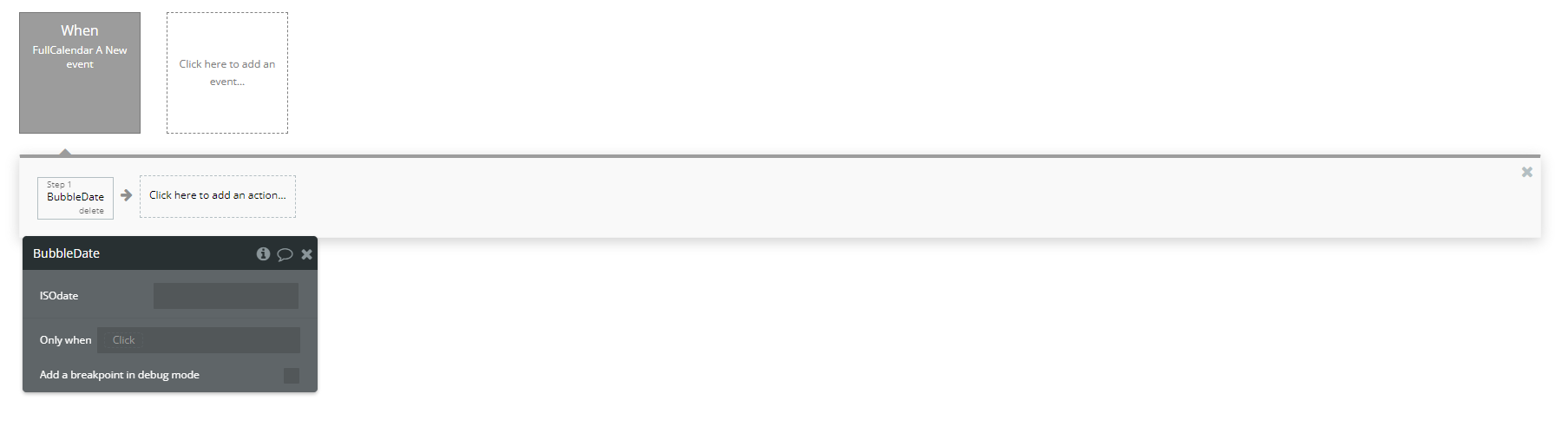
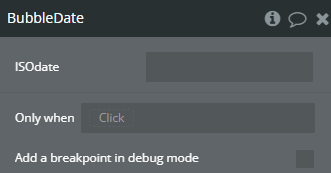
BubbleDate
- Allows you to convert or manipulate dates used in the FullCalendar workflows.
Plugin Element Properties - FullCalendar
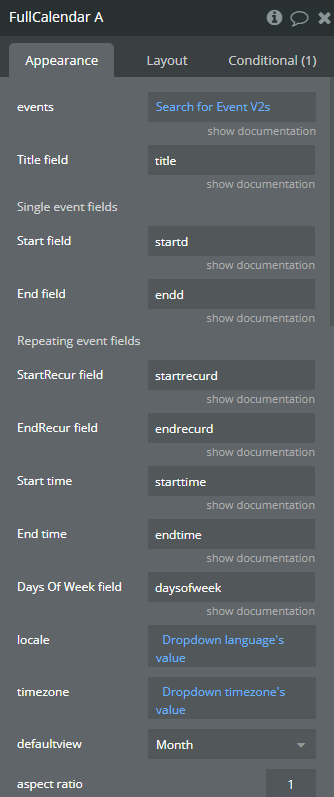
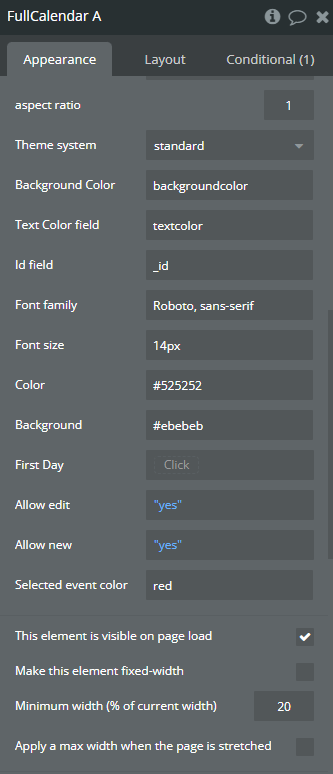
Fields
Exposed states
Element Events
Plugin Actions
BubbleDate