Link to the plugin page: https://zeroqode.com/plugin/flip-pdf-as-book-plugin-for-bubble-1739170234601x342874095646935360
Demo to preview the plugin:
Live Demo: https://rd-plugins.bubbleapps.io/flip-book
Introduction
FlipBook allows to browse PDFs as a flipping book. It can be used for demonstration magazines, books, cards, brochures, booklets and much more in natural way.

How to setup
- Add an element to your page
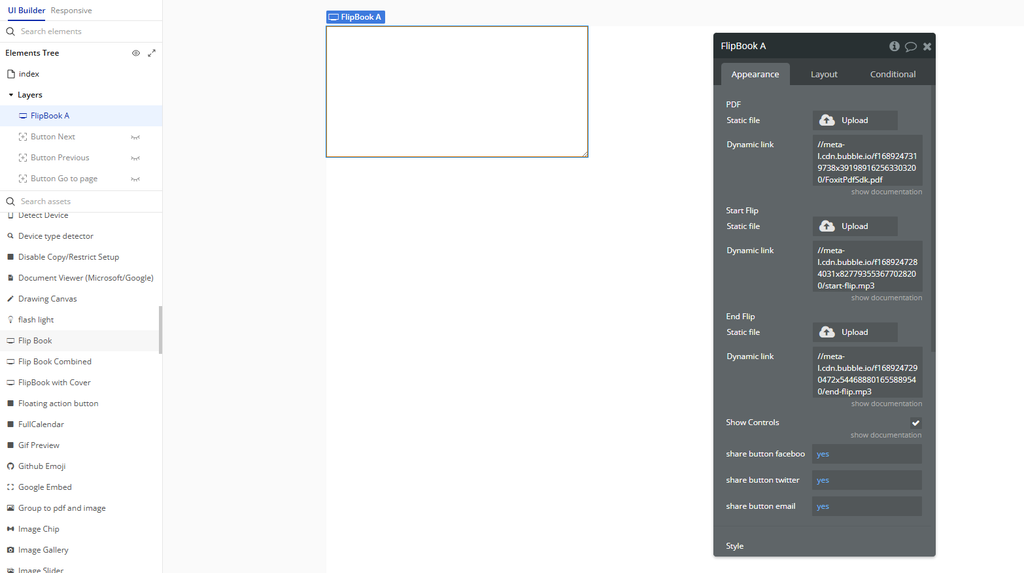
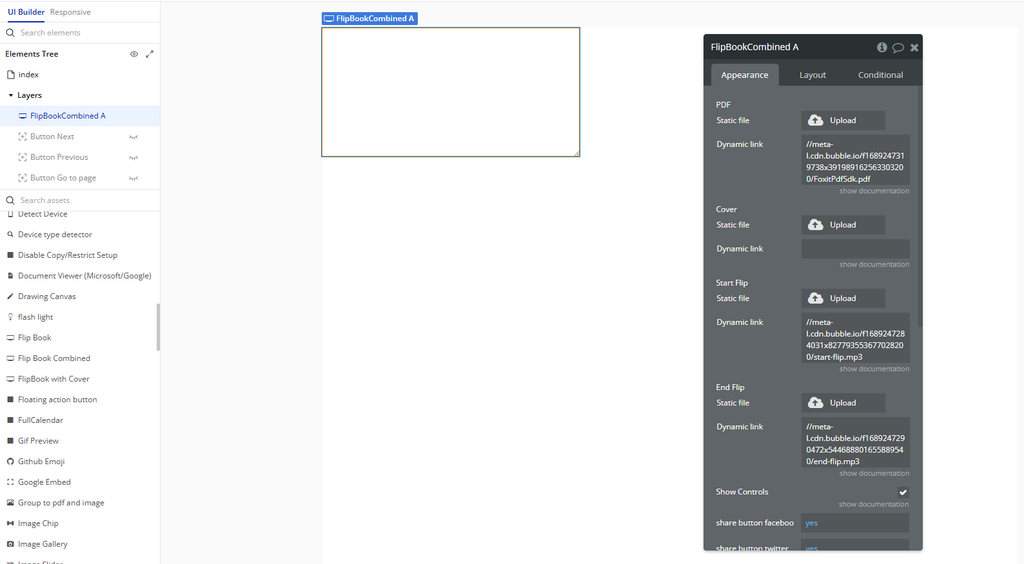
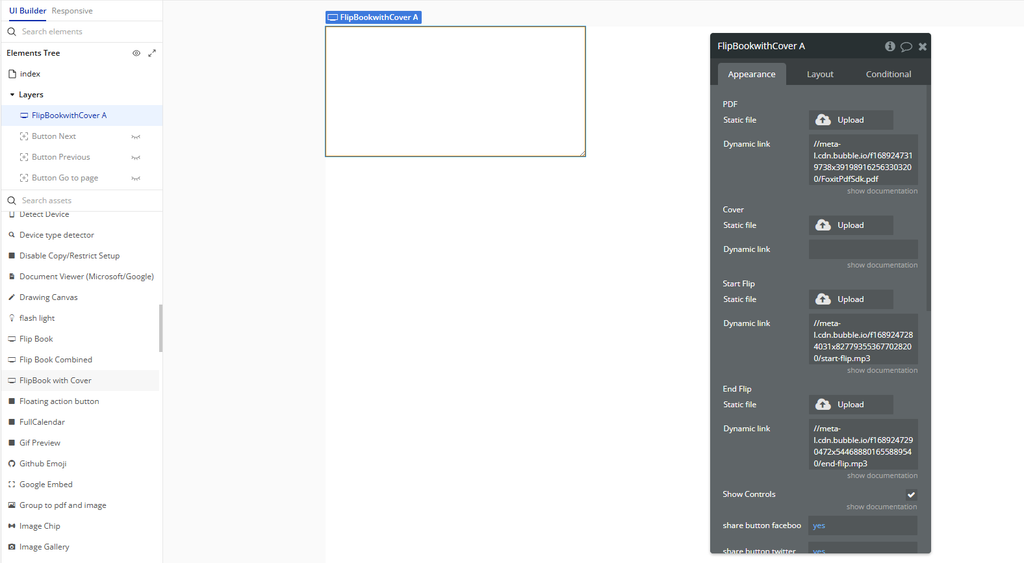
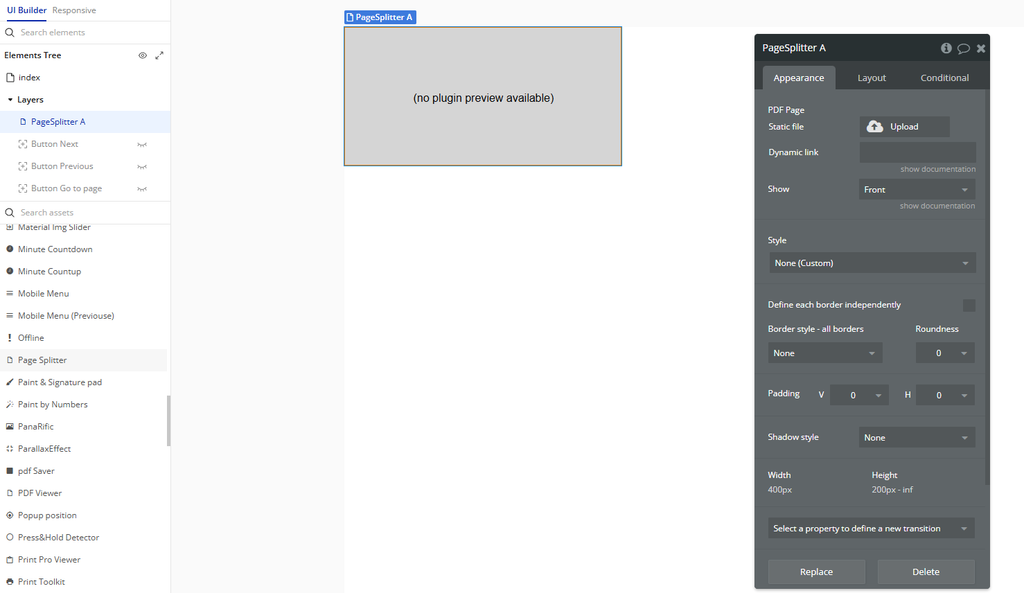
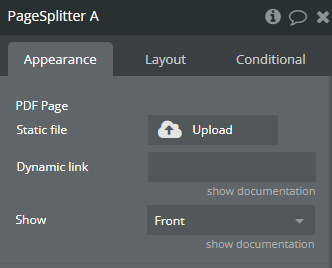
Flip Book– single page flipbook.Flip Book Combined– magazine-style layout (two pages at once).FlipBook With Cover– flipbook with a realistic cover.Page Splitter– used for splitting large PDFs or customizing layout.
Choose one of the available elements depending on the display style you want:
- Configure the element
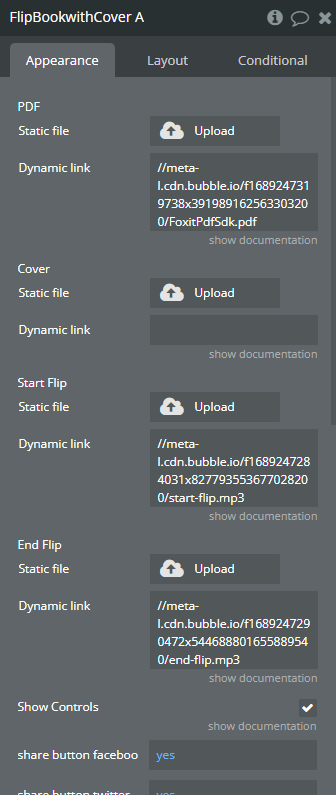
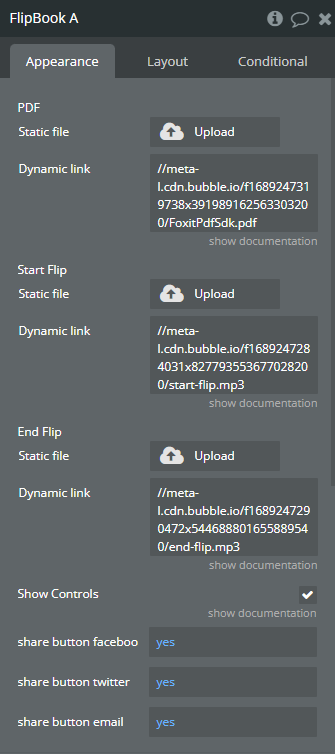
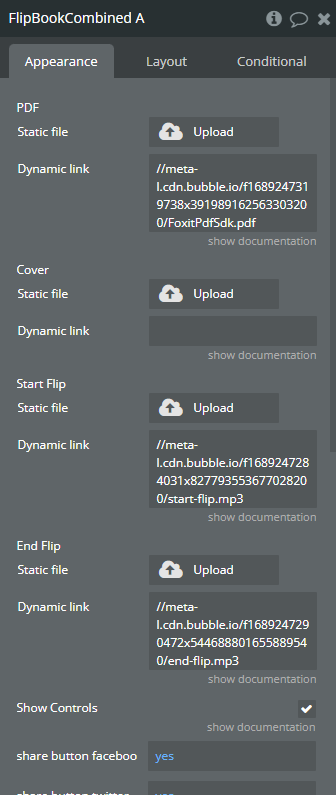
- Set the PDF URL (this should be a direct link to the PDF file you want to display).
- Use actions in workflows
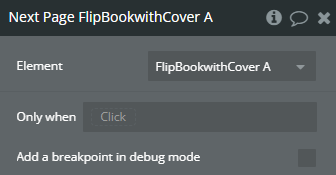
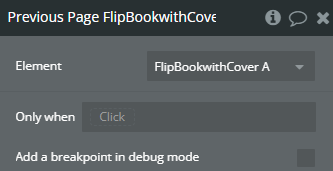
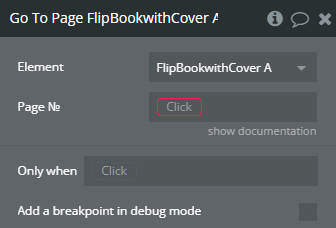
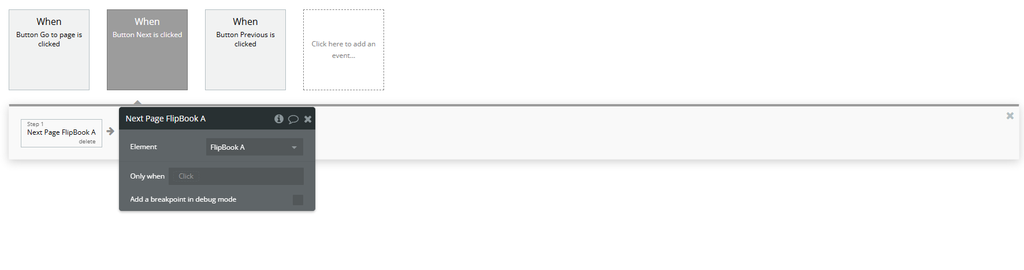
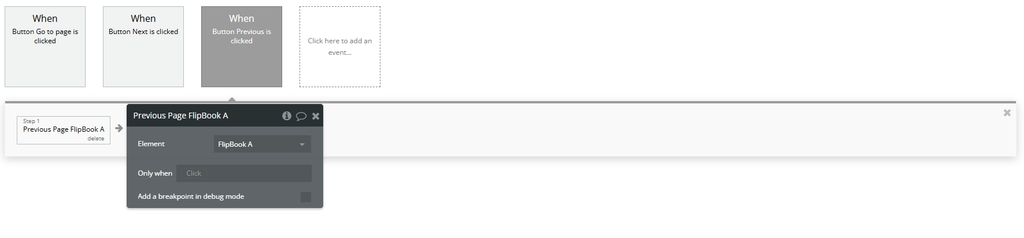
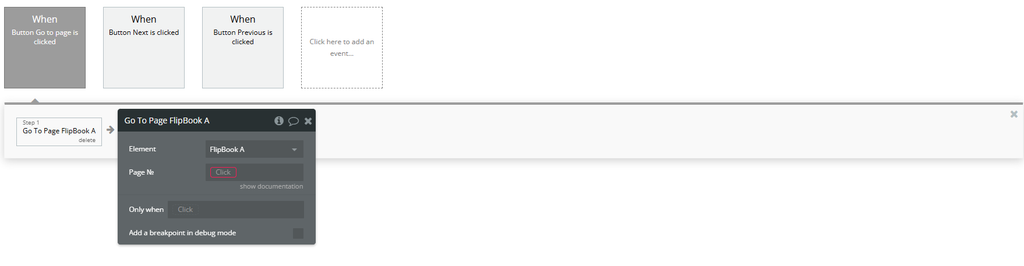
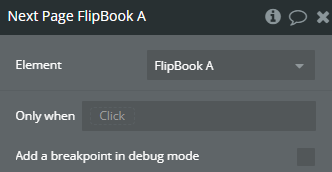
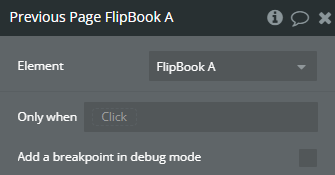
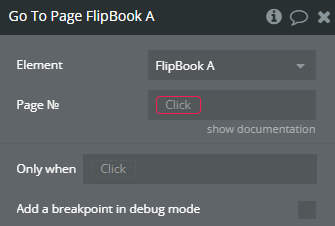
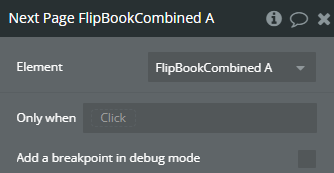
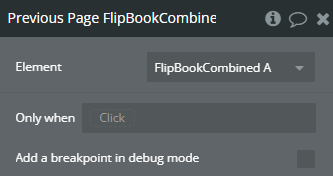
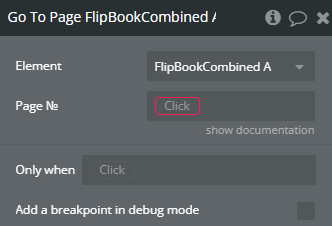
Next Page A Flip BookPrevious Page A Flip BookGo To Page A Flip Book- (and similar actions for other flipbook types)
You can control the book’s navigation using these workflow actions:
- Use events to detect when the book is ready
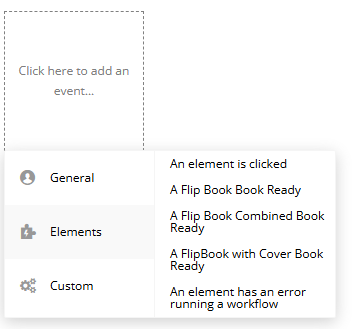
A Flip Book Book ReadyA Flip Book Combined Book ReadyA FlipBook With Cover Book Ready
Use the plugin’s custom events to trigger workflows when the flipbook has fully loaded:
Plugin Element Properties
Flip Book
Flip Book Combined
Page Splitter
FlipBook with Cover