Link to the plugin page: https://zeroqode.com/plugin/parallax-effect-plugin-for-bubble-1678884470803x857511906827297400
Demo to preview the plugin:
Introduction
The Parallax effect plugin allows you to create smooth, visually engaging scrolling effects in your Bubble app. It gives you the ability to place elements in the background and create a parallax experience where content moves at different speeds as users scroll.
This is especially useful for modern landing pages, hero sections, and storytelling layouts where depth and motion improve user engagement.
Key Features
Prerequisites
Before setting up the plugin, make sure you have:
- A Bubble app where the plugin will be installed.
- A basic page layout with elements you want to animate.
- The option to add ID attributes enabled in Bubble settings.

How to setup
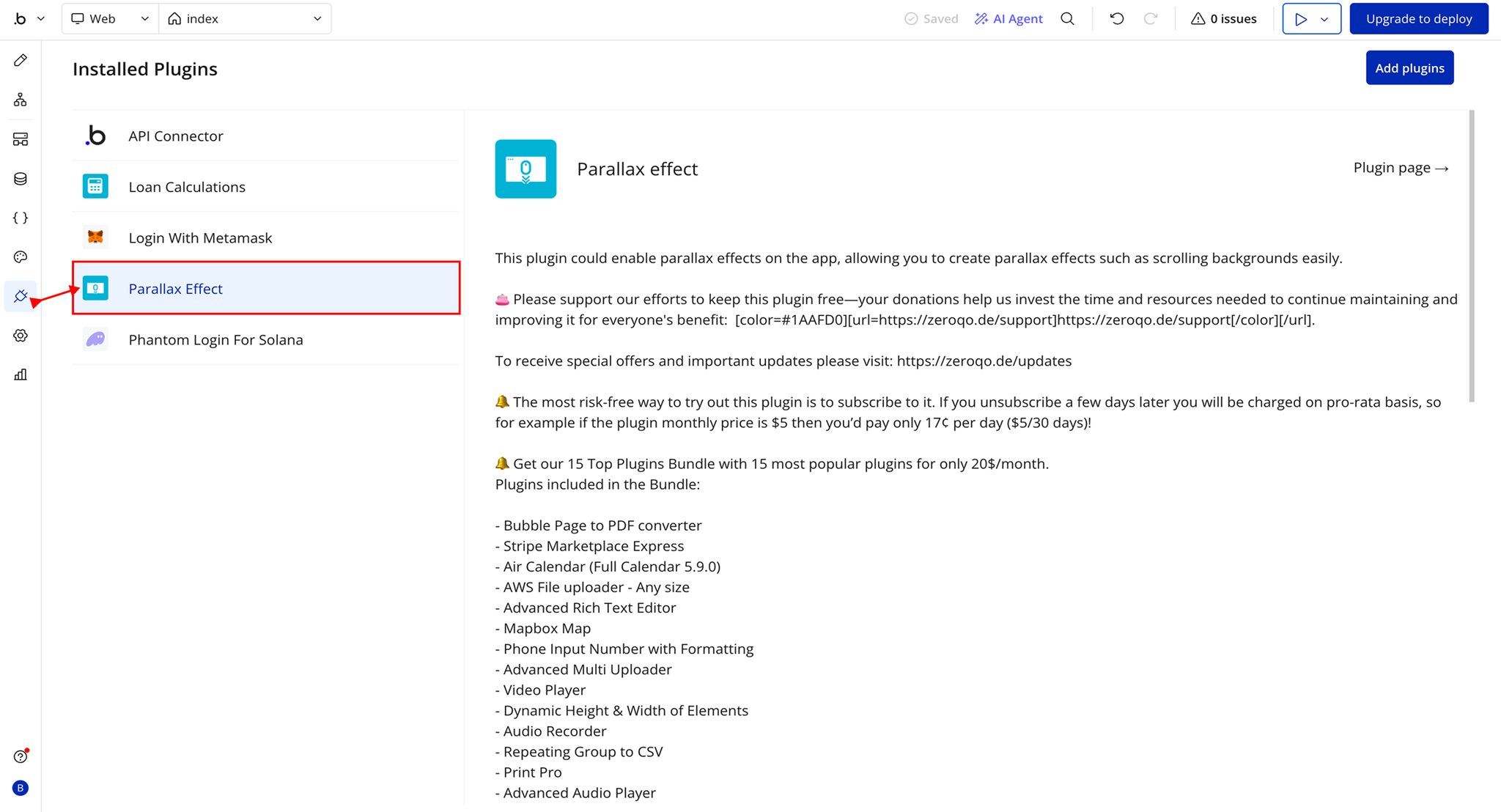
Step 1 – Install the Plugin
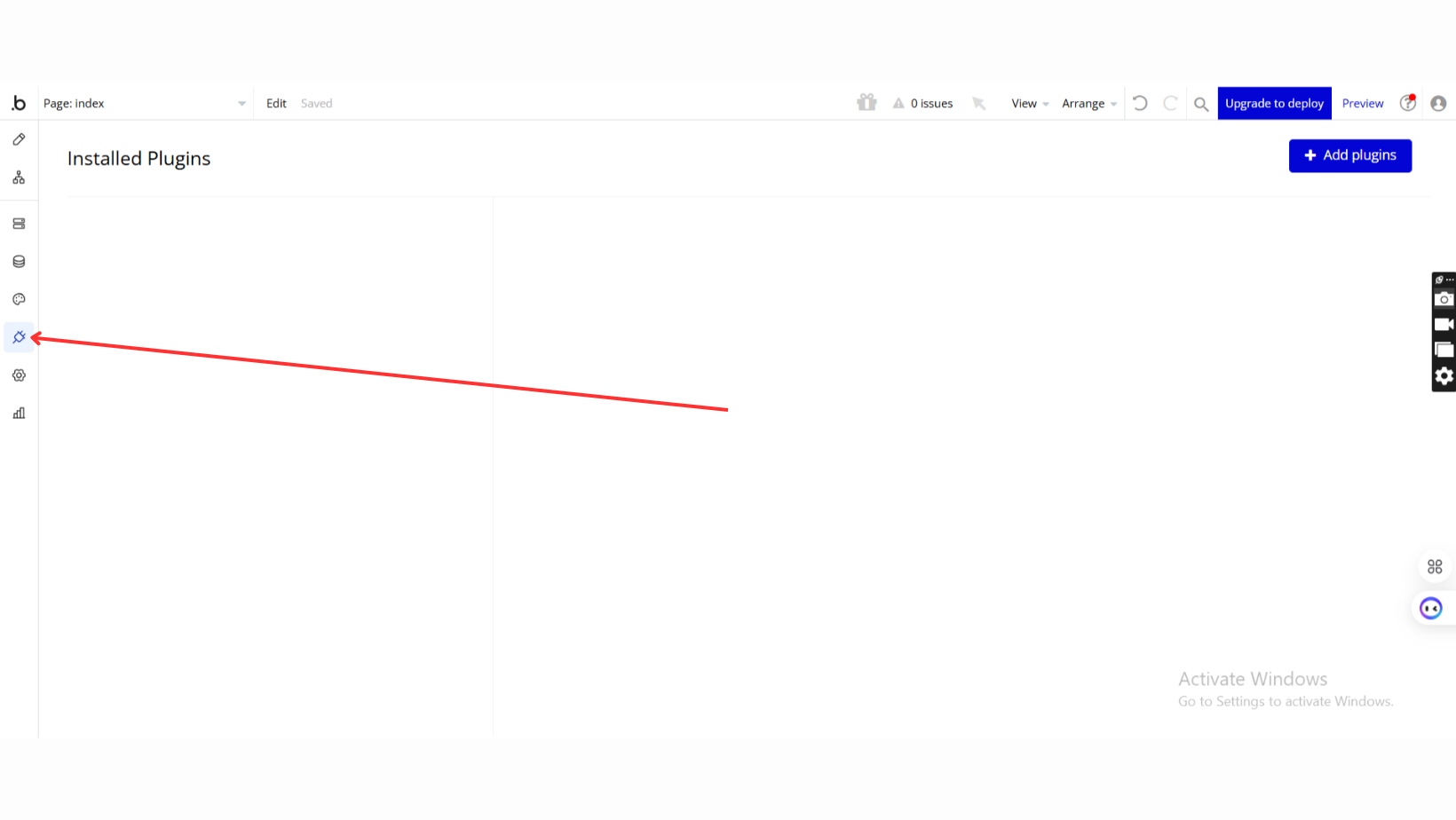
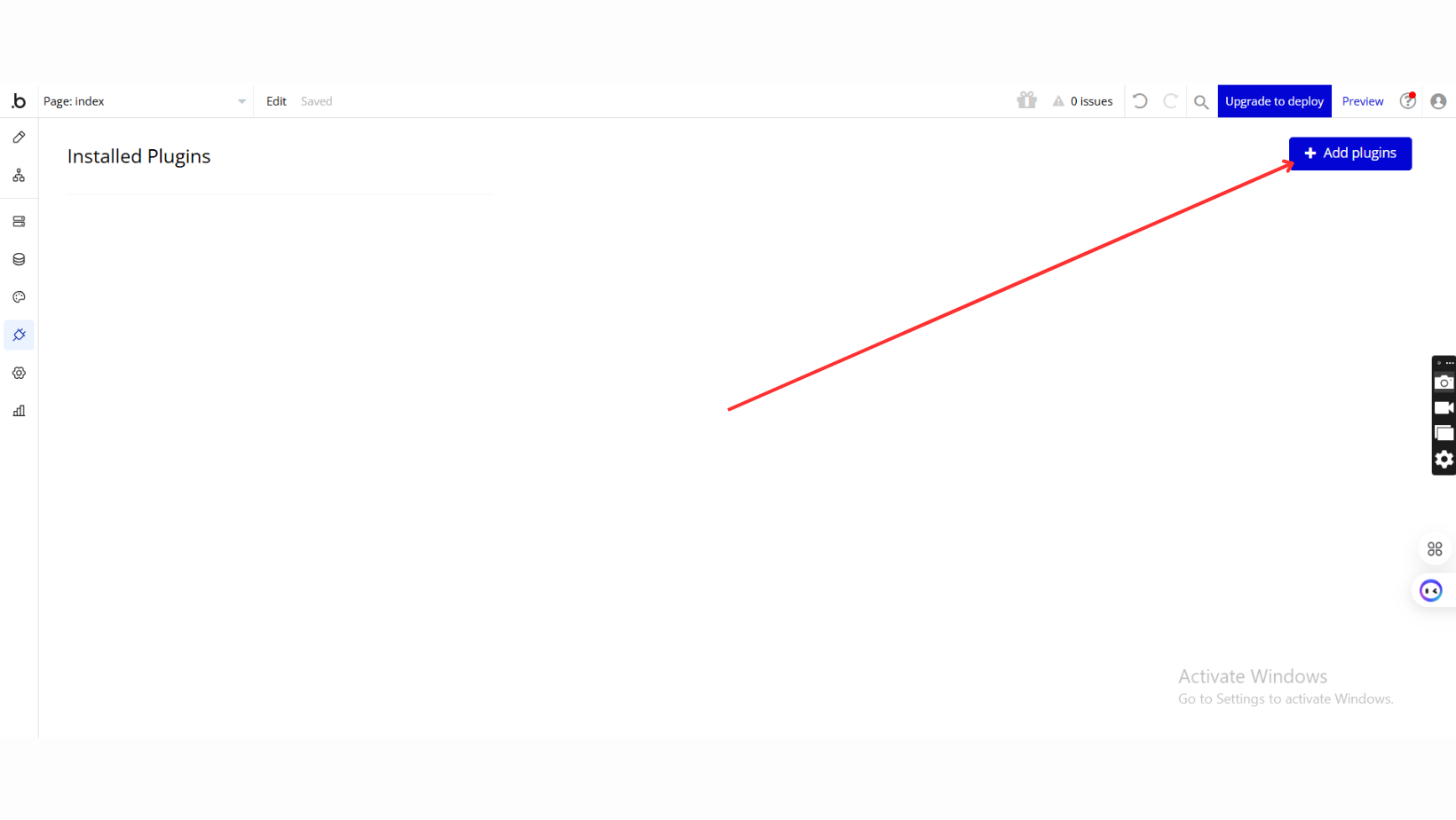
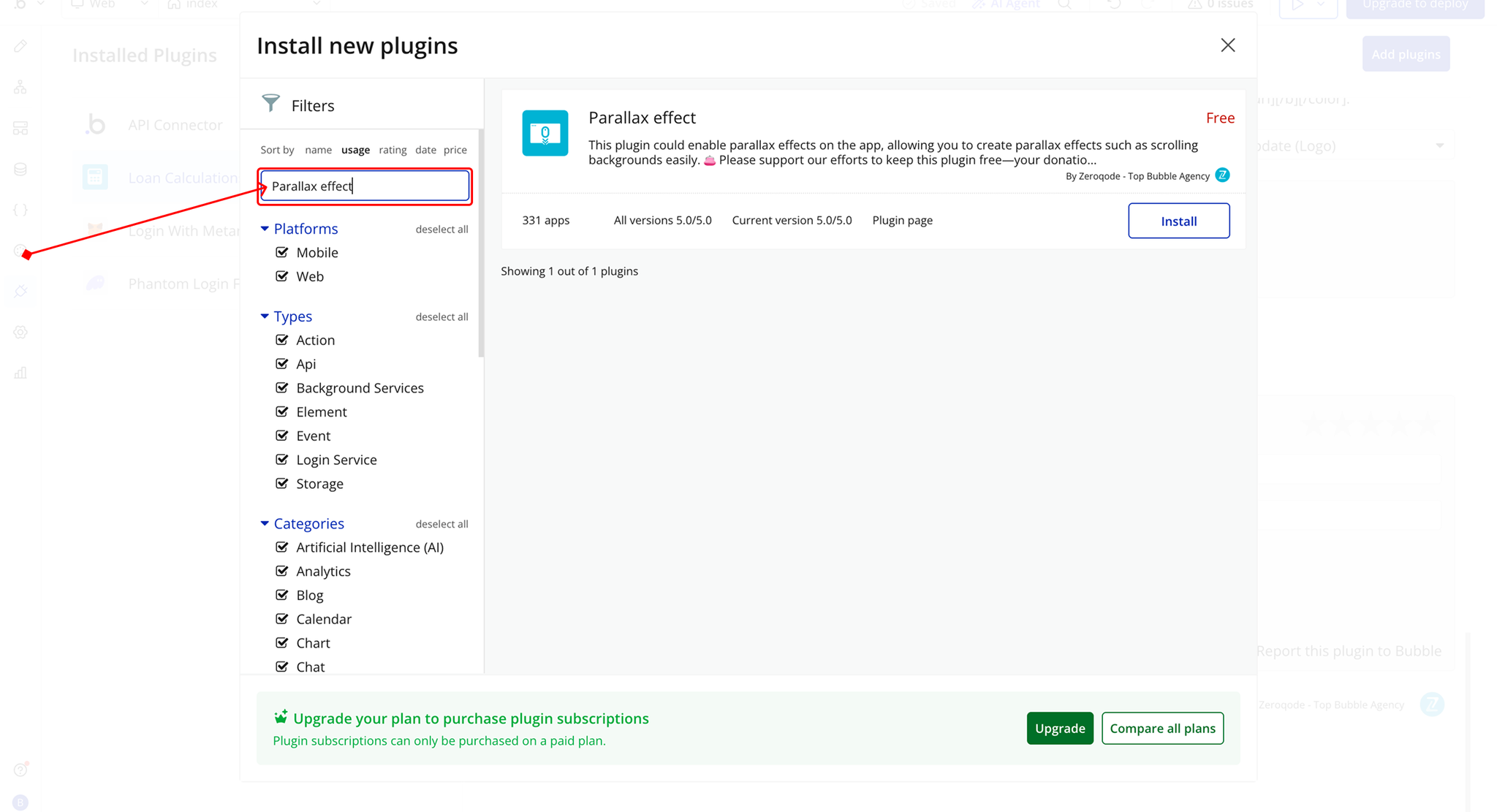
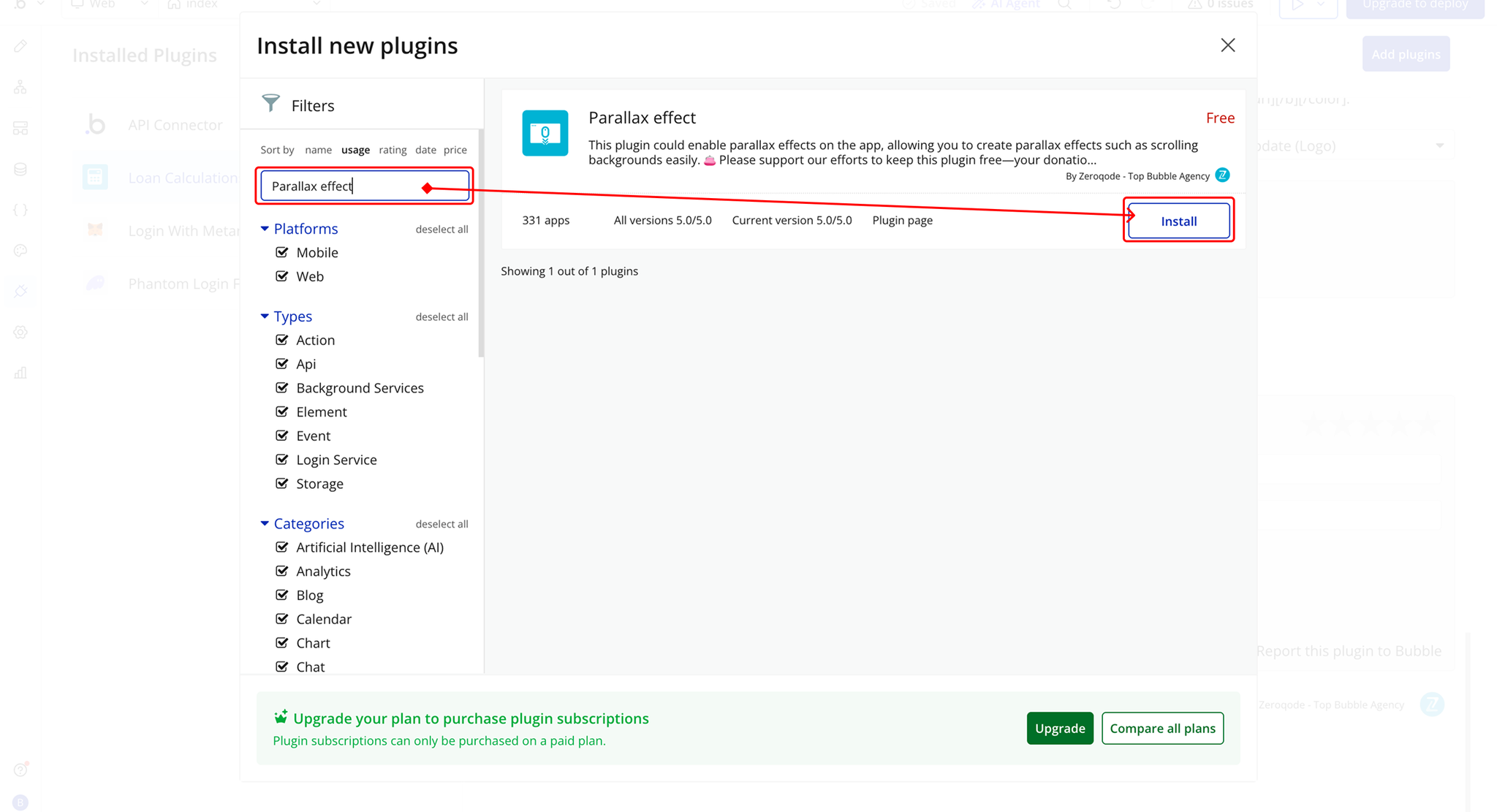
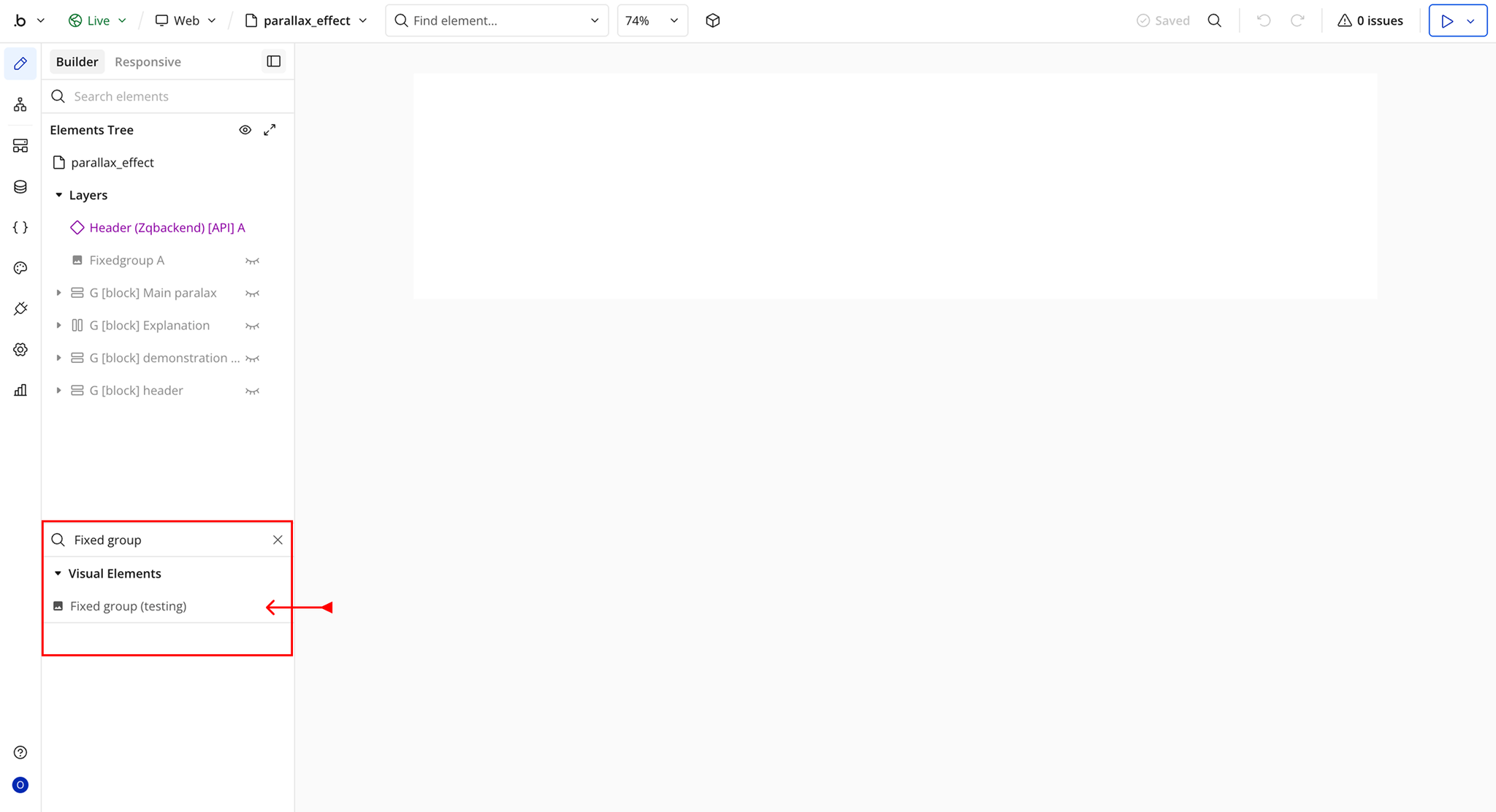
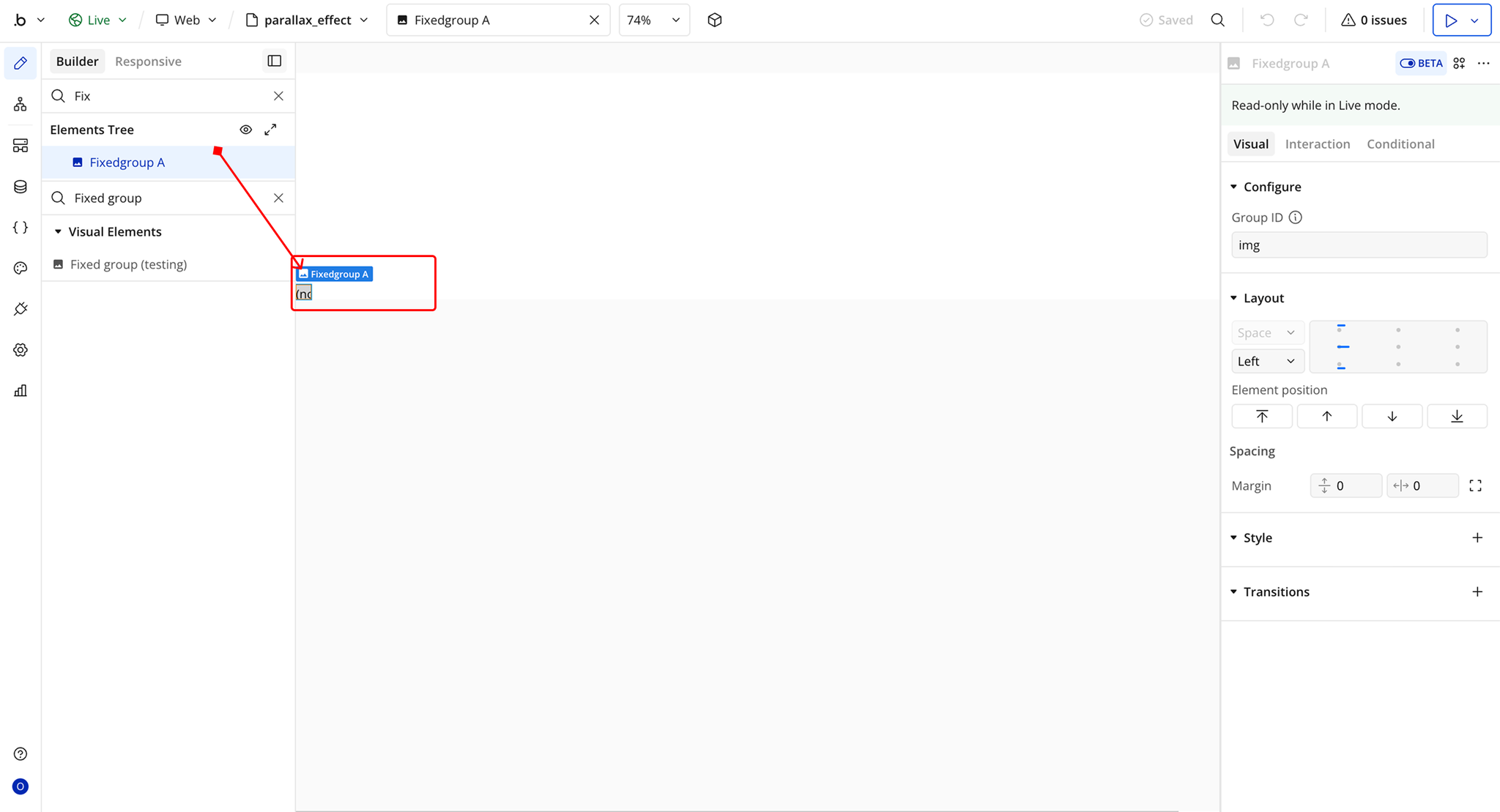
Step 2 – Add the Plugin Element to Your Page
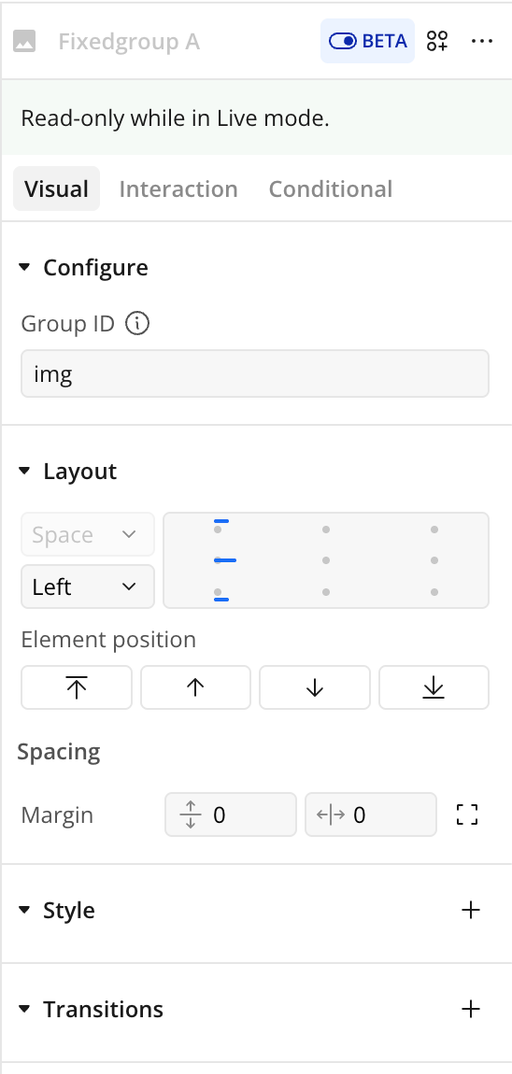
Plugin Element Properties - Parallax Effect
Fields
Title | Description | Type |
Group ID | The unique ID of the element that should behave as the background in the parallax effect | Text |