Link to the plugin page: https://zeroqode.com/plugin/yookassa-yandex-plugin-for-bubble-1688384748854x605214849181818800
Demo to preview the plugin:
Introduction
Connect YooKassa (formerly Yandex.Kassa) to your Bubble application and securely accept online payments.
This plugin generates a payment button that redirects users to YooKassa’s hosted checkout page, providing a fast, simple, and secure way to process transactions. All card details are transmitted directly to YooKassa and are never stored on your website or server, ensuring maximum security and compliance.
Key Features
Prerequisites / Requirements
Before using the YooKassa plugin, make sure the following are in place:
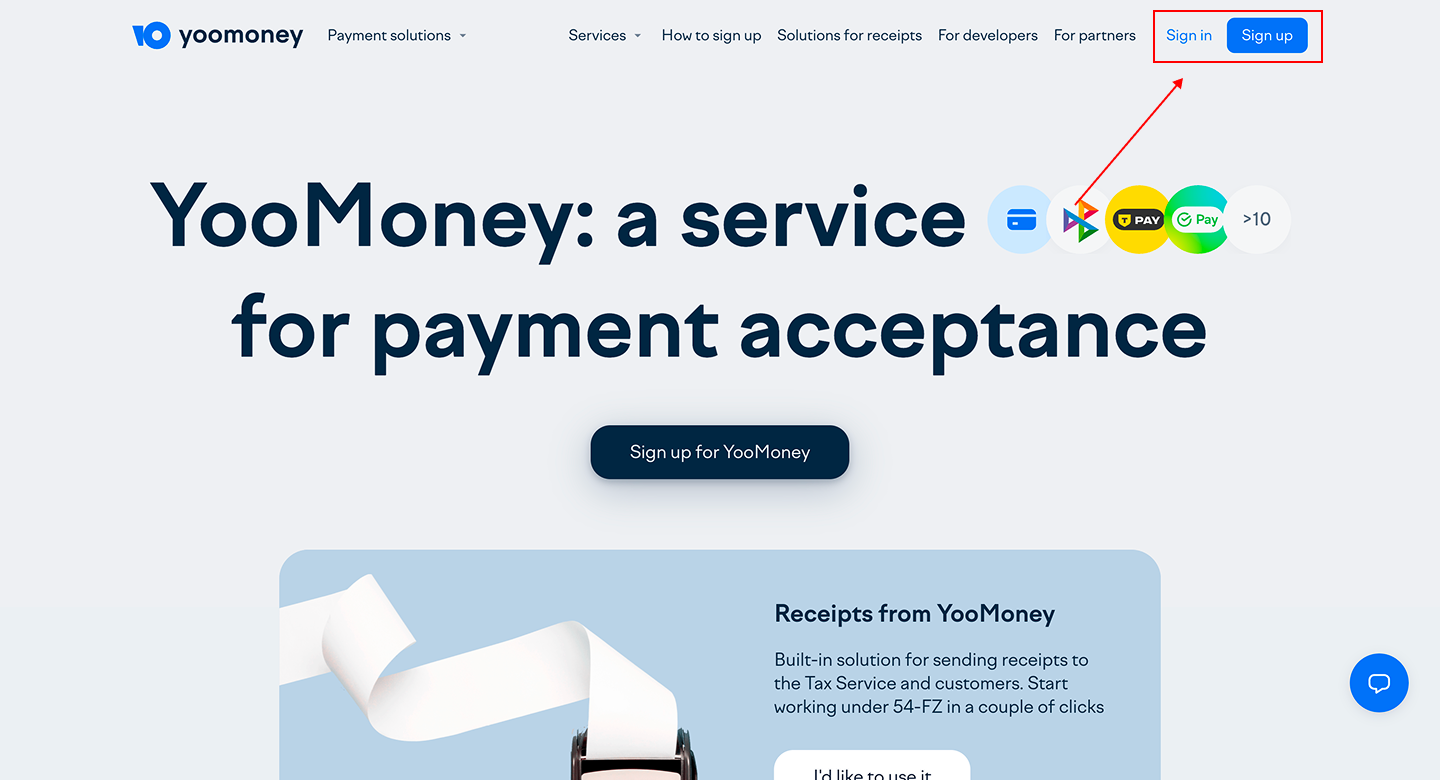
- YooKassa Merchant Account – You must have an active YooKassa (Yandex-Kassa) account.
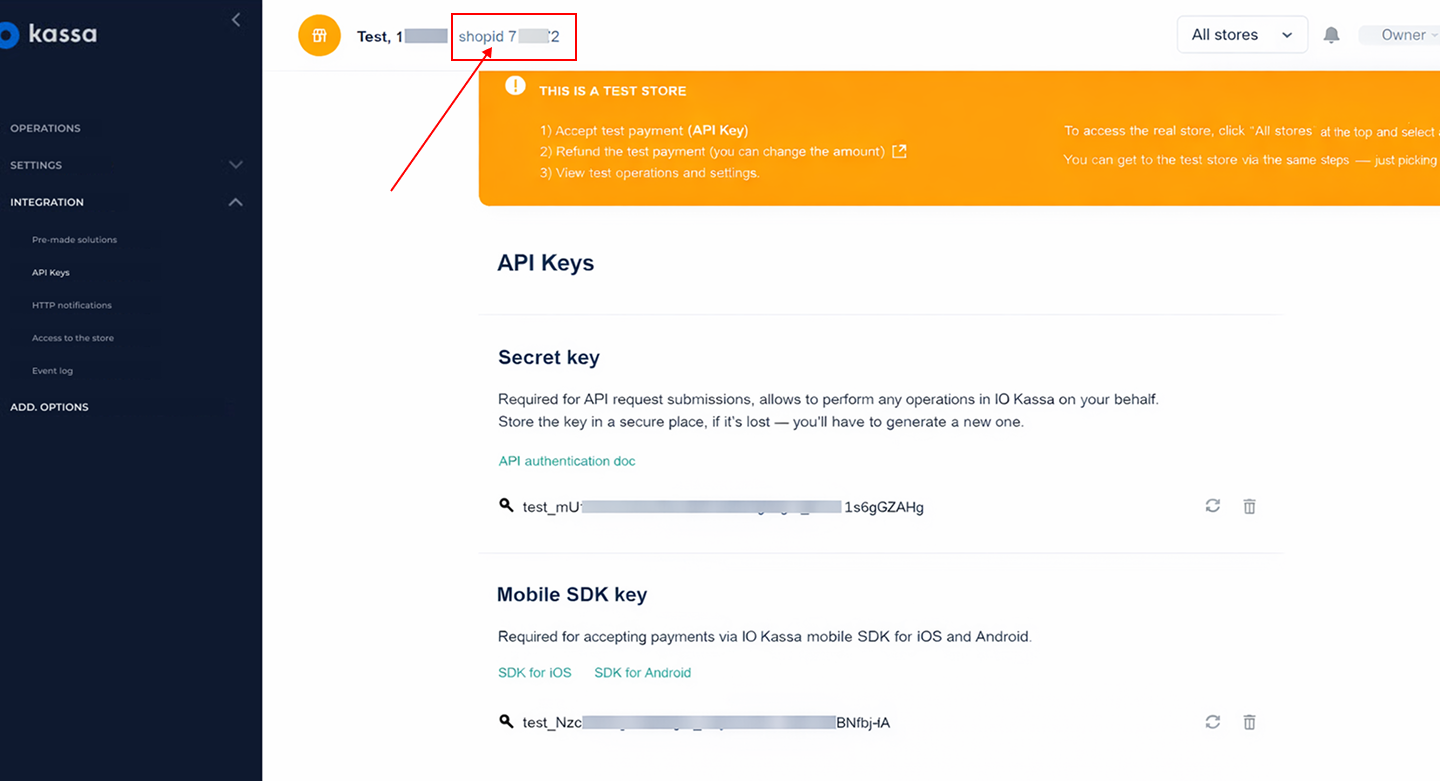
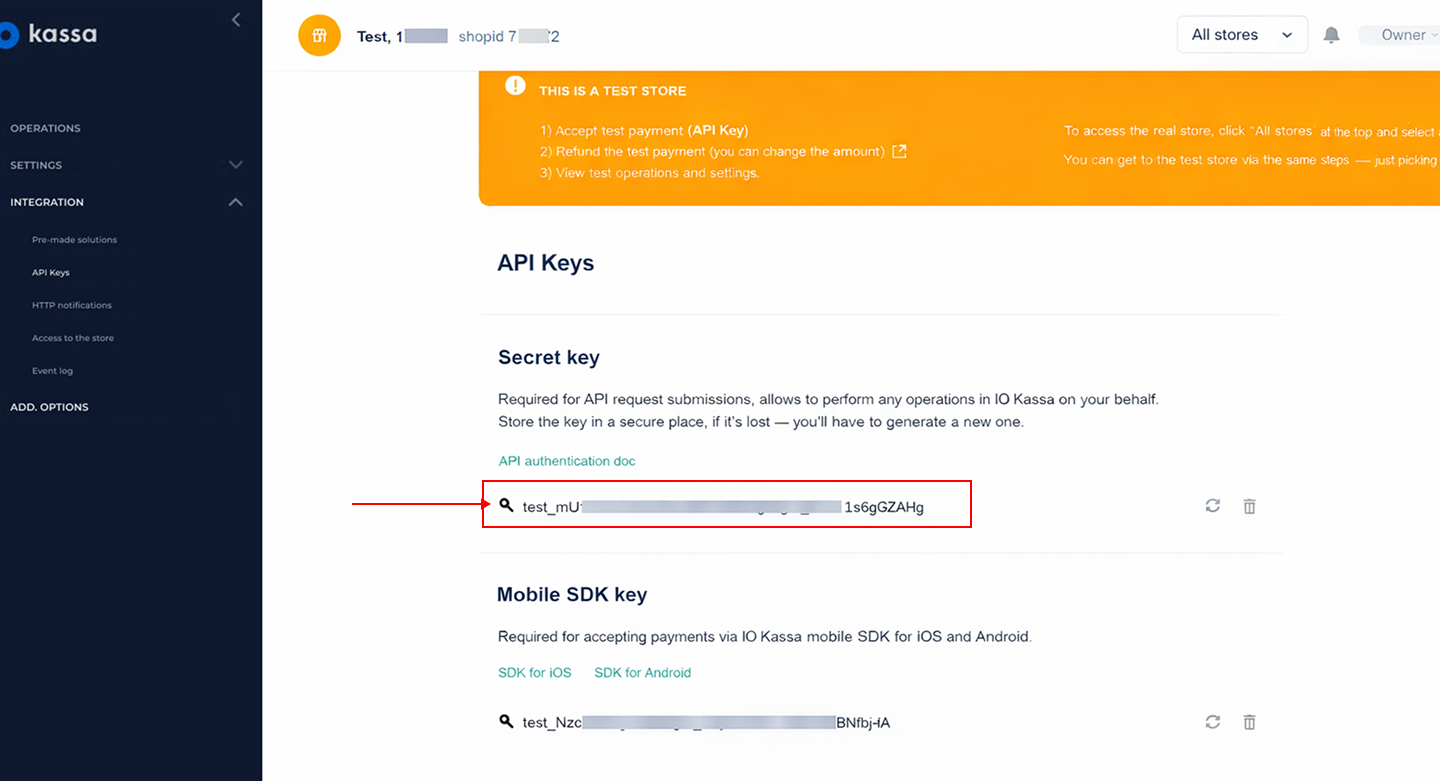
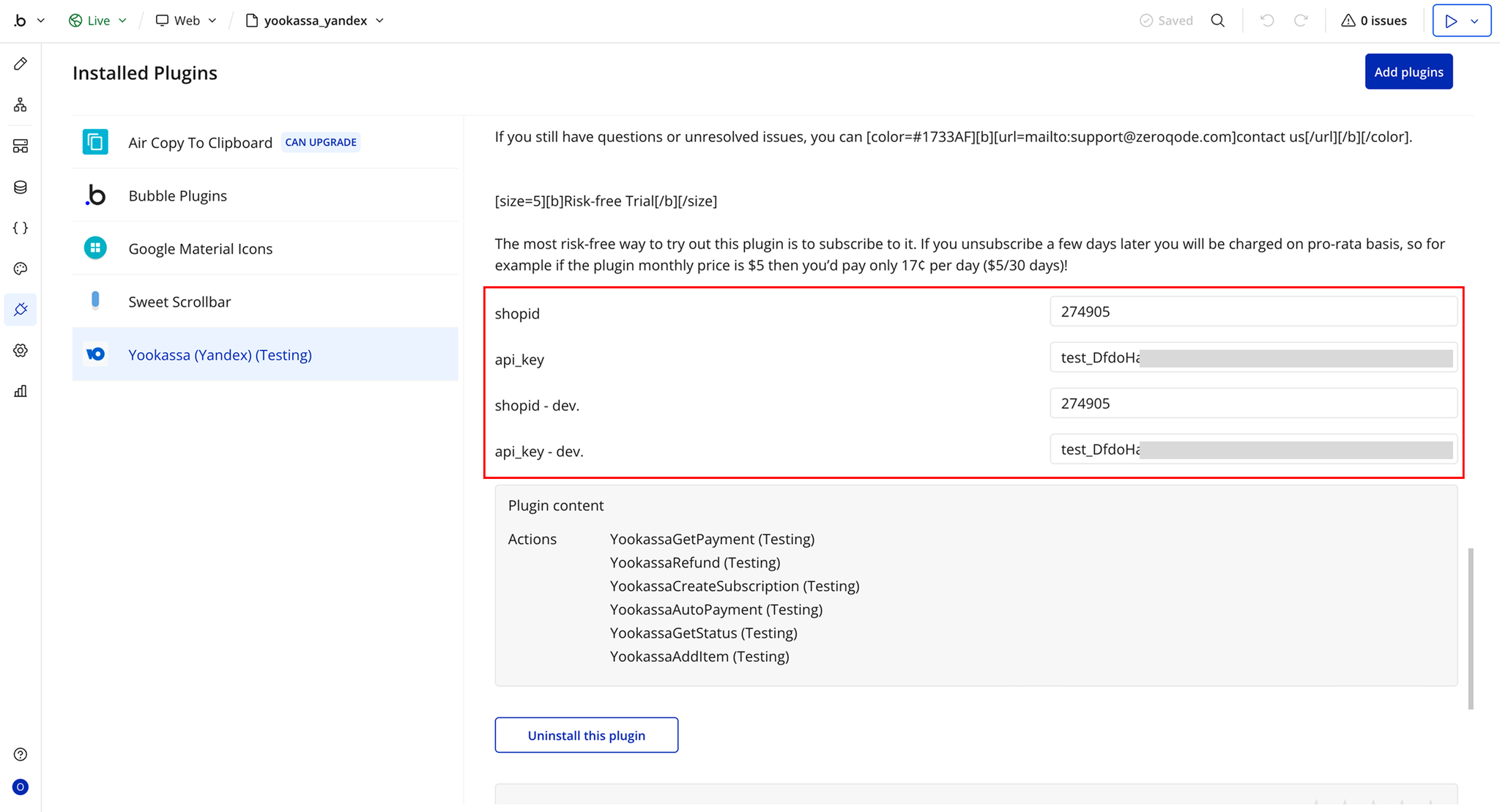
- API Credentials – Obtain your Shop ID and Secret Key from the YooKassa dashboard.
- Bubble App – Your Bubble app must be set up with a page or workflow where the payment button will be used.
- Supported Currencies – Verify that the currency you intend to charge is supported by YooKassa.
- Test Mode Setup – Optionally, enable test mode in YooKassa to safely test payments before going live.
How to setup
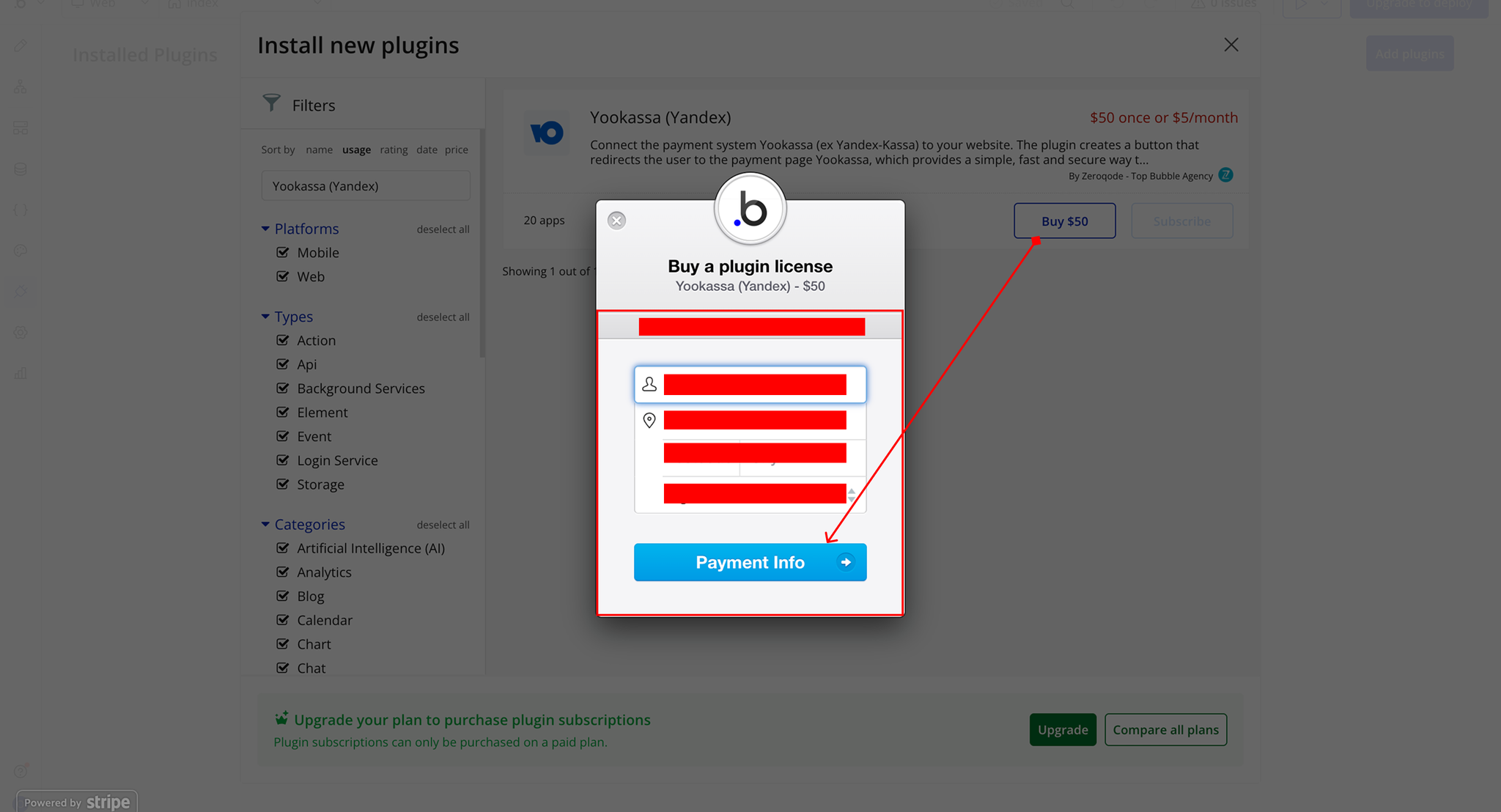
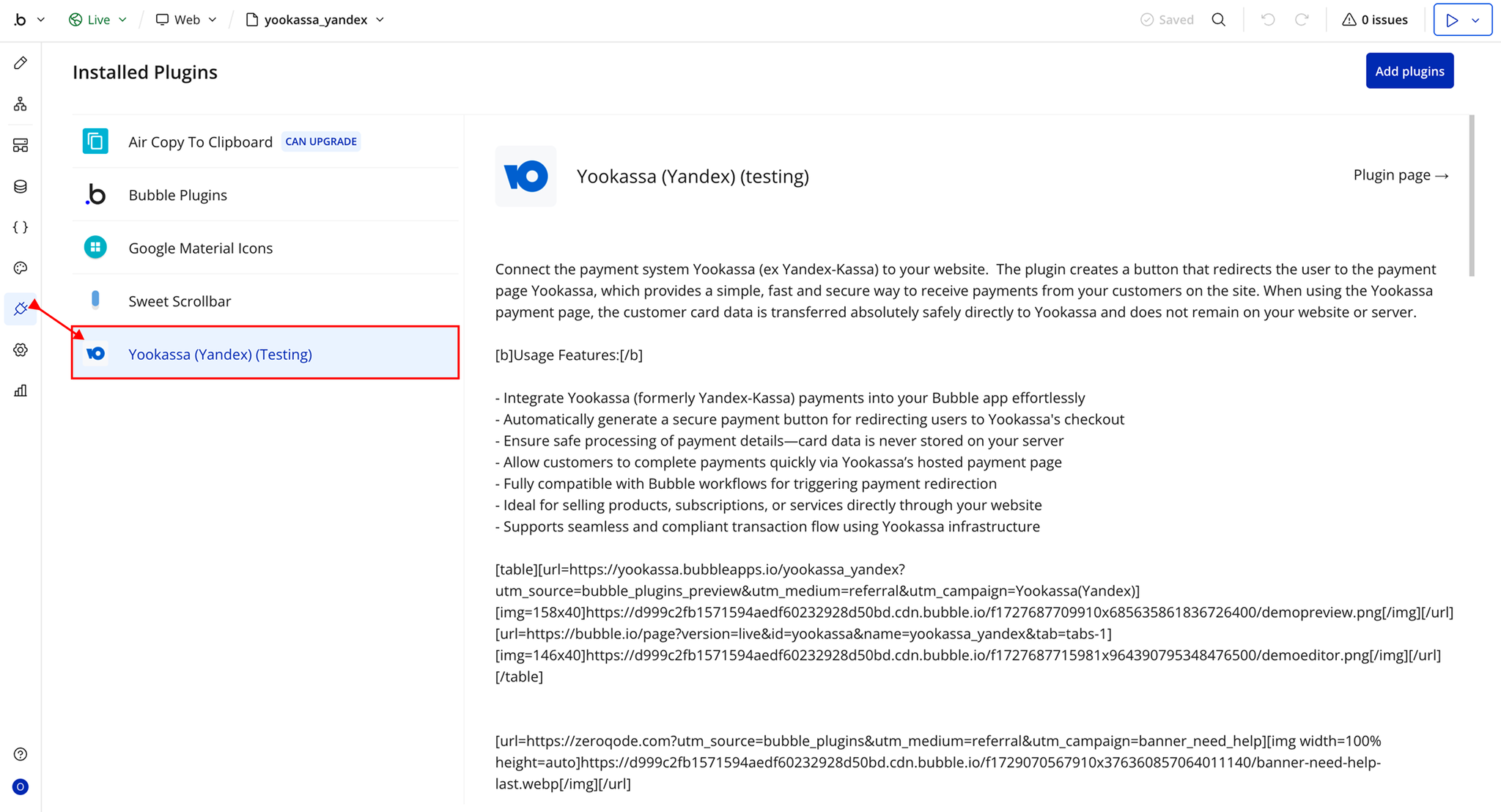
Step 1 – Install the Plugin
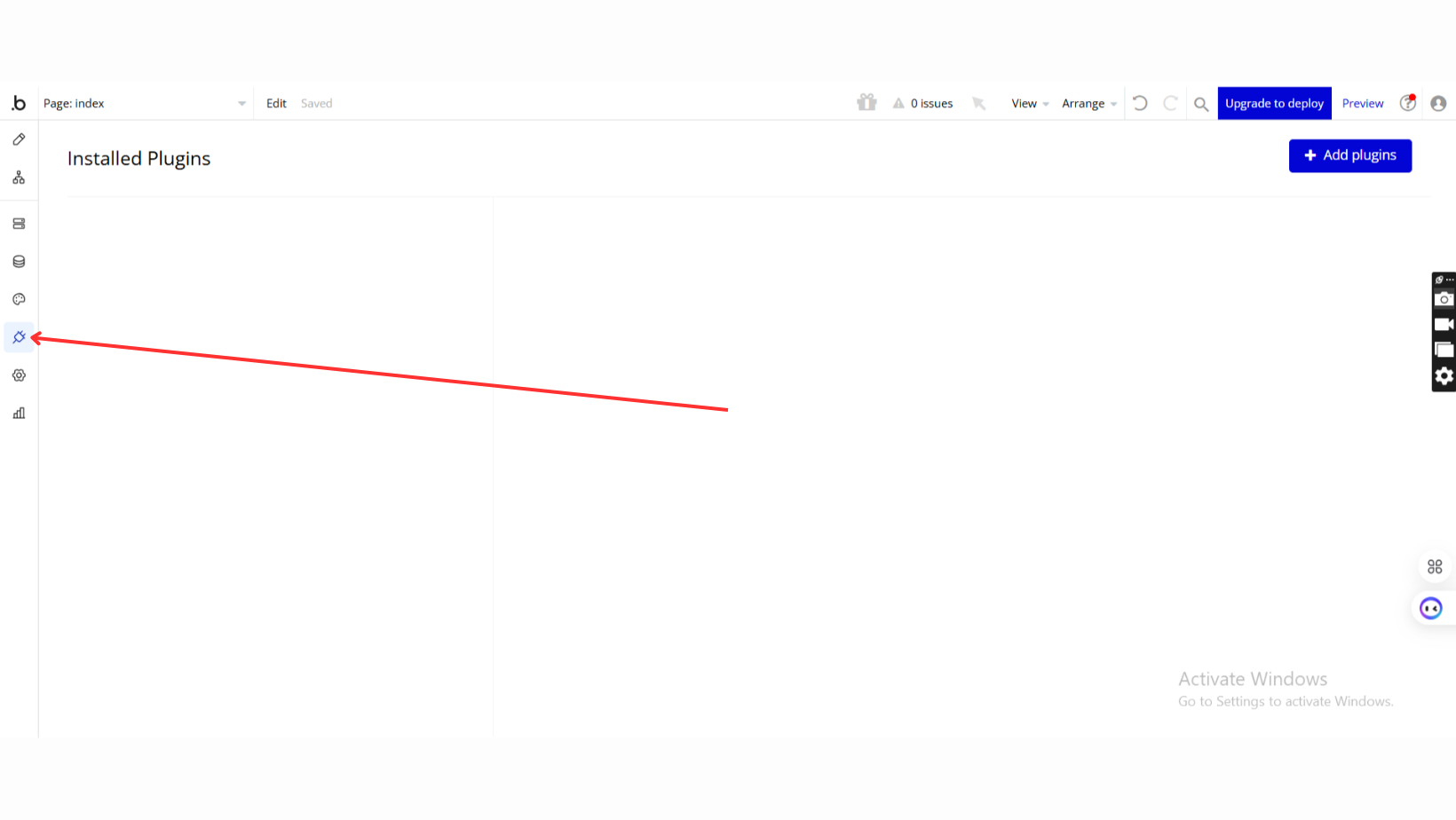
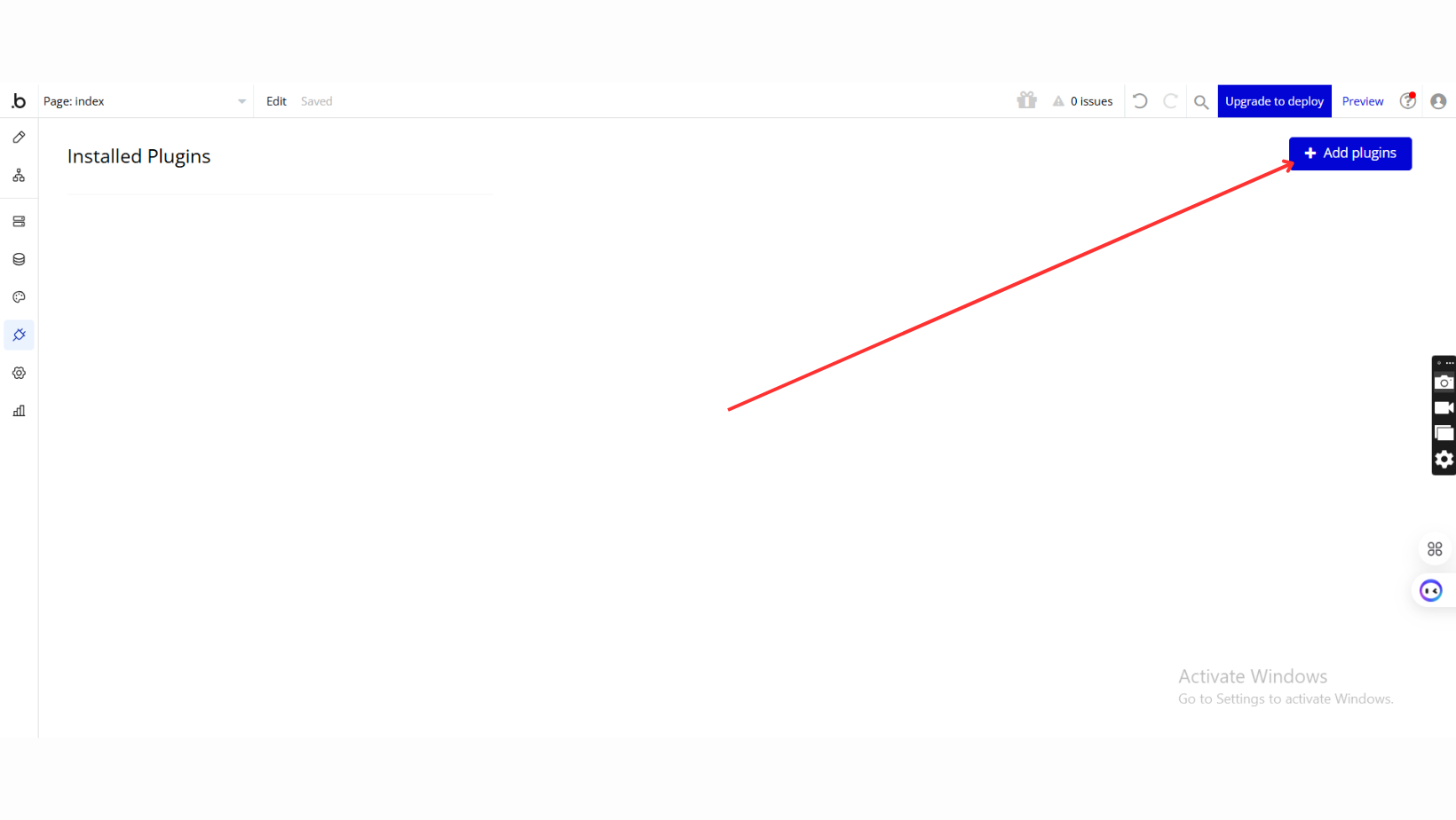
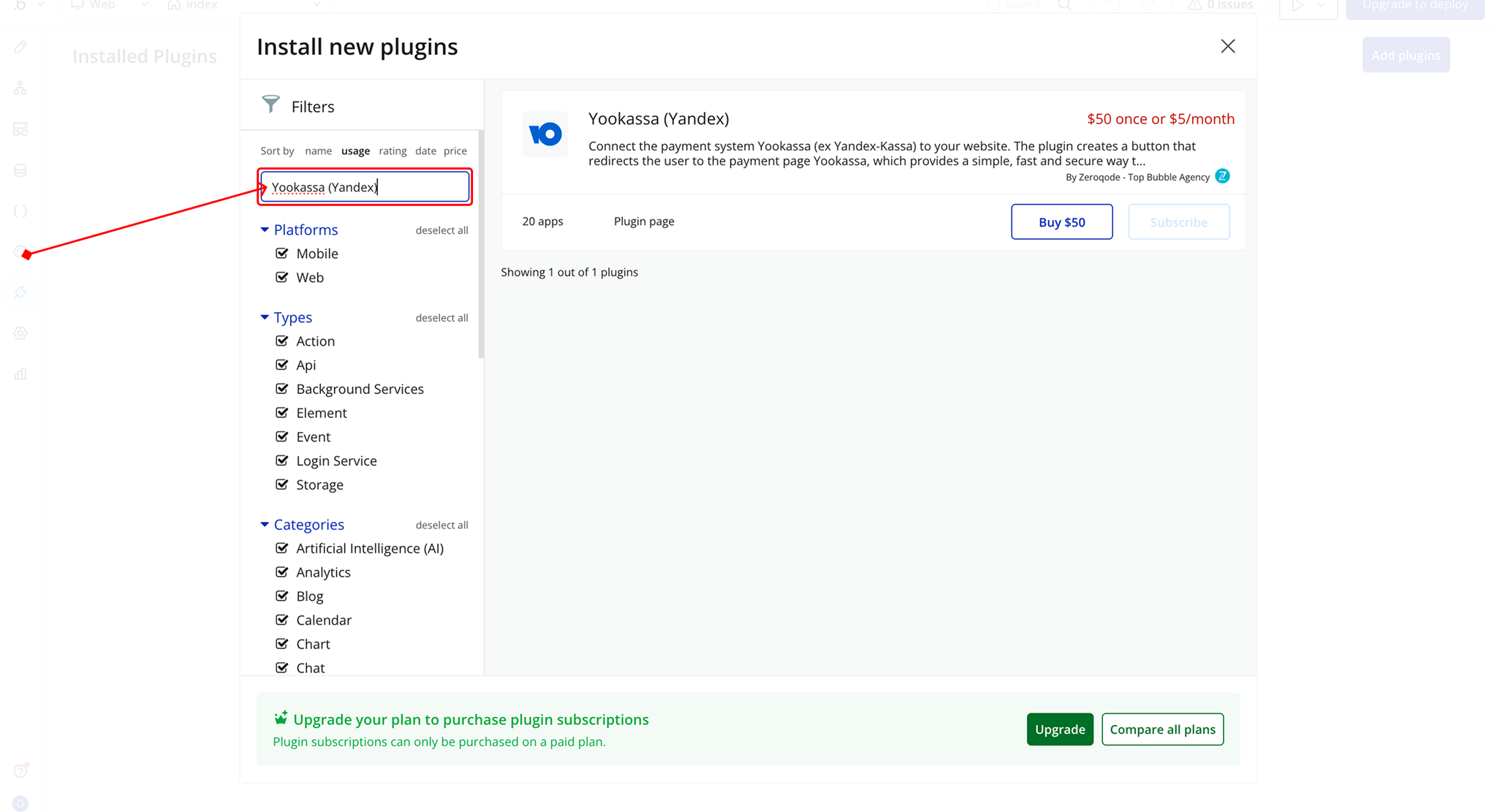
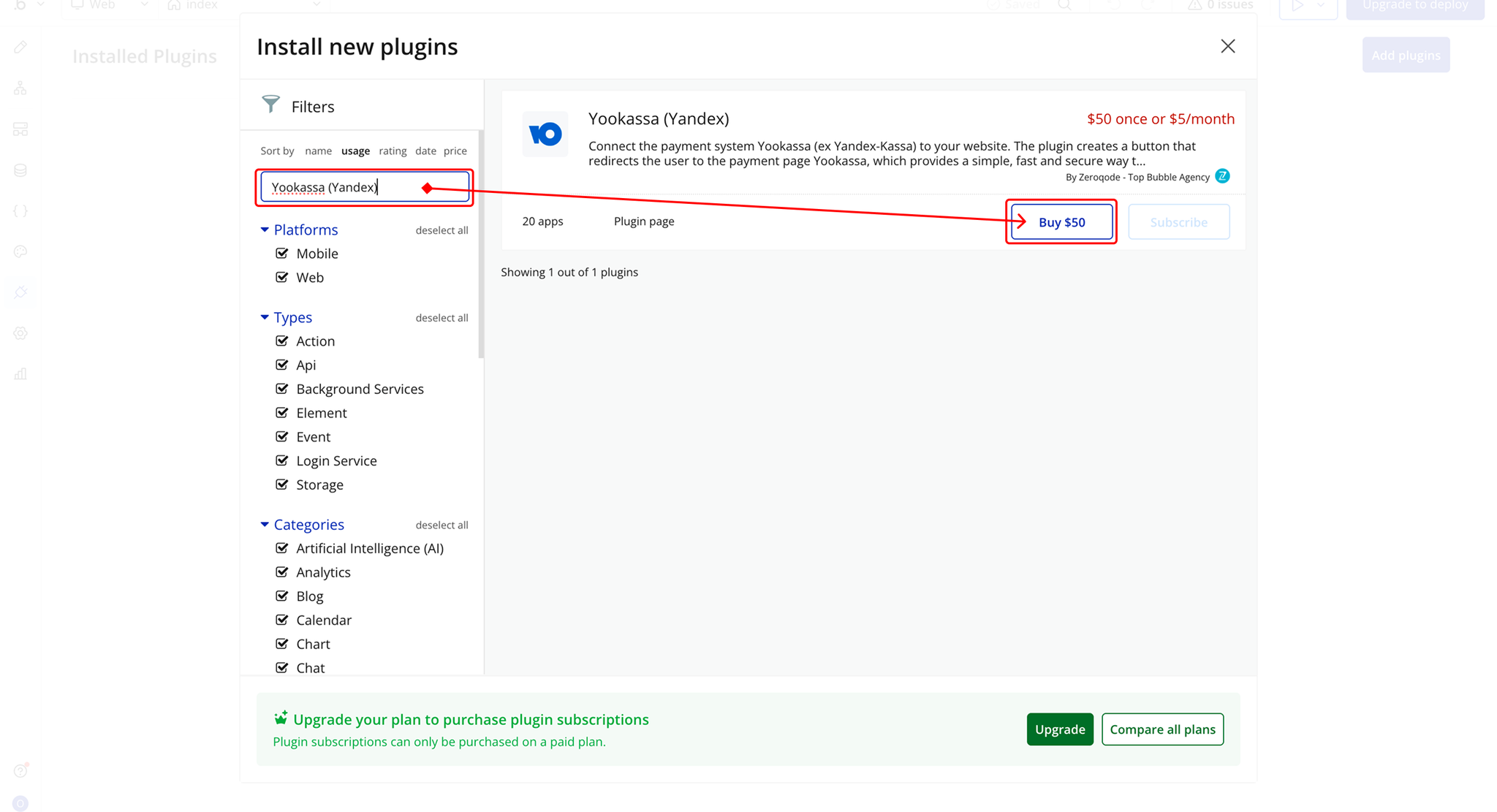
Step 2 – Configure and Activate Yookassa
Plugin Actions
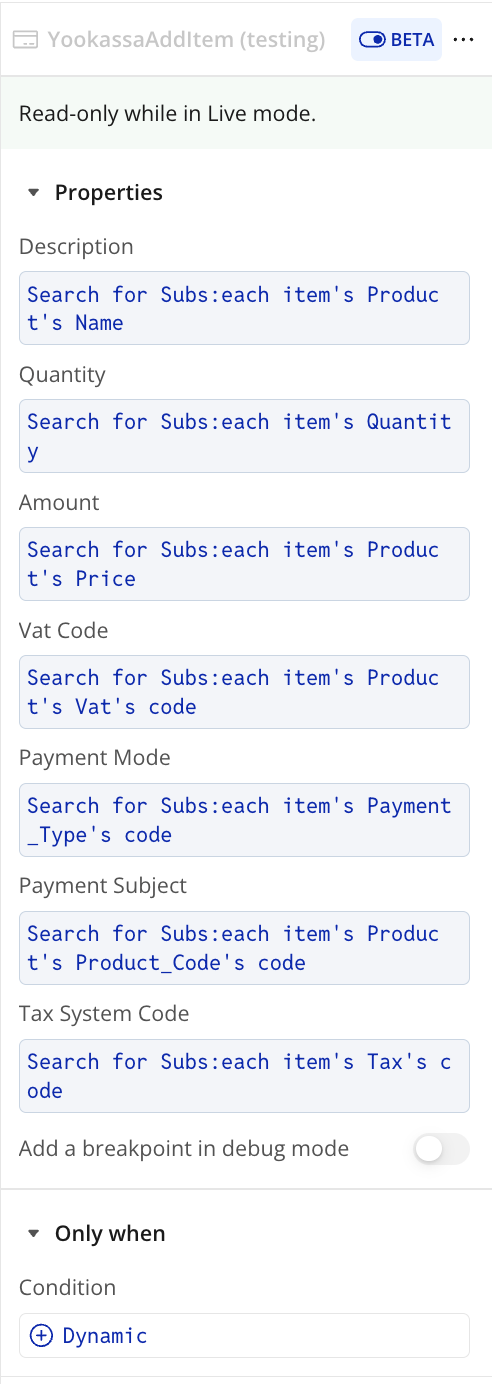
YookassaAddItem
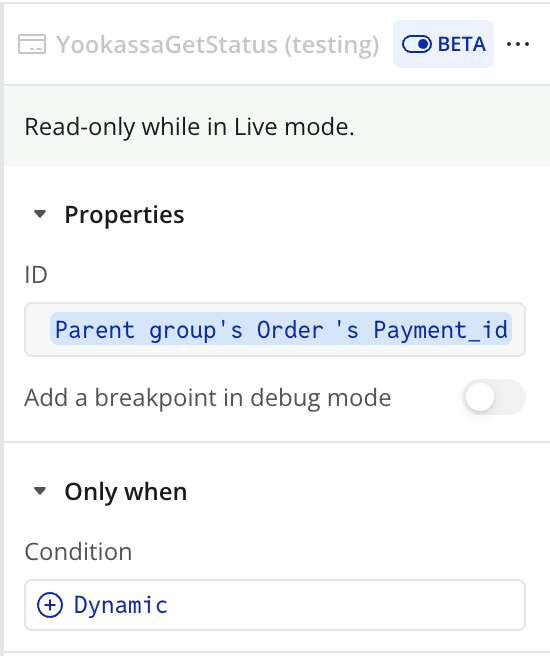
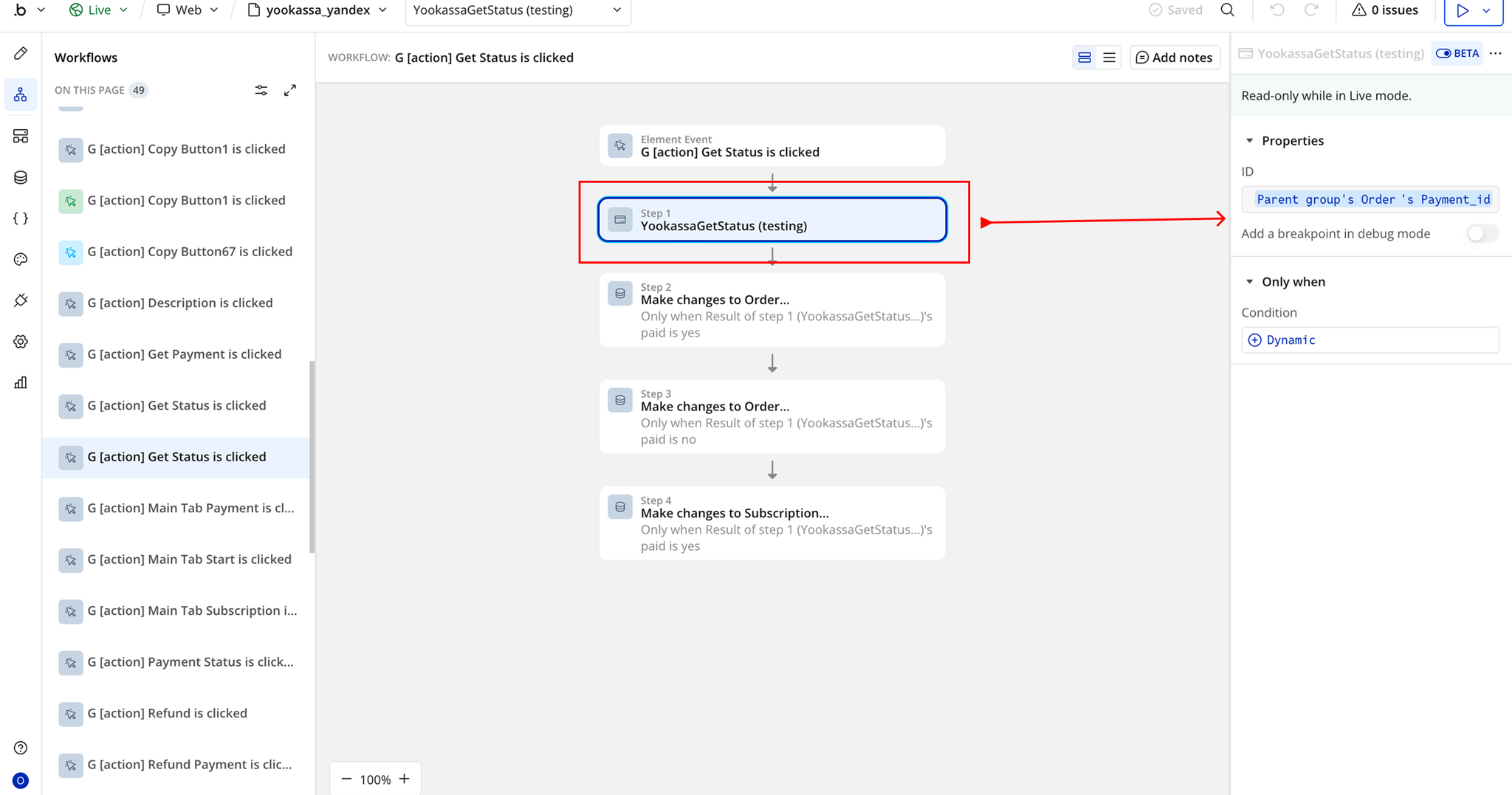
YookassaGetStatus
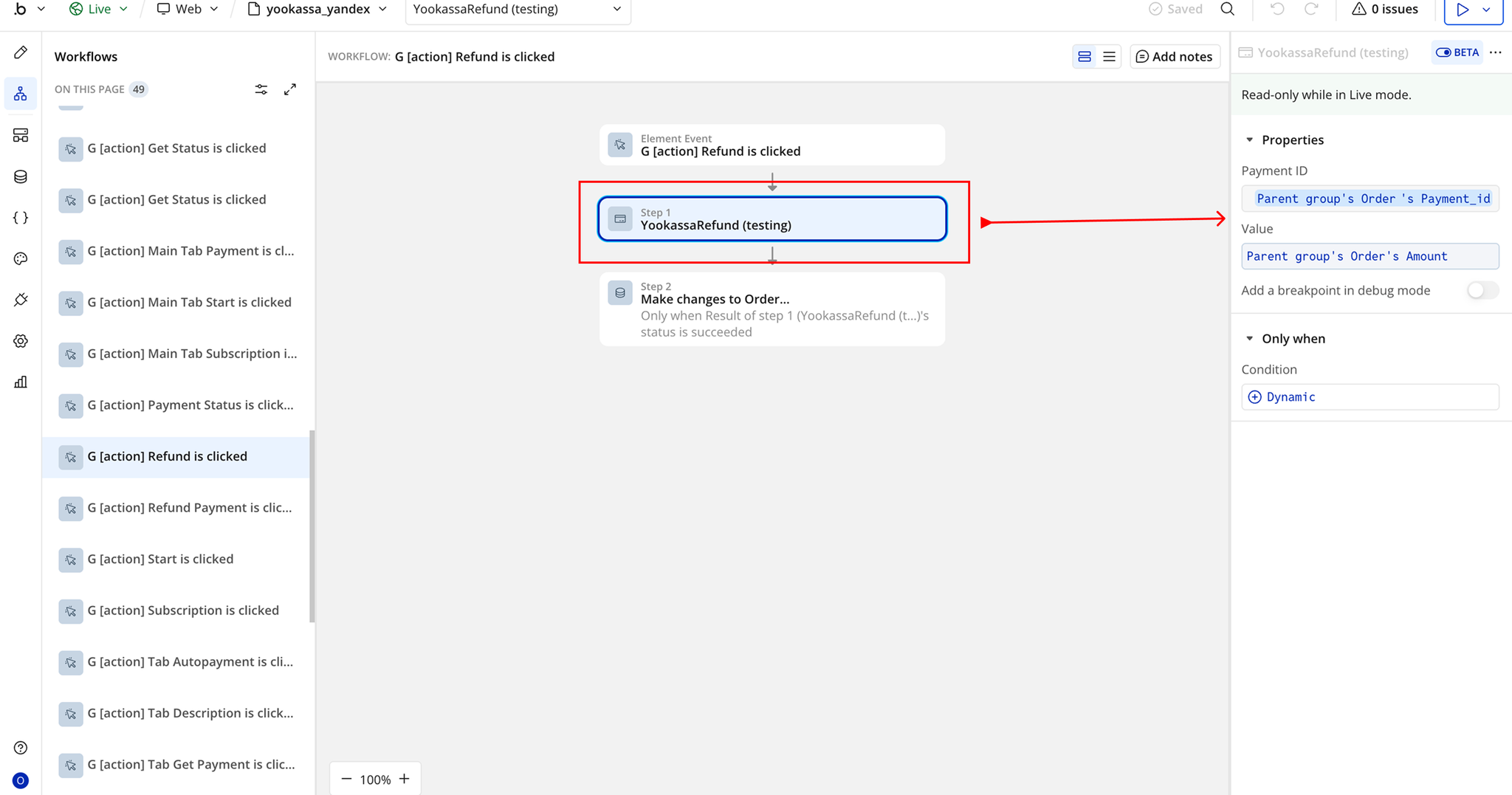
YookassaRefund
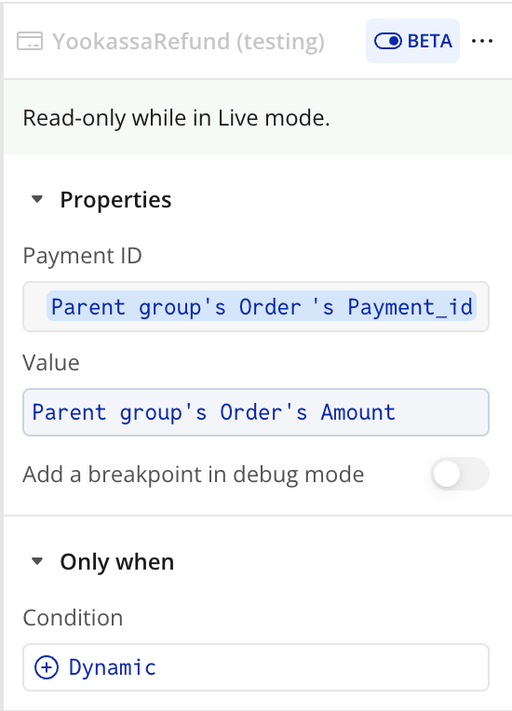
YookassaGetPayment
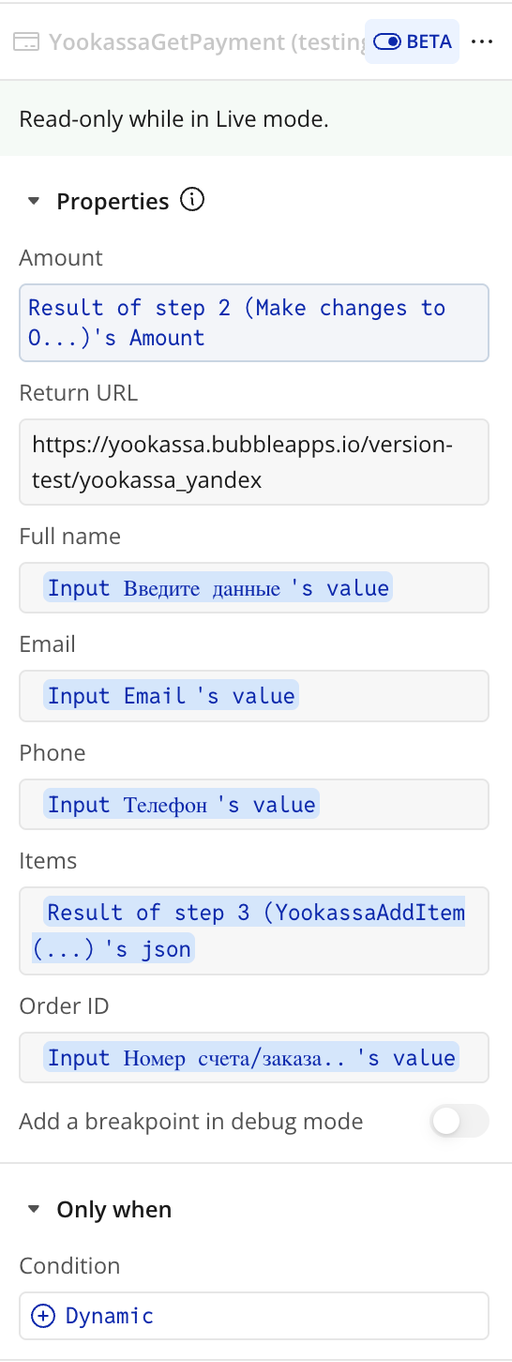
YookassaAutoPayment
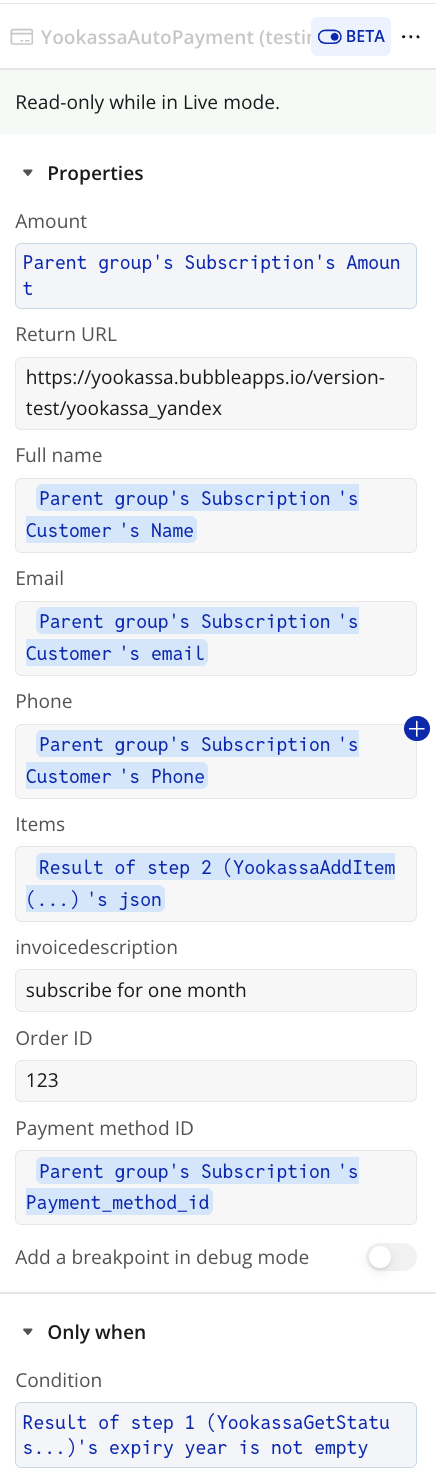
YookassaCreateSubscription
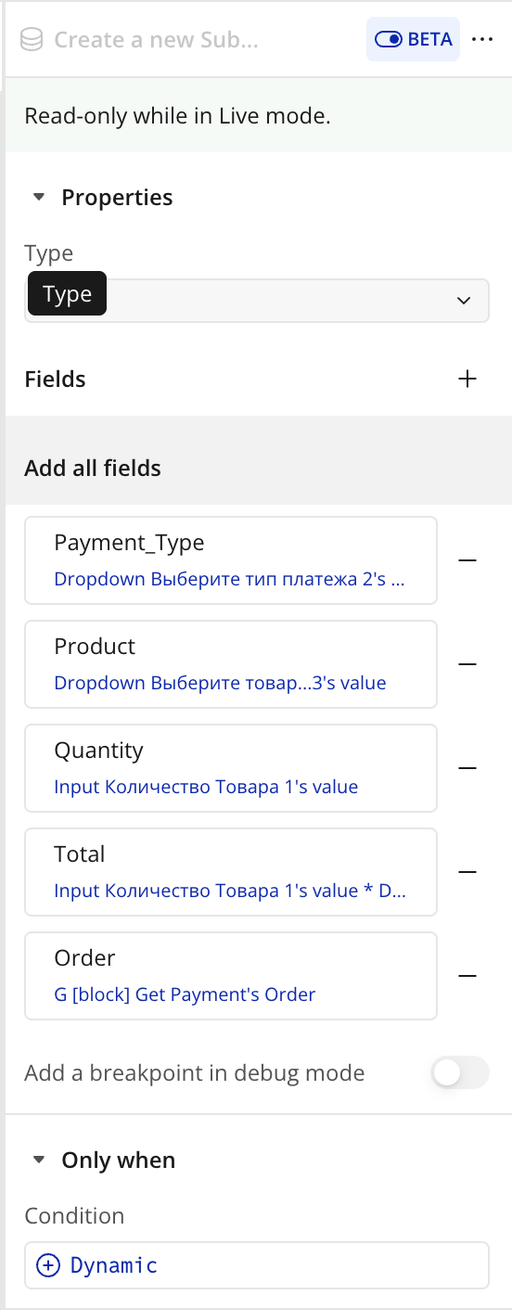
Workflow example
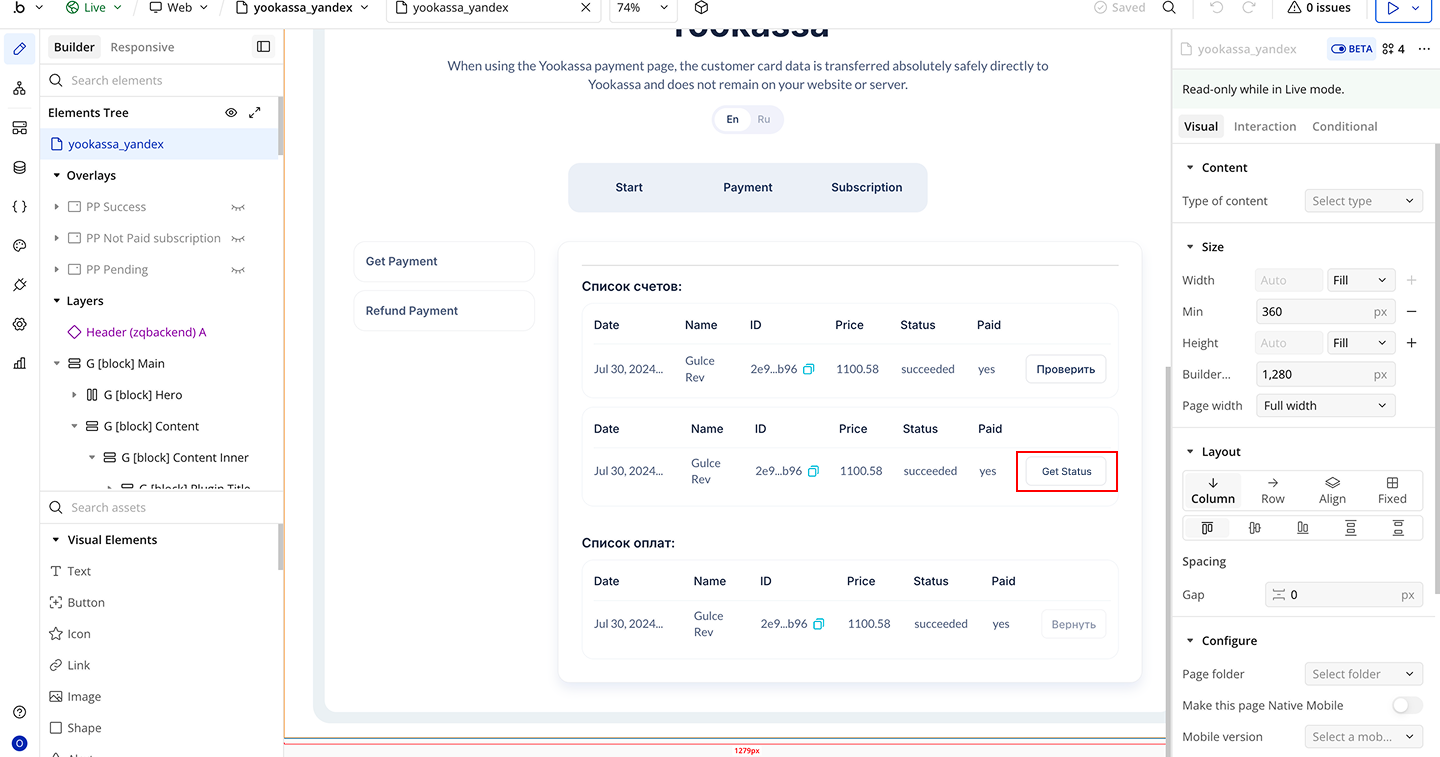
Workflow 1: Get Payment Status
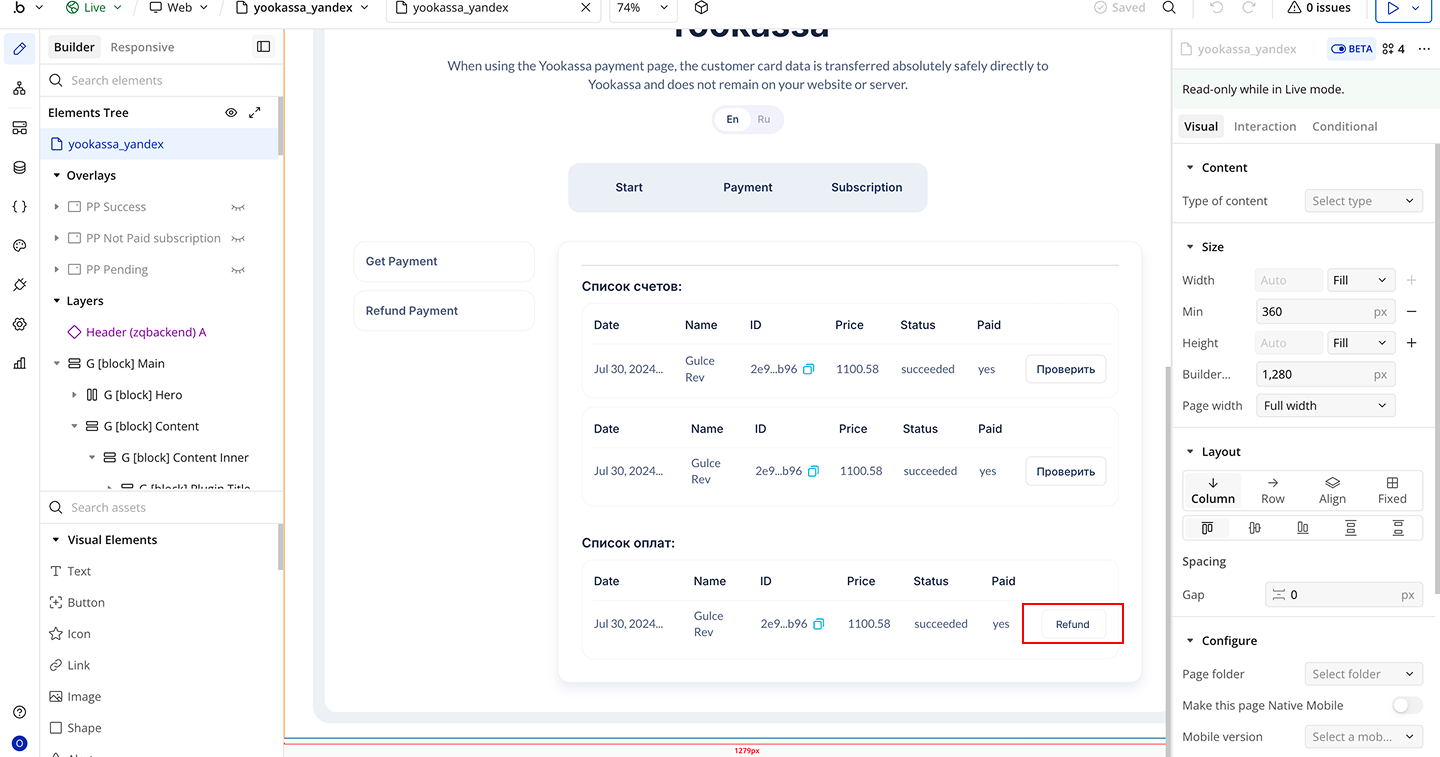
Workflow 2: Issue a Refund