
Link to the plugin page: https://zeroqode.com/plugin/svg-icon-custom-color-plugin-for-bubble-1698306714891x651533500546510800
Demo to preview the plugin:
Introduction
This plugin allows you to effortlessly embed and customize SVG icons within your Bubble application. Apply flat or gradient colors, fine-tune visual styling, and seamlessly align icons with your project’s design aesthetic. With simple controls and powerful customization options, you can enhance your UI in seconds.
Key Features
Prerequisites
- Enable Expose the option to add an ID attribute to HTML elements in Bubble settings.
- Make sure you have the SVG code or SVG file you want to use.
- Add an ID attribute to the SVG container if the plugin requires element targeting.
- Ensure your SVGs are properly formatted (no unsupported scripts or external references).
- Confirm that your design uses Bubble elements that support HTML/SVG embedding.

How to setup
Step 1 – Install the Plugin
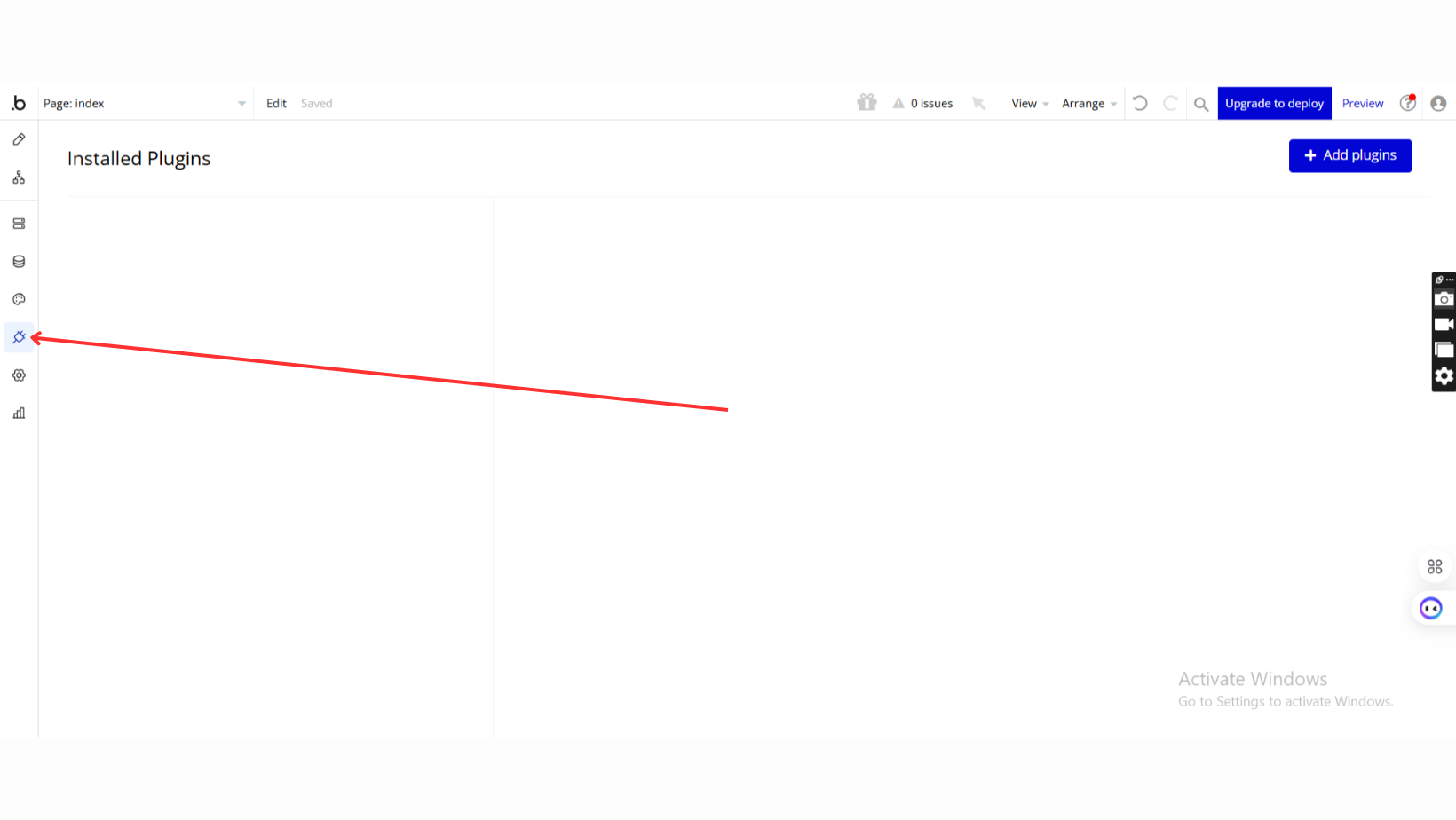
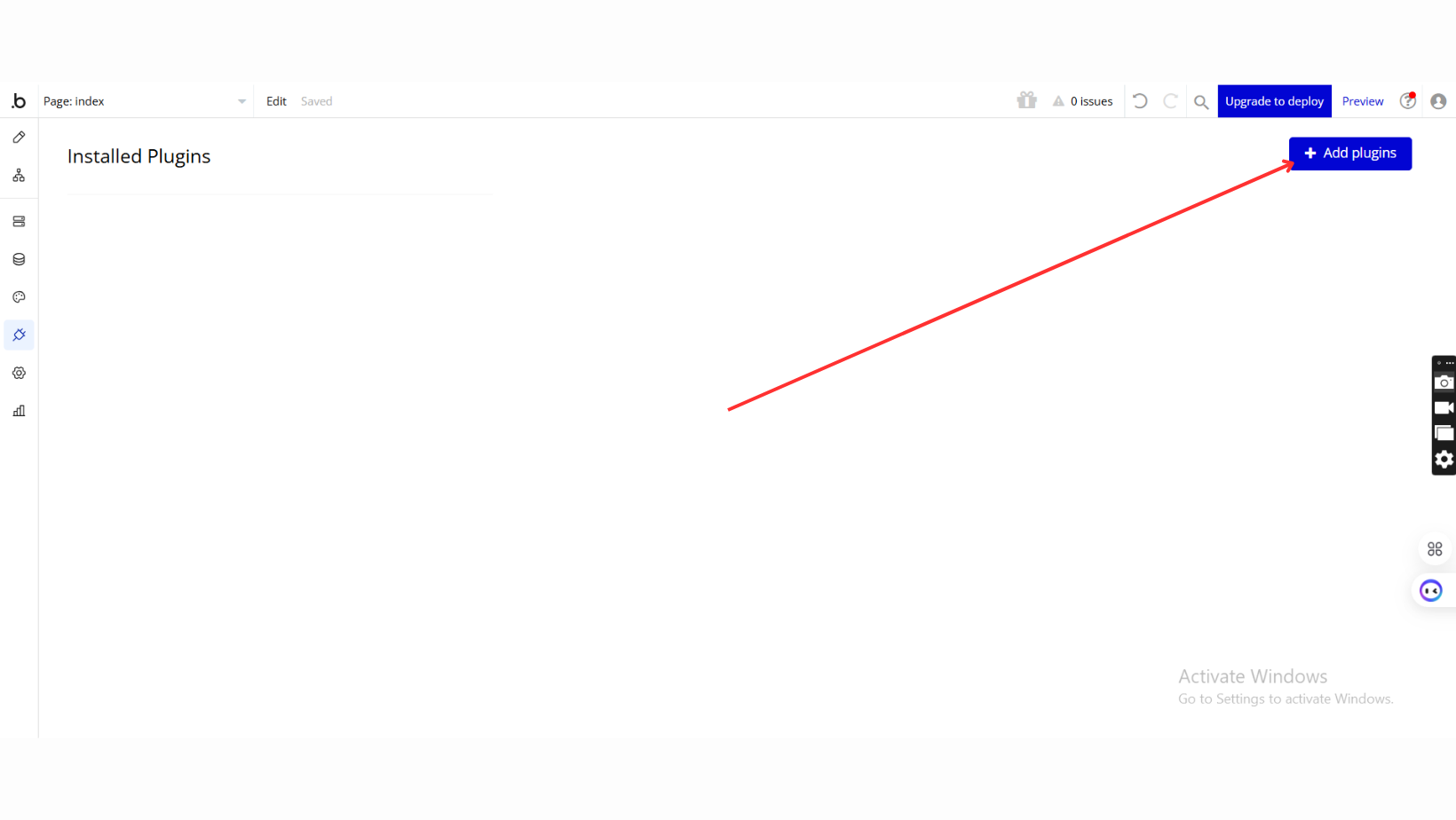
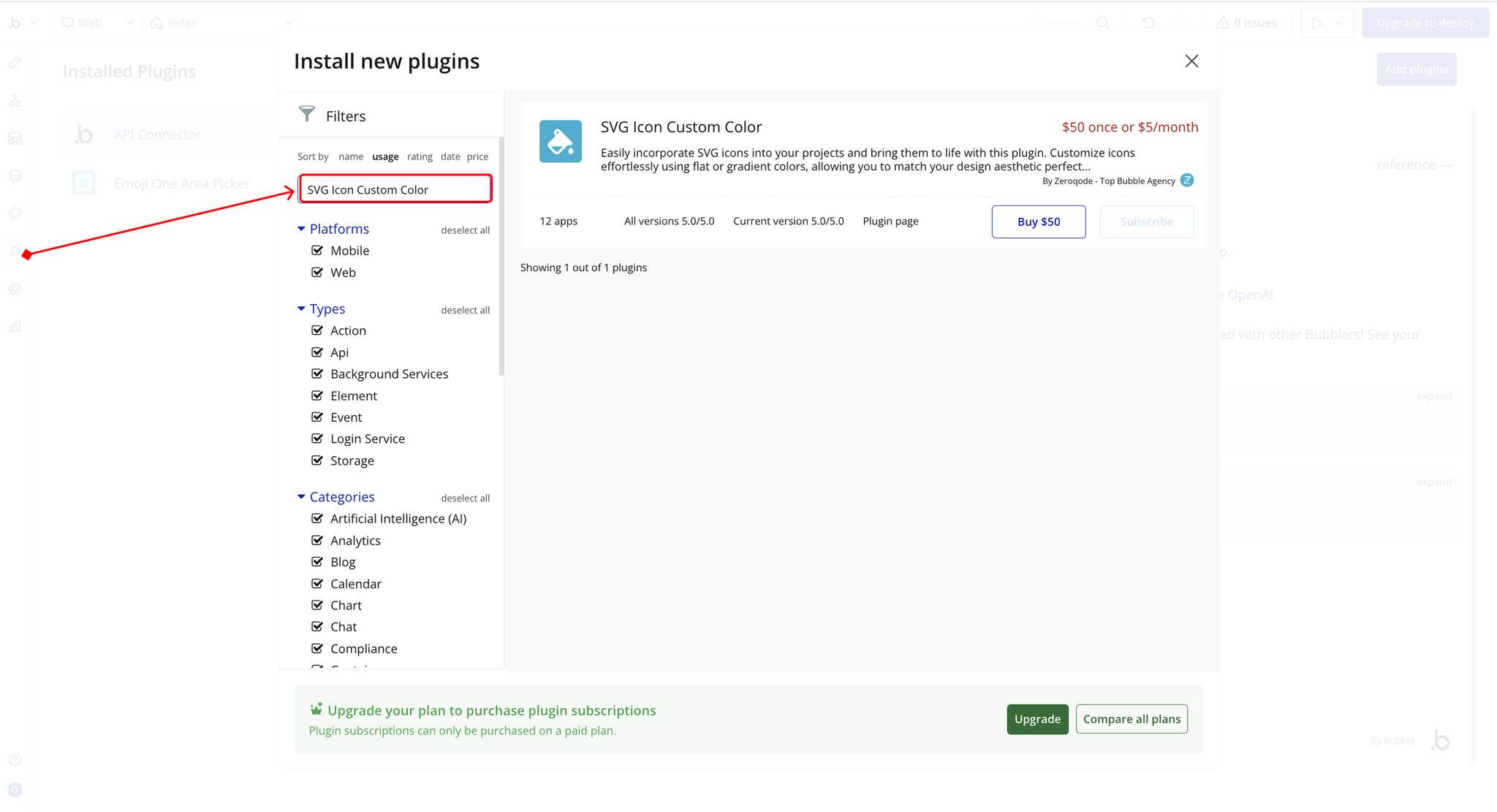
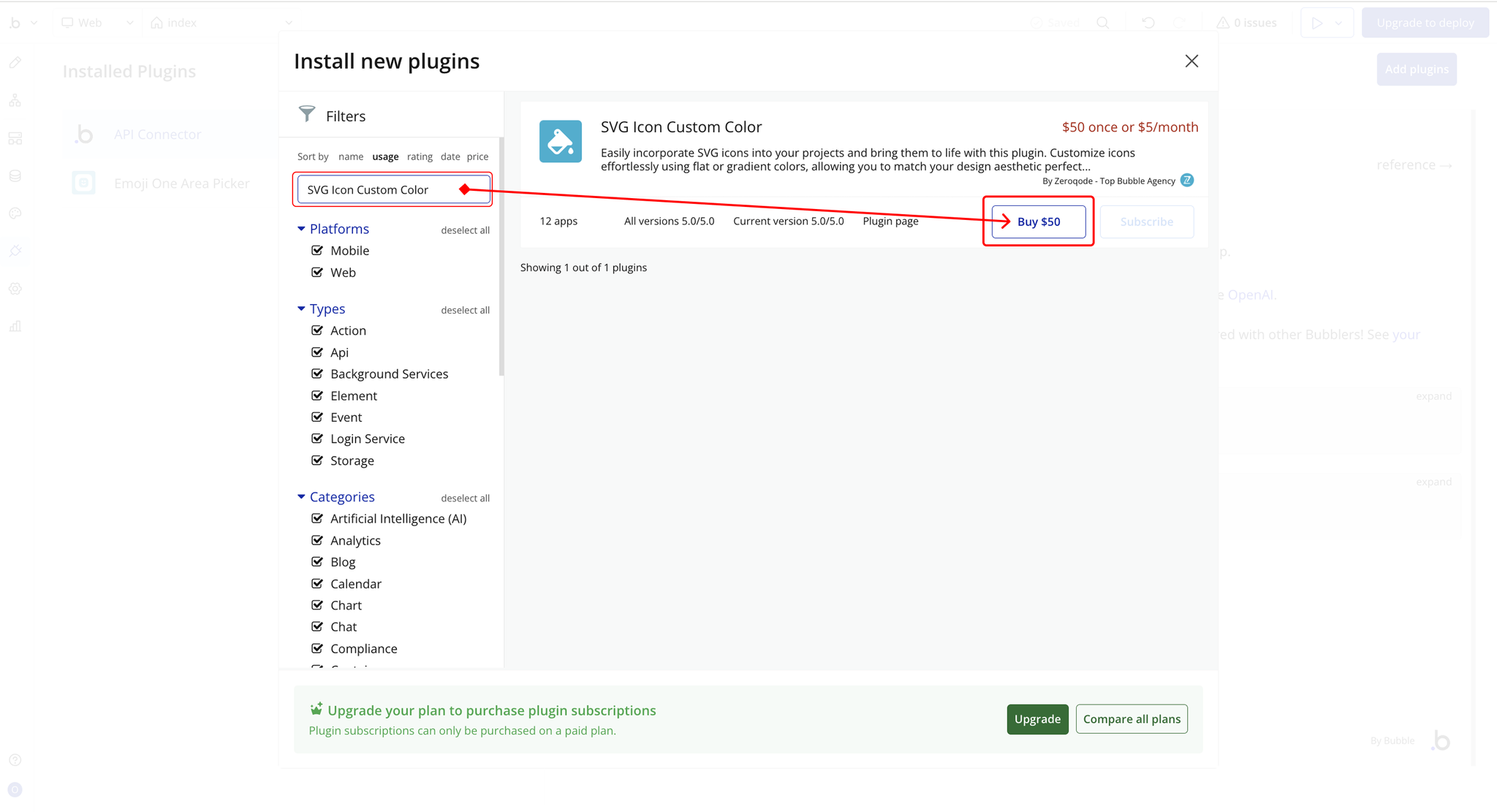
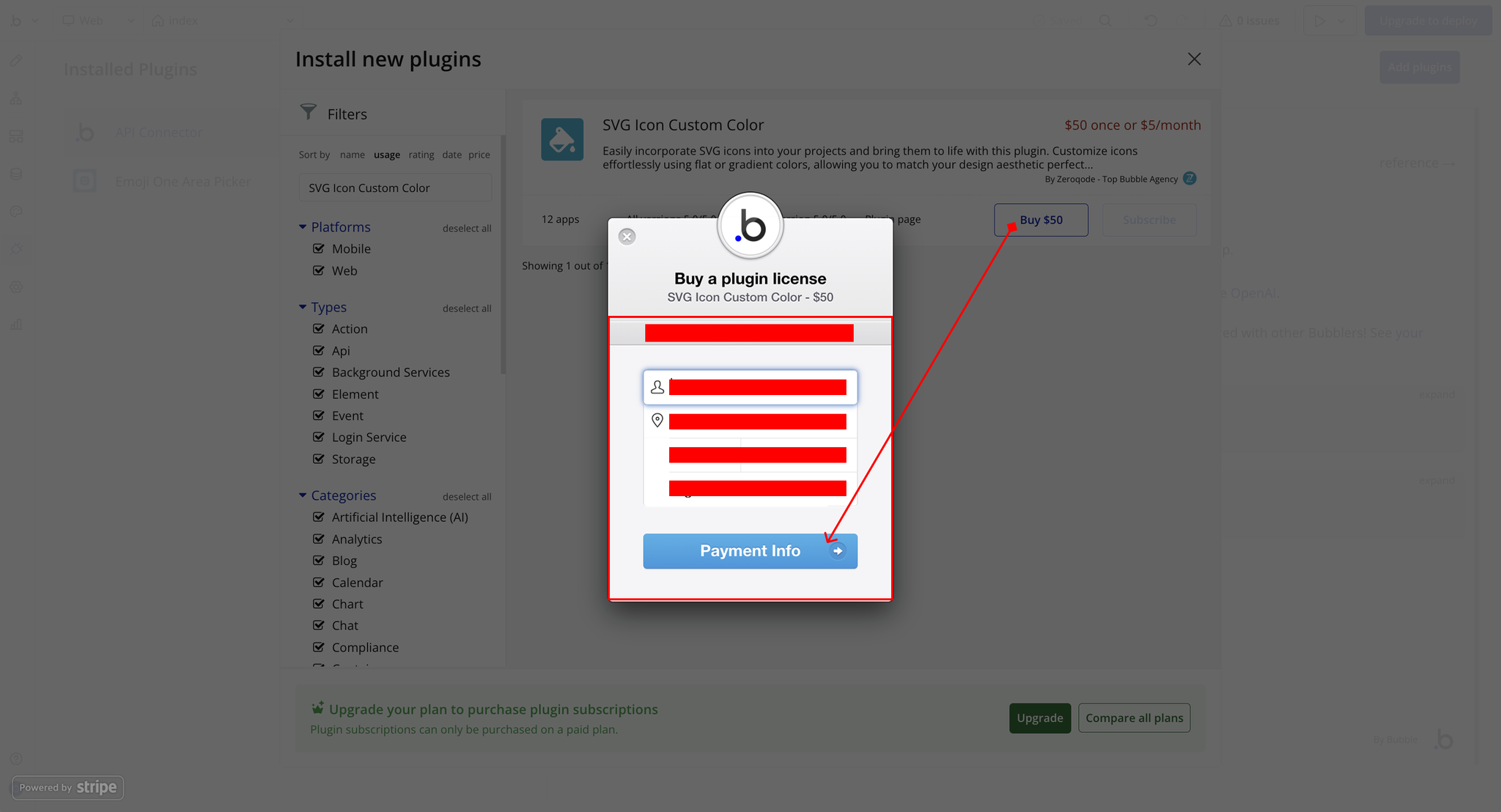
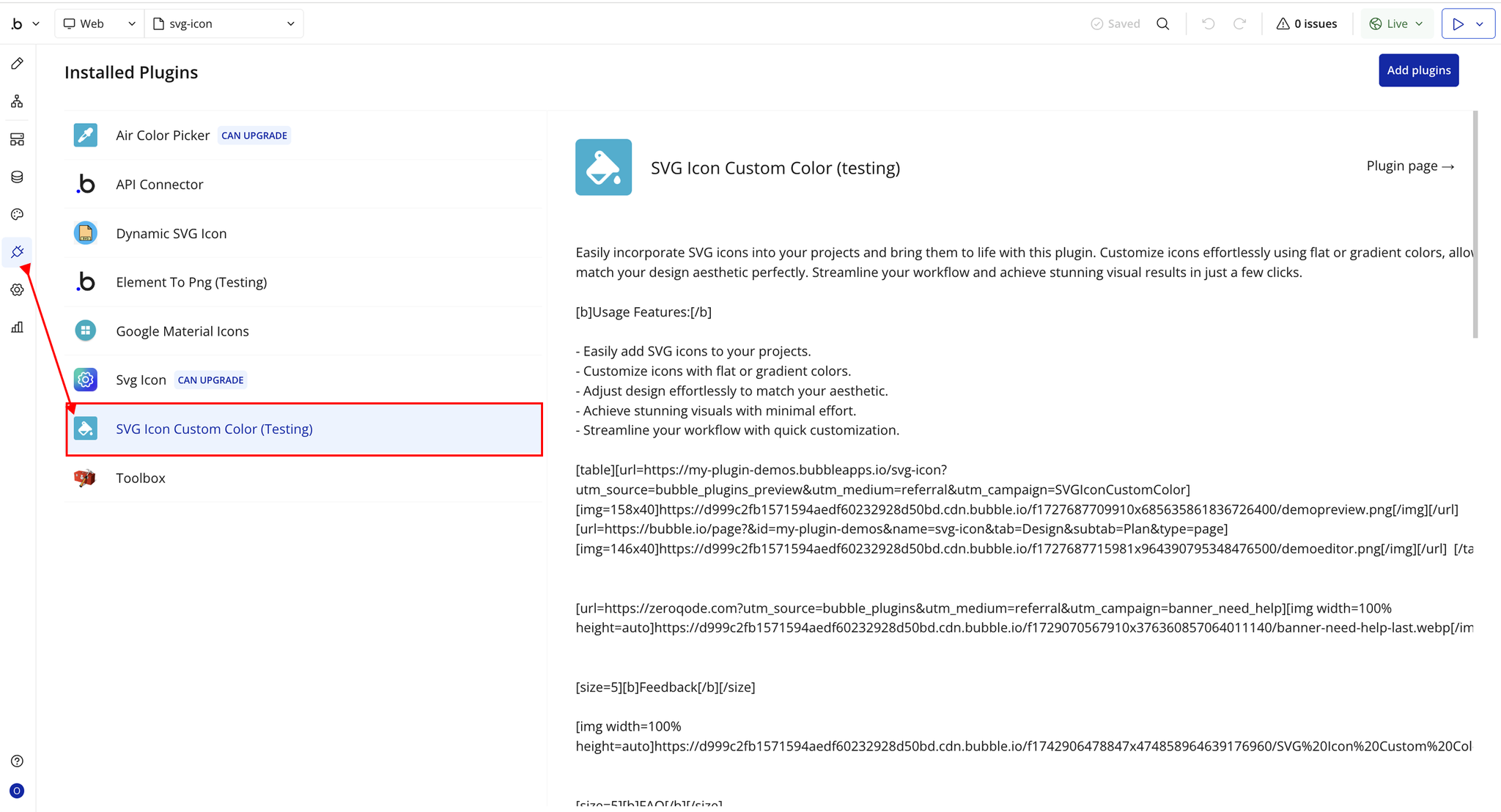
Step 2 – Add the Plugin Element to Your Page
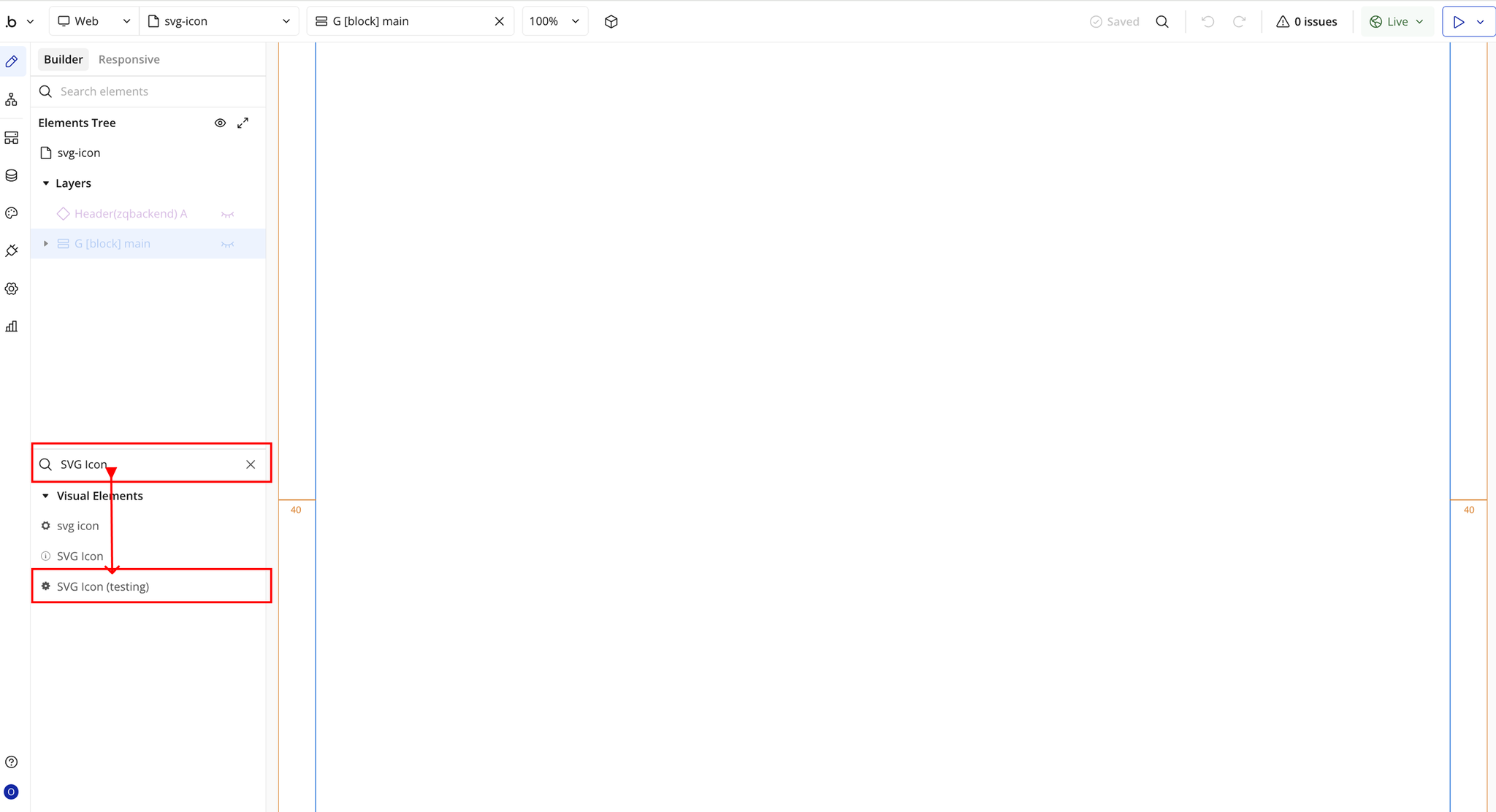
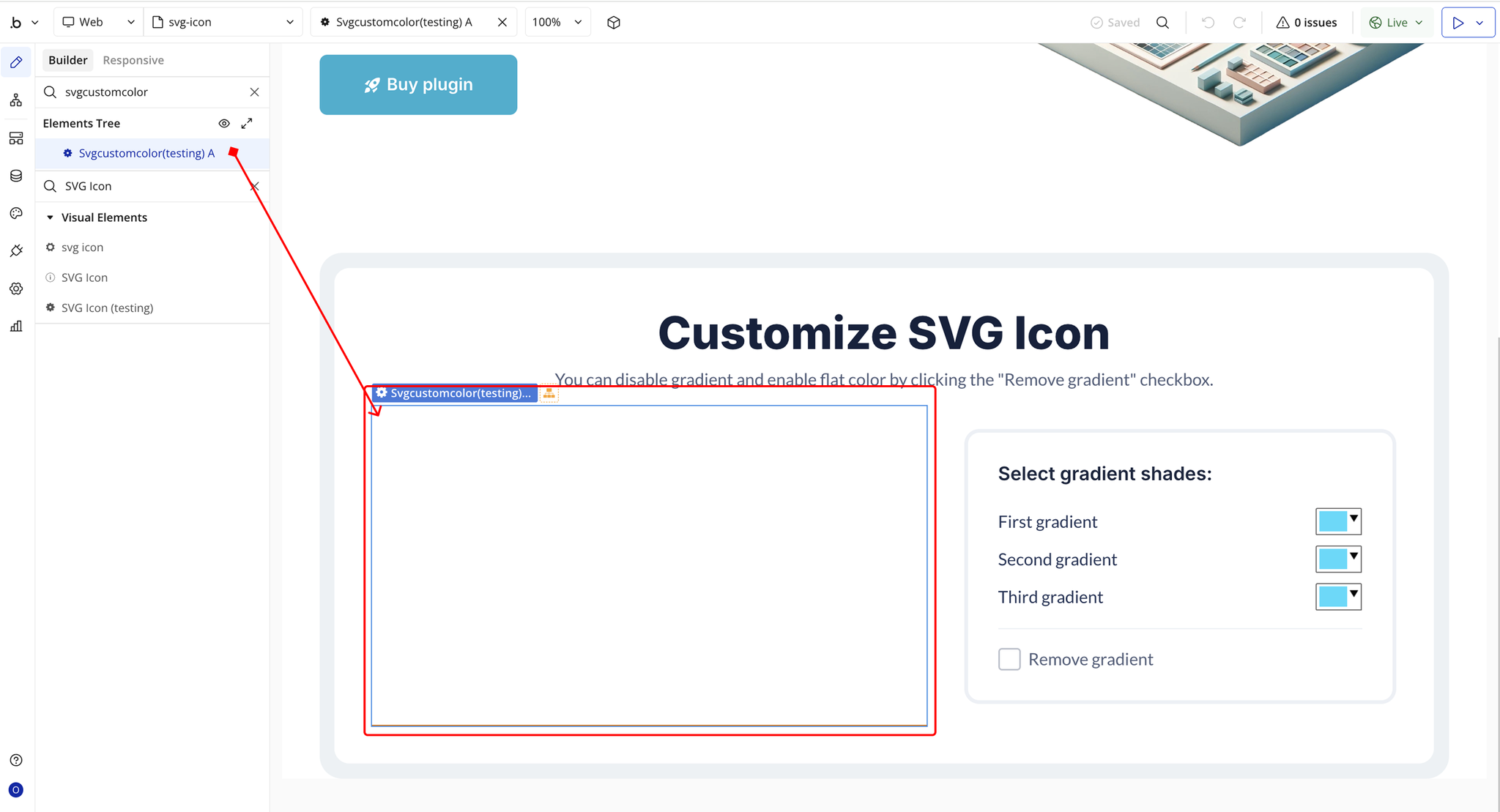
Step 3 – Configure Properties
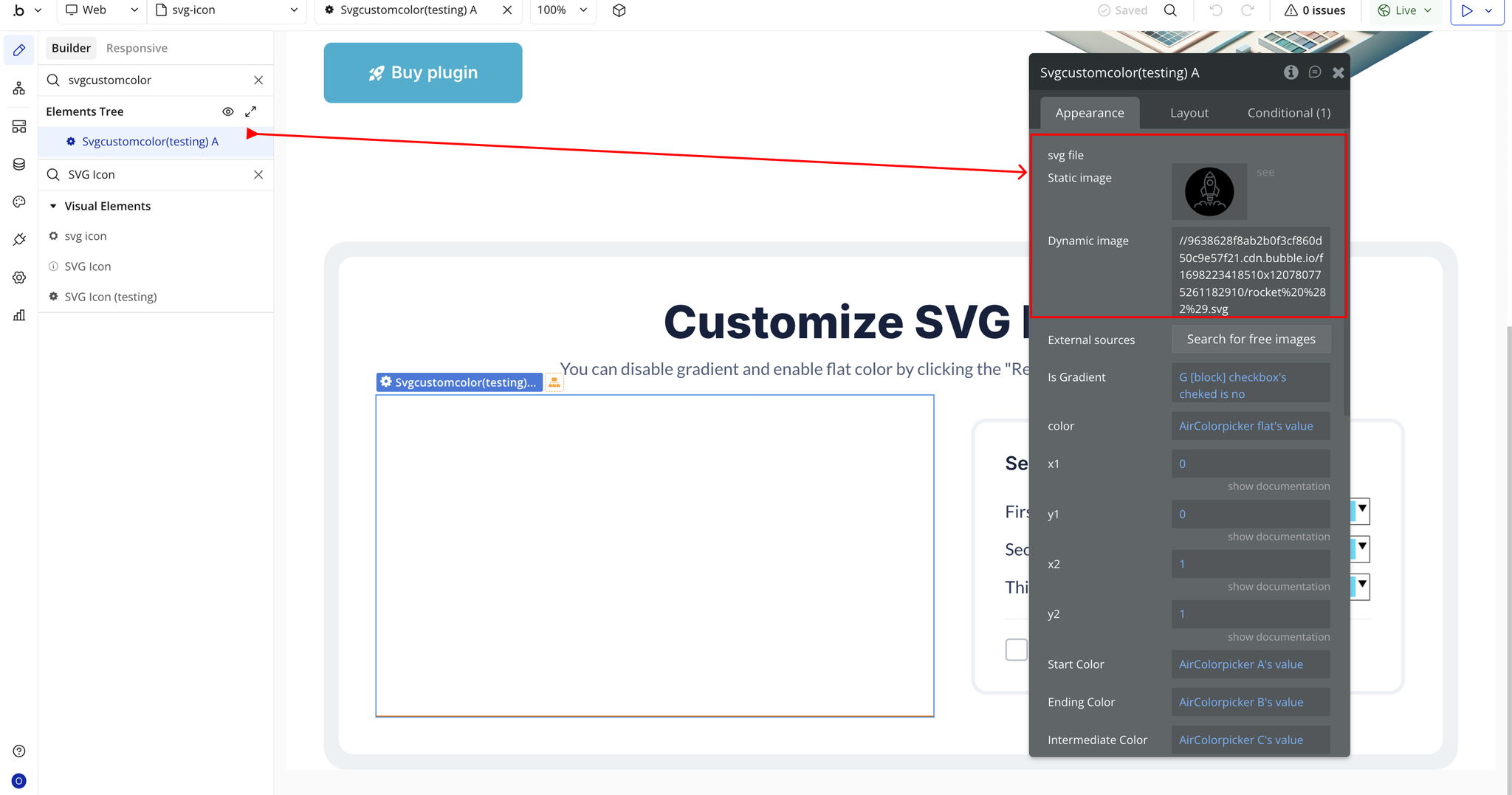
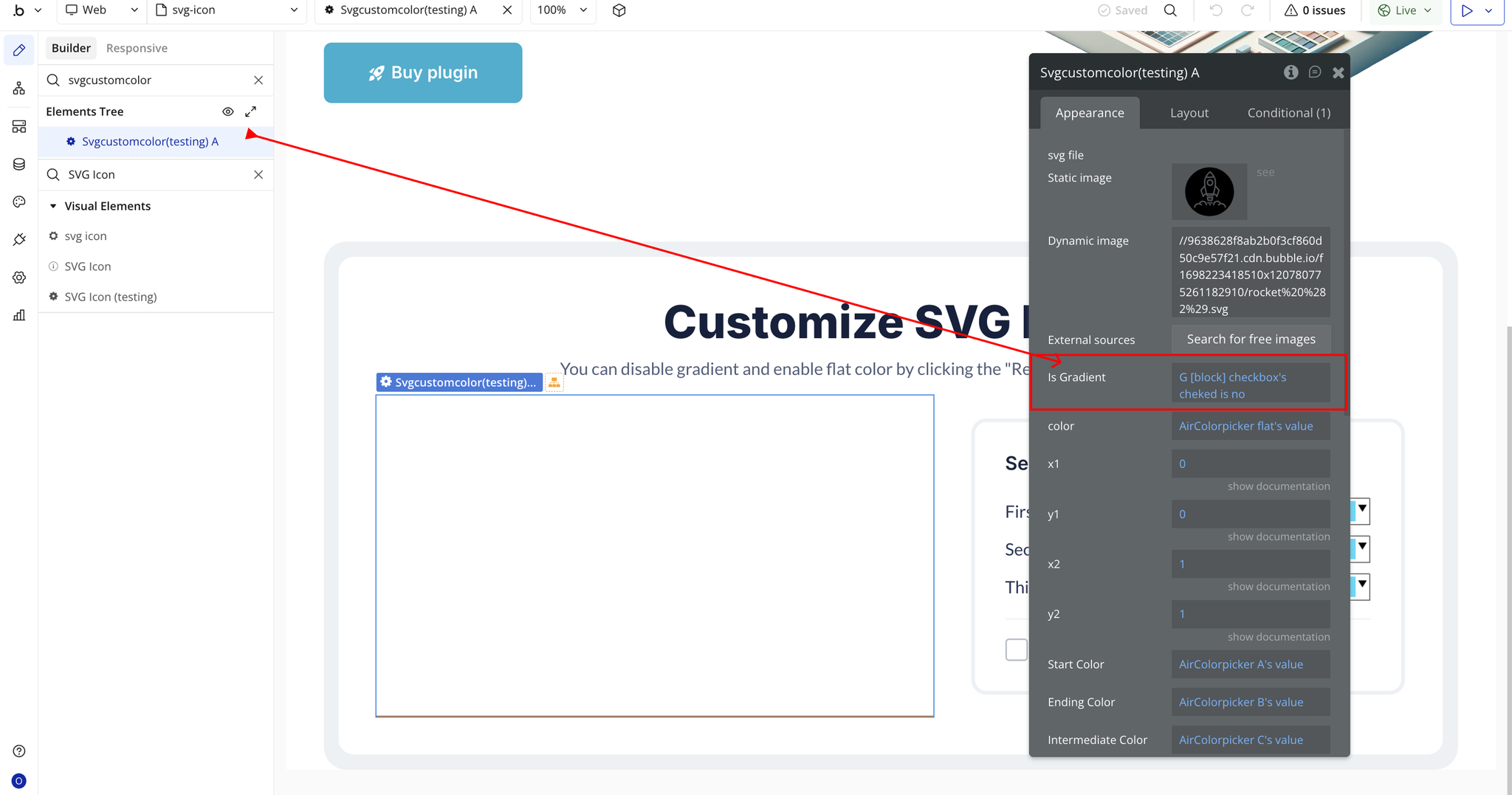
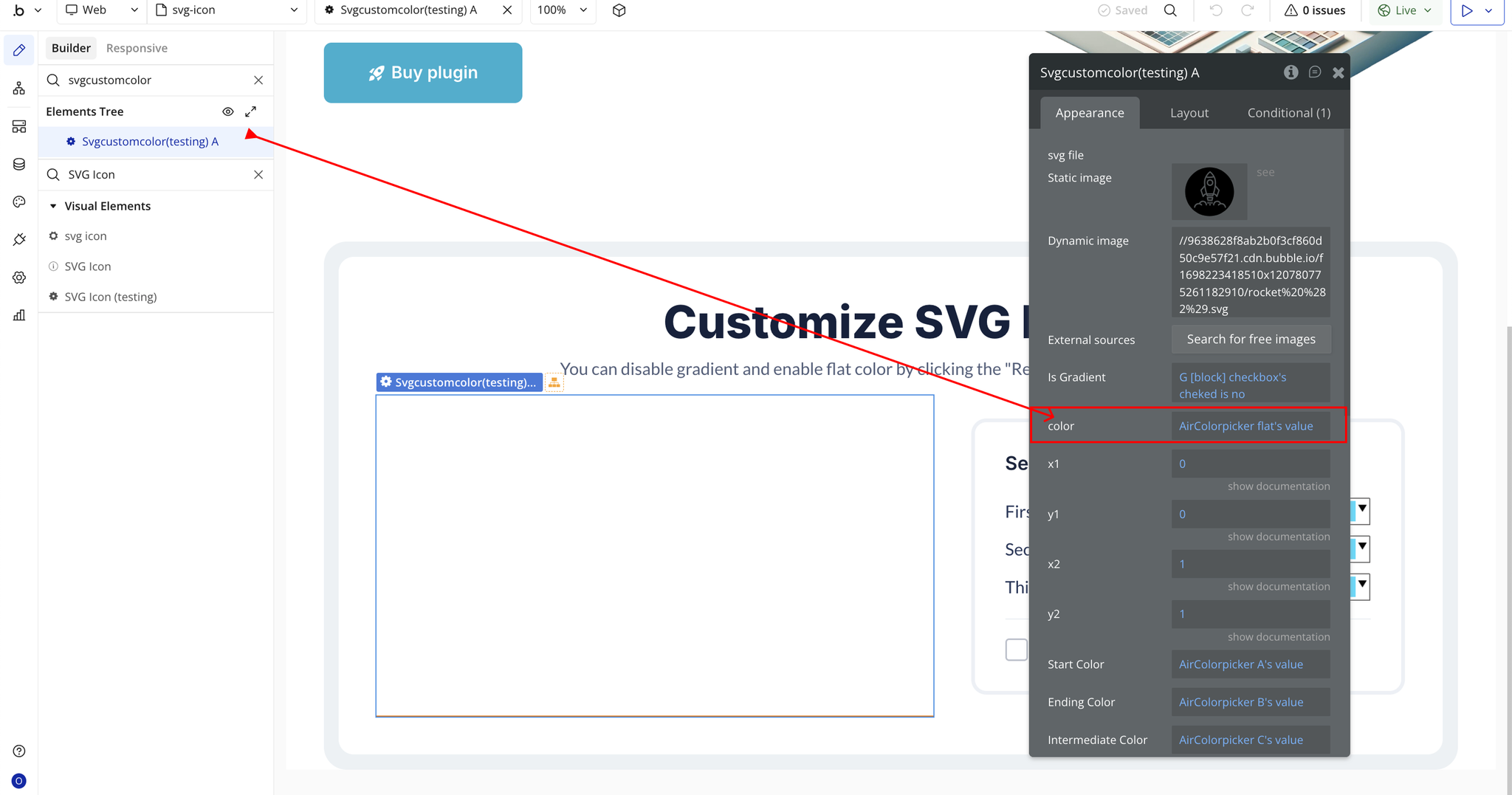
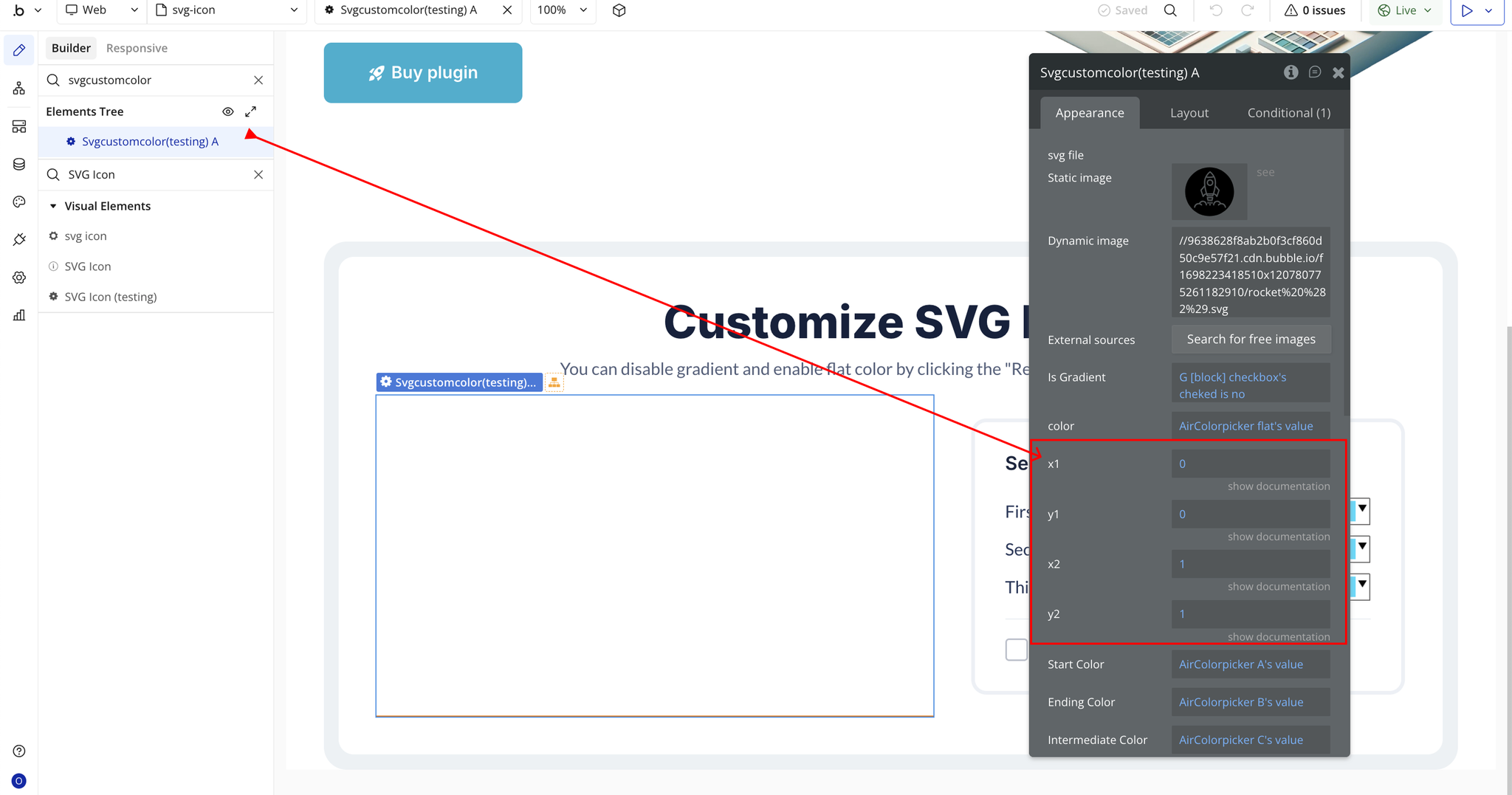
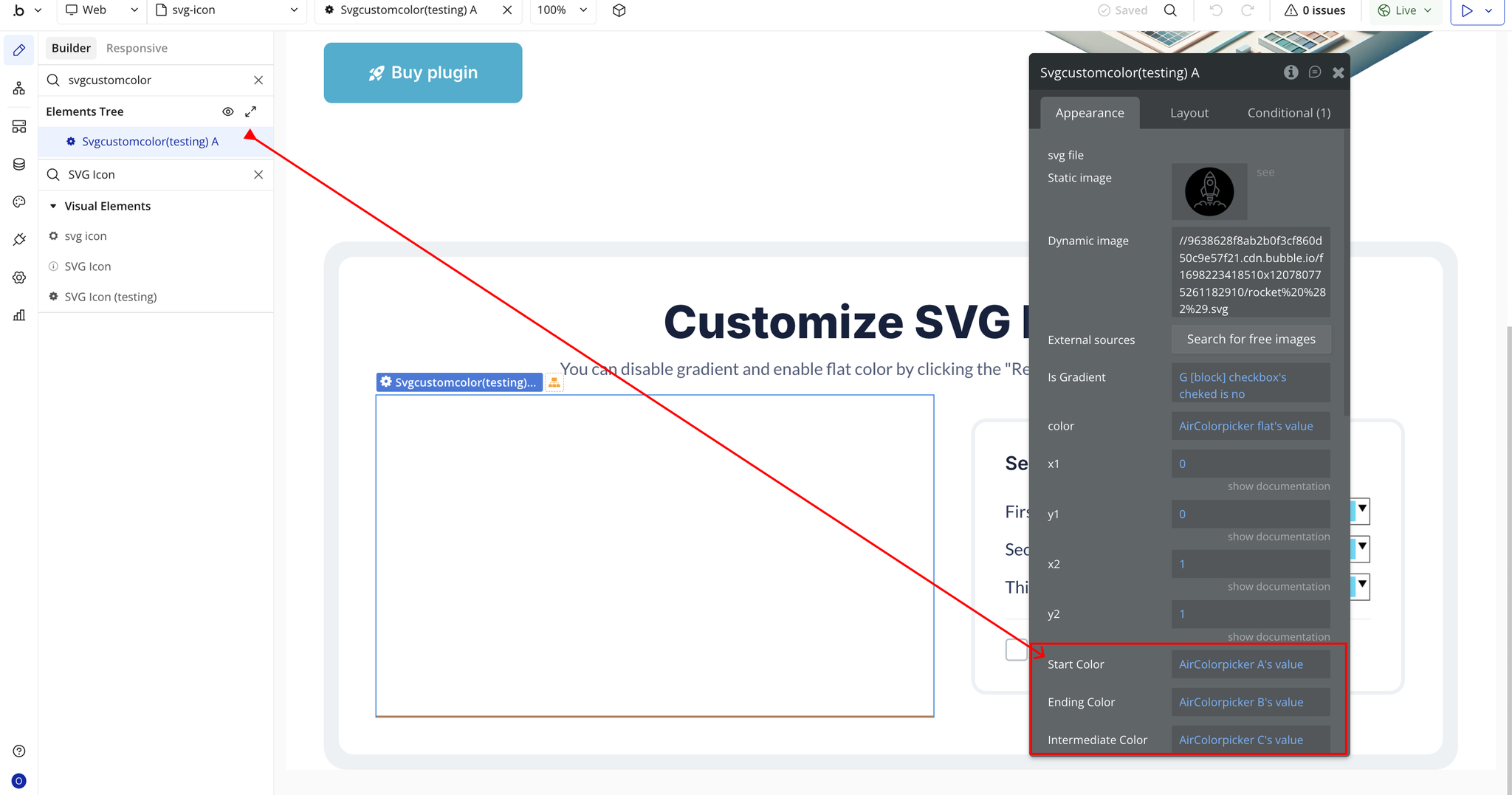
Plugin Element Properties - SVG Icon
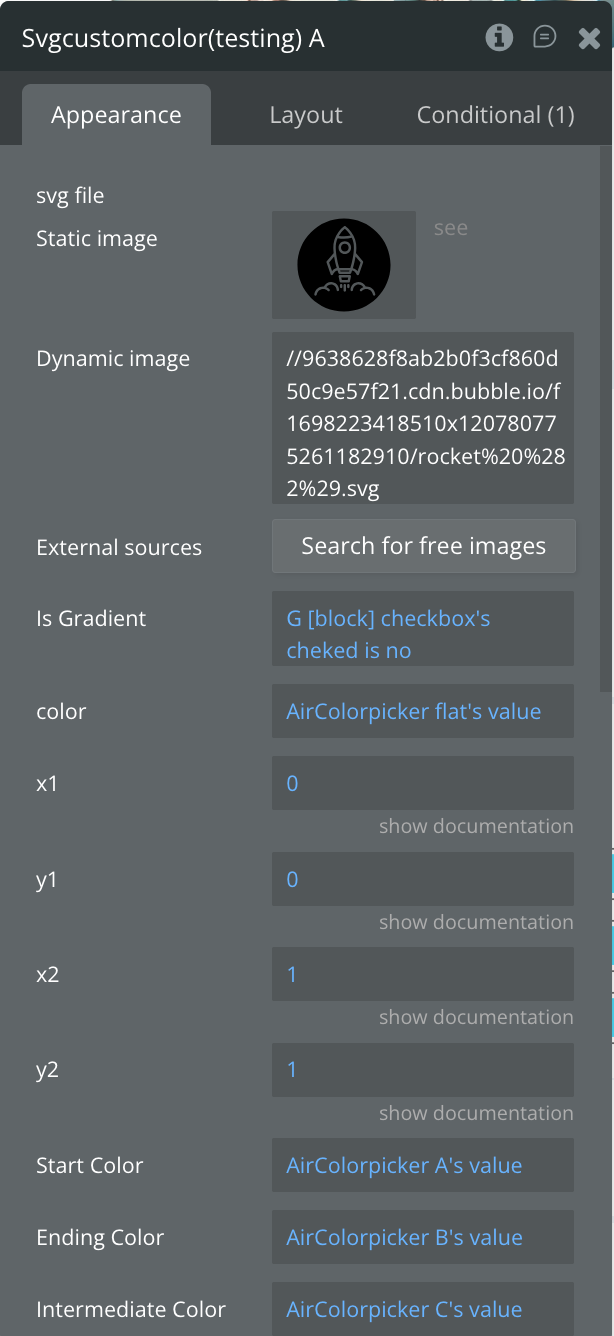
Fields
Element Events
