Link to the plugin page: https://zeroqode.com/plugin/tiktok-snap-player-bubble-mobile-1781083359313x469251691630433900
Demo to preview the plugin:
Introduction
The TikTok Snap Player Bubble Mobile plugin provides a mobile-optimized video player element that replicates the TikTok-style vertical video feed experience. This plugin is designed specifically for mobile applications and allows users to create engaging short-form video content with familiar swipe gestures and interactive controls.
The plugin features autoplay functionality, video controls, social interaction buttons (like, comment, share), and smooth scrolling between videos. It’s perfect for creating social media apps, video sharing platforms, or any application that needs a modern vertical video feed interface.
Prerequisites
This plugin is designed specifically for the mobile version of the Bubble editor. To test the plugin on your mobile device, use the TestFlight app available at: https://testflight.apple.com/join/ArfXDQMZ
Please note that the testing app is currently available for iOS only.

How to setup
- Install the TikTok Snap Player Bubble Mobile plugin from the Bubble Plugin Store
- Add the “Tiktok Snap” element to your page from the Visual Elements section
- Configure the video data sources by setting up your dynamic data fields
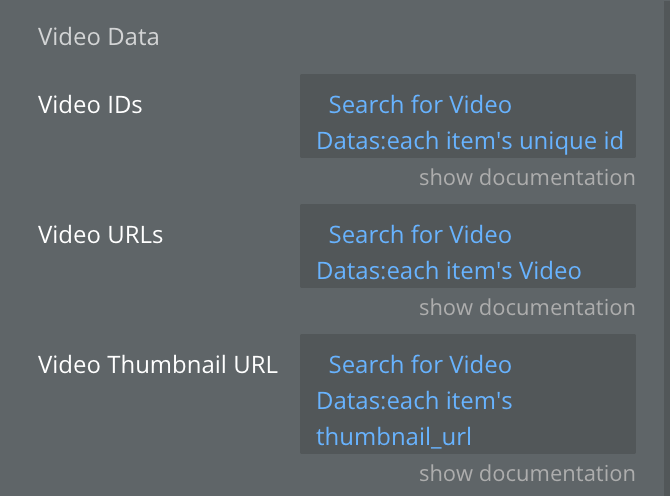
- Customize the appearance and behavior using the element properties
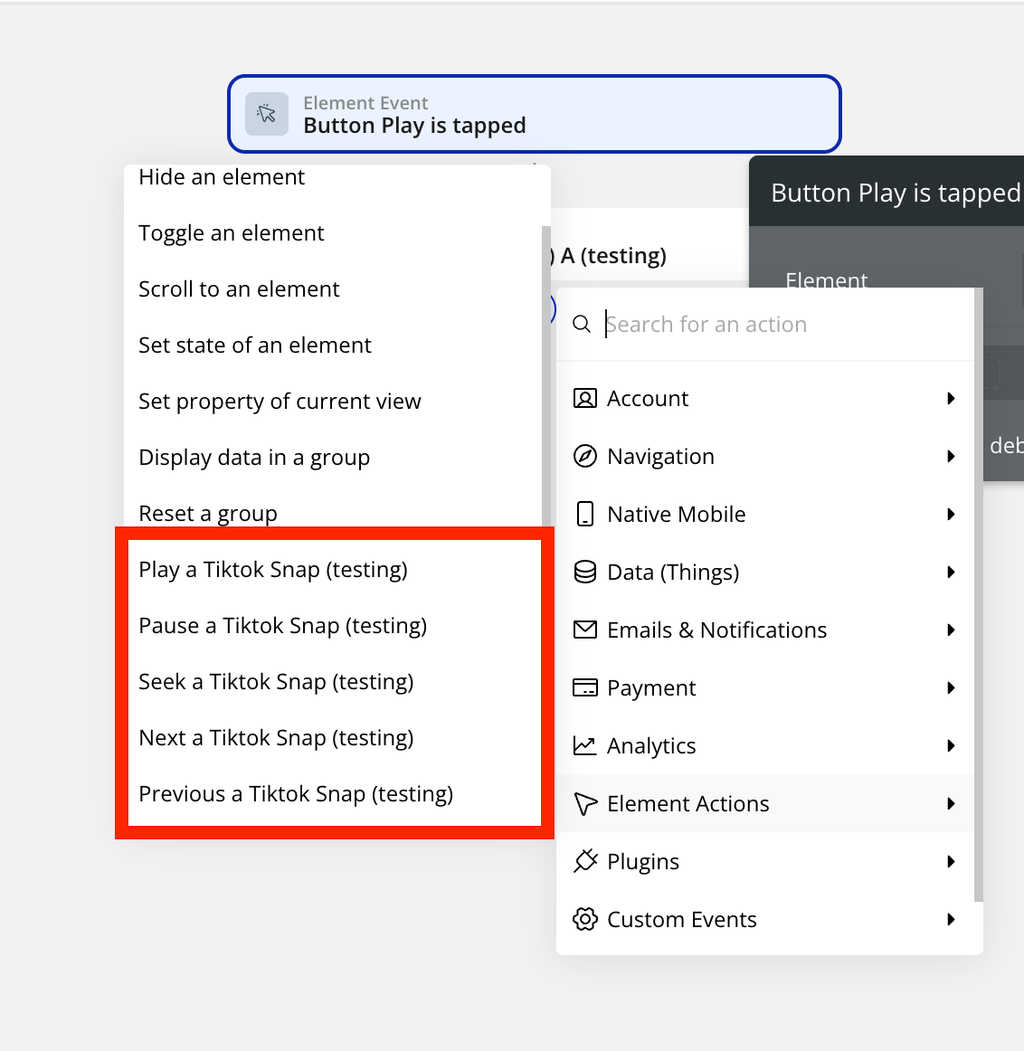
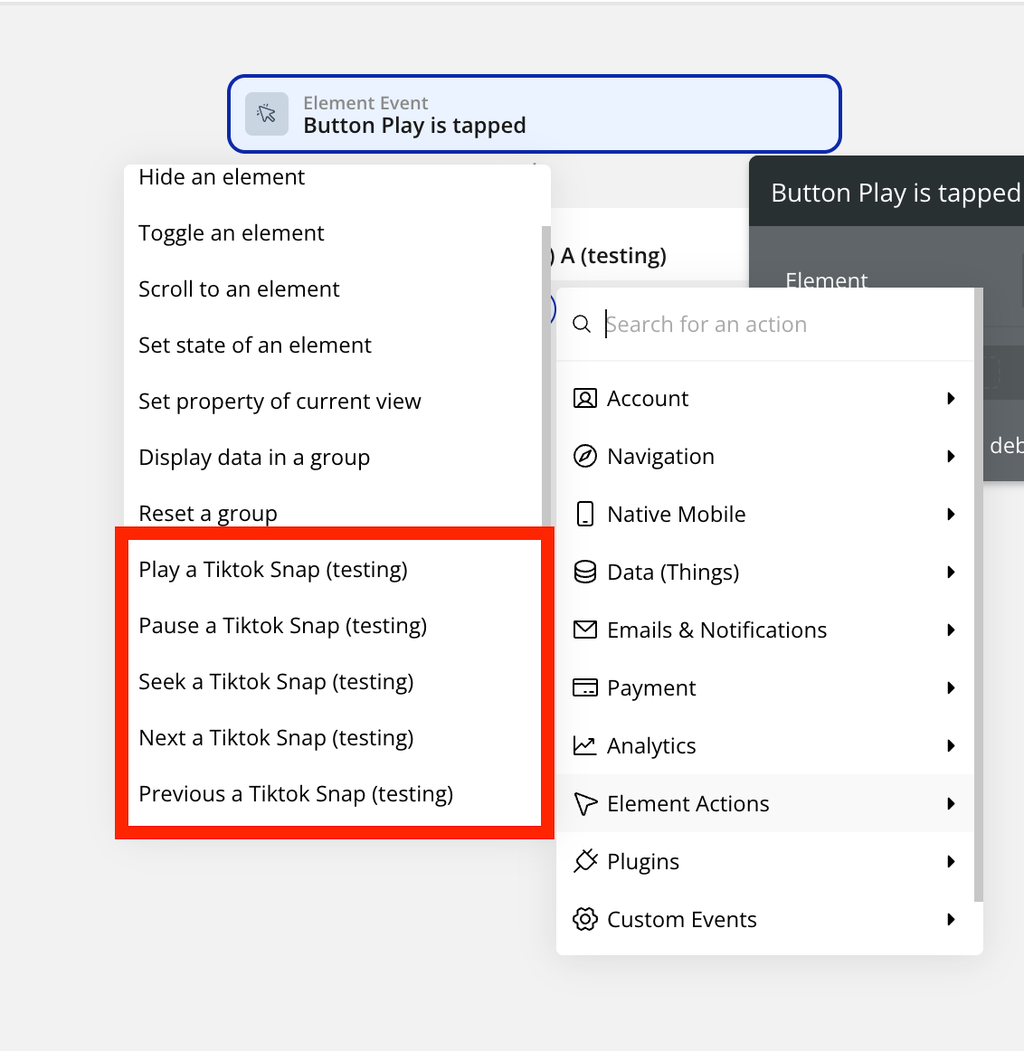
- Set up workflows using the available actions and events
The element requires video data to be provided through dynamic expressions. You can connect it to your database or external API to populate the video feed.
Plugin Element - Tiktok Snap
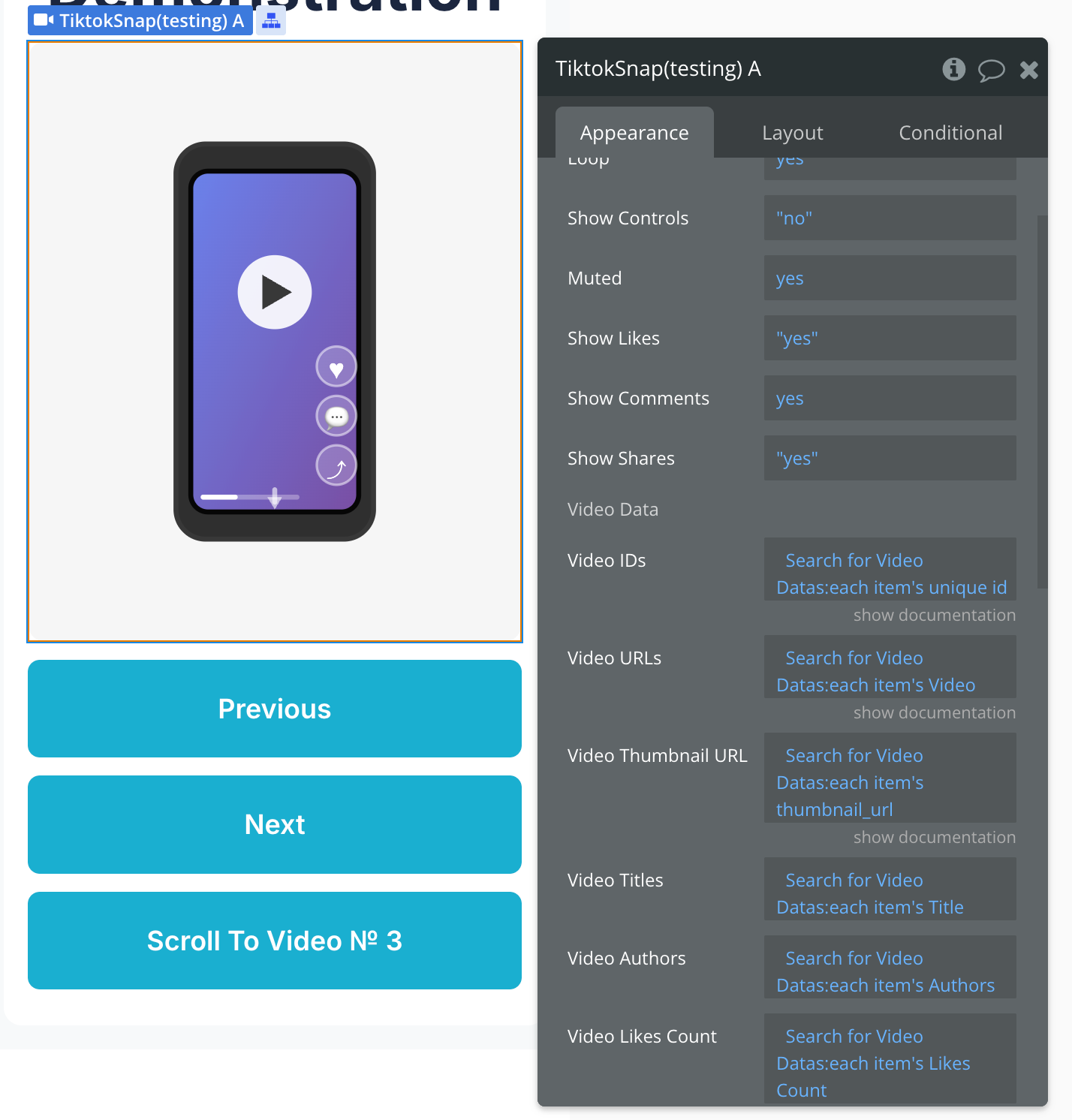
Fields
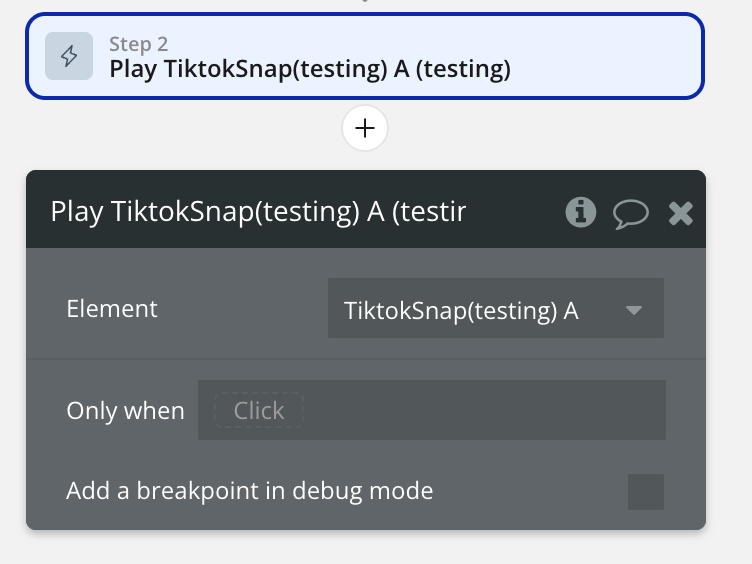
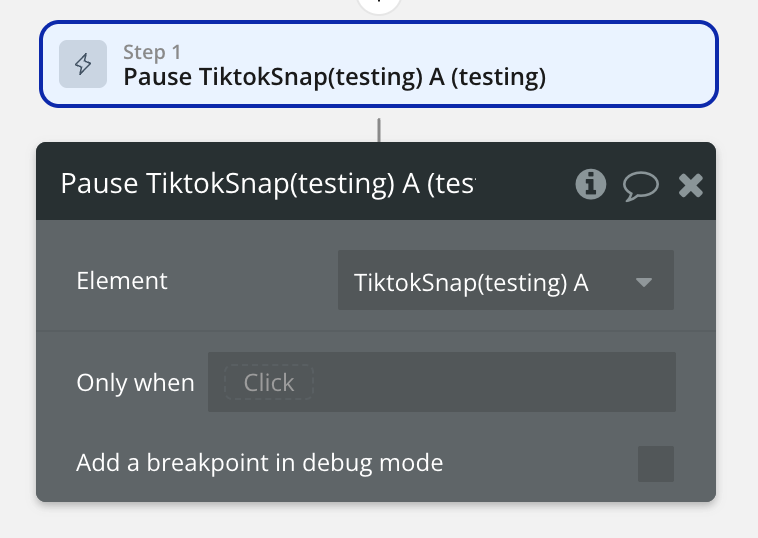
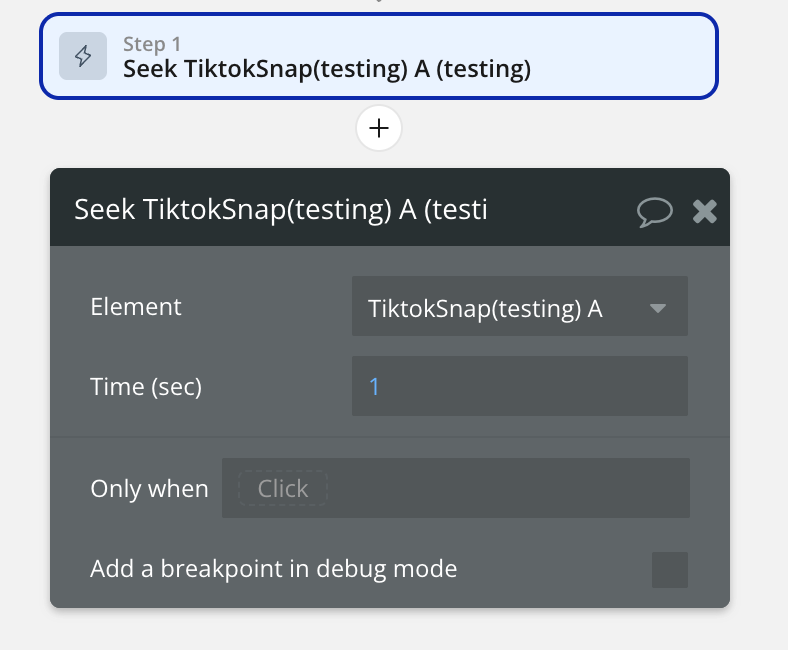
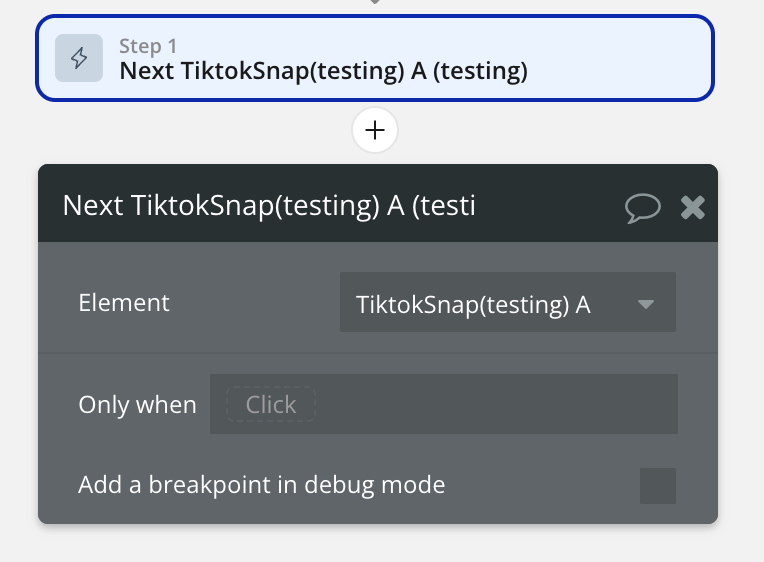
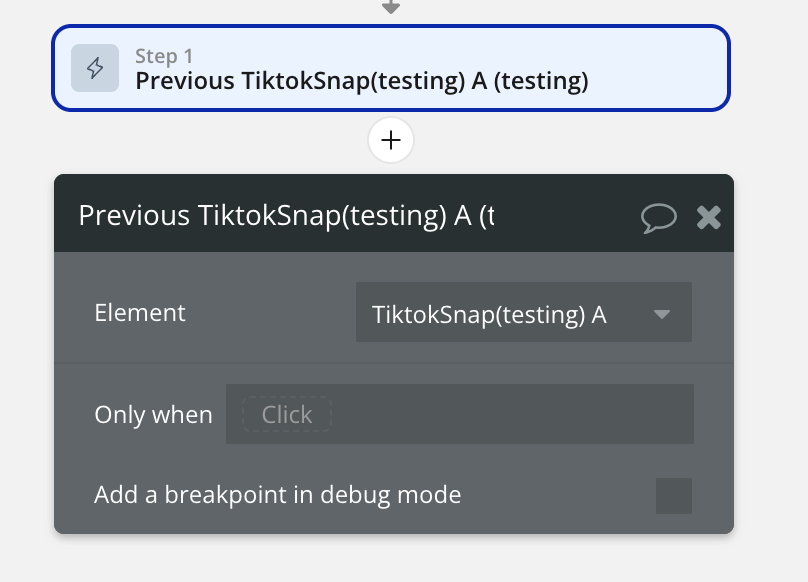
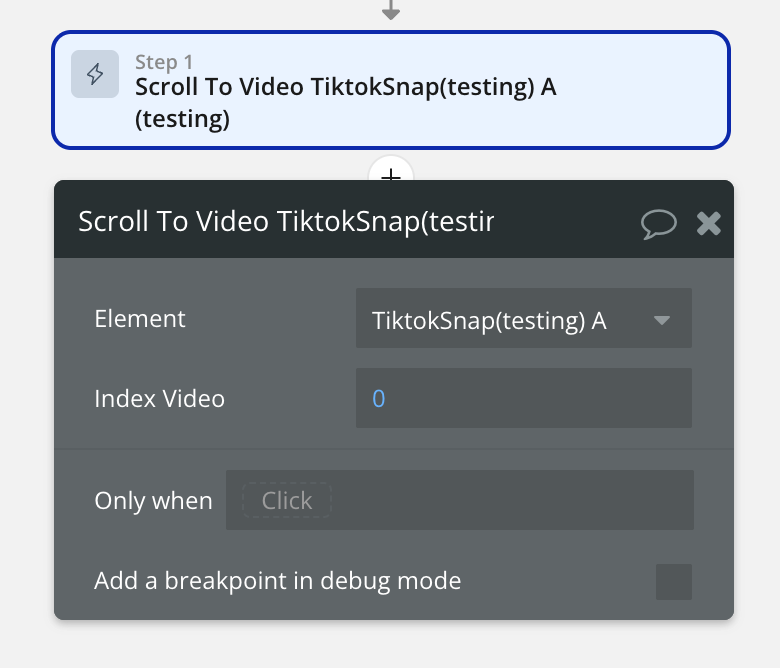
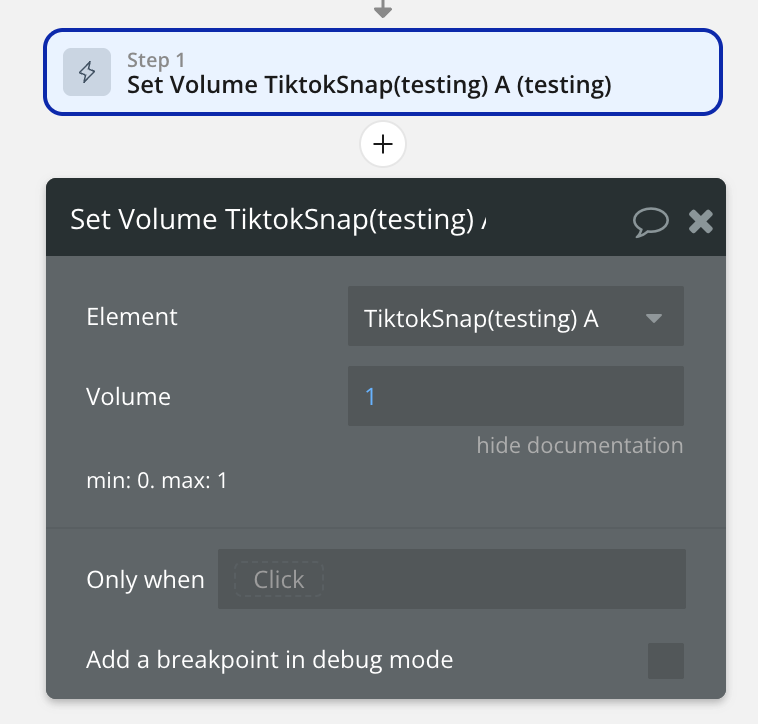
Element Actions
Exposed states
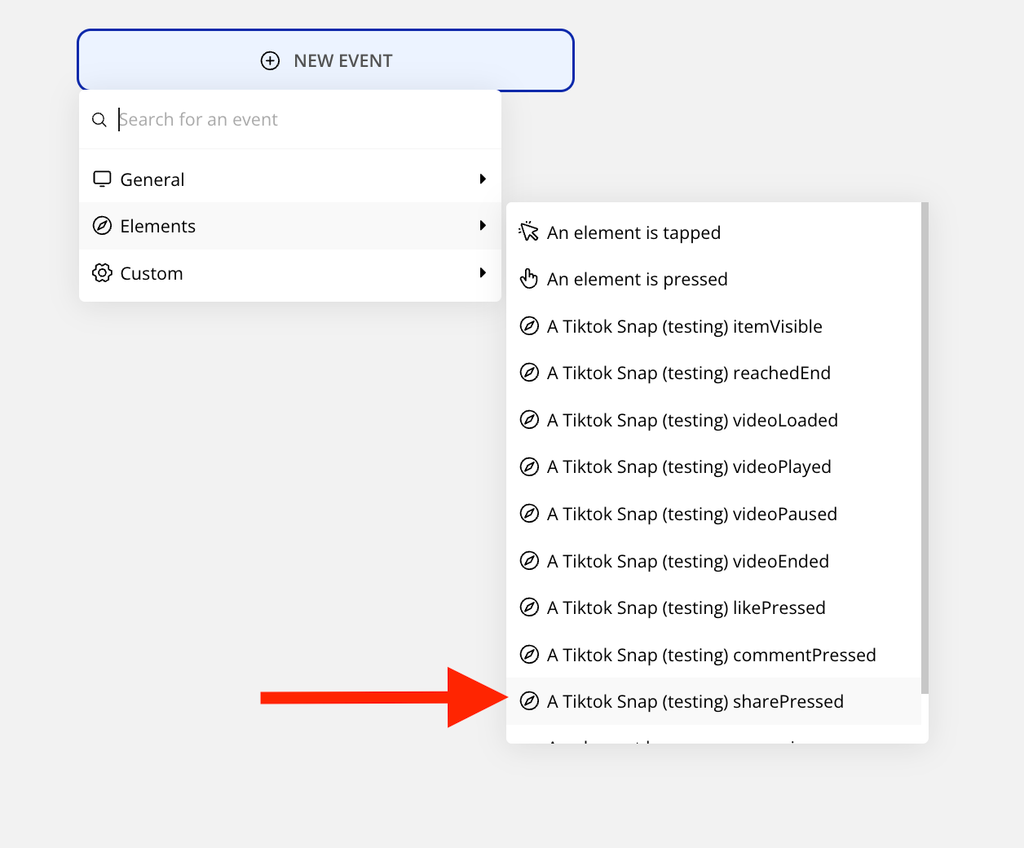
Element Events
Workflow example
Basic Setup
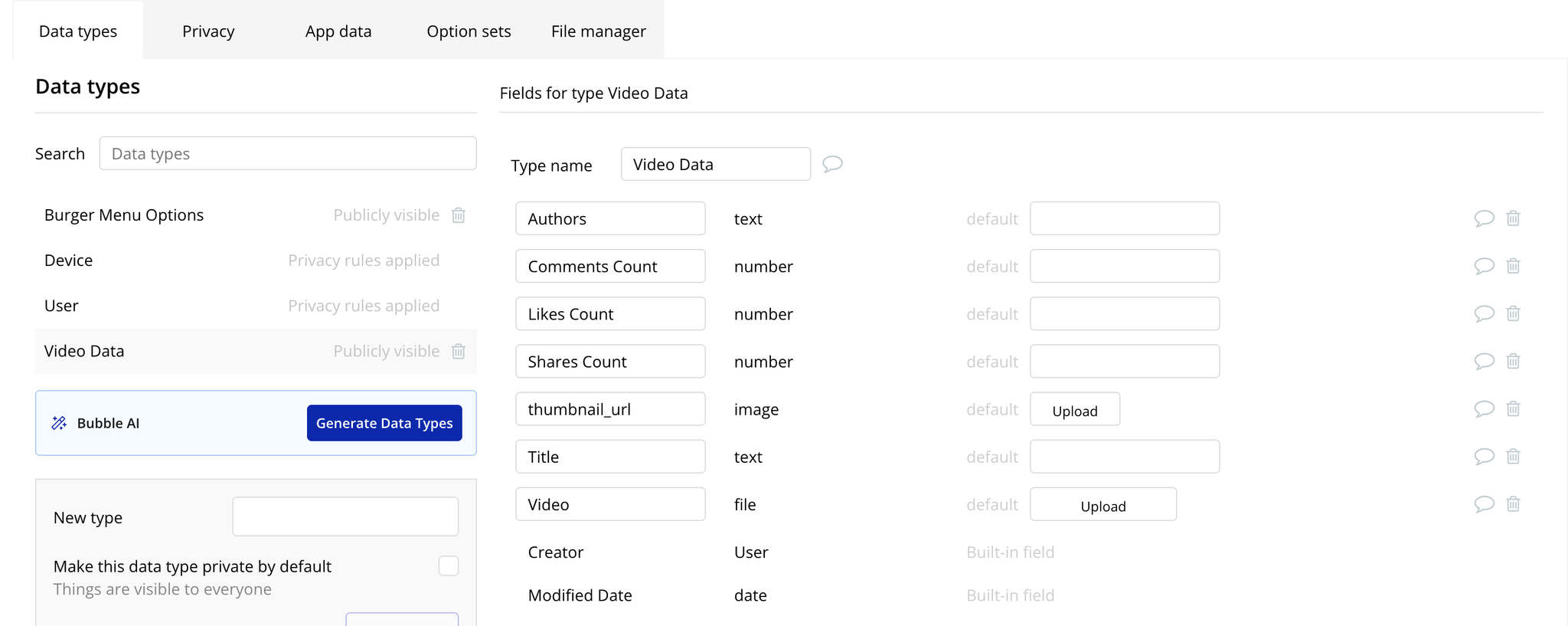
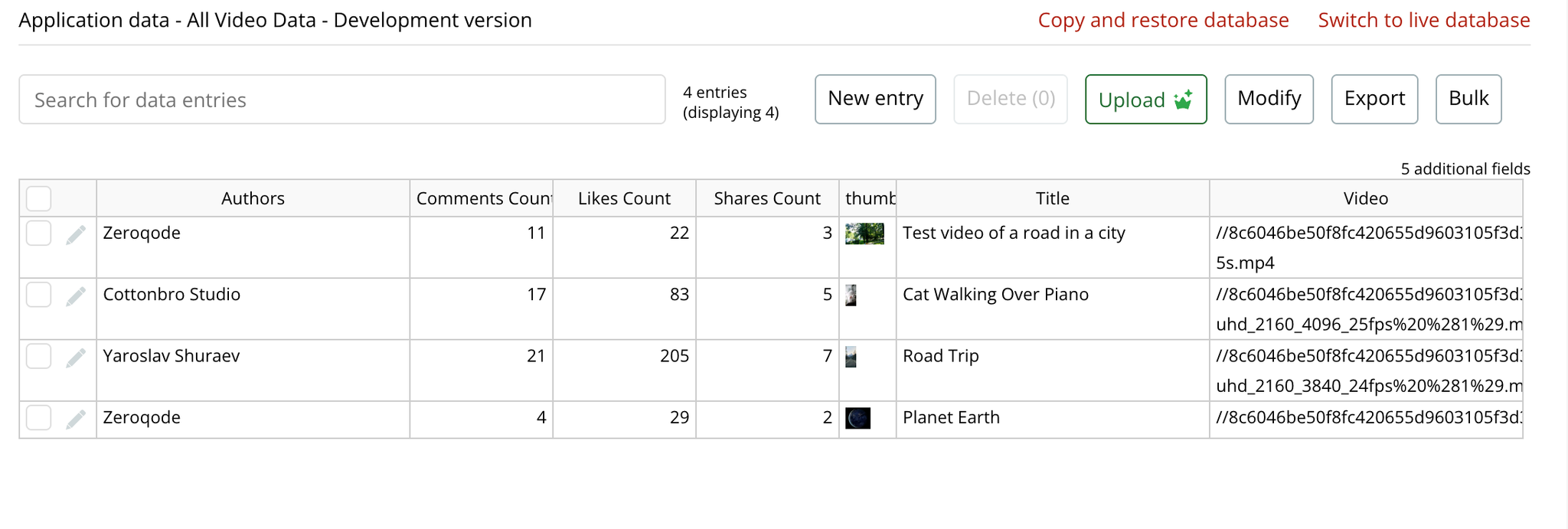
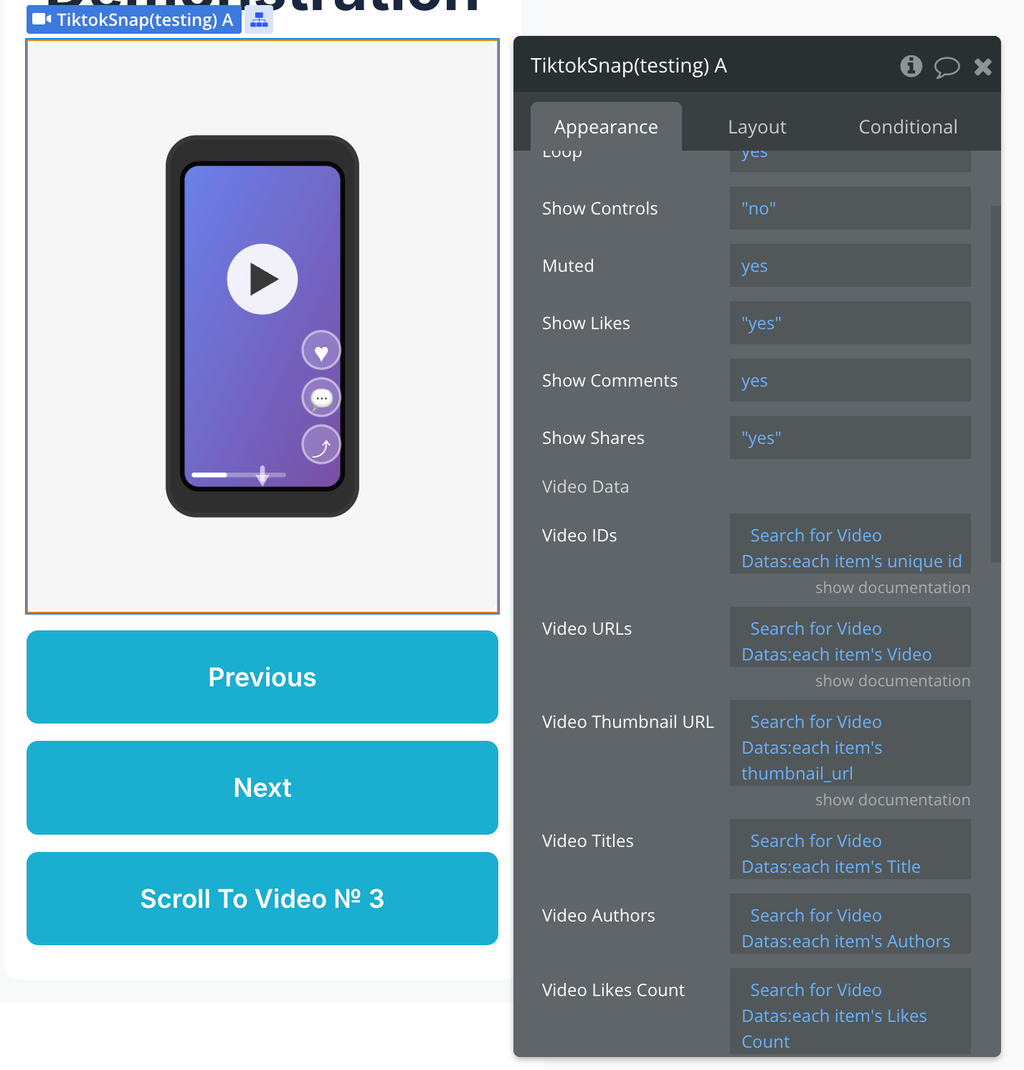
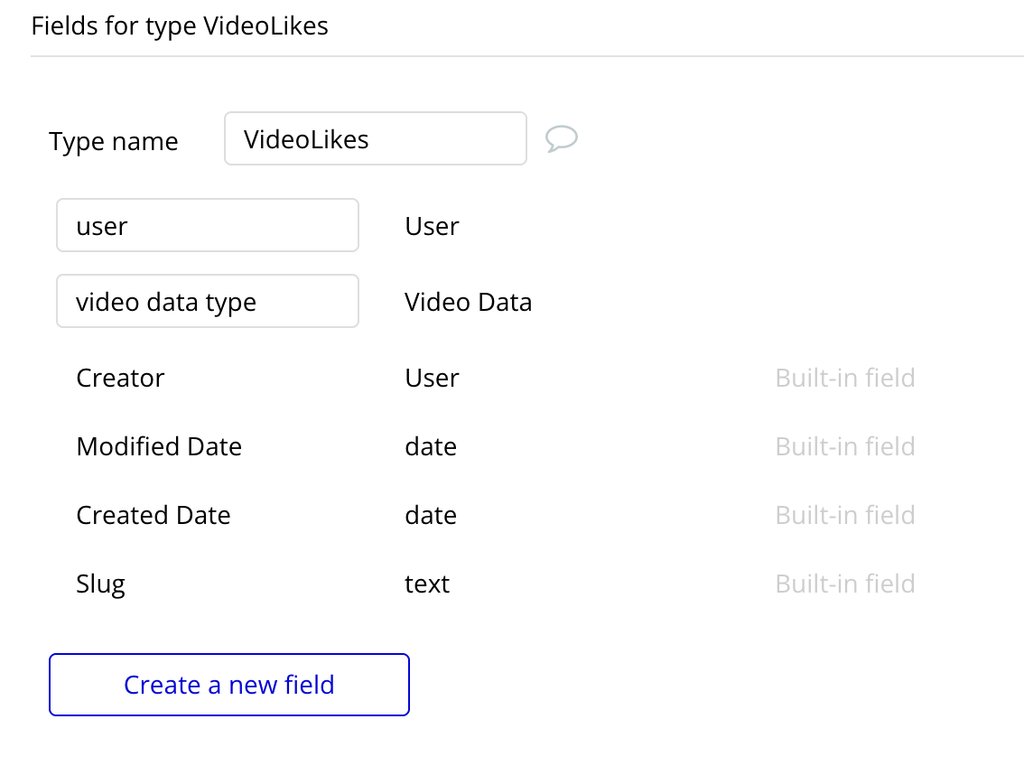
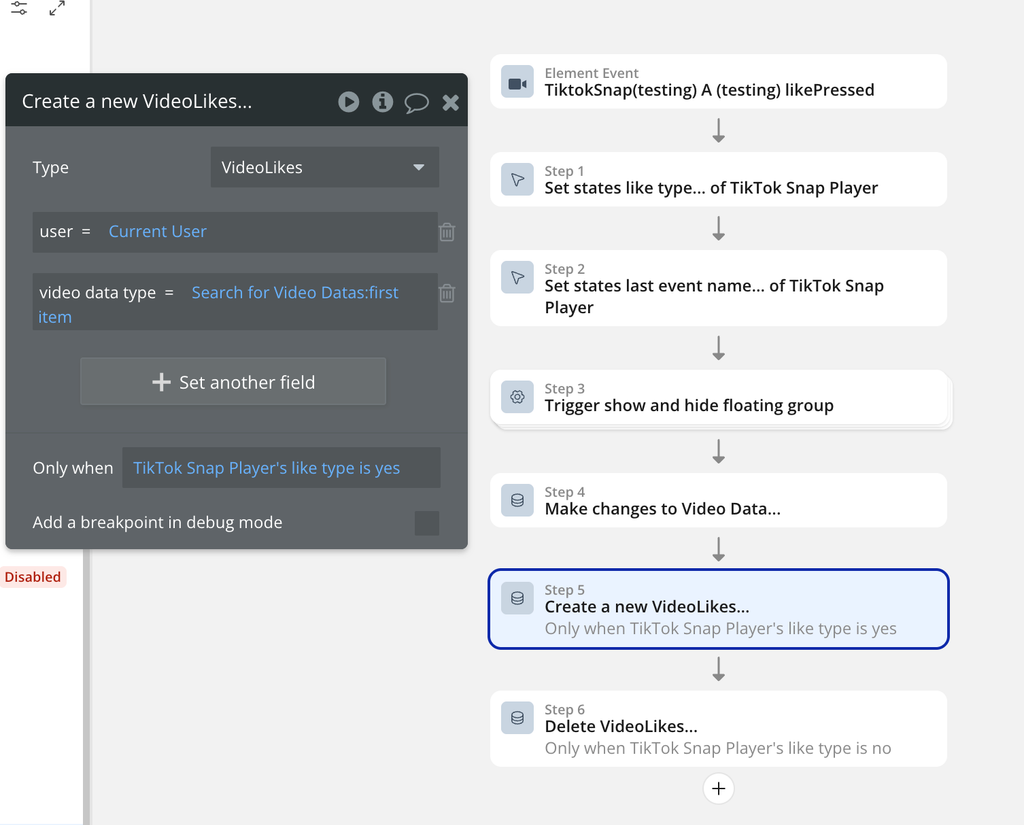
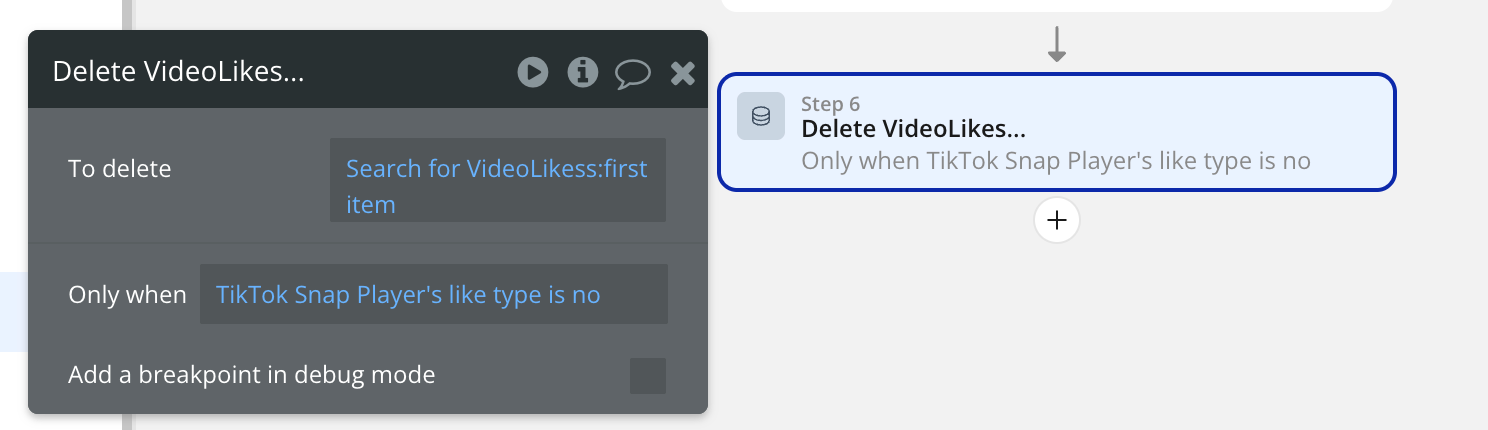
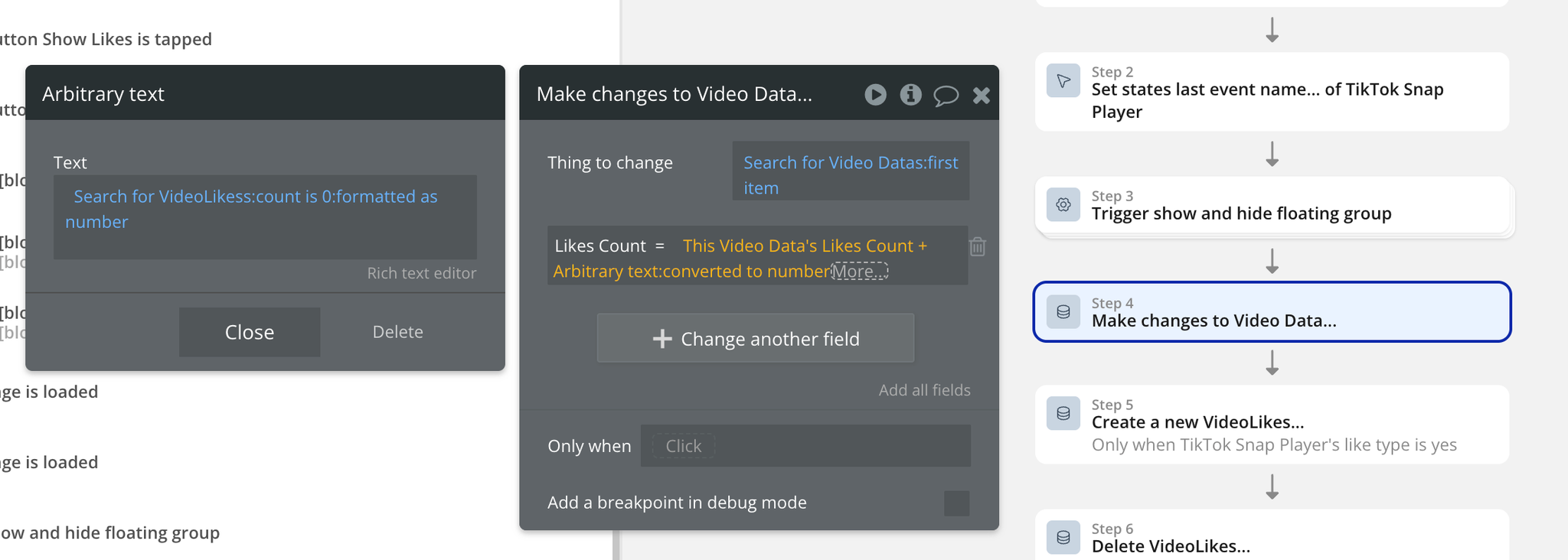
Like Functionality Workflow
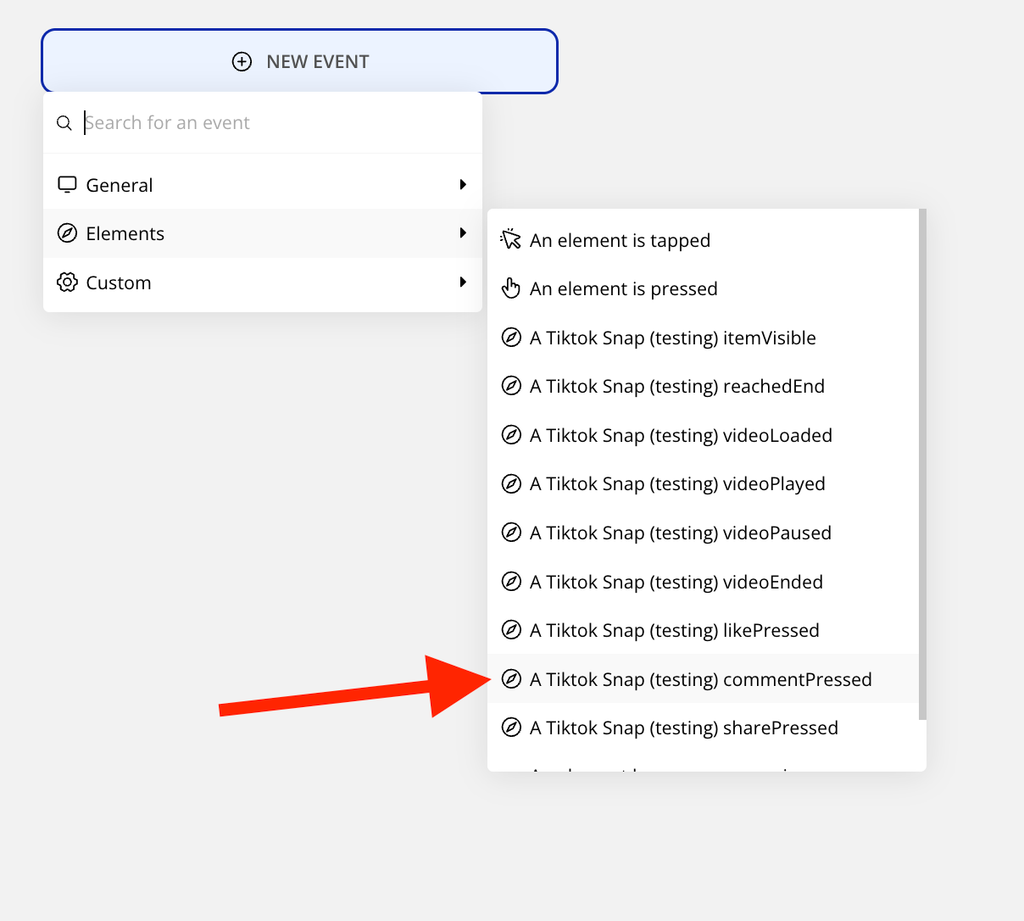
Comment Functionality Workflow
Share Functionality Workflow