Link to the plugin page: https://zeroqode.com/plugin/mobile-camera-input-plugin-for-bubble-1708474908184x517074361353893060
Demo to preview the plugin:
Introduction
The Mobile Camera Input plugin allows your mobile Bubble app to open the device’s native camera to capture photos or videos and upload them directly. Users can choose between the front (selfie) and rear camera if supported, and you can specify whether the camera opens in photo or video mode.
Note: Behavior may vary across devices. Some devices might not support front/rear camera selection. This plugin is intended for mobile phones only.
Key Features

How to Setup
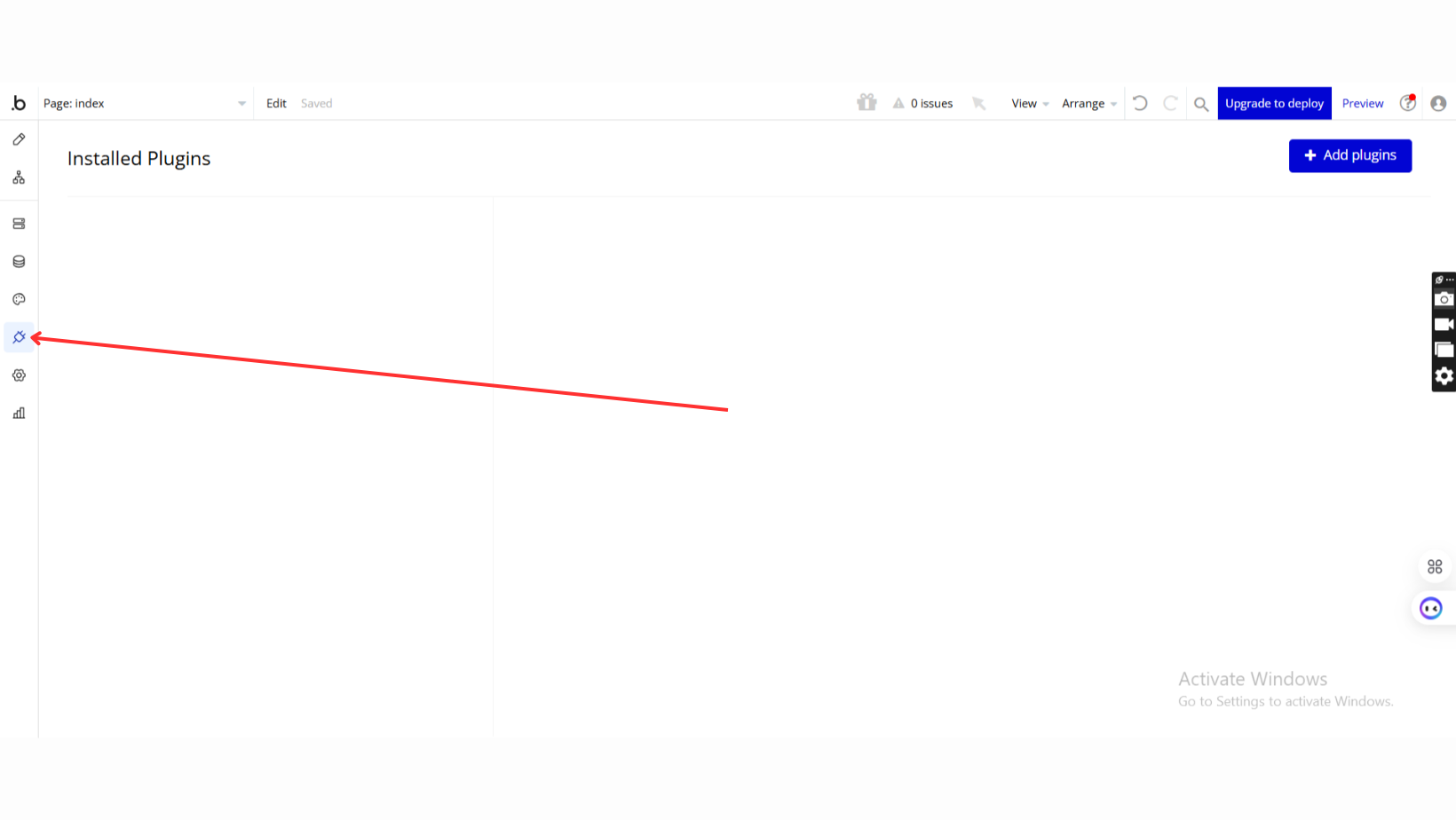
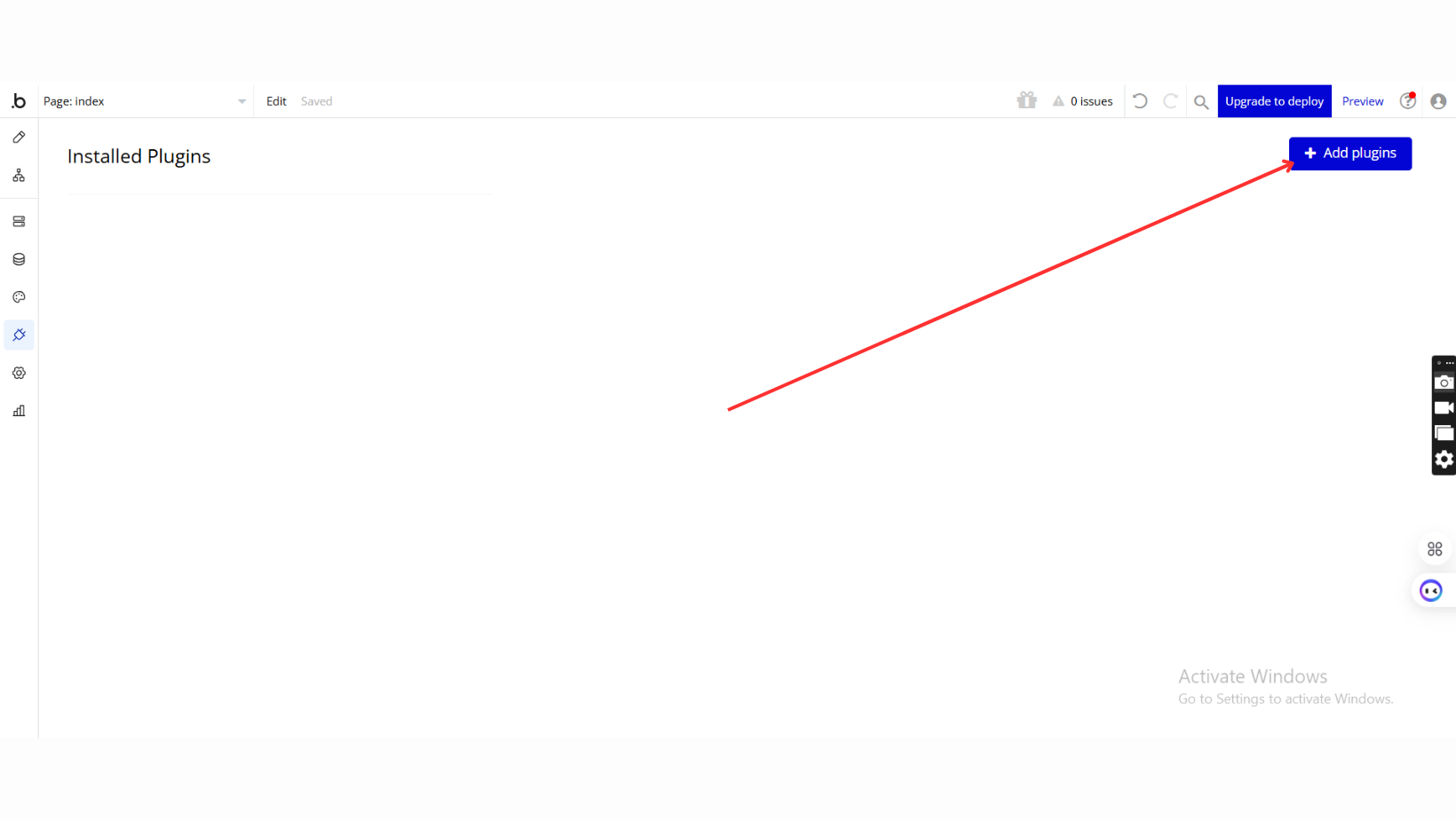
Step 1 – Install the Plugin
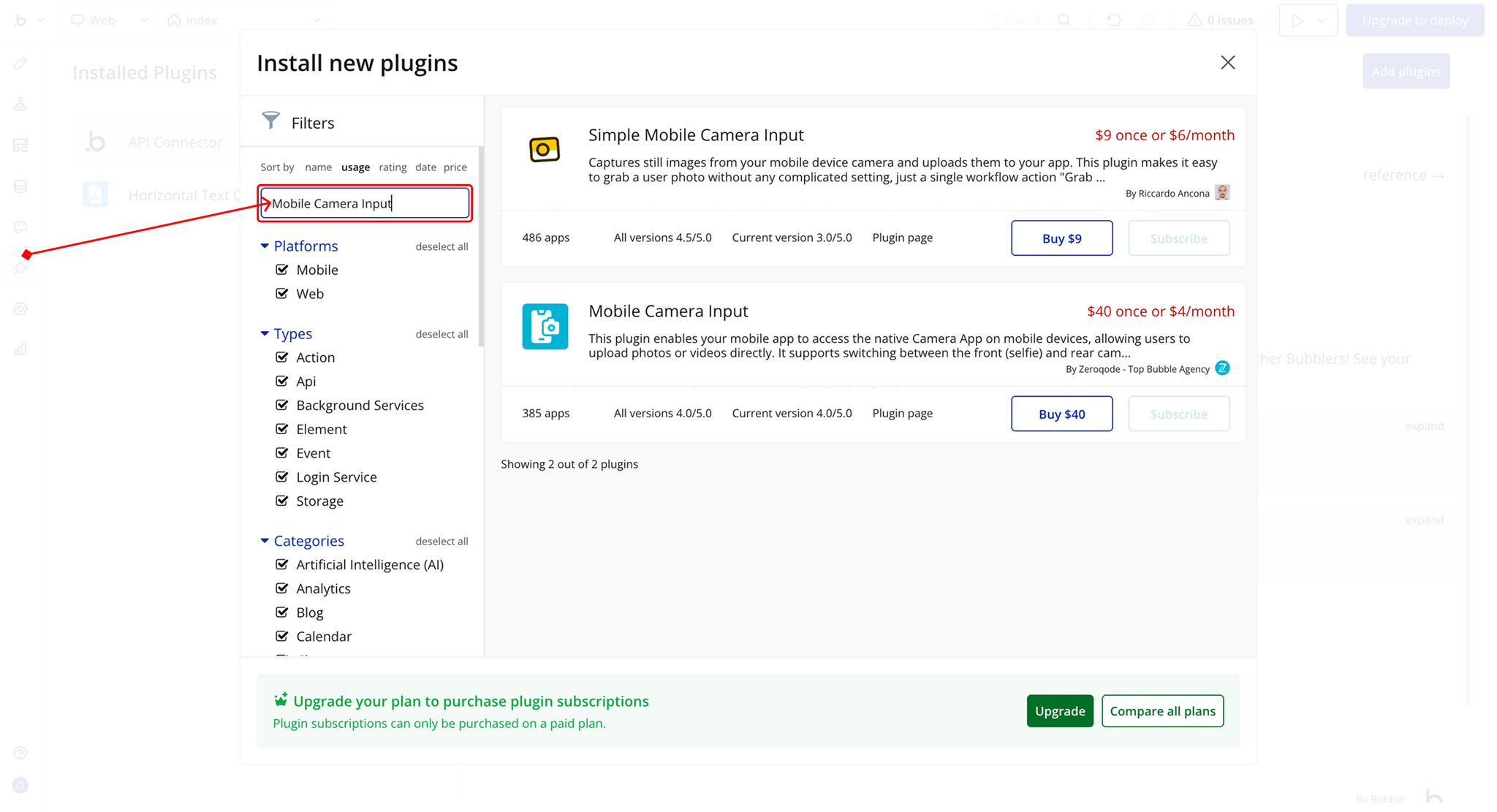
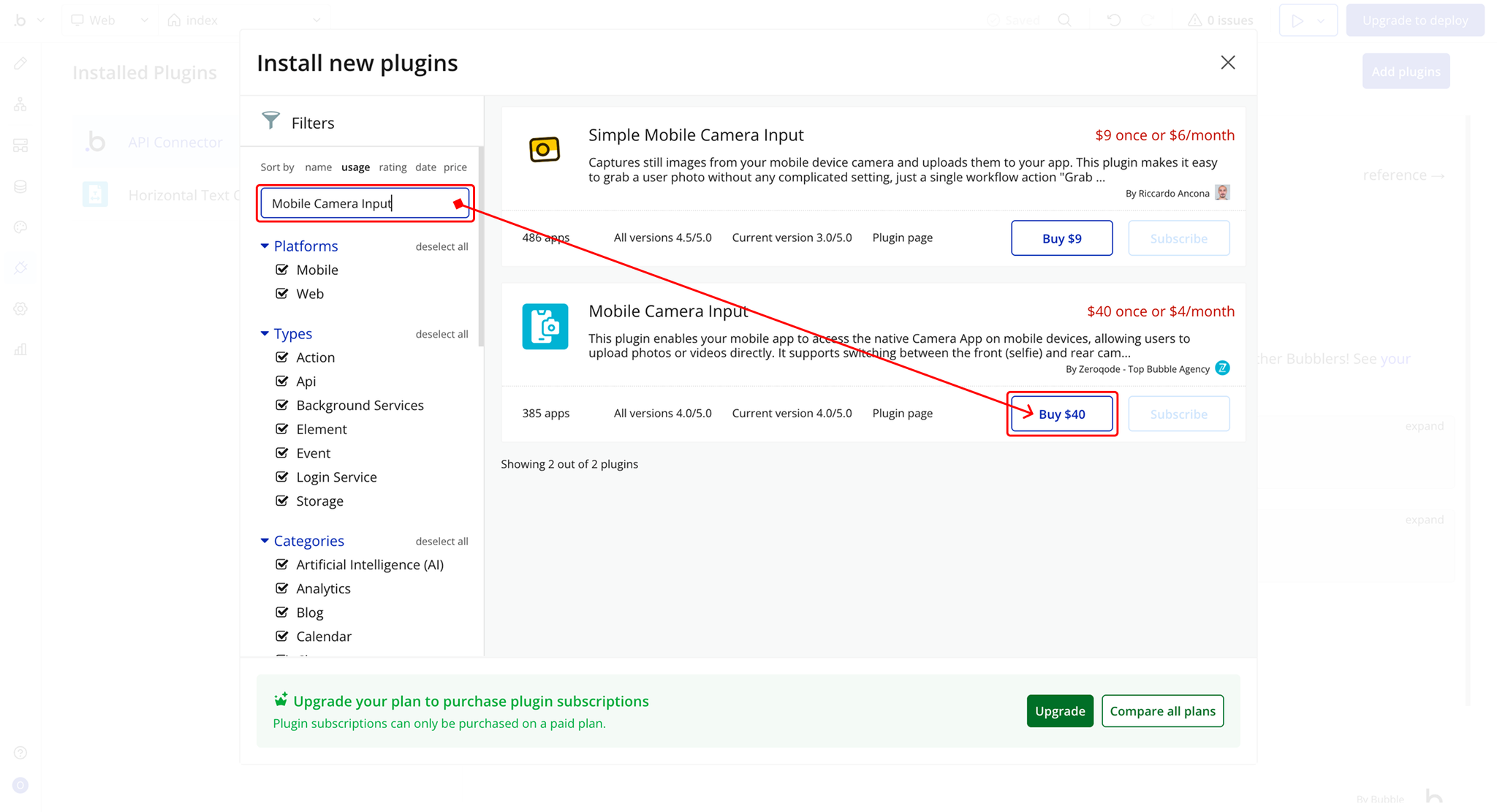
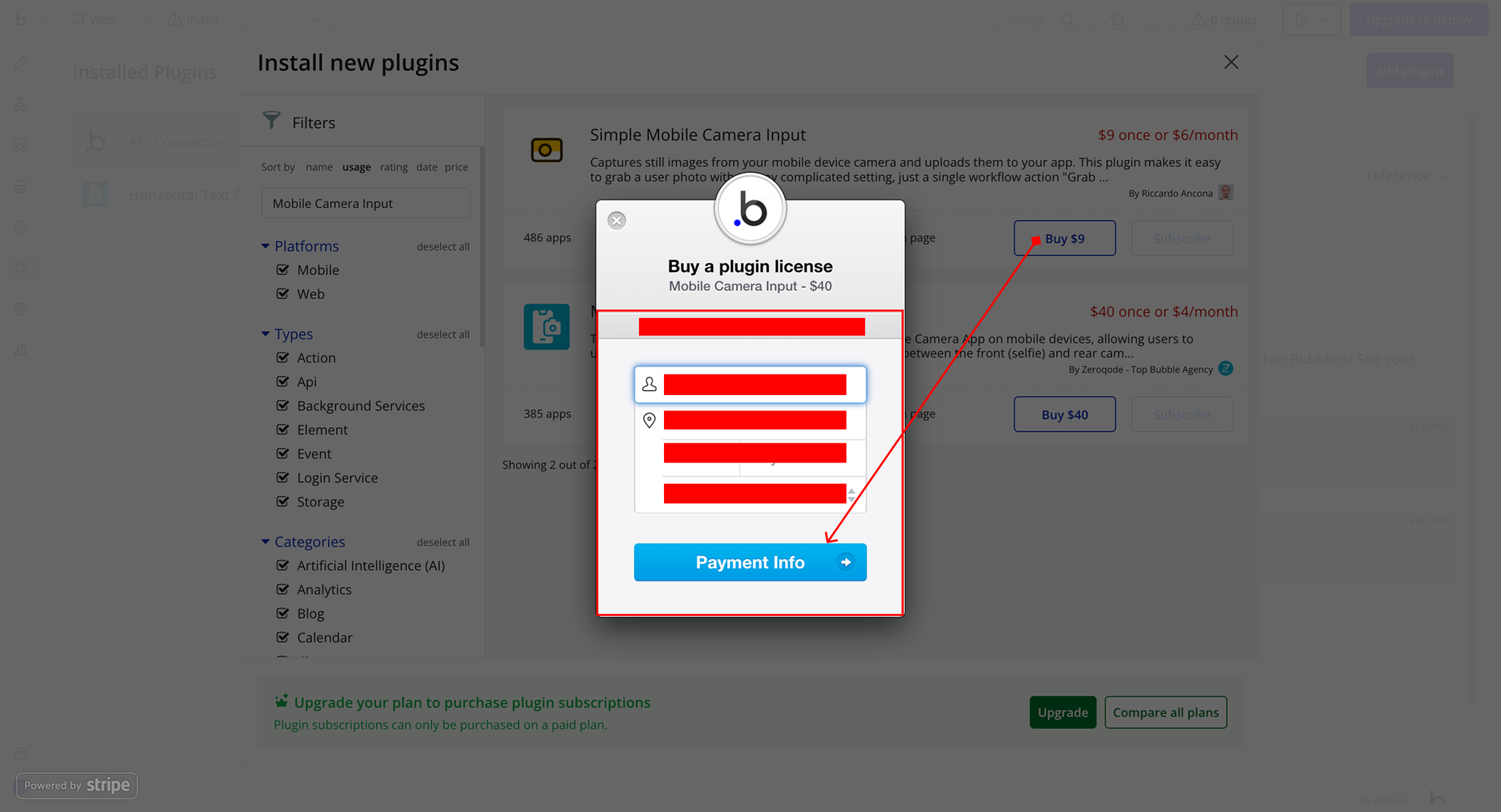
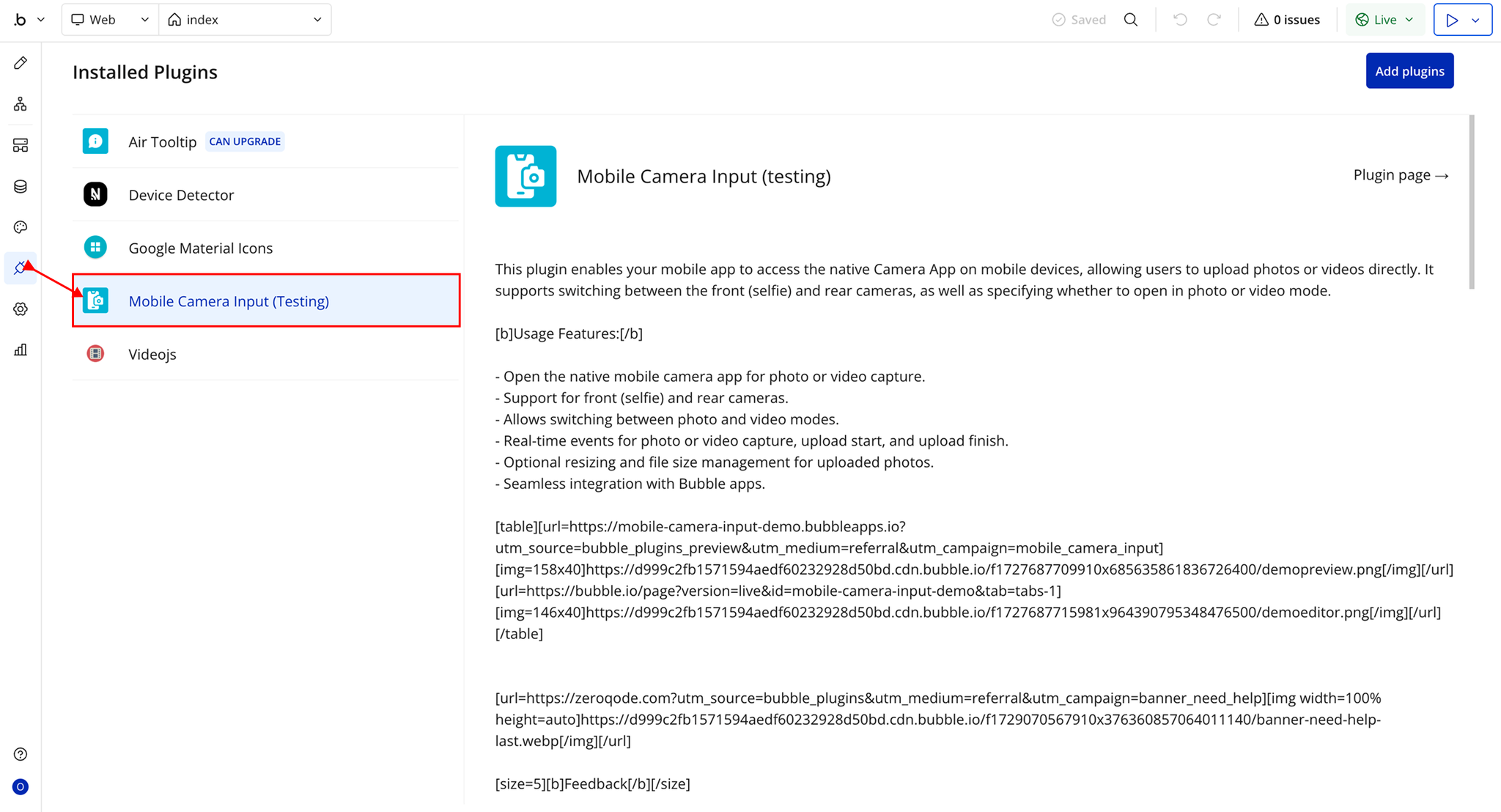
Step 2 – Add the Plugin Element to Your Page
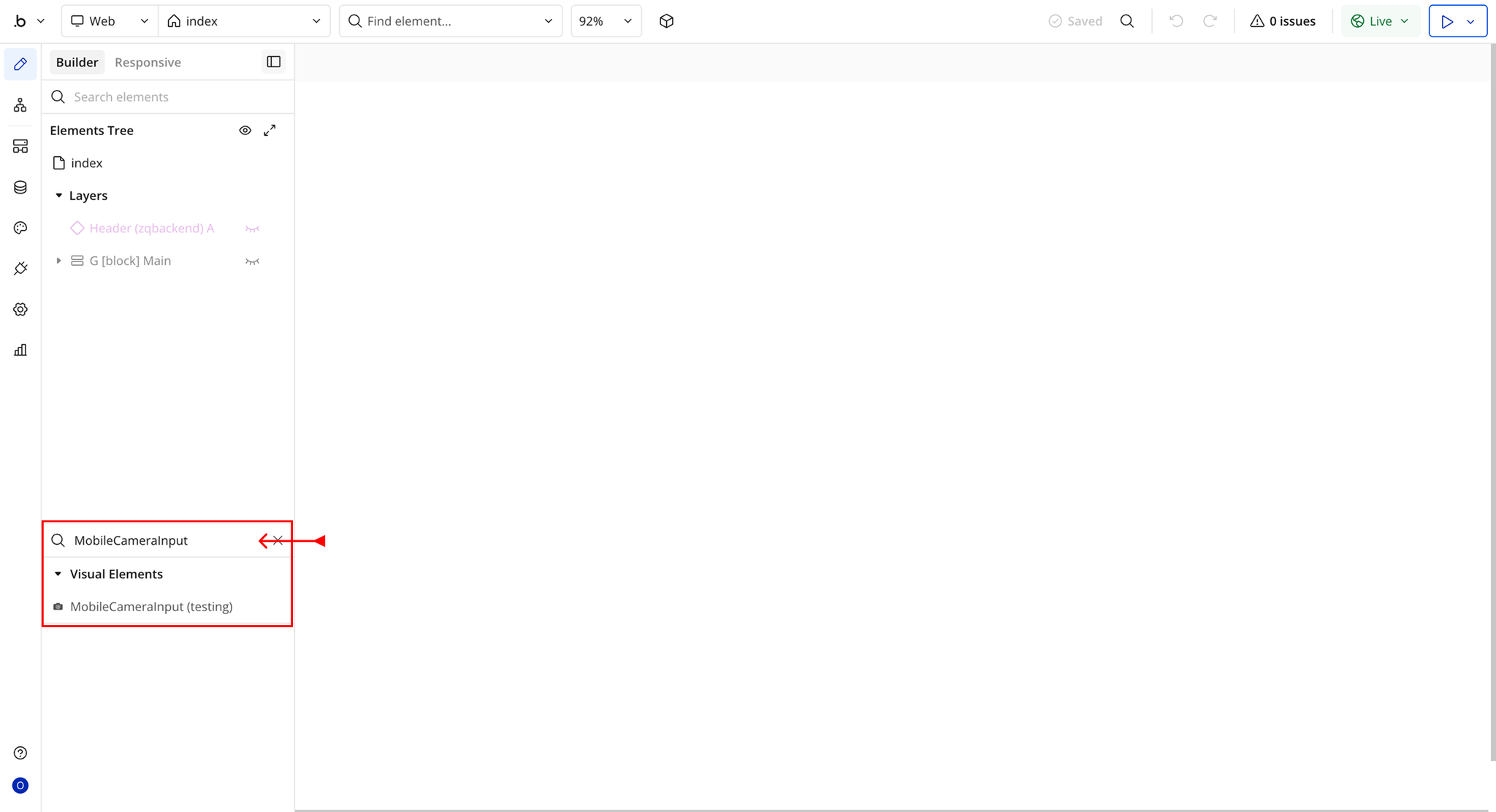
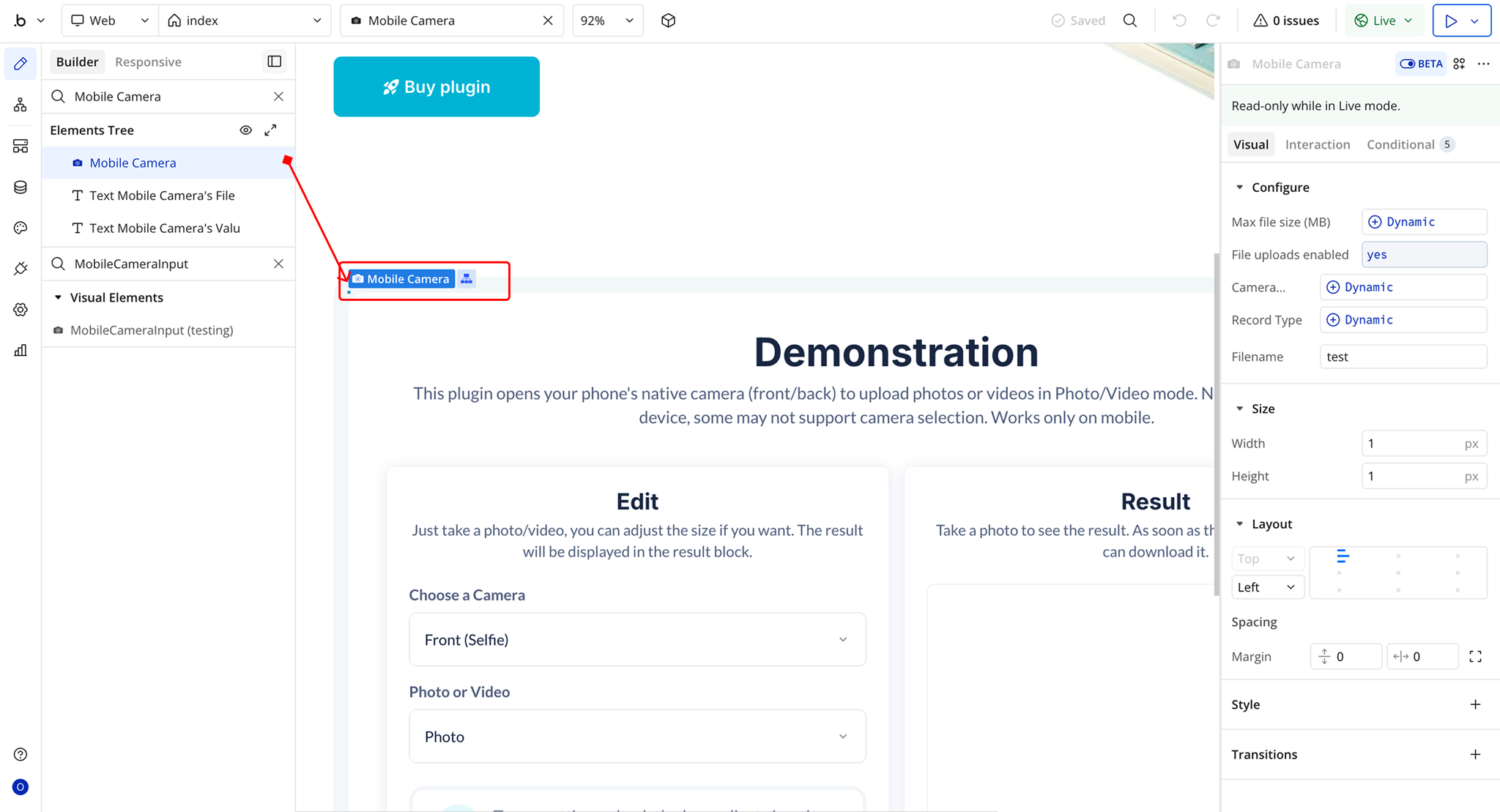
Plugin Element Properties - MobileCameraInput
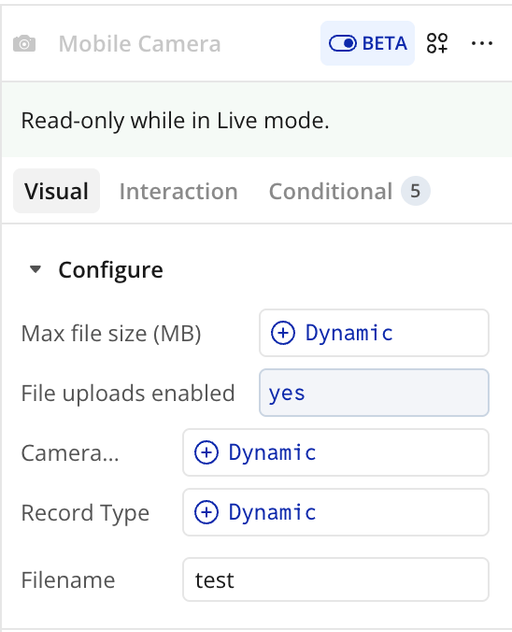
Fields
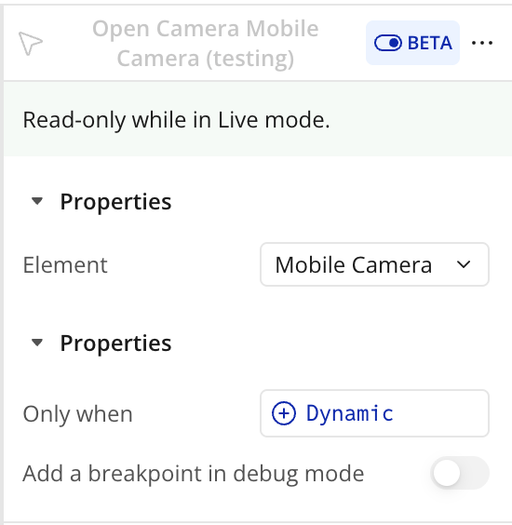
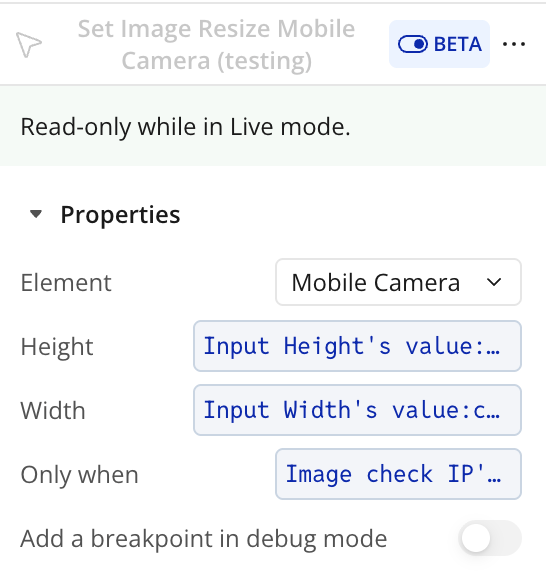
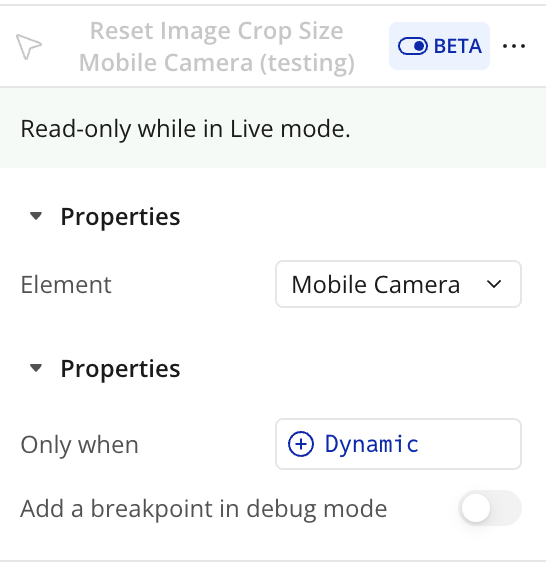
Element Actions
Exposed States
Element Events
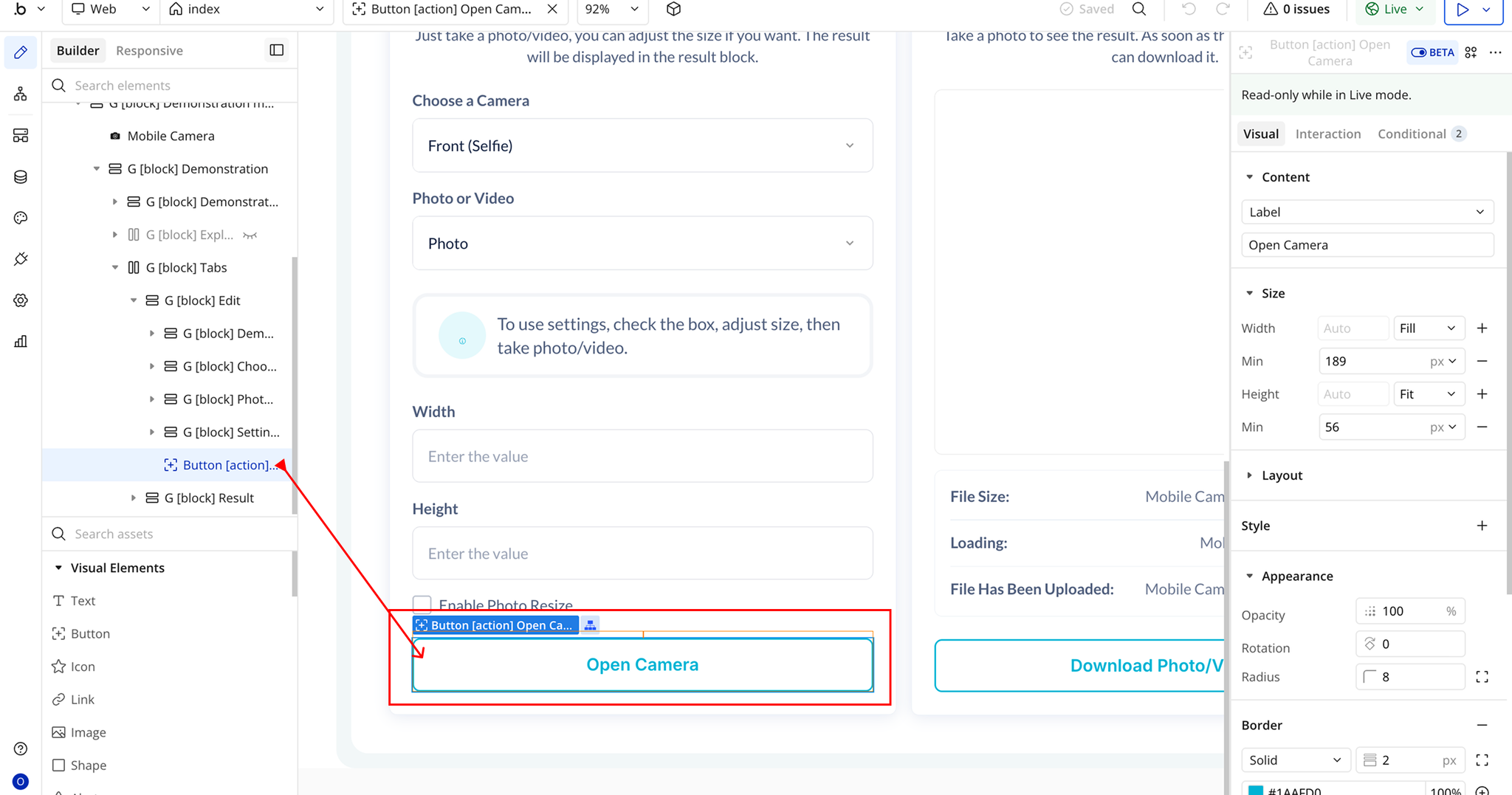
Workflow Example
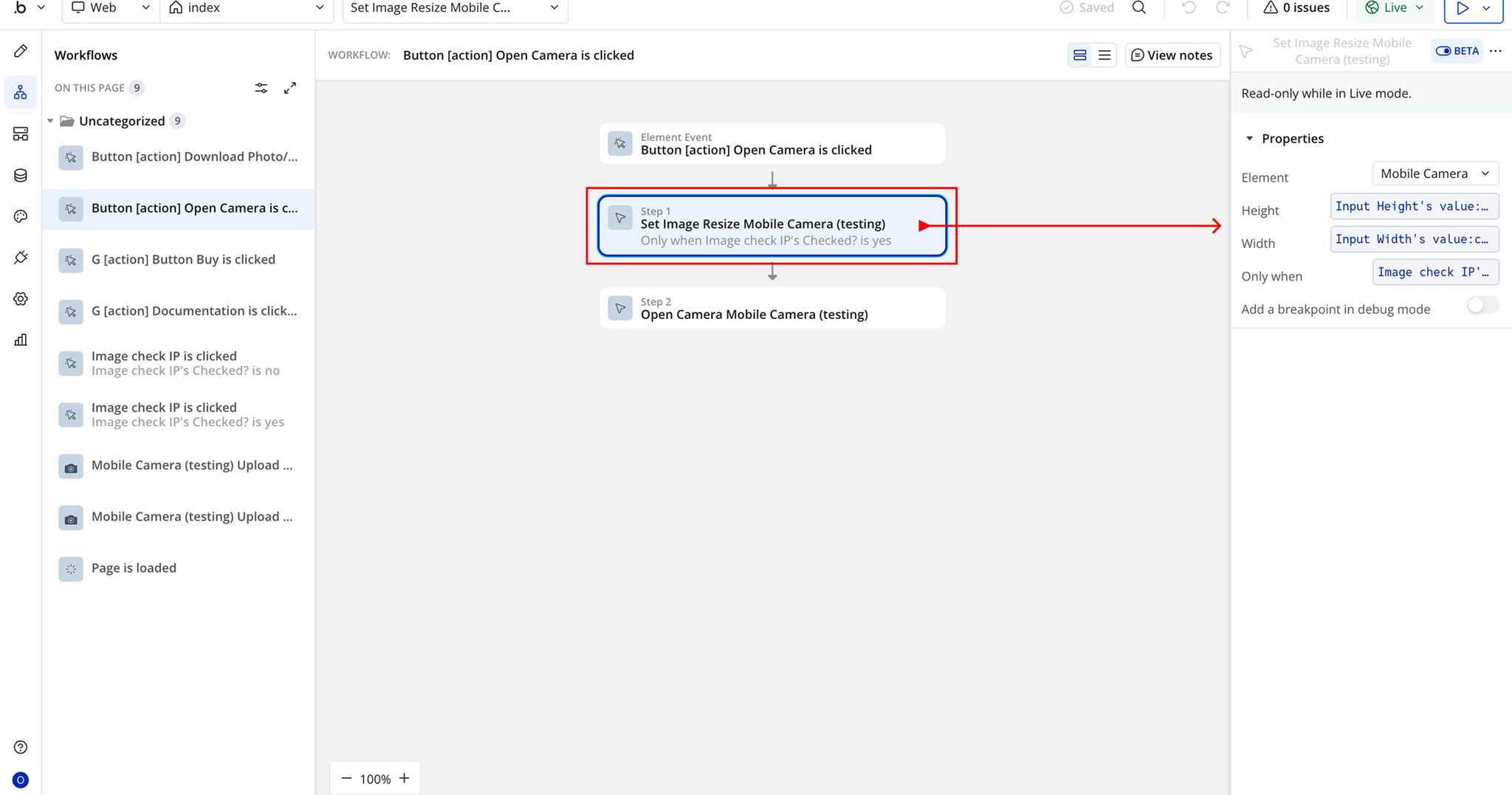
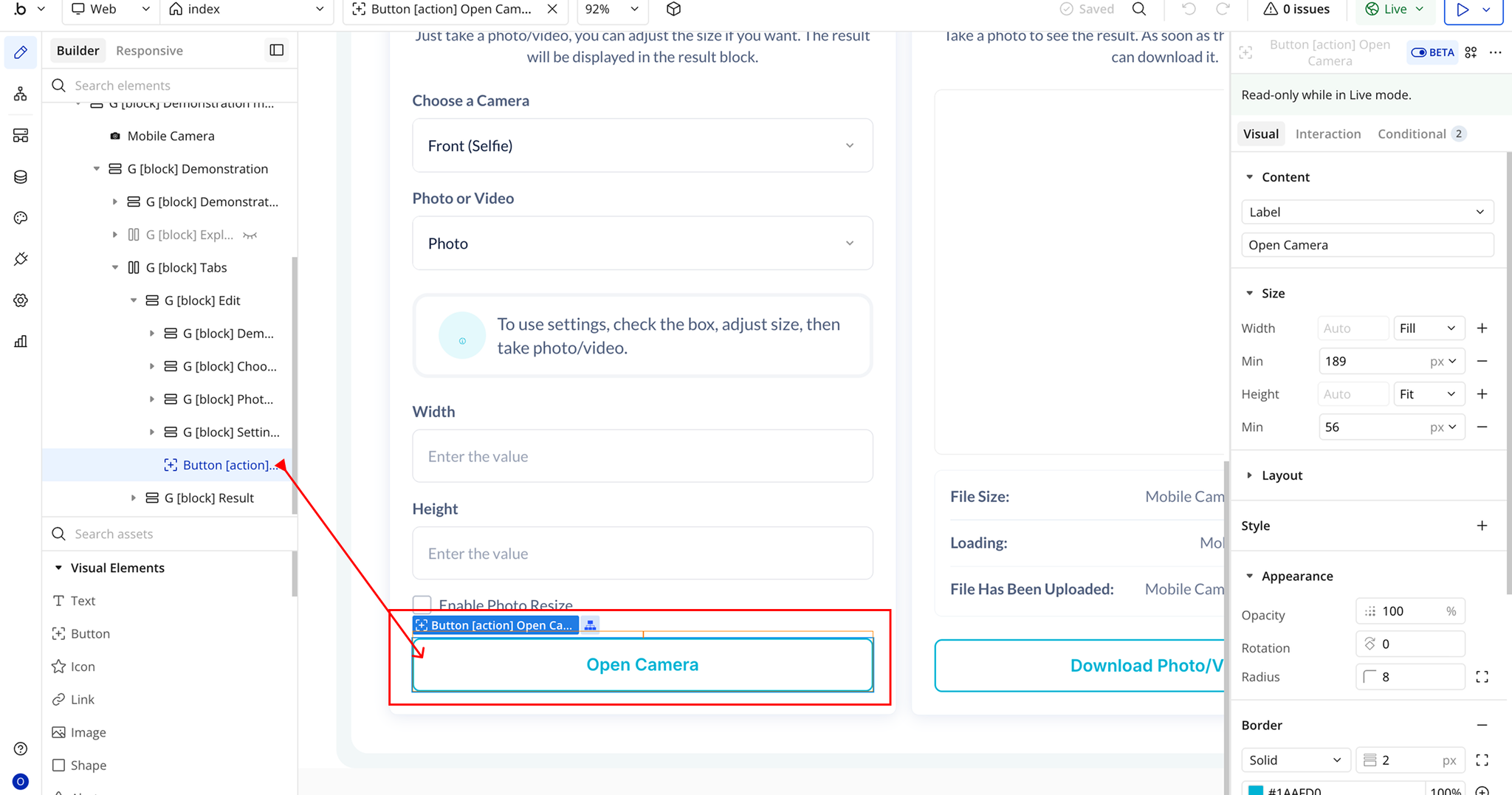
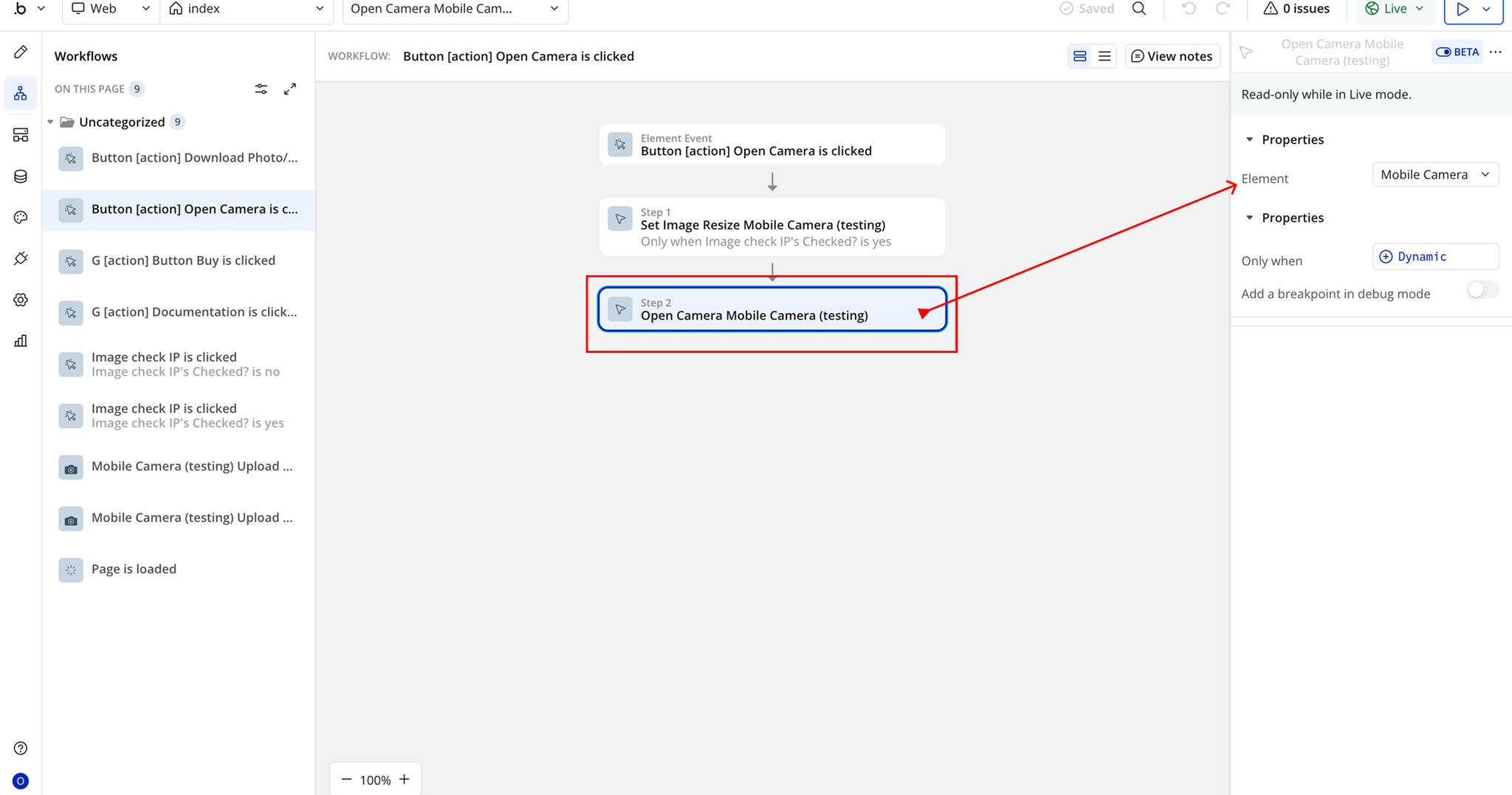
Open Camera Mobile Camera
Resize the Captured Image