Link to the plugin page: https://zeroqode.com/plugin/dark-mode-detection-bubble-mobile-1768912962213x115822602993922000
Demo to preview the plugin:
Introduction
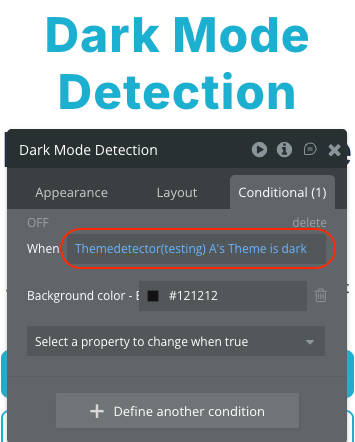
The Dark Mode Detection Bubble Mobile plugin allows you to detect and respond to the user’s system color scheme preference in your Bubble mobile applications. This plugin is specifically designed for Bubble’s mobile editor and provides a simple way to determine whether the user has enabled dark mode or light mode on their device.
With this plugin, you can create adaptive user interfaces that automatically respond to system theme changes, enhancing user experience by respecting their display preferences. The plugin also detects the device operating system (iOS or Android), enabling platform-specific customizations.
Prerequisites
This plugin is designed specifically for the mobile version of the Bubble editor. To test the plugin on your mobile device, use the TestFlight app available at: https://testflight.apple.com/join/j73hHPR6
Please note that the testing app is currently available for iOS only.

How to setup
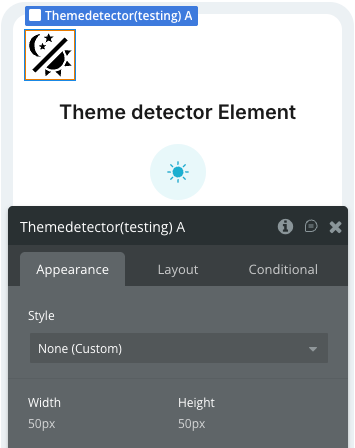
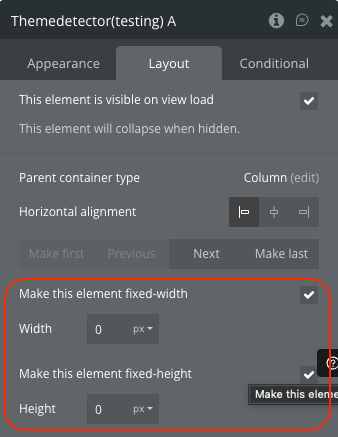
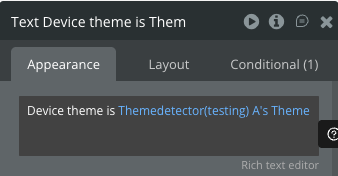
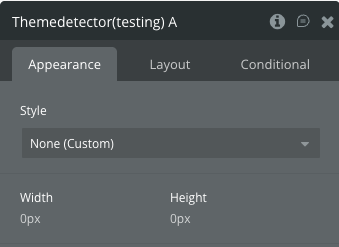
Plugin Element - Theme detector
Detects the system theme and operating system.
States
Events
Workflow example
Here are some basic workflow examples to get you started with the Dark Mode Detection Bubble Mobile plugin:
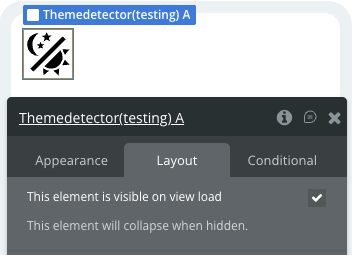
Basic Theme Detection Setup
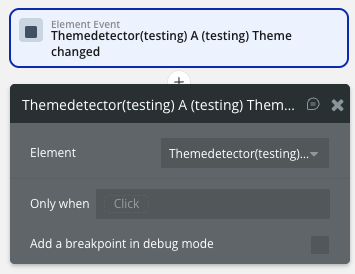
Responding to Theme Changes
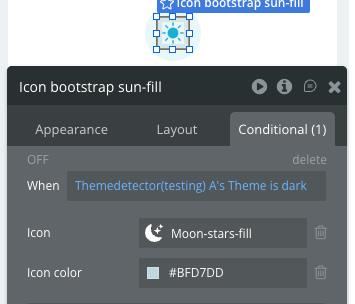
Platform-Specific Styling