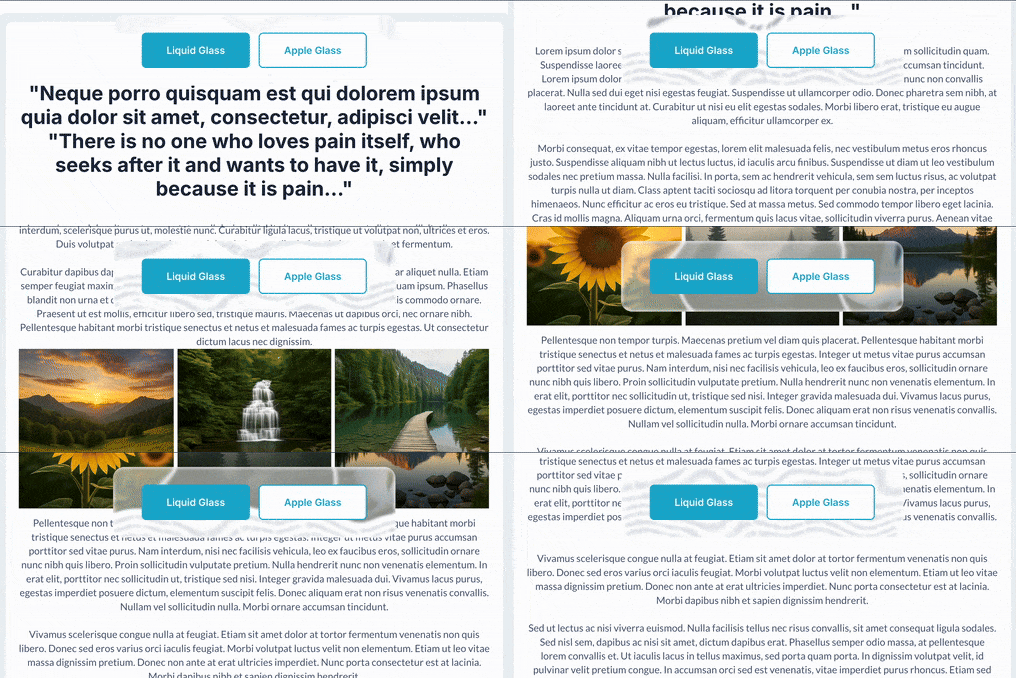
Demo to preview the plugin:
Introduction
This plugin brings stunning glassmorphism effects to your Bubble applications with two distinct visual elements. This plugin creates modern, frosted glass effects with dynamic distortion patterns that give your UI elements a premium, polished appearance. Perfect for creating contemporary designs with depth and sophistication.
The plugin includes two elements:
- Liquid Glass - Advanced glass effect with customizable distortion, blur, and saturation
- Apple Like Glass - Simplified glass effect inspired by Apple’s design language
Both elements work as invisible controllers that apply effects to target elements on your page, making them easy to integrate without affecting your existing layout structure.

How to setup
Setting up the Liquid Glass plugin is straightforward:
- Install the plugin from the Bubble plugin marketplace.
- Add an element to your page:
- Drag either “Liquid Glass” or “Apple Like Glass” element onto your page
- The element will be invisible (it acts as a controller).
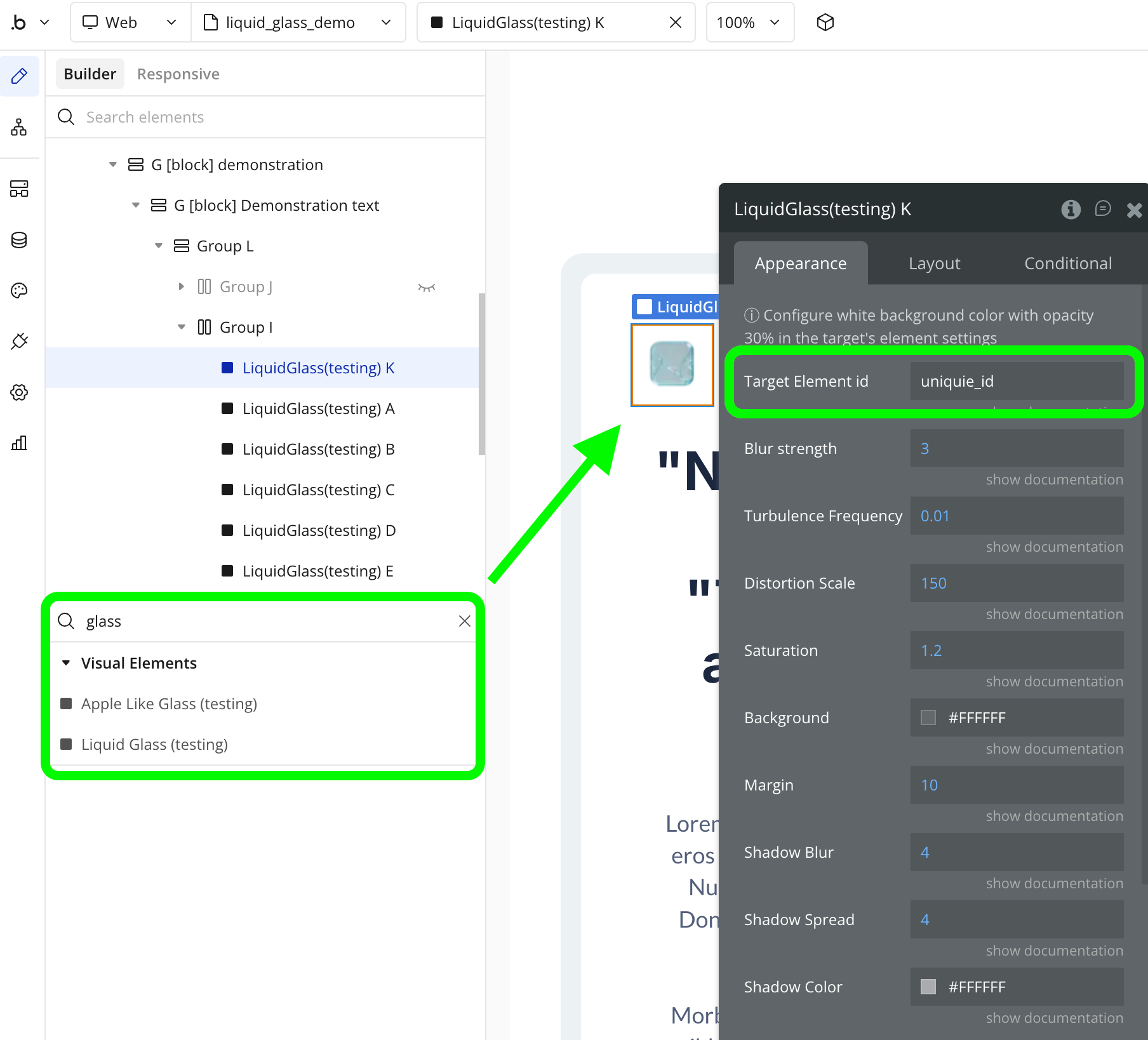
- Configure the target:
- Set the “Target Element ID” property to the ID attribute of the element you want to apply the glass effect to.
- Make sure your target element has an ID attribute set in Bubble’s element inspector.
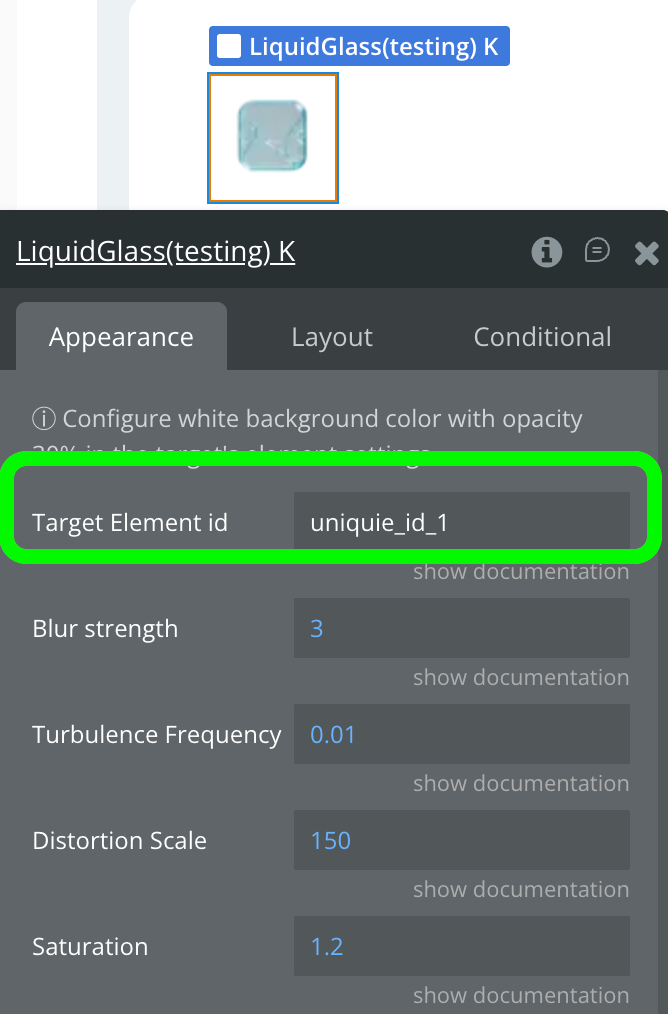

- Customize the effect:
- Adjust parameters like blur strength, saturation, distortion scale, and colors.
- Preview the effect in your Bubble editor or run mode.
Important: For best results, configure a white or semi-transparent background color with 30% opacity in your target element’s settings.
Plugin Element - Liquid Glass
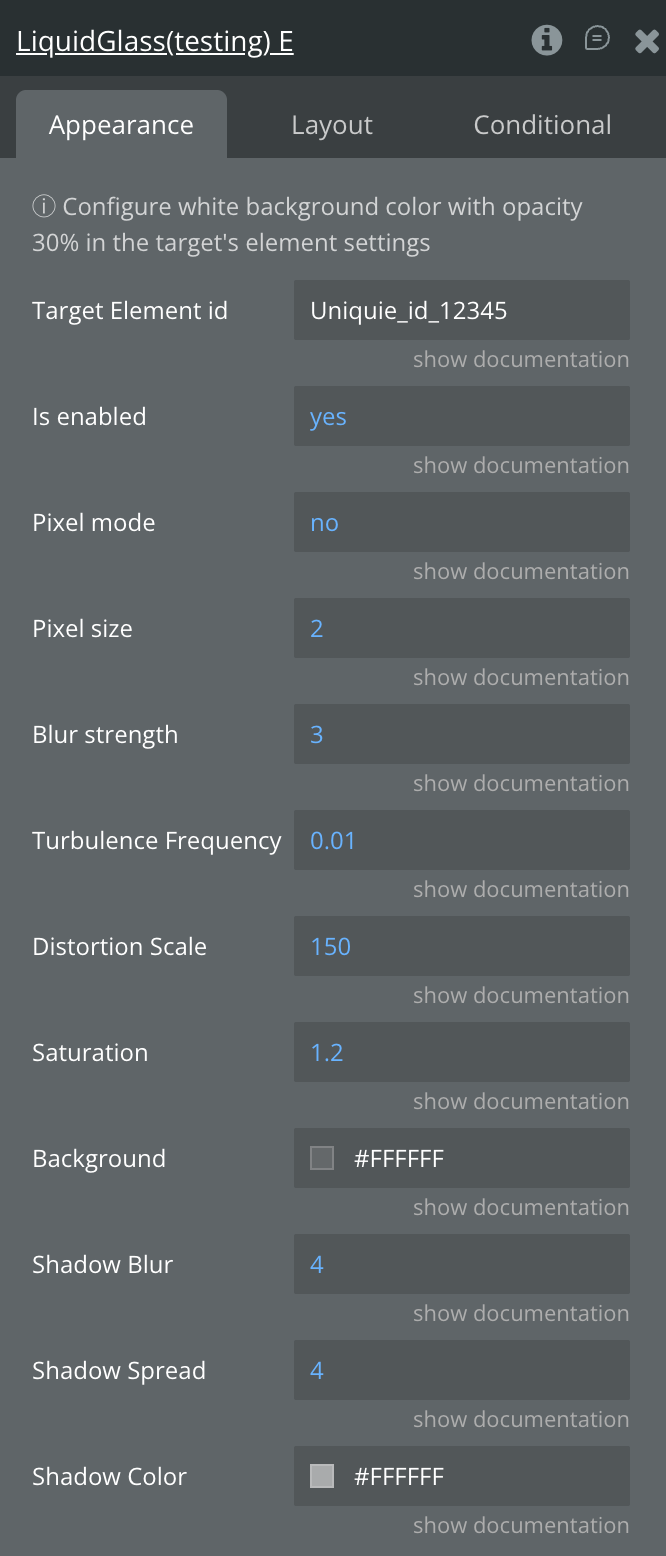
The Liquid Glass element creates an advanced frosted glass effect with customizable distortion patterns, blur, and color saturation. This element is invisible and acts as a controller to apply effects to any target element on your page.
Fields
Title | Description | Type |
Target Element ID | The ID attribute of the element to apply the glass effect to. The target element must have an ID set in Bubble. | Text |
Is enabled | Enables/disables the effect. If "no", it fully applies the effect and restores the original styles of the elements. | Yes/No |
Pixel mode | Enables pixelated distortion mode. When true, distortion edges become sharp and blocky instead of smooth waves. Use "Pixel size" to control the block size. | Yes/No |
Pixel size | Controls the size of pixel blocks in pixel mode. Only active when Pixel Mode is enabled. Higher values = larger, more visible pixels (recommended: 1-8) | Number |
Blur Strength | Controls the intensity of the blur effect applied to the glass surface. Higher values create more blur (recommended: 3-10) | Number |
Saturation | Controls the color saturation of the glass effect. Values above 100 increase saturation, below 100 decrease it (recommended: 100-150) | Number |
Distortion Scale | Controls the intensity of the liquid distortion effect. Higher values create more pronounced wave patterns (recommended: 50-200) | Number |
Turbulence Frequency | Controls the frequency of the distortion pattern. Lower values create smoother, larger waves; higher values create more chaotic patterns (recommended: 0.005-0.02) | Number |
Background | The base background color of the glass effect. Use semi-transparent white for classic frosted glass look | Color |
Shadow Blur | Blur value in px | Number |
Shadow Spread | Spread radius value in px | Number |
Shadow Color | Inner color of the shadow | Color |
Plugin Element - Apple Like Glass
The Apple Like Glass element creates a simplified, elegant glass effect inspired by Apple’s design aesthetic. It features cleaner distortion patterns with highlight accents for a more subtle, refined appearance.
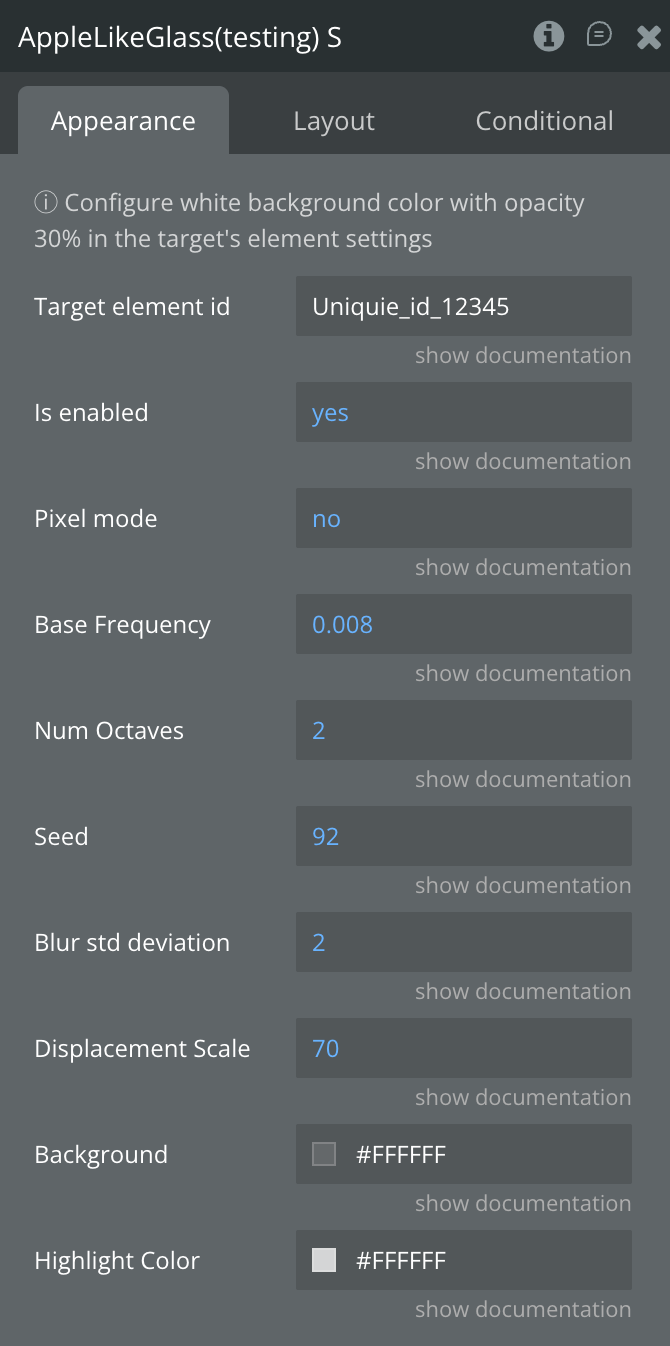
Fields
Title | Description | Type |
Target Element ID | The ID attribute of the element to apply the glass effect to. The target element must have an ID set in Bubble. | Text |
Is enabled | Enables/disables the effect. If "no", it fully applies the effect and restores the original styles of the elements. | Yes/No |
Pixel mode | Toggles the distortion mode. "no" for smooth waves, true for pixelated effect | Yes/No |
Base Frequency | Controls the base frequency of the glass distortion noise pattern. Lower values create smoother effects (recommended: 0.005-0.015) | Number |
Num Octaves | Number of octaves for the fractal noise pattern. Higher values add more detail to the distortion (recommended: 1-4) | Number |
Seed | Random seed value for the noise pattern. Change this to get different distortion variations (any number) | Number |
Blur Std Deviation | Standard deviation for the Gaussian blur applied to the distortion map. Higher values create smoother distortions (recommended: 1-5) | Number |
Displacement Scale | Controls the intensity of the displacement effect. Higher values create stronger distortions (recommended: 30-100) | Number |
Background | The base background color layer of the glass effect. Use semi-transparent colors for best results | Color |
Highlight Color | The color of the specular highlight overlay that creates the “shine” effect on the glass surface | Color |