Link to the plugin page: https://zeroqode.com/plugin/page-scroll-indicator-plugin-for-bubble-1643016613461x719677891787534200
Demo to preview the plugin:
Introduction
The Scroll Progress Indicator plugin helps you visually show how far a user has scrolled on a page. It adds a dynamic progress bar that updates in real time as users move up or down, giving clear feedback on their reading or navigation progress.
It also includes the ability to hide scrollbars across different elements, helping you create cleaner and more controlled UI experiences.
Key Features
Prerequisites
Before using the plugin, make sure you have:
- A Bubble app where the plugin will be installed.
- A page with scrollable content.
- Basic understanding of layout and styling in Bubble.

How to setup
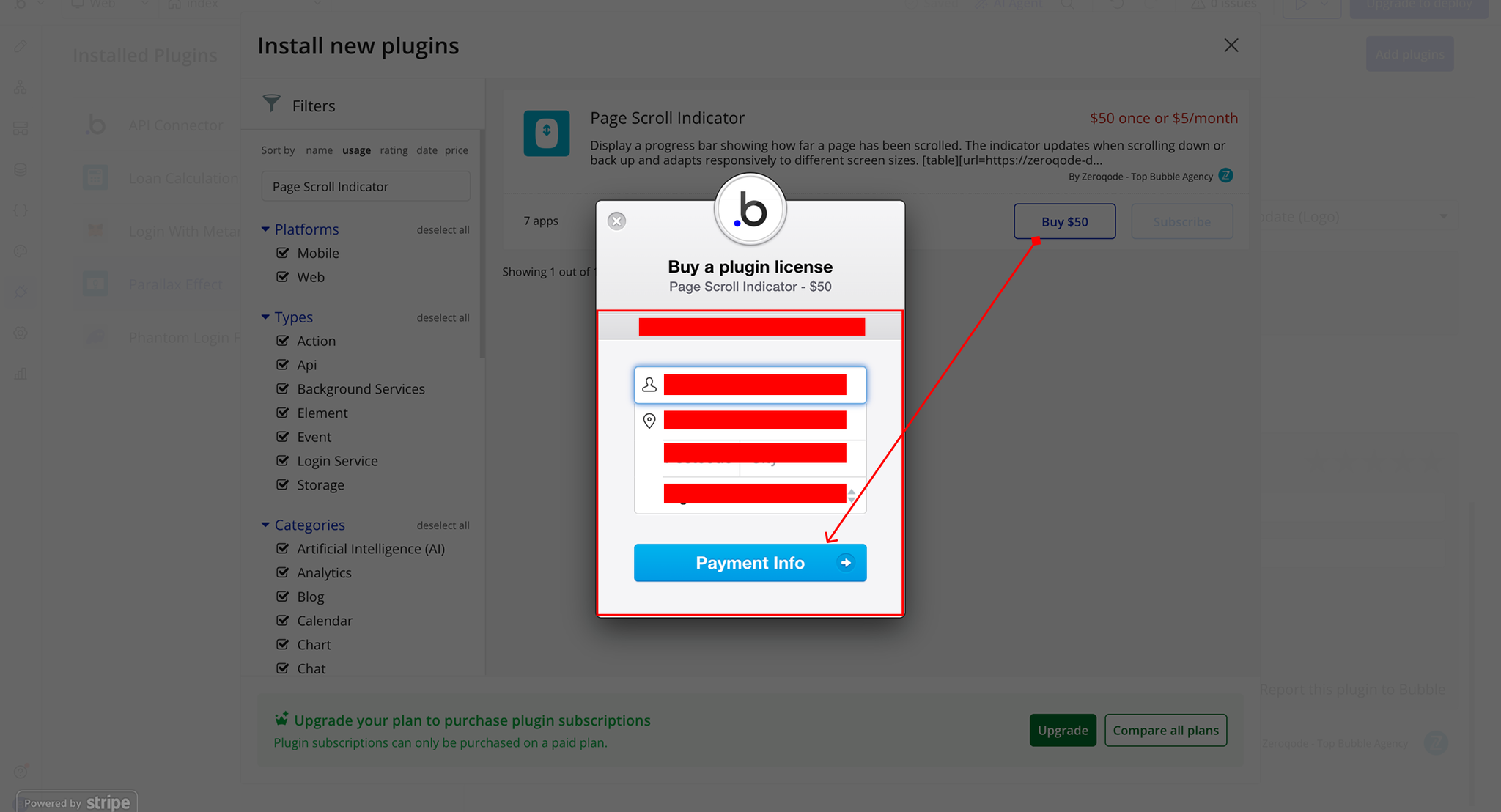
Step 1 – Install the Plugin
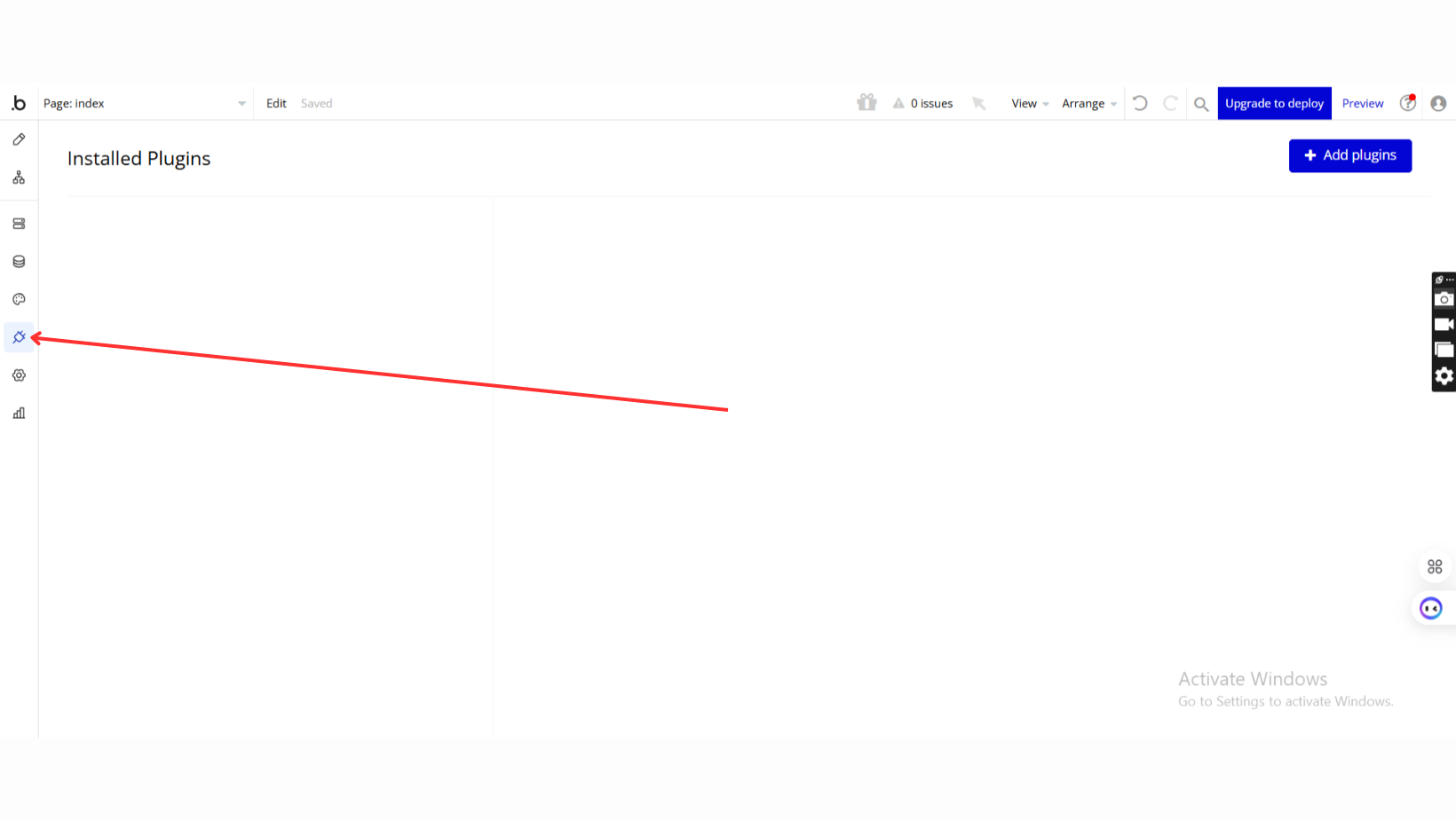
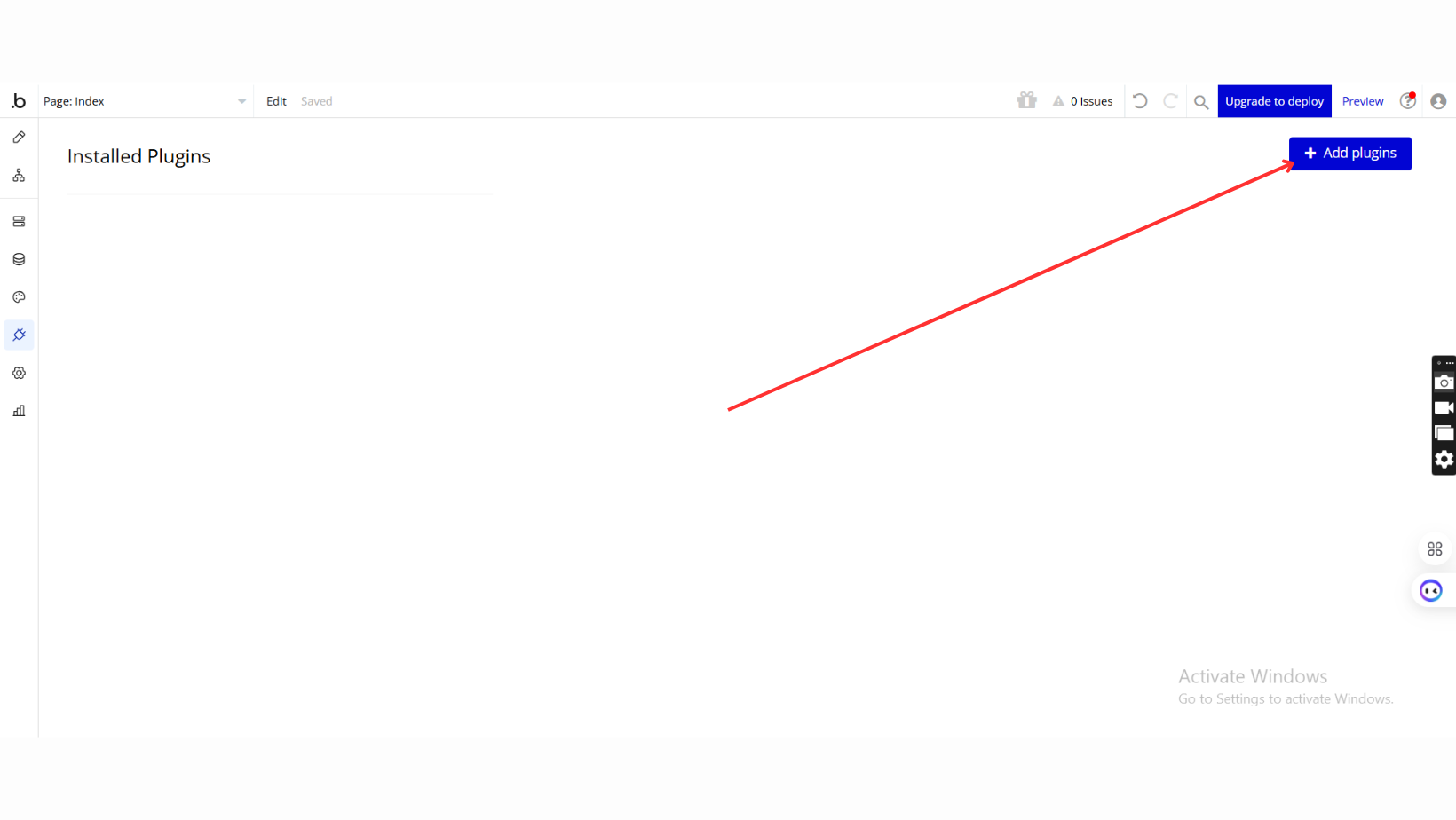
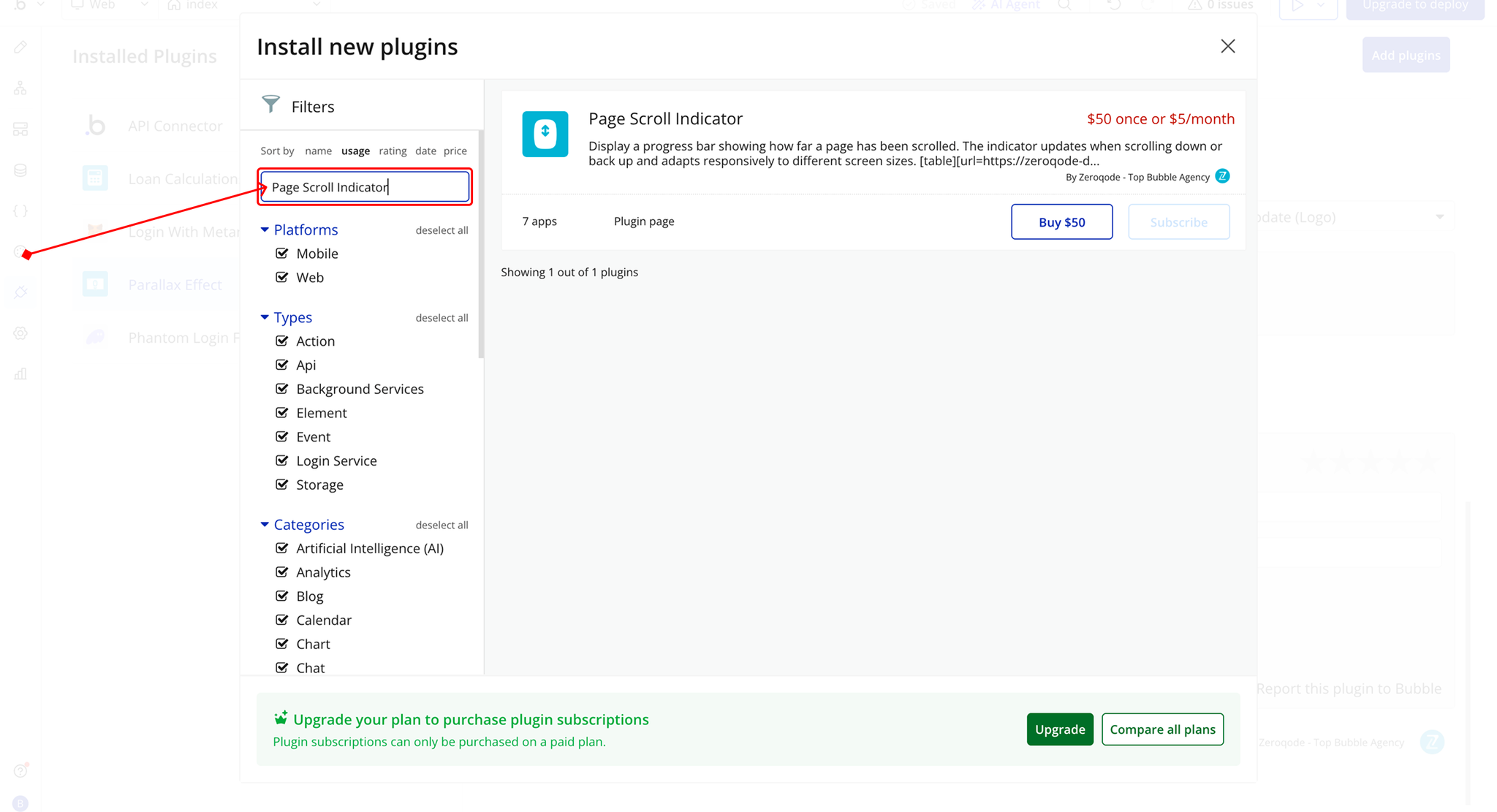
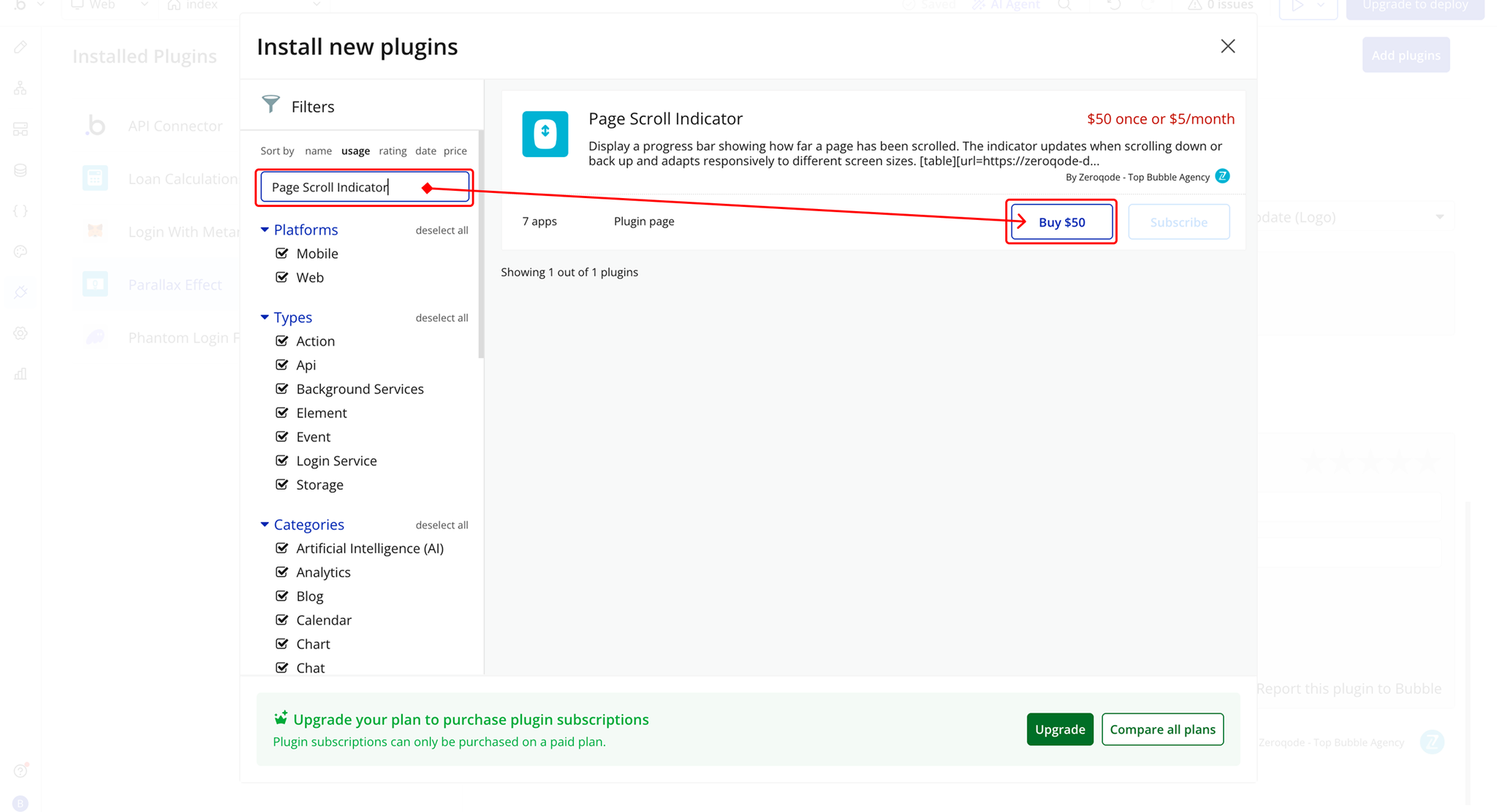
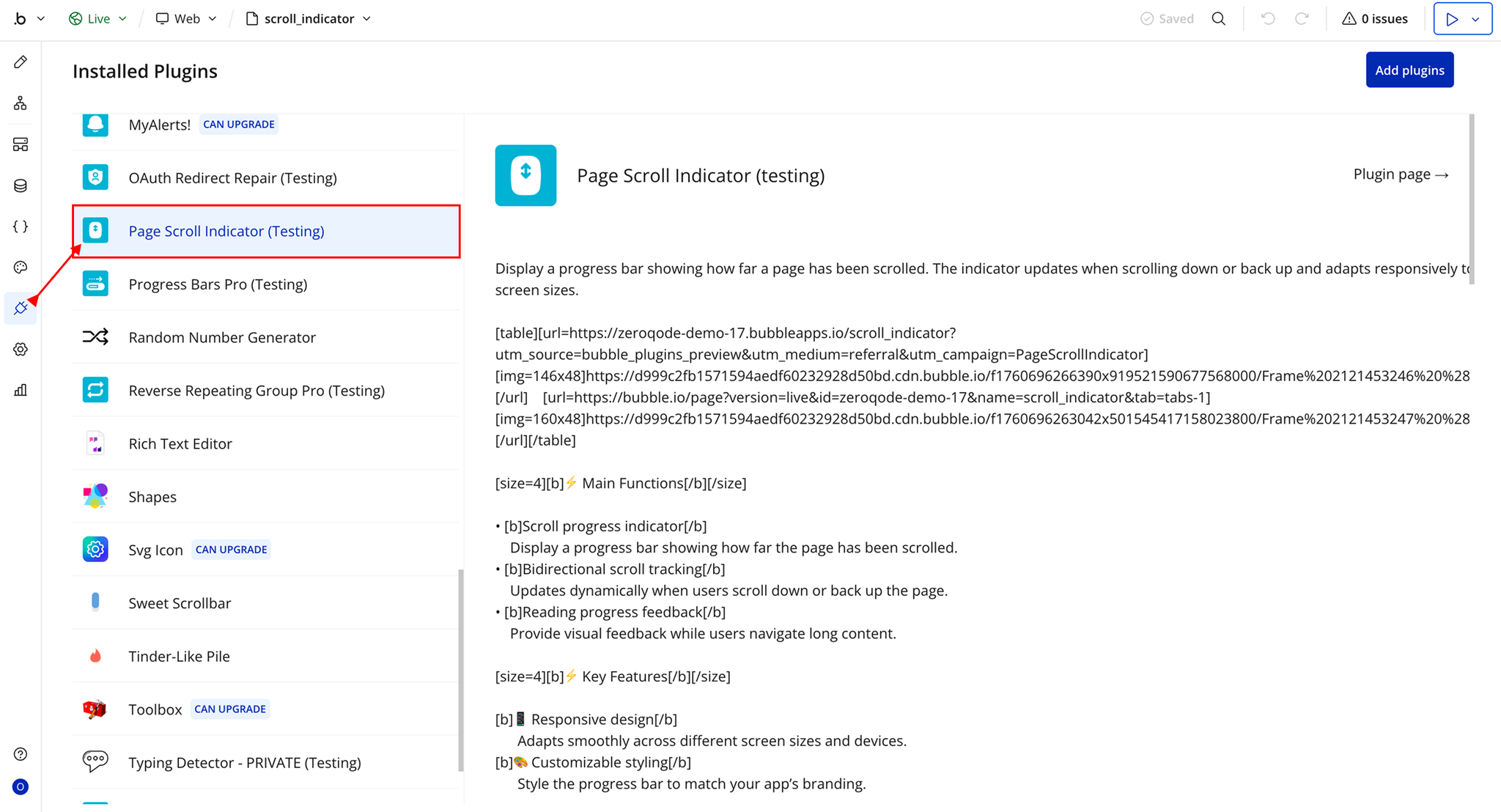
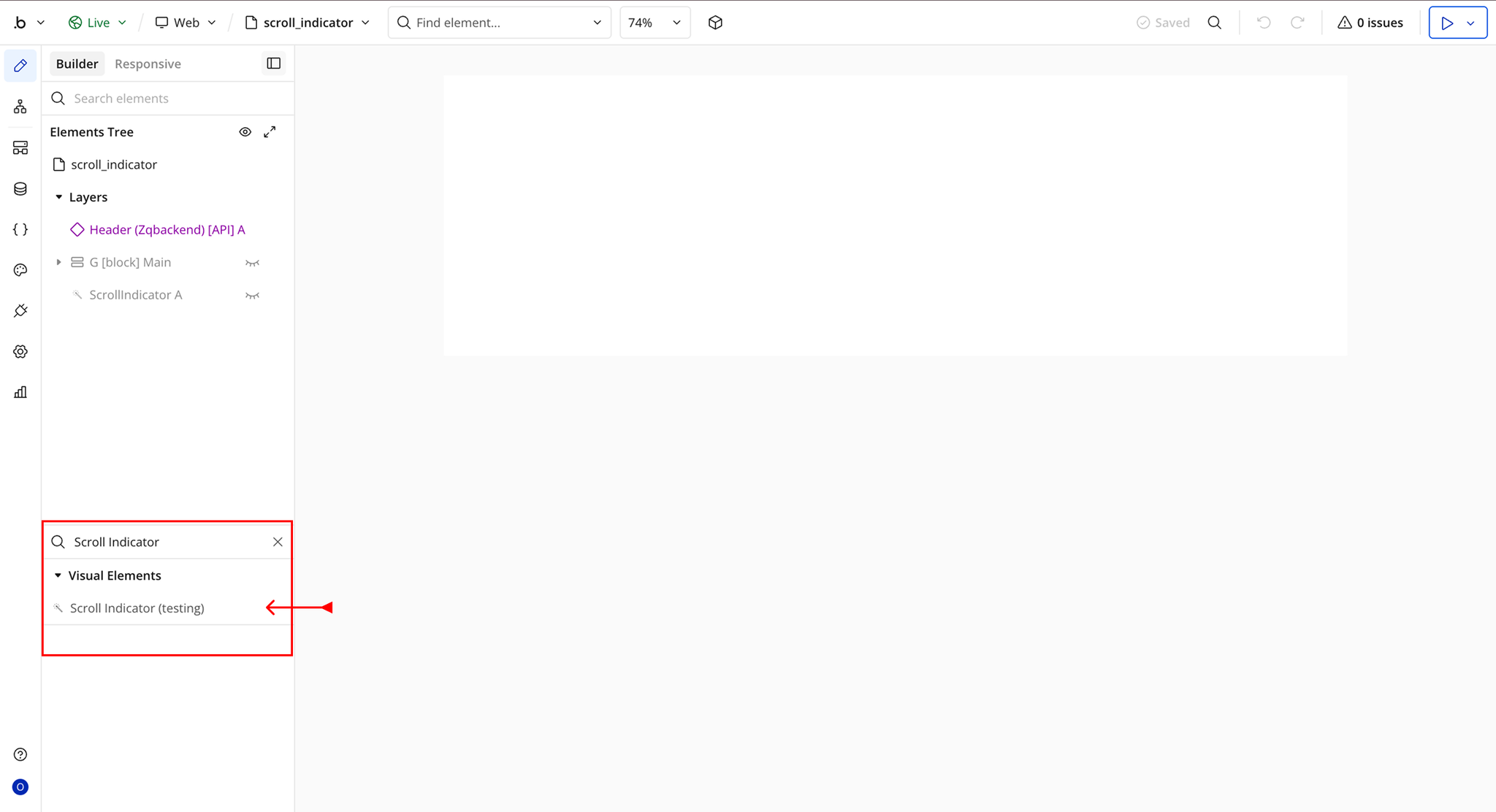
Step 2 – Add the Plugin Element to Your Page
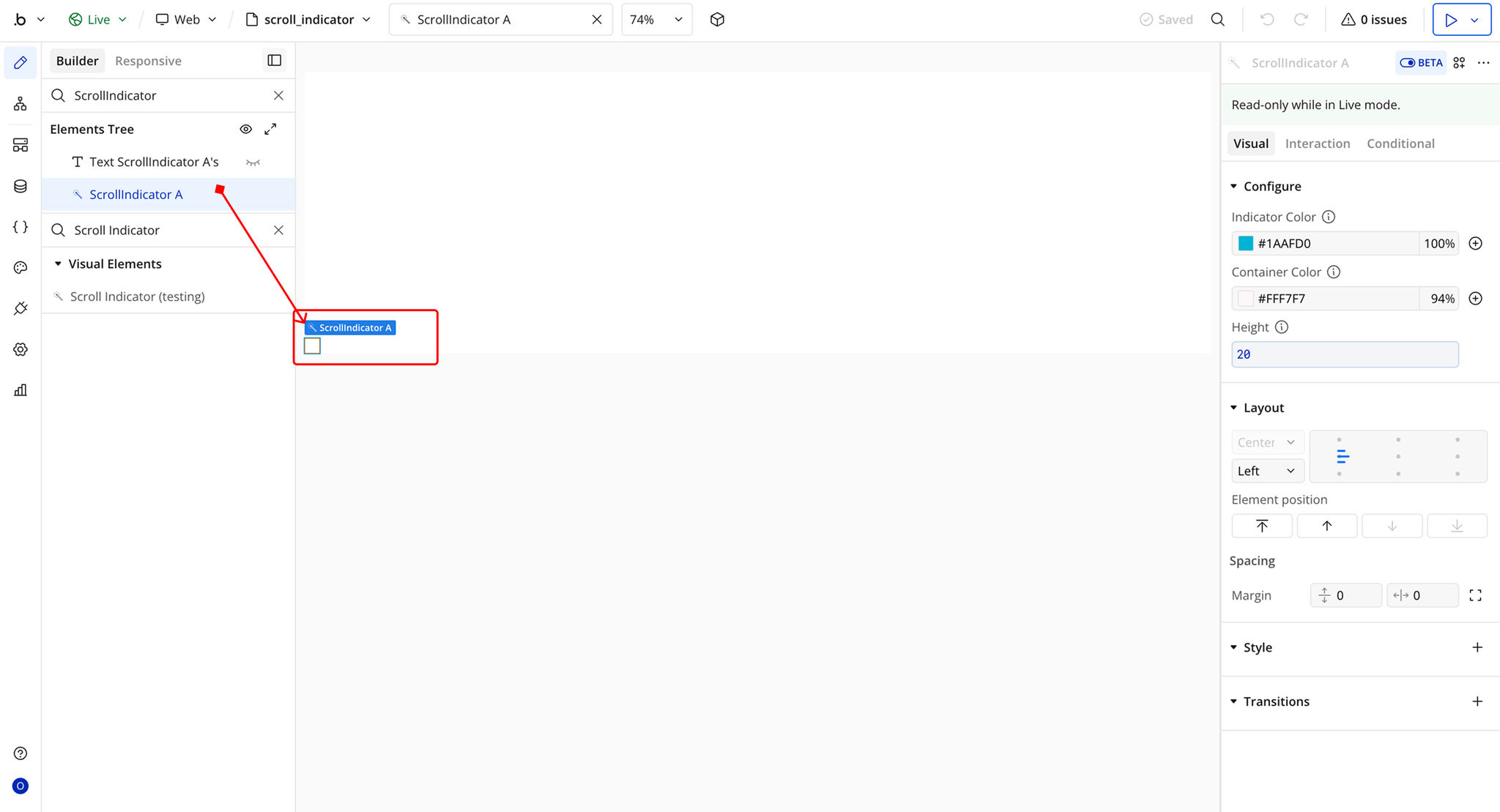
Plugin Element Properties - Scroll Indicator
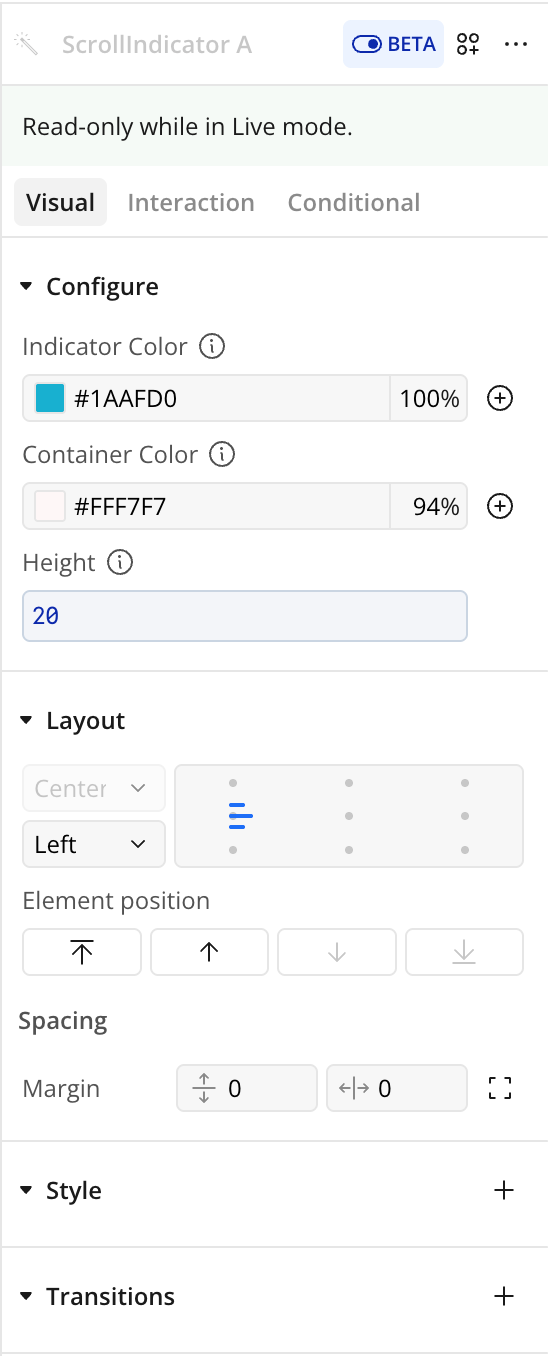
Fields
Exposed States