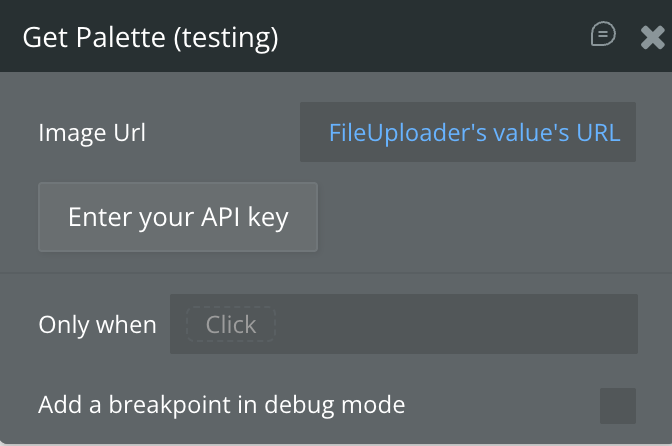
Demo to preview the plugin:
Introduction
The Algorithmia Color Tool Plugin provides advanced color processing capabilities for your Bubble.io applications. With this plugin, you can generate color palettes from images, convert colors between RGB and Hex formats, and integrate seamlessly with Algorithmia’s color algorithms. Whether you’re building a design tool, a branding application, or any feature requiring color manipulation, this plugin simplifies the process and enhances functionality.
Key Features:
Prerequisites
Before using the Algorithmia Color Tool plugin, ensure the following:
- Bubble Account & Editor Access
You must have access to the Bubble editor to install and configure the plugin.
- Algorithmia API Key
An active API key from Algorithmia is required.
Get one here: https://algorithmia.com/
- Public Image URLs (for palette extraction)
Images must be hosted at URLs starting with
http:// or https://.- Basic Understanding of Bubble Workflows
Familiarity with data calls and workflow outputs is recommended.
👛 Please support our efforts to keep this plugin free—your donations help us invest the time and resources needed to continue maintaining and improving it for everyone’s benefit: https://zeroqo.de/support.

How to Set Up
Step 1. Install the Plugin
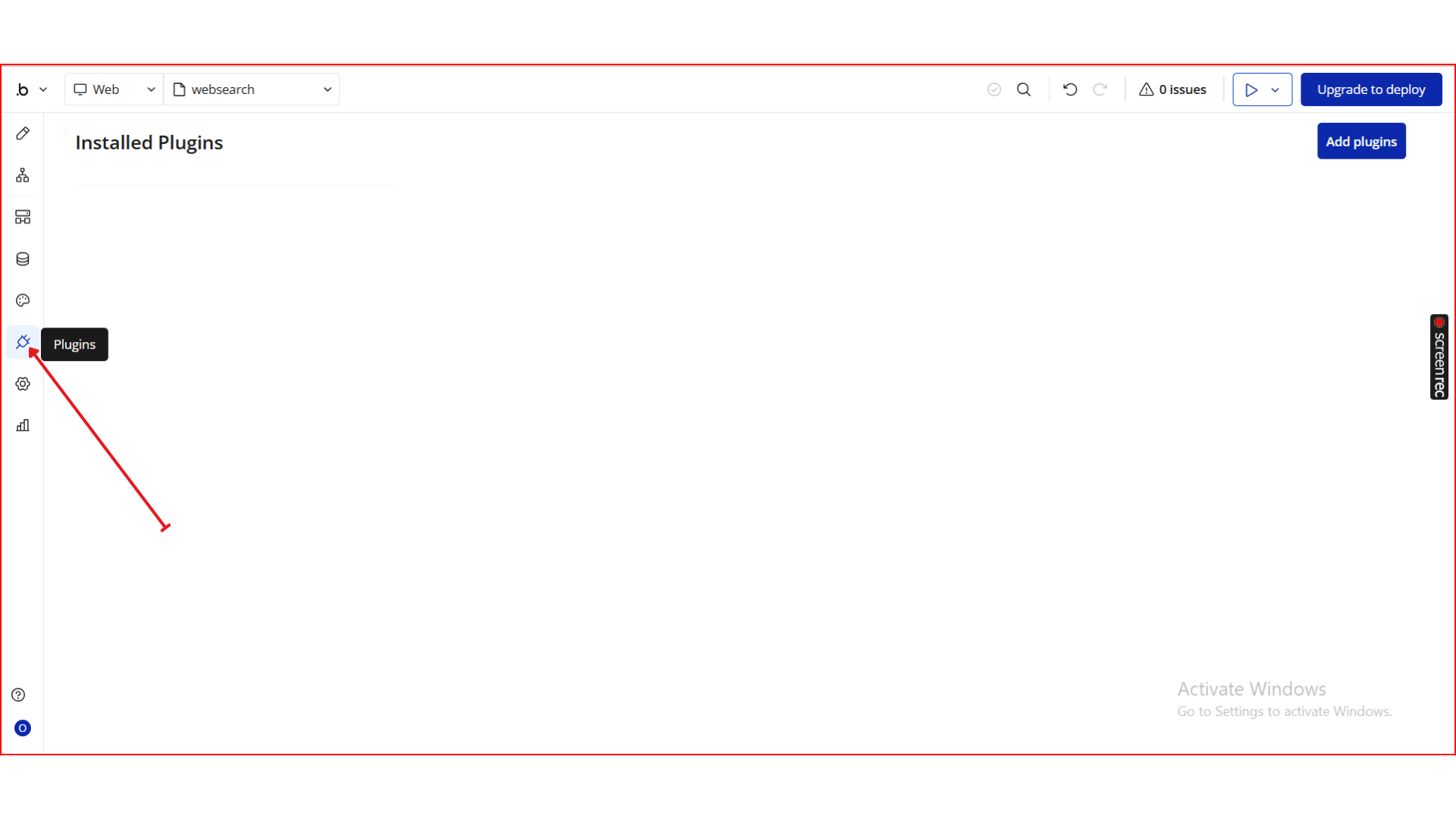
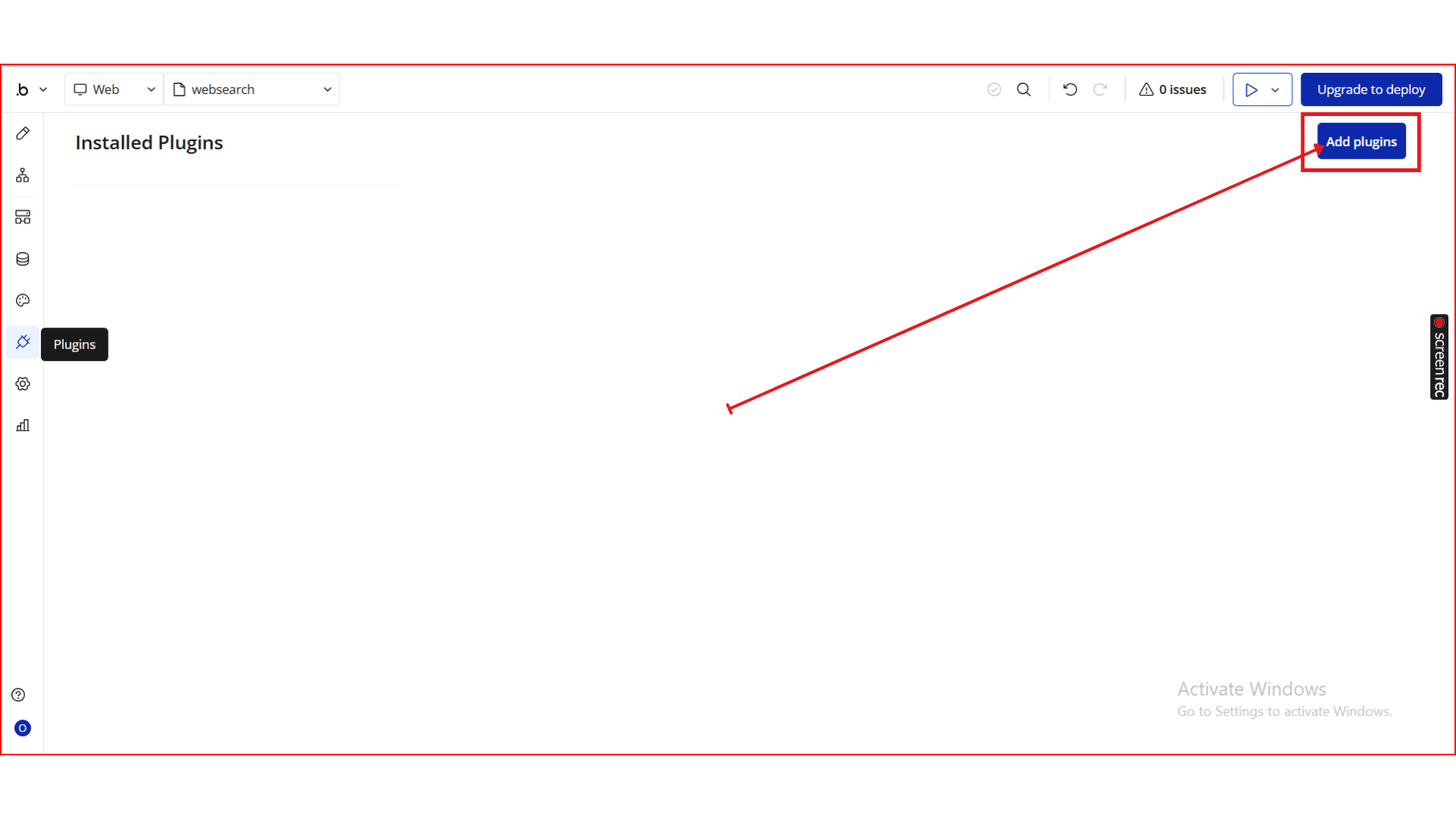
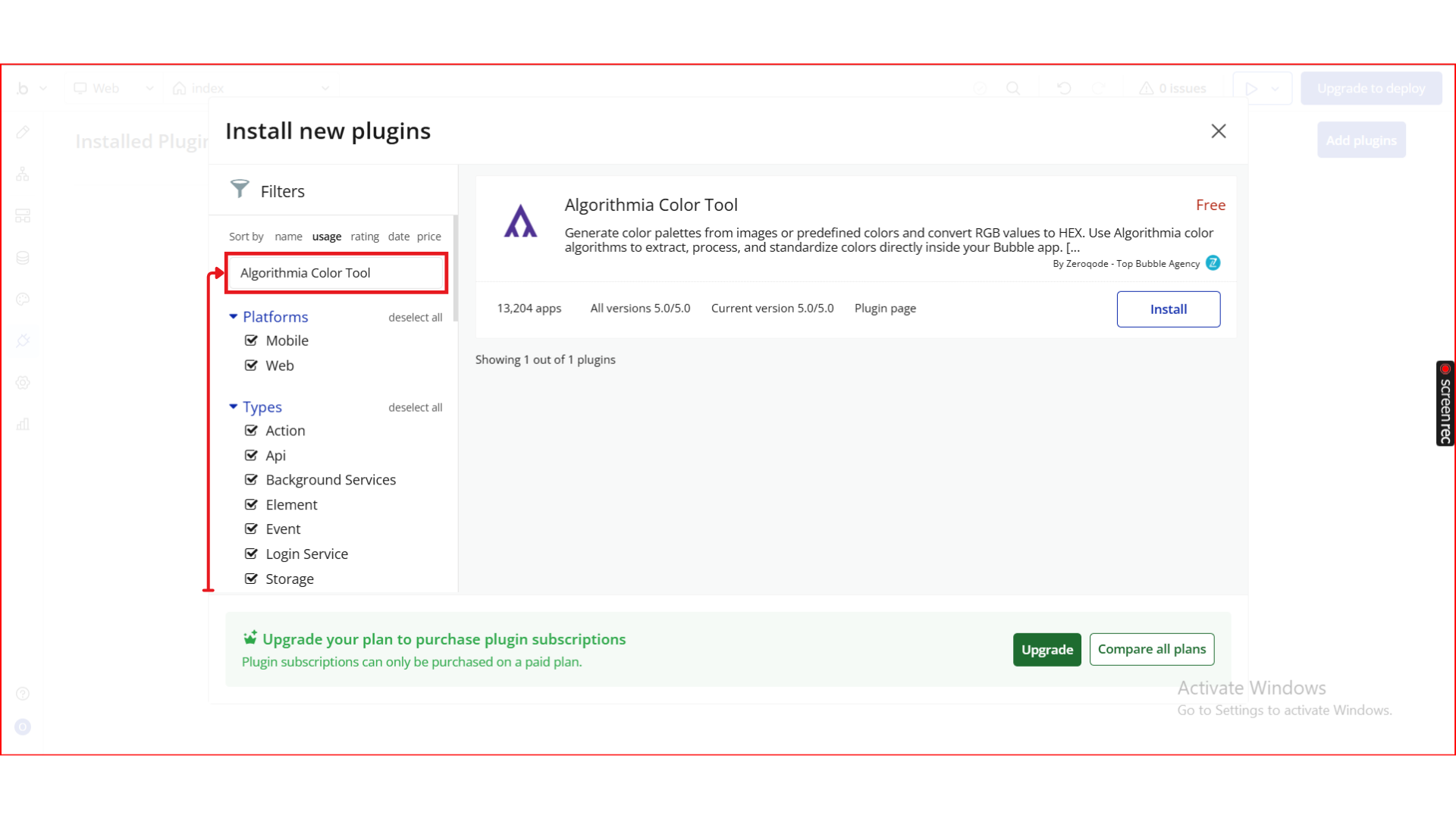
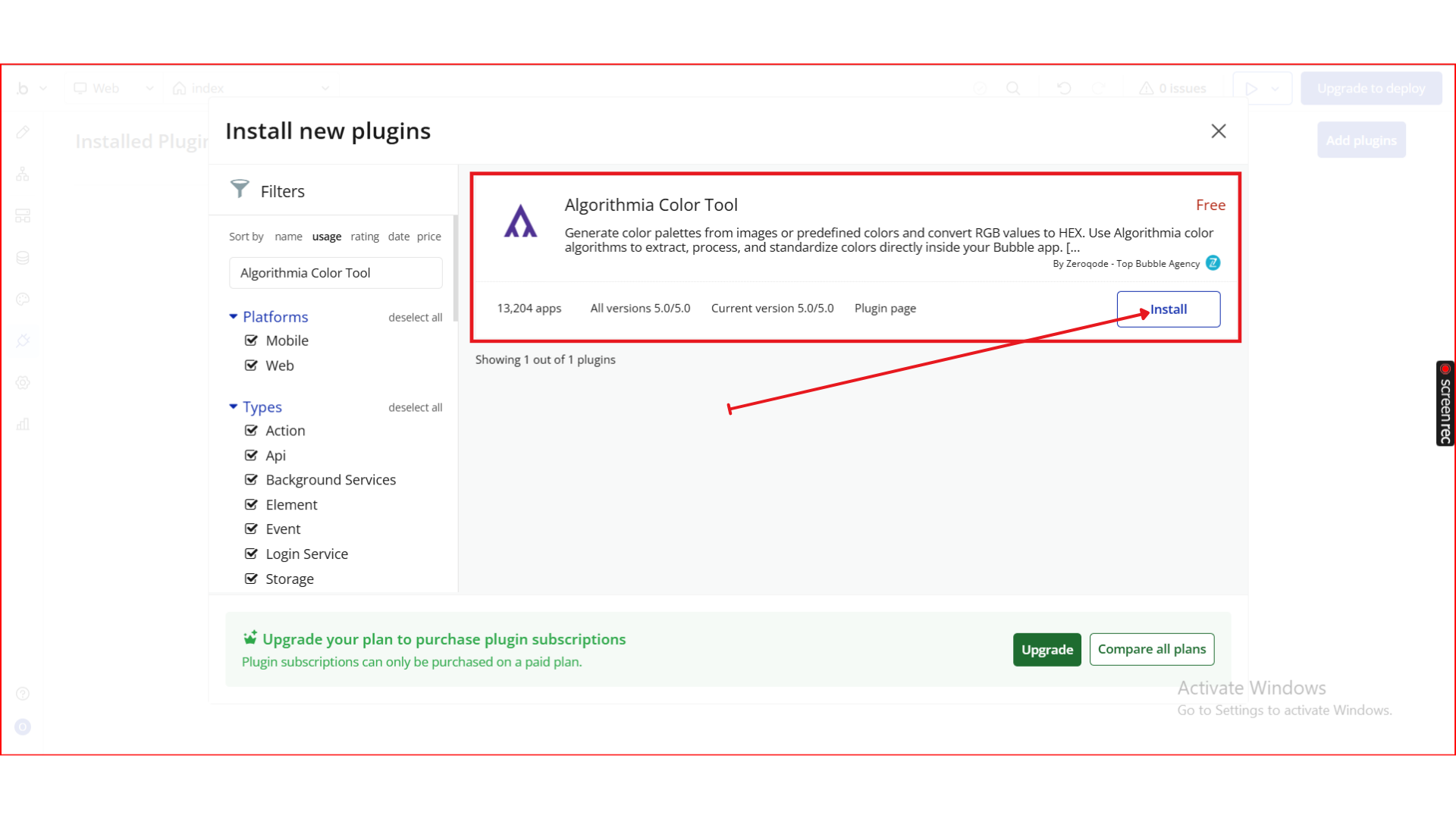
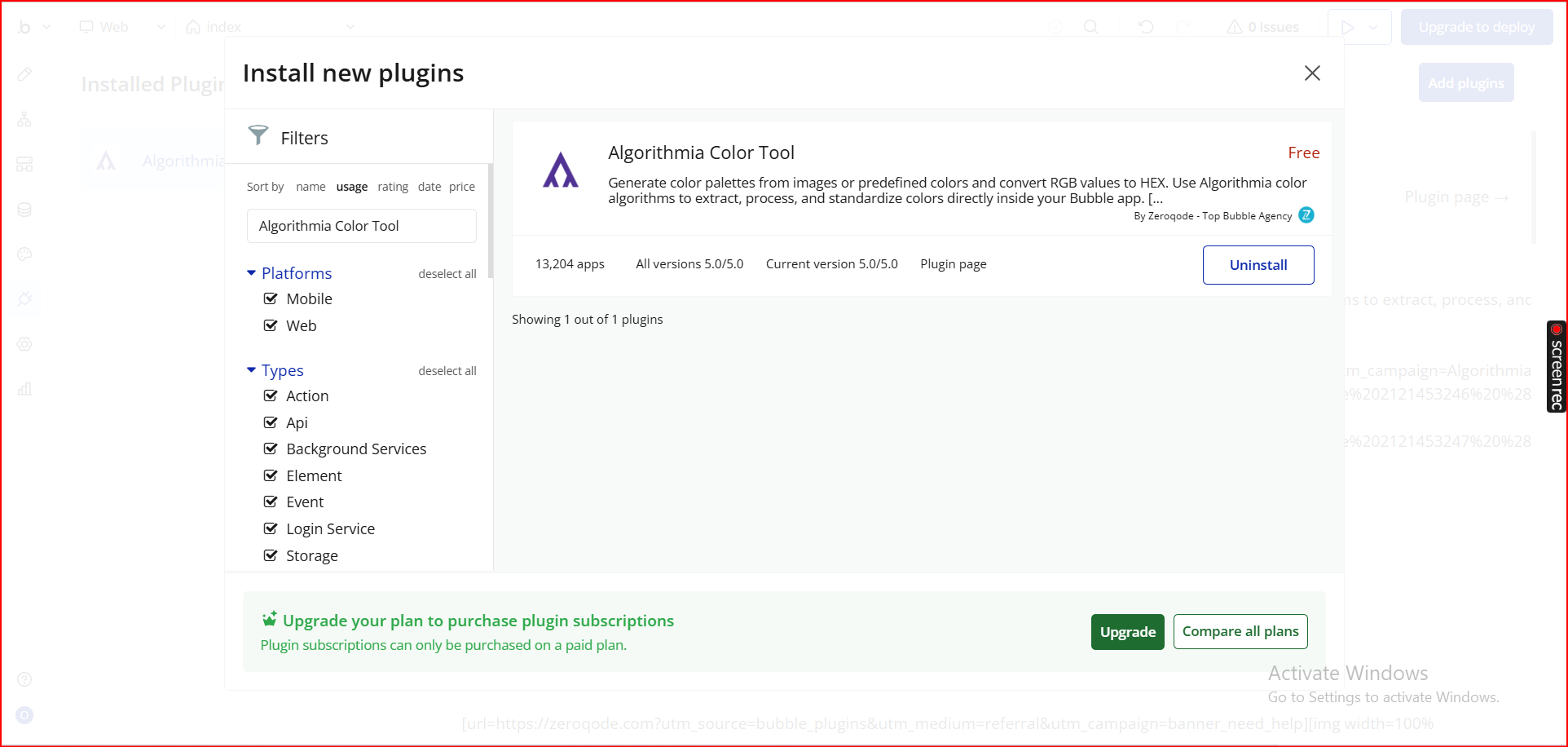
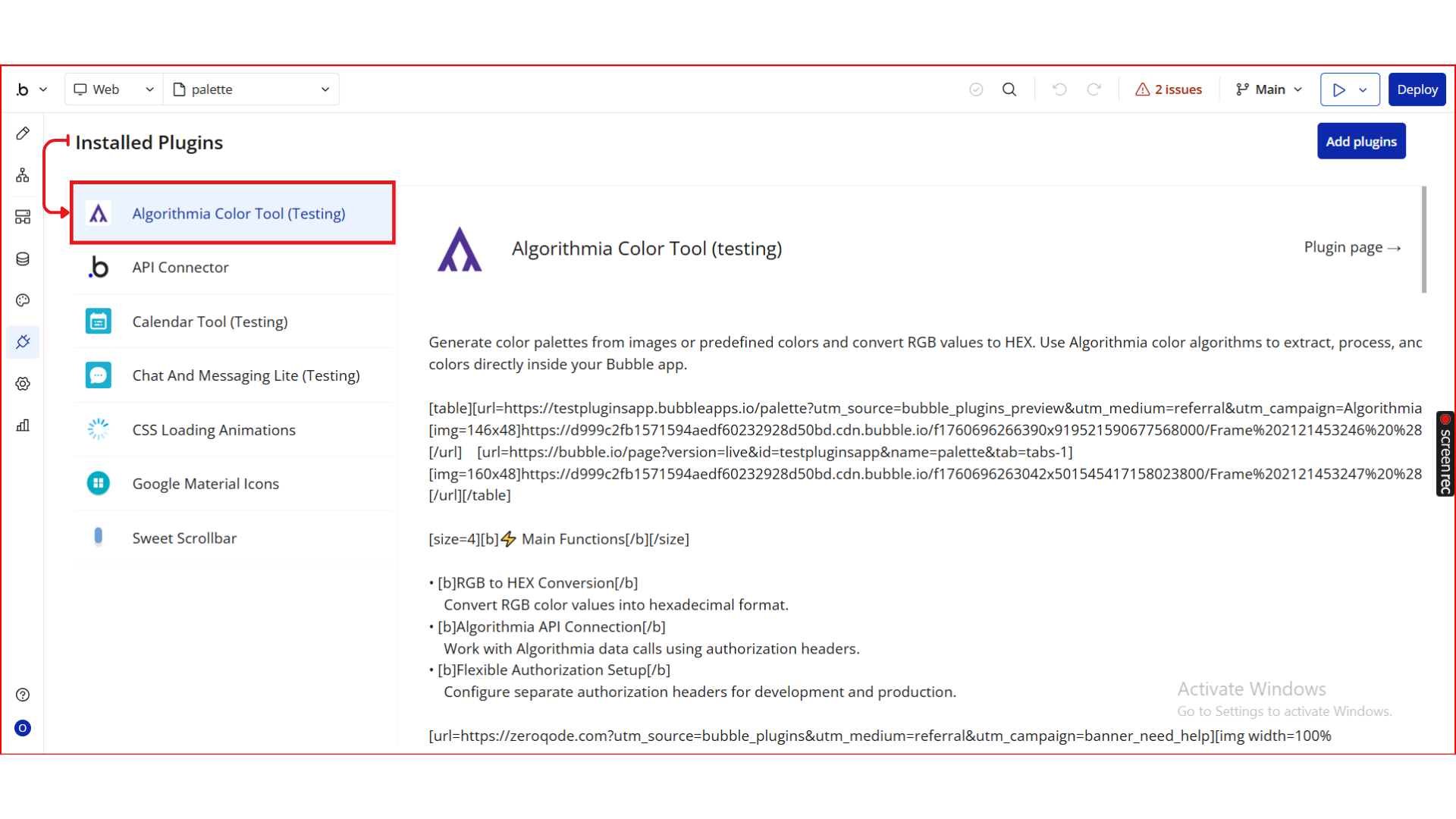
Step 2. Add Your Algorithmia API Key
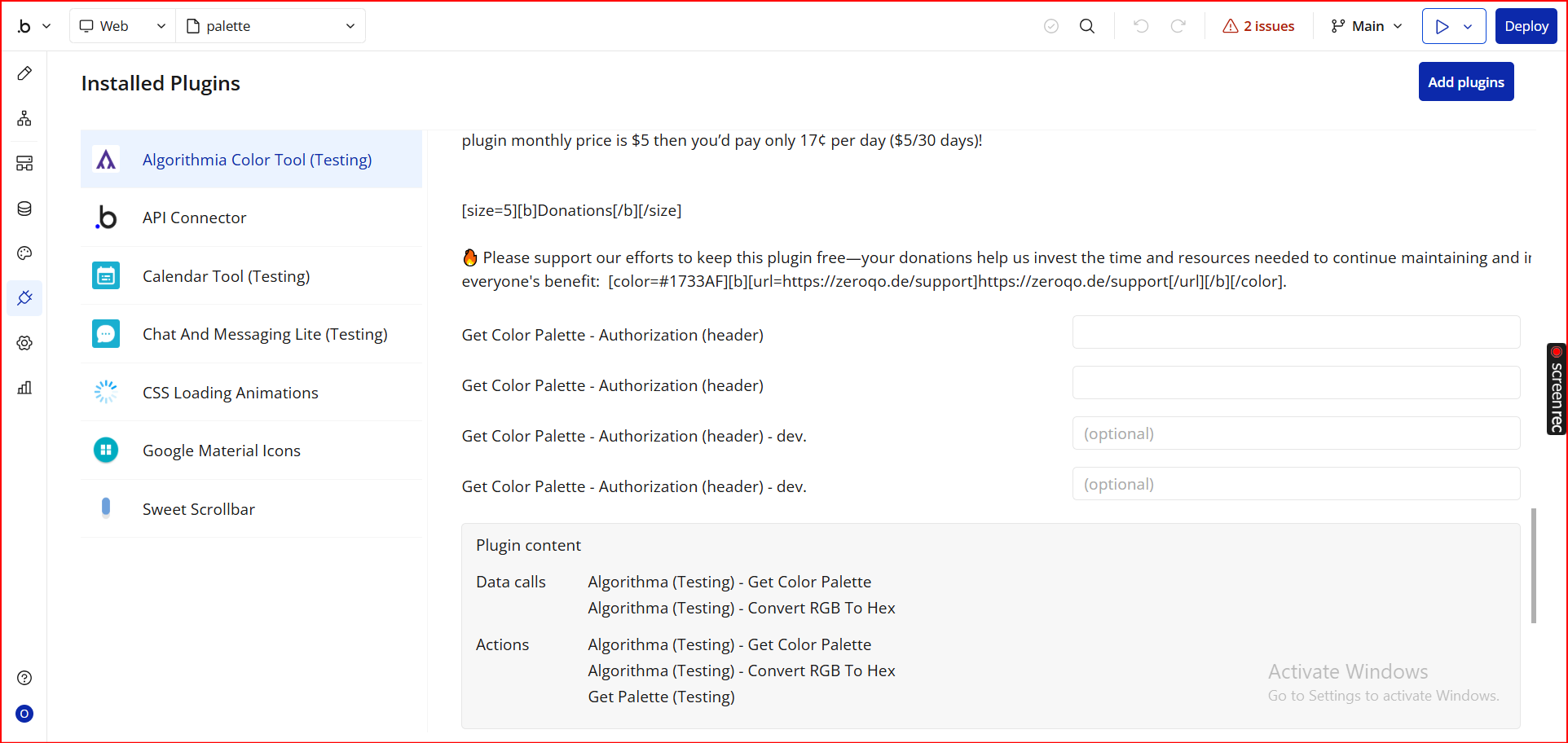
Step 3. Display the Generated Color Palette
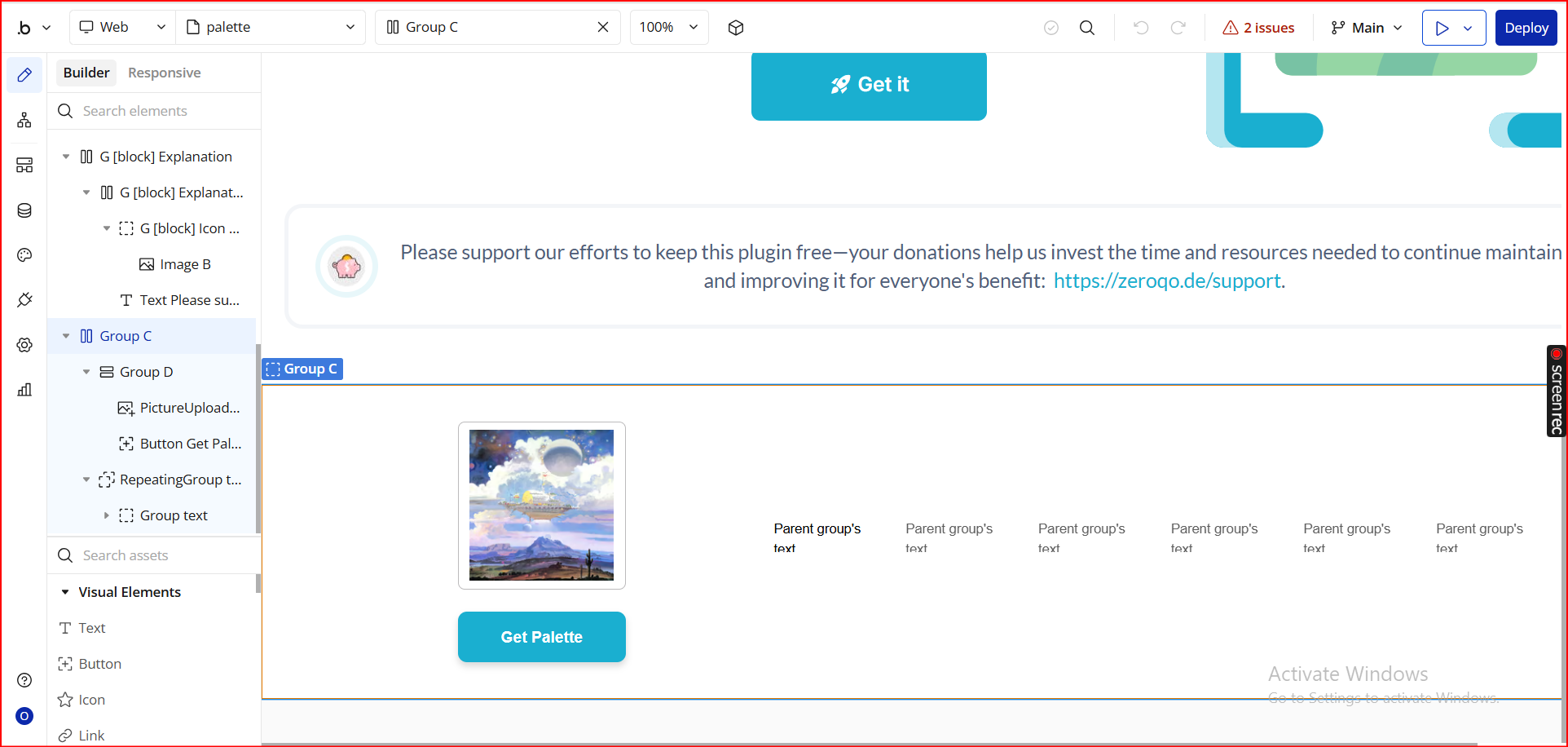
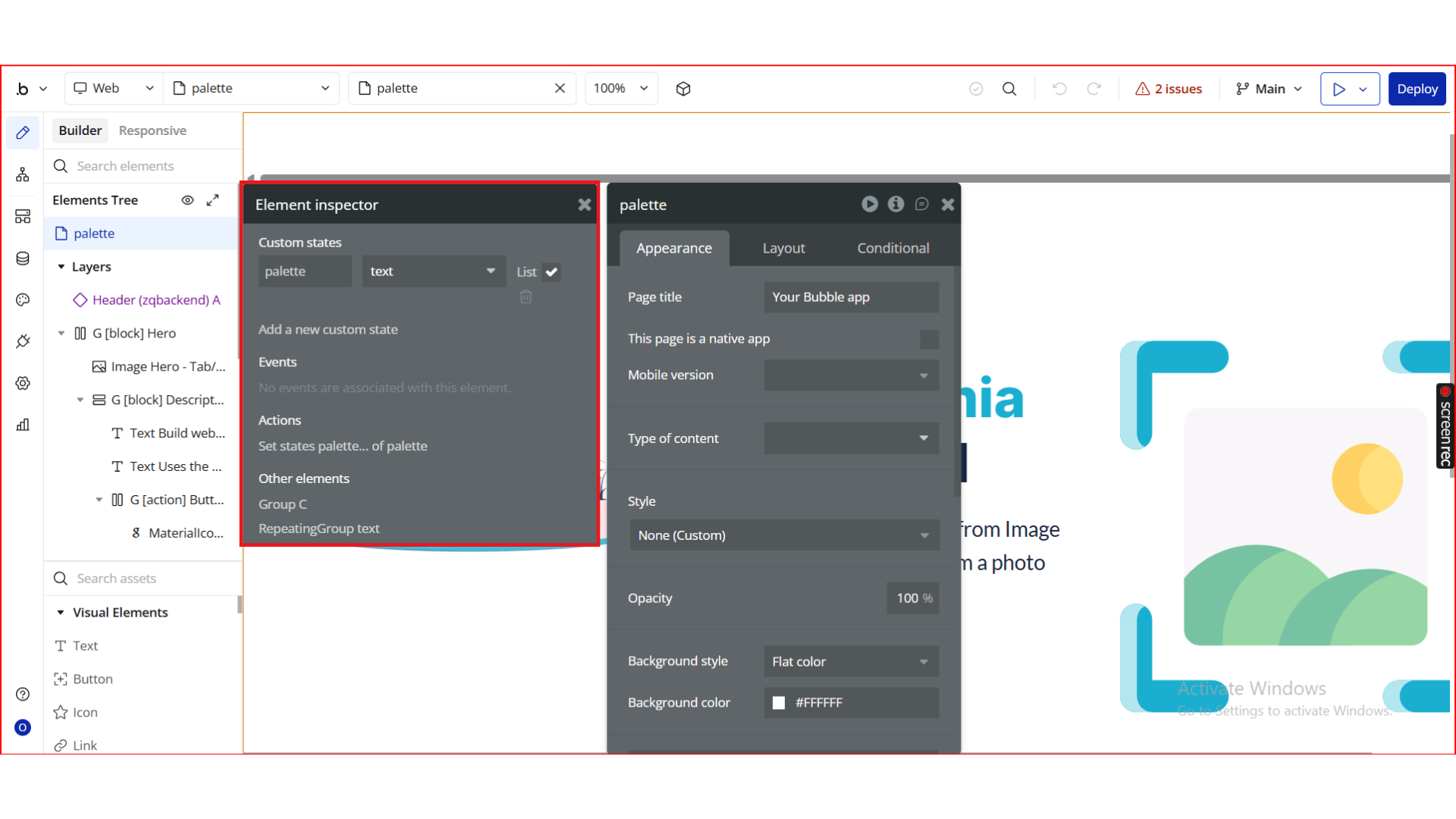
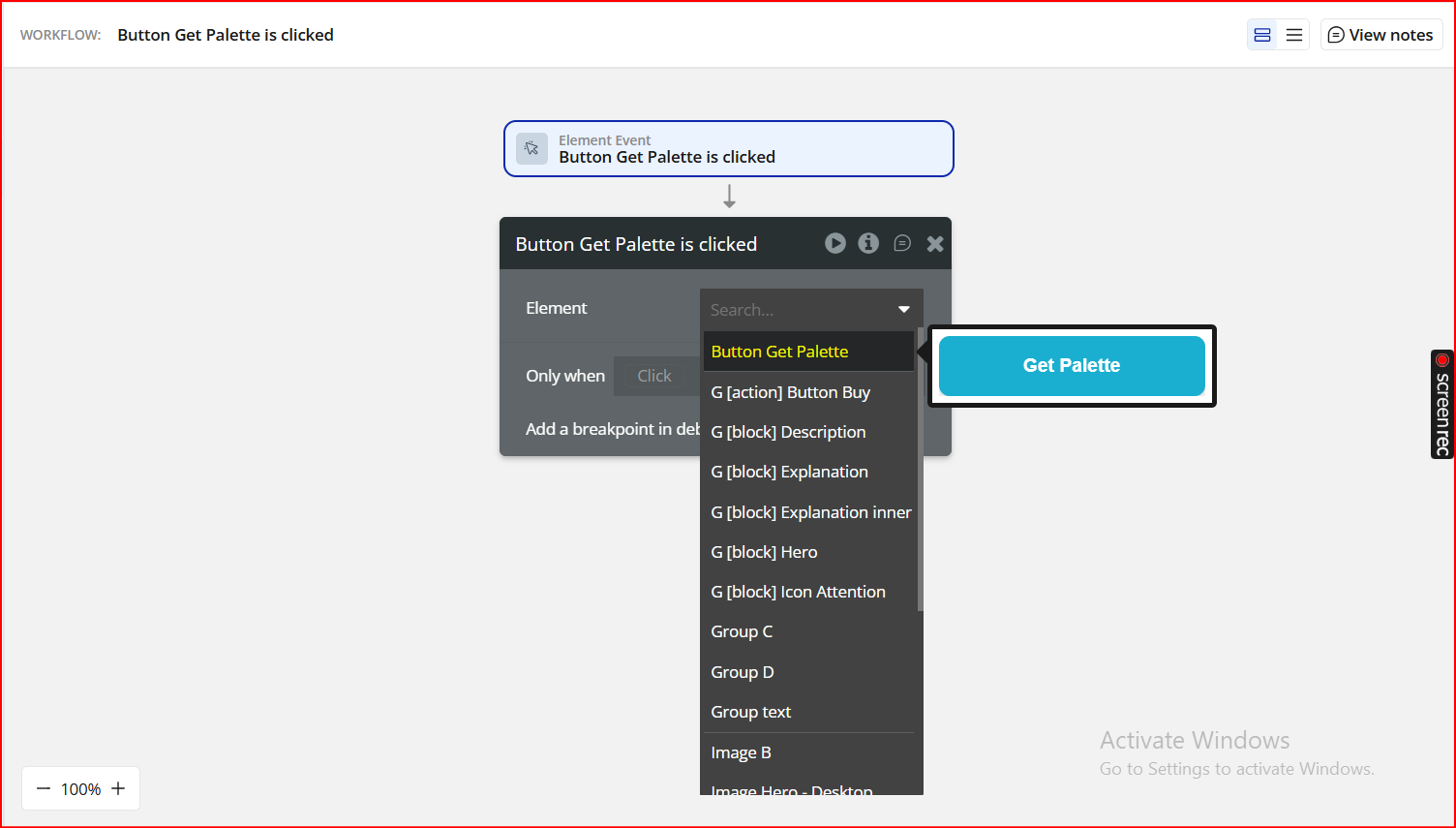
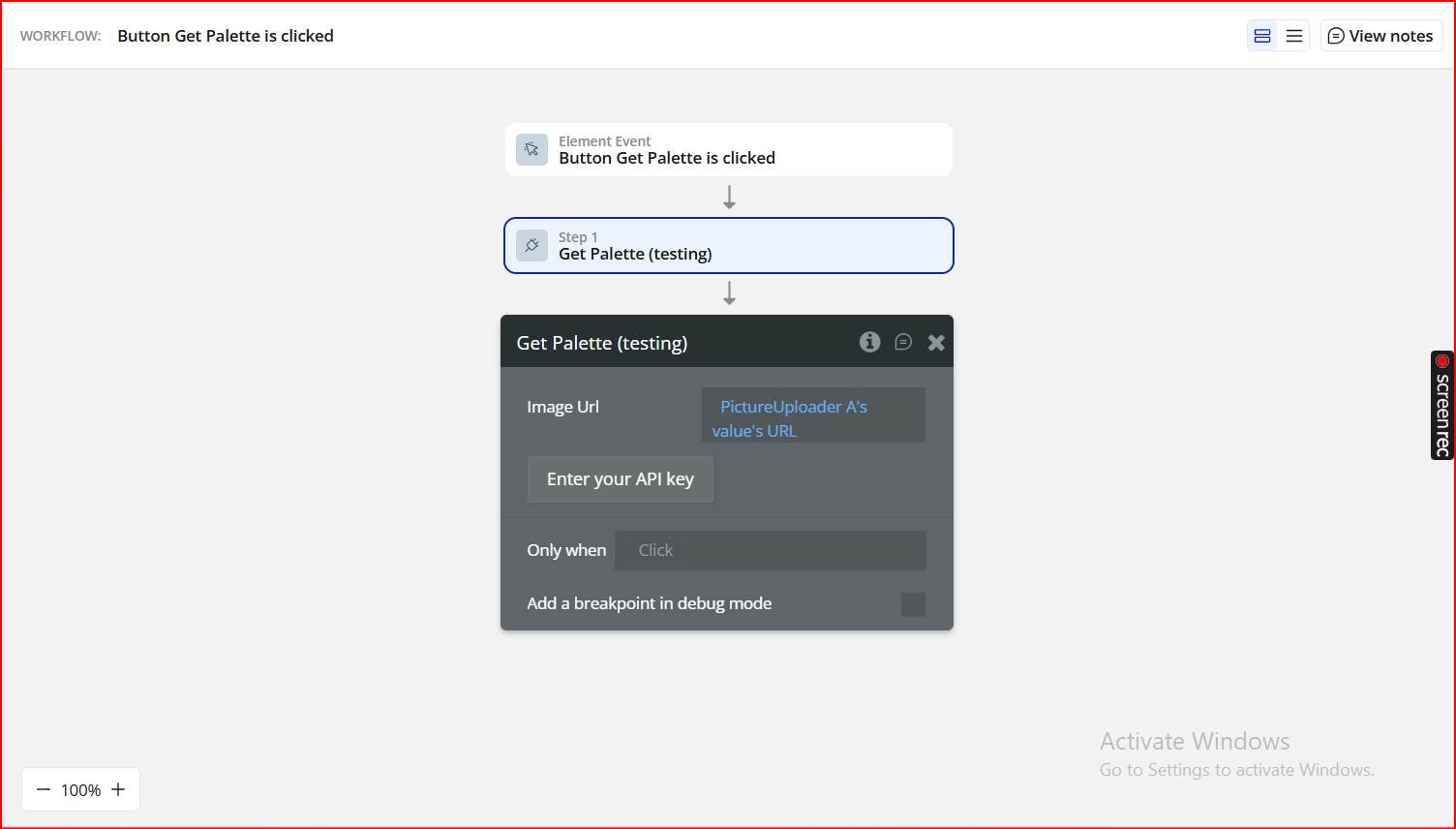
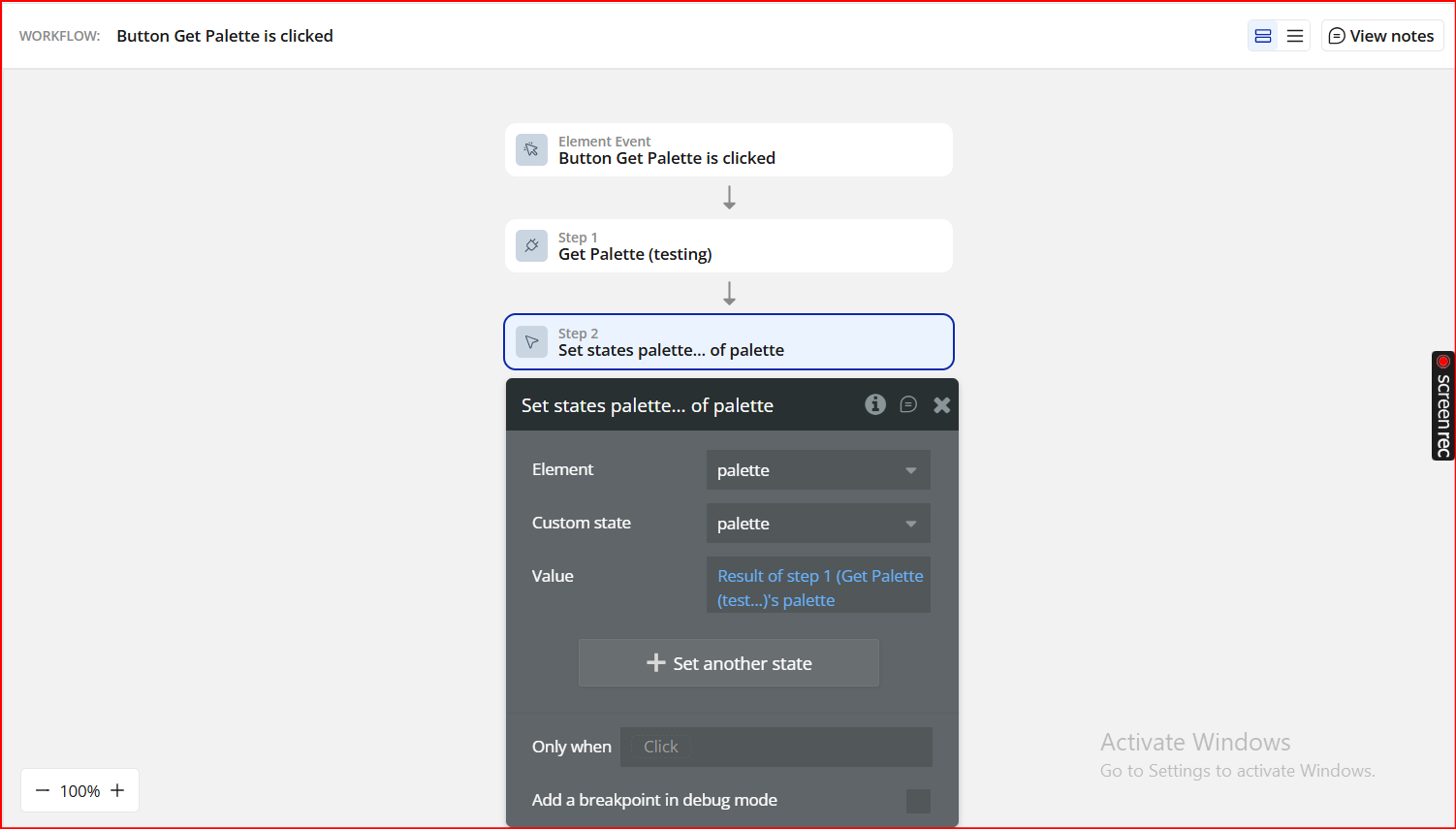
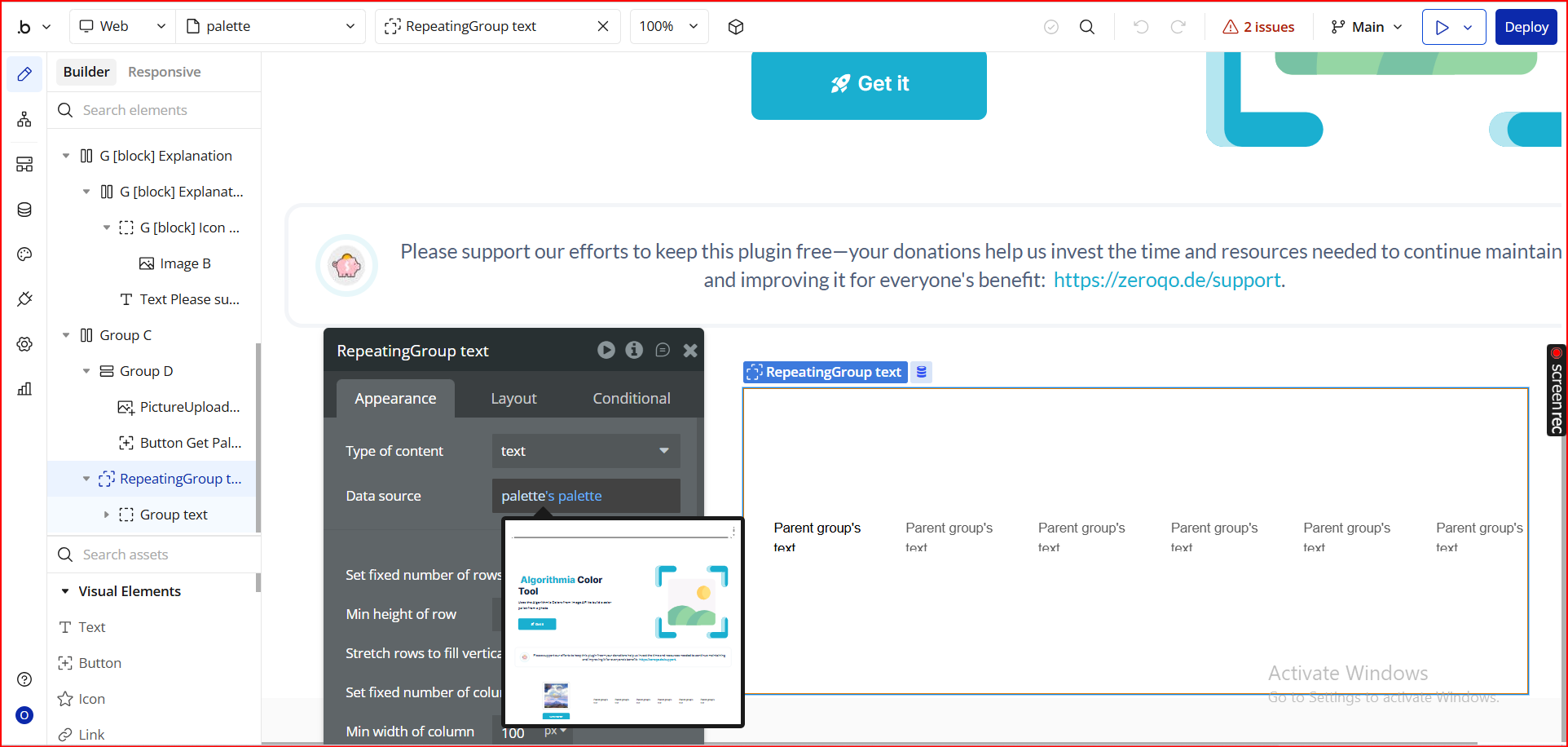
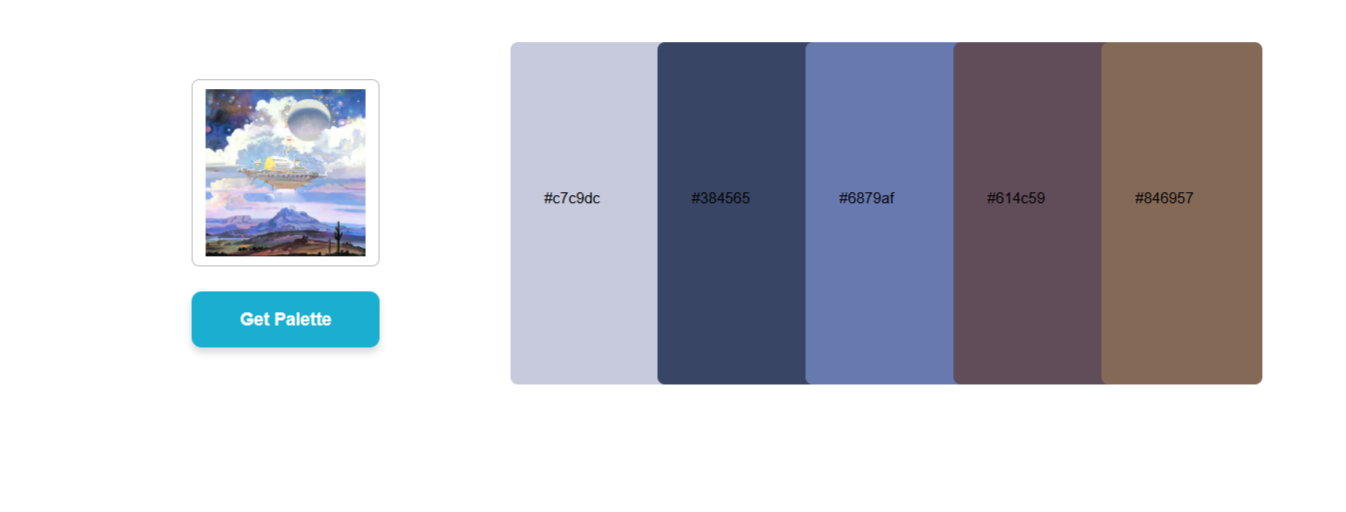
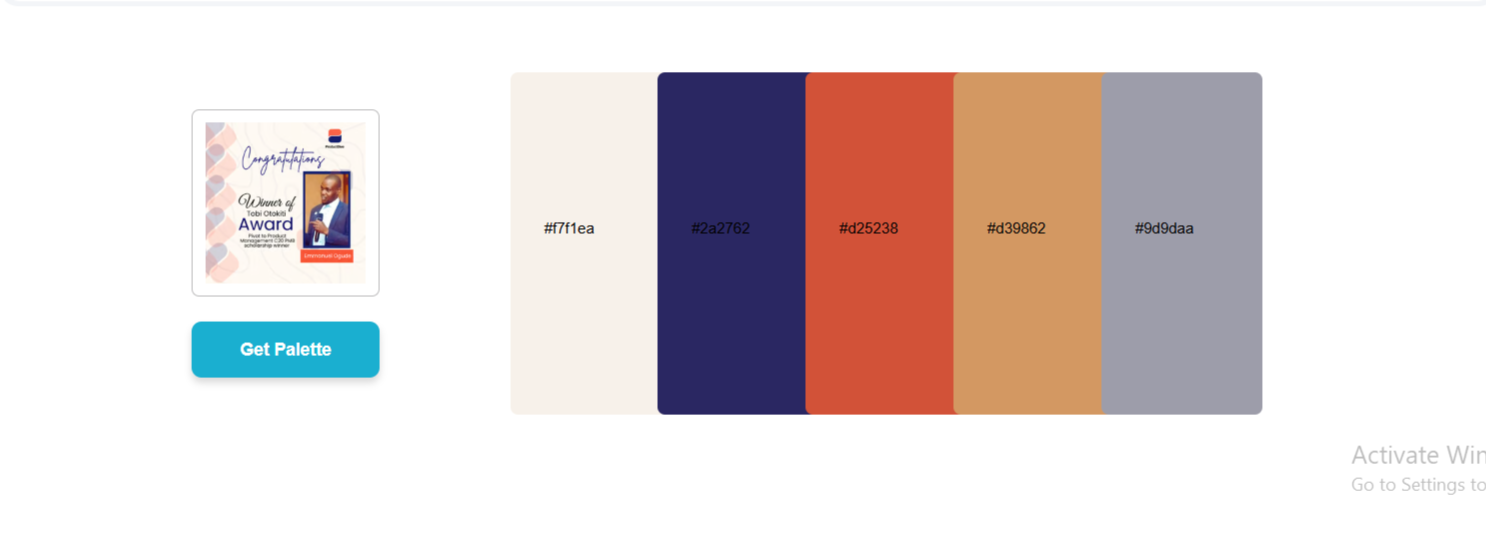
Step 4. Preview & Test
Plugin Data Calls
Get Color Palette
Convert RGB to Hex
Plugin Actions
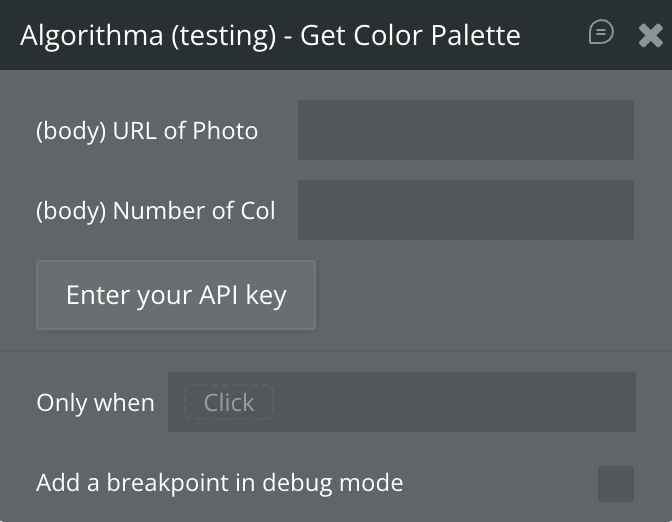
Get Color Palette
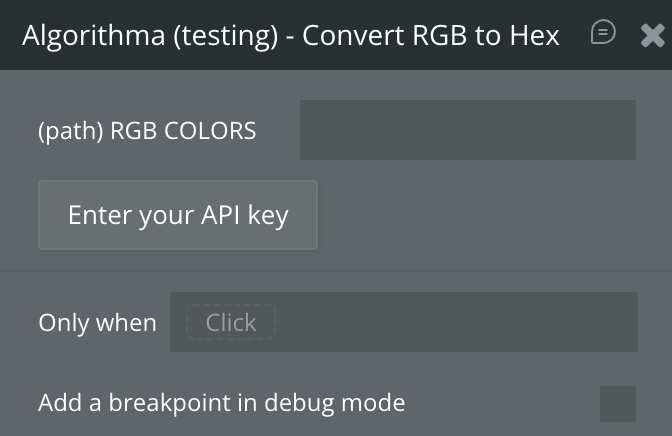
Convert RGB to Hex
Get Palette