
Demo to preview the plugin:
Introduction
The Advanced Alphabet Avatar plugin transforms user names into clean, colorful letter-based avatars, similar to what you see in the Bubble forum or modern collaboration tools.
It’s ideal for cases where users don’t have profile pictures, helping you maintain a polished and consistent UI across dashboards, comment sections, user lists, chats, and admin panels.
The avatar automatically updates when the name changes and supports click interactions for workflows such as opening user profiles or triggering actions.
Key Features
Prerequisites
Before using the Advanced Alphabet Avatar plugin, ensure that:
- You have a Bubble application with at least one page.
- You can pass a text value (e.g., user name or initials) to the element.
- You are familiar with basic Bubble workflows (optional, for click actions).

How to Set Up
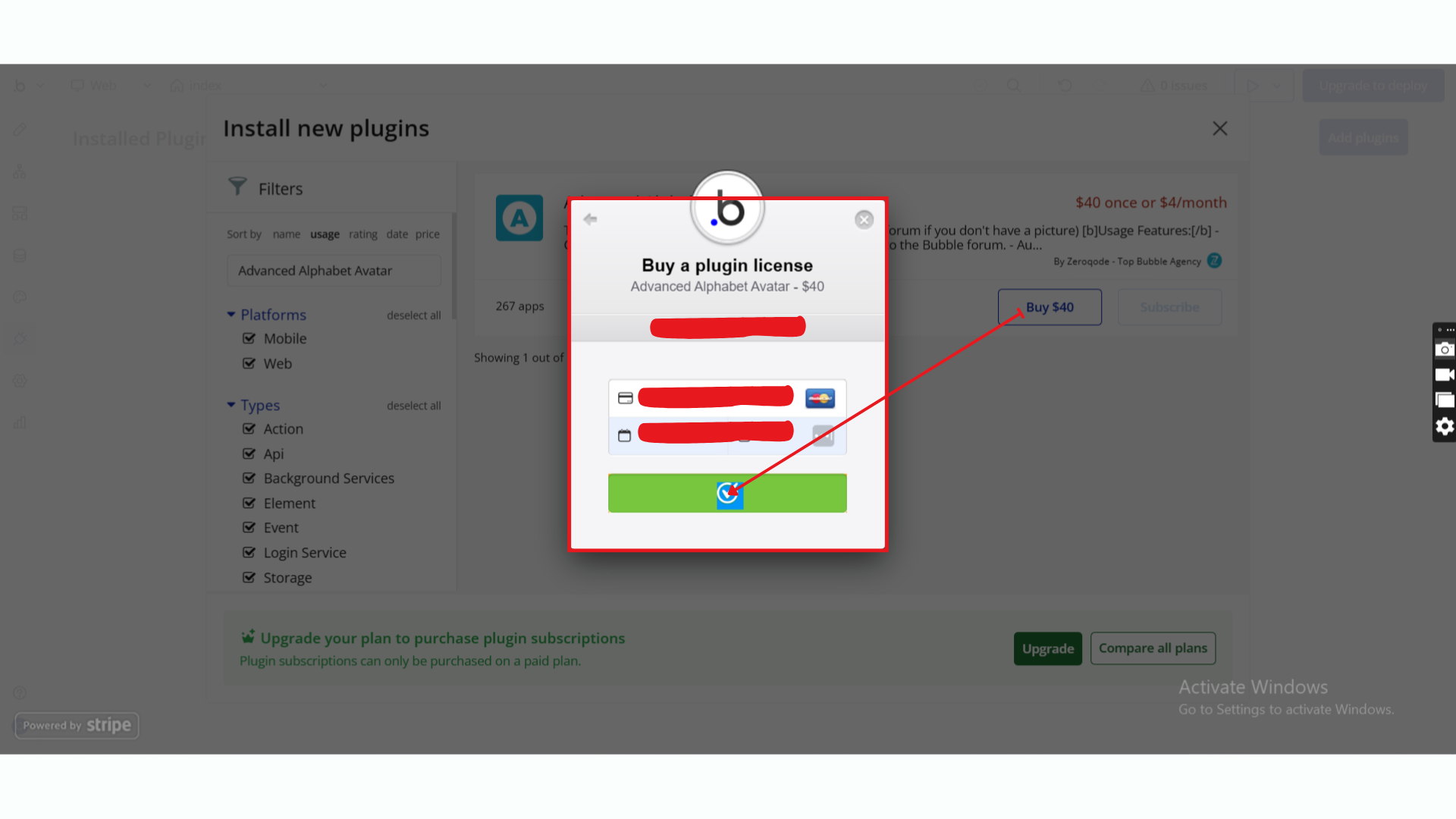
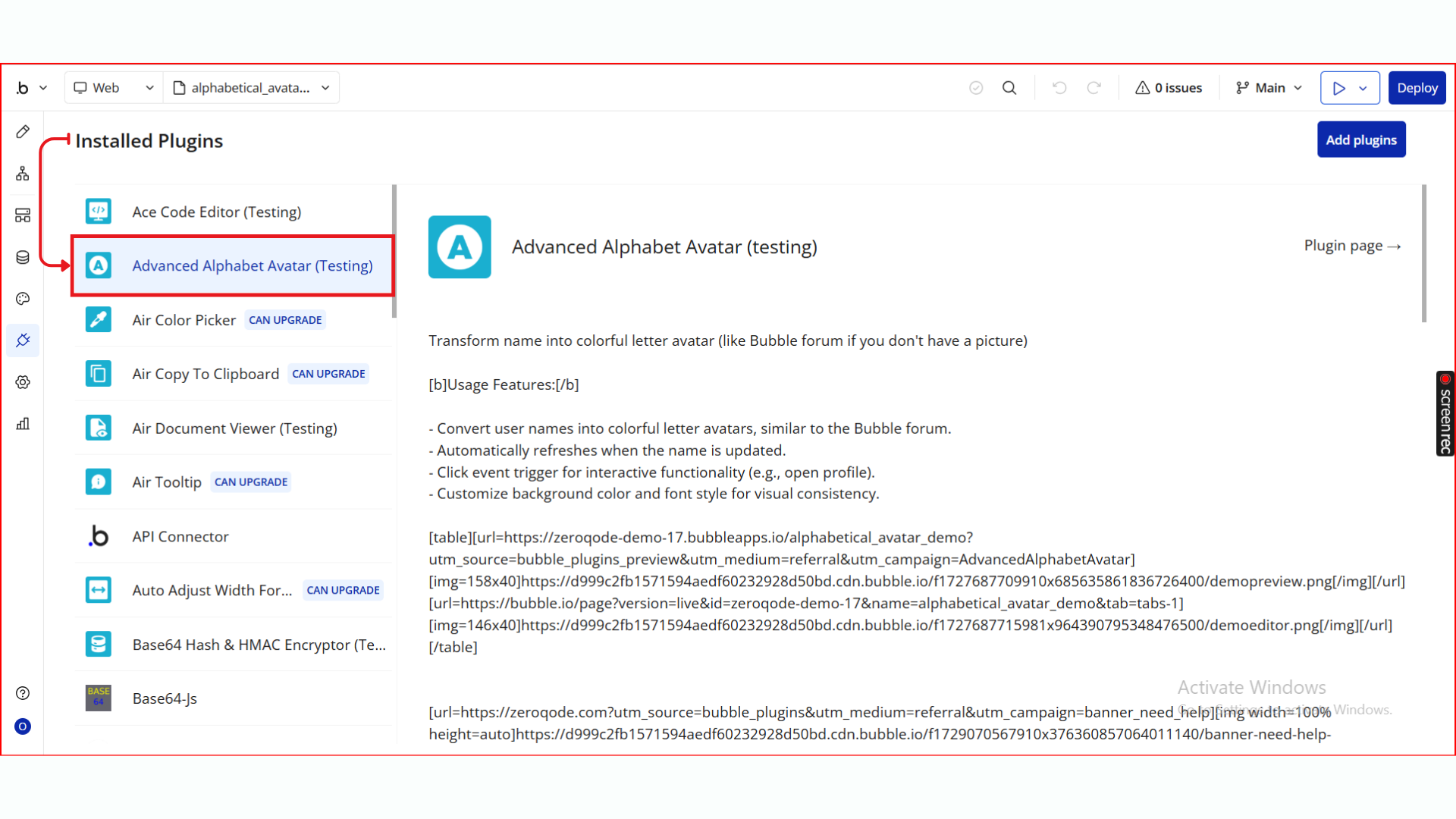
Step 1. Install the Plugin
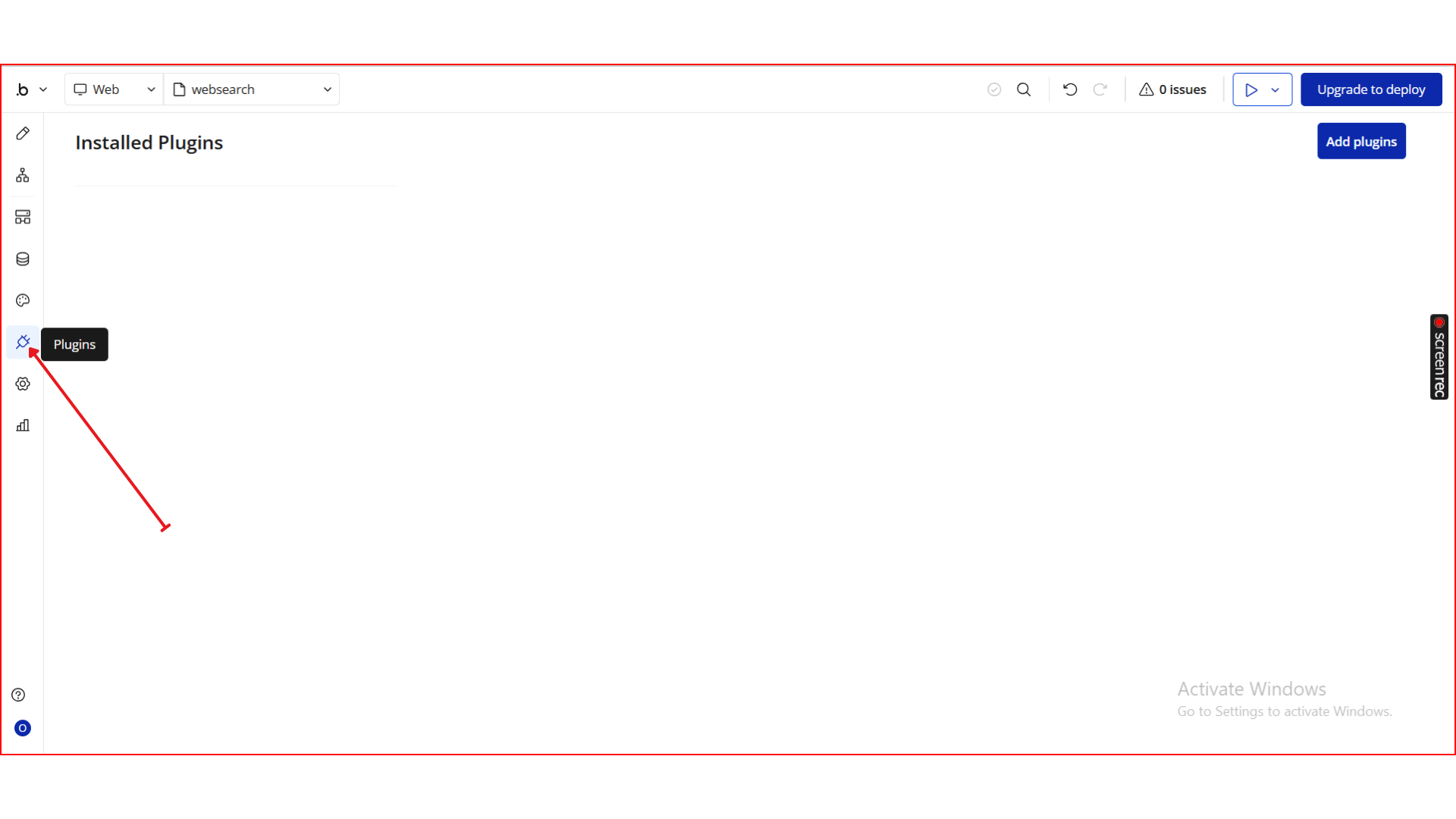
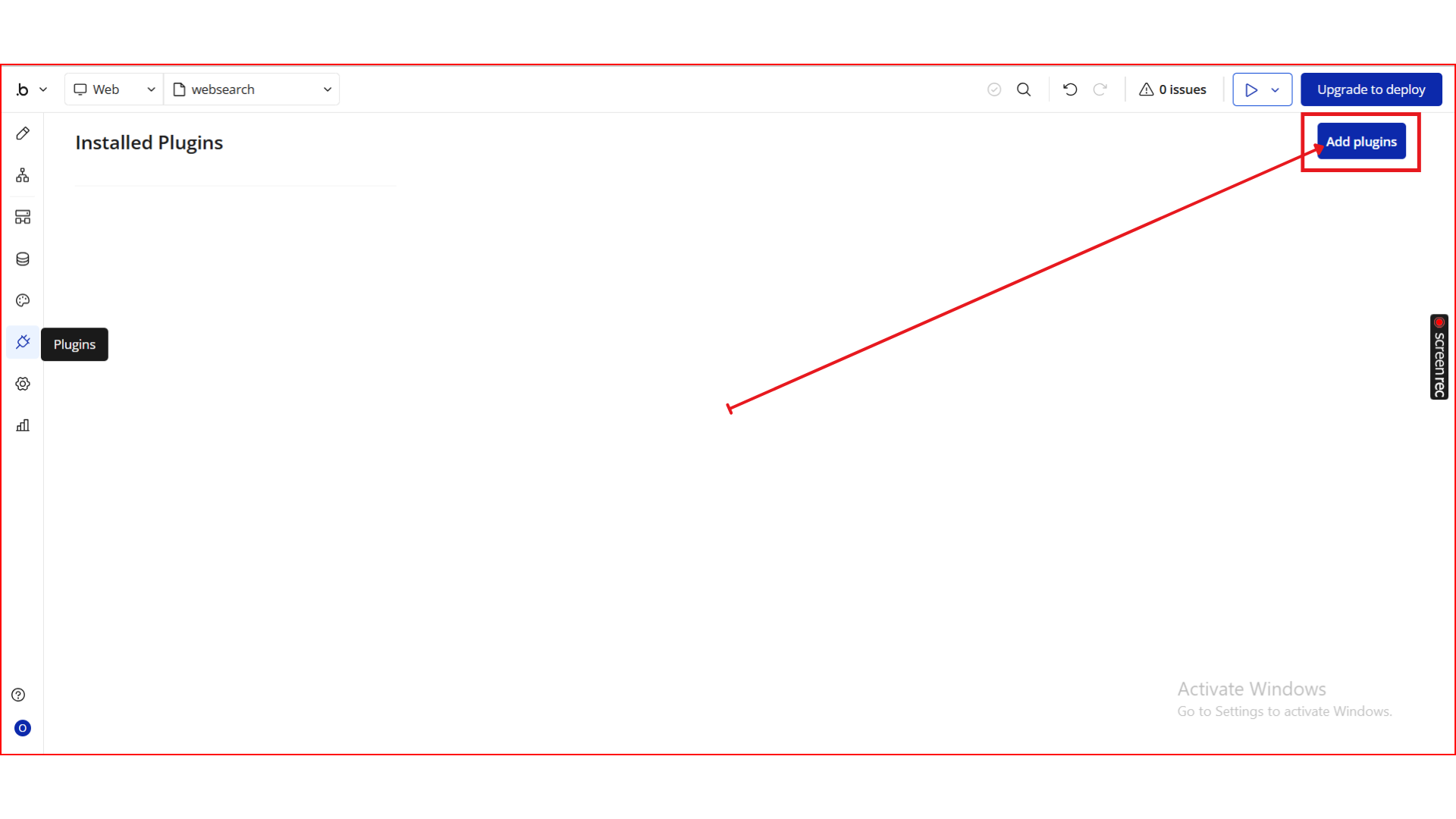
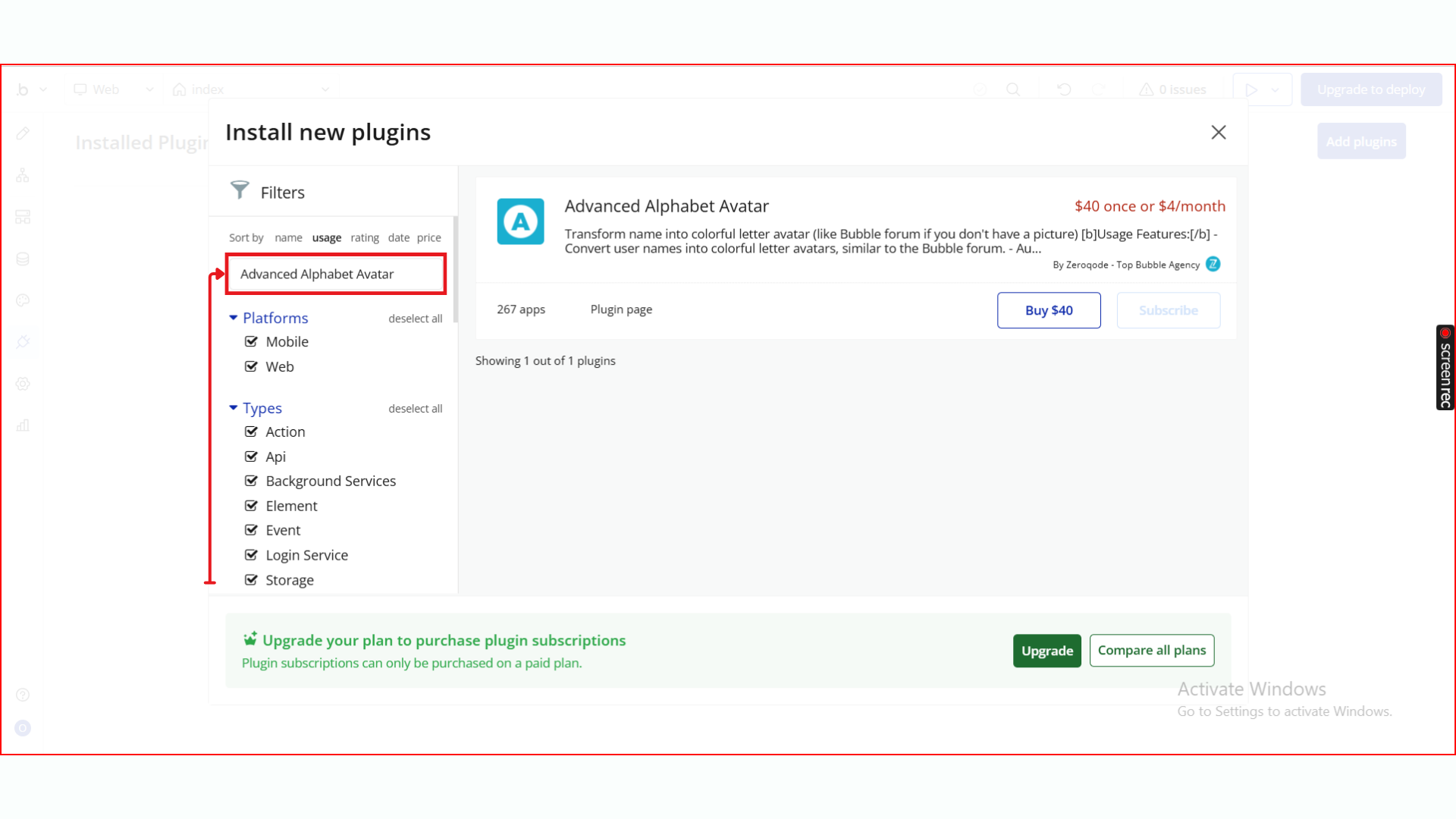
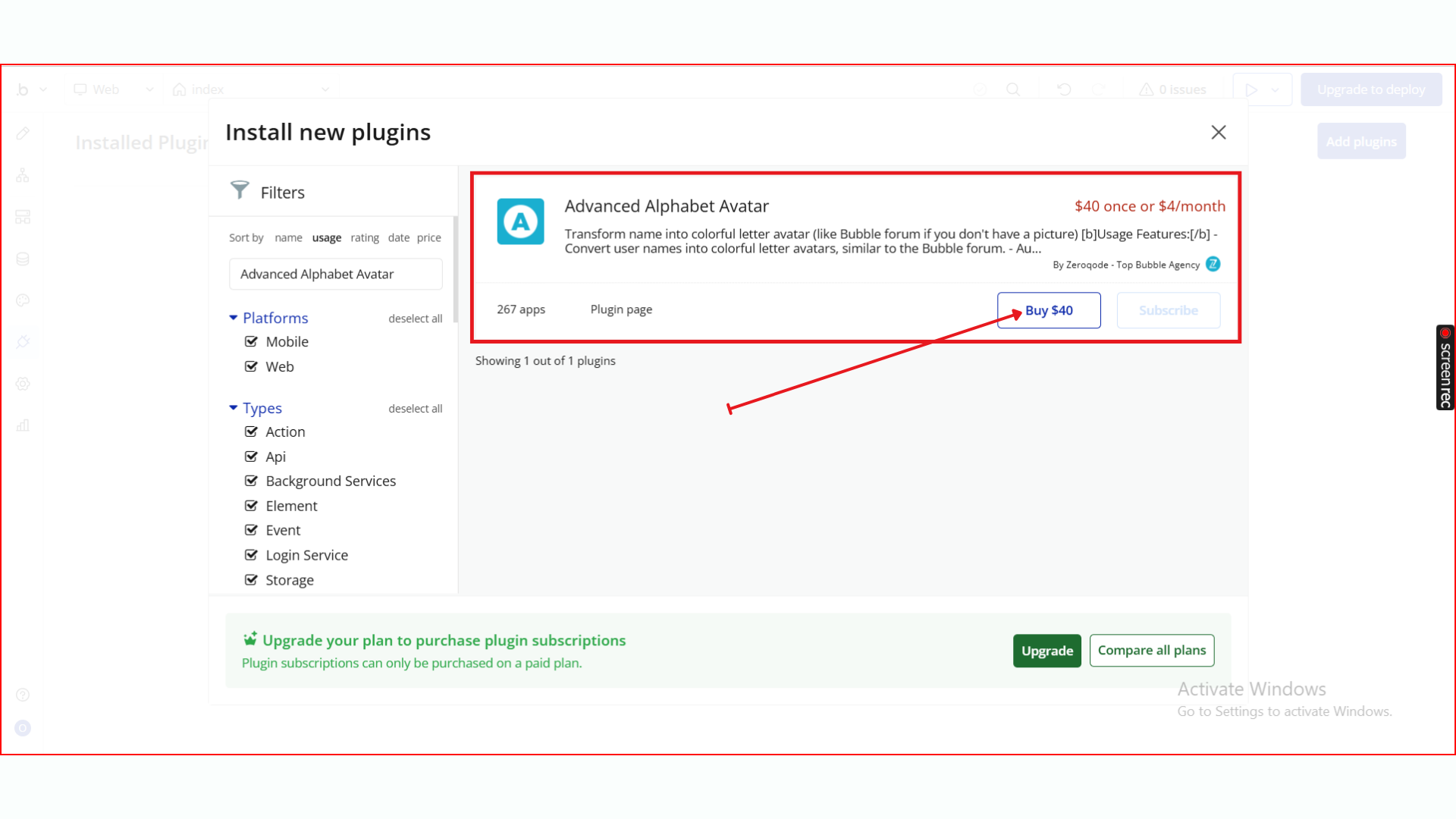
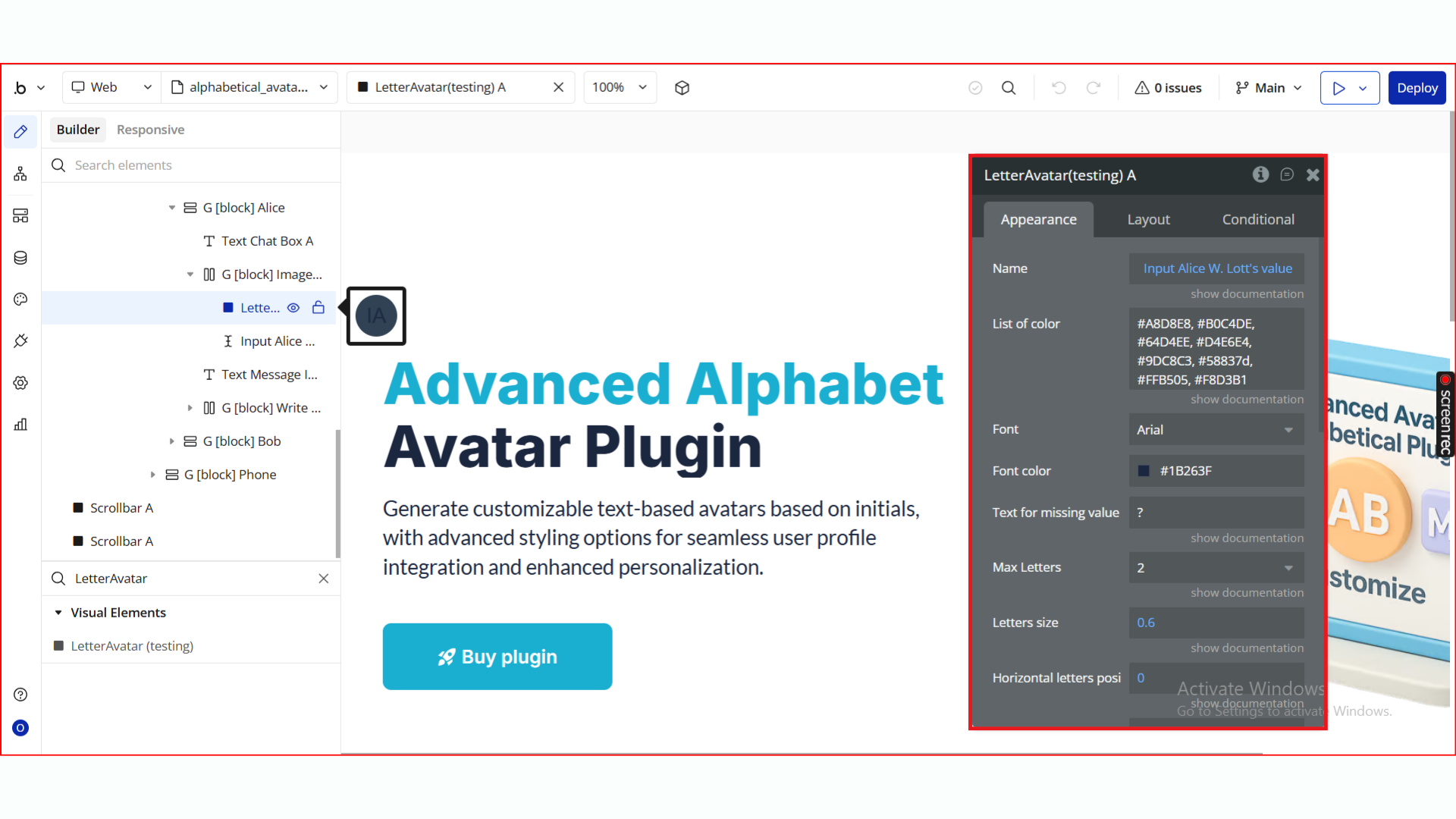
Step 2. Add the Element to Your Page
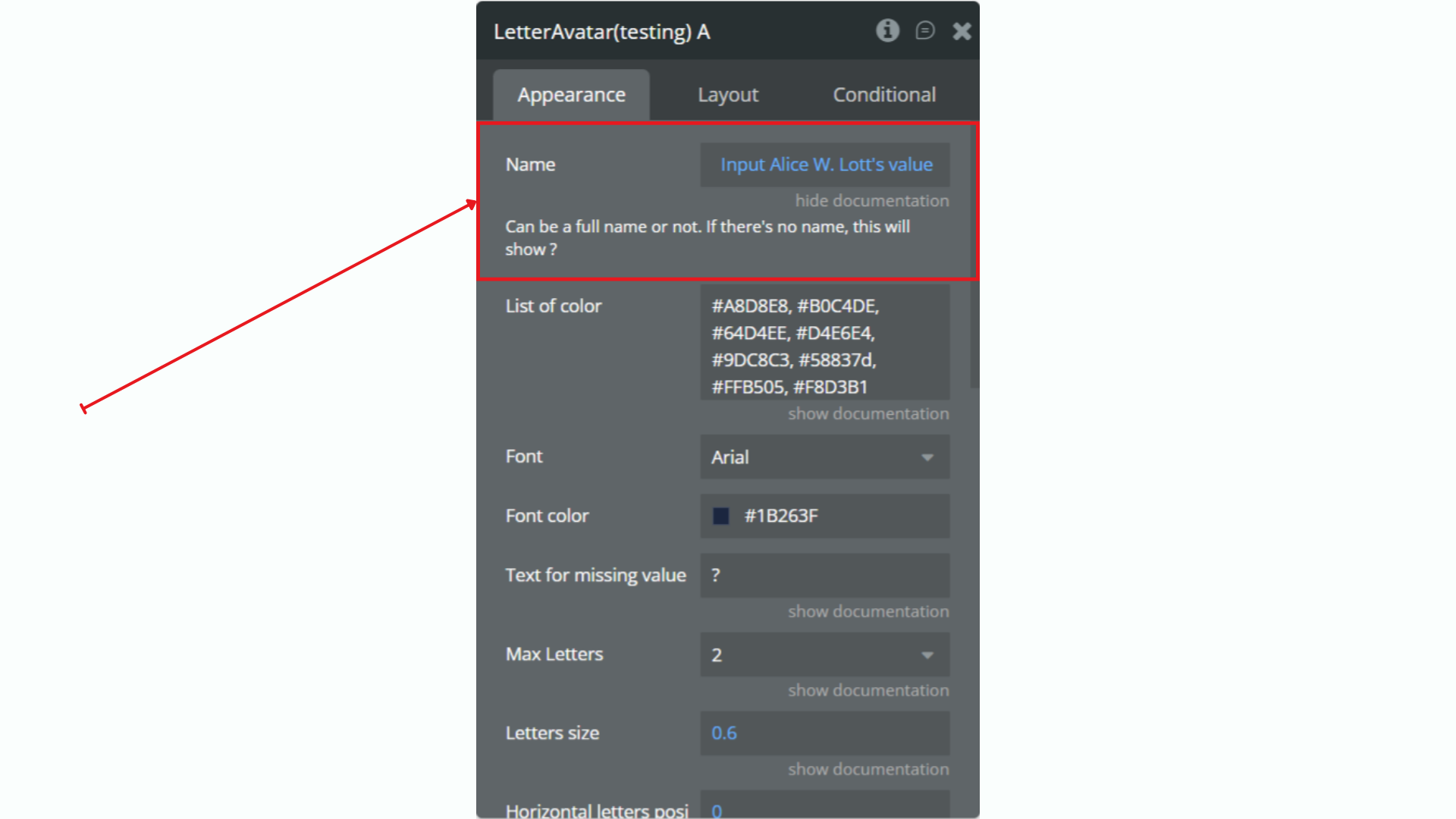
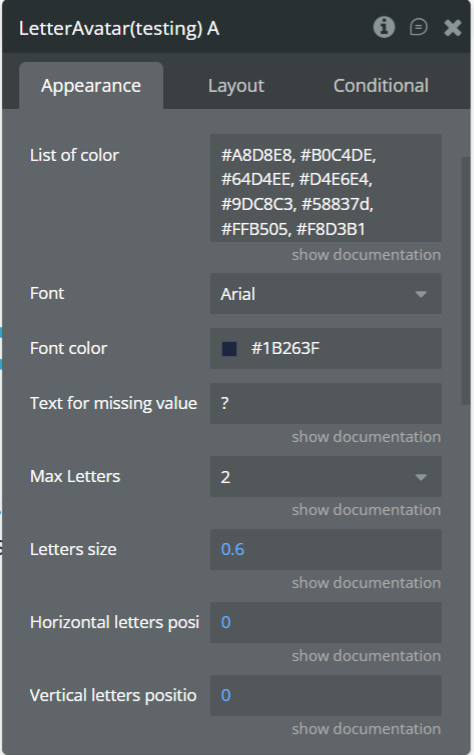
Step 3. Configure the LetterAvatar Element
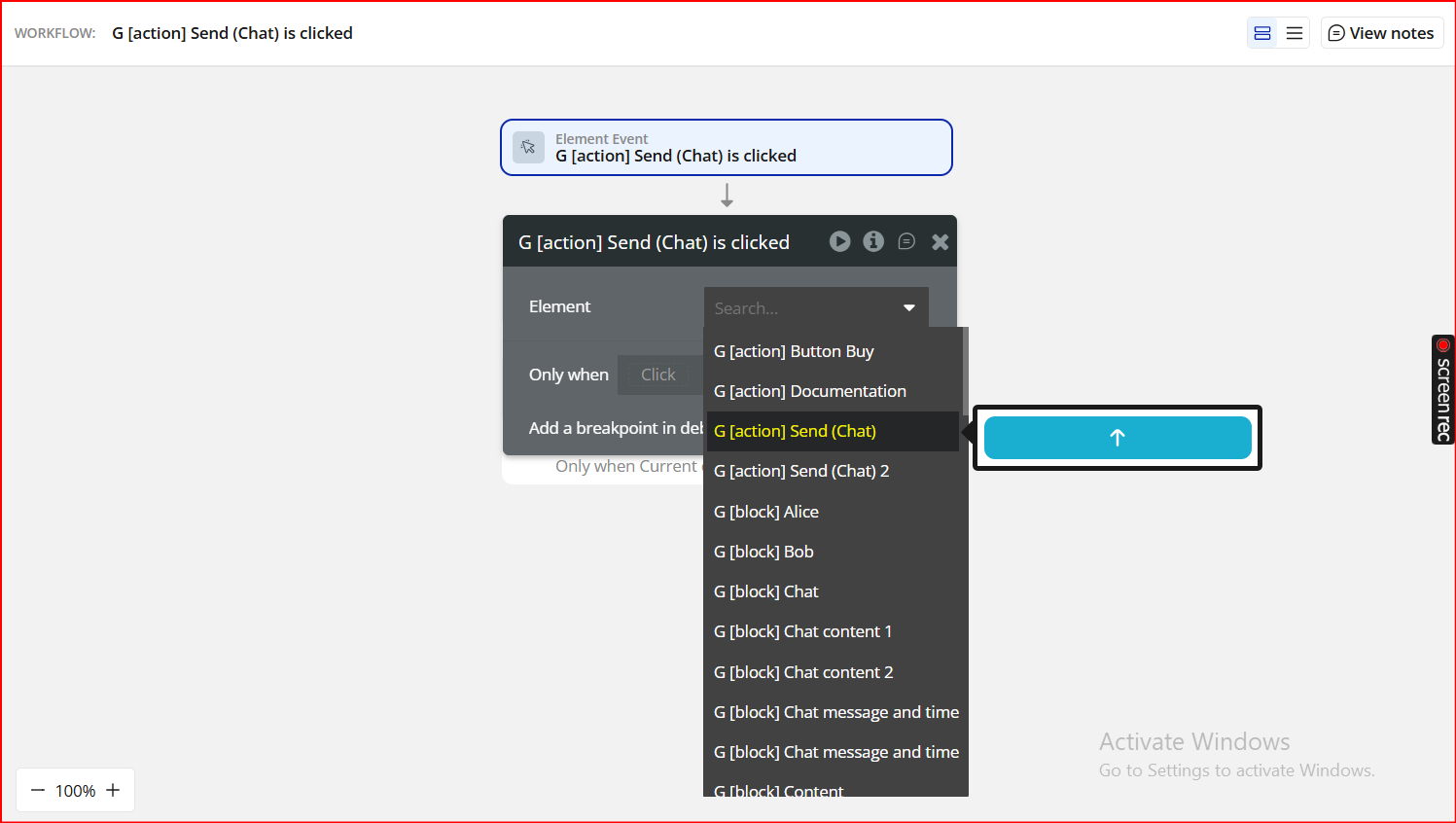
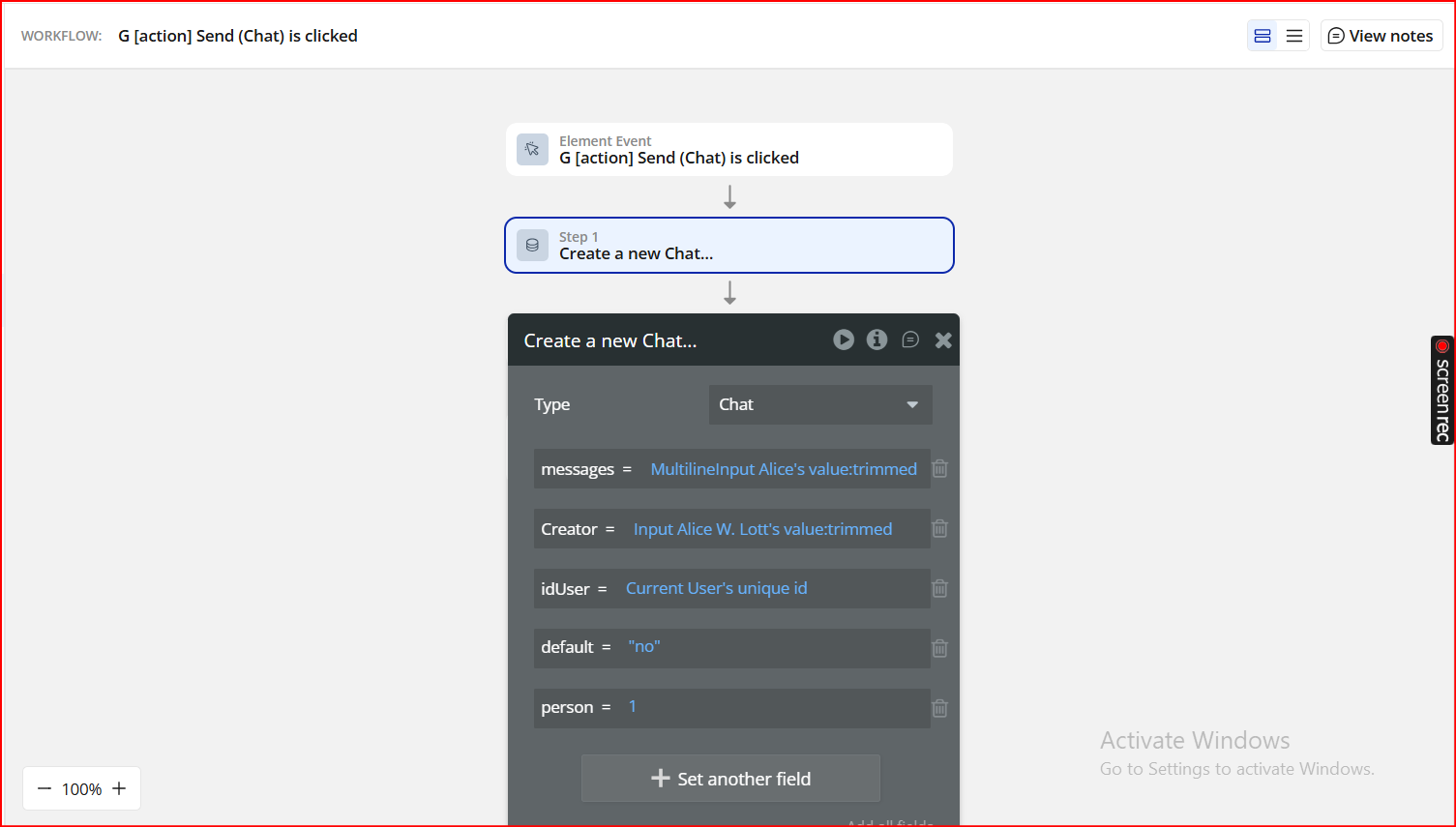
Step 4. Use Click & Hover Events in Workflows
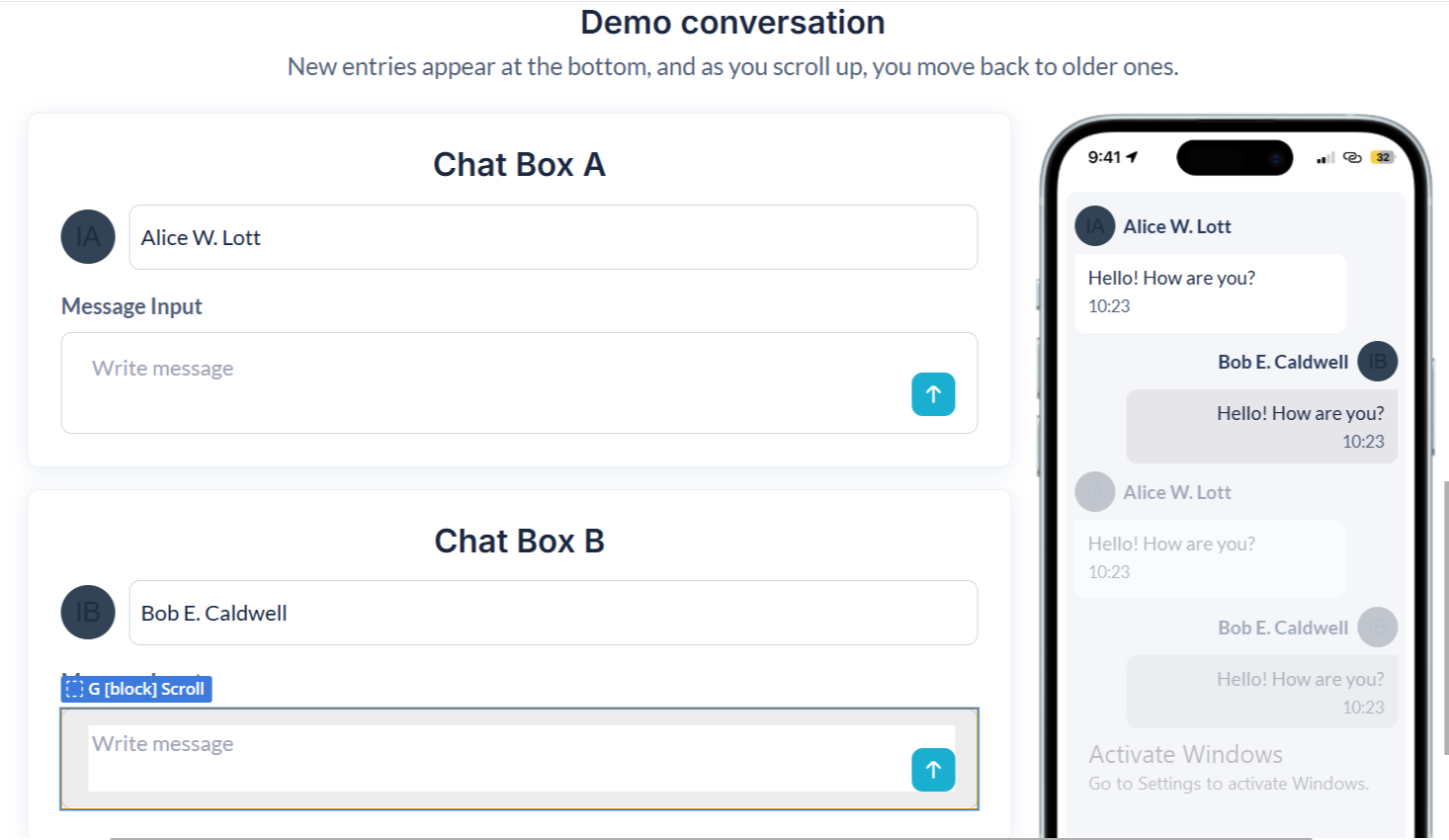
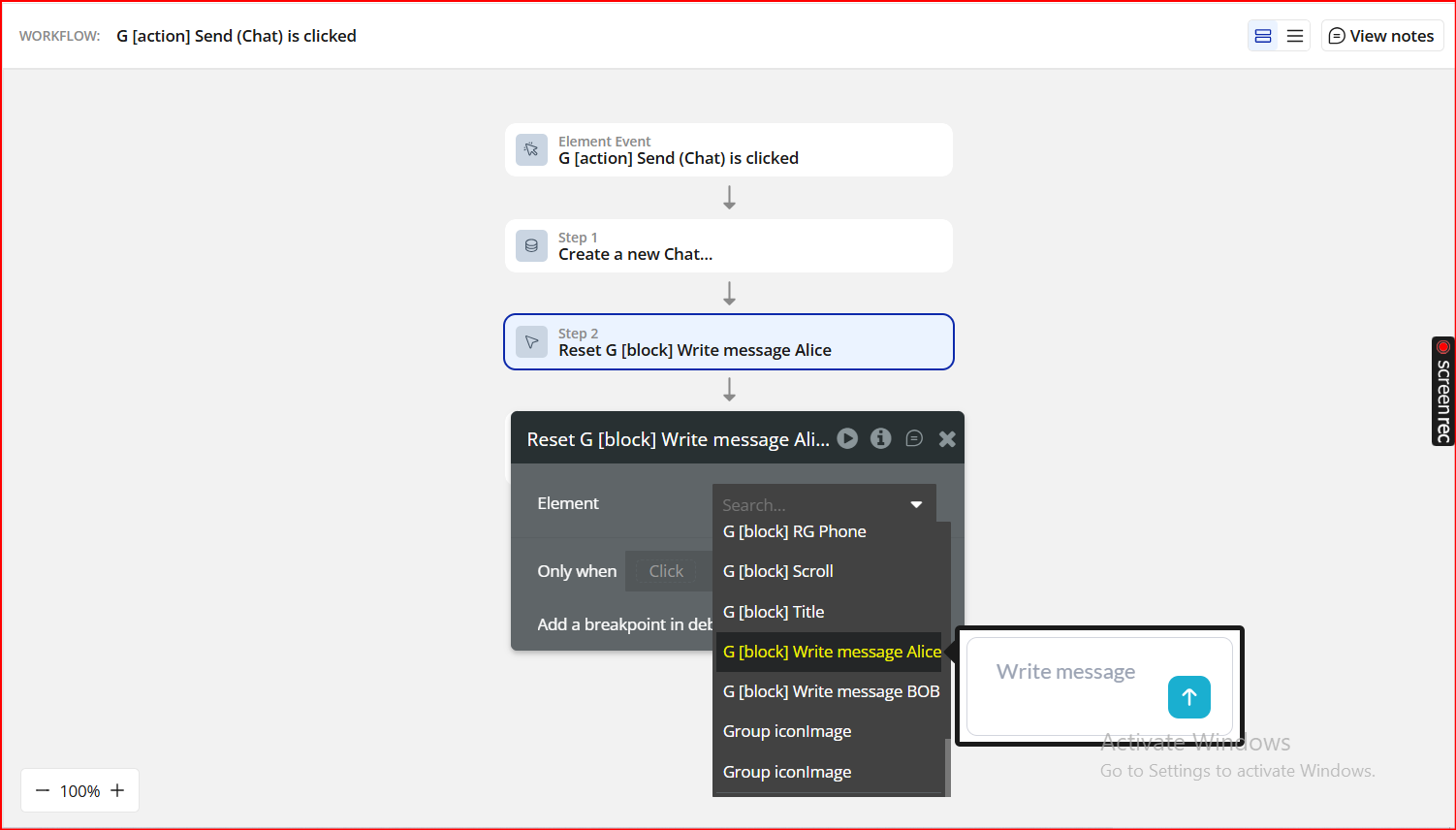
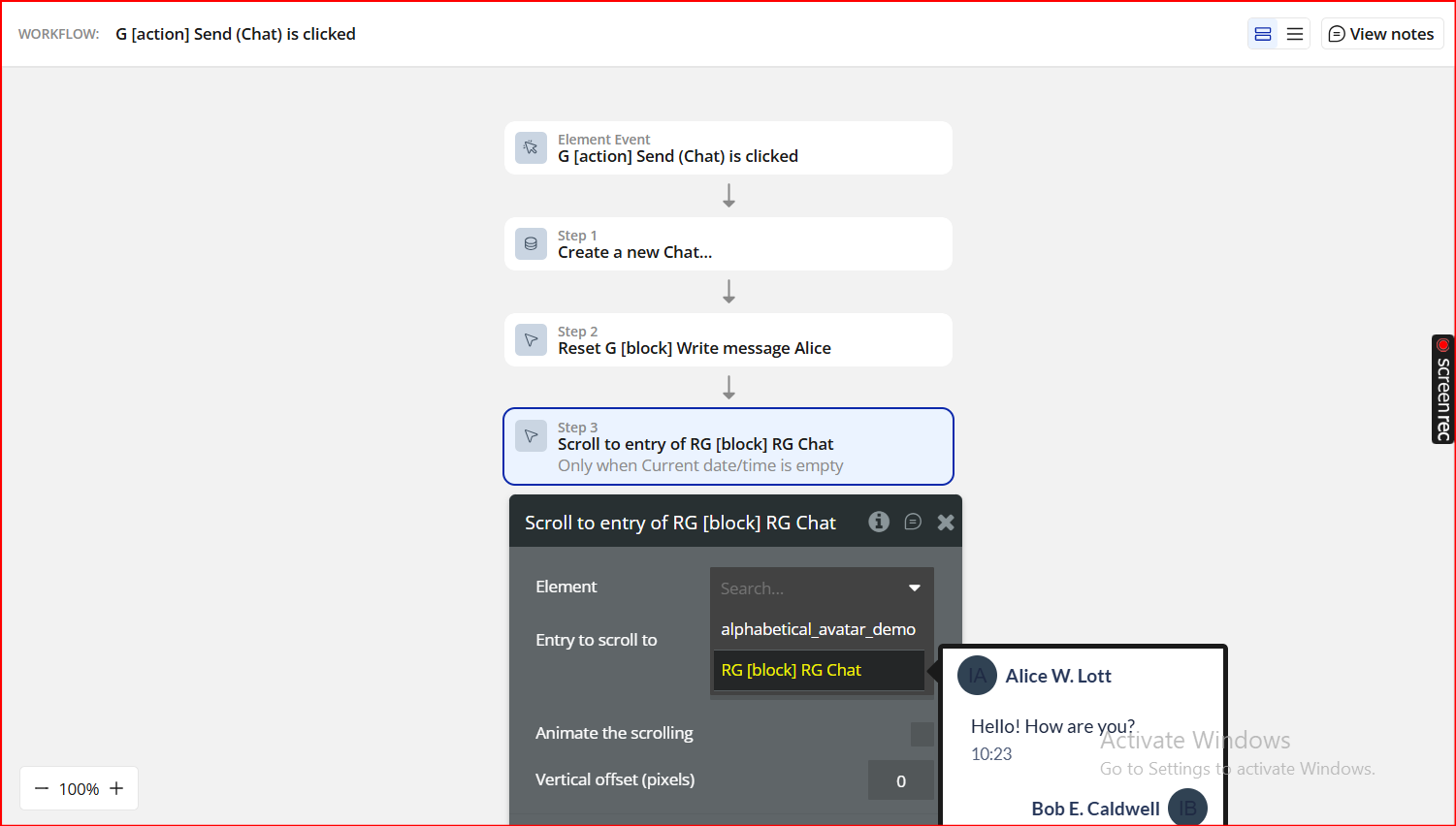
Step 5. Preview & Test
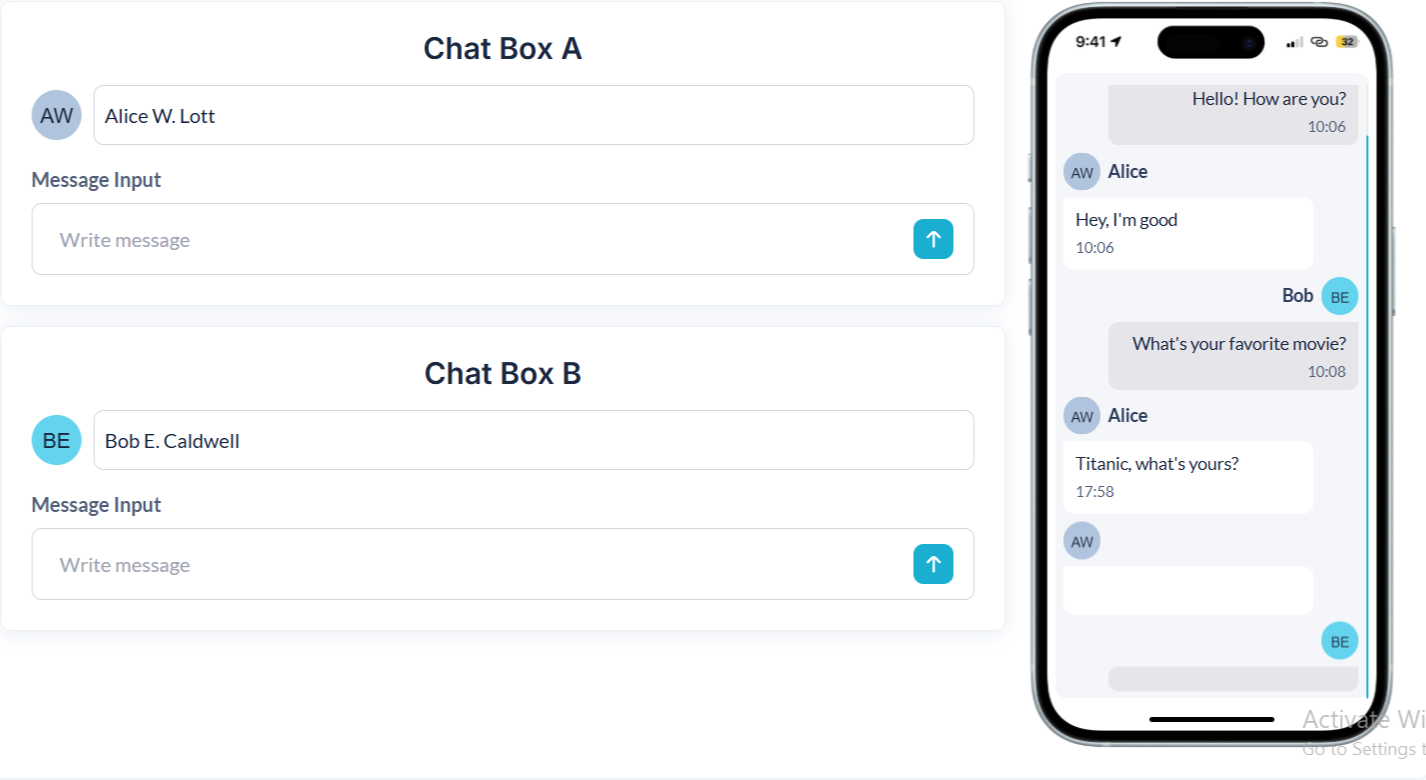
Plugin Element Properties - LetterAvatar
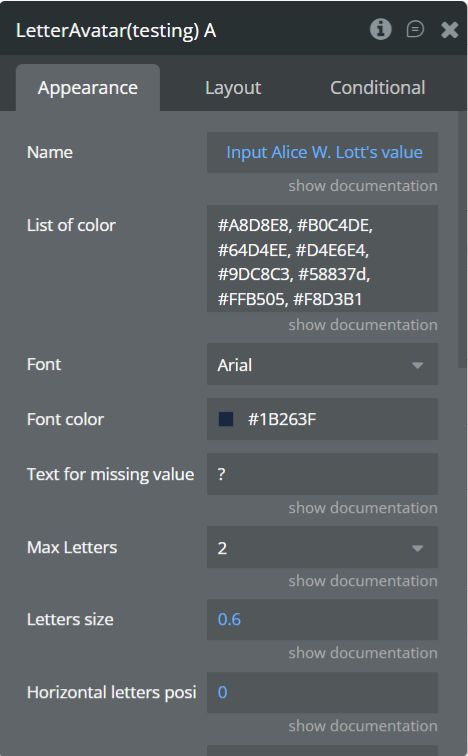
Fields
Exposed States
Element Events
