Link to the plugin page: https://zeroqode.com/plugin/camera-capture-plugin-for-bubble-mobile-1753109920848x589461234423867400
Demo to preview the plugin:
Introduction
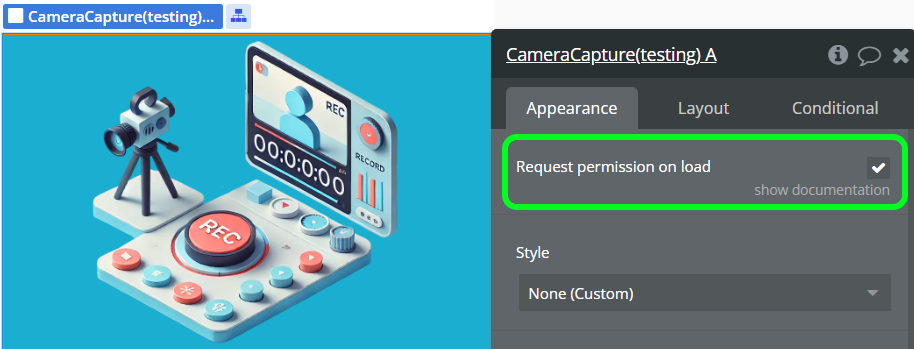
Camera Capture for Bubble Mobile is a comprehensive plugin designed specifically for Bubble mobile applications that enables users to capture photos and record videos directly from their device’s camera. The plugin provides a complete camera interface with advanced features including permission management, media preview and quality control. It supports both front and back camera usage, real-time media preview, and automatic base64 conversion for seamless integration with Bubble workflows.
Prerequisites
This plugin is designed specifically for the mobile version of the Bubble editor. To test the plugin on your mobile device, use the TestFlight app available at: https://testflight.apple.com/join/W13vZ72p
Please note that the testing app is currently available for iOS only.
Note about permissions
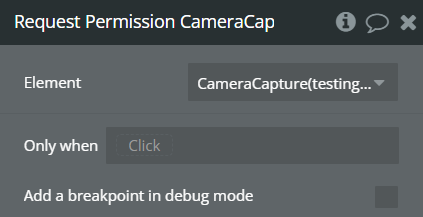
For the plugin to work, you must enable file and photo permissions in the app settings on your phone.
Quality Compression
Quality compression primarily affects the quality of the photo itself, not the overall video quality. This setting does not control video bitrate, resolution, frame rate, or overall video compression. Those aspects are managed separately by the video encoding pipeline.

How to setup
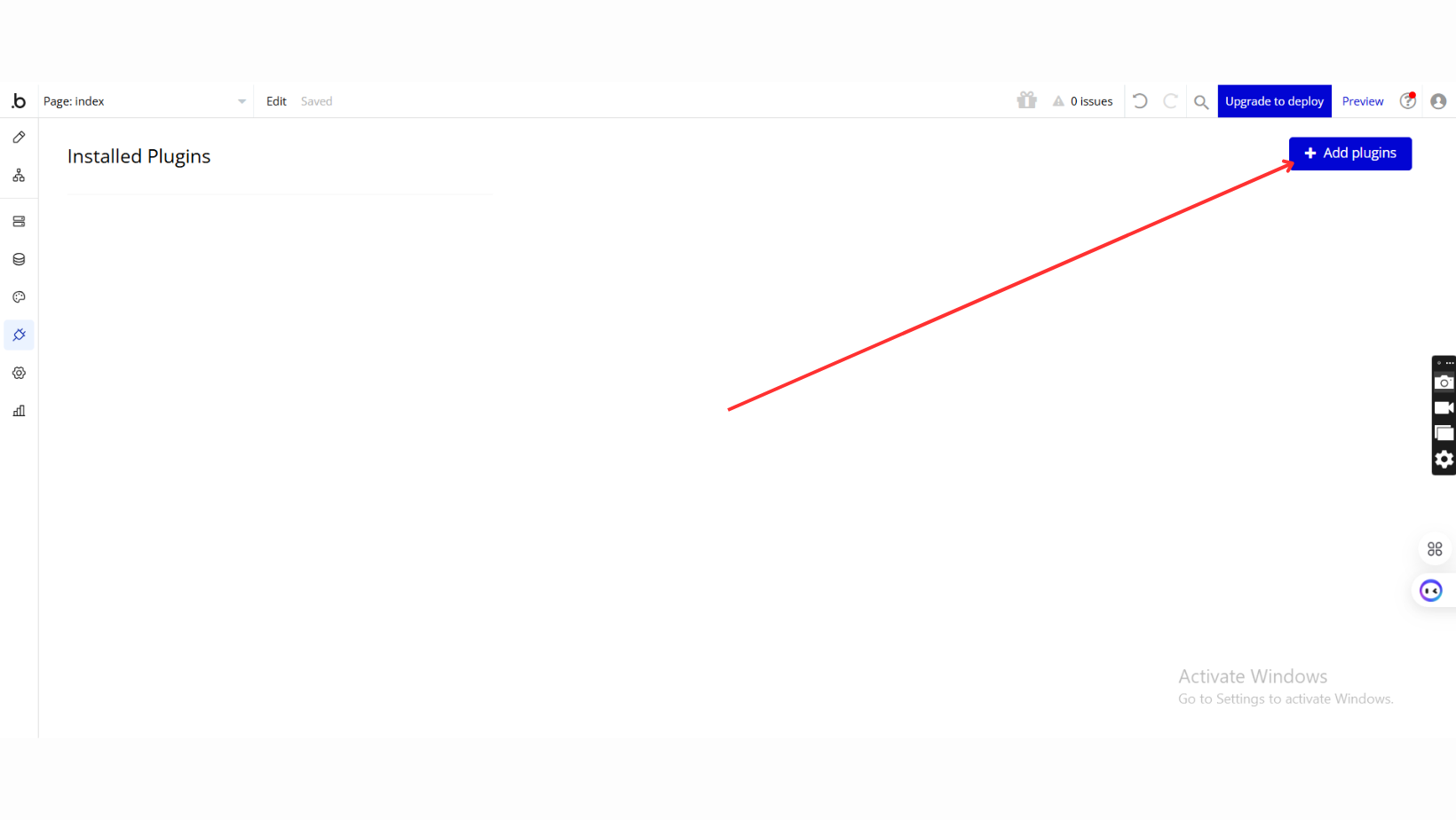
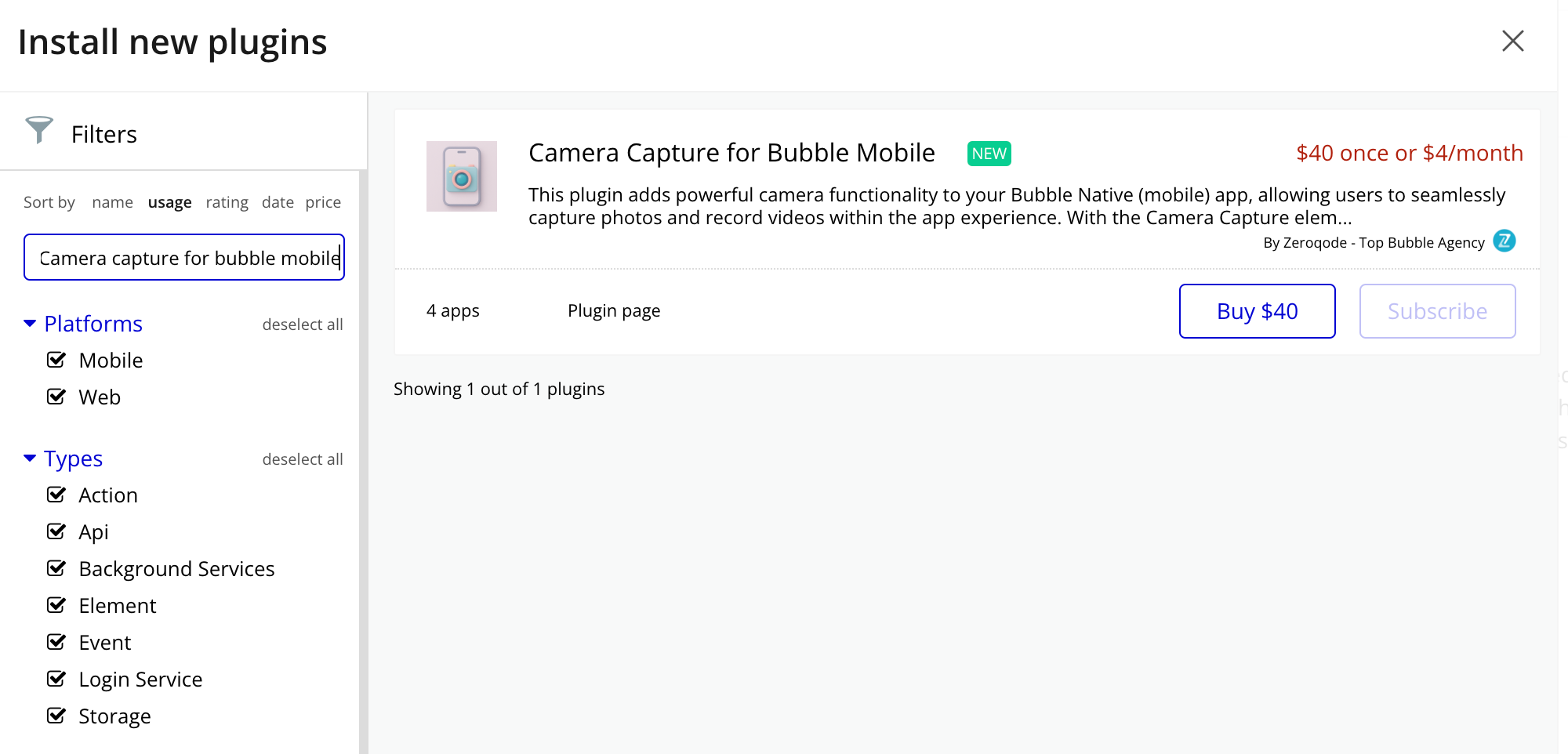
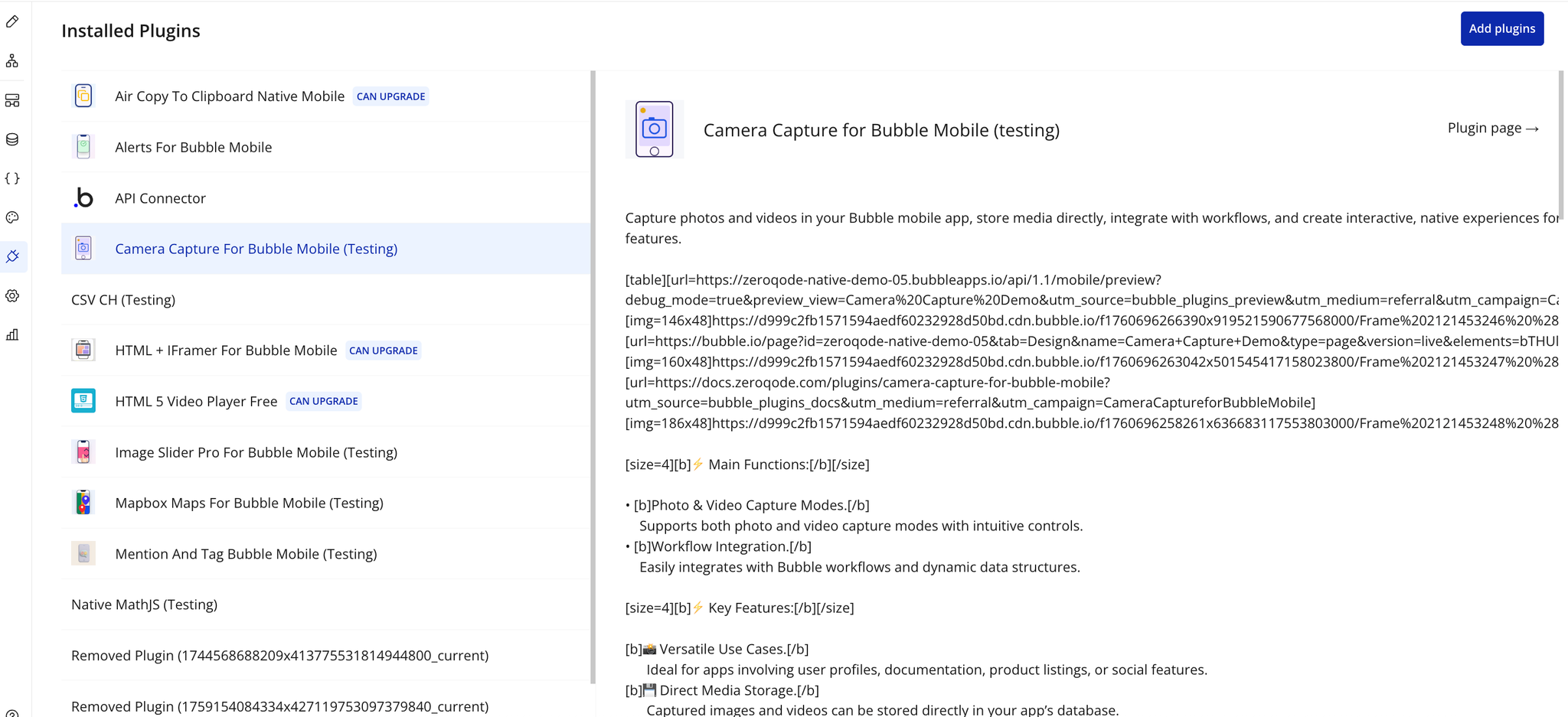
Step 1 – Install the Plugin
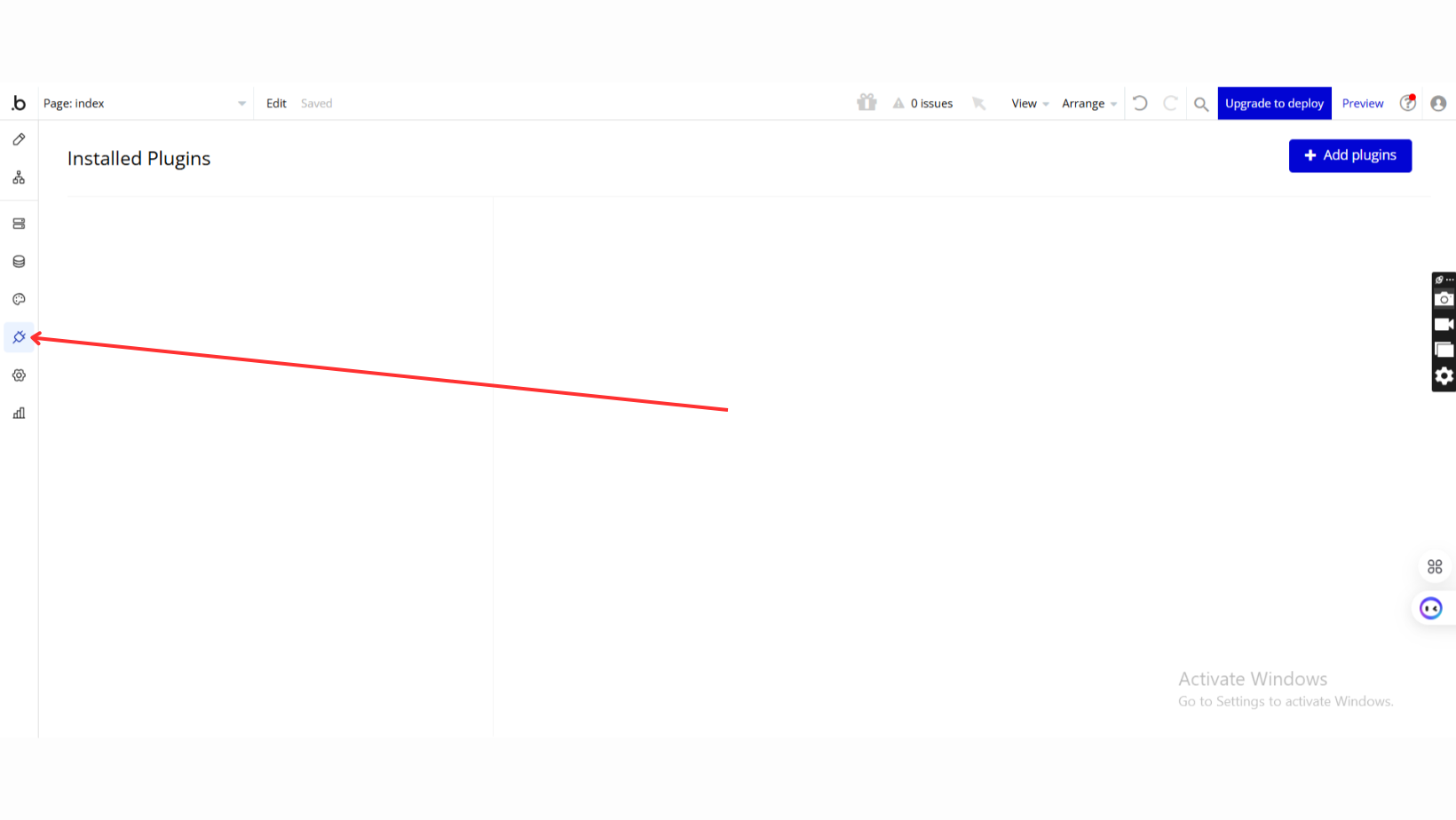
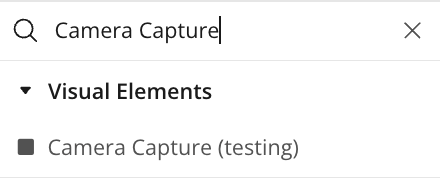
Step 2 – Add the Plugin Element to Your Page
Step 3 – Configure Properties
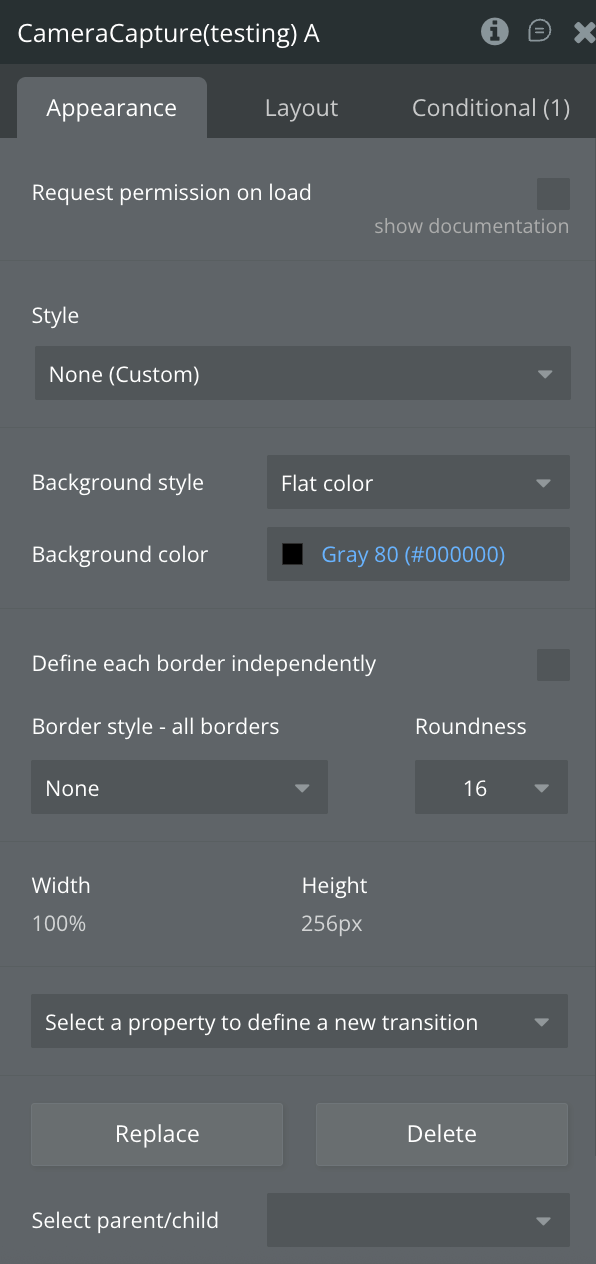
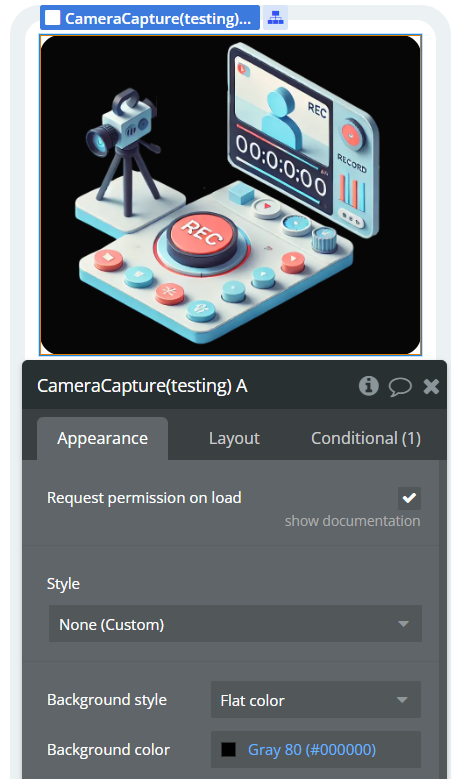
Plugin Element - Camera Capture
The plugin contains a Camera Capture visual element that should be placed on your mobile app pages to provide camera functionality.
Fields
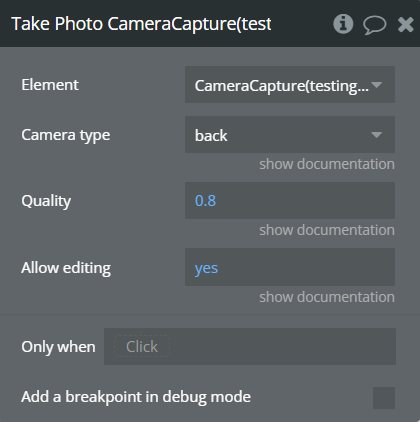
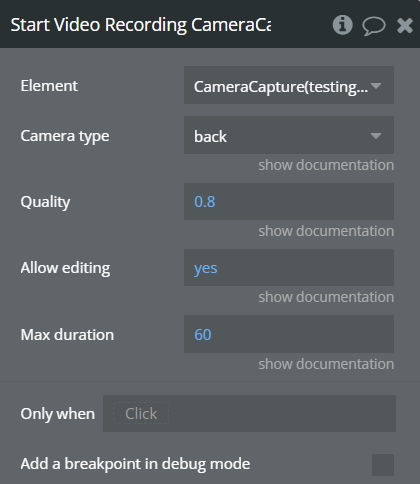
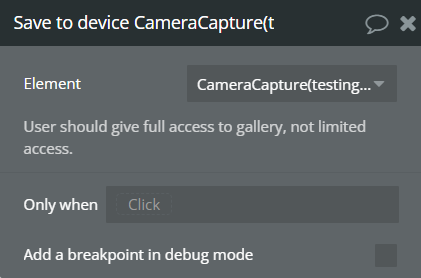
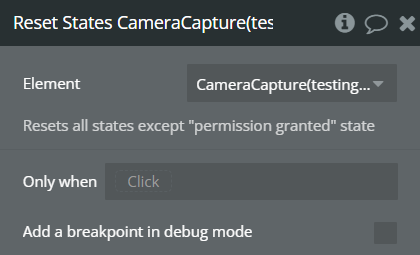
Element Actions
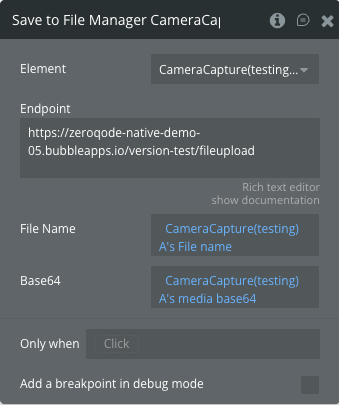
Exposed states
Element Events
Workflow example
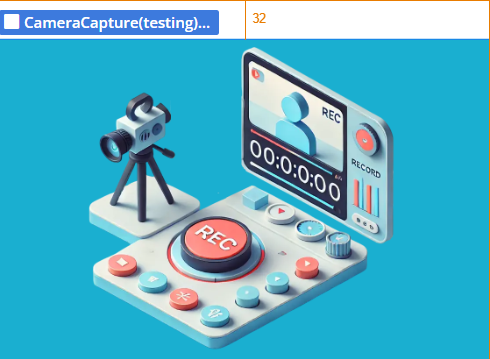
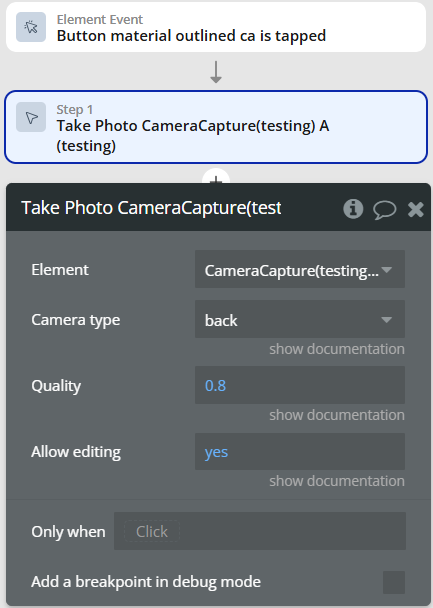
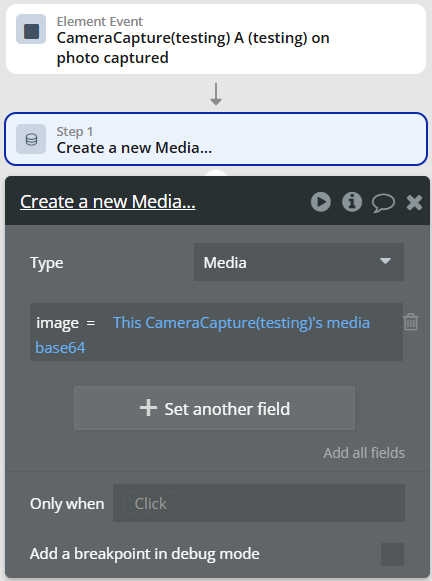
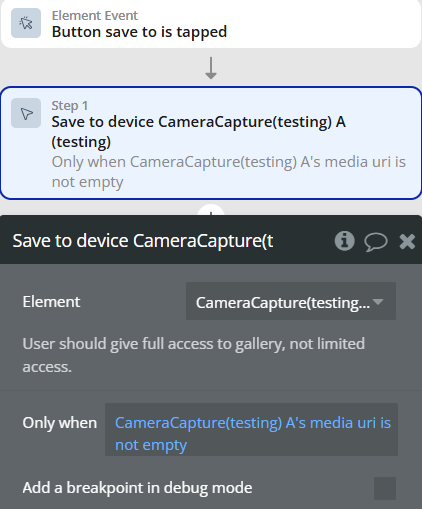
This section demonstrates common workflows for implementing the Camera Capture plugin in your mobile application.
Basic Photo Capture Workflow
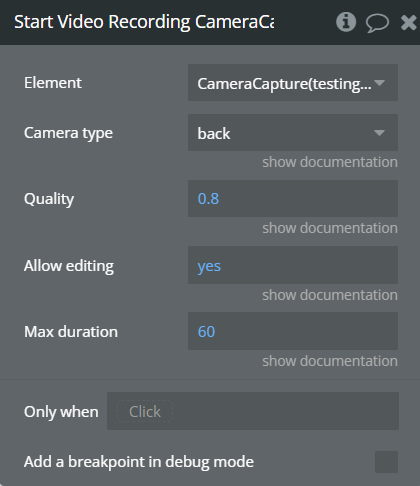
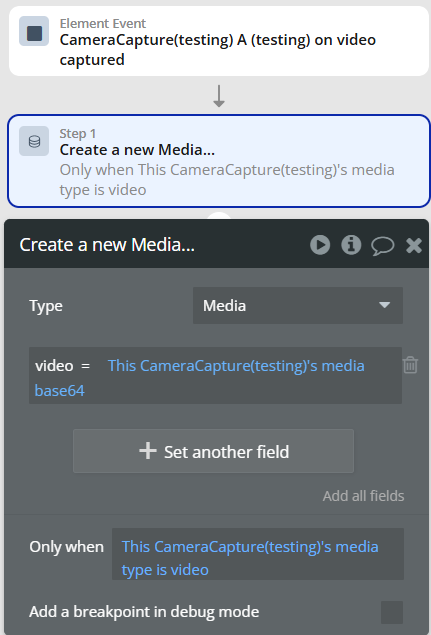
Video Recording Workflow