
Link to the plugin page: https://zeroqode.com/plugin/1533644044784x367594123975458800
Demo to preview the plugin:
Introduction
Help your users and alert them when the internet connection is lost, just like Gmail does. Offline Alert Pro is a no-code plugin that allows you to customize the messages that users see.

How to setup
- Add the Plugin Element
- Go to the Design tab.
- In the Elements panel, locate the Offline element.
- Drag and drop the Offline element onto your page where you want the alert to appear.
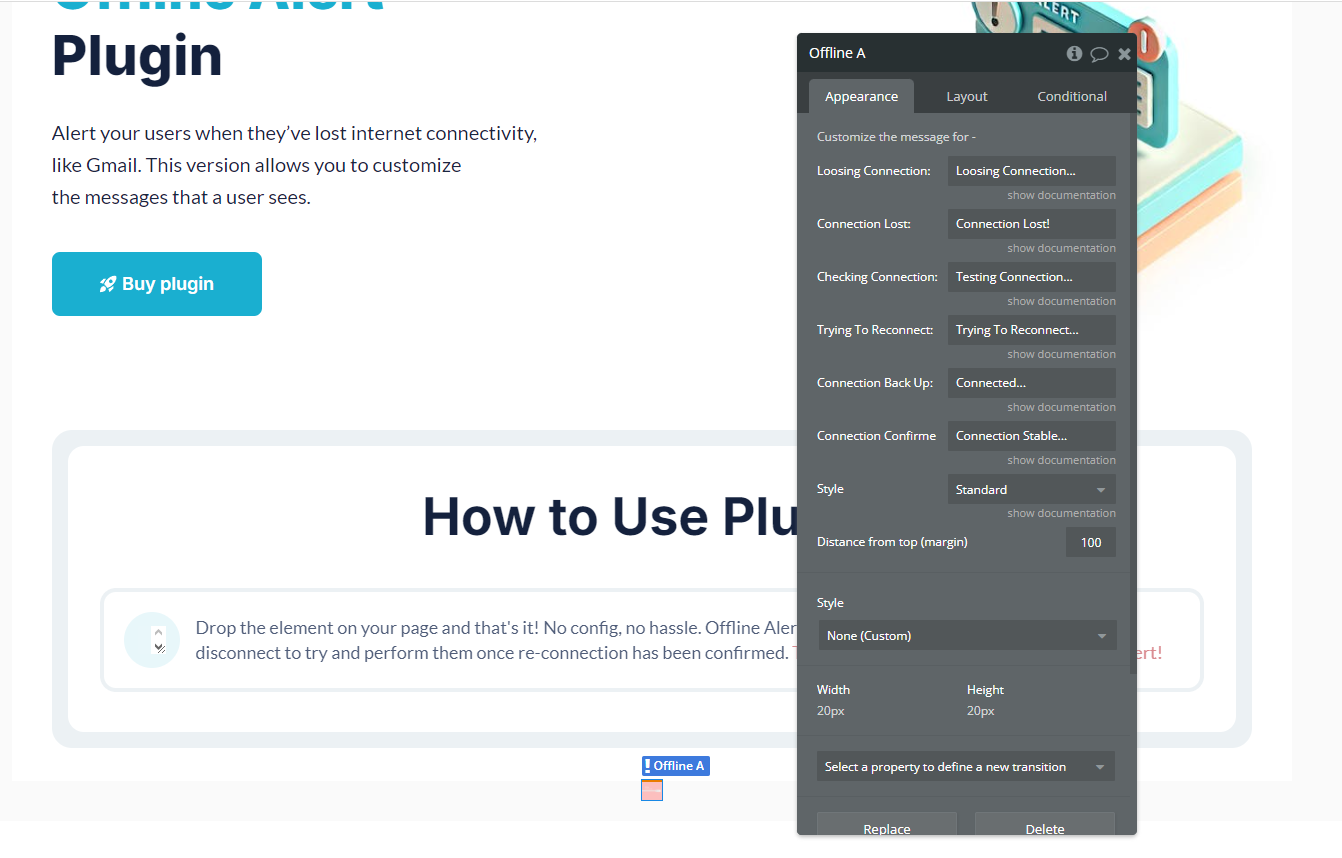
- Configure the Element Properties
- Select the Offline Alert element on your page.
- In the property editor, you can customize the following settings:
- Loosing Connection: The message displayed when the user is about to lose the connection.
- Connection Lost: The message displayed when the internet connection is completely lost.
- Checking Connection: The message displayed when the plugin is testing the internet connection.
- Trying to Reconnect: The message displayed when the plugin is attempting to reconnect.
- Connection Back Up: The message displayed when the connection is restored.
- Connection Confirm: The message displayed when the internet connection is stable again.
- Style: Select from different predefined styles for the alert appearance.
- Distance from top (margin): Set the vertical margin (in pixels) to control the position of the alert on the page.
Plugin Element Properties
Offline
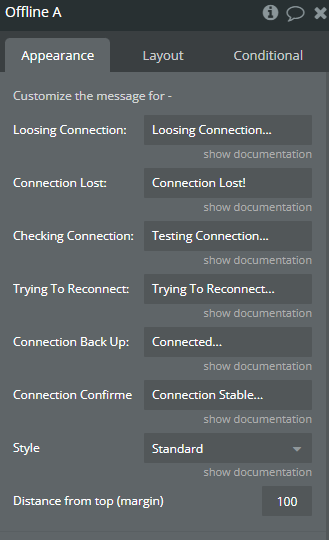
Fields:
Title | Description | Type |
Customize the message for - | ||
Loosing Connection: | Loosing Connection: | Text |
Connection Lost: | Connection Lost: | Text |
Checking Connection: | Testing Connection: | Text |
Trying To Reconnect: | Trying To Reconnect: | Text |
Connection Back Up: | Connected | Text |
Connection Confirmed Working: | Connection Stable: | Text |
Style | Style Available options: Standard, Black, Standard Neat, Chrome Neat | Dropdown |
Distance from top (margin) | Defines the vertical spacing (in pixels) between the top of the page and the alert message. A higher value moves the alert further down the page. | Text |
