
Link to the plugin page: https://zeroqode.com/plugin/analog-clock-plugin-for-bubble-1739740945083x220369572231869020
Demo to preview the plugin:
Introduction
This plugin allows you to add an analog clock to your app that displays the current system time.
You can choose between three different sizes and specify the dial color.

How to setup
- Add a clock element to your page
Analog Clock LargeAnalog ClockAnalog Clock Small
In the Design tab of the Bubble editor, search for one of the following elements added by the plugin:
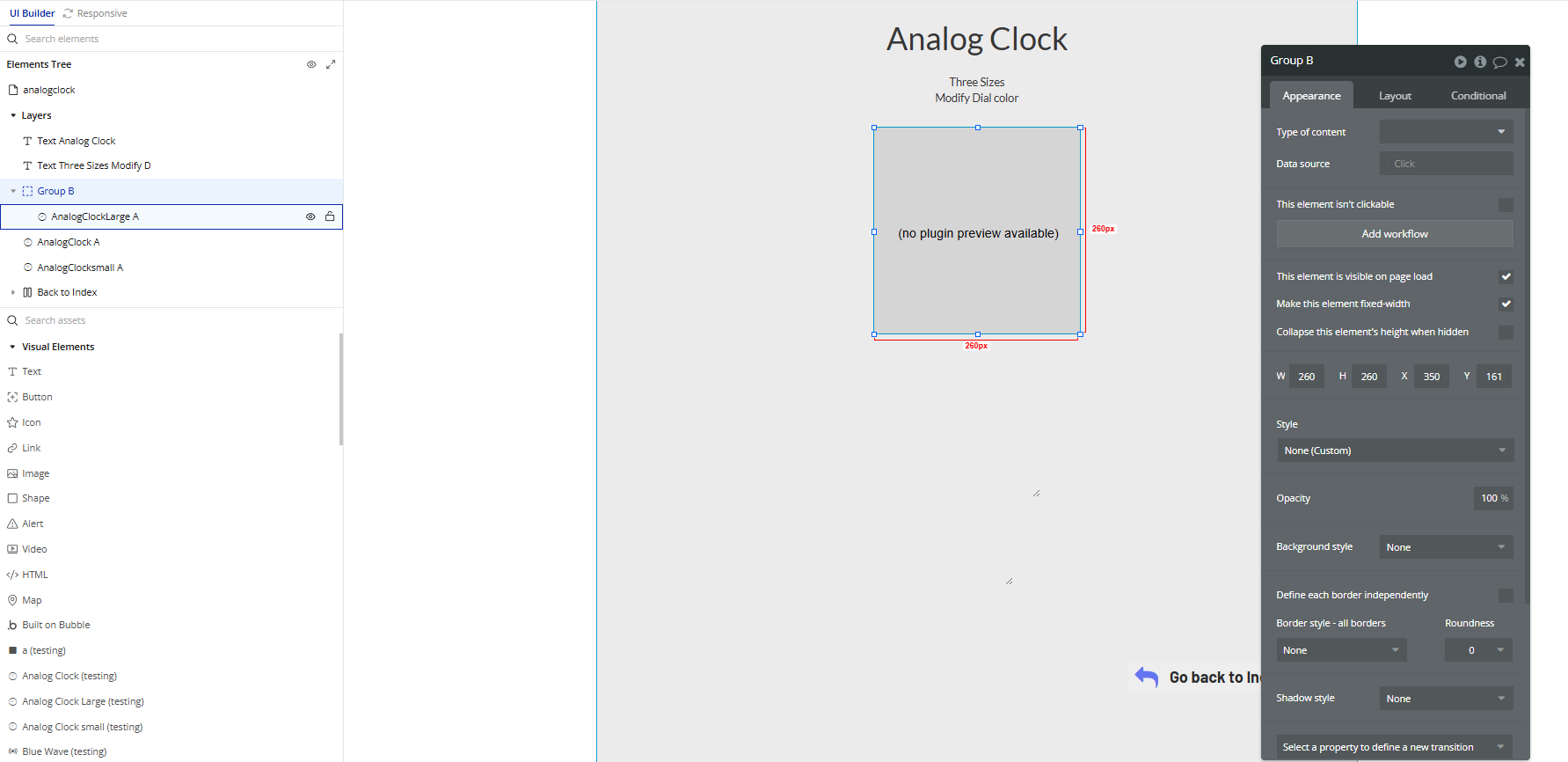
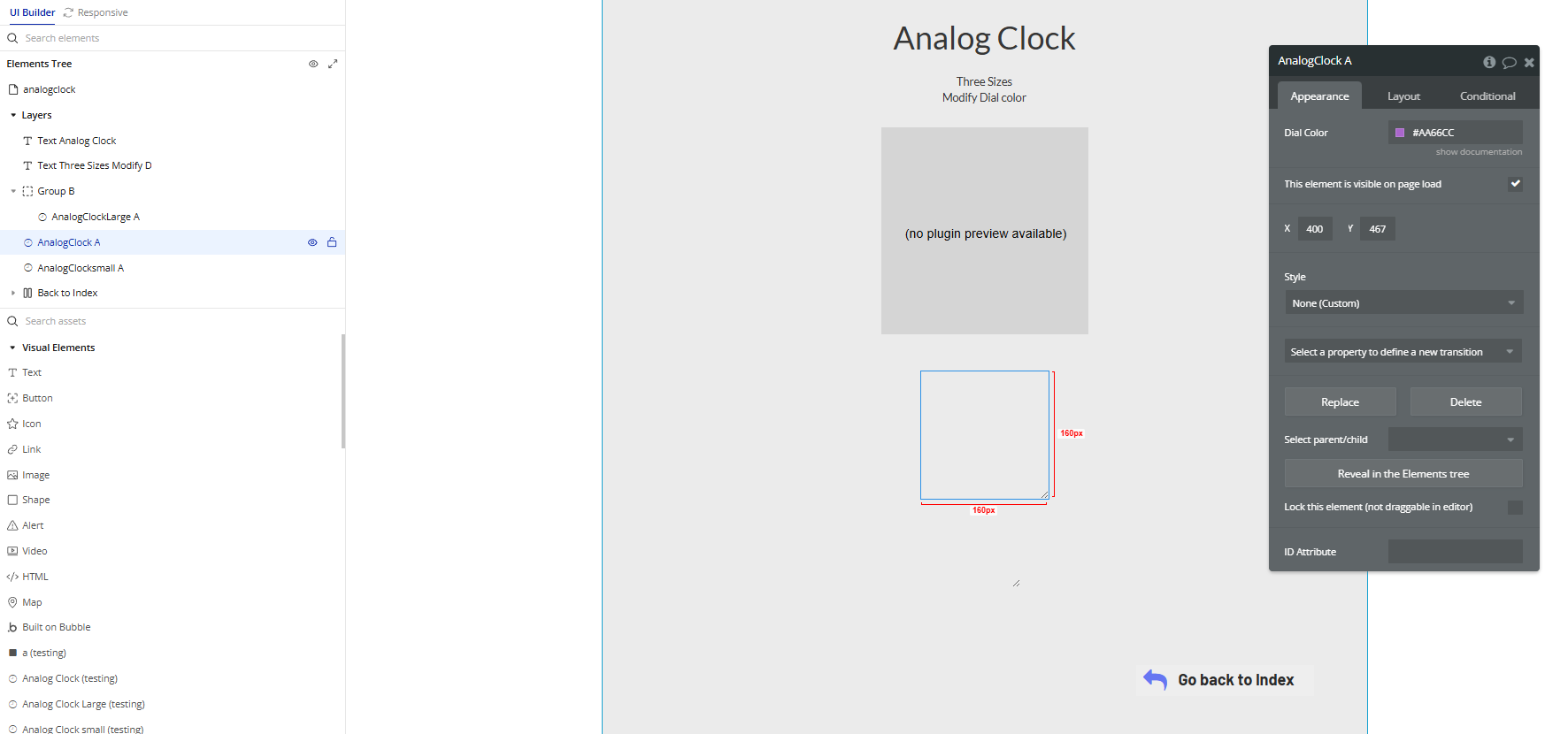
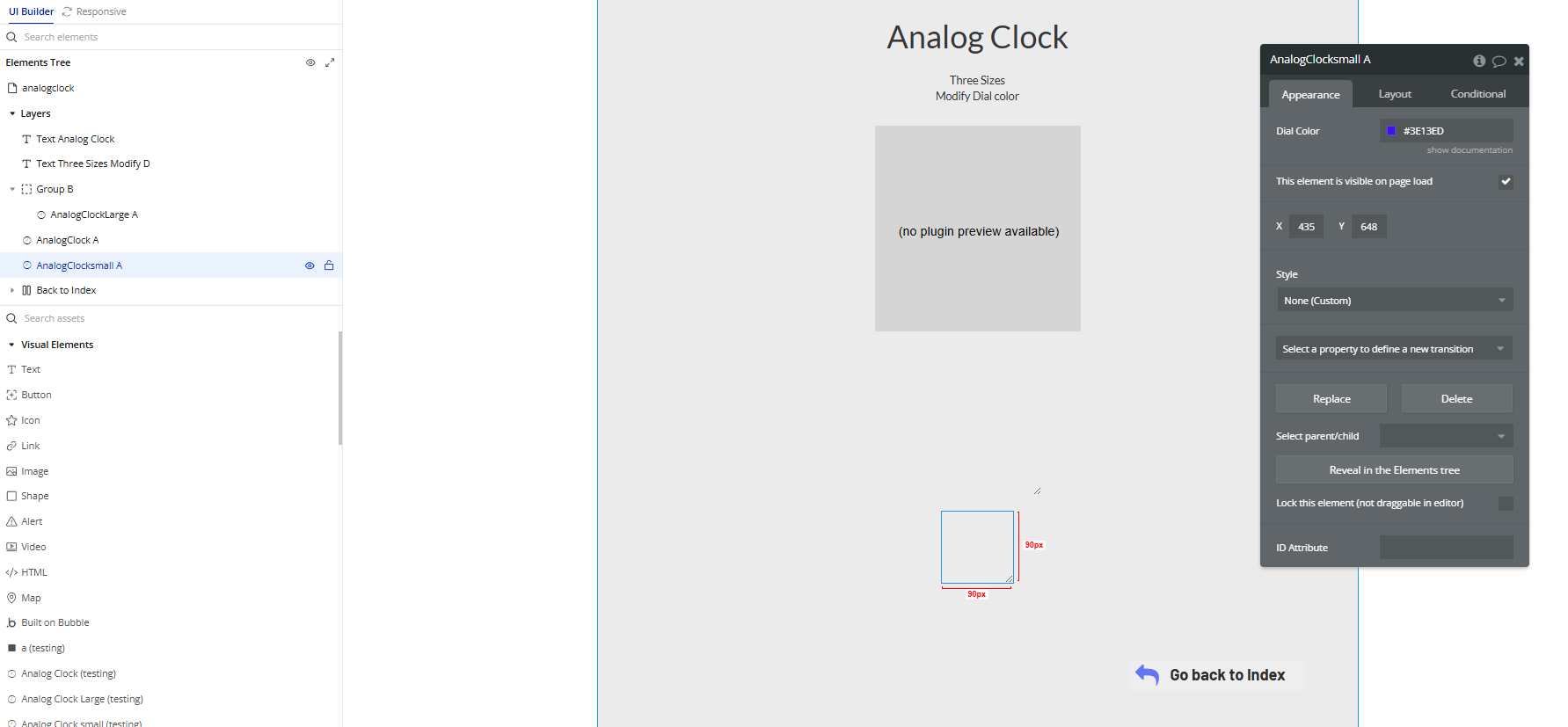
- Drag the desired element onto your page
Choose the size that best fits your layout.
- Customize the layout
Use Bubble’s layout tools to resize, align, and position the clock wherever you want on the page.
Plugin Element Properties
Analog Clock Large
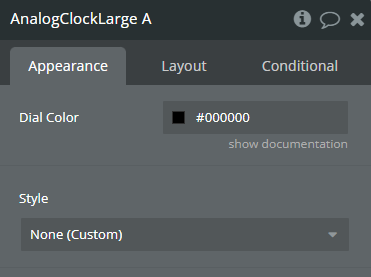
Fields:
Title | Description | Type |
Dial Color | Choose what color the dial should be. | Color |
Analog Clock
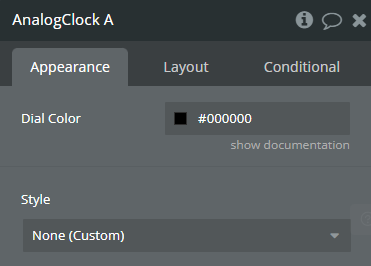
Fields:
Title | Description | Type |
Dial Color | Choose what color the dial should be. | Color |
Analog Clock small
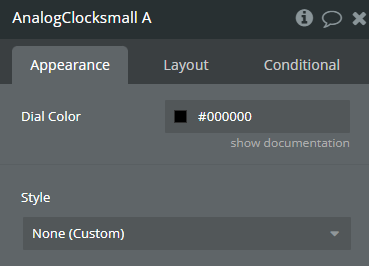
Fields:
Title | Description | Type |
Dial Color | Choose what color the dial should be. | Color |
