
Demo to preview the plugin:
Introduction
The Advanced Code Editor+ #darkmode plugin offers a powerful, customizable code editing interface for Bubble applications. It provides light/dark themes, syntax highlighting for 10+ languages, read-only mode, dynamic configuration, and download support, making it ideal for:
- developer tools
- code-learning platforms
- admin dashboards
- dynamic script editors
- apps requiring user-generated or editable code
The editor is highly flexible and integrates seamlessly into both simple and advanced Bubble workflows.
Key Features
Prerequisites
Before using the Advanced Code Editor+ #darkmode plugin, ensure the following:
- Active Bubble account & editor access
Required to install the plugin and configure elements.
- Basic familiarity with Bubble workflows
Needed to dynamically set code content, themes, languages, and trigger actions like download or reset.
- Dynamic data readiness (optional)
Useful if you plan to load code from inputs, databases, or API responses.
- File download enabled
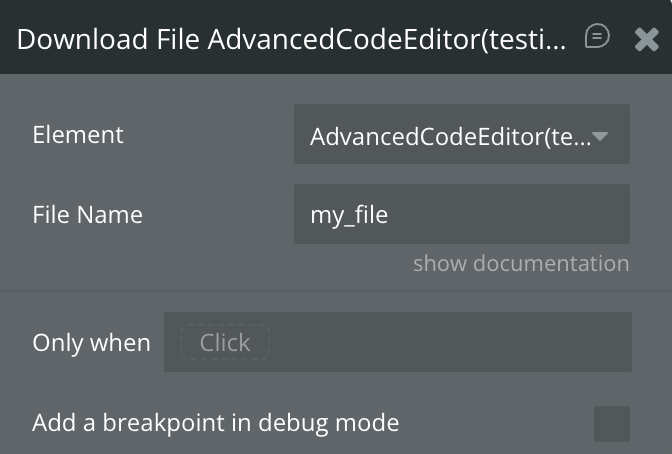
Required to use the Download File action for exporting code.
- Responsive page layout (recommended)
Ensures the editor scales correctly across desktop and mobile views

How to Set Up
Step 1. Install the Plugin
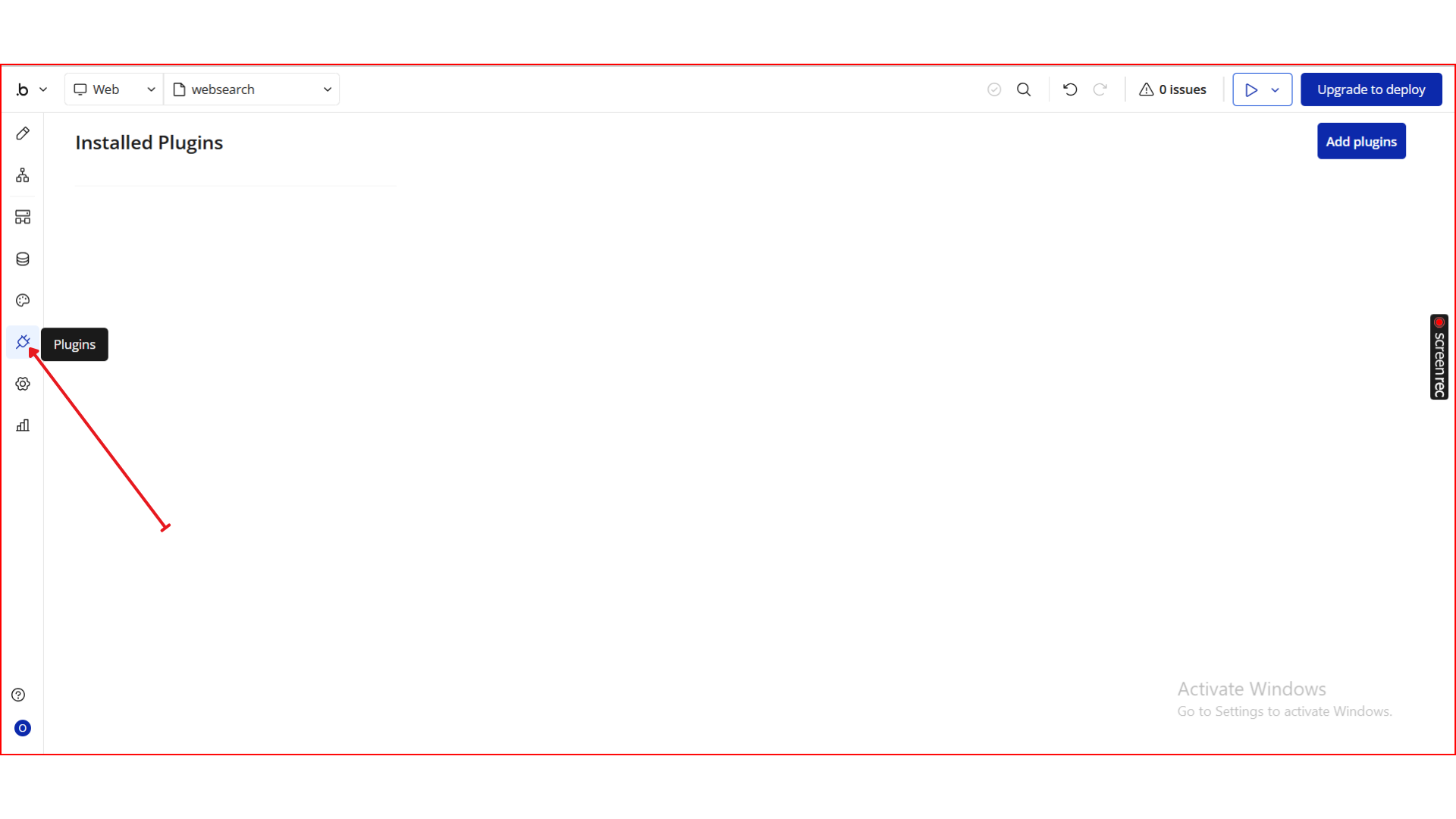
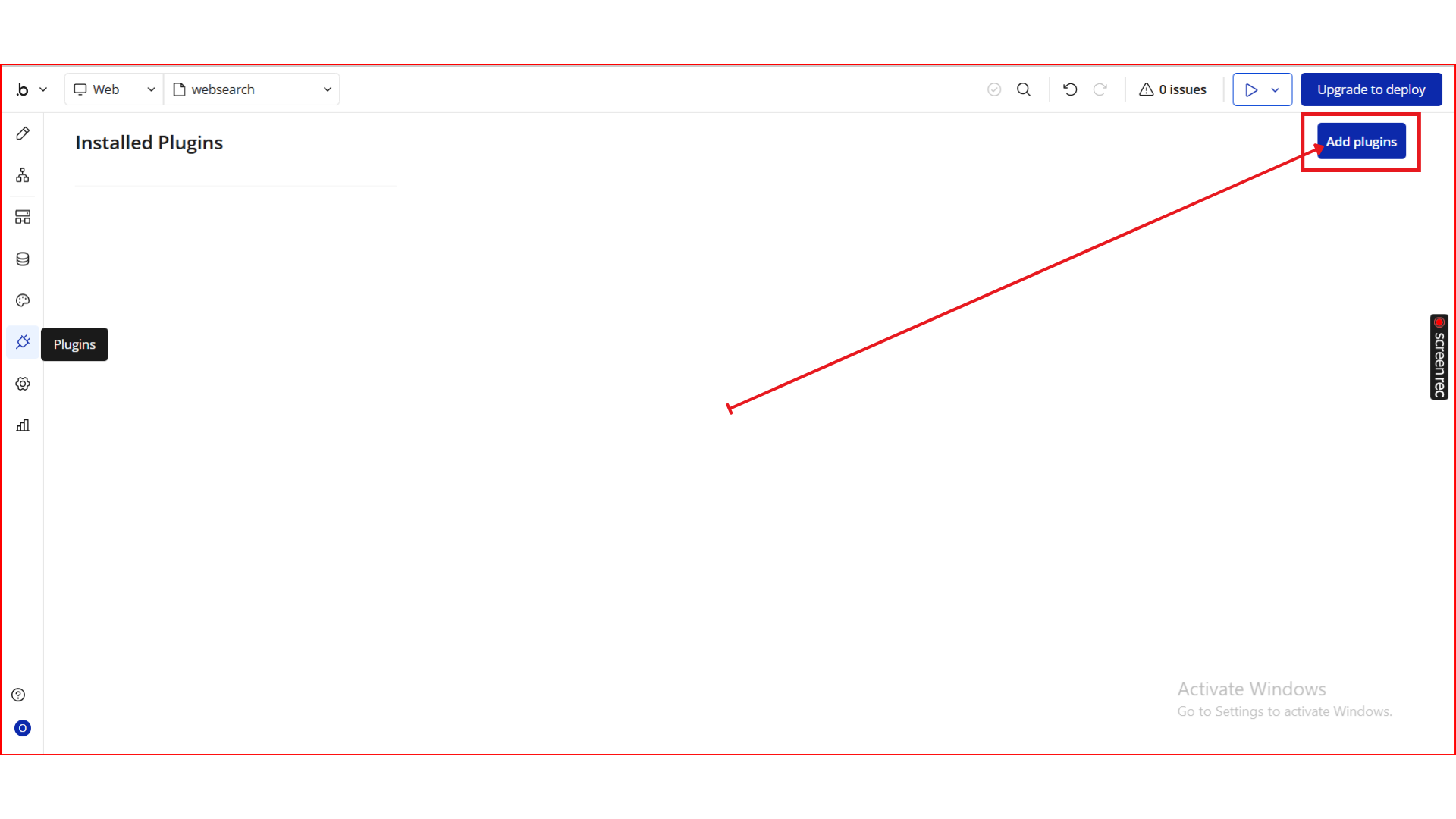
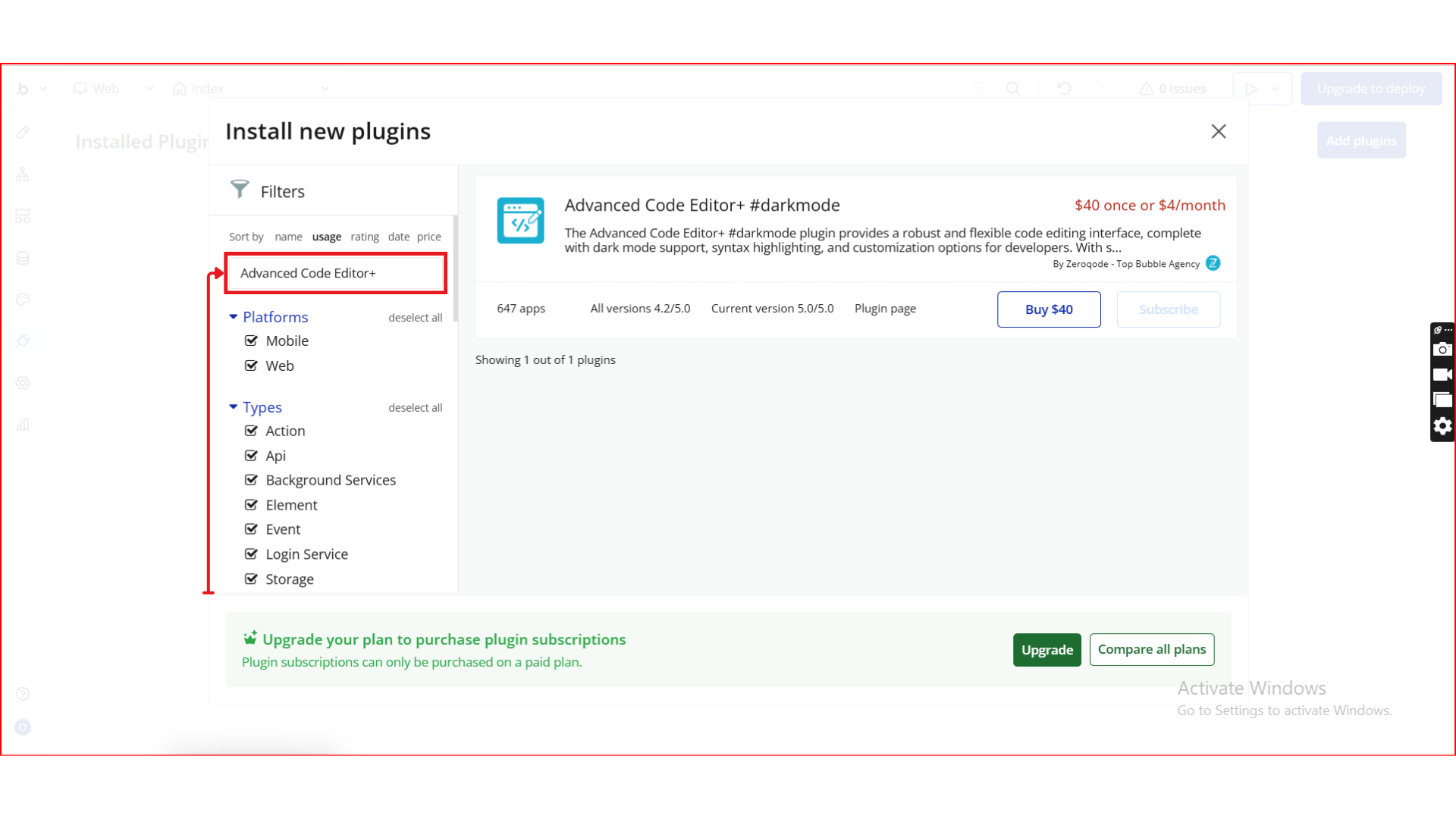
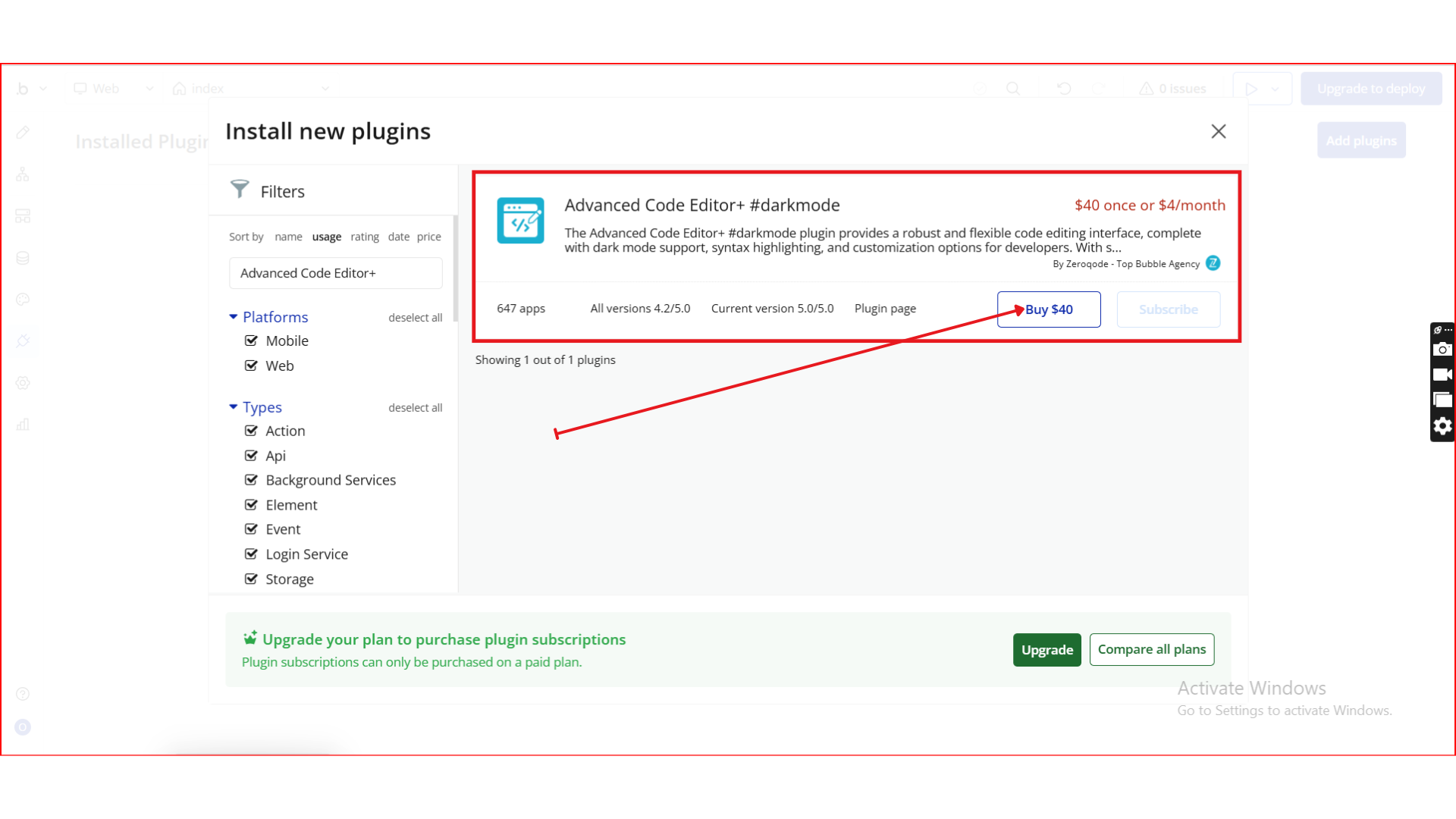
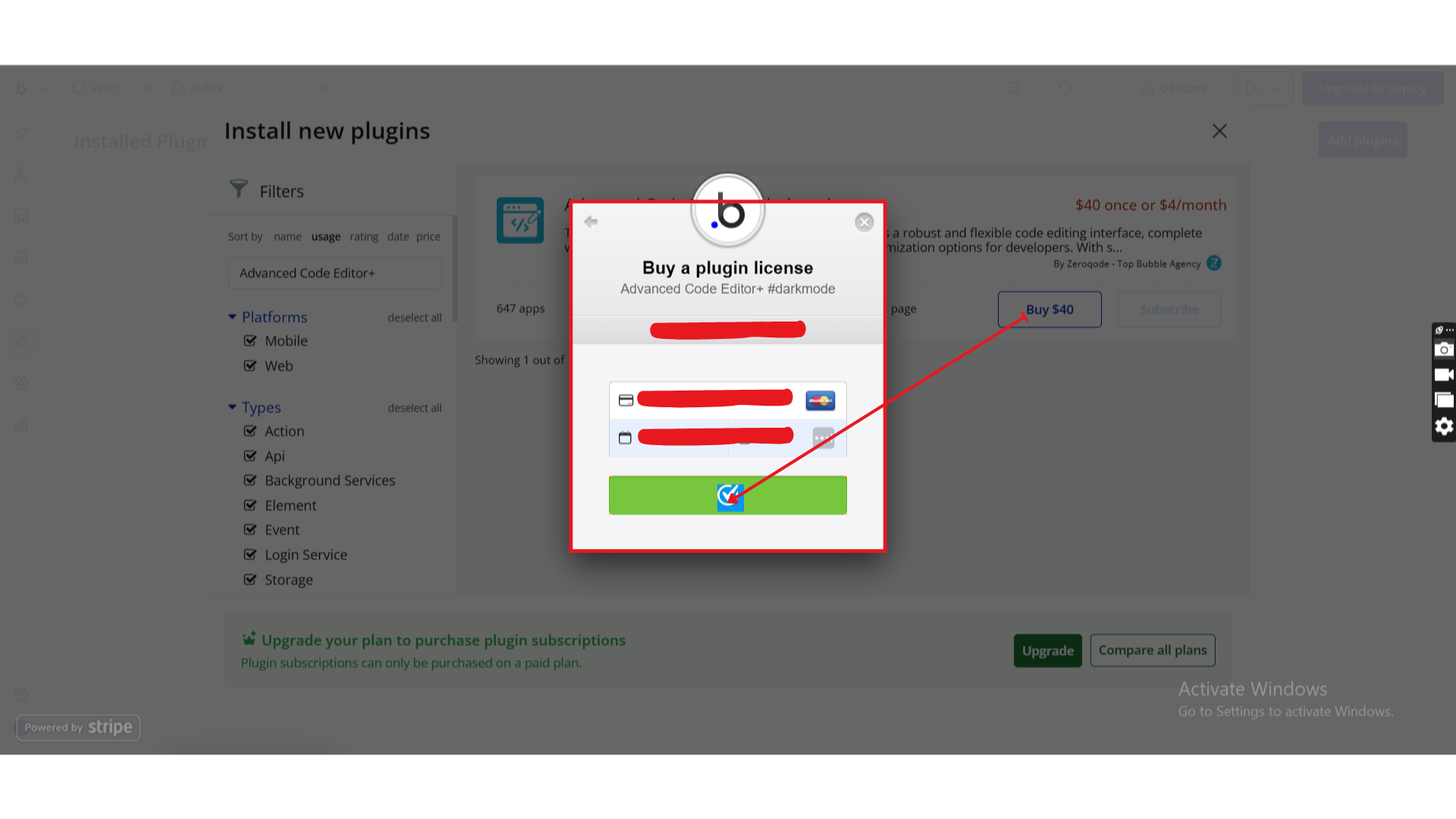
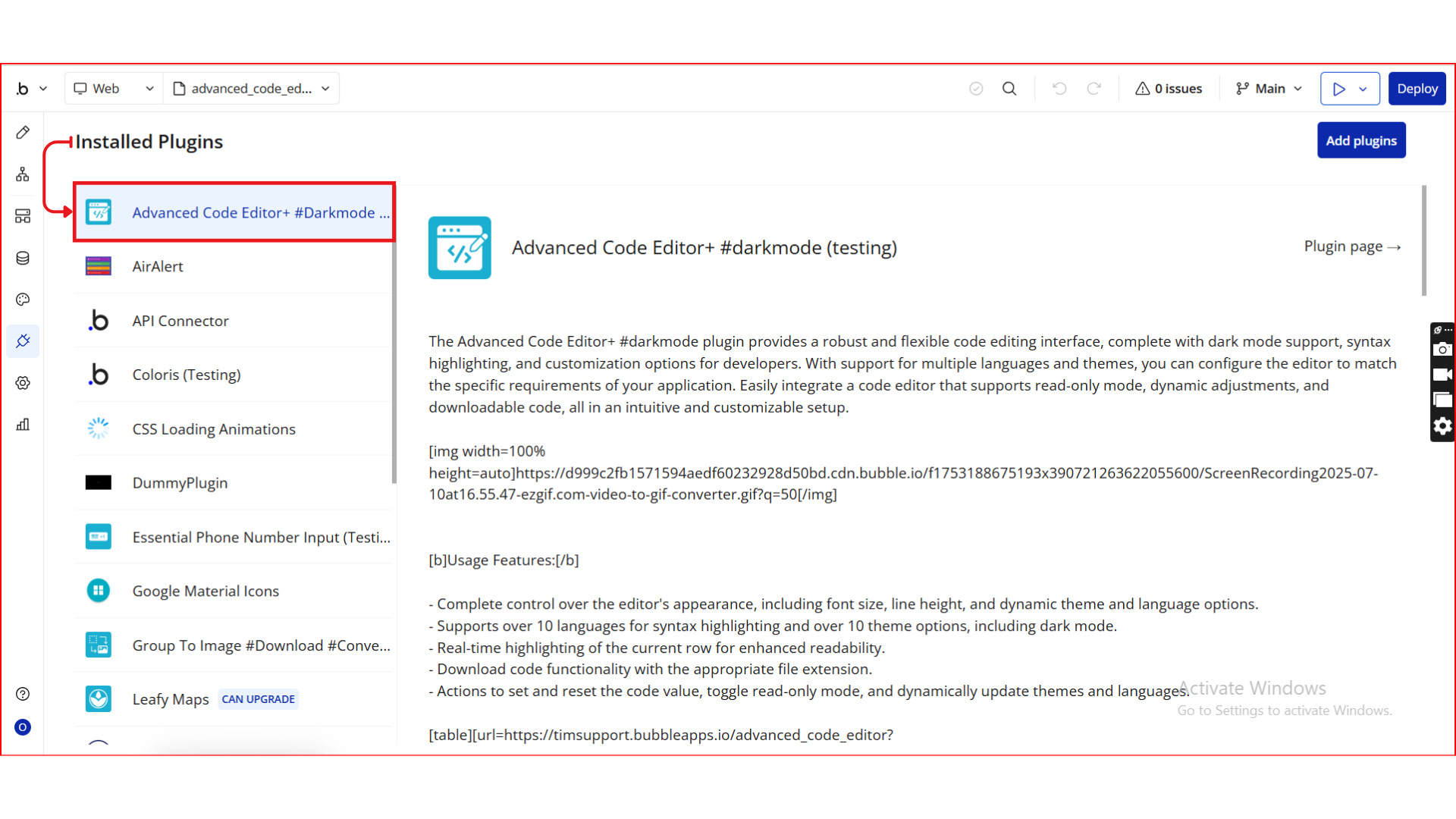
Step 2. Add the Element to Your Page
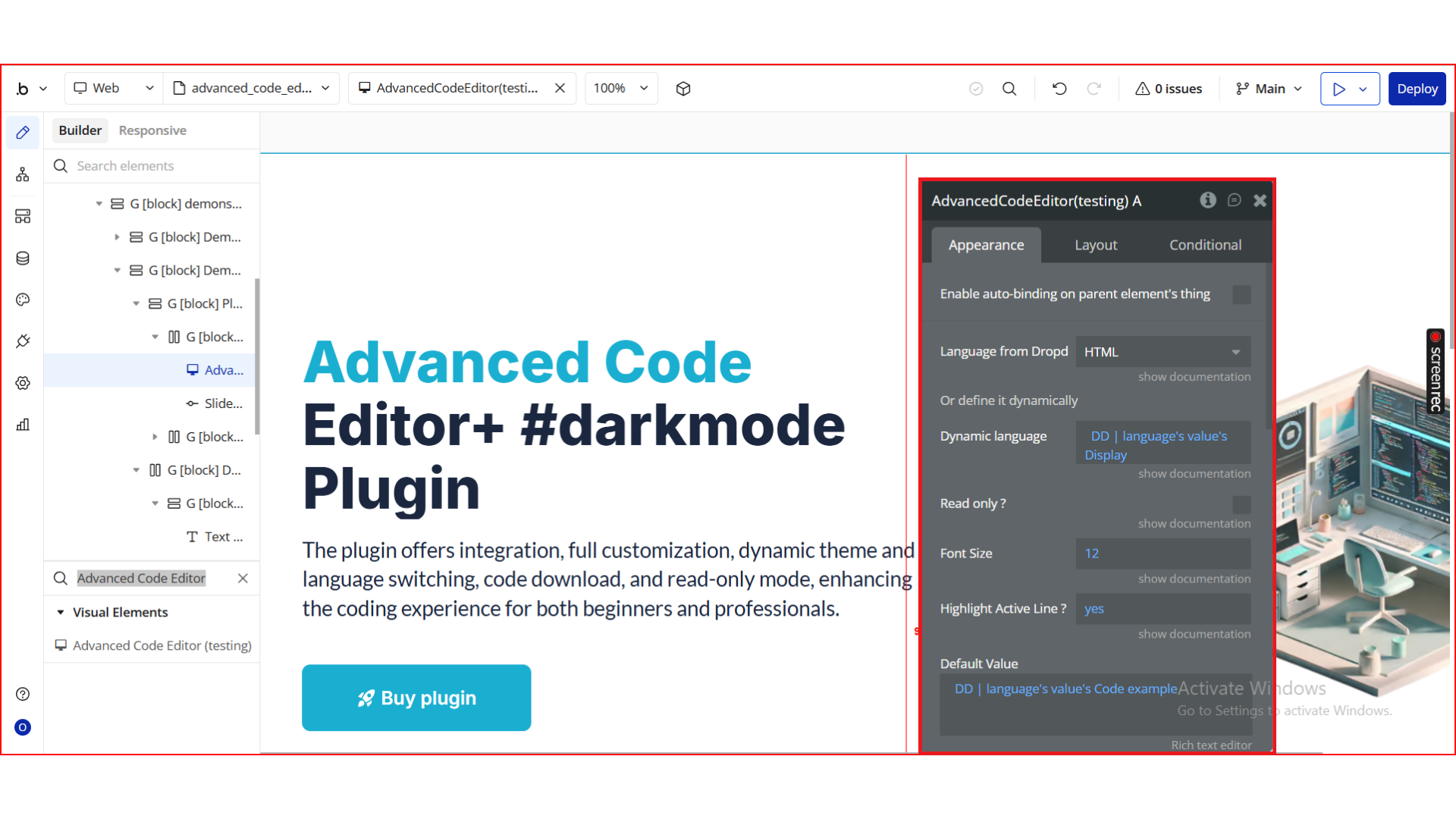
Step 3. Configure the Element Properties
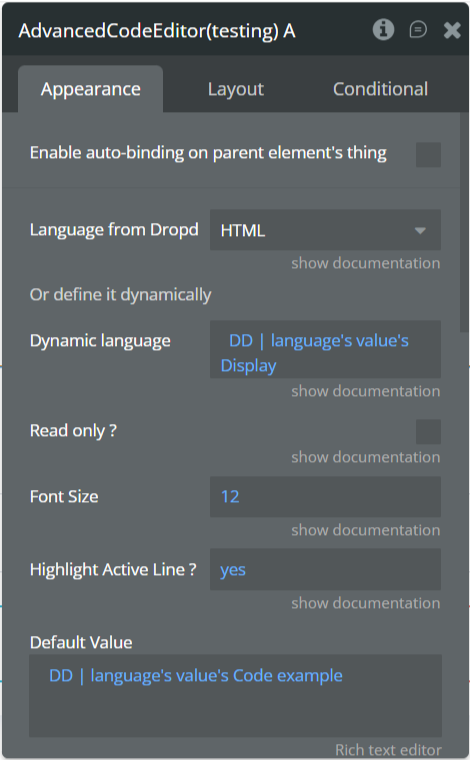
Step 4. Use the Plugin in Workflows & Dynamic Expressions
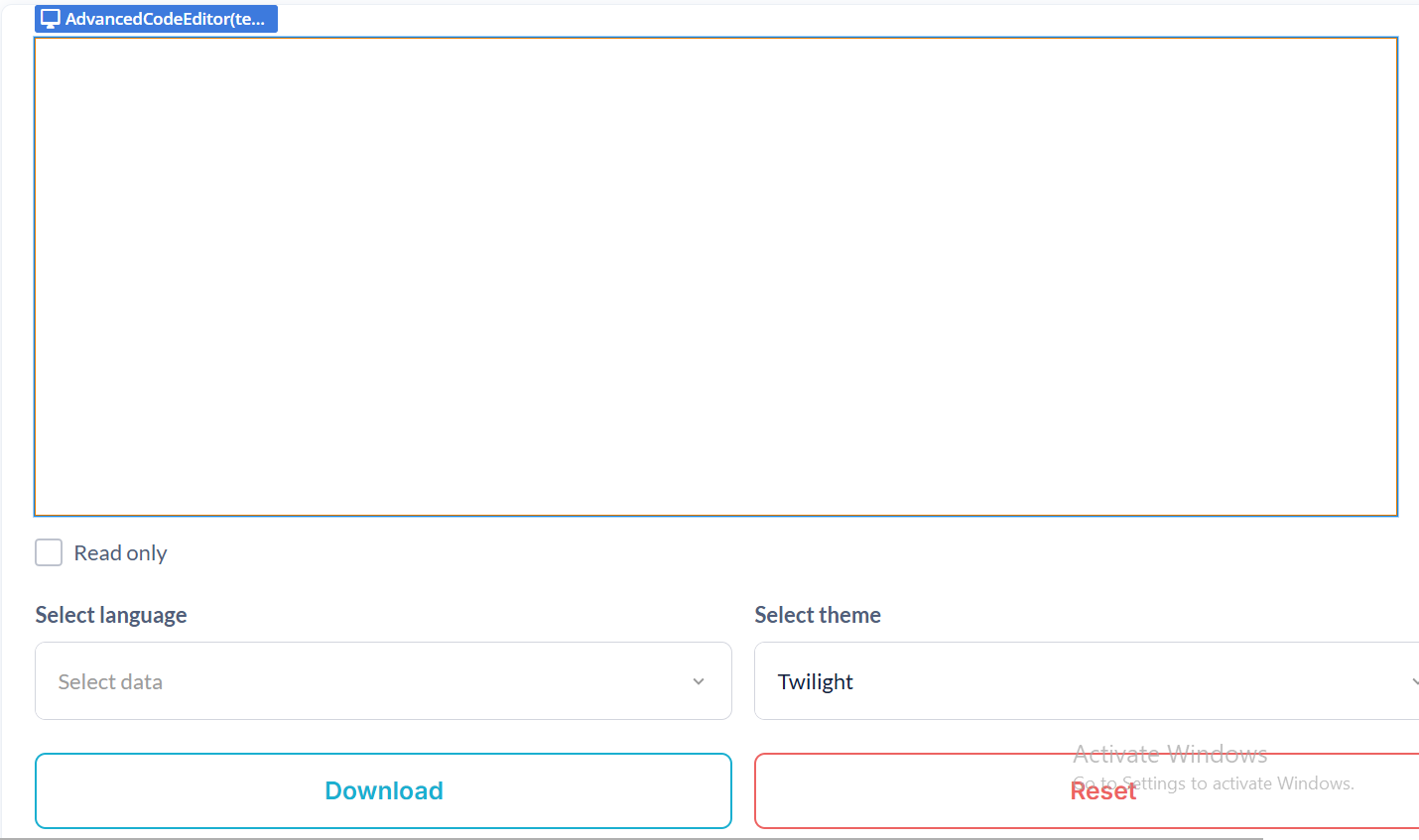
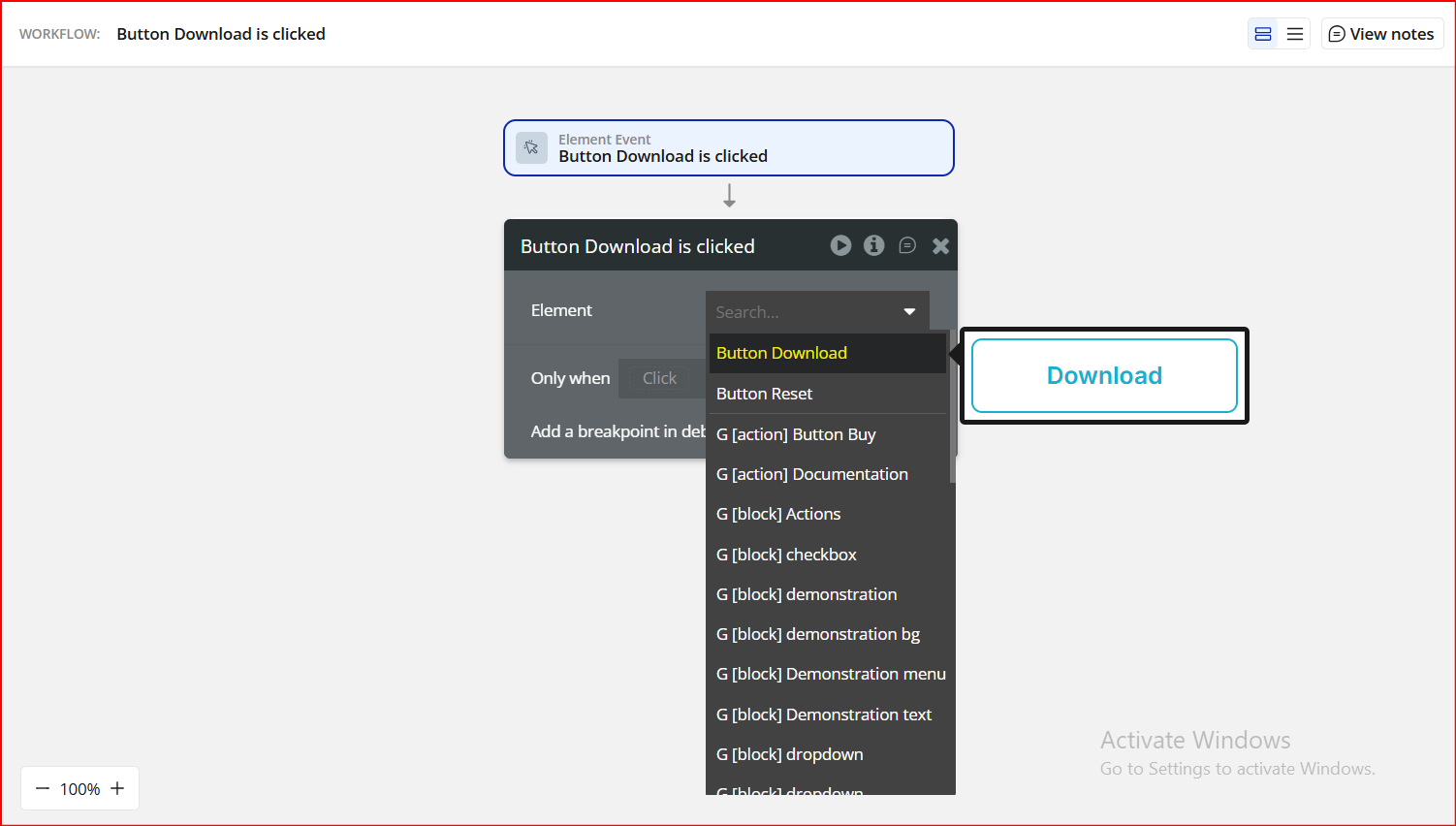
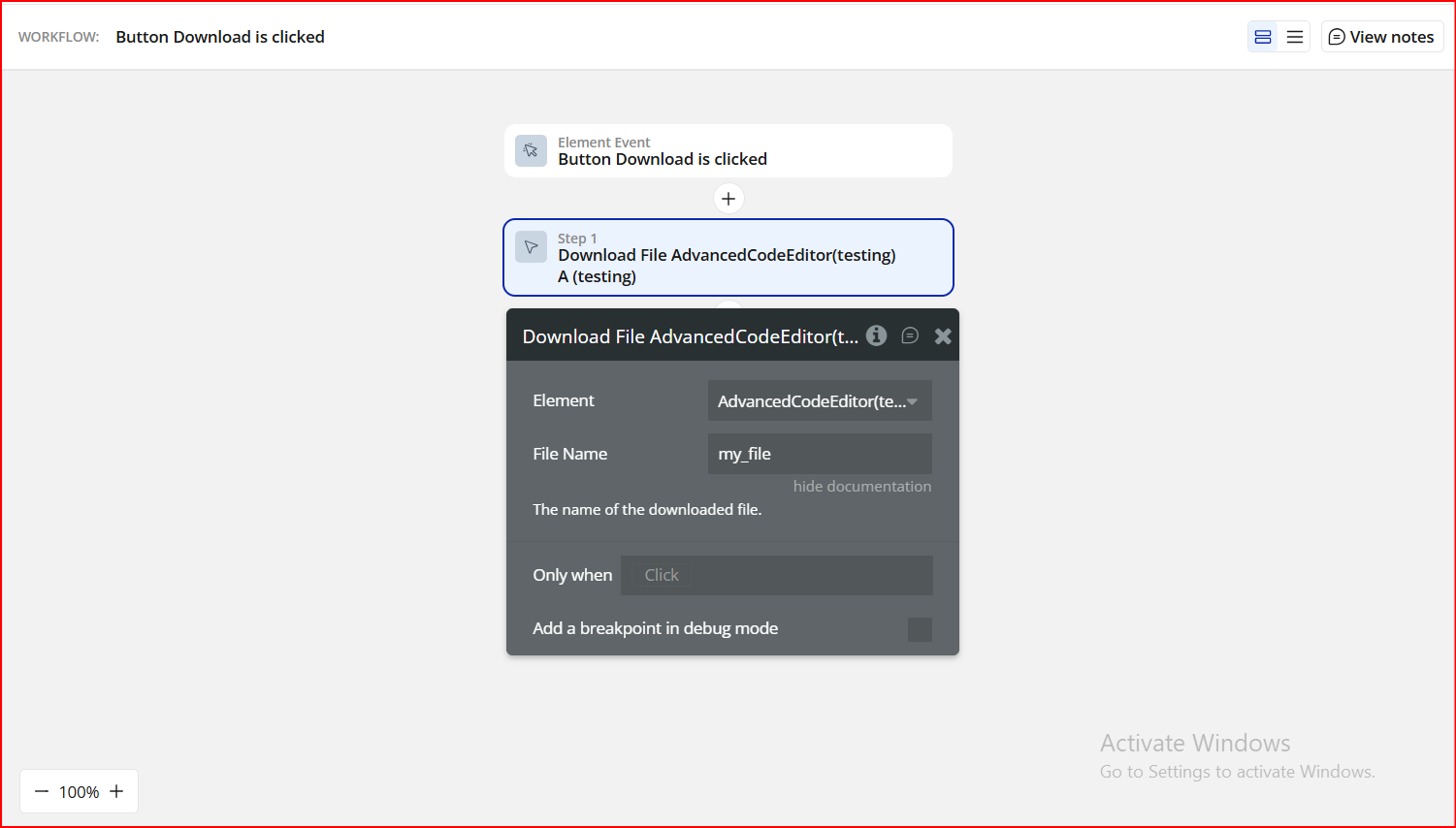
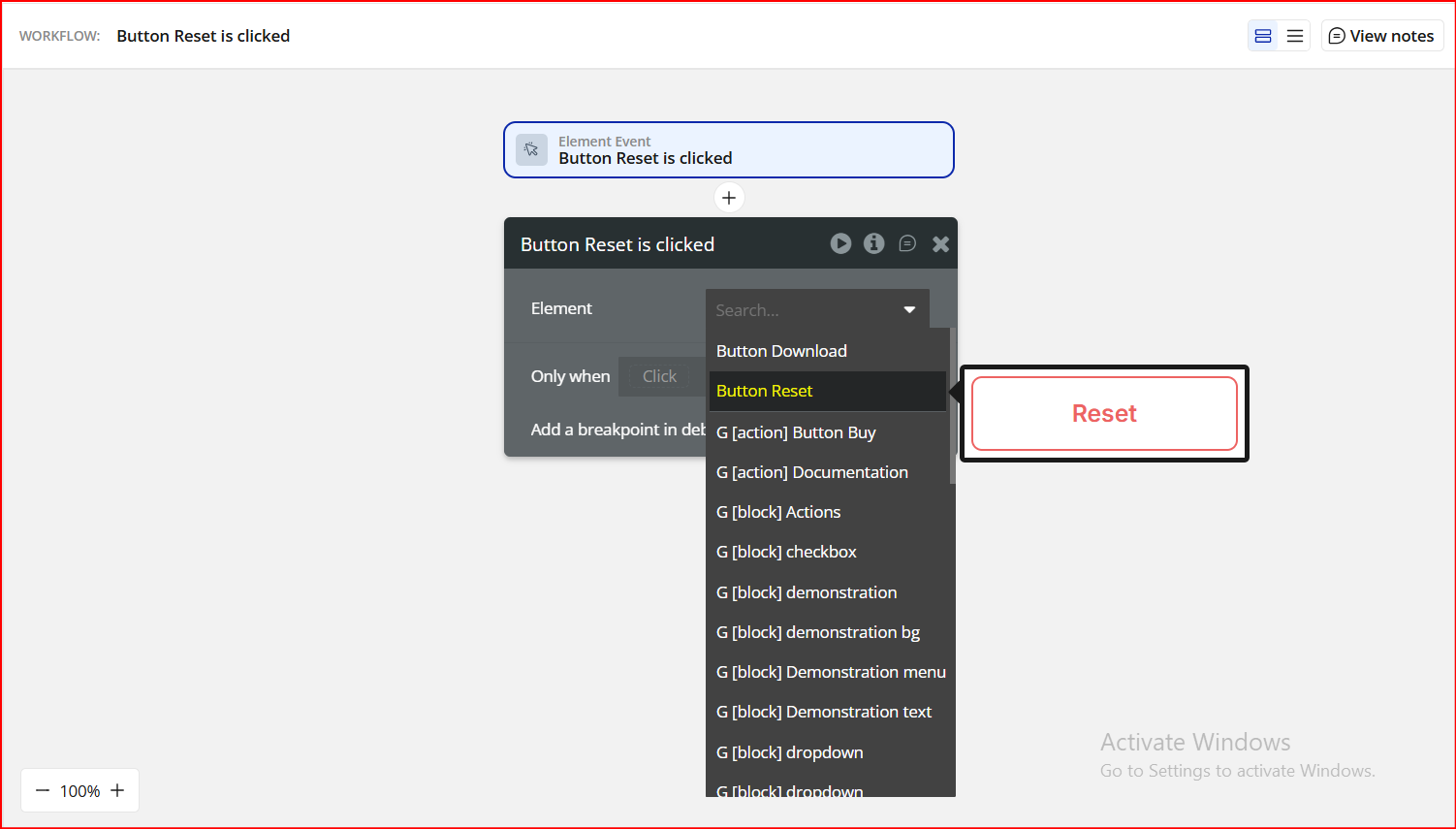
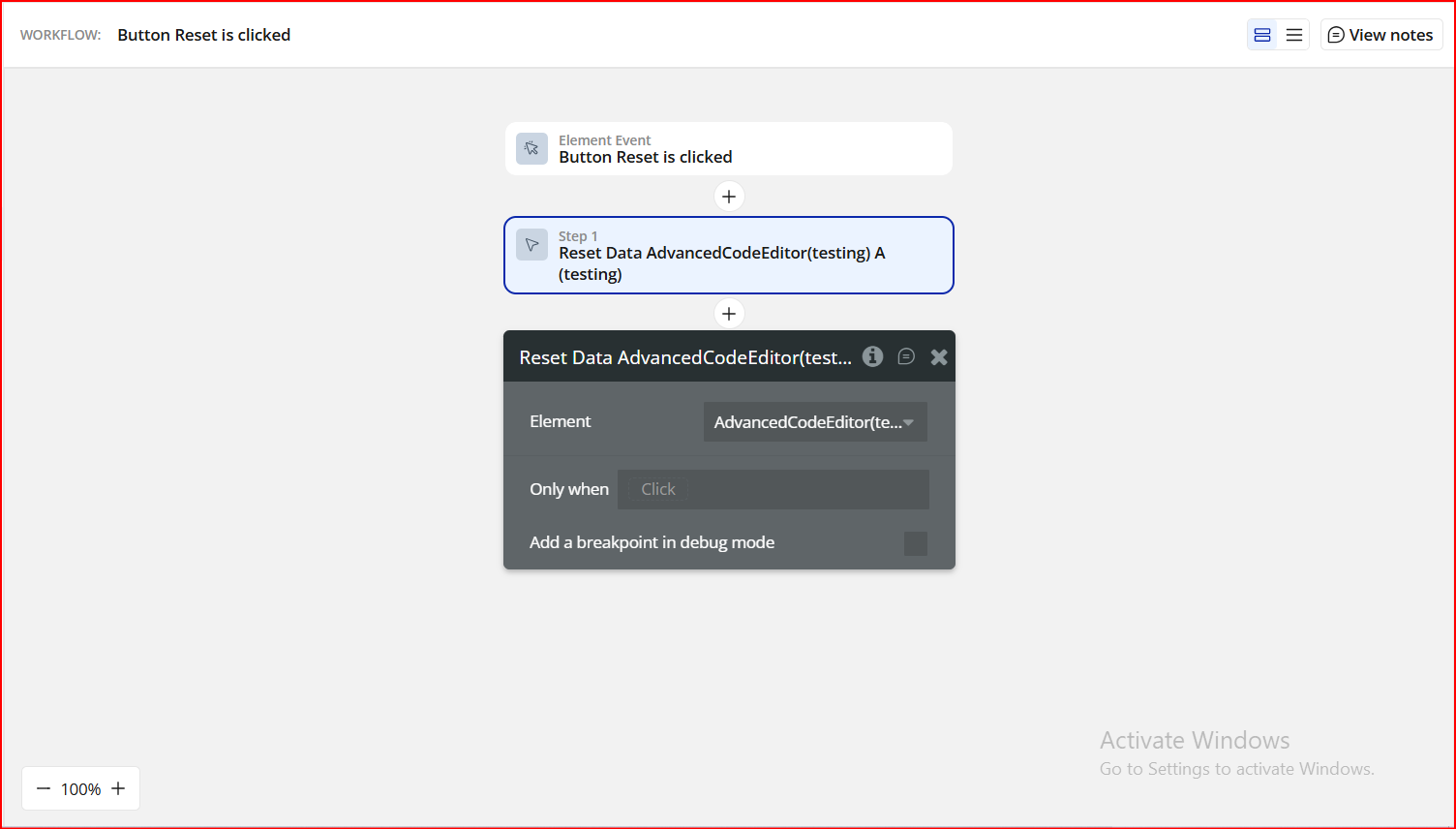
Step 5. Preview & Test
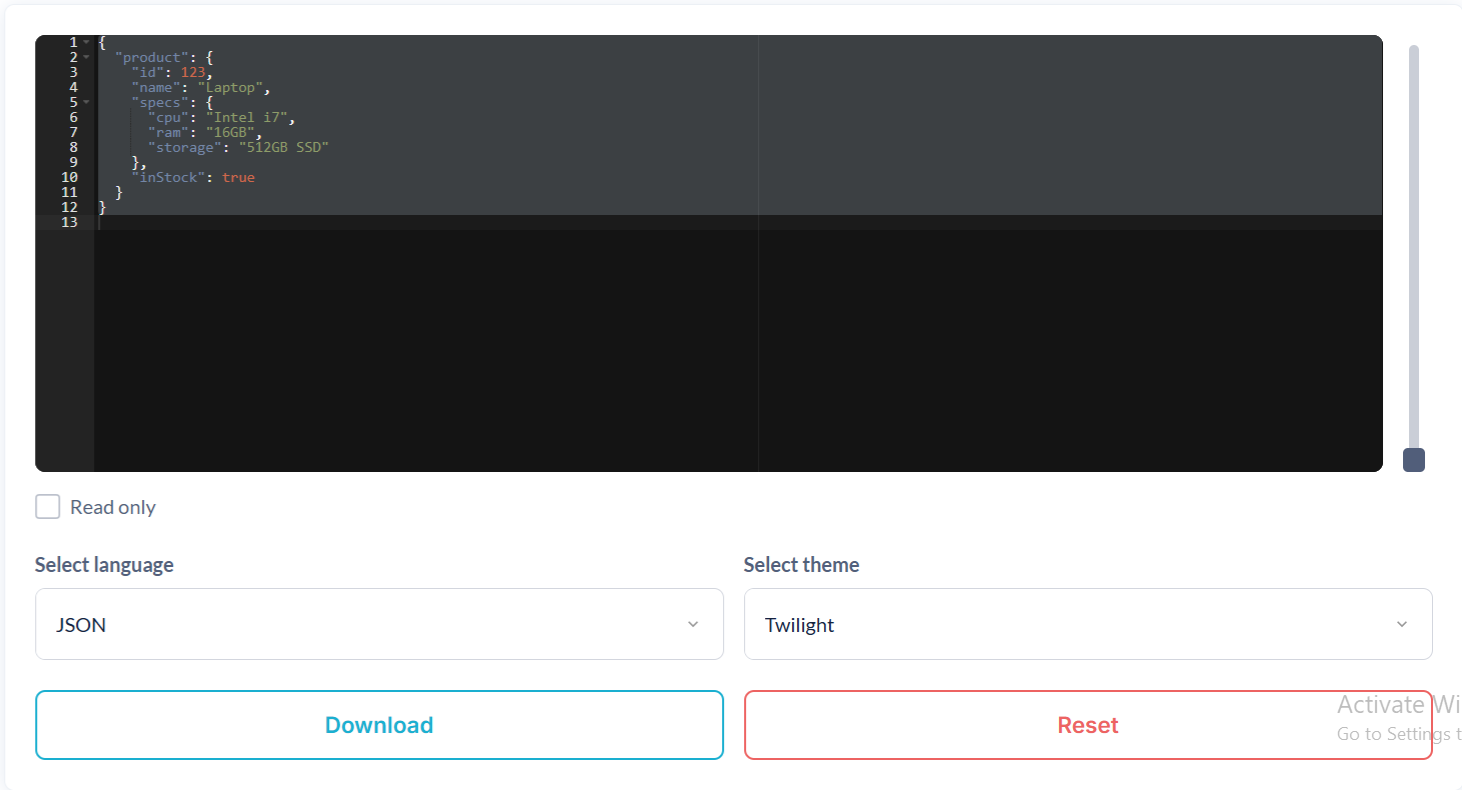
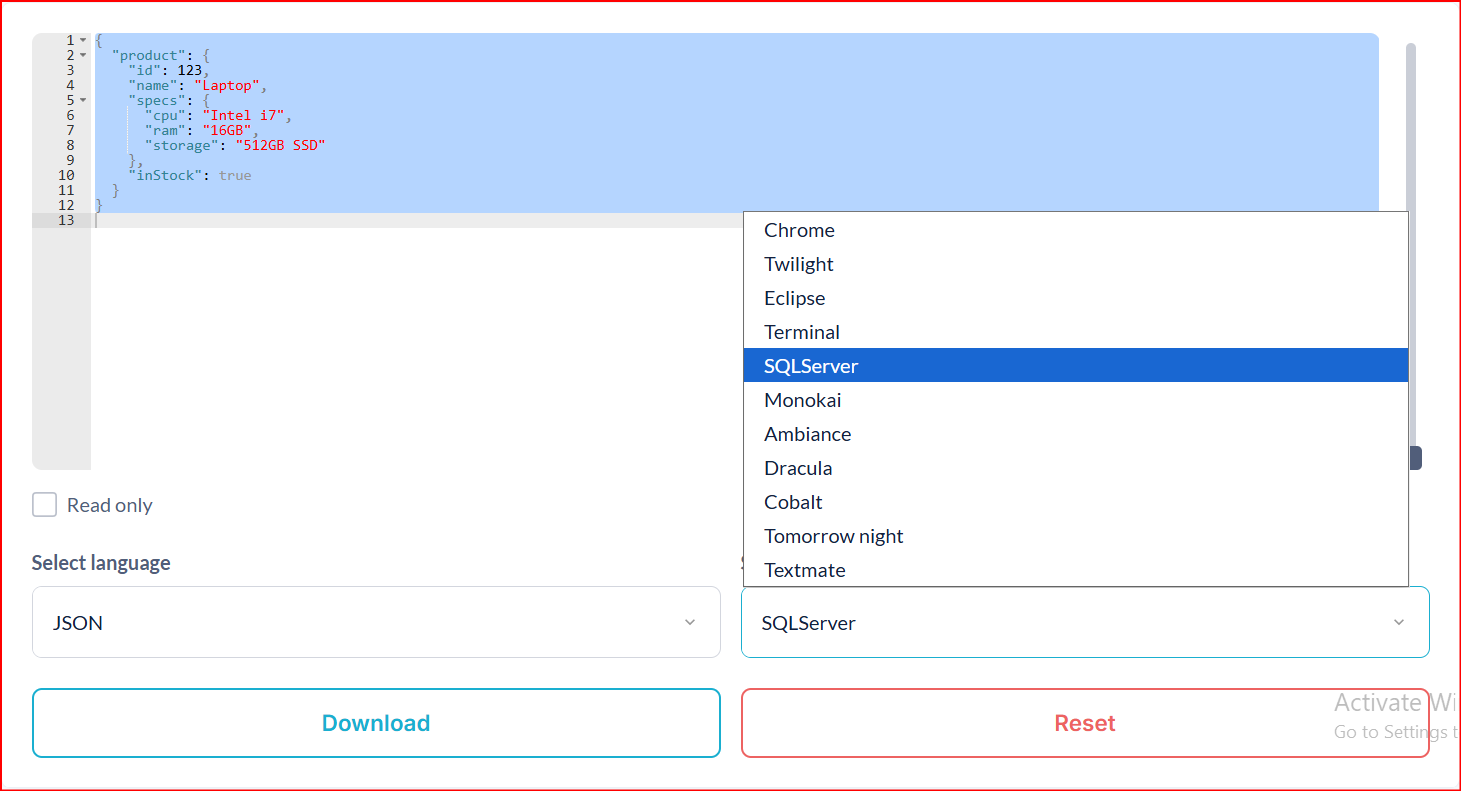
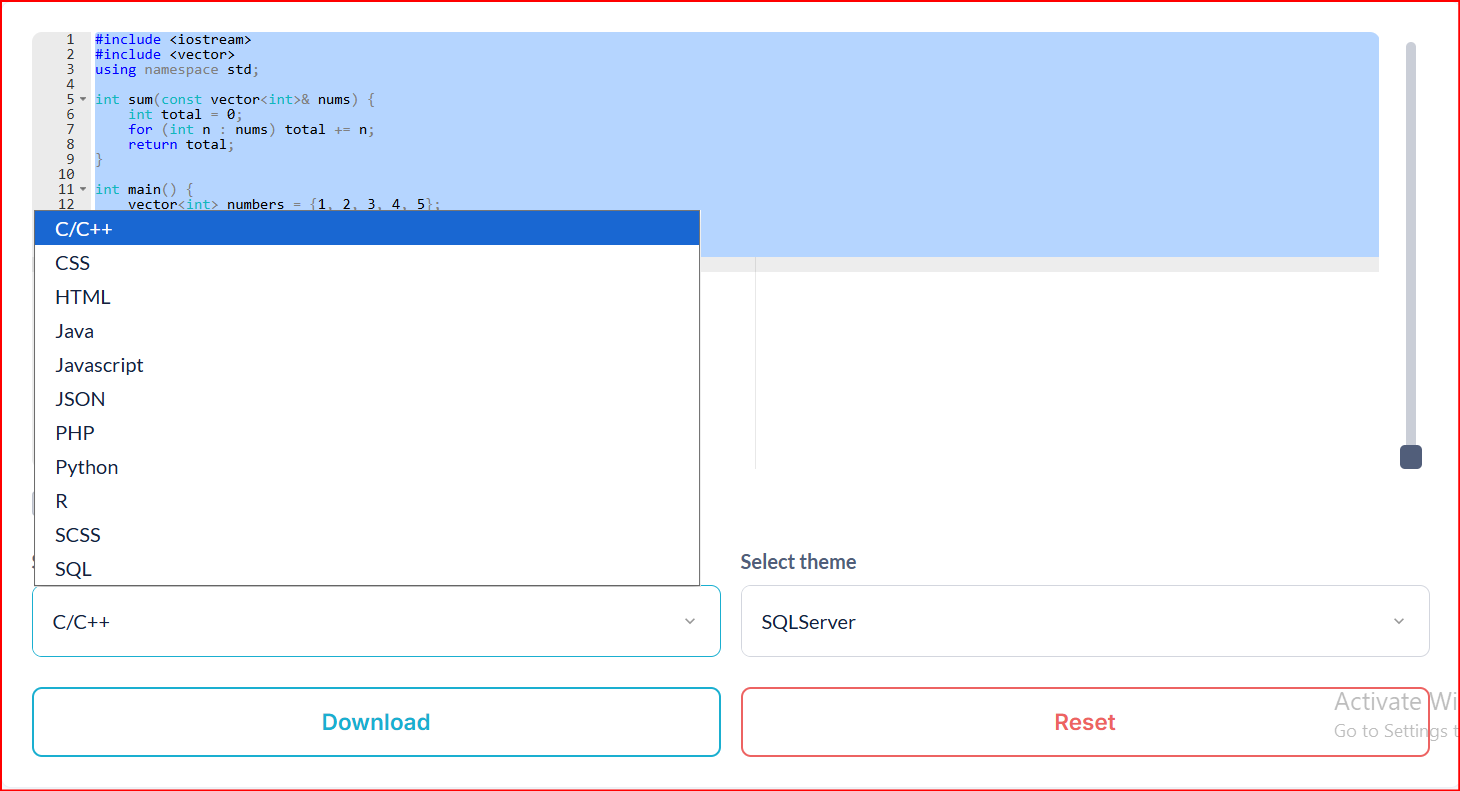
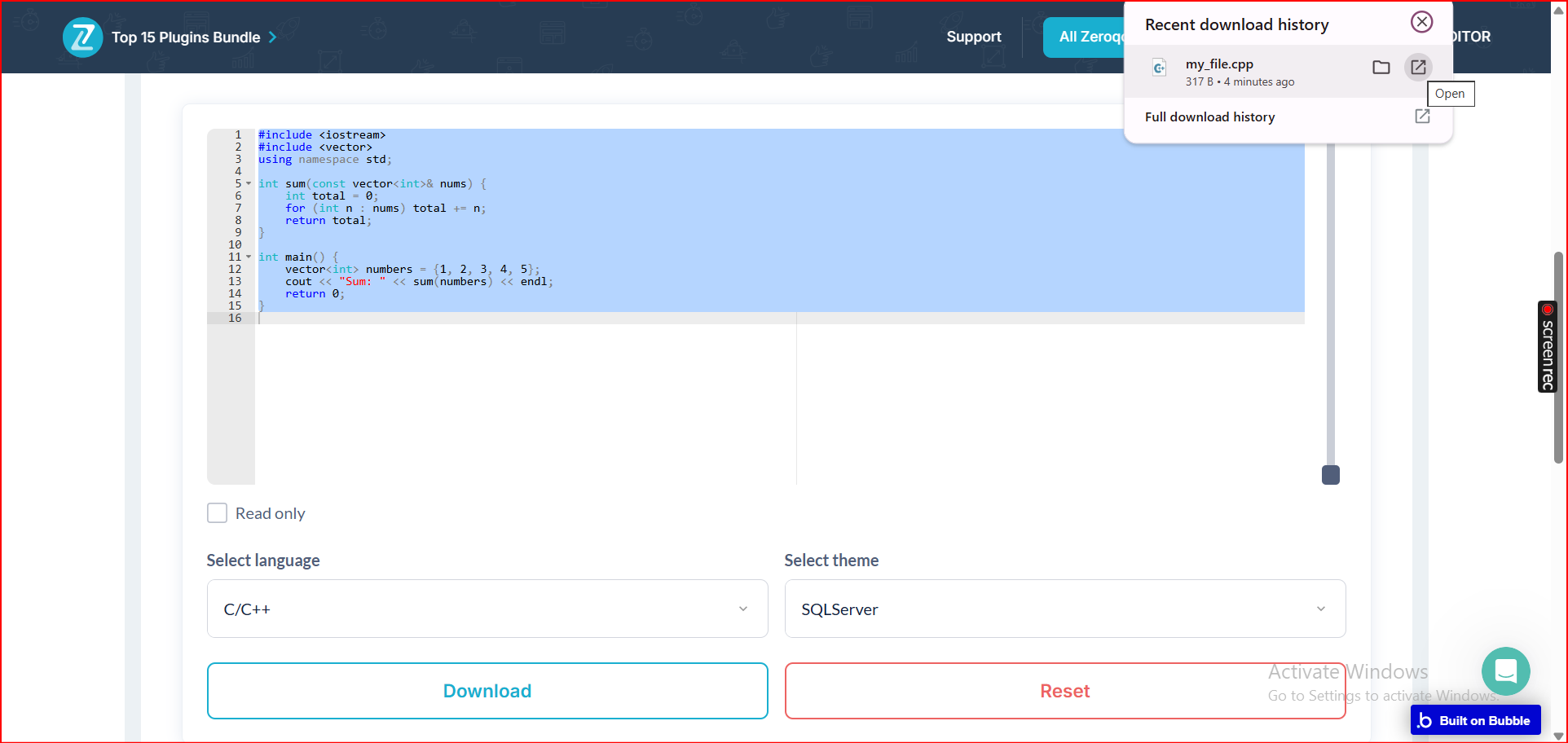
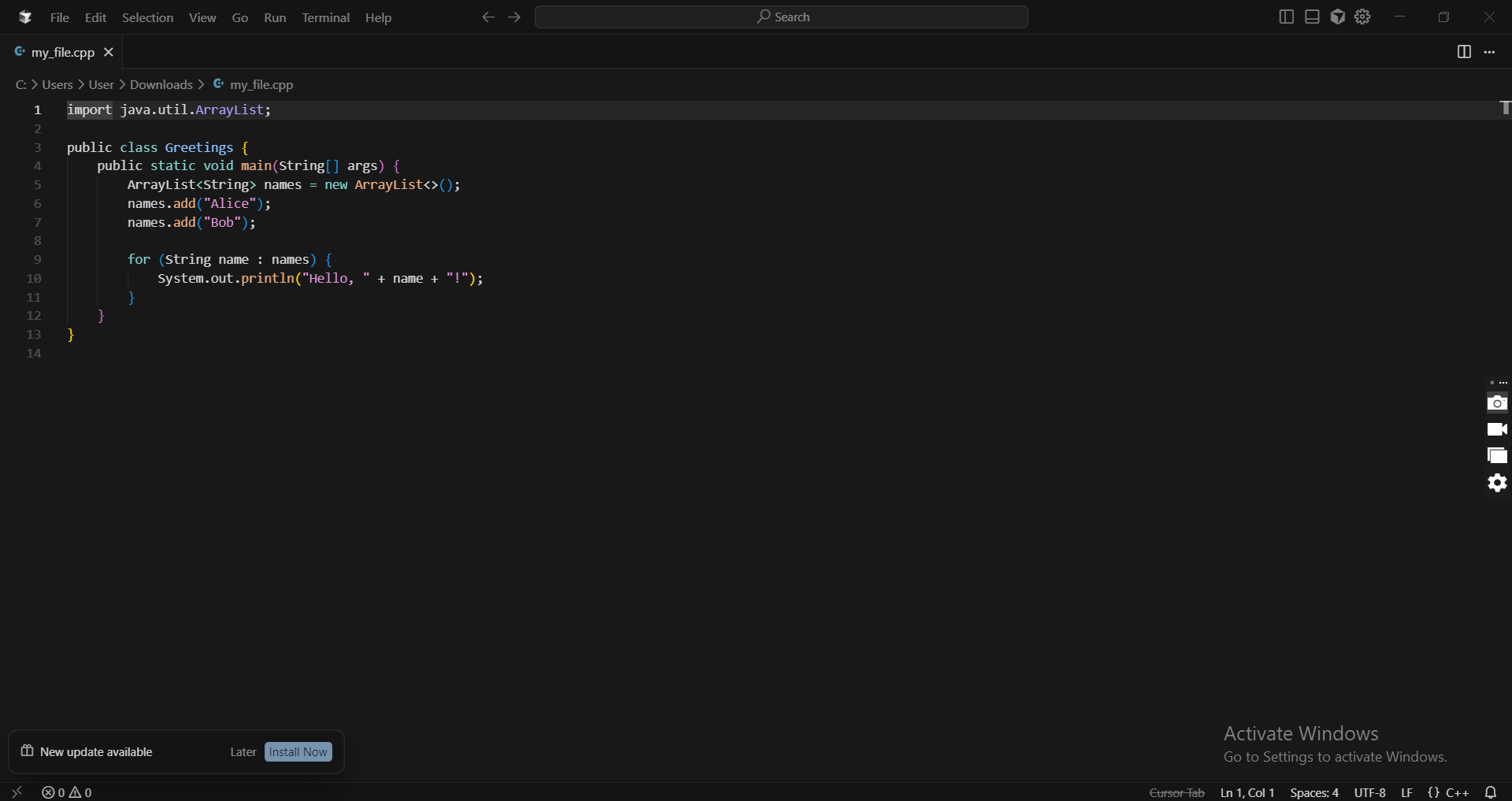
Plugin Element - Advanced Code Editor
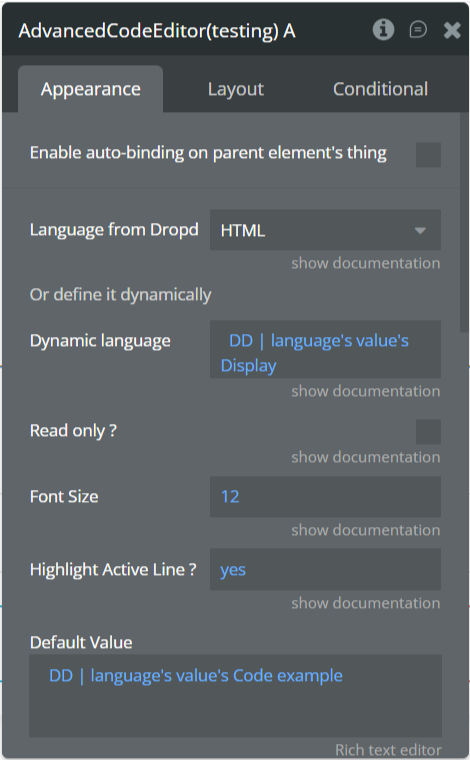
Fields
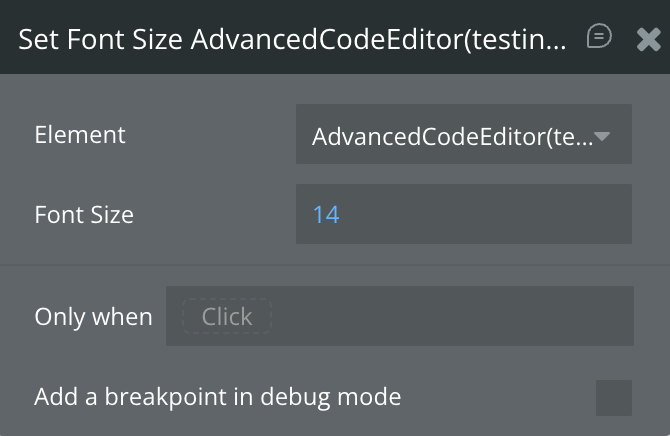
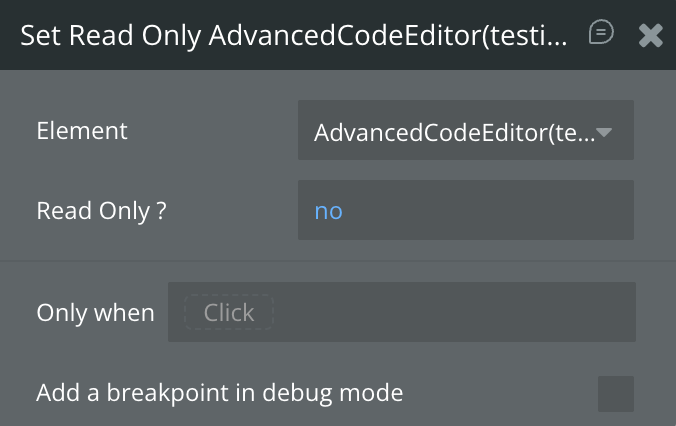
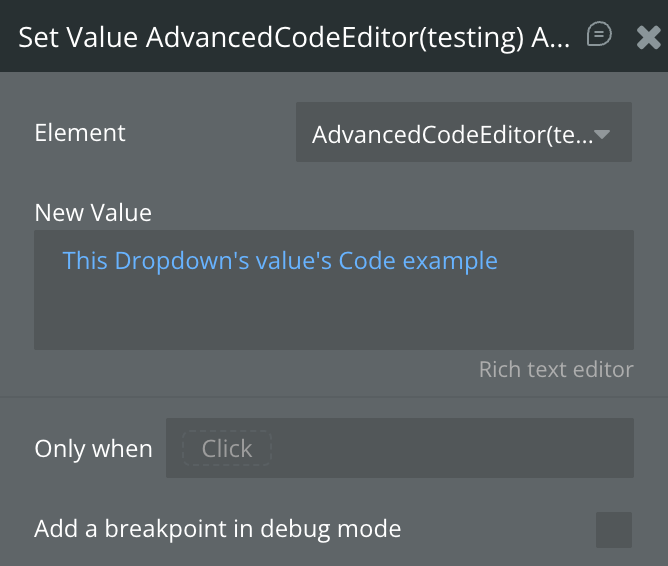
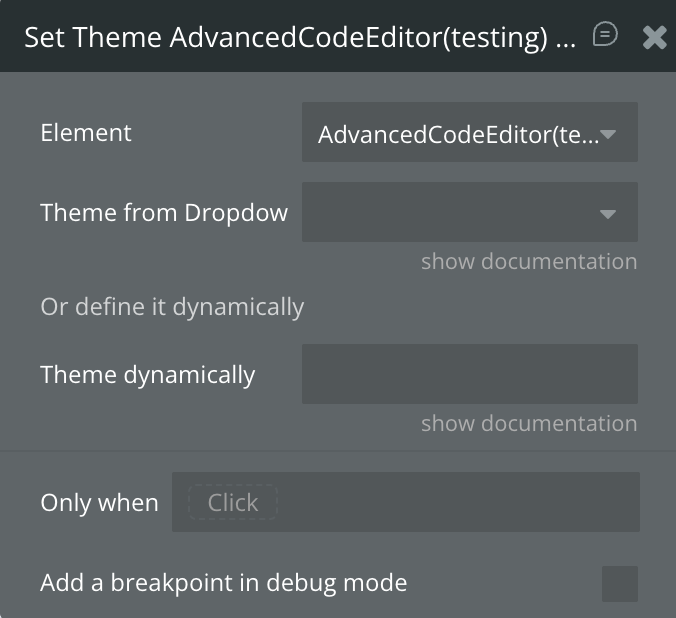
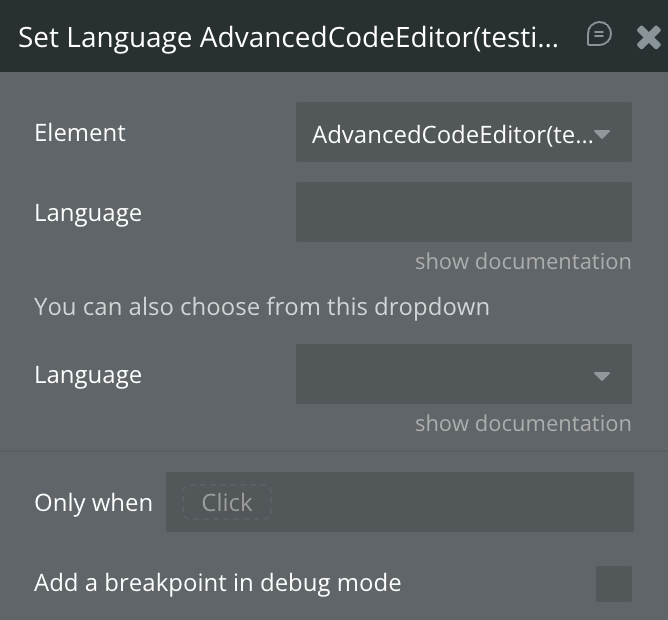
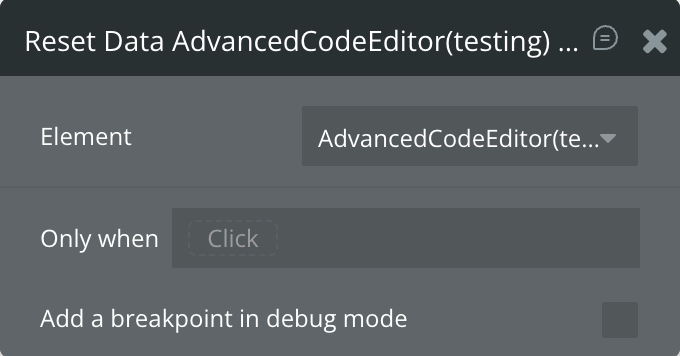
Element Actions
Exposed States
