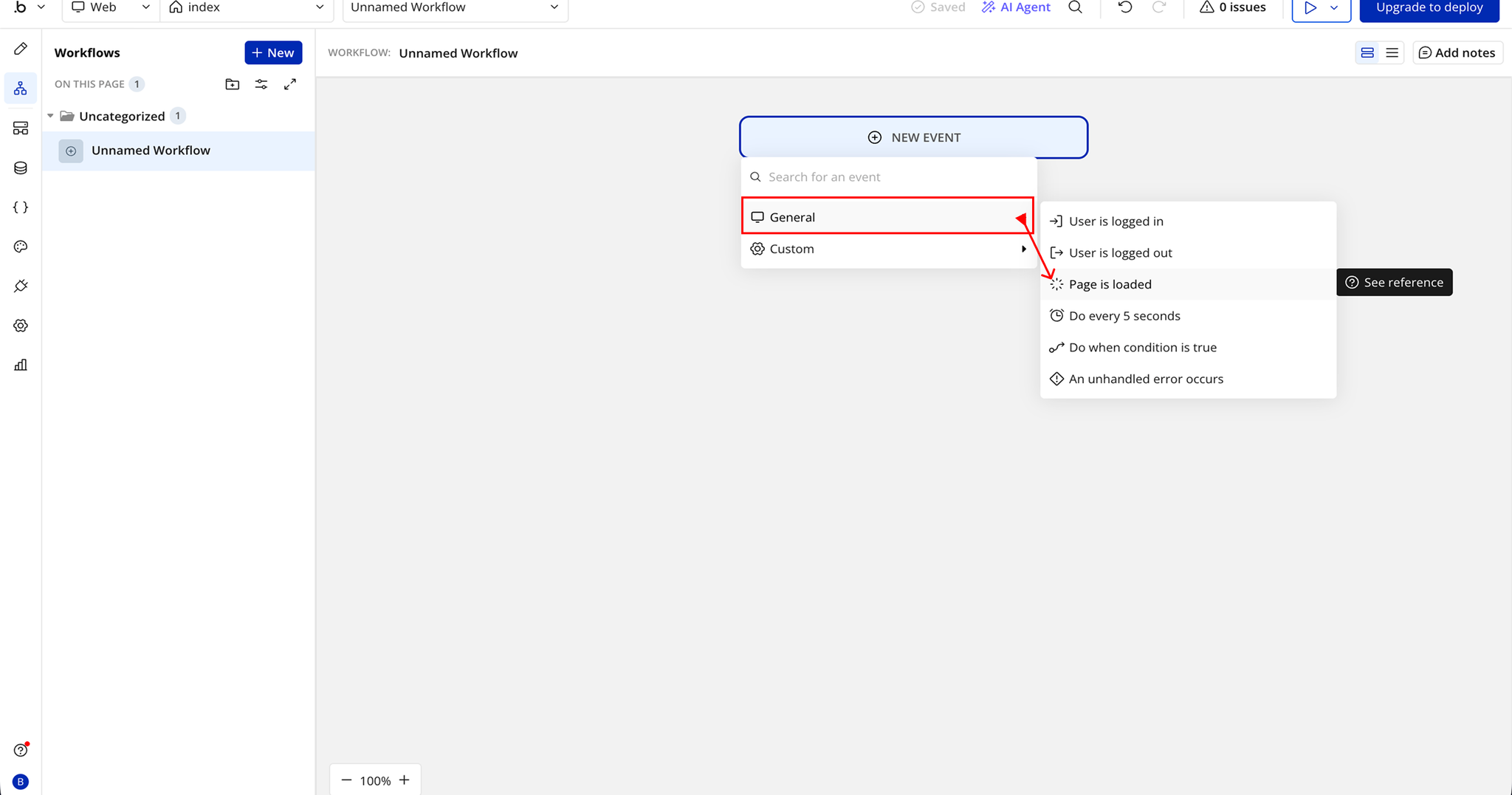
Demo to preview the plugin:
Introduction
The Magnifying Glass For Images plugin allows you to add a custom magnifier effect to images in your Bubble app. Users can hover over or touch an image to see a zoomed-in view, making it ideal for product images, maps, or any visual content that benefits from close inspection.
With full control over magnifier size, zoom level, and colors, this plugin gives you a polished, interactive way to enhance the user experience. It’s fully responsive and works across all modern browsers, ensuring a smooth experience on both desktop and mobile devices.
Key Features
Prerequisites
Before using the plugin:
- A Bubble app where the plugin will be installed.
- Images on your page with unique element IDs for targeting (optional but recommended for precise control).
- Basic knowledge of Bubble workflows to trigger or configure the magnifier.

How to setup
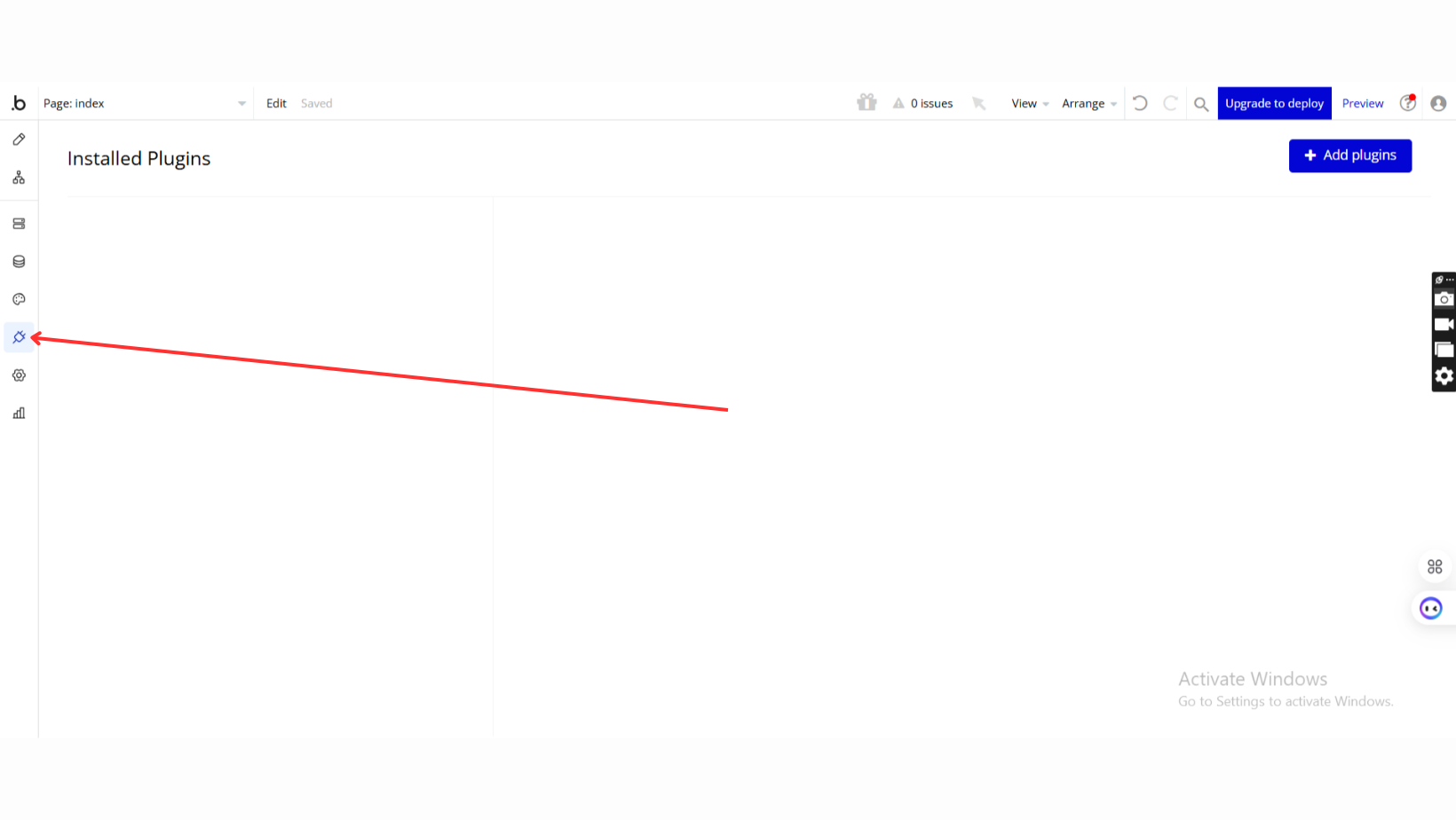
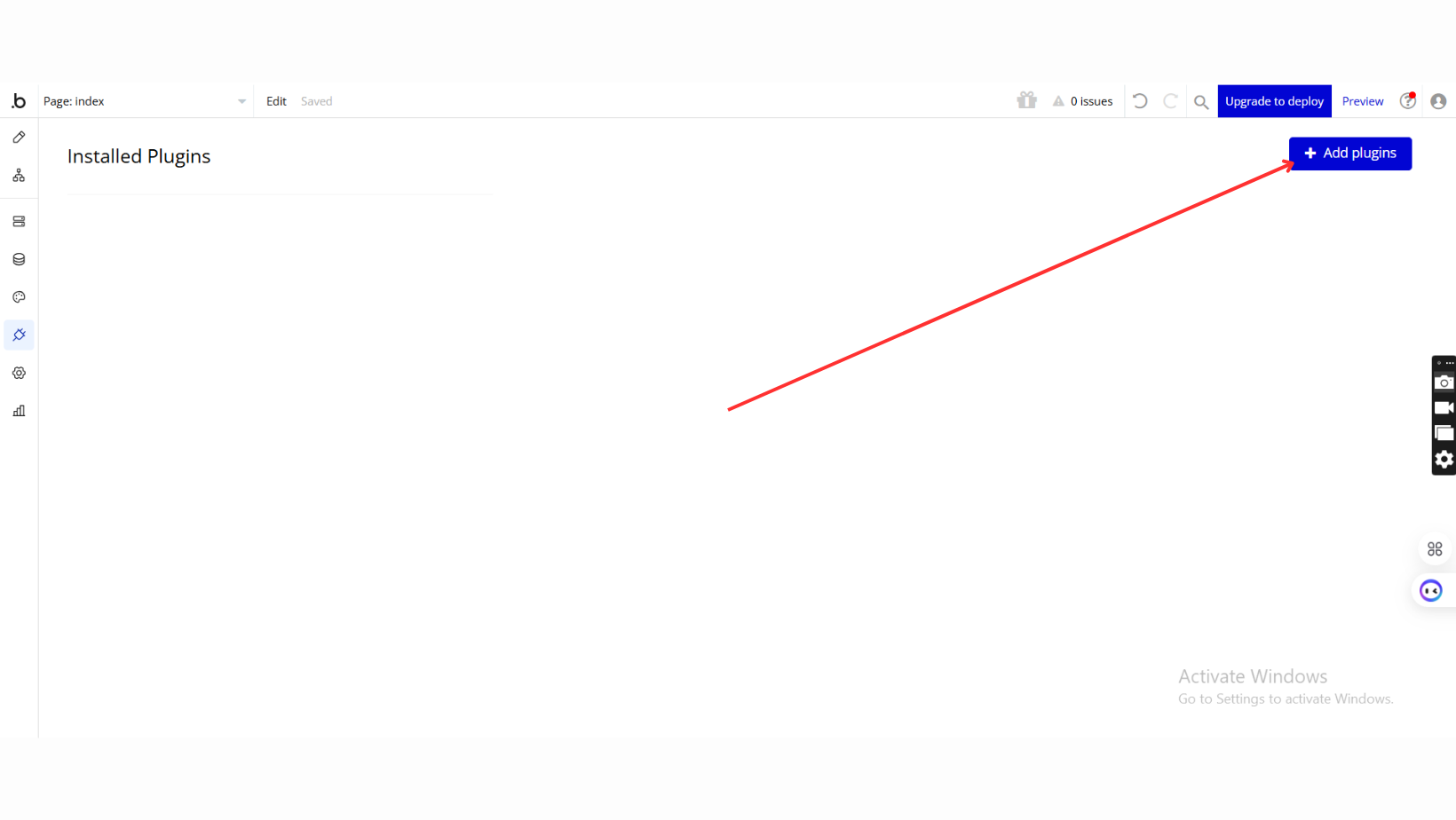
Step 1 – Install the Plugin
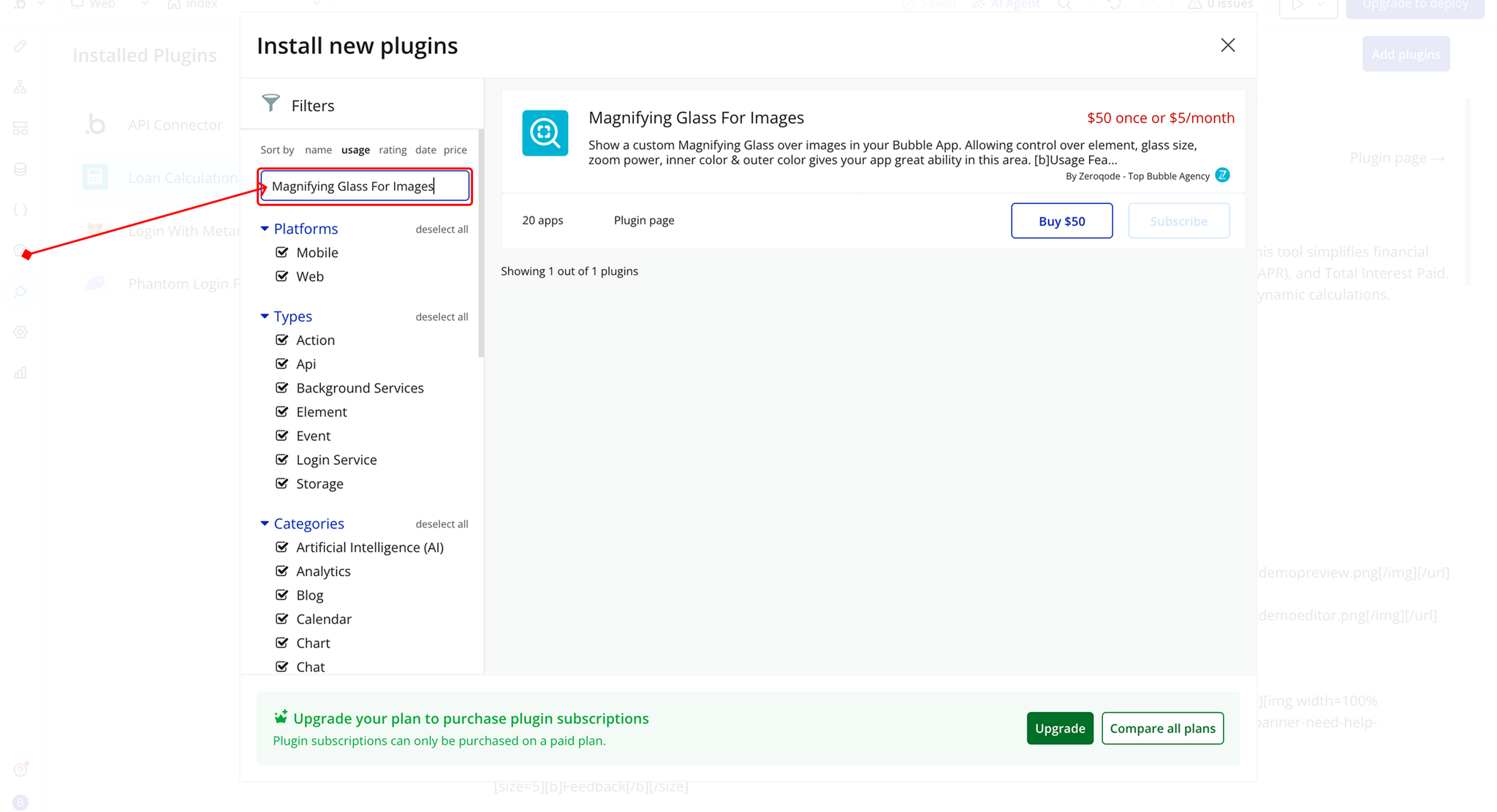
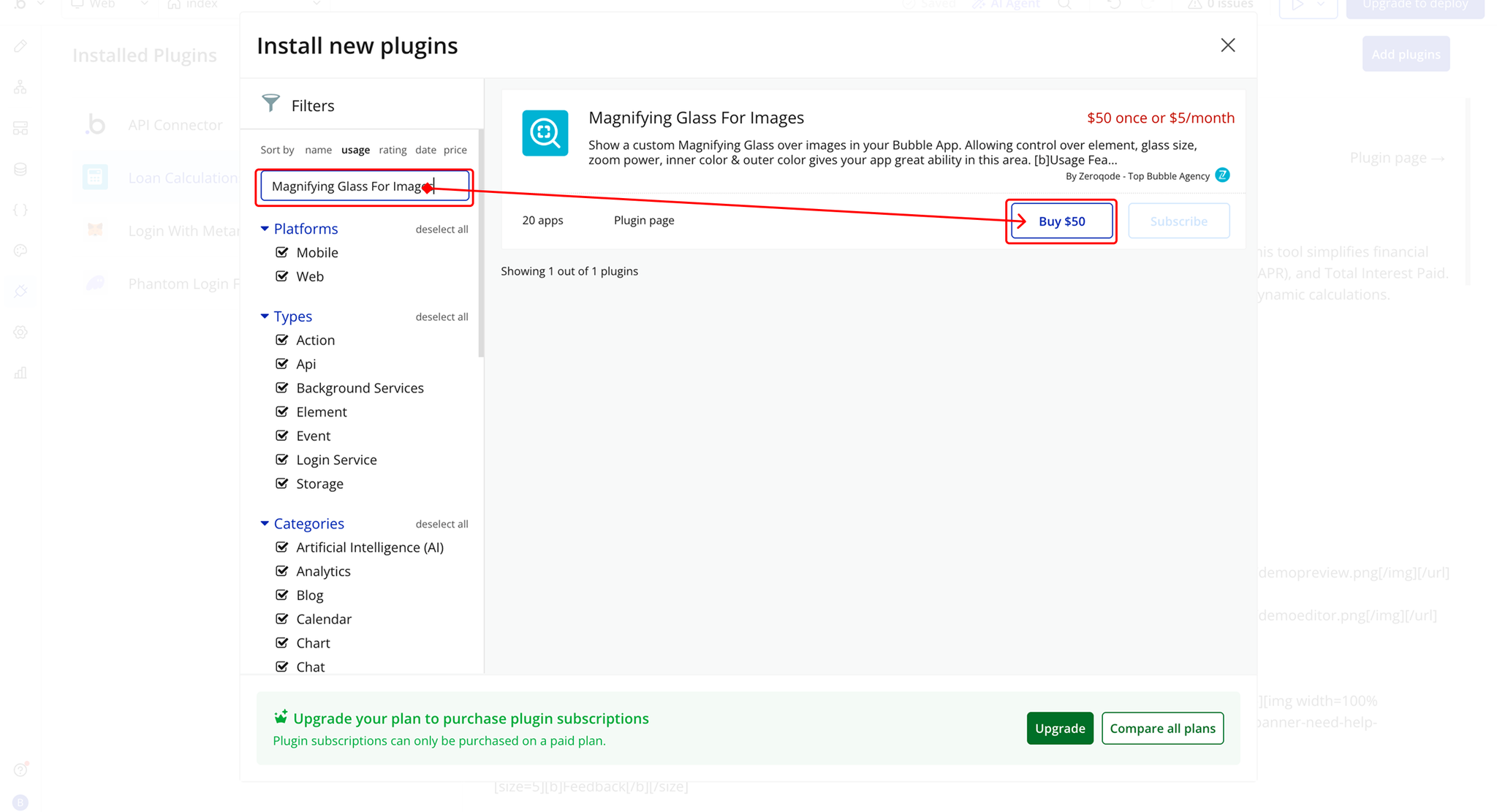
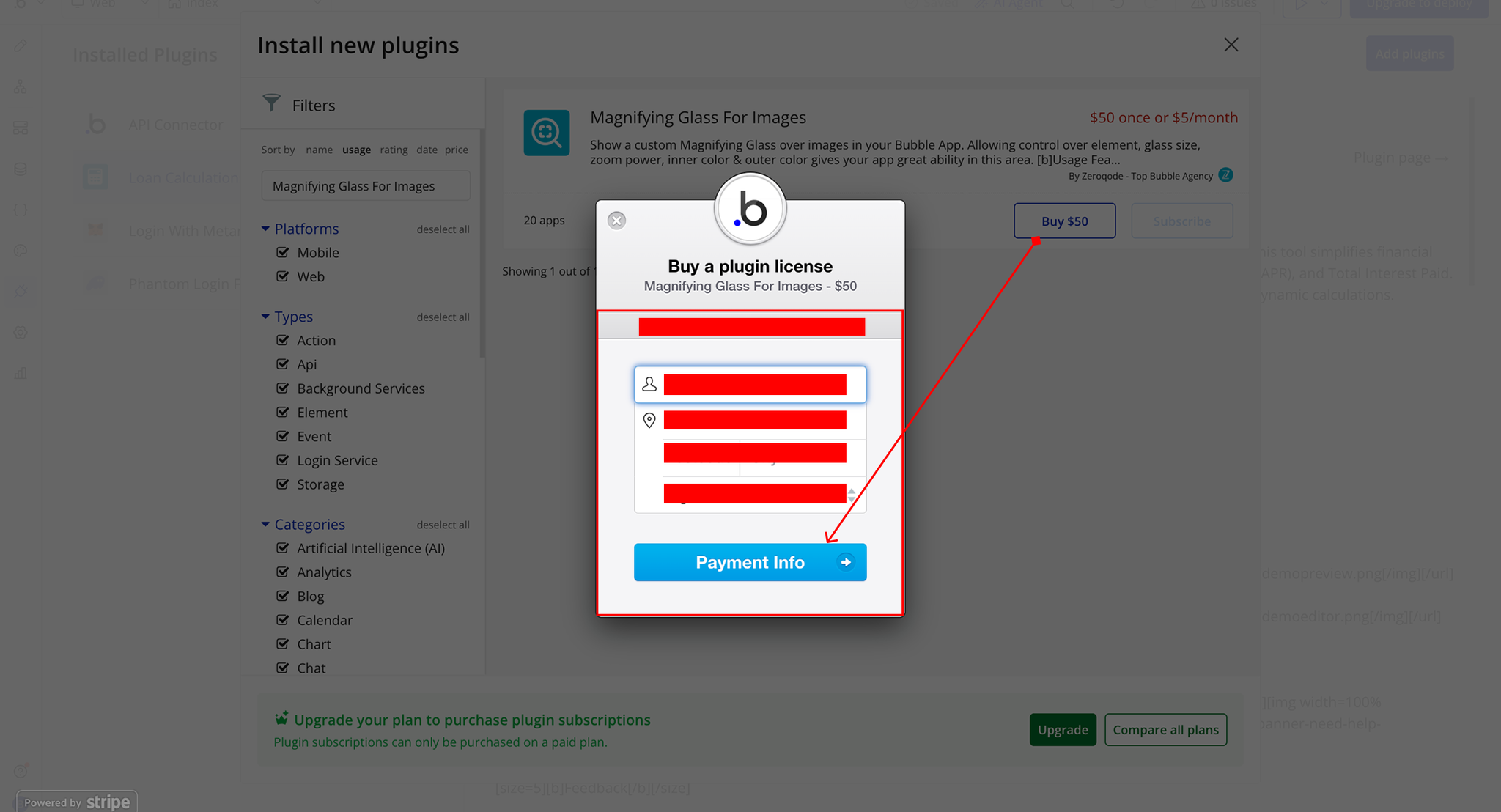
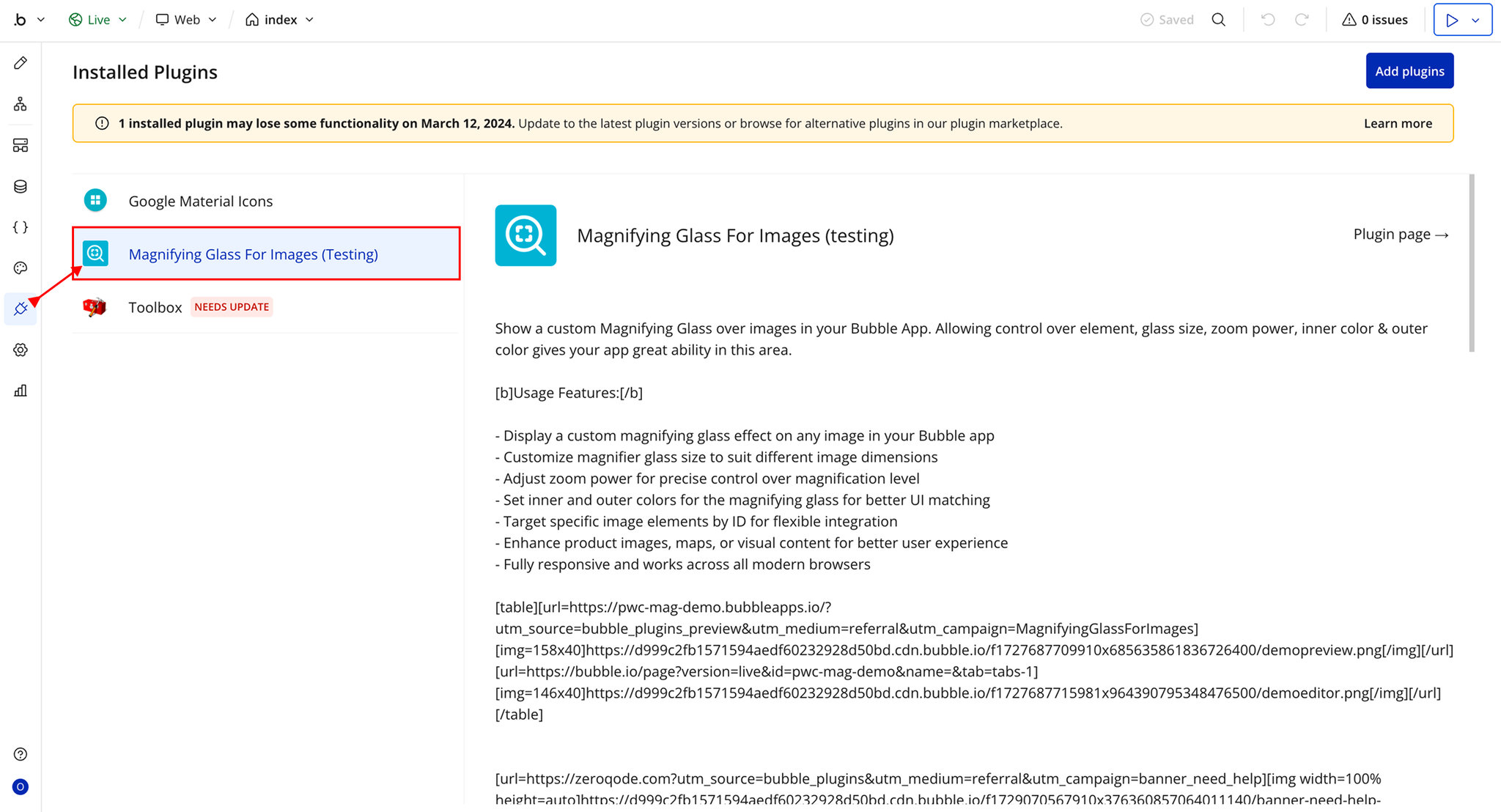
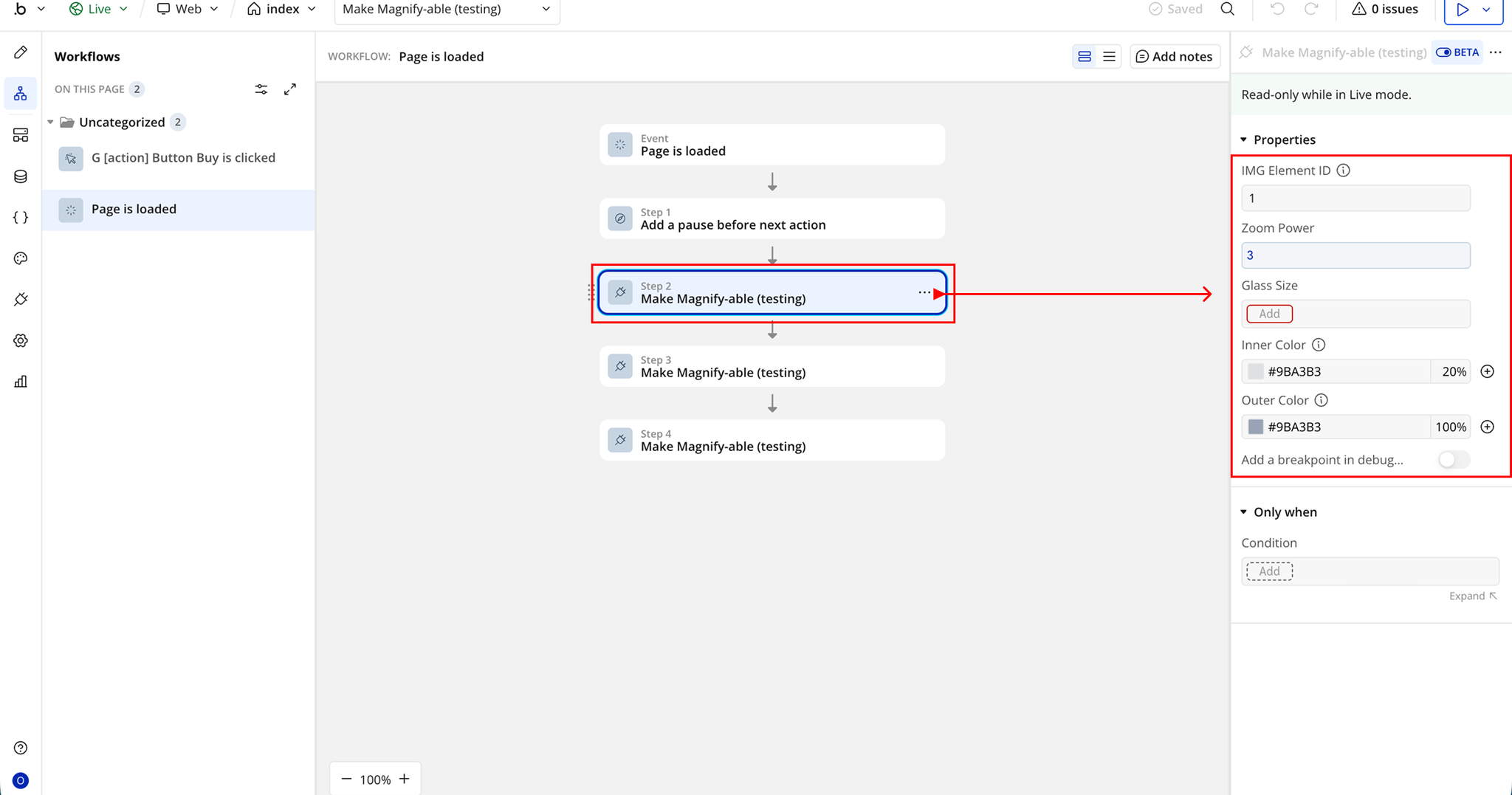
Plugin Actions
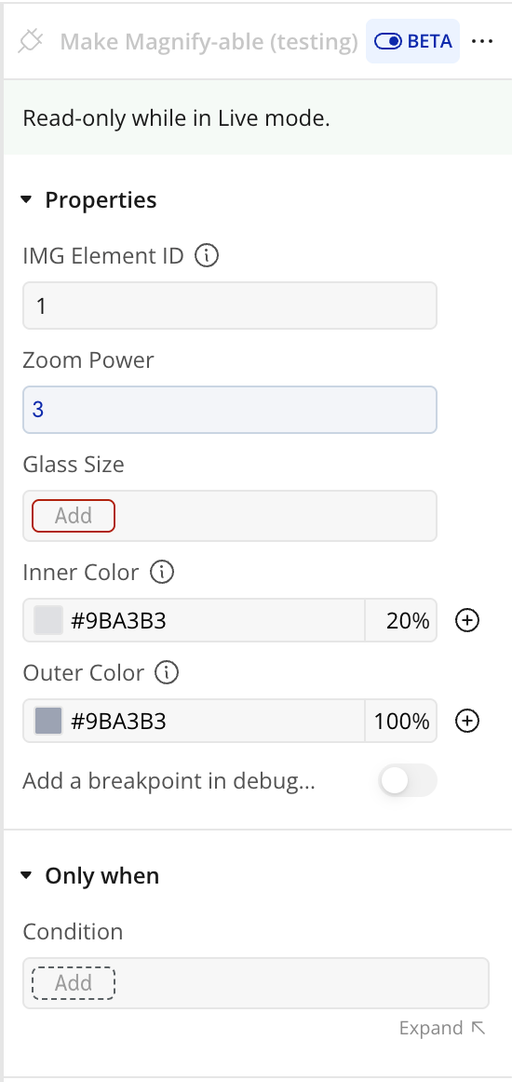
Make Magnify-able
Workflow example
Make Image Magnifiable