Link to the plugin page: https://zeroqode.com/plugin/mobile-signature--drawing-pad-1781091840103x504760124813829100
Demo to preview the plugin:
Introduction
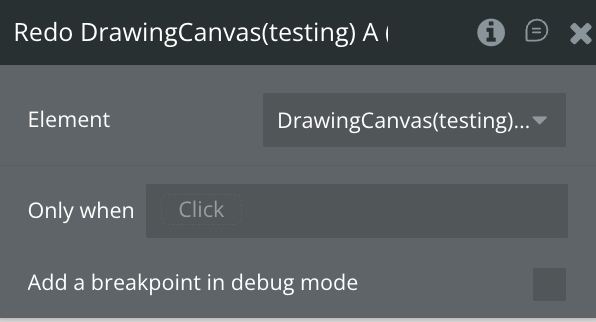
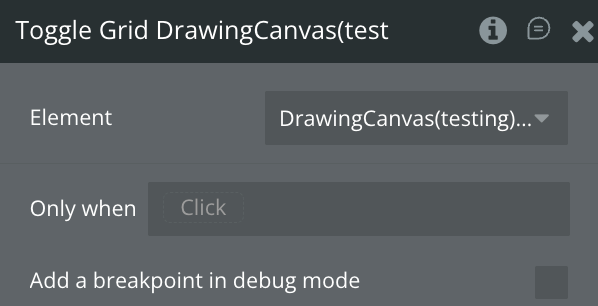
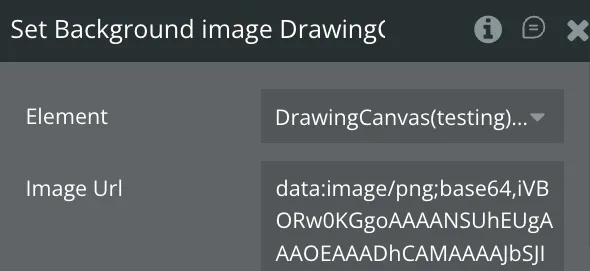
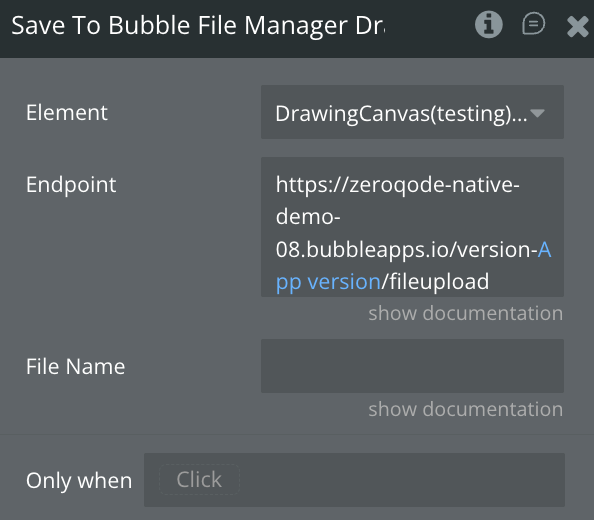
The Mobile Signature & Drawing Pad plugin is a comprehensive drawing solution for Bubble native mobile apps. It offers a touch-responsive canvas with seven professional drawing tools: freehand pen, semi-transparent highlighter, straight lines, rectangles, circles, arrows, and eraser. Features include unlimited undo/redo history, optional grid overlay for precise alignment, background image support, and customizable colors and stroke widths. Drawings are saved as high-quality SVG vector files to Bubble's file manager, ensuring scalability and small file sizes. Perfect for signature capture, annotations, sketching, note-taking, and creative applications.
Prerequisites
This plugin is designed specifically for the mobile version of the Bubble editor. To test the plugin on your mobile device, use the TestFlight app available at: https://testflight.apple.com/join/kW1puGu7
Please note that the testing app is currently available for iOS only.

How to setup
Step 2 – Add the Plugin Element to Your Page
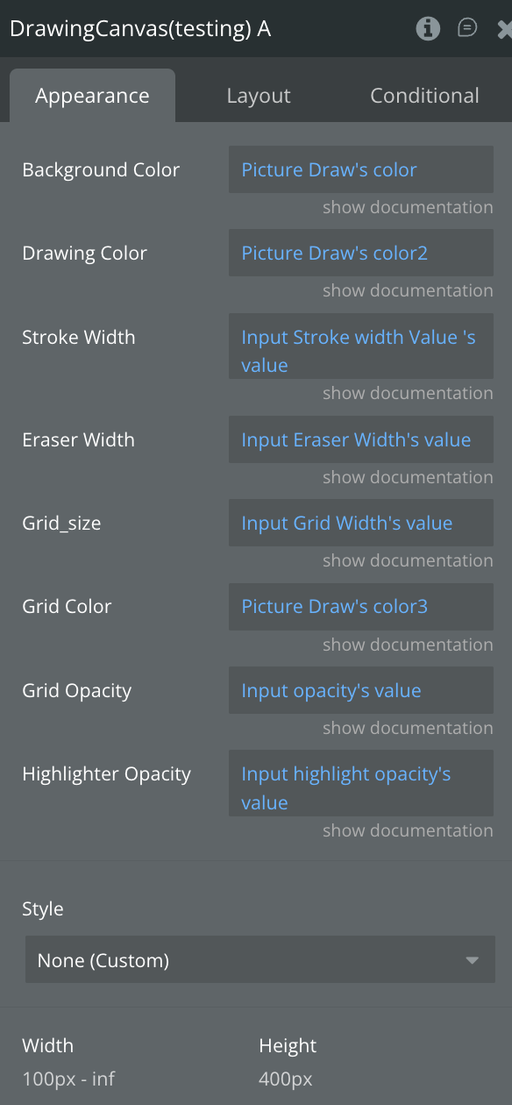
Step 3 – Configure Properties
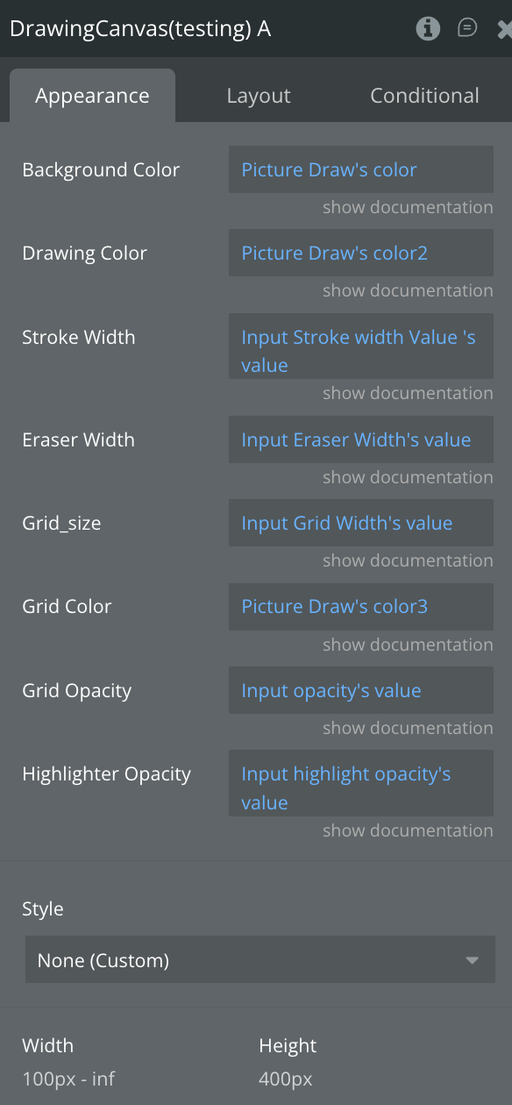
Plugin Element - Drawing Canvas
The Drawing Canvas is a powerful Bubble native mobile drawing tool that provides a touch-responsive canvas with professional tools and saves high-quality, scalable SVG drawings for signatures, annotations, and creative use.
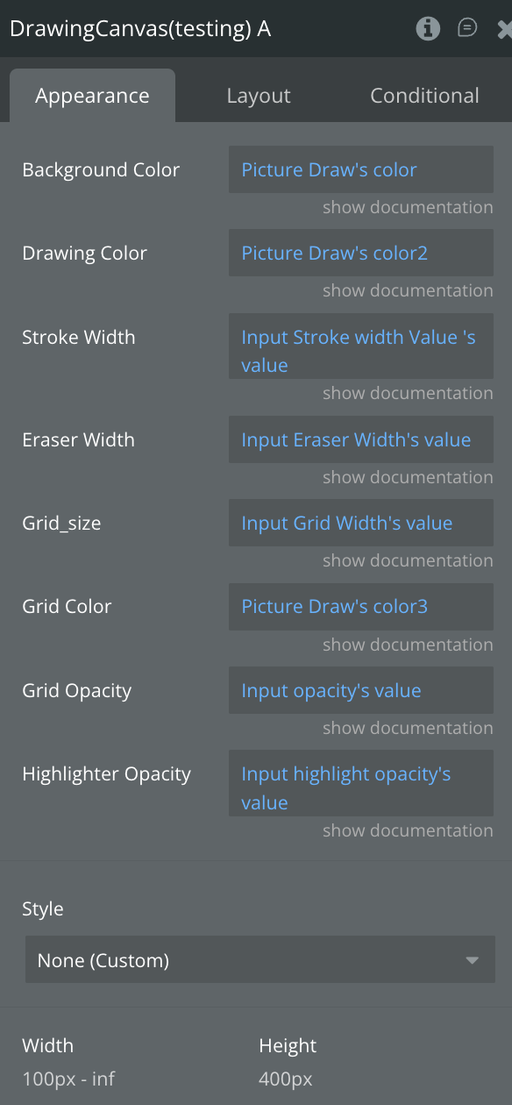
Fields
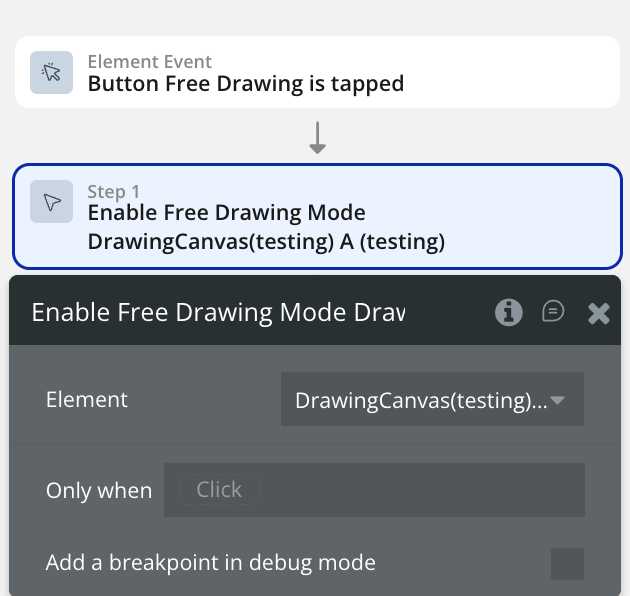
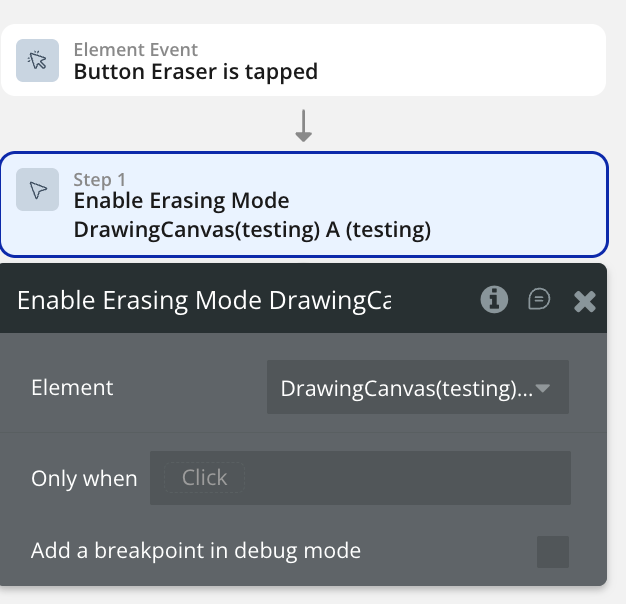
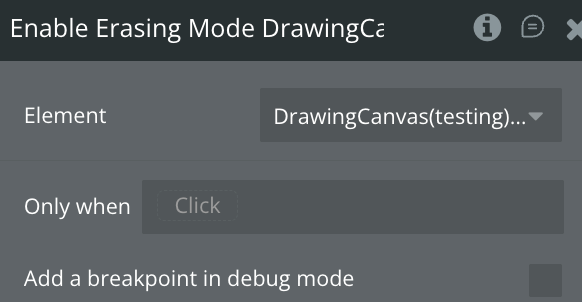
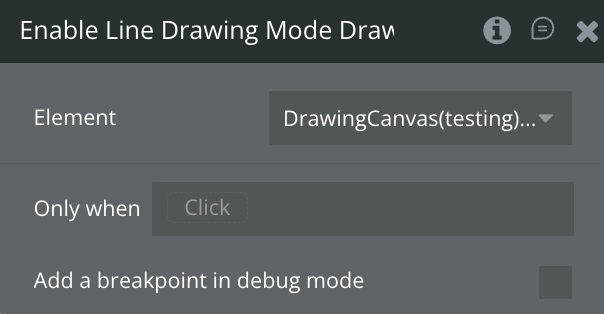
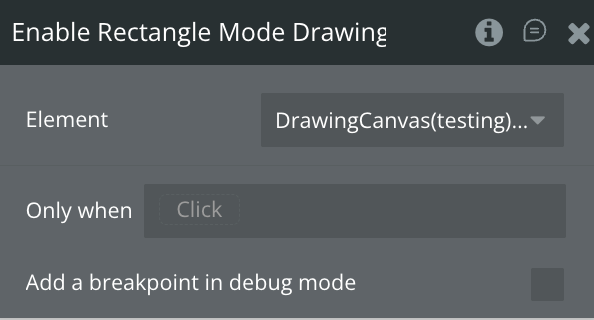
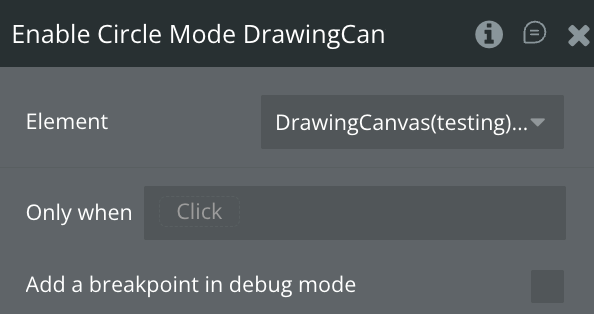
Element Actions
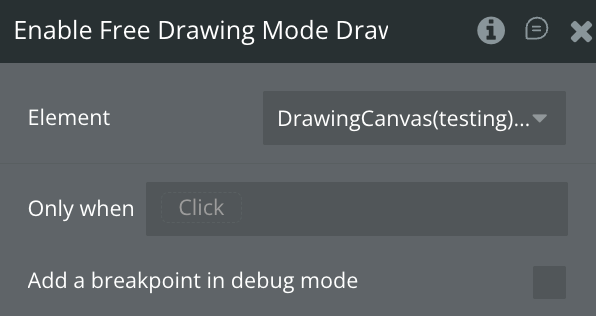
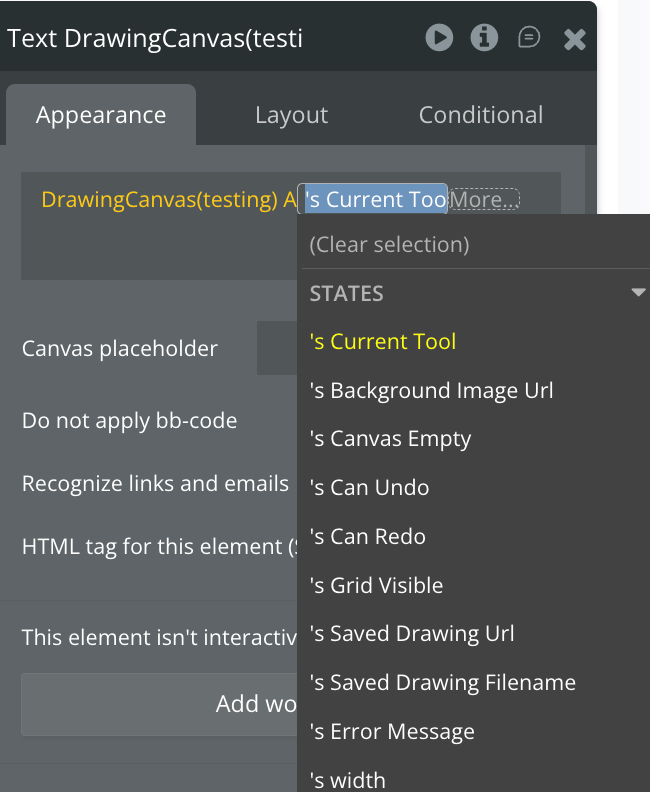
Exposed states
Element Events
Workflow example
Here is a basic workflow example to get you started with the Mobile Signature & Drawing Pad plugin:
Basic Workflow