Demo to preview the plugin
Introduction
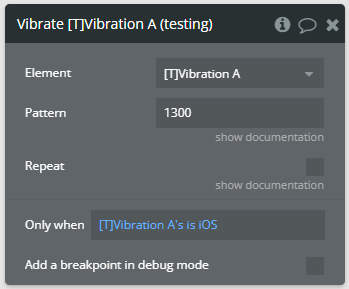
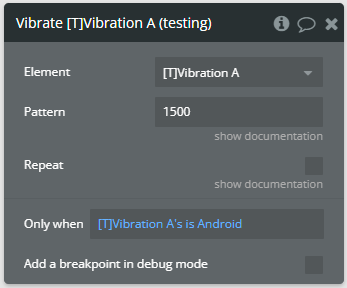
This plugin is a powerful and intuitive tool that lets you trigger device vibrations on both iOS and Android. Android vibration durations are exact, while iOS uses fixed ~400ms system pulses. Vibration patterns and repetition work on both platforms, making it easy to add tactile feedback to notifications, button interactions, alerts, or other mobile app features — all without coding.
Prerequisites
This plugin is designed specifically for the mobile version of the Bubble editor. To test the plugin on your mobile device, use the TestFlight app available at: https://testflight.apple.com/join/EcFCzJ32
Please note that the testing app is currently available for iOS only.
How to setup
This plugin is ready to use immediately after installation. No additional configuration or API keys are required.
- Install the Vibrate Pro for Bubble Mobile plugin from the Bubble plugin marketplace.
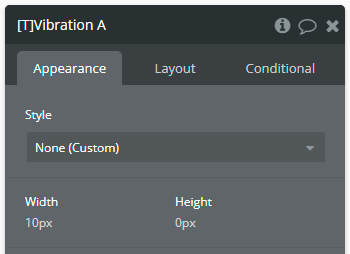
- Add the Vibration element to your mobile app page.
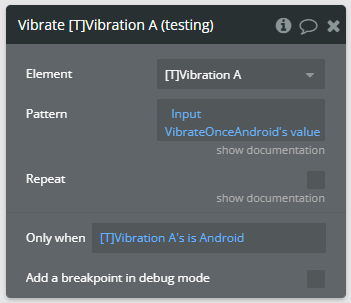
- Configure the vibration actions in your workflows.
- Test the functionality on a physical mobile device.
Important Notes
- The plugin only functions on actual mobile devices (iOS/Android)!
- Vibration will not work in preview mode or web browsers!
- The Pattern format is the same on iOS and Android; iOS uses fixed ~400ms pulses.
Plugin Element Properties
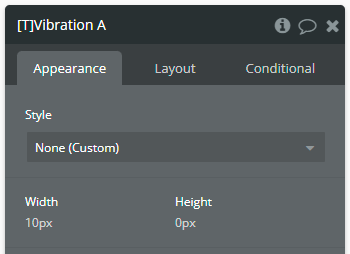
The plugin contains a Vibration visual element that should be added to your mobile app page to enable vibration functionality.
Vibration
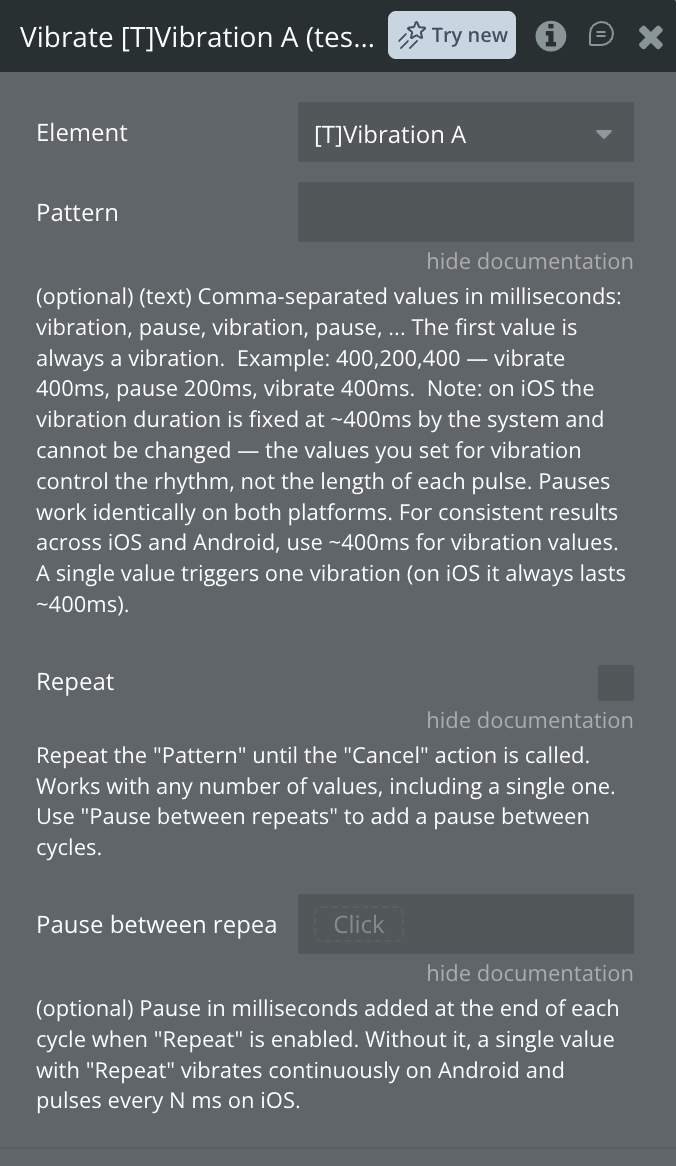
Element actions
Vibrate — Triggers a vibration with customizable pattern and duration.
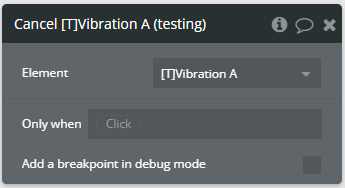
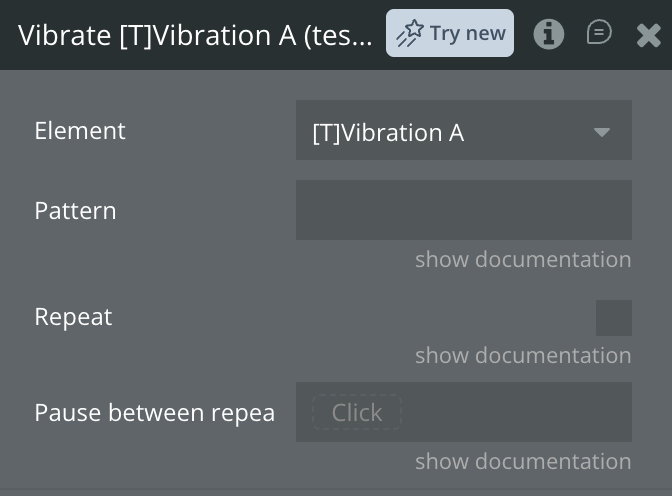
Cancel — Stops vibrating after having invoked the Vibrate action with repetition enabled. Repetition also stops automatically when the Vibration element is removed from the screen.
Element states
Name | Description | Type |
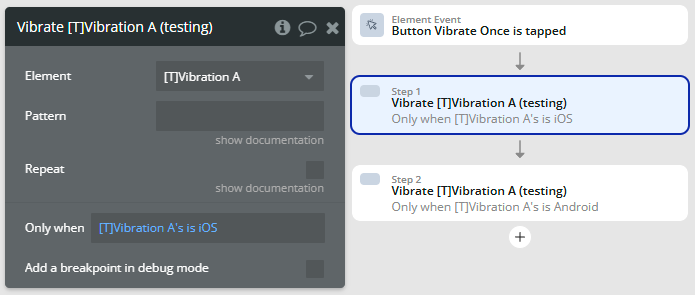
is iOS | Indicates whether the device platform is iOS. | yes/no |
is Android | Indicates whether the device platform is Android. | yes/no |
Helpful details
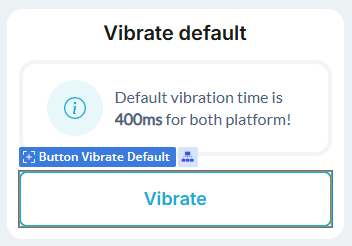
Default vibration time
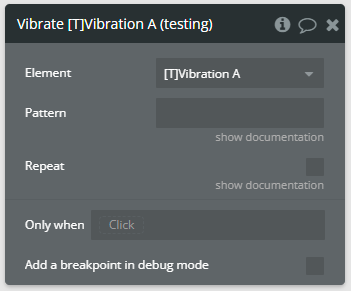
iOS platform specification
Android platform specification
Pattern format
Repetition
Workflow example
Here are some basic workflow examples to help you get started with the plugin.
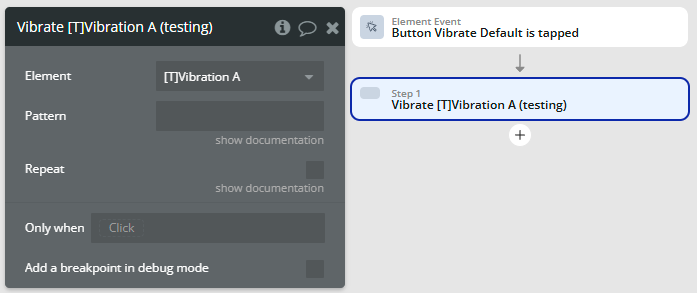
Vibrate with default value
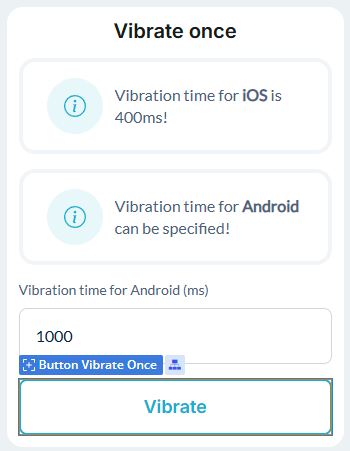
Vibrate once
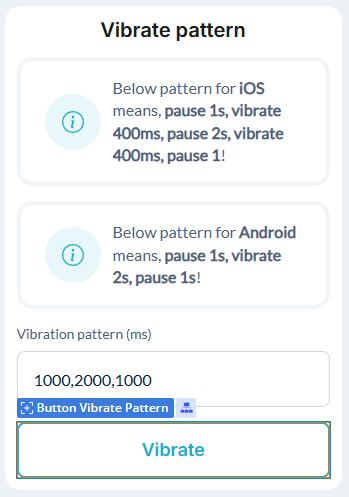
Vibrate pattern
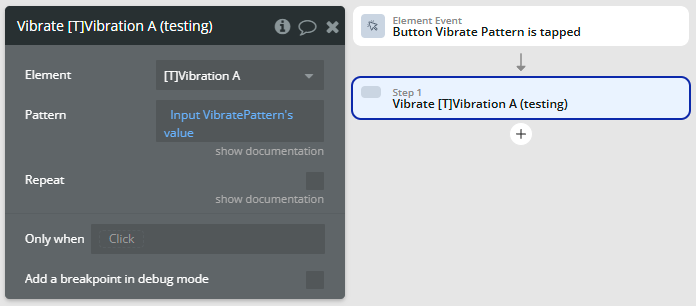
Vibrate pattern with repetition
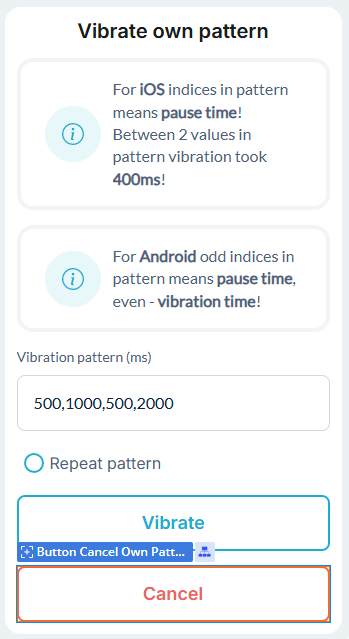
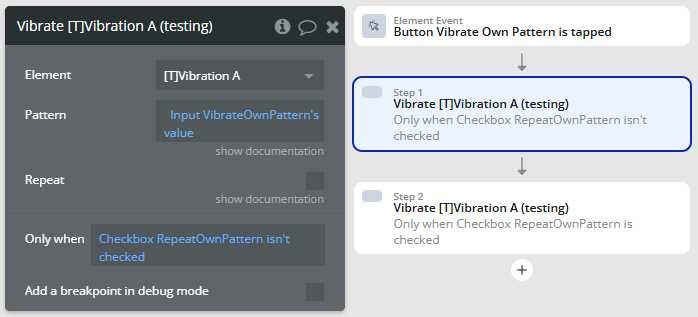
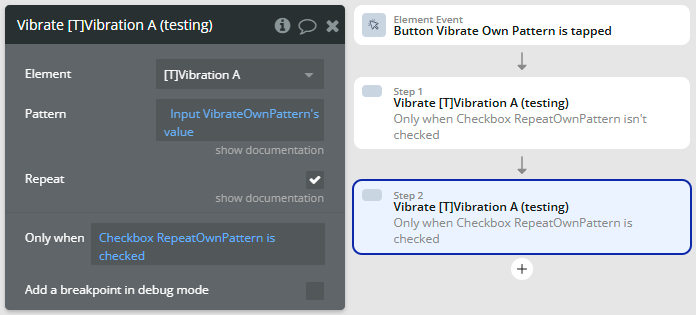
Repeating pulse