
Link to the plugin page:
Demo to preview the plugin:
Introduction
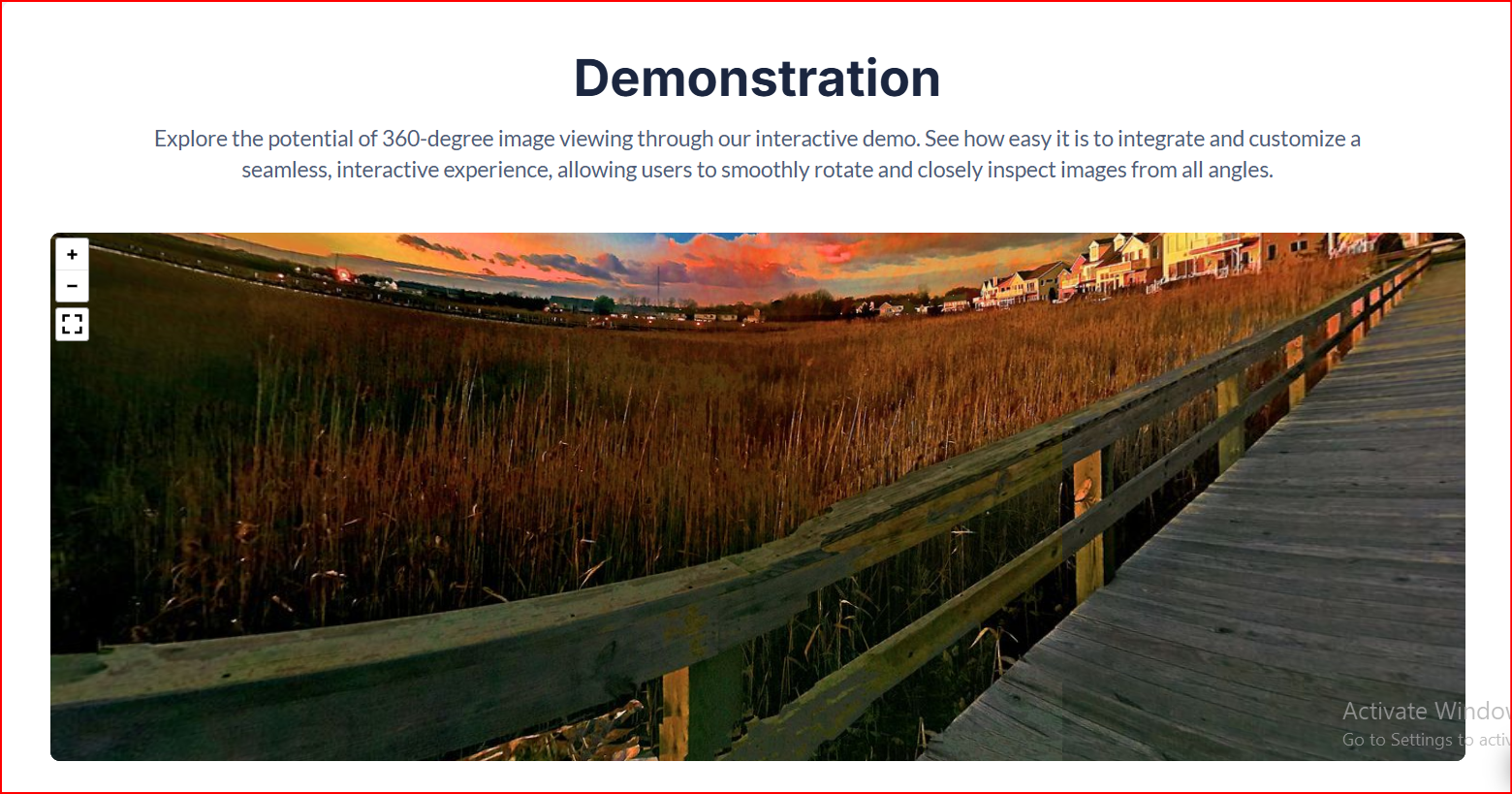
The 360 Image Viewer plugin allows you to display fully immersive, interactive 360° spherical panoramas inside your Bubble application. It is powered by the robust Pannellum library, providing a smooth and intuitive experience across both desktop and mobile.
Your users can:
- Drag to explore the full 360° environment
- Zoom in/out
- Enter fullscreen
- On mobile, physically move their device to look around using the accelerometer
This is perfect for real estate, hotels, product visualization, tourism, automotive, events, and any experience where panoramic viewing enhances engagement.
Key Features
👛 Please support our efforts to keep this plugin free - your donations help us invest the time and resources needed to continue maintaining and improving it for everyone’s benefit: https://zeroqo.de/support.
Prerequisites
Before using the 360 Image Viewer plugin, please ensure the following:
- Bubble Account & Editor Access – You must have an active Bubble account with editor access to the app where the plugin will be installed.
- Equirectangular Images – The images you plan to display must be in equirectangular format (2:1 aspect ratio).
- Dynamic Content Setup – If you plan to use database-stored or external URL images, make sure these data sources are configured in your app.
- Mobile Testing – For accelerometer-based navigation, test on actual mobile devices. Ensure device motion permissions are enabled.
- Performance Considerations – Optimize image sizes for smooth rotation and faster loading.

How to Set Up
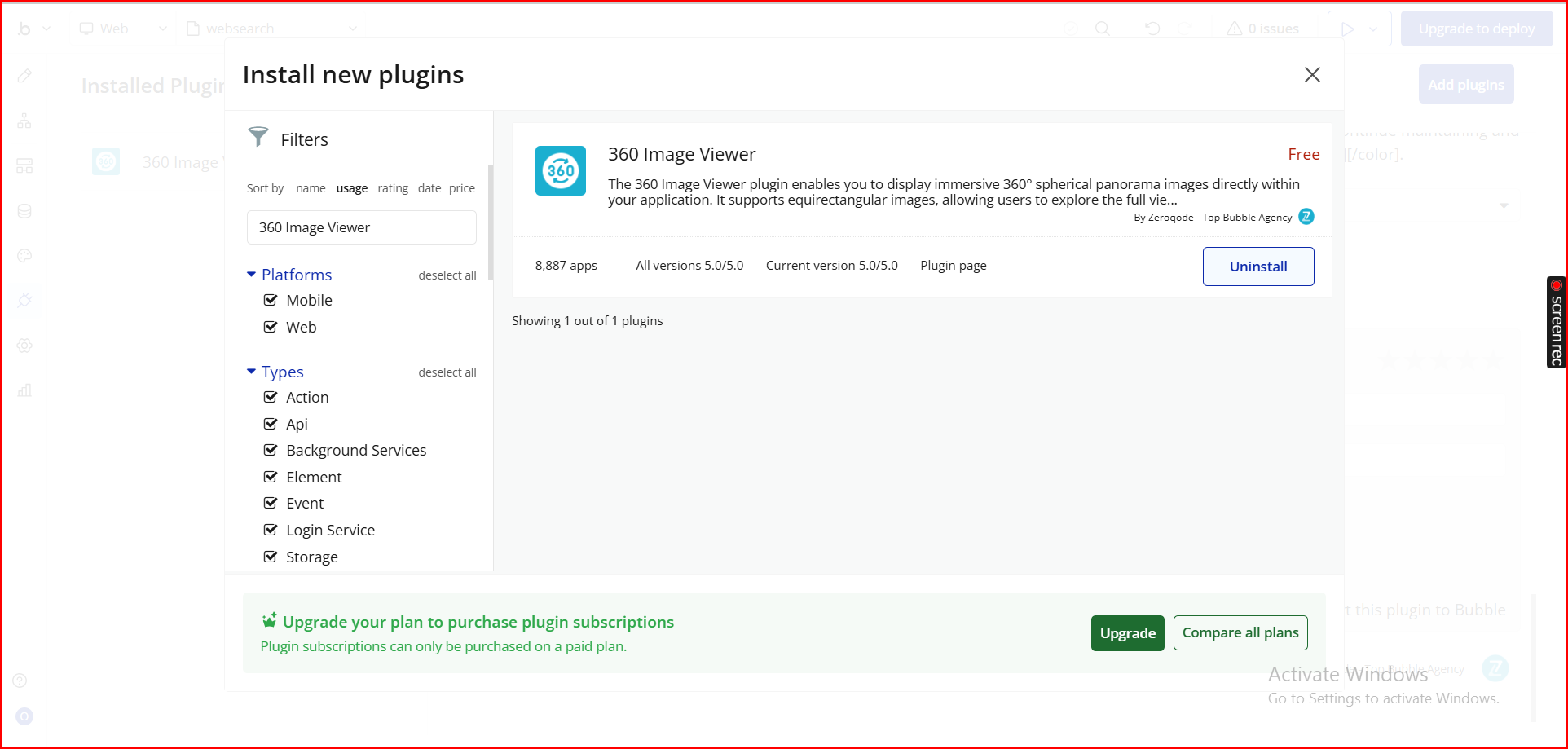
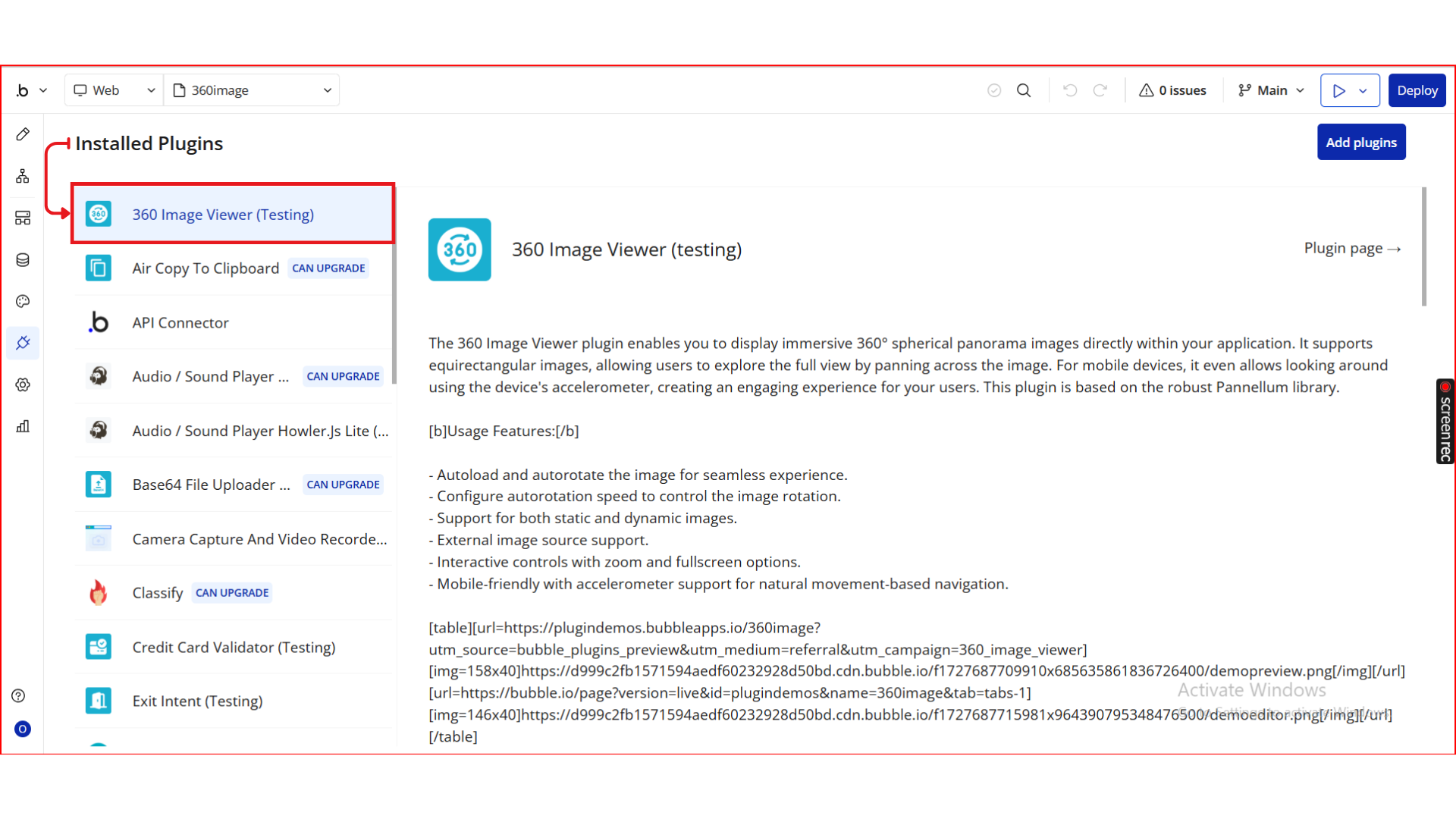
Step 1. Install the Plugin
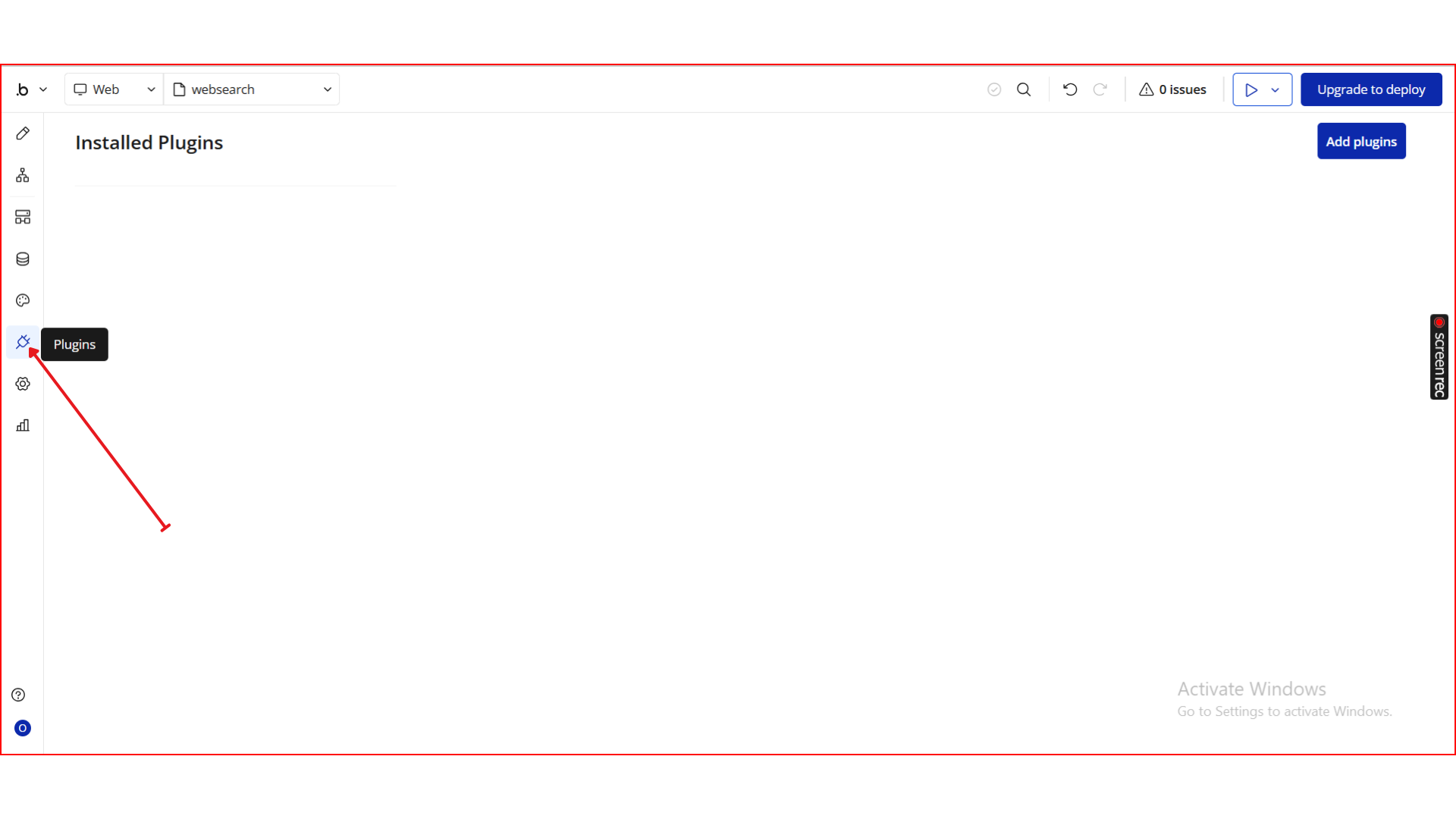
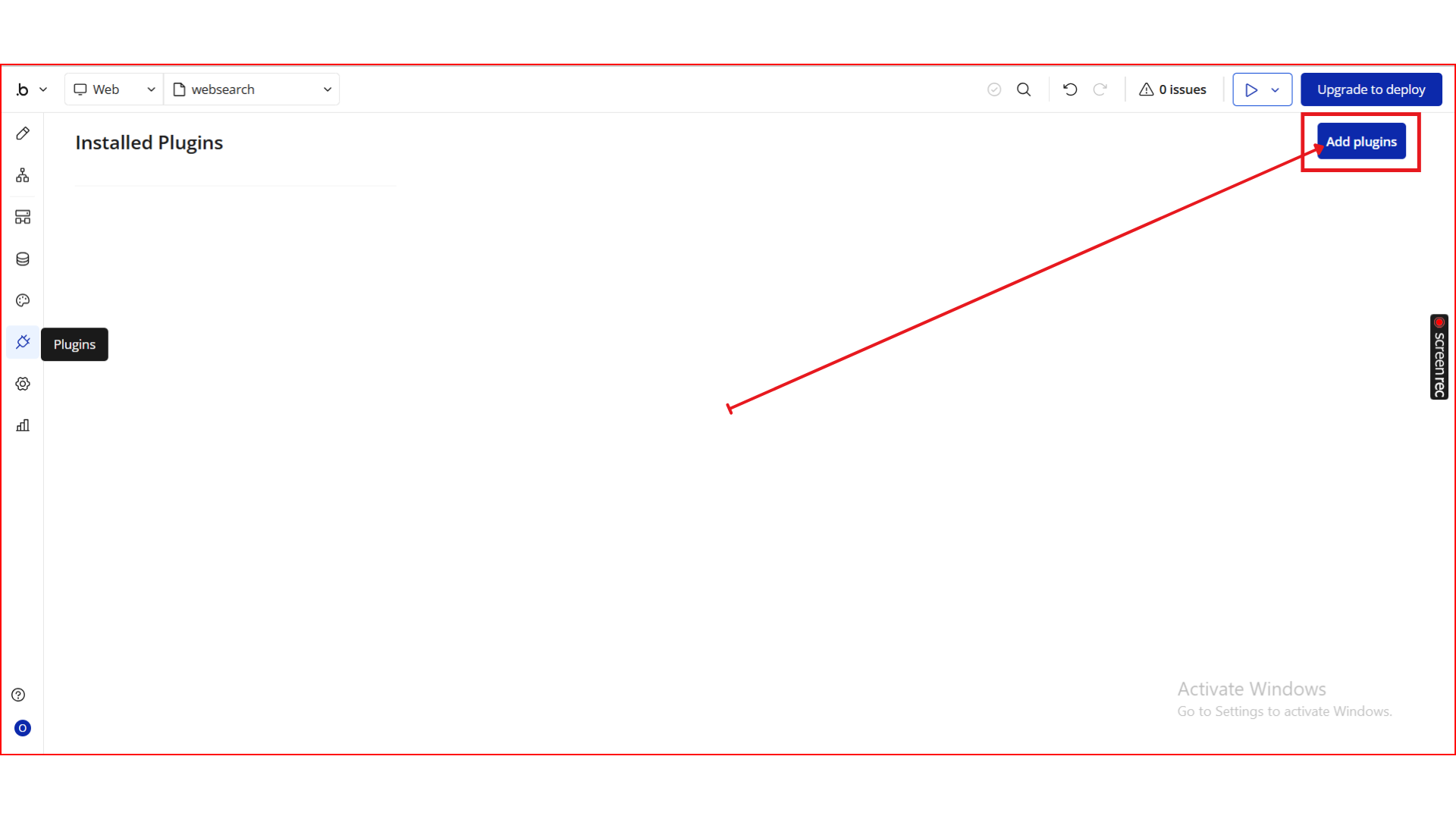
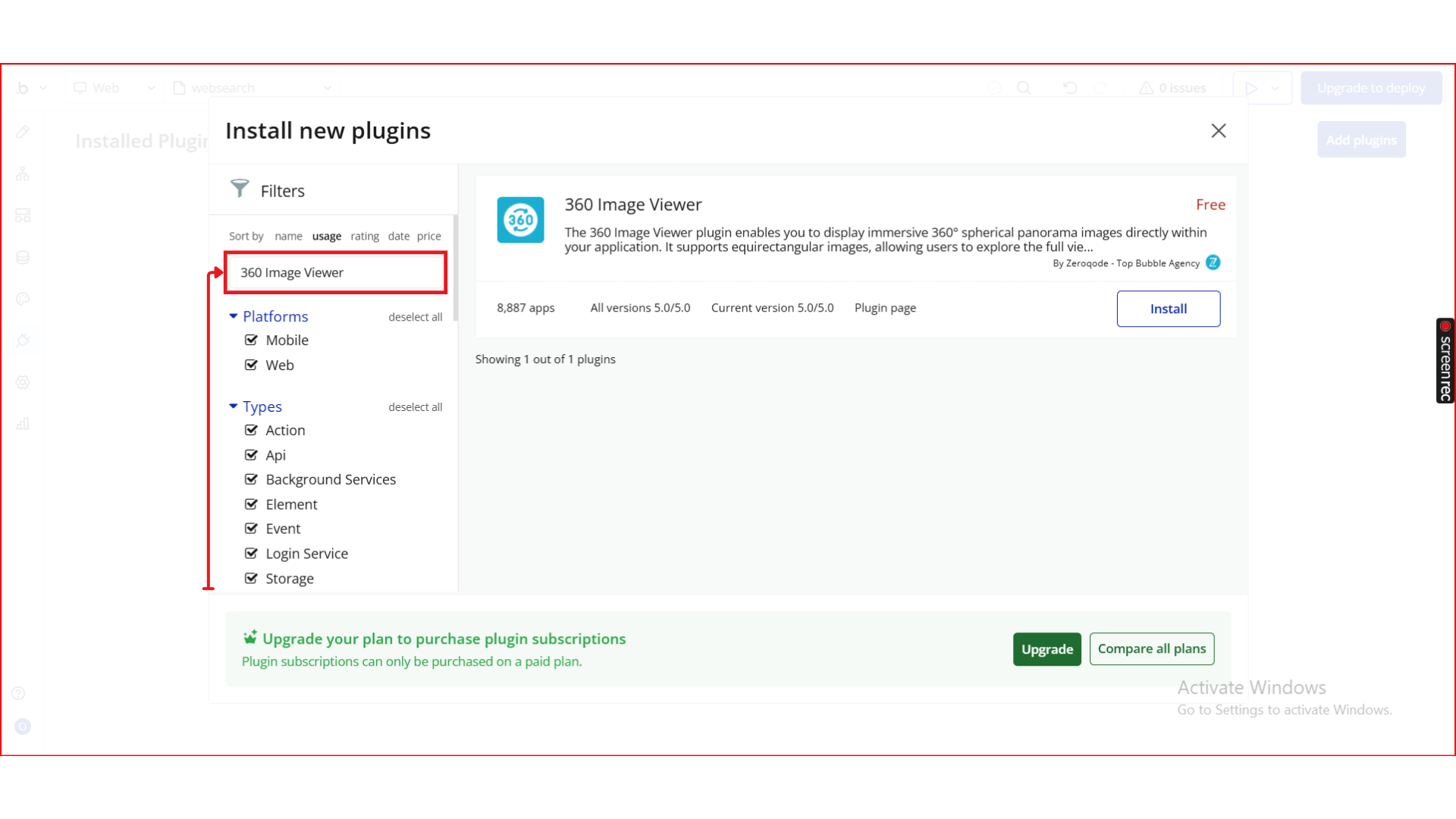
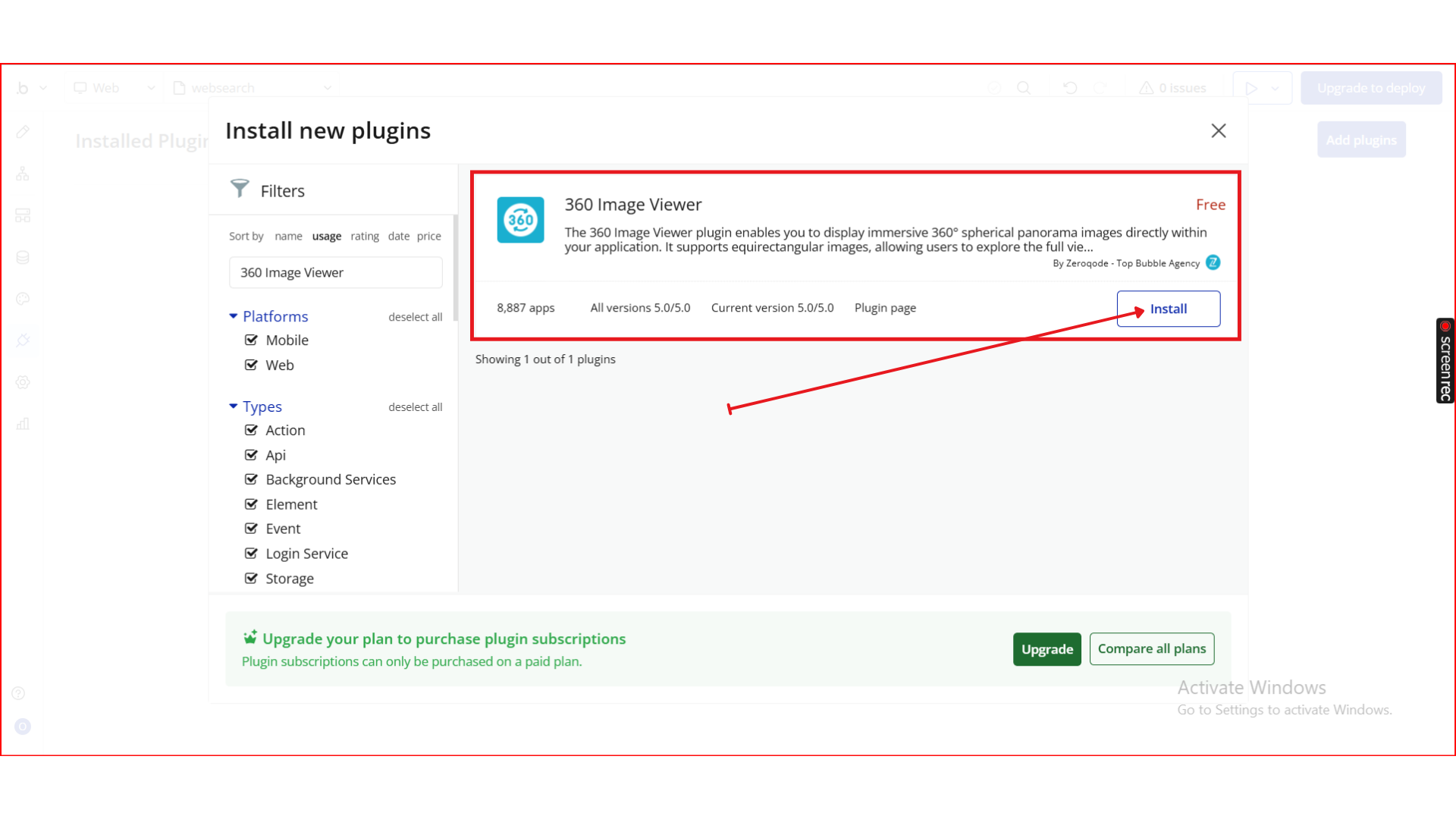
Step 2. Add the Viewer Element
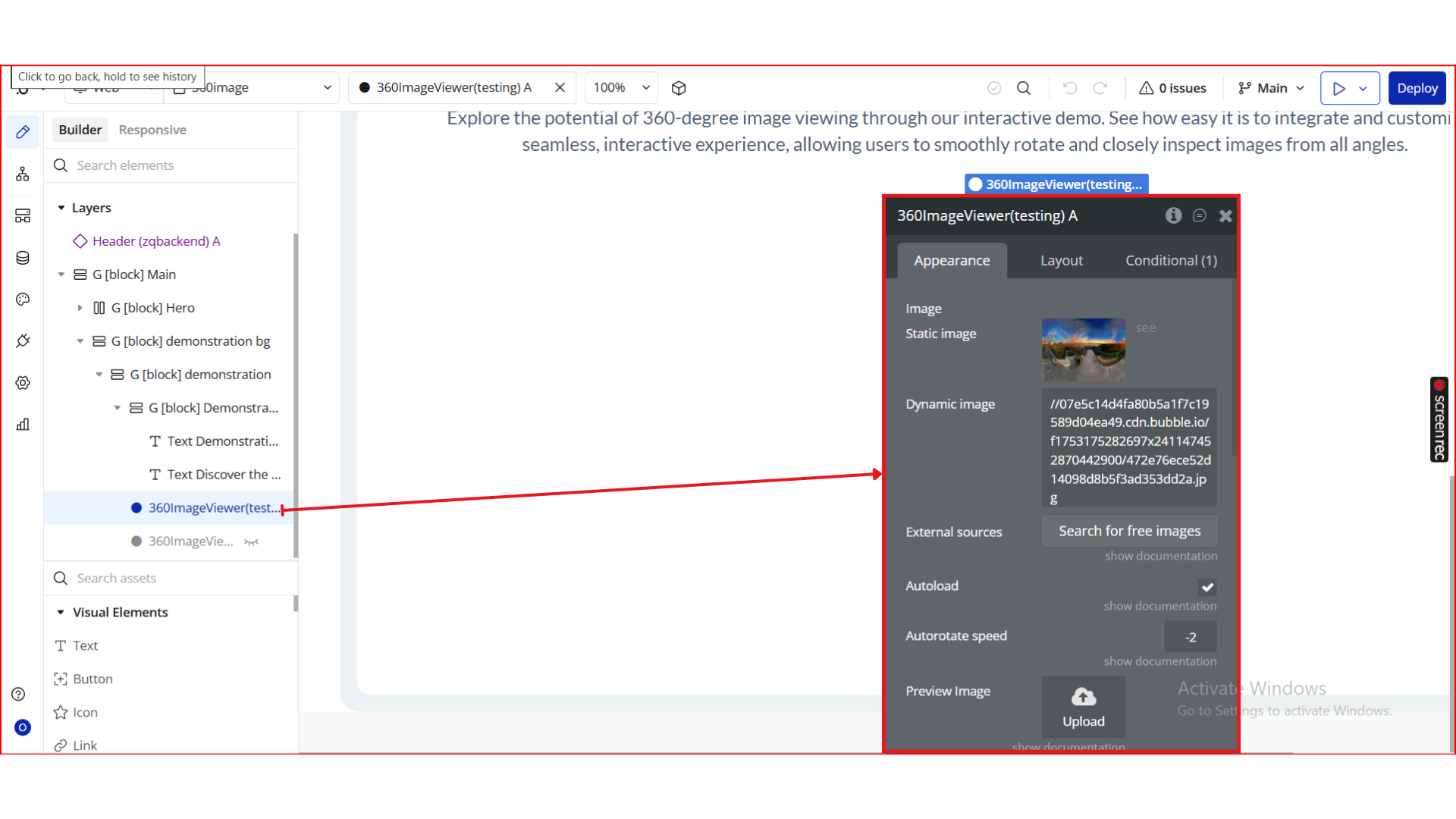
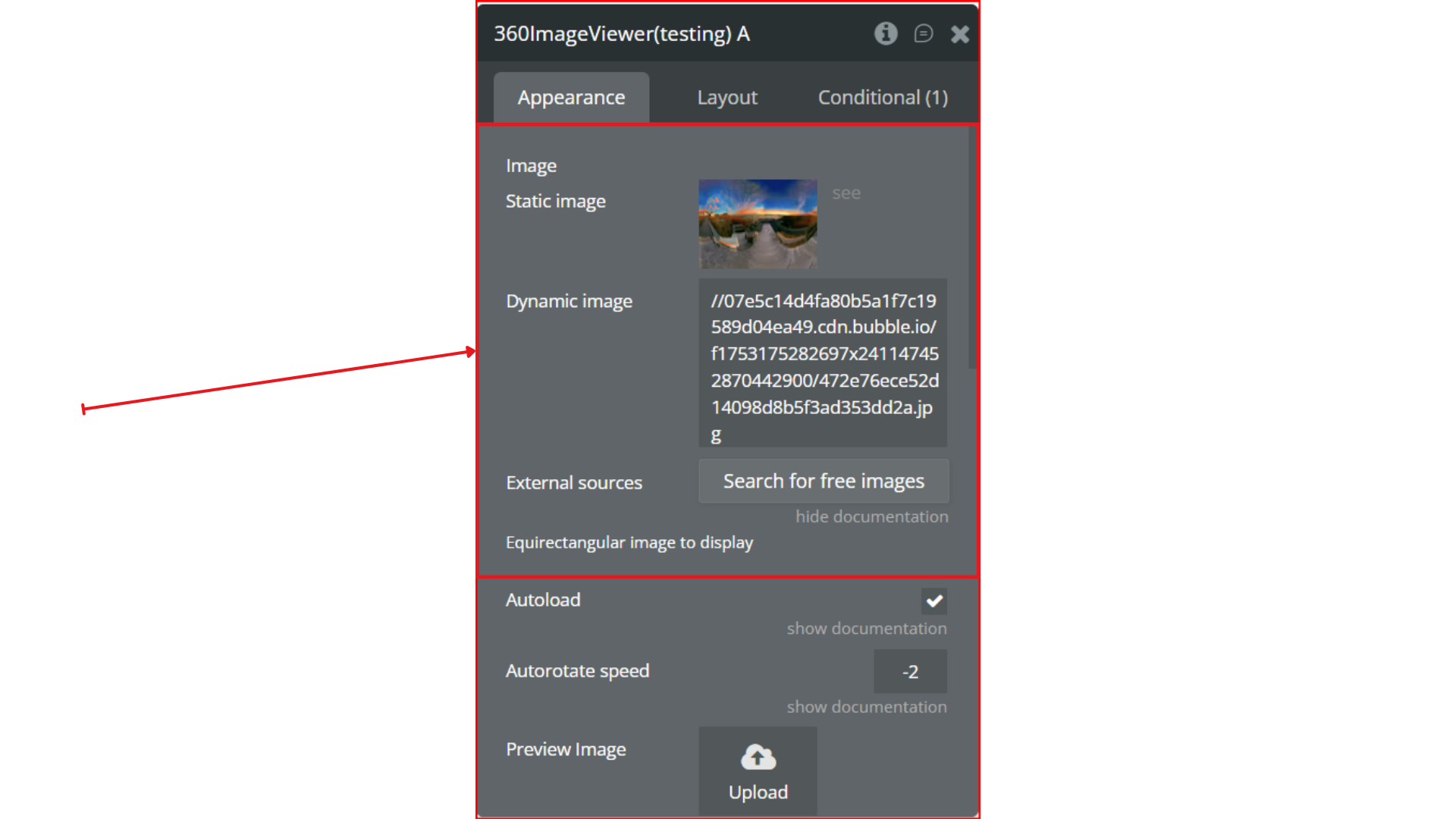
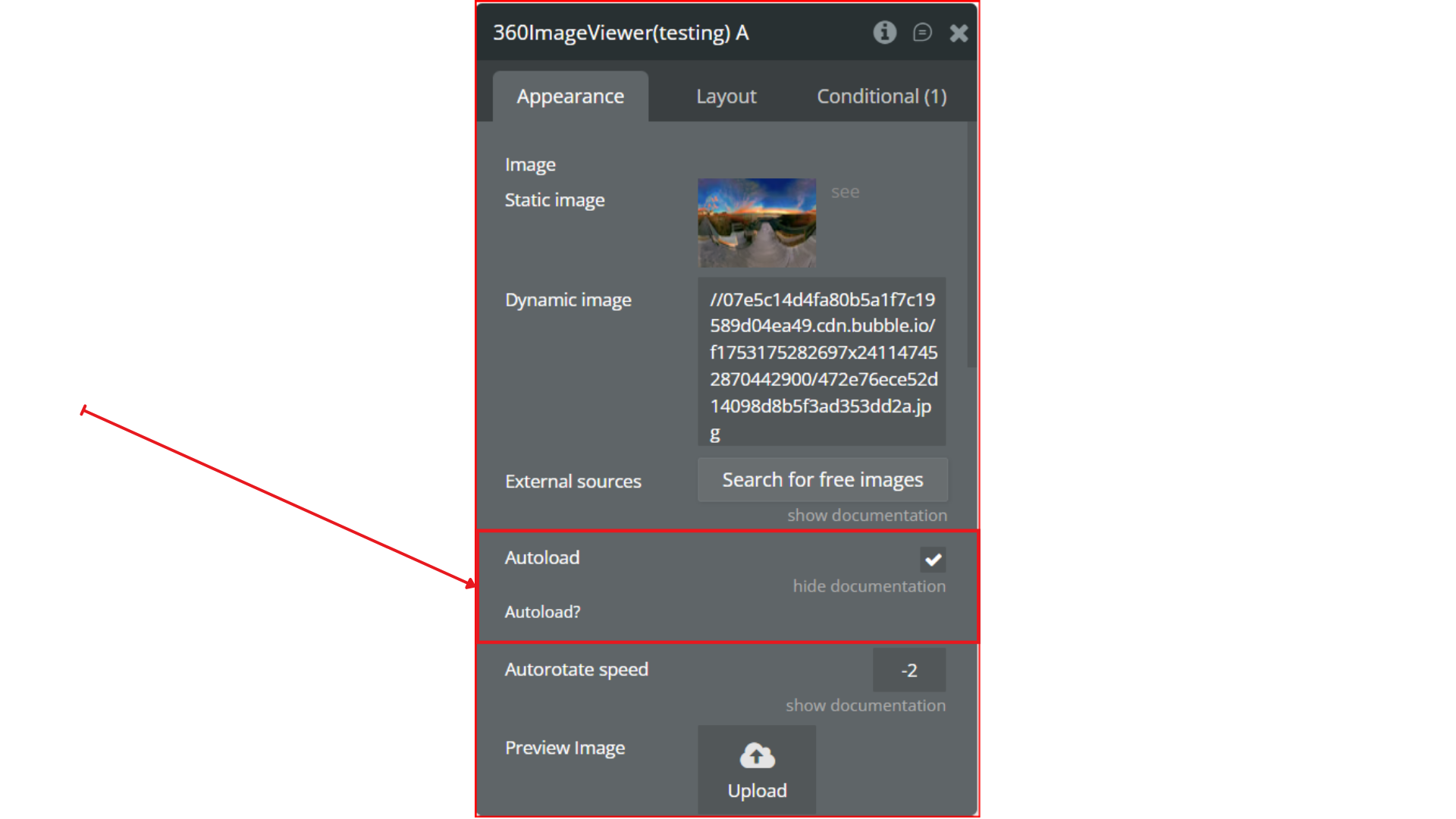
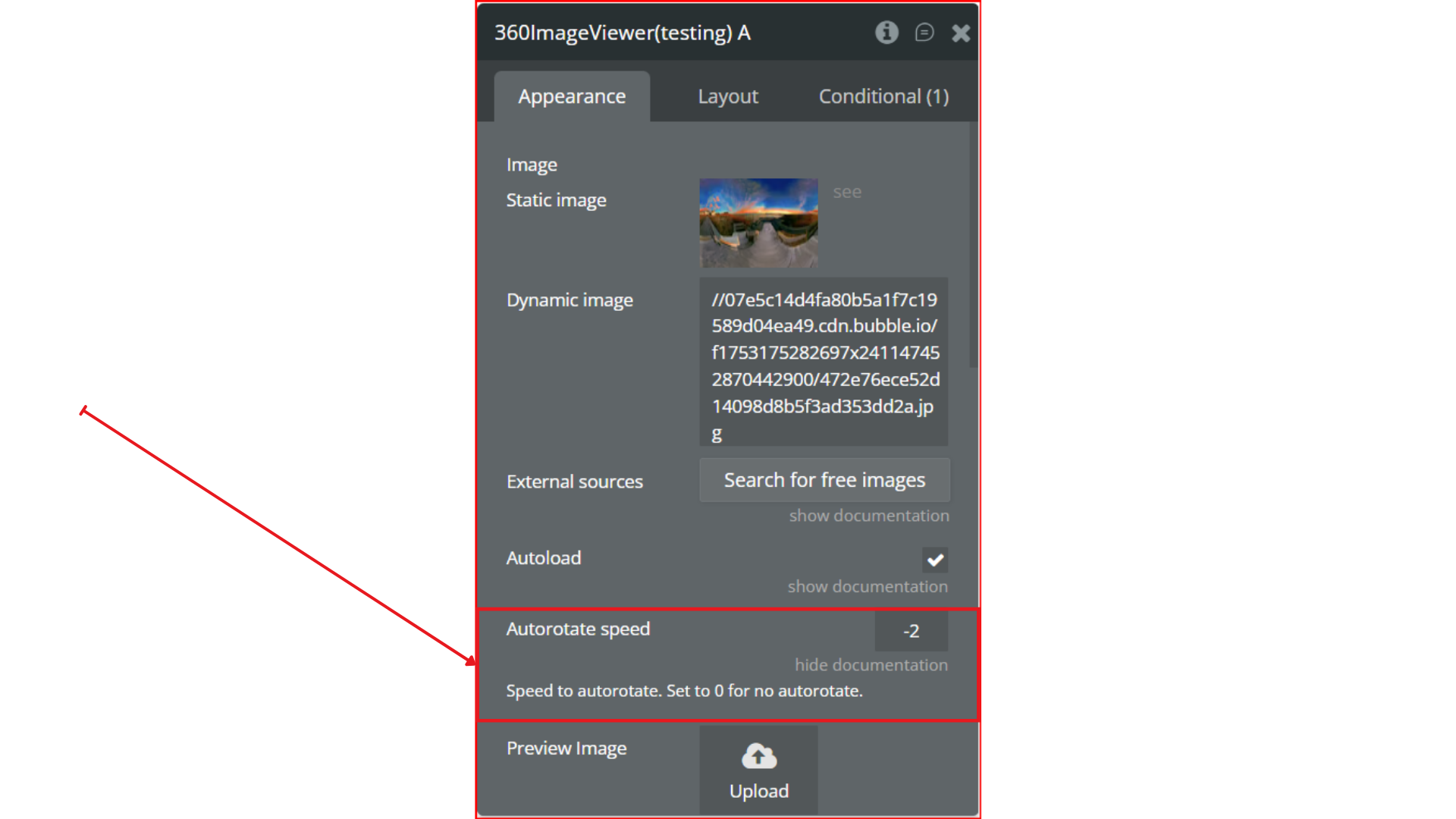
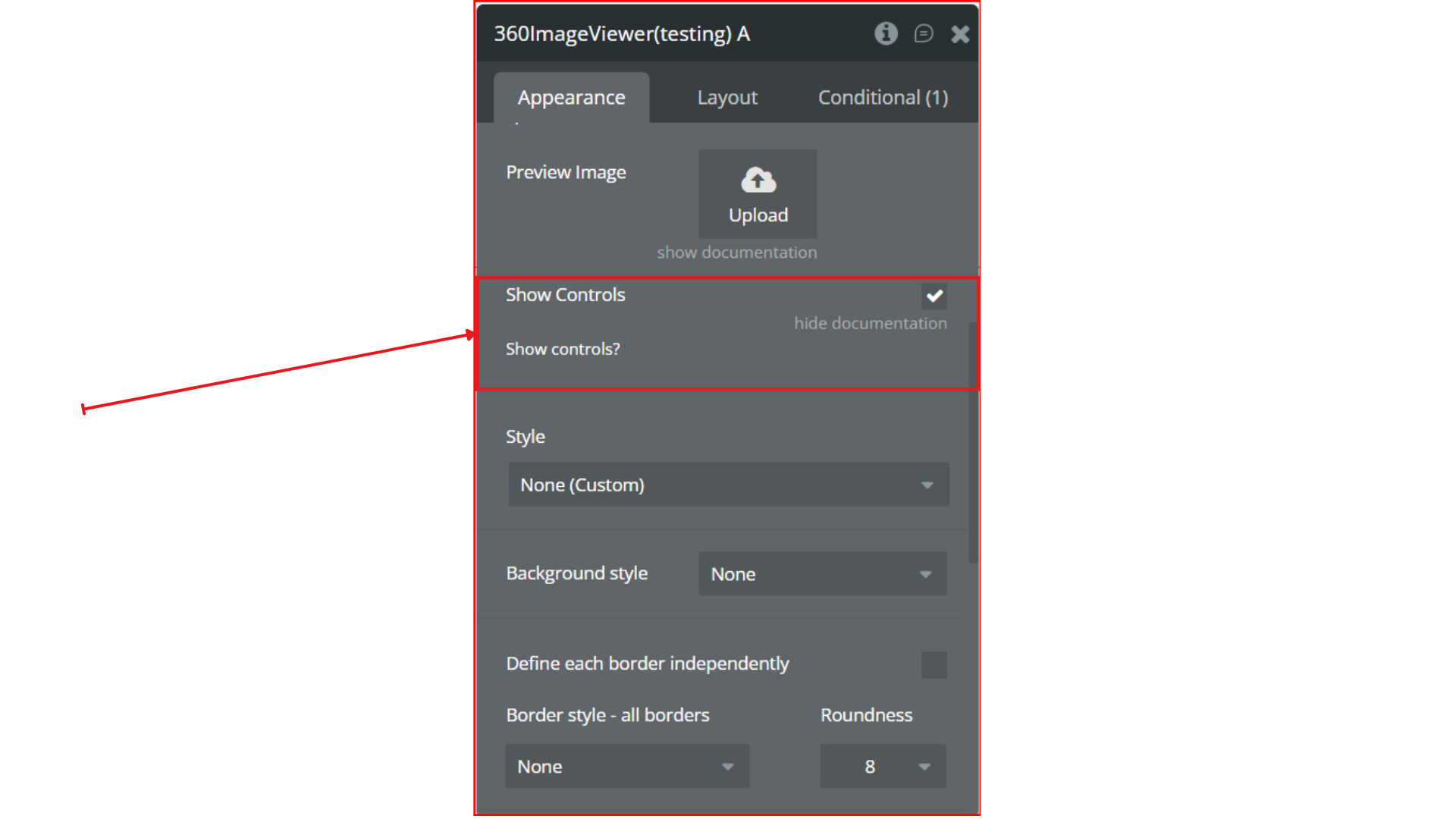
Step 3. Configure the Properties
Step 4. Preview & Test
Plugin Element - 360 Image Viewer
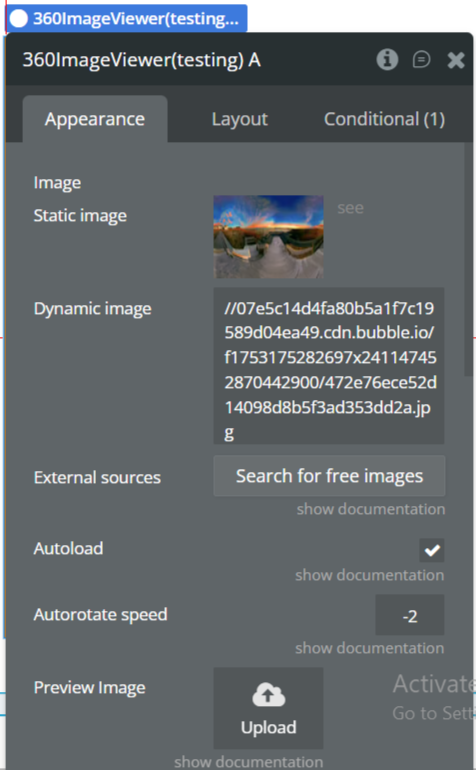
Fields
