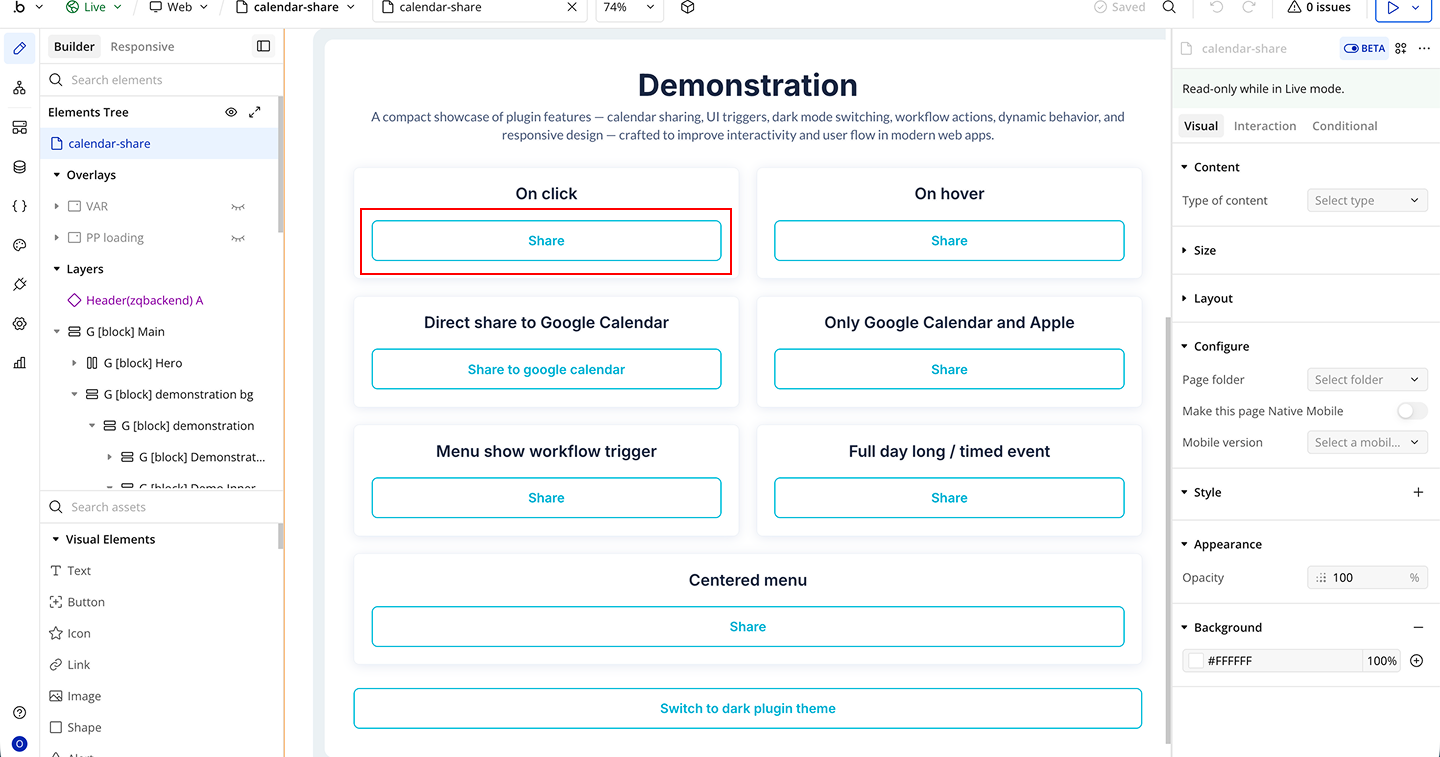
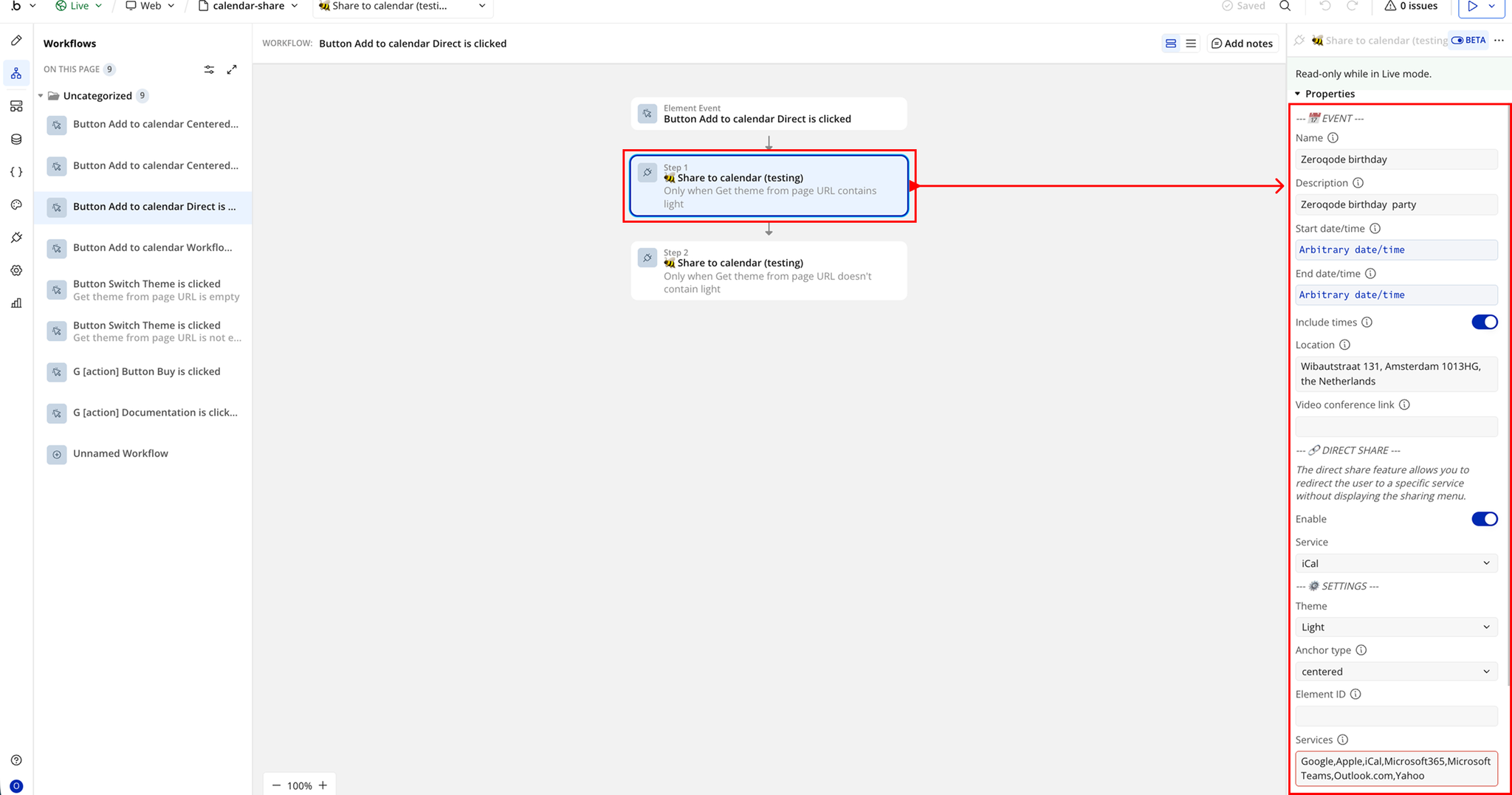
Demo to preview the plugin:
Introduction
The Calendar Share plugin allows you to easily let users save events directly to their preferred calendar service from your Bubble app. Whether it’s a meeting, webinar, or reminder, users can add events with just a click.
This plugin supports multiple calendar platforms and gives you full control over event details like time, location, description, and links making it perfect for scheduling and event-based applications.
Key Features
Prerequisites
Before using the plugin:
- A Bubble app where the plugin will be installed.
- Basic understanding of workflows and button actions.
- Event data such as title, date, time, and location ready for use.

How to setup
Step 1 – Install the Plugin
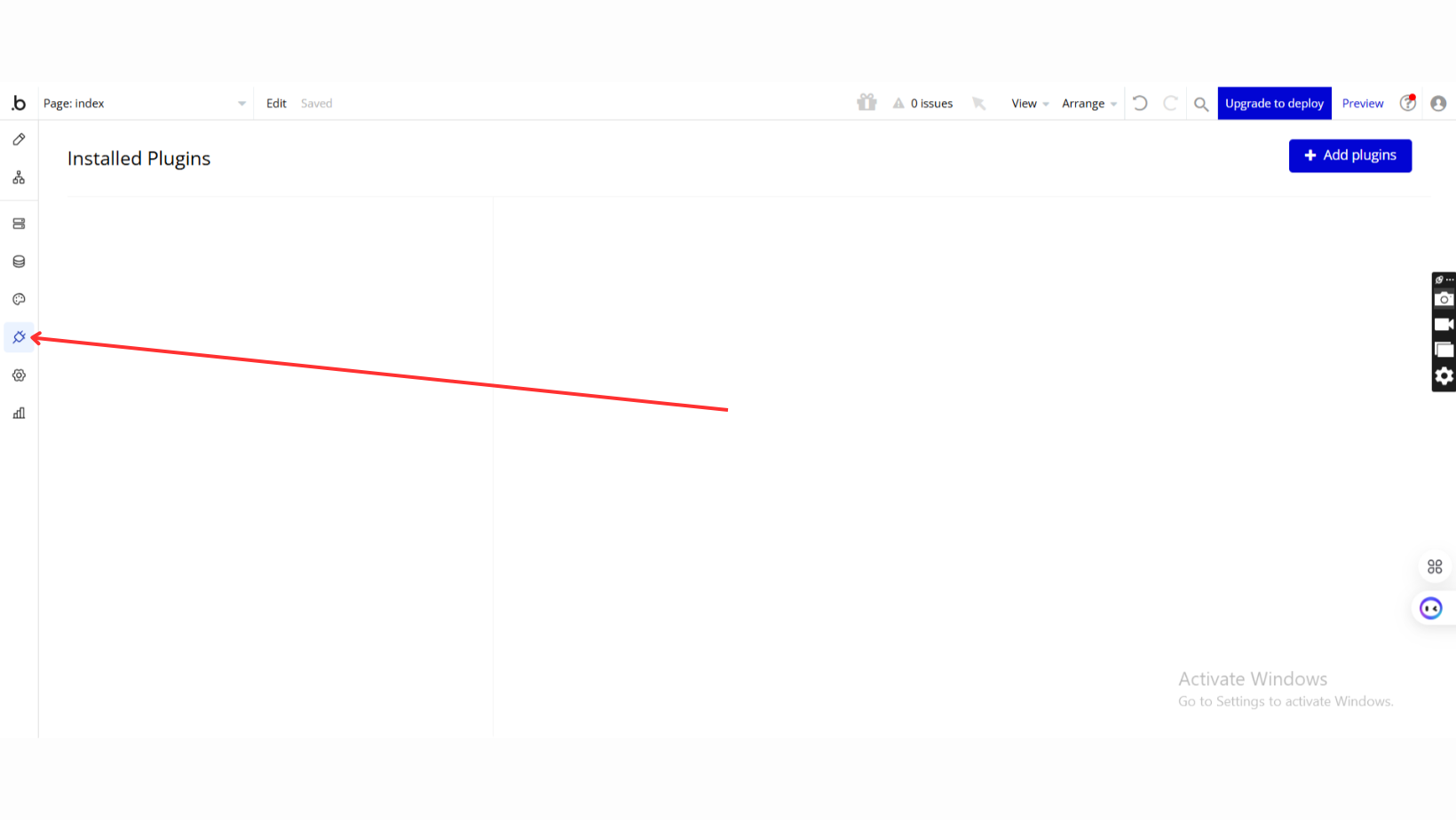
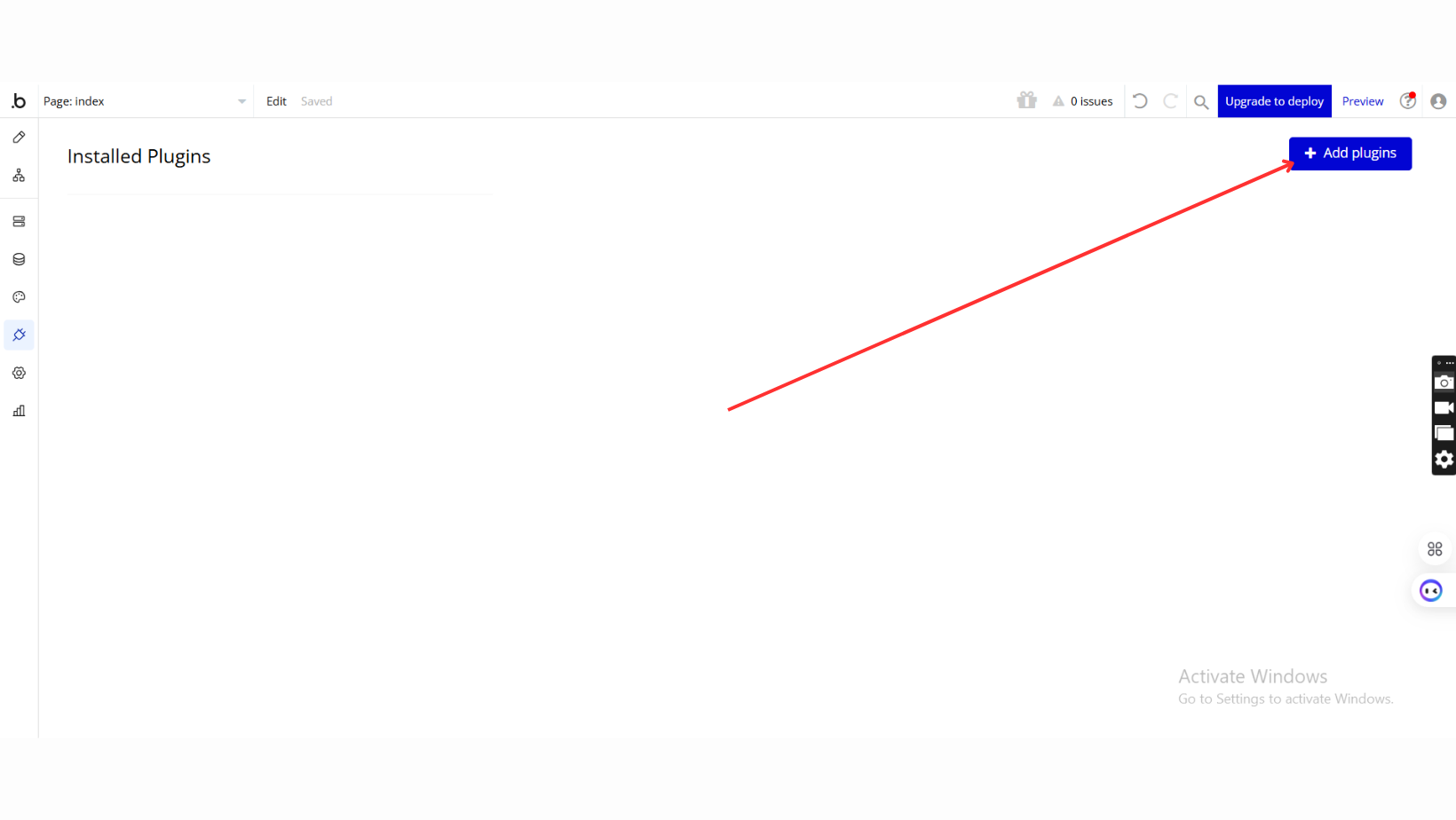
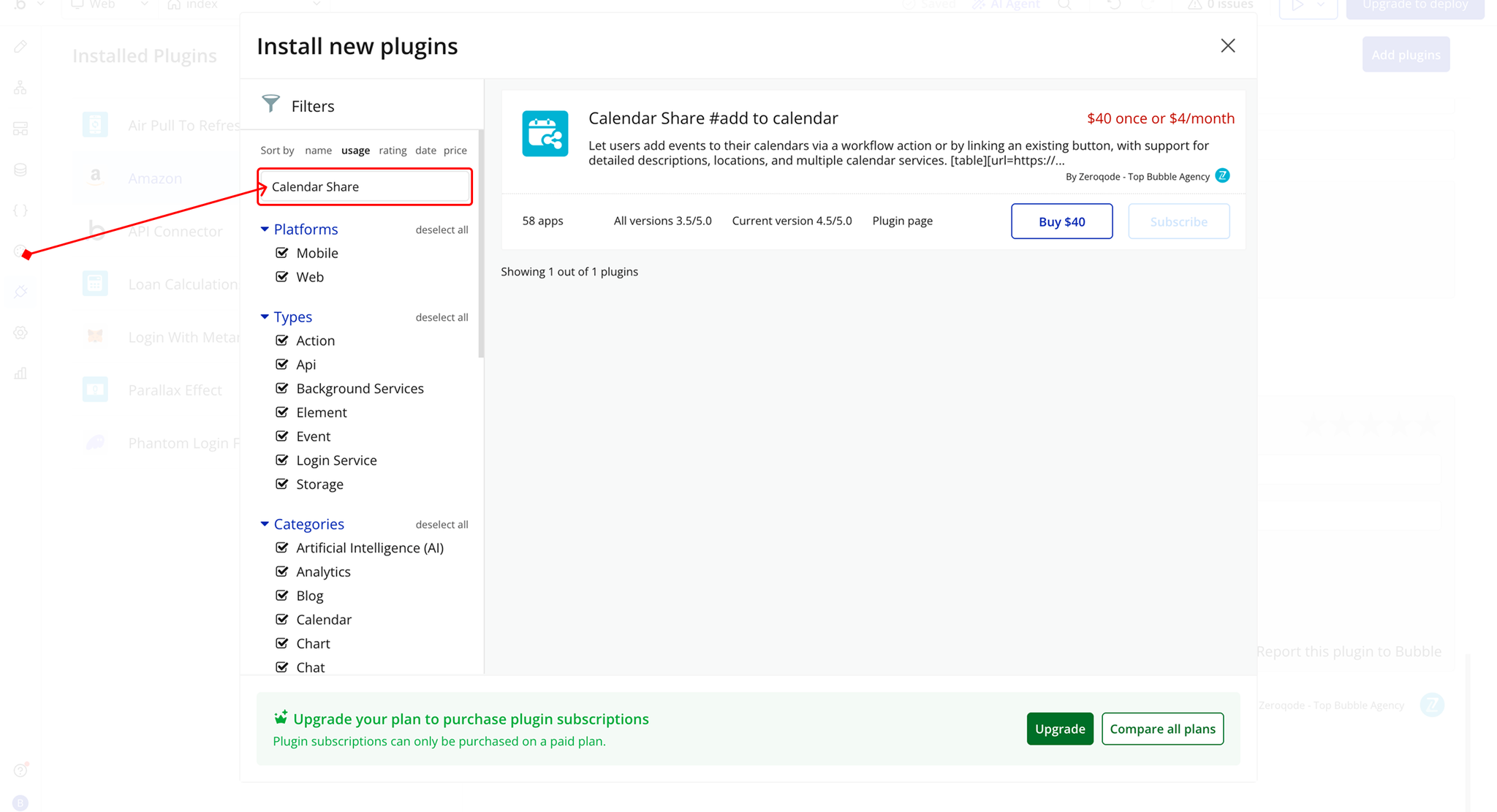
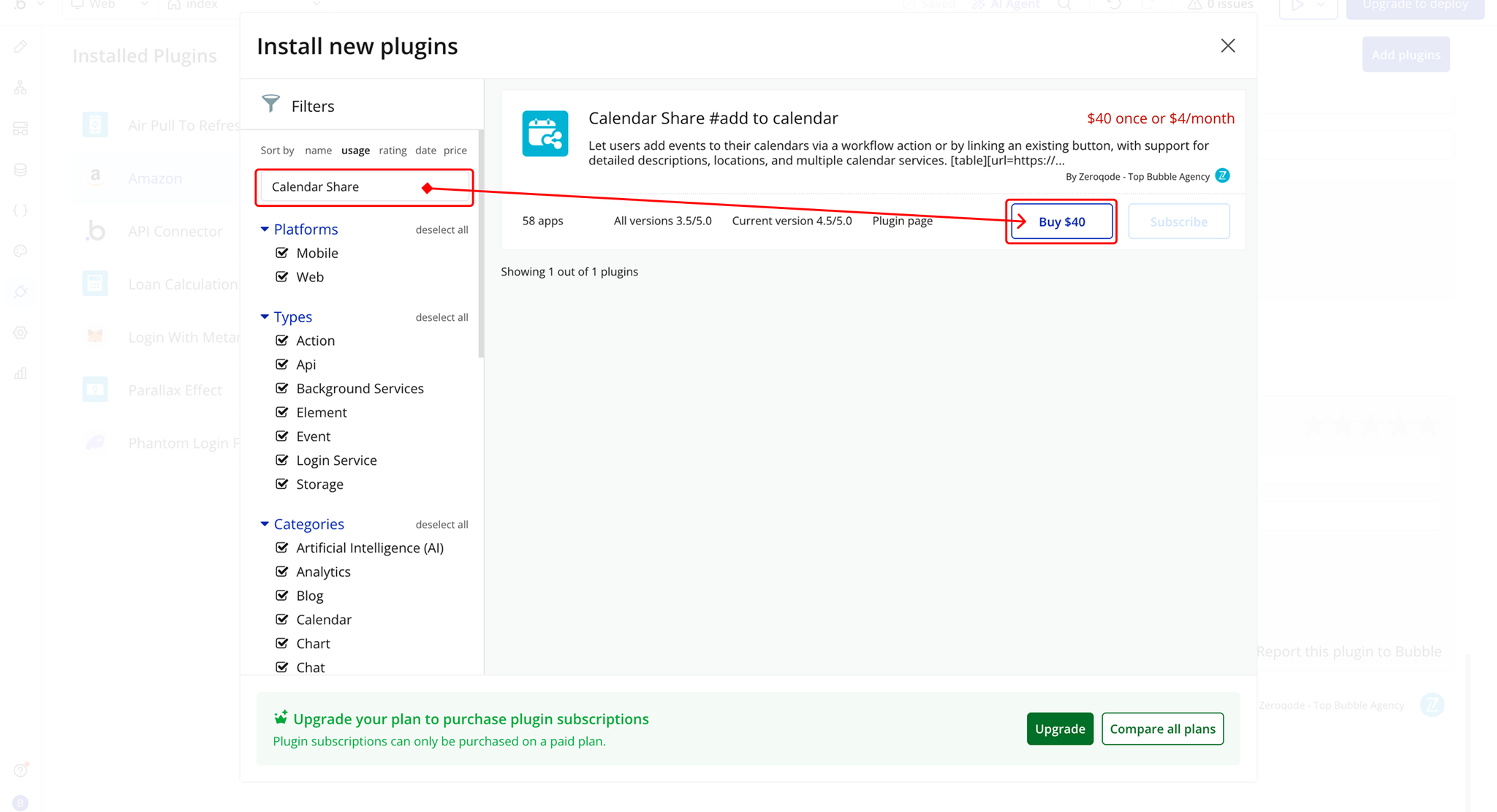
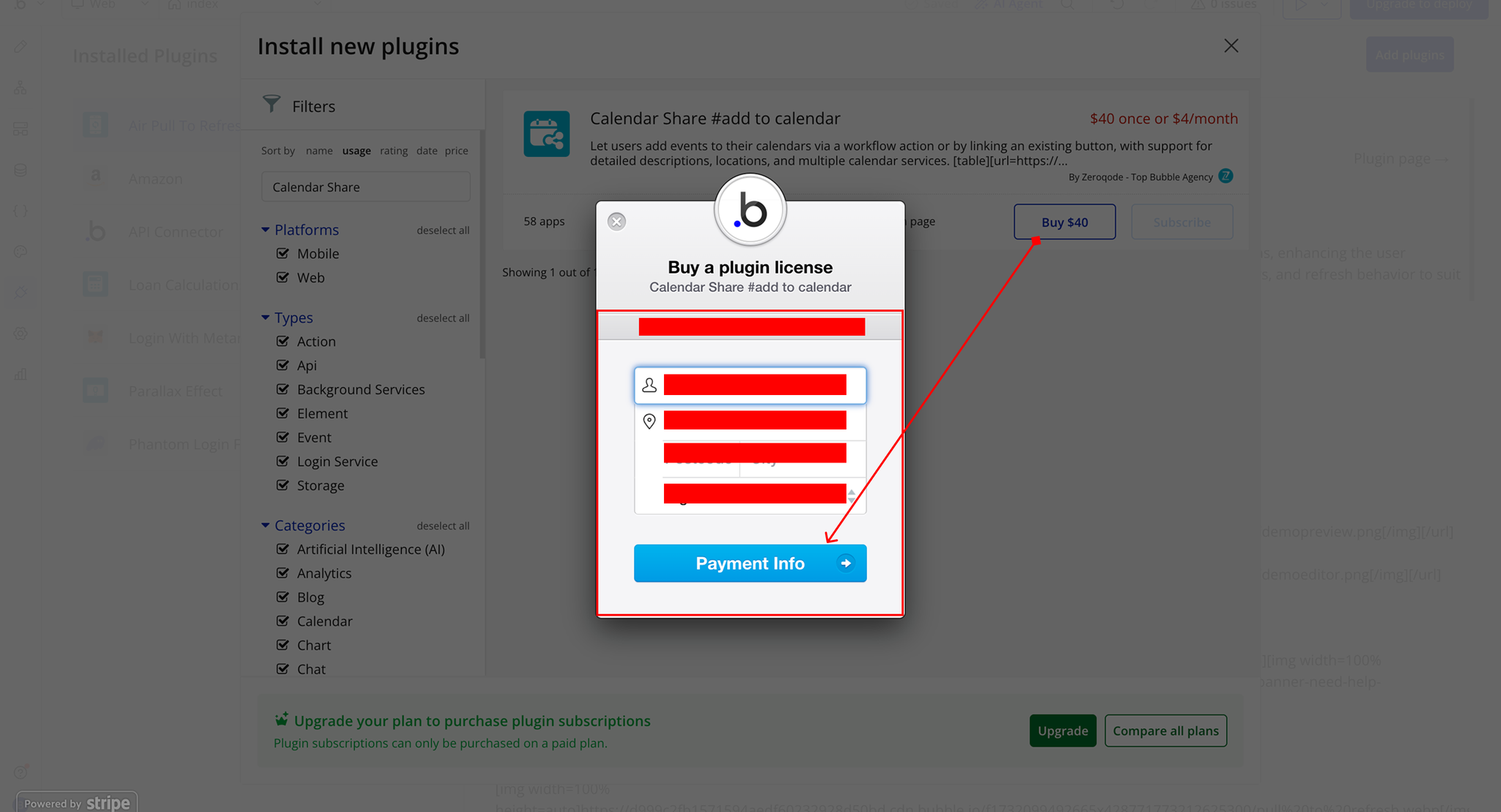
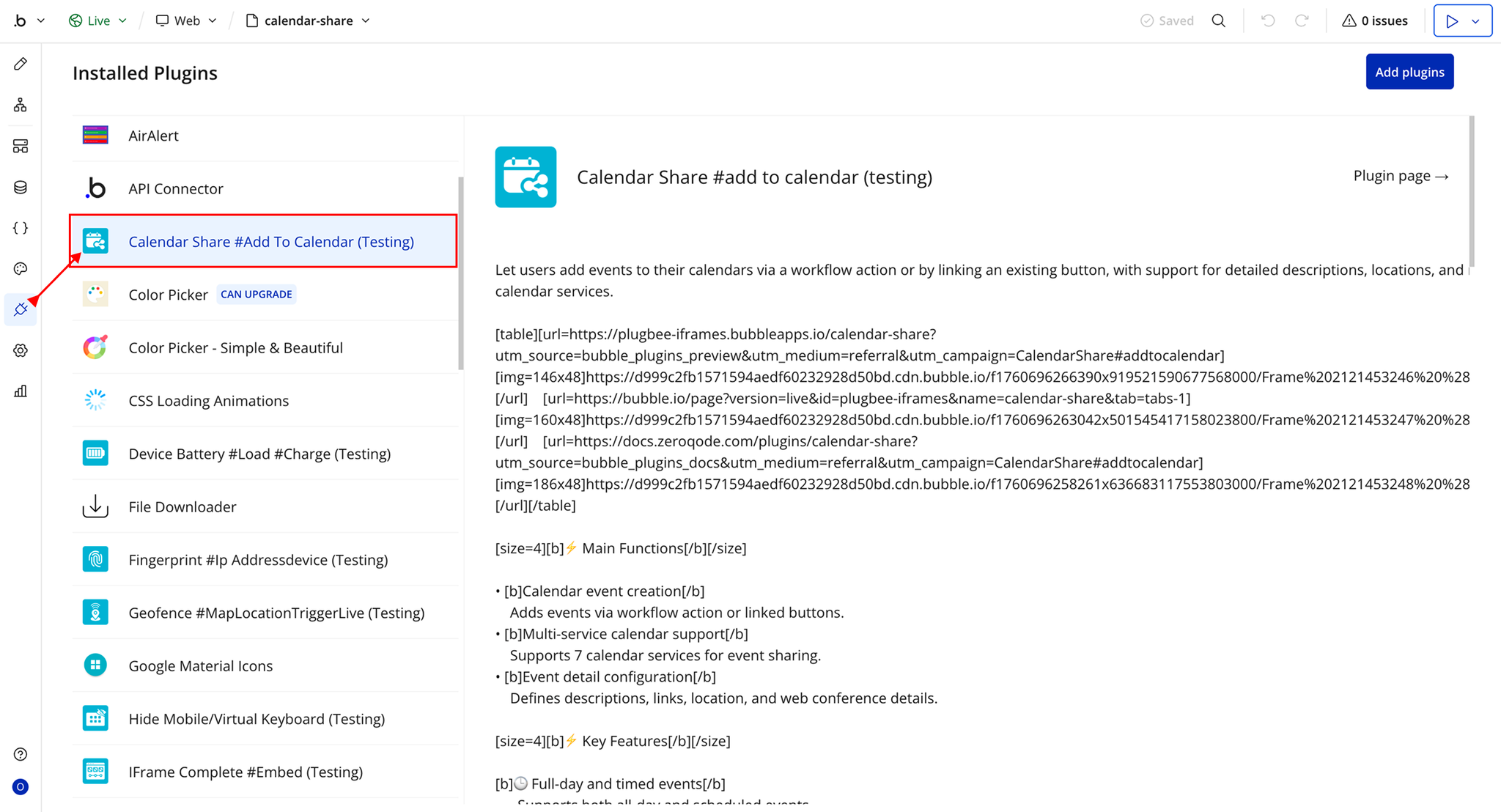
Step 2 – Add the Plugin Element to Your Page
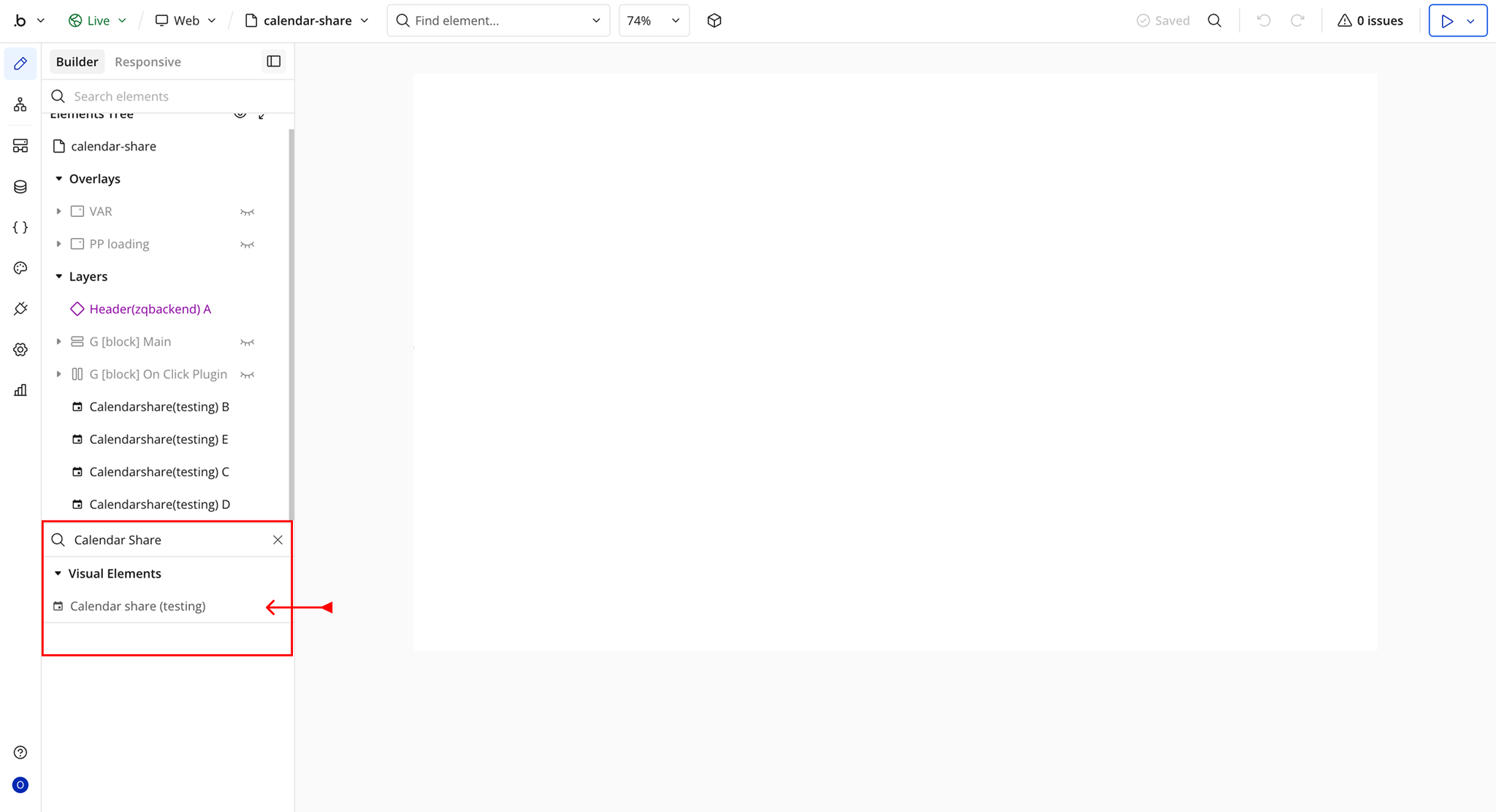
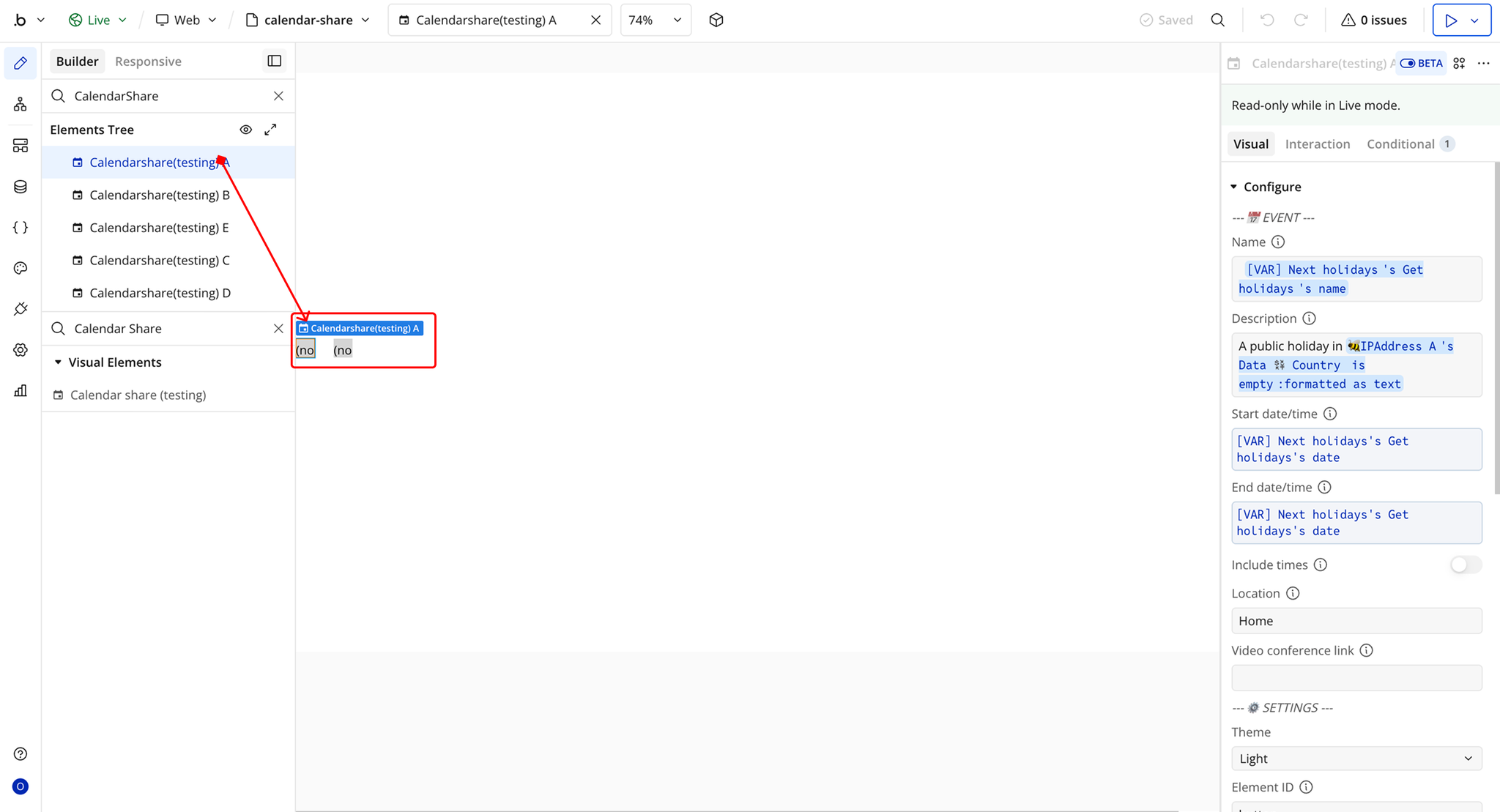
Plugin Element: Calendar share
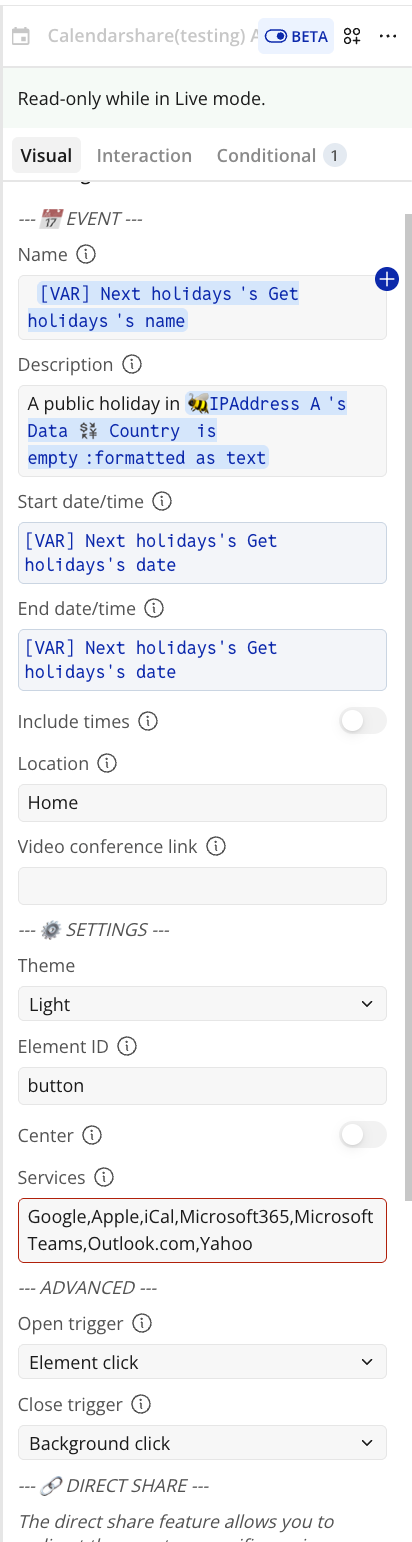
Fields
Plugin Actions
Share to calendar
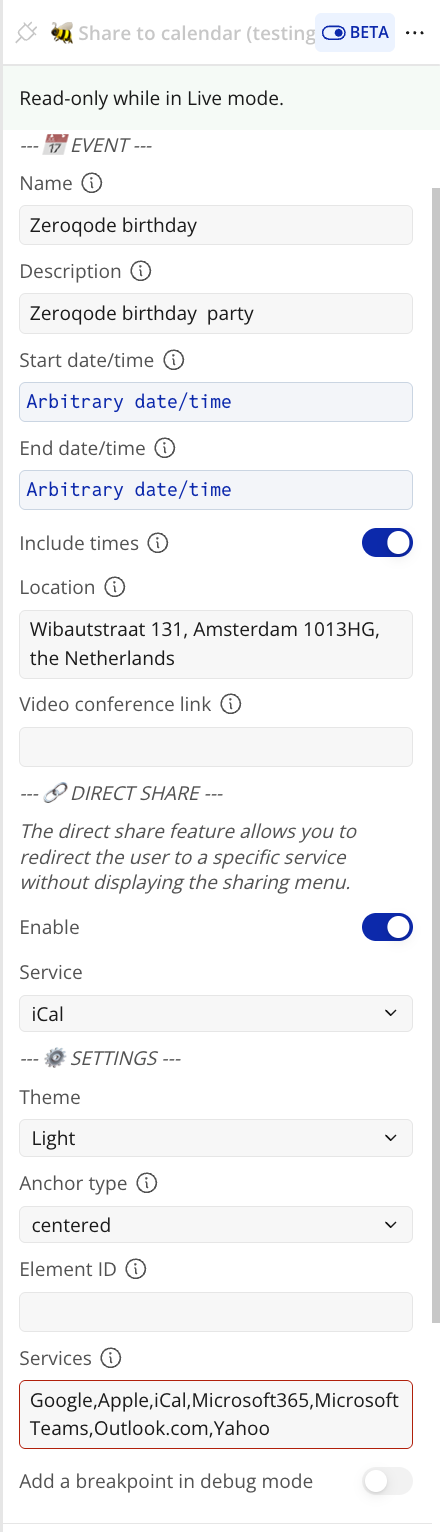
Workflow example
Share to Calendar on Button Click