Link to the plugin page: https://zeroqode.com/plugin/ipinfodb-plugin-for-bubble--1589728814509x151956507107078530
Demo to preview the plugin:
Introduction
The IPInfoDB plugin helps you better understand your users by giving you access to their network and geographic data directly inside your Bubble app. With no-code setup, you can retrieve key details like a user’s IP address, location coordinates, country, timezone, and more making it easier to personalize experiences, improve analytics, or add security checks.
Prerequisites
Before setting up the plugin, make sure you have the following ready:
- A Bubble account and app where the plugin will be installed
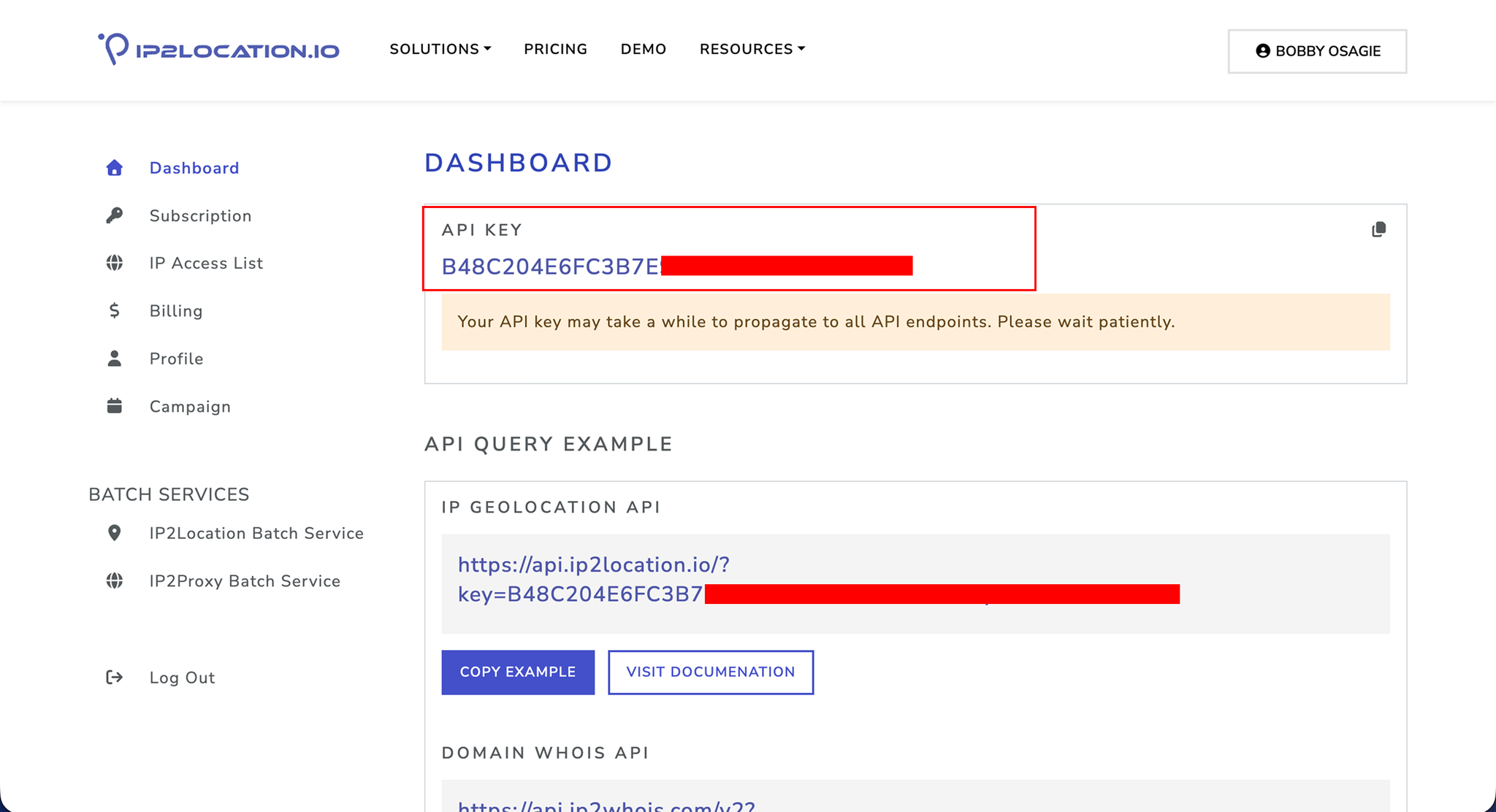
- An API key from the IP data provider
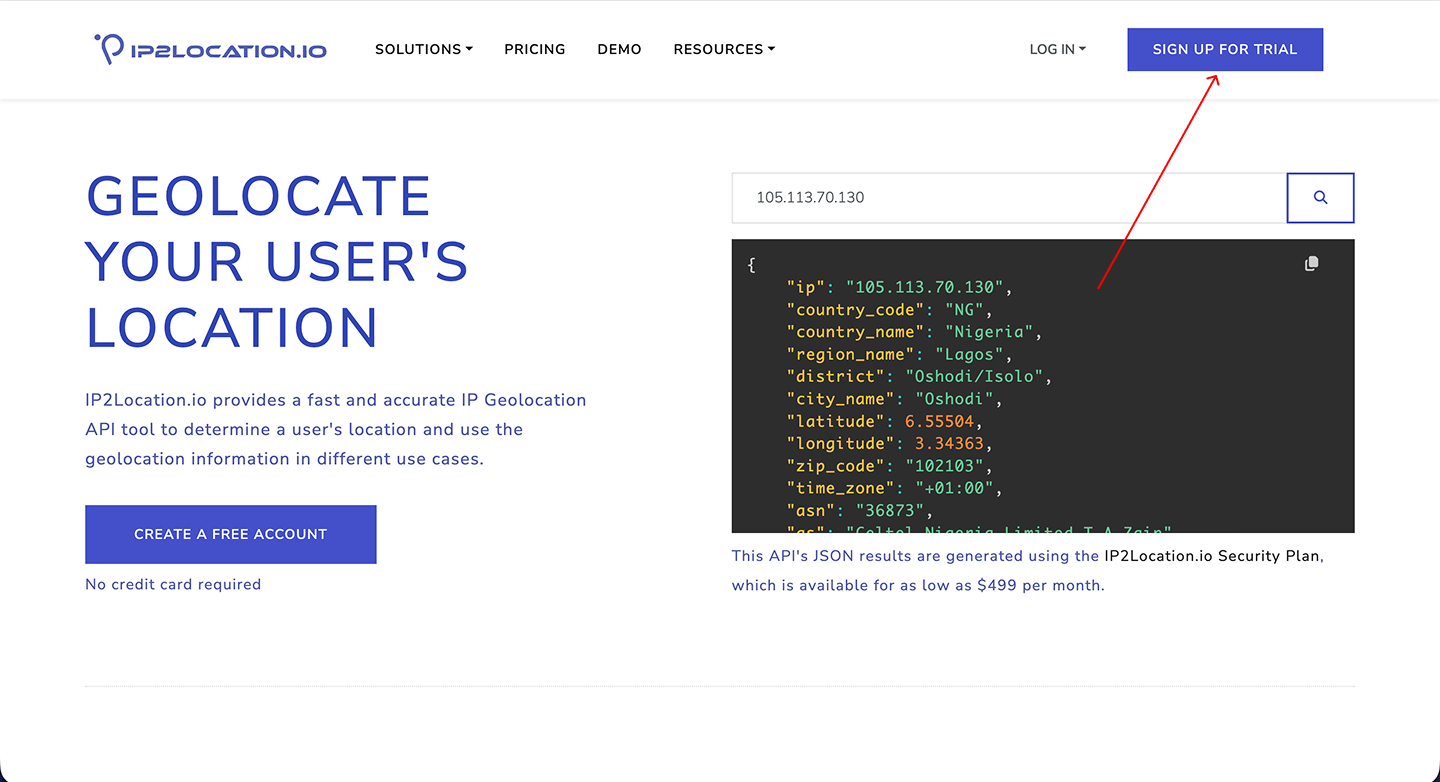
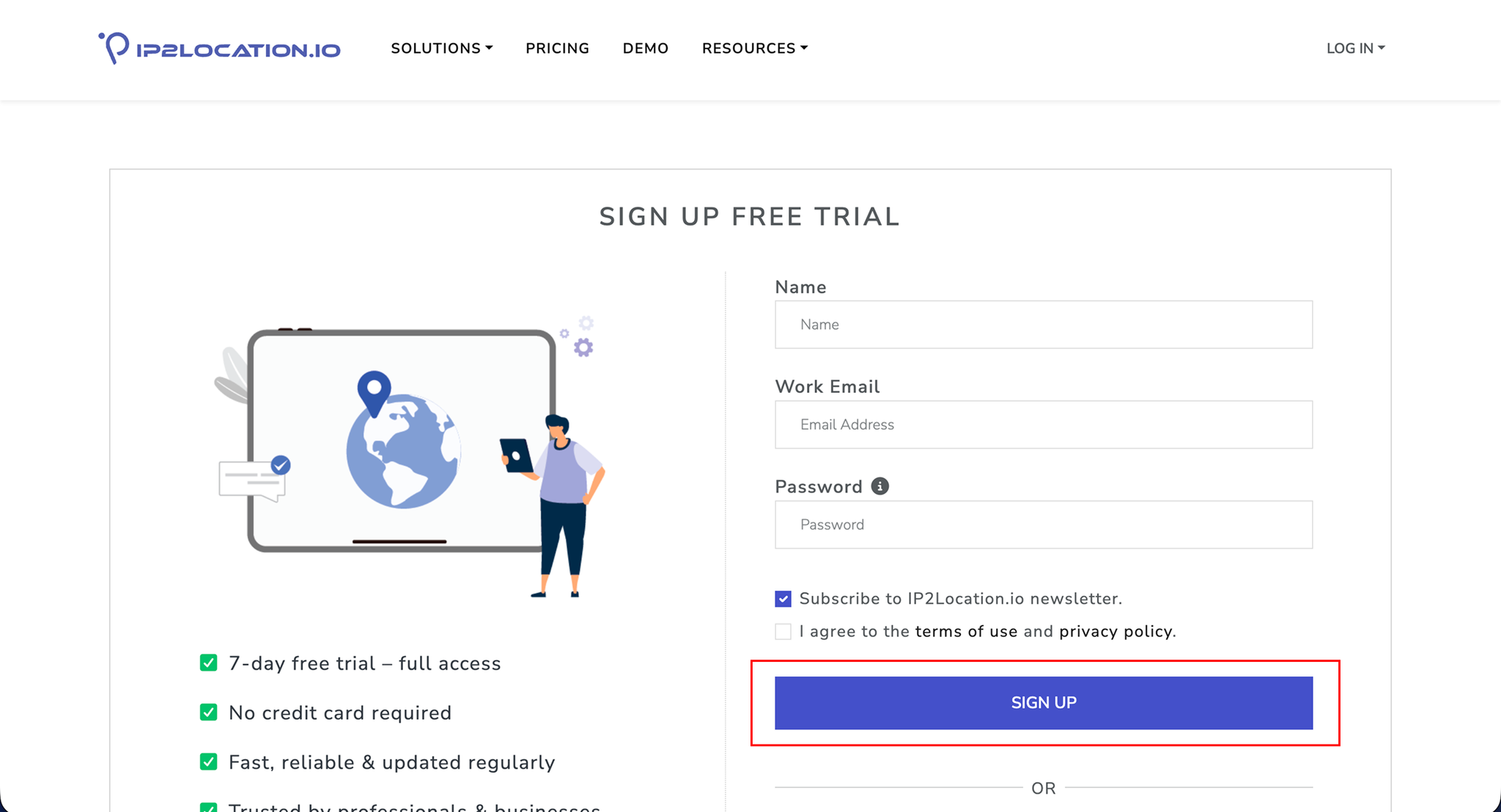
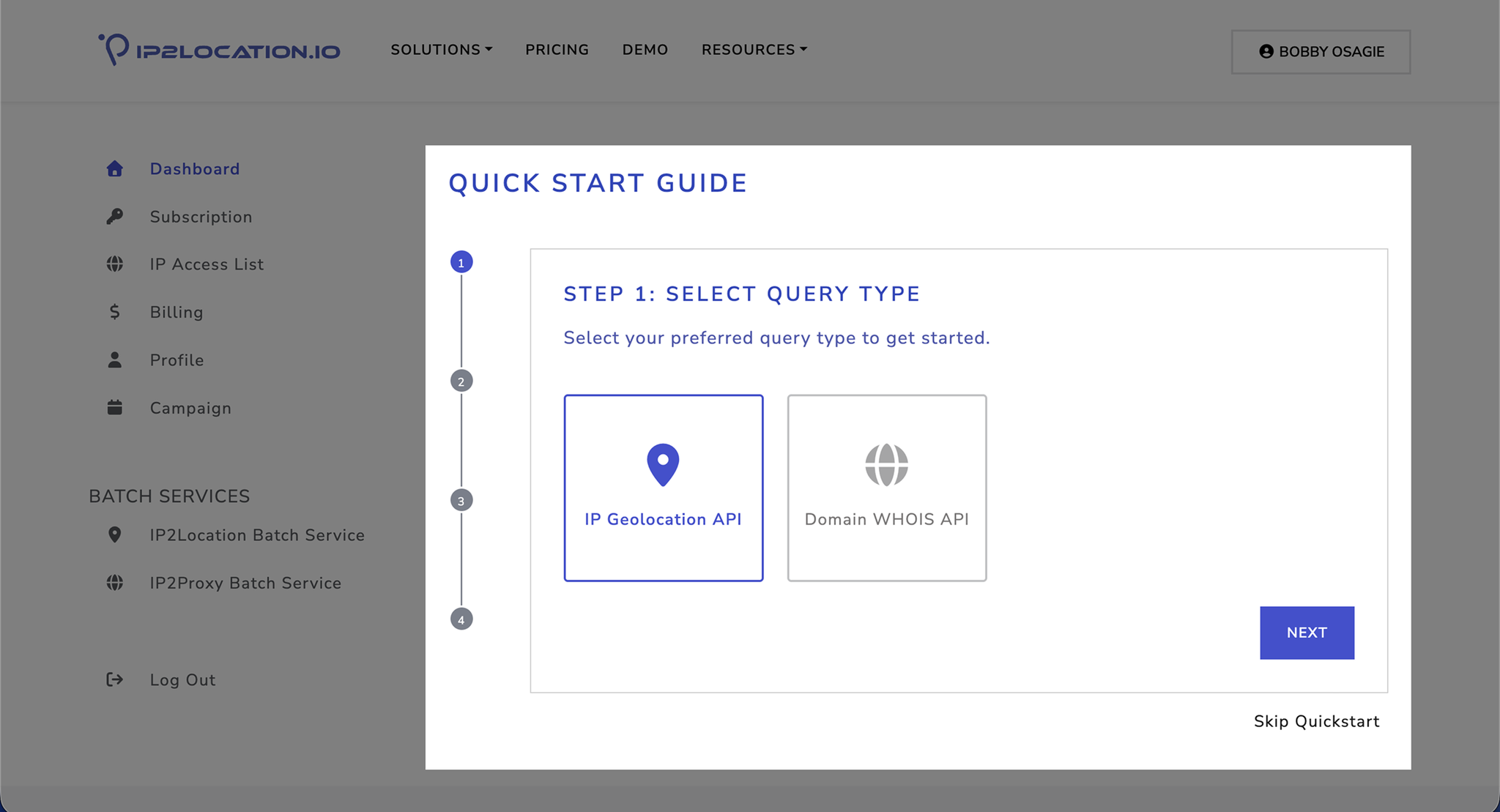
- You can get this from https://www.ip2location.io/
- Basic understanding of Bubble workflows and events
How to setup
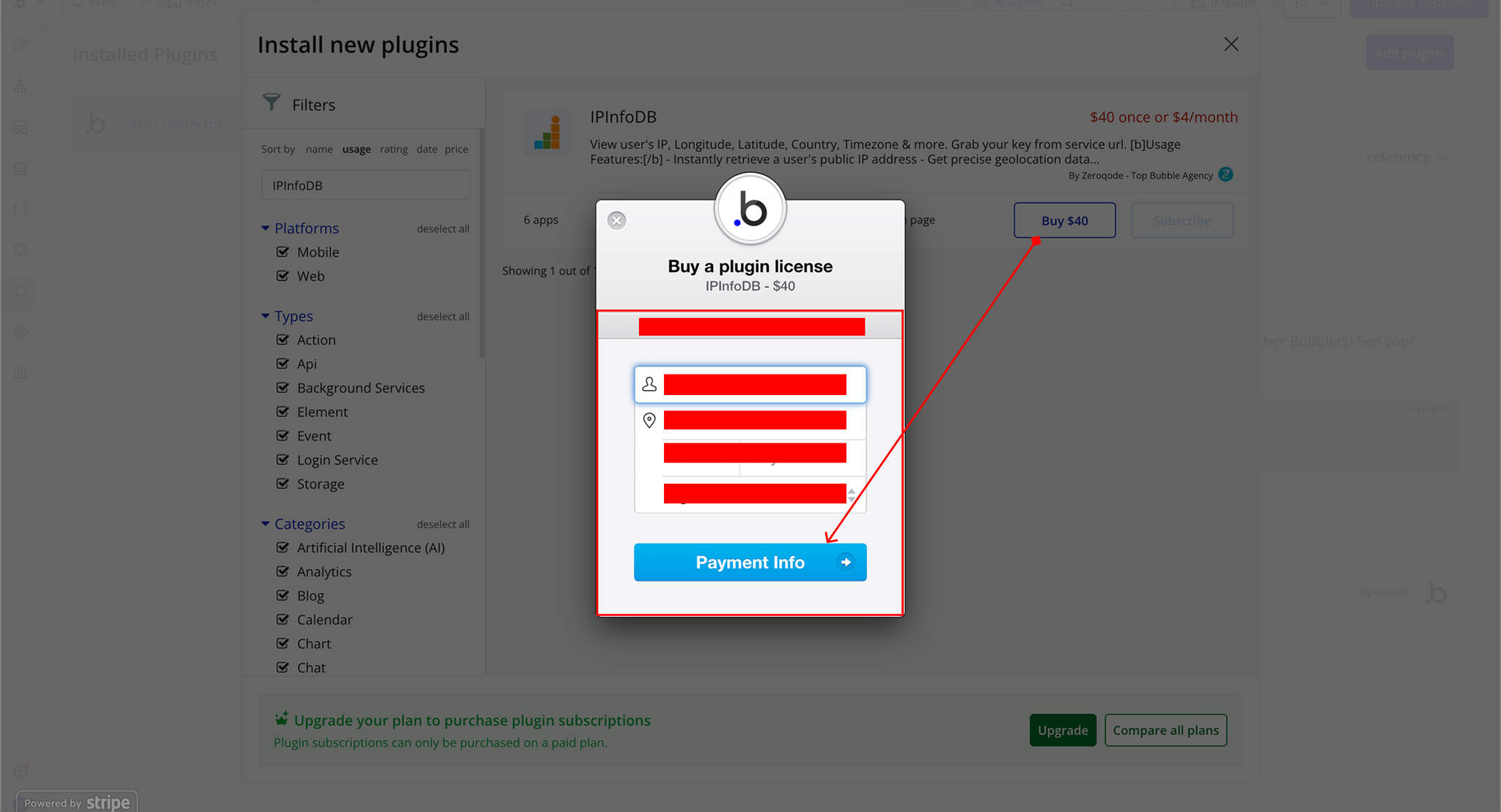
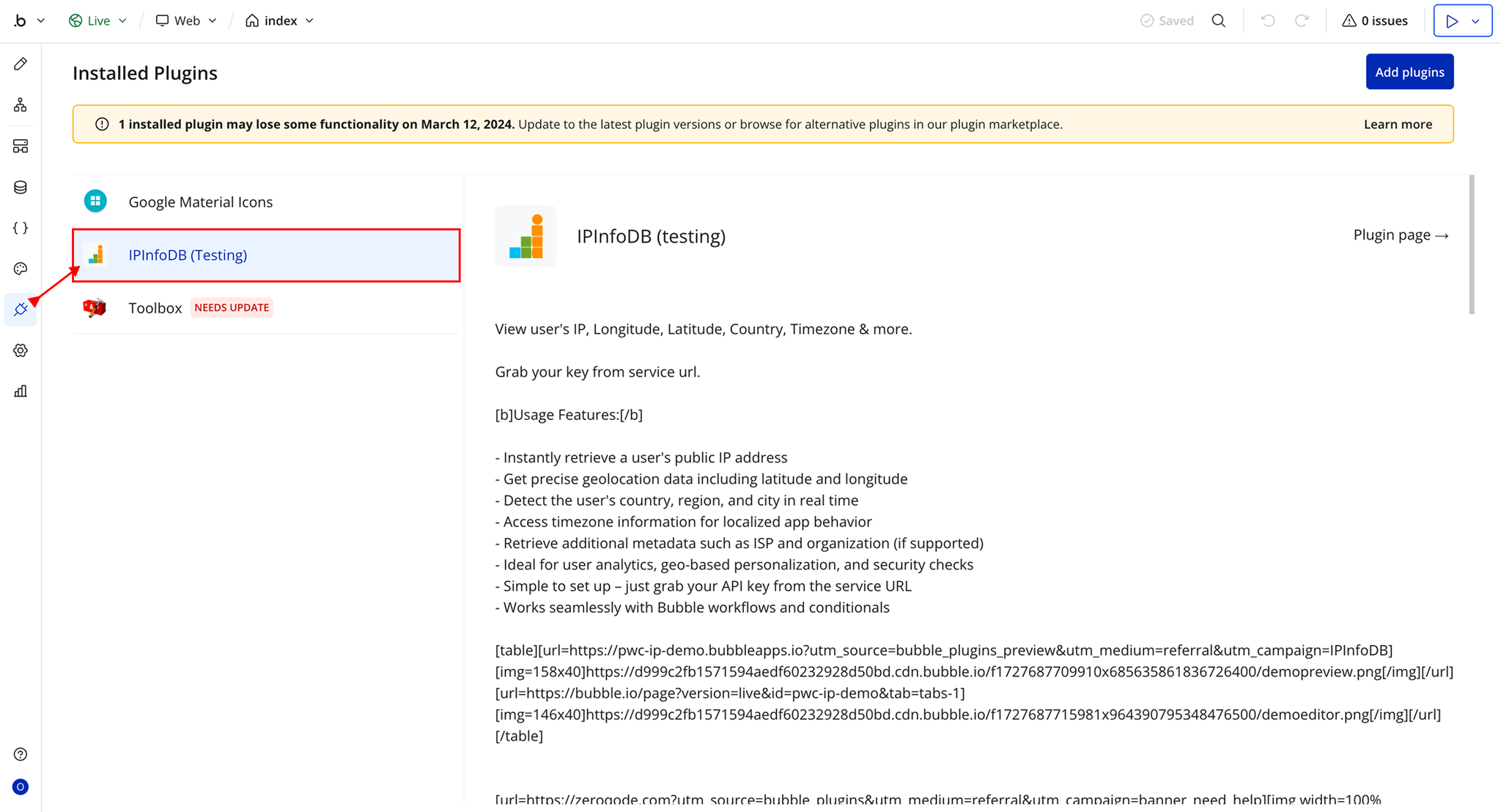
Step 1 – Install the Plugin
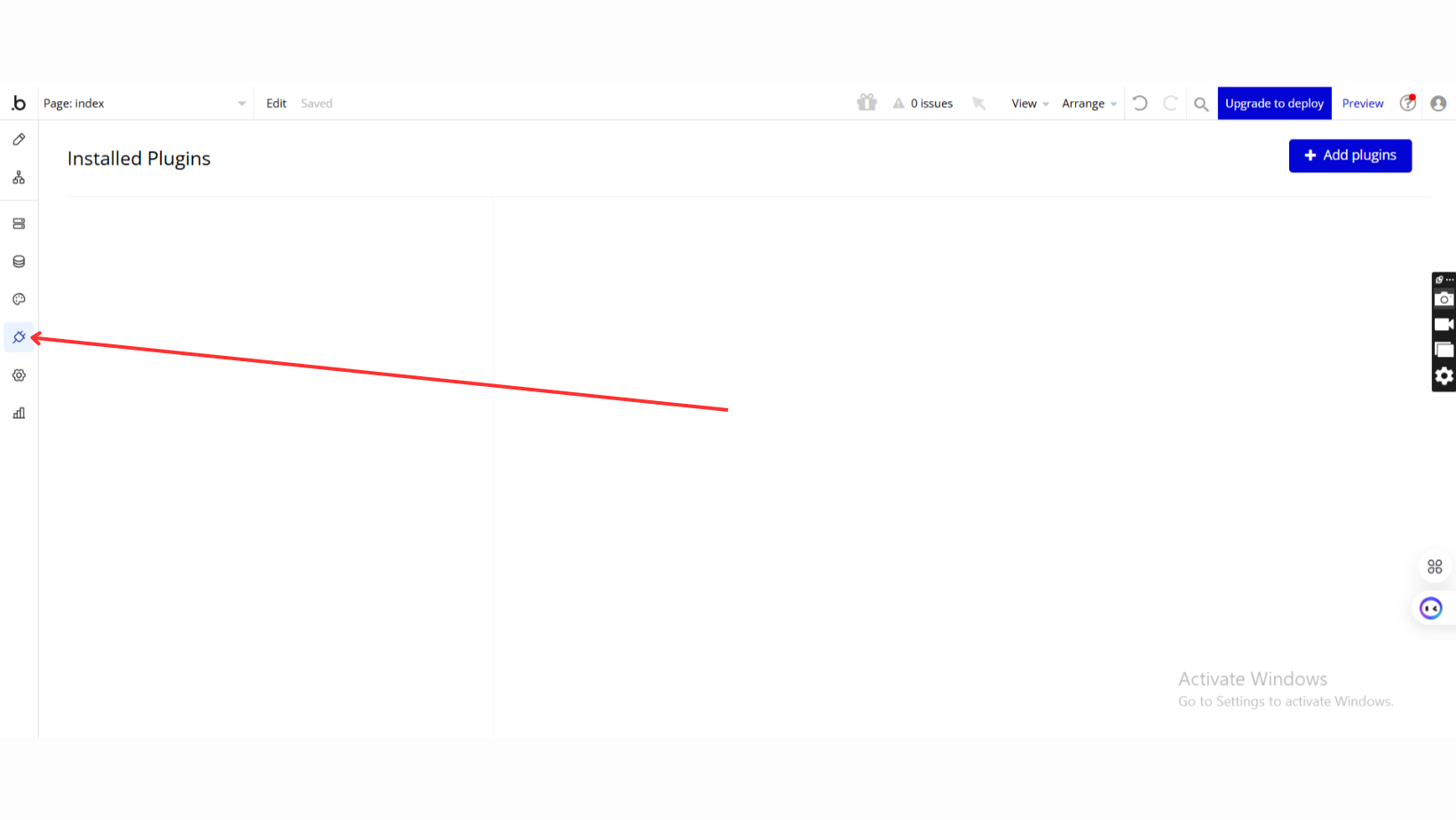
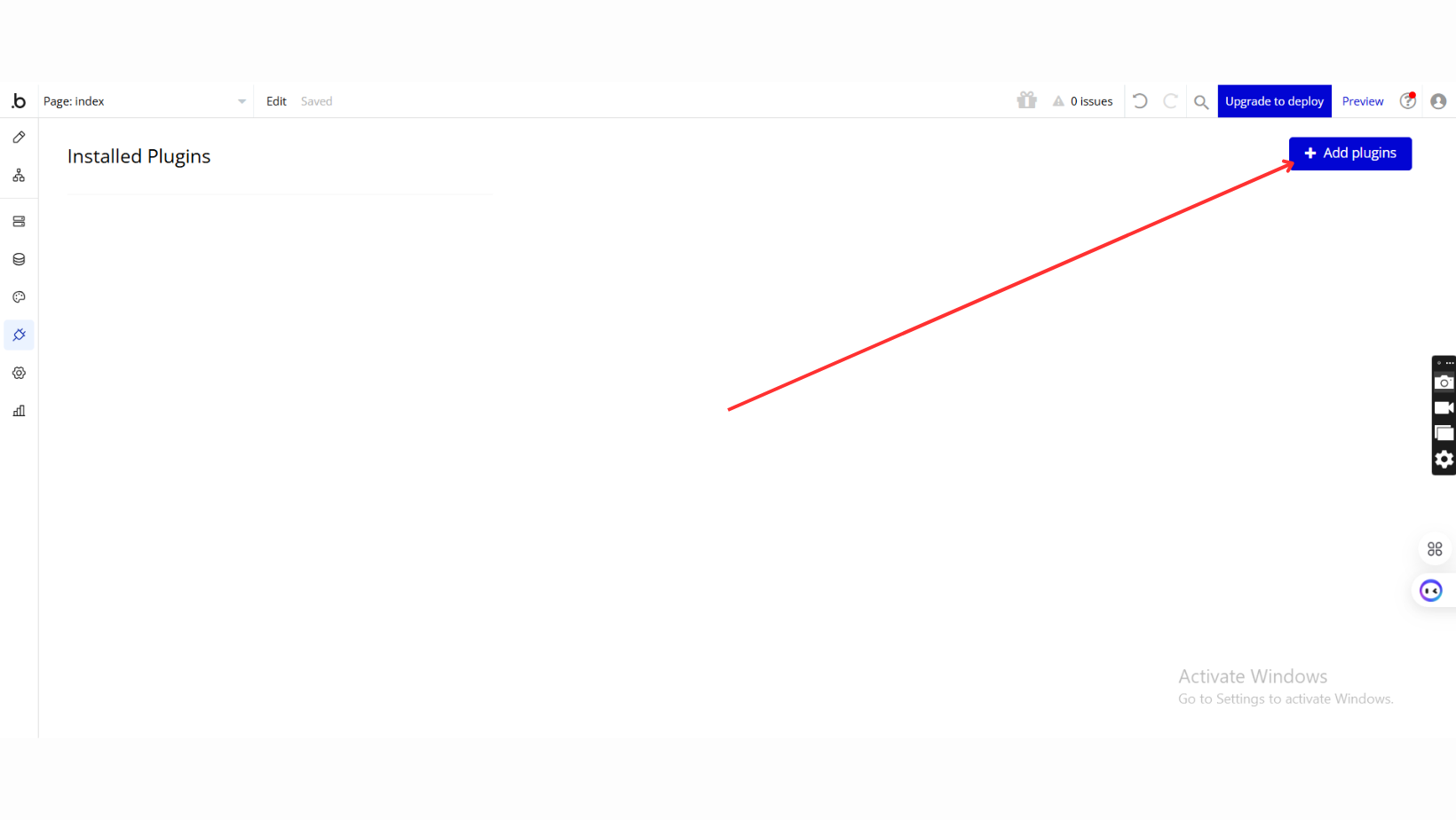
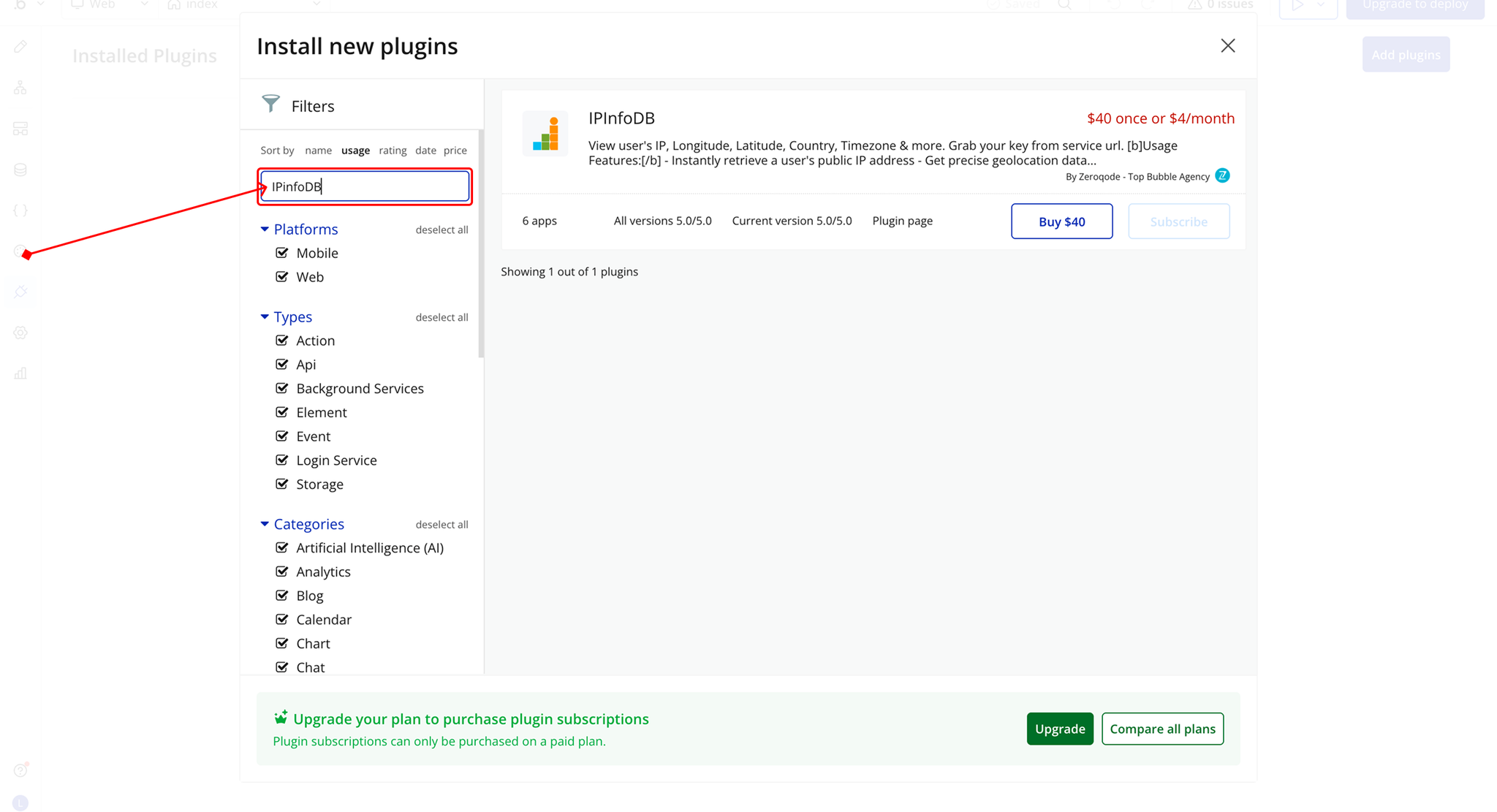
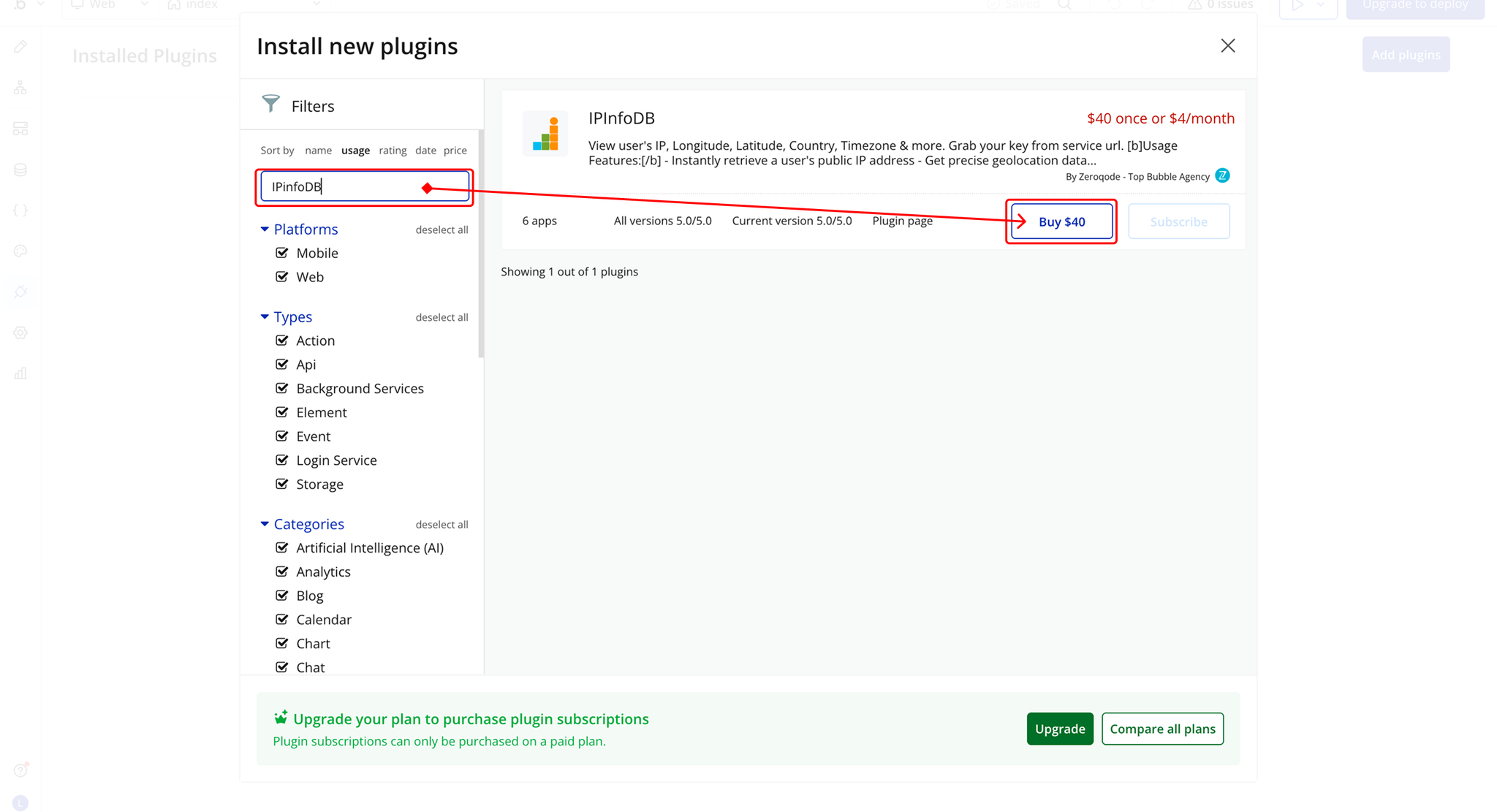
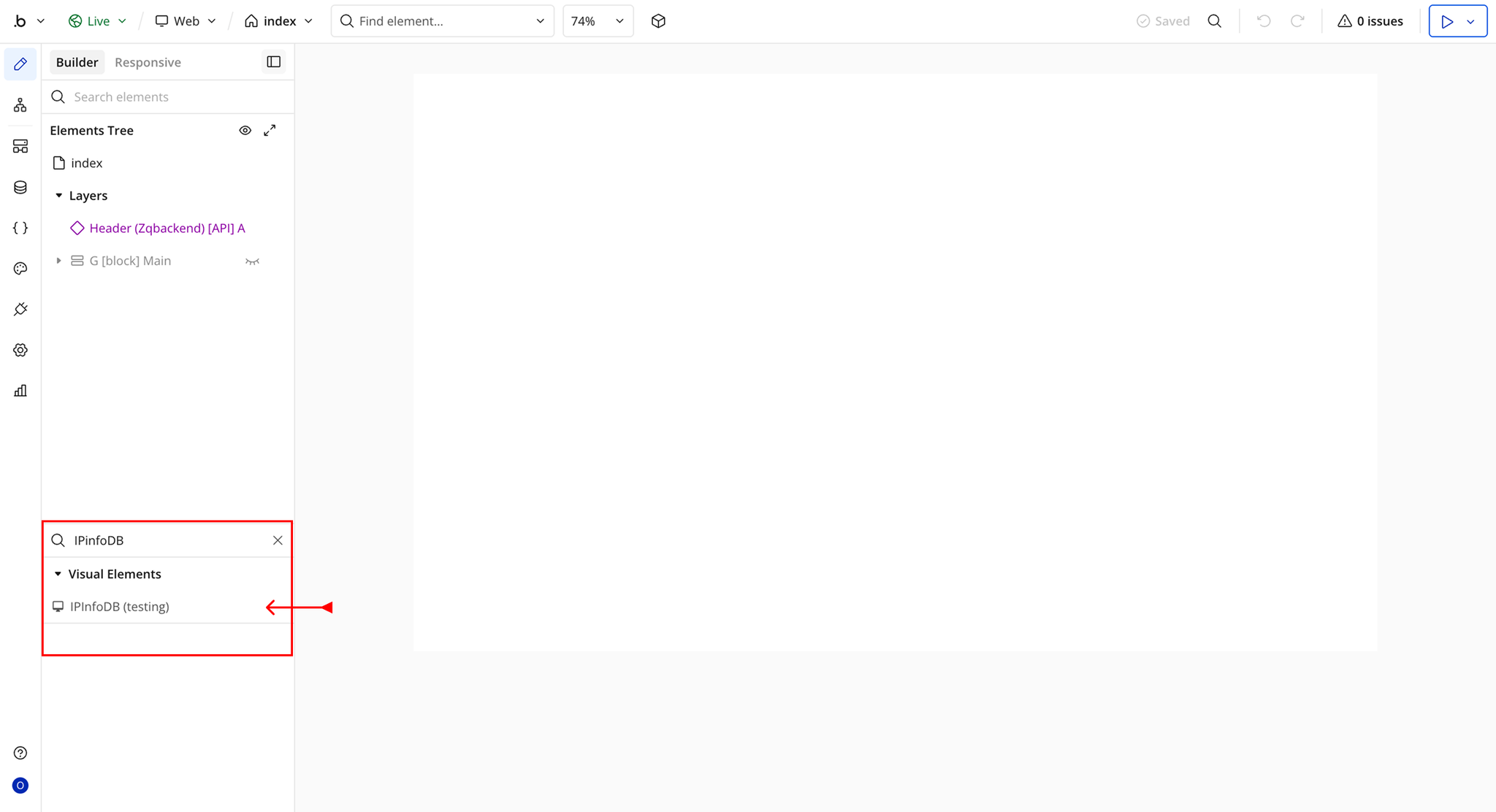
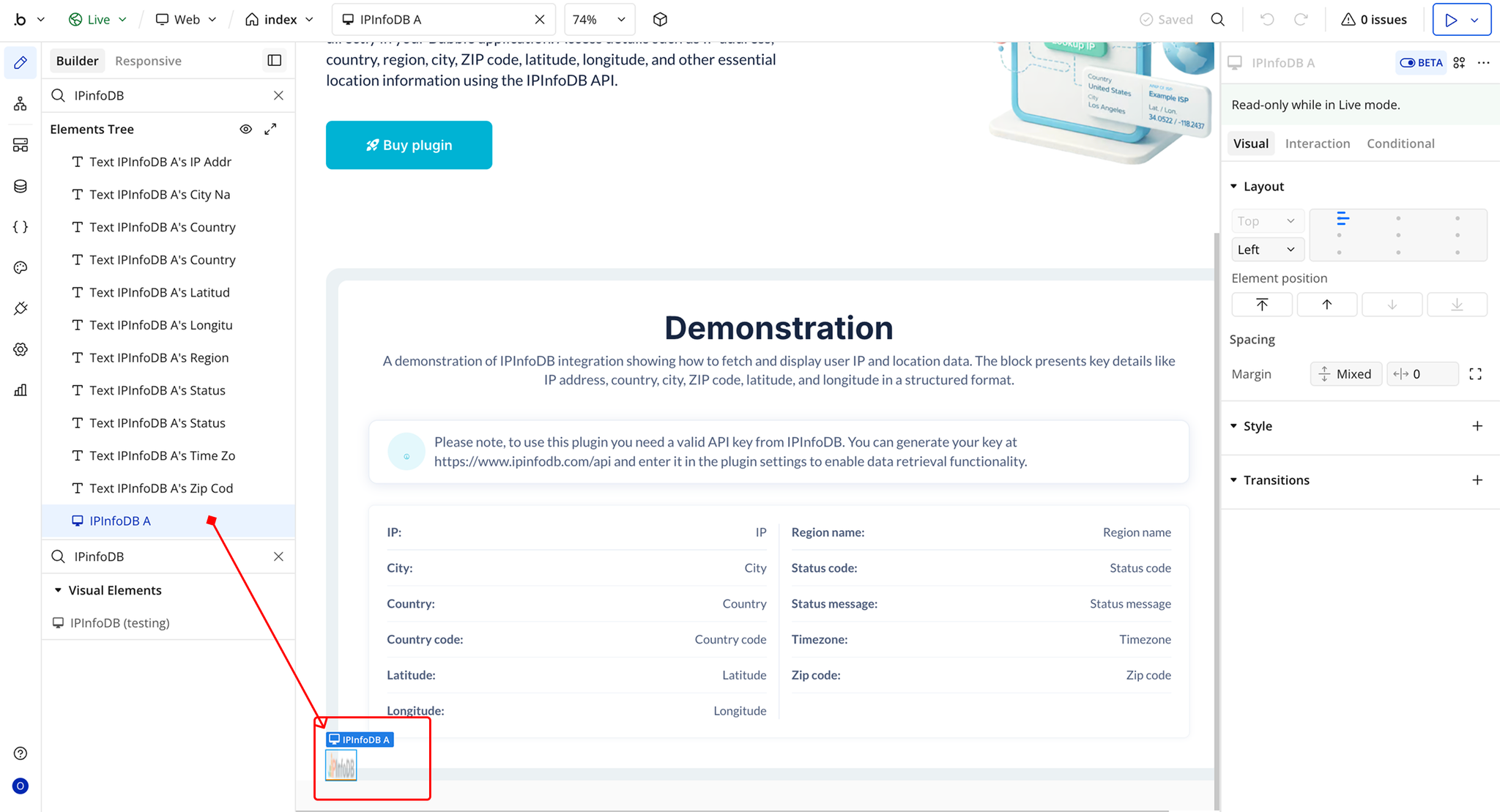
Step 2 – Add the Plugin Element to Your Page
Step 3 – Get API Keys
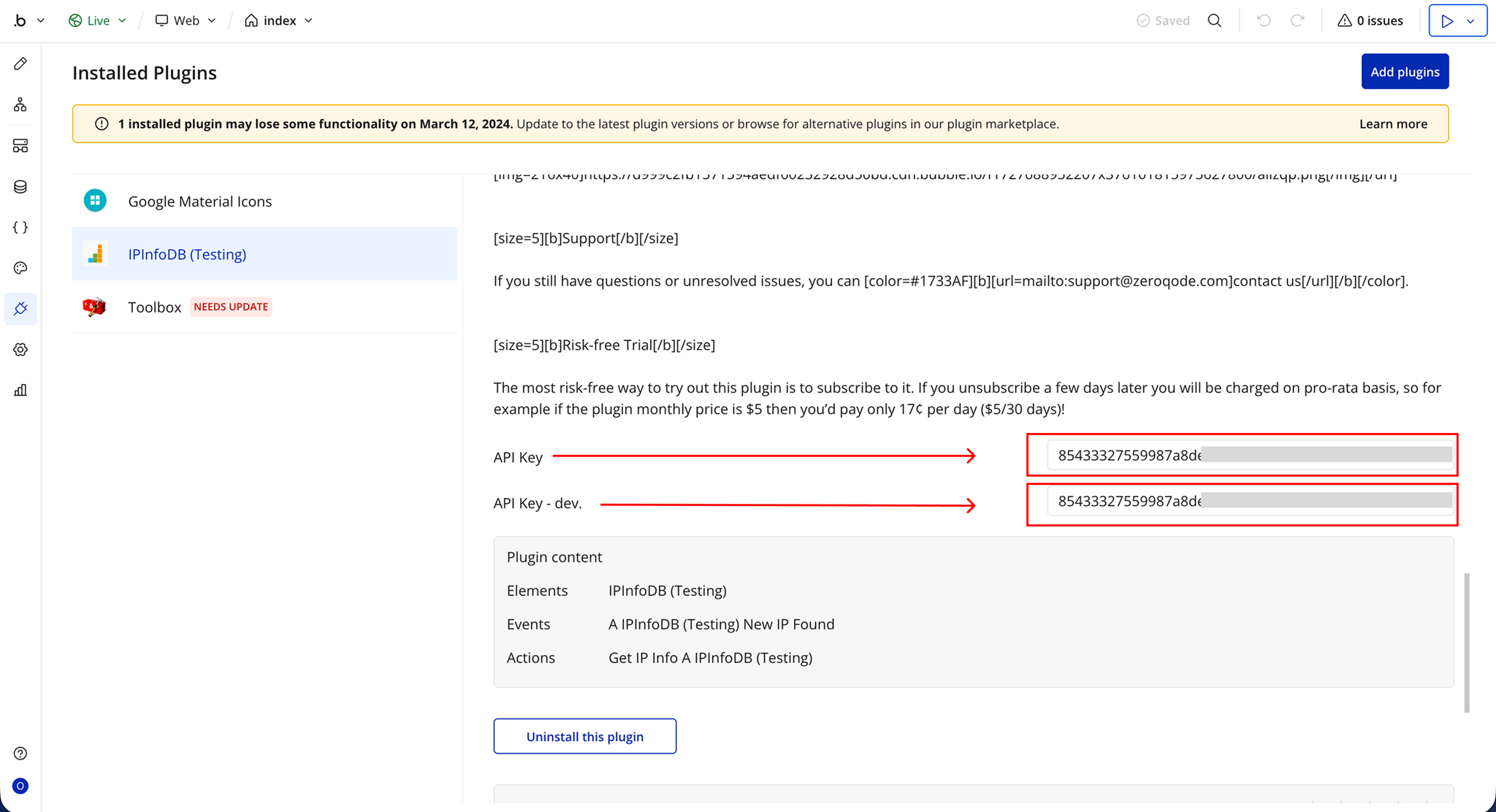
Plugin Element Properties - IPInfoDB
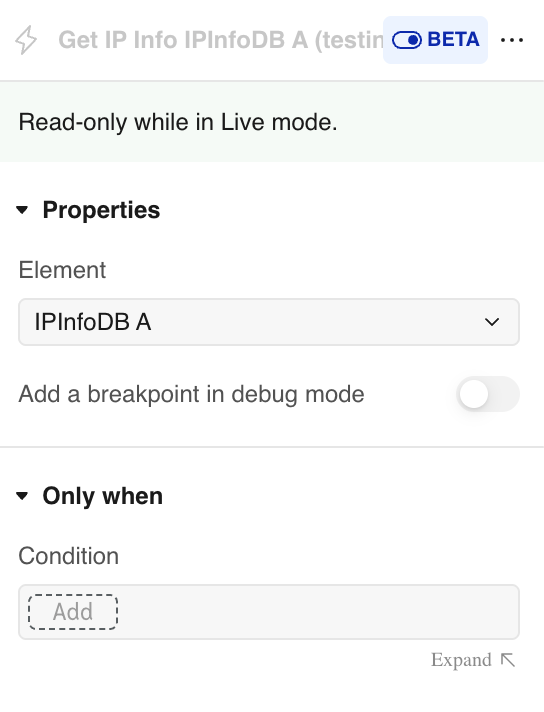
Element Actions
Exposed States
Element Events
Workflow example
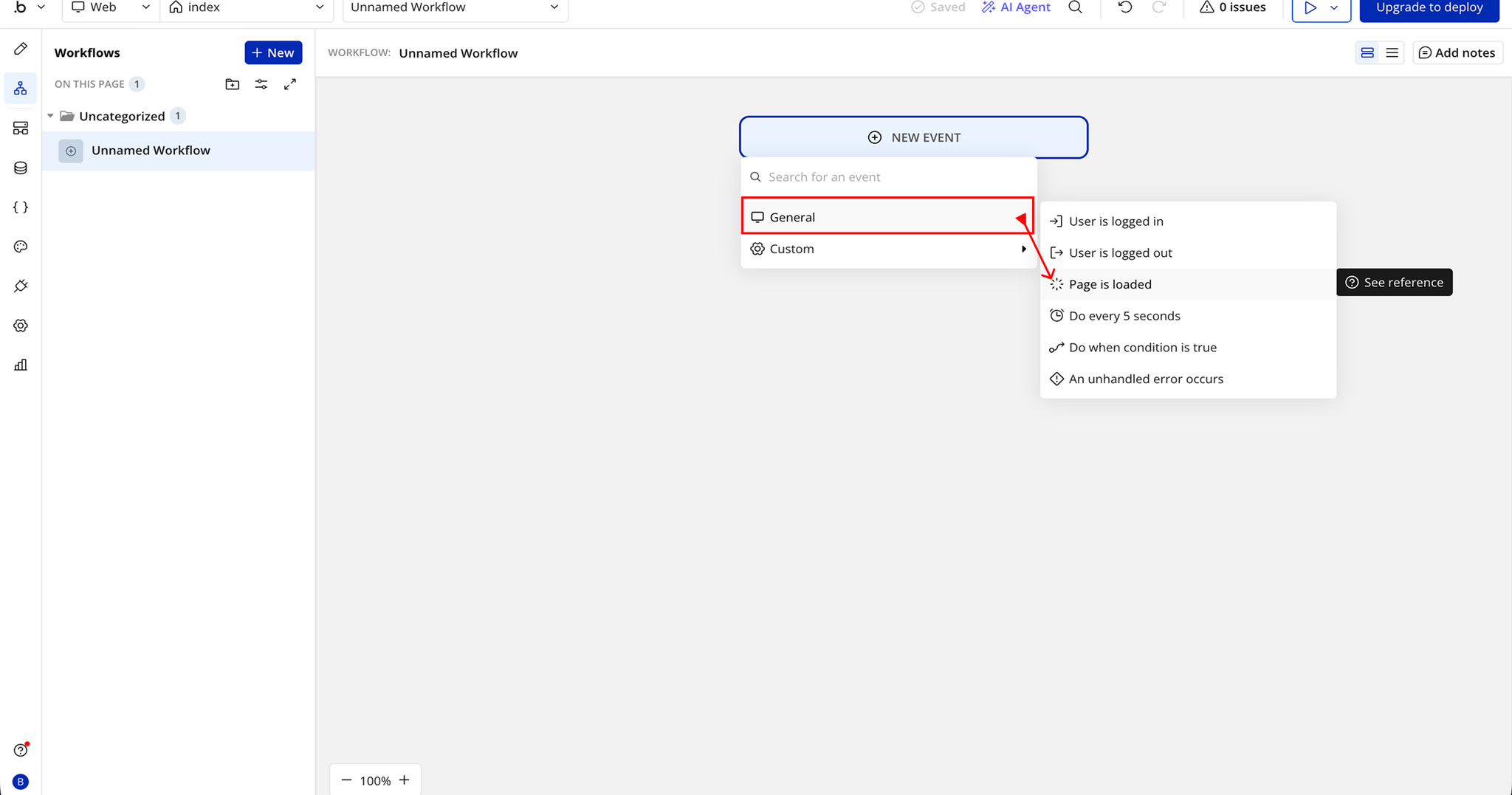
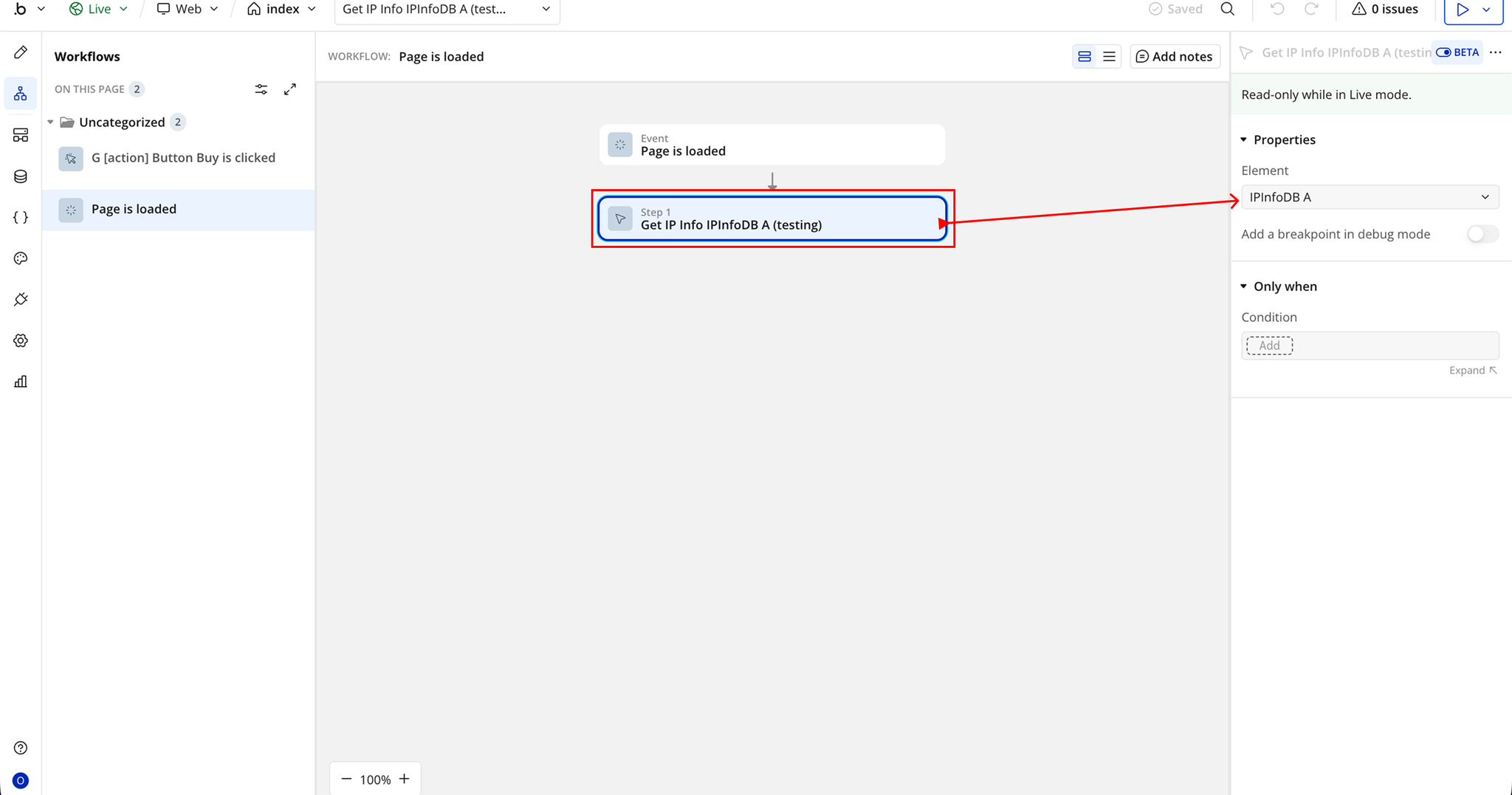
Get User IP Info on Page Load